
Chapter 13 Understanding ESecurity OBJECTIVES What are security
Chapter 13 Understanding E-Security
OBJECTIVES • What are security concerns (examples)? • What are two types of threats (client/server) • Virus – Computer Enemy #1 threat • How to prevent and protect? 2
SECURITY CONCERNS: examples • Uncover confidentiality (bank account) • Leak Authentication and Access Control (user name, password of your Web, email) • Conduct ID theft (over 50% is credit card fraud) • Hack or Intrude Web sites 3
CLIENT SECURITY THREATS Happens to client computers examples – Deliberate Corruption of Files (e. g. , rename files) – Delete Stored Information – Use Virus (bring down system) 4
SERVER SECURIY THREATS • Web server with active ports (e. g. , 8080) can be misused (scalability or deny of service attack) • Web server directories (folders) can be accessed and corrupted 5
Server Threats: DENIAL OF SERVICE Hackers … • Break into less-secured computers • Installs stealth program which duplicates itself (congest network traffic) • Target network from a remote location (RPC) and activates the planted program • Victim’s network is overwhelmed and other users are denied access to Web and Email 6

VIRUS – e. Commerce Threat #1 • A malicious code replicating itself to cause disruption of the information infrastructure • Attacks system integrity (cause inconsistent data) • Target at computer networks, files and other executable objects 7
EXAMPLES OF VIRUSES • Windows registry (regedit, cookies): e. g. , spyware and adware (one type of spyware) • Boot Virus – Attacks boot sectors of the hard drive • “Trojan horses” –a bot planted in the systems being attacked, can be operated locally or remotely for malicious purposes 8
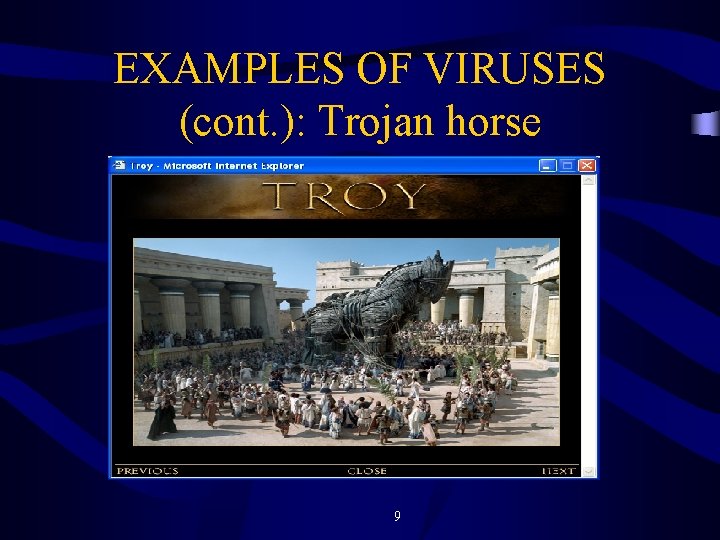
EXAMPLES OF VIRUSES (cont. ): Trojan horse 9
VIRUS CHARACTERISTICS • Fast to attack – Easily invade and infect computer hard disk • Slow to defend – Less likely to detect and destroy • Hard to find (Stealth) – Memory resident (registry) – Able to manipulate its execution to disguise its presence 10
BASIC INTERNET SECURITY TIPS • Use Password – – Alphanumeric Mix with upper and lower cases Change frequently No dictionary names • Use Encryption – Coding of messages in traffic between the customer placing an order and the merchant’s network processing the order 11
FIREWALL & SECURITY • Firewall: frequently used for Internet security - prevent – Enforces an access control policy between two networks – Detects intruders, blocks them from entry, keeps track what they did and notifies the system administrator 12
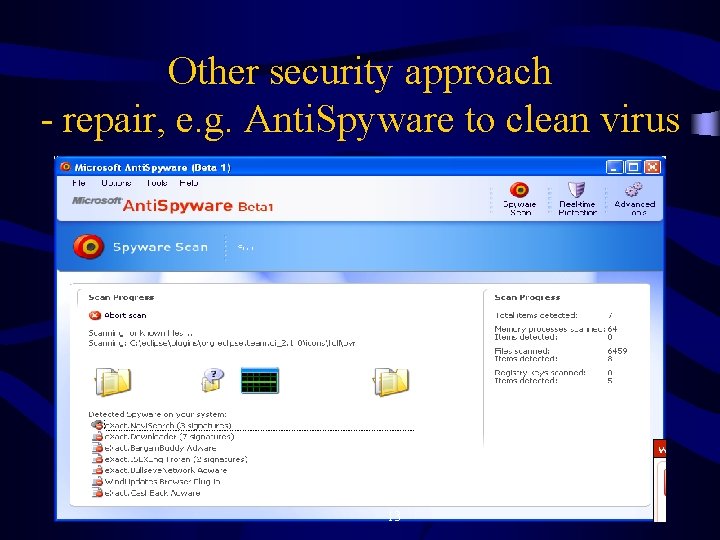
Other security approach - repair, e. g. Anti. Spyware to clean virus 13
Summary and Exercises • Name a few security concerns • What are the two types of threats? (client/server) • Explain Trojan Horse Virus • How to prevent and repair? 14
- Slides: 14