
Chapter 13 Multithreading F The Thread class F



- Slides: 18
Chapter 13: Multithreading F The Thread class F The Runnable Interface F Thread States F Thread Priority F Thread Groups F Synchronization
Threads Concept Multiple threads on multiple CPUs Multiple threads sharing a single CPU
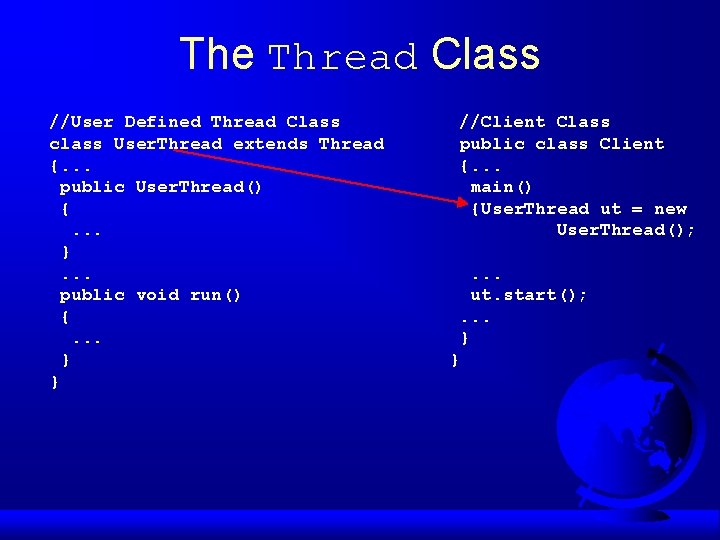
The Thread Class //User Defined Thread Class class User. Thread extends Thread {. . . public User. Thread() {. . . }. . . public void run() {. . . } } //Client Class public class Client {. . . main() {User. Thread ut = new User. Thread(); . . . ut. start(); . . . } }
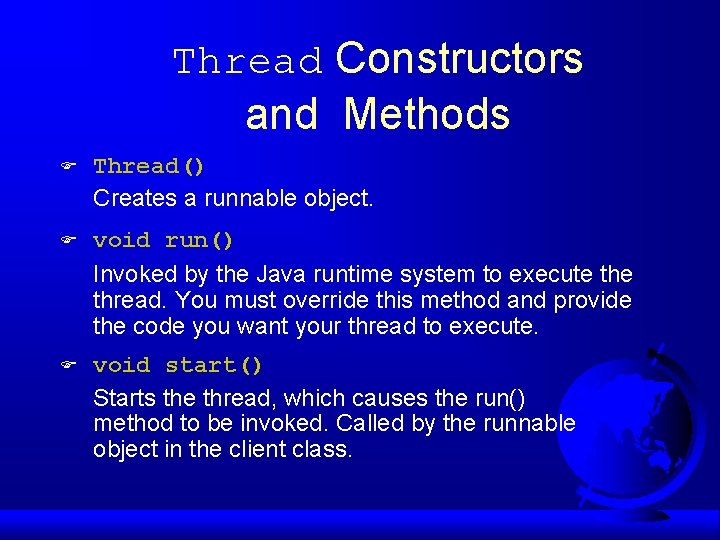
Thread Constructors and Methods F Thread() Creates a runnable object. F void run() Invoked by the Java runtime system to execute thread. You must override this method and provide the code you want your thread to execute. F void start() Starts the thread, which causes the run() method to be invoked. Called by the runnable object in the client class.
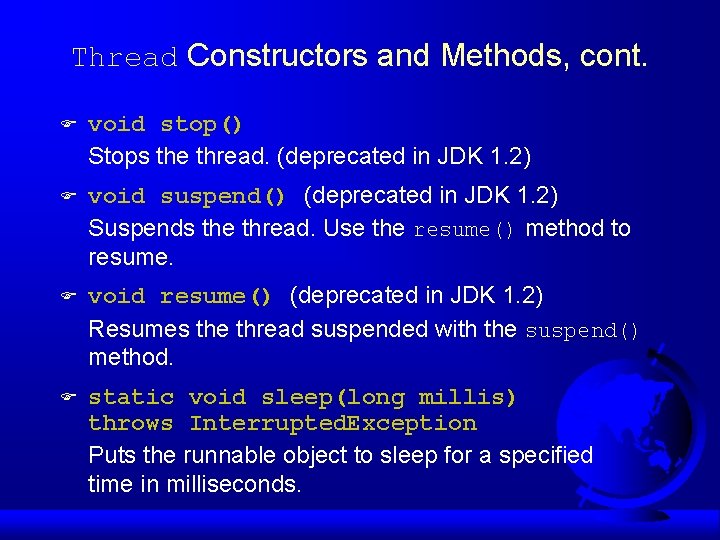
Thread Constructors and Methods, cont. F void stop() Stops the thread. (deprecated in JDK 1. 2) F void suspend() (deprecated in JDK 1. 2) Suspends the thread. Use the resume() method to resume. F void resume() (deprecated in JDK 1. 2) Resumes the thread suspended with the suspend() method. F static void sleep(long millis) throws Interrupted. Exception Puts the runnable object to sleep for a specified time in milliseconds.
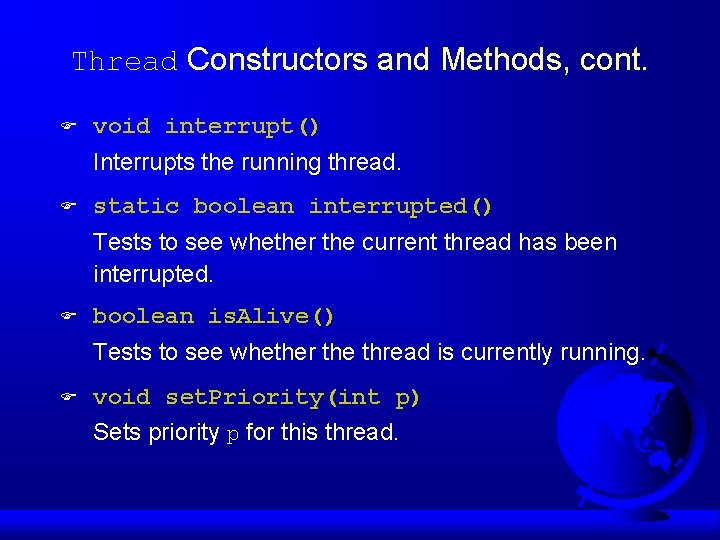
Thread Constructors and Methods, cont. F void interrupt() Interrupts the running thread. F static boolean interrupted() Tests to see whether the current thread has been interrupted. F boolean is. Alive() Tests to see whether the thread is currently running. F void set. Priority(int p) Sets priority p for this thread.
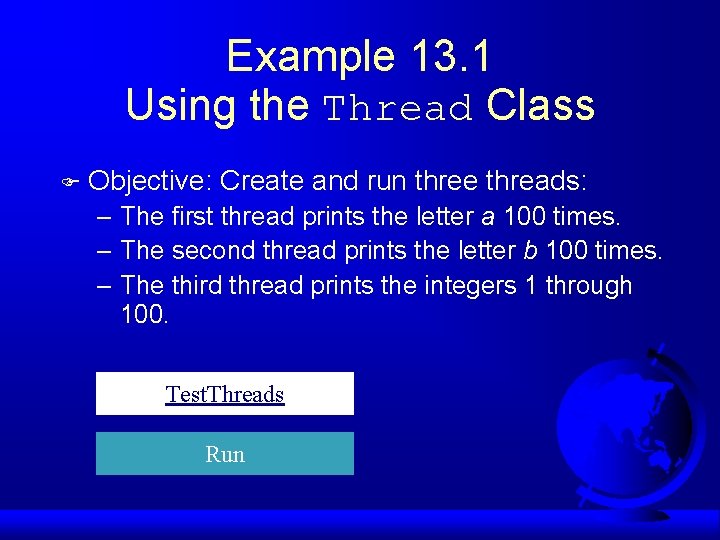
Example 13. 1 Using the Thread Class F Objective: Create and run three threads: – The first thread prints the letter a 100 times. – The second thread prints the letter b 100 times. – The third thread prints the integers 1 through 100. Test. Threads Run
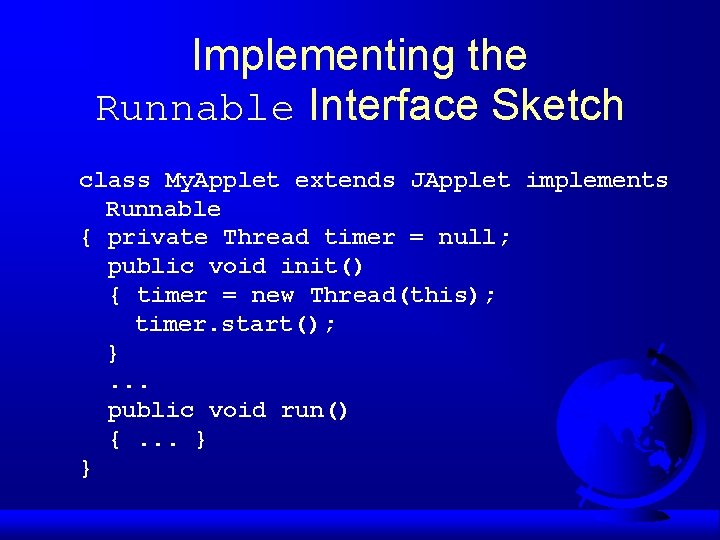
Implementing the Runnable Interface Sketch class My. Applet extends JApplet implements Runnable { private Thread timer = null; public void init() { timer = new Thread(this); timer. start(); }. . . public void run() {. . . } }
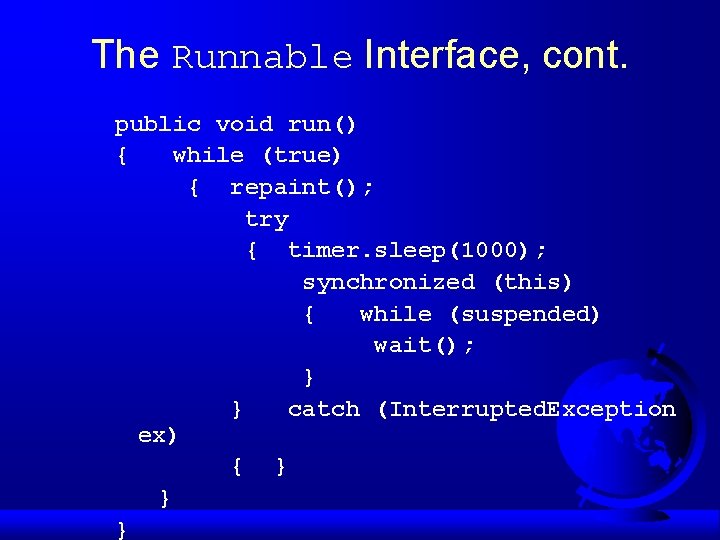
The Runnable Interface, cont. public void run() { while (true) { repaint(); try { timer. sleep(1000); synchronized (this) { while (suspended) wait(); } } catch (Interrupted. Exception ex) { } } }
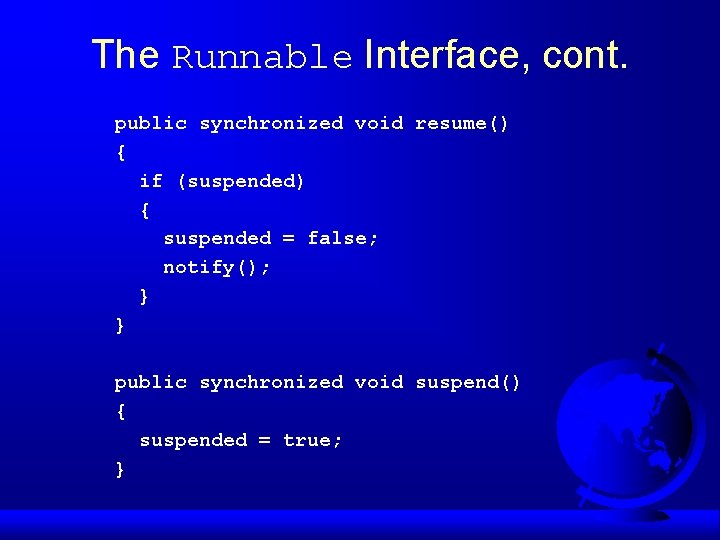
The Runnable Interface, cont. public synchronized void resume() { if (suspended) { suspended = false; notify(); } } public synchronized void suspend() { suspended = true; }
Example 13. 2 Implementing the Runnable Interface in an Applet F Objective: Simulate a running clock by using a separate thread to repaint the clock. Clock. Applet Run Applet Viewer
Example 13. 3 Controlling a Group of Clocks F Objective: Using threads to control a group of clocks. Clock. Group Run
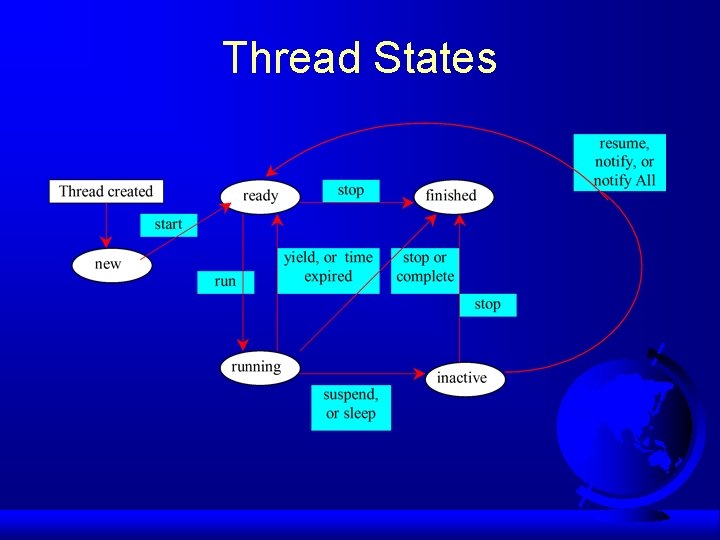
Thread States
Thread Priority F Each thread is assigned a default priority of Thread. NORM_PRIORITY. You can reset the priority using set. Priority(int priority). F Some constants for priorities include Thread. MIN_PRIORITY Thread. MAX_PRIORITY Thread. NORM_PRIORITY
Thread Groups F Construct a thread group using the Thread. Group constructor: Thread. Group g = new Thread. Group("timer thread group"); F Place a thread in a thread group using the Thread constructor: Thread t = new Thread(g, new Thread. Class(), "This thread");
Thread Groups, cont. F To find out how many threads in a group are currently running, use the active. Count() method: System. out. println("The number of runnable threads in the group "+ g. active. Count());
Synchronization
Example 13. 5 F Resource corruption Test. Transfer. Without. Sync F The Run keyword synchronized Test. Transfer. With. Sync Run