
Chapter 12 Local Area Network Agenda LAN Characteristics

- Slides: 40
Chapter 12 Local Area Network
Agenda • LAN – – – – Characteristics Topologies Cables Wireless Transmission techniques Standards Systems • Connecting Equipment • Performance Factors • Management Issues
Characteristics • • Limited distance within a few miles High data rate - 2 to 100 Mbps Low error rate Good response time Private owned No regulation Share hardware, software, and data files
Reasons for having LANs • • Sharing Local control Service - response time and reliability Information distribution systems
Protocol • Physical • Data link control – Media access control (MAC) • logic to access shared medium (token passing protocols or carrier sense multiple access with collision detection or CSMA/CD) – Logical link control • • • assembling and disassembling frames Error control Flow control Interface with higher layers Frame (protocol data unit or PDU)
Topologies • Bus • Ring as star
Media & Cables • • Unshielded twisted pair (inexpensive) Coaxial cable (faster, expensive) Optical fiber (fastest, expensive) Balun (inexpensive transformer for different types of media) • Hub – – Connect wires and cables Routing Repeater Error detection
Wiring Cost and Documentation • Cost considerations – Wires – Labor – Place with future requirements with spare • Documentation – Tags – Up-to-date documentation
Wireless • Access point: transmitter and receiver (transceiver) • 500 feet indoors or 1, 000 feet outdoors • Wireless LAN adapter card in PC • Frequency hopping or direct sequence spread spectrum technology
Types of Transmission Techniques • Basedband transmission • Broadband transmission
Baseband Transmission • Digital signal or digitized signals for voice or video • 1 Mbps or higher • Simple and easy
Broadband Transmission • Analog form • Frequency division multiplexing • Simultaneously transmitting data, voice and video • Expensive, difficult to install, and needs modems
Standards • • • IEEE 802. 2: LLC protocol IEEE 802. 3: CSMA/CD baseband bus IEEE 802. 4: token passing bus IEEE 802. 5 token passing ring Fiber Distributed Data Interface (FDDI) Standard
LAN Systems • • Ethernet Token ring 100 VG-Any. LAN Fiber distributed data interface standard MAP Apple talk Arcnet
Ethernet • • • Coaxial or twisted pair wire or fiber optic Baseband, high speed, & limited distance Xerox’s Ethernet Segment Types – 10 Base. T, 10 Base 2 (Thin Ethernet, or Cheapernet), & 10 Base 5 (Thick Ethernet) – 100 Base. TX, 100 Base. FX, & 100 Base. T 4 – Gigabit Ethernet as 1000 Base. T
Token Ring • Twisted pair wiring - 72 stations – 4 Mbps • Shielded twisted pair wiring - 260 stations 16 b. Mbps • Differential Manchester coding • Predictable response time • Longer response time than CSMA/CD in light traffic • IBM
100 VG-Any. LAN • Ethernet and token ring packets • Demand priority or demand priority access method similar to roll call polling • Unshielded twisted pair, and fiber-optic cable • 100 Mbps
Fiber Distributed Data Interface -I • American National Standard Institute (ANSI) • High speed backbone between LANs • Primary ring and secondary ring - 100 Mbps token ring • Maximum 500 stations • Maximum length of 200 kilometers (rings) • Maximum 2 kilometers between stations
Fiber Distributed Data Interface-II • Packet-switched traffic • FDDI-II for circuit-switched traffic – Constant data rate for video and voice • 100 Mbps • Fault tolerance • High-priority station having longer access time
MAP • Manufacturing Automation Protocol (MAP) • By GM • Characteristics – Token ring on a boardband bus – Connection of dissimilar devices – Guaranteed response time – Ease of maintenance – High reliability
Appletalk • Small close together groups (32 stations with 1, 000 feet) • Nonstandard CSMA/CD medium access protocol • Bus or star topology using Local. Talk cabling system • Twisted pair, coaxial cable, fiber-optic cable • Inexpensive, easy to install and expand
Arcnet • Datapoint Corporation • Characteristics – Baseband – Bus or star topology – Unshield twisted pair, coaxial cable, or optical fiber cable – Repeater (active hub) – Passive hub (connection) – Low cost and ease of installation in late 70 s
LAN Connection • LAN interconnection factors – Technologies (protocol) – Distance – Volume of communication • Equipment types – Bridges – Switches – Routers – Brouters – Gateways
Bridges • Connects networks with same rules or protocol • OSI layer 2 • Simple and high speed • Combination of hardware and software
Switches • • Faster than bridges OSI layer 2 No routing function Types – Cut-through switch (fast with collision and error) – Store-and-forward switch (slow, more expensive, fewer errors)
Routers • Passing and translating destination address • OSI layer 3 • Inter network address, routing table & routing algorithm ( cost, number of links, bandwidth, delay, & traffic load)
Brouters • Combination of a bridge and router
Gateways • • Connects networks with different protocols OSI layer 4 and up Translate different data codes Combination of hardware and software
Workstation and Server • Client-server computing – Thin client or fat client • Server types – – File servers (disk servers) Printer servers (spooling) Communication servers (bridges, routers, etc. ) Application servers • Network attachment: network interface card (NIC)
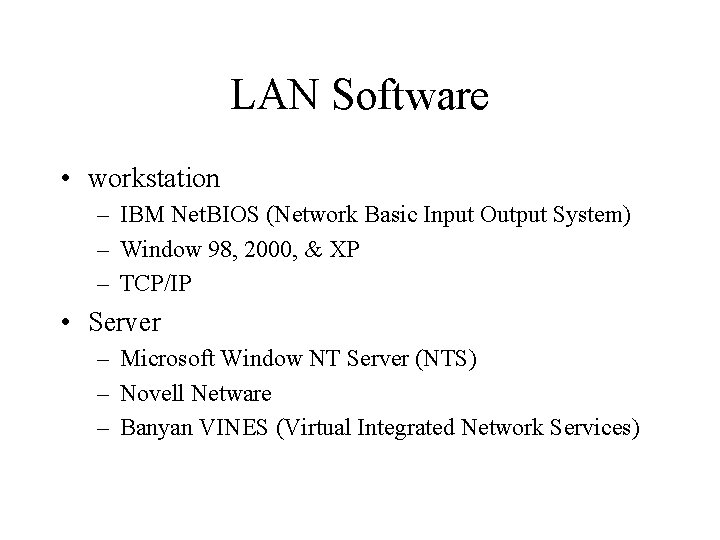
LAN Software • workstation – IBM Net. BIOS (Network Basic Input Output System) – Window 98, 2000, & XP – TCP/IP • Server – Microsoft Window NT Server (NTS) – Novell Netware – Banyan VINES (Virtual Integrated Network Services)
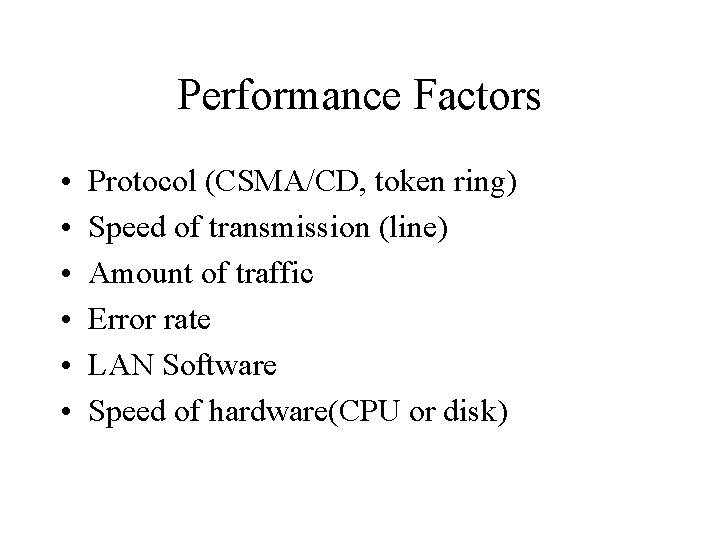
Performance Factors • • • Protocol (CSMA/CD, token ring) Speed of transmission (line) Amount of traffic Error rate LAN Software Speed of hardware(CPU or disk)
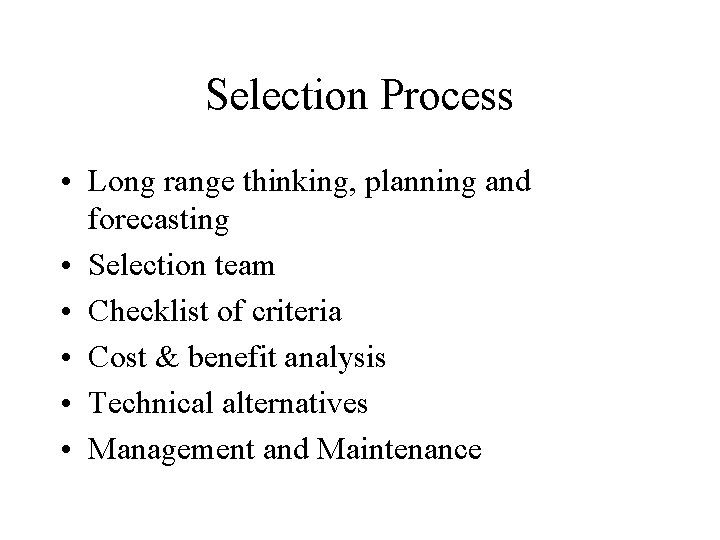
Selection Process • Long range thinking, planning and forecasting • Selection team • Checklist of criteria • Cost & benefit analysis • Technical alternatives • Management and Maintenance
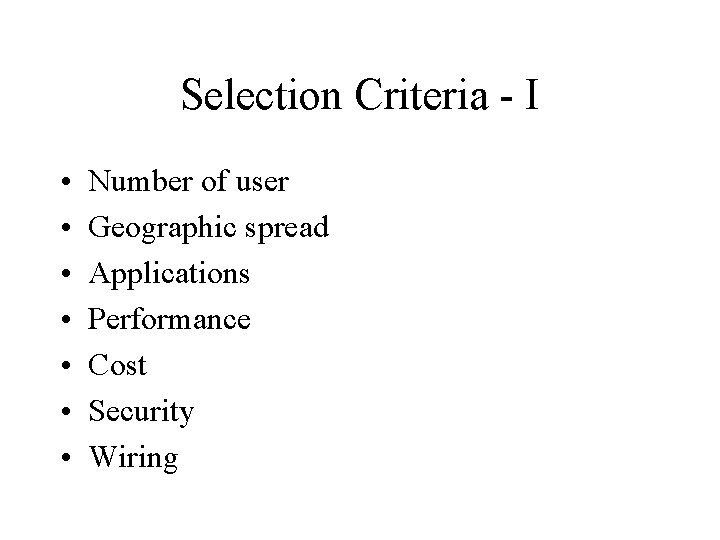
Selection Criteria - I • • Number of user Geographic spread Applications Performance Cost Security Wiring
Selection Criteria - II • • Installation Maintenance Vendor support and training Future expansion Workstations Compatibility to existing LANs Interface to other networks
Costs • • • Workstations Servers Printers Cabling Bridges, routers, brouters, gateways, switches Training People (consultant, administrator etc. ) Maintenance Space & Environment
Installation • Choices – Suppliers or dealers – In house • Tasks (project management) – – – Install hardware and software Test access and capability Trouble shoot Document Train user Help center
Management & Maintenance • • • Organization: LAN administrator Management: policies and procedures Documentation Hardware and software control Change control Back up (hardware and software) Security (logical and physical) Application (compatibility, integrity, & efficiency) Performance monitoring
Security • • • Password Sign off Encryption Backup Downloading Viruses protection Dial-up access Legal software Internal and external auditing Written policy and procedure
Points to Remember • LAN – – – – Characteristics Topologies Cables Wireless Transmission techniques Standards Systems • Connecting Equipment • Performance Factors • Management Issues
Discussion • Design and implement an LAN or LANs for School of Business in terms of topology, media, transmission technique, hardware, software, and management issues.