
chapter 11 user support user support Issues different
- Slides: 17
chapter 11 user support
user support • Issues – different types of support at different times – implementation and presentation both important – all need careful design • Types of user support – quick reference, task specific help, full explanation, tutorial • Provided by help and documentation – help - problem-oriented and specific – documentation - system-oriented and general – same design principles apply to both
Requirements • Availability – continuous access concurrent to main application • Accuracy and completeness – help matches and covers actual system behaviour • Consistency – between different parts of the help system and paper documentation • Robustness – correct error handling and npredictable behaviour • Flexibility – allows user to interact in a way appropriate to experience and task • Unobtrusiveness – does not prevent the user continuing with work
Approaches to user support • Command assistance – User requests help on particular command e. g. , UNIX man, DOS help – Good for quick reference – Assumes user know what to look for • Command prompts – Provide information about correct usage when an error occurs – Good for simple syntactic errors – Also assumes knowledge of the command
Approaches to user support (ctd) • Context sensitive help – help request interpreted according to context in which it occurs. e. g. tooltips • On-line tutorials – user works through basics of application in a test environment. – can be useful but are often in flexible. • On-line documentation – – paper documentation is made available on computer. continually available in common medium can be difficult to browse hypertext used to support browsing.
wizards and assistants • wizards – task specific tool leads the user through task, step by step, using user’s answers to specific questions – example: resumé – useful for safe completion of complex or infrequent tasks – constrained task execution so limited flexibility – must allow user to go back • assistants – monitor user behaviour and offer contextual advice – can be irritating e. g. MS paperclip – must be under user control e. g. XP smart tags
Adaptive Help Systems • Use knowledge of the context, individual user, task, domain and instruction to provide help adapted to user's needs. • Problems – – knowledge requirements considerable who has control of the interaction? what should be adapted? what is the scope of the adaptation?
Knowledge representation User modeling • All help systems have a model of the user – single, generic user (non-intelligent) – user-configured model (adaptable) – system-configure model (adaptive)
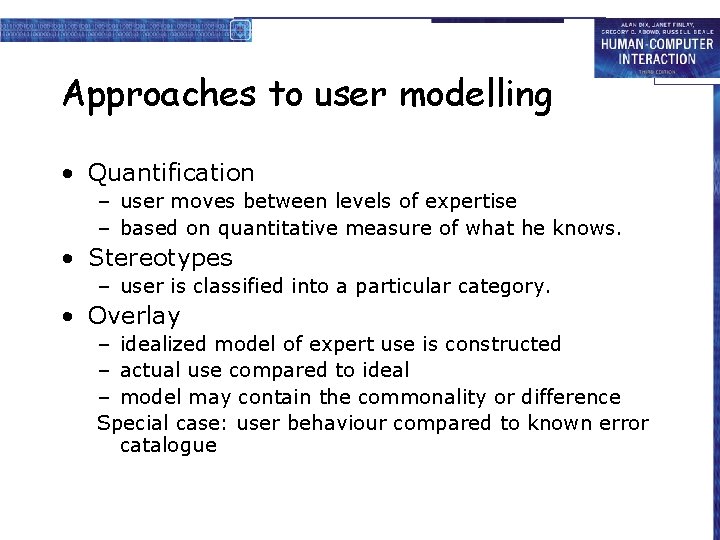
Approaches to user modelling • Quantification – user moves between levels of expertise – based on quantitative measure of what he knows. • Stereotypes – user is classified into a particular category. • Overlay – idealized model of expert use is constructed – actual use compared to ideal – model may contain the commonality or difference Special case: user behaviour compared to known error catalogue
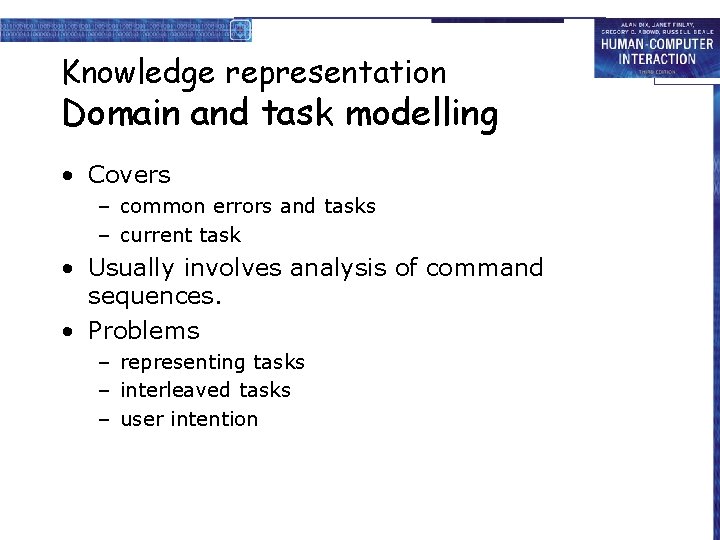
Knowledge representation Domain and task modelling • Covers – common errors and tasks – current task • Usually involves analysis of command sequences. • Problems – representing tasks – interleaved tasks – user intention
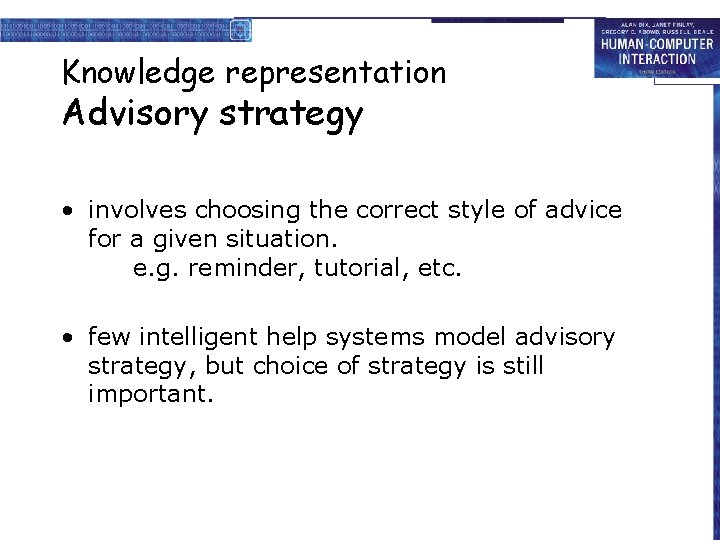
Knowledge representation Advisory strategy • involves choosing the correct style of advice for a given situation. e. g. reminder, tutorial, etc. • few intelligent help systems model advisory strategy, but choice of strategy is still important.
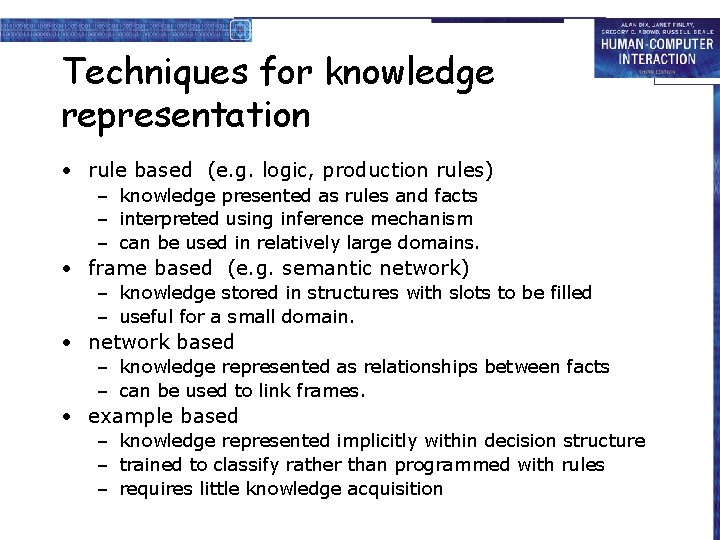
Techniques for knowledge representation • rule based (e. g. logic, production rules) – knowledge presented as rules and facts – interpreted using inference mechanism – can be used in relatively large domains. • frame based (e. g. semantic network) – knowledge stored in structures with slots to be filled – useful for a small domain. • network based – knowledge represented as relationships between facts – can be used to link frames. • example based – knowledge represented implicitly within decision structure – trained to classify rather than programmed with rules – requires little knowledge acquisition
Problems with knowledge representation and modelling • knowledge acquisition • resources • interpretation of user behaviour
Issues in adaptive help • Initiative – does the user retain control or can the system direct the interaction? – can the system interrupt the user to offer help? • Effect – what is going to be adapted and what information is needed to do this? – only model what is needed. • Scope – is modelling at application or system level? – latter more complex e. g. expertise varies between applications.
Designing user support • User support is not an `add on’ – should be designed integrally with the system. • Concentrate on content and context of help rather than technological issues.
Presentation issues • How is help requested? – command, button, function (on/off), separate application • How is help displayed? – new window, whole screen, split screen, – pop-up boxes, hint icons • Effective presentation requires – – clear, familiar, consistent language instructional rather than descriptive language avoidance of blocks of text clear indication of summary and example information
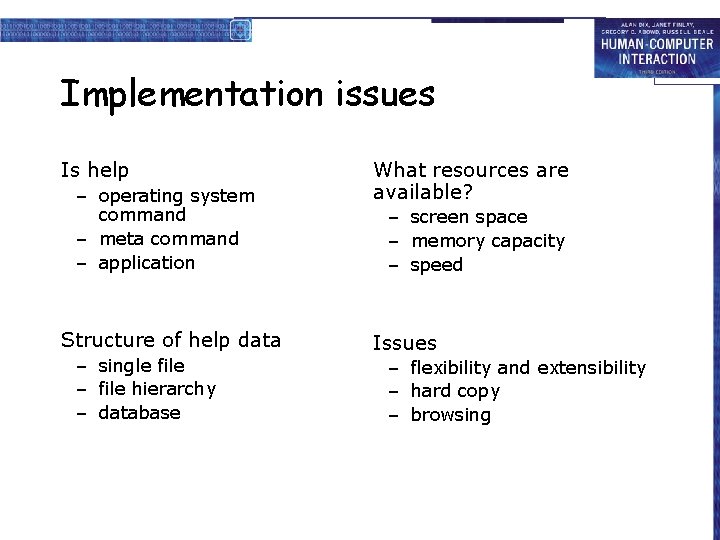
Implementation issues Is help – operating system command – meta command – application Structure of help data – single file – file hierarchy – database What resources are available? – screen space – memory capacity – speed Issues – flexibility and extensibility – hard copy – browsing