
Chapter 11 Technology Interpersonal Communication 2011 Cengage Learning
- Slides: 25
Chapter 11 Technology & Interpersonal Communication © 2011 Cengage Learning
Technology Terms • Computer-mediated communication (CMC) – the use of various technologies to facilitate communication with others • Technological determinism – suggests that technology is irreversible, inevitable, inescapable © 2011 Cengage Learning
Characteristics of Comm. Technology © 2011 Cengage Learning
Characteristics of Communication Technology • It is pervasive • It is paradoxical – “global village” – global suggests an expansive view of the world; village suggests a small community • It is powerful © 2011 Cengage Learning
The Accessibility of Communication Technology • Accessibility helps eliminate the technological gap between people and culture communities – “digital divide” © 2011 Cengage Learning
The Accessibility of Communication Technology • Access Trends of tech. users: – Elite tech users = 31% of American adults – Middle-of-the-road tech users = 20% of American adults – Few tech assets = 49% of American adults © 2011 Cengage Learning
The Accessibility of Communication Technology • Problems with meaning can occur especially when not all have access. • Access to technology also has benefits: – Increases safety – Creates a sense of play – Improves psychological well-being © 2011 Cengage Learning
Facts about Internet Usage © 2011 Cengage Learning
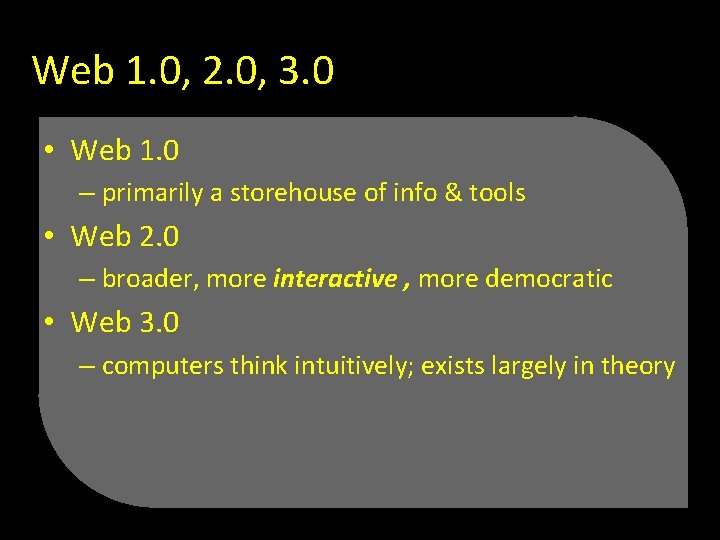
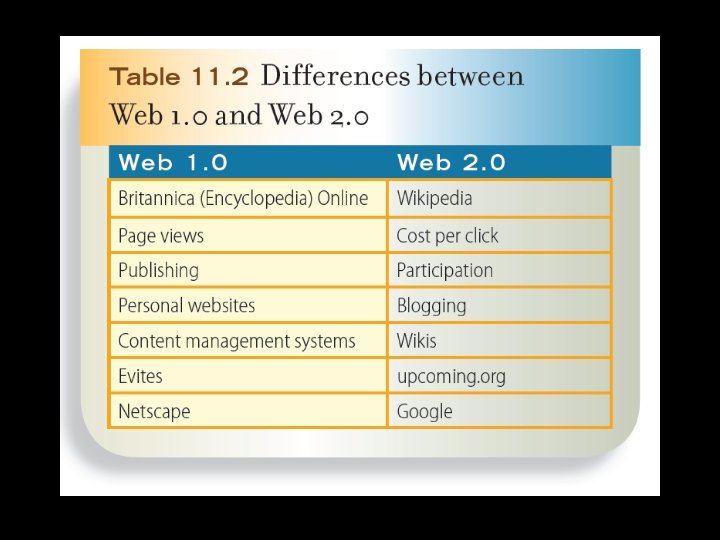
Web 1. 0, 2. 0, 3. 0 • Web 1. 0 – primarily a storehouse of info & tools • Web 2. 0 – broader, more interactive , more democratic • Web 3. 0 – computers think intuitively; exists largely in theory
© 2011 Cengage Learning
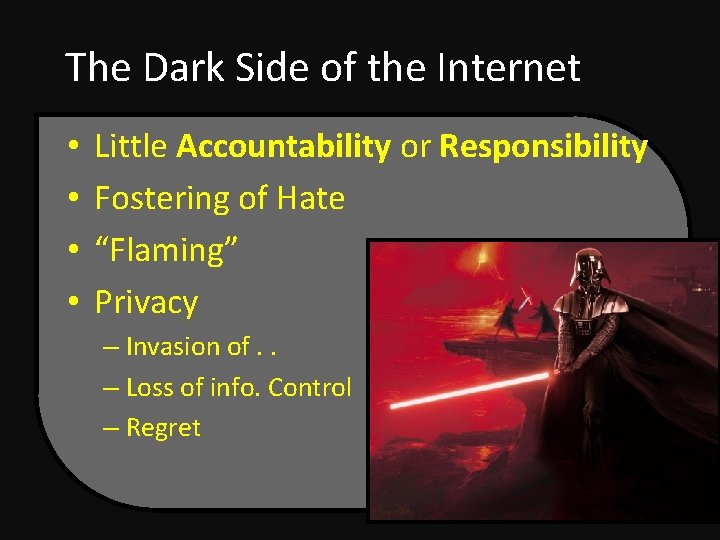
The Dark Side of the Internet • • Little Accountability or Responsibility Fostering of Hate “Flaming” Privacy – Invasion of. . – Loss of info. Control – Regret
The Dark Side of the Internet • Privacy – Invasion of. . – Loss of info. Control – Regret
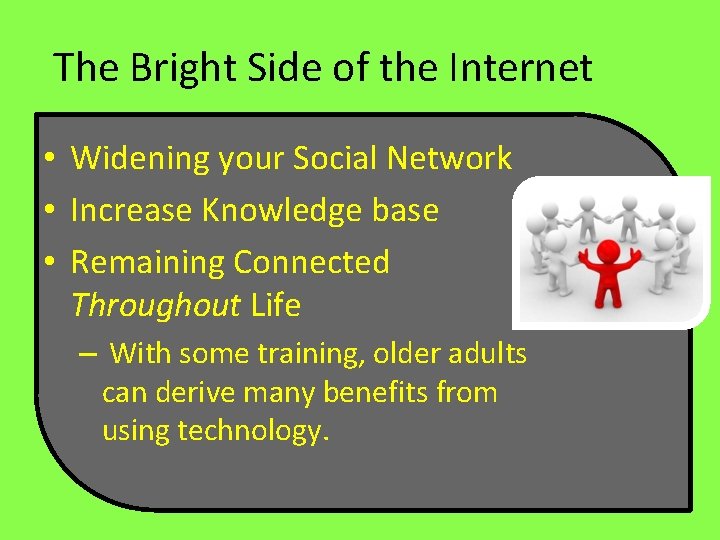
The Bright Side of the Internet • Widening your Social Network • Increase Knowledge base • Remaining Connected Throughout Life – With some training, older adults can derive many benefits from using technology.
Issues with the “Presented” Online Self © 2011 Cengage Learning
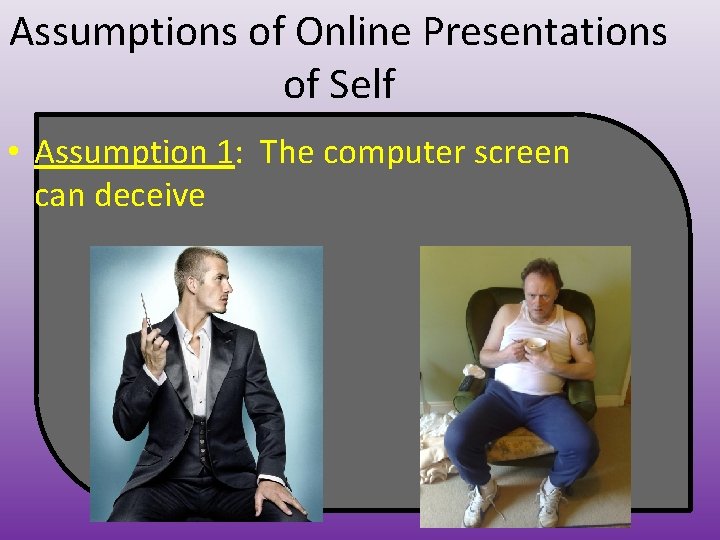
Assumptions of Online Presentations of Self • Assumption 1: The computer screen can deceive
Assumptions of Online Presentations of Self • Assumption 2: Online discussions often prompt introspection • Assumption 3: Online discussions promote self-orientation • Assumption 4: Self-disclosure occurs online – PCDP = postcyberdisclosure panic © 2011 Cengage Learning
Maintain a relationship online © 2011 Cengage Learning
Advantages to Meeting Someone Online • Many people online “looking” • “Profile” previewing to screen out • You know something about how the other person thinks and writes • You know how to contact him or her • Interaction without identity revealing – Can make us feel safer © 2011 Cengage Learning
Advantages to Meeting Someone Online • You can do all of this for less than that it might cost for a typical first date • “Hyperdating”: – refers to this accelerated development of online relationships © 2011 Cengage Learning
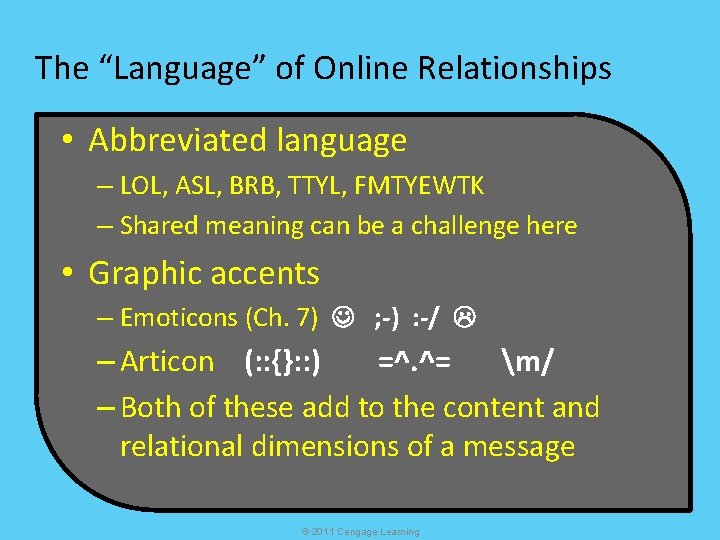
The “Language” of Online Relationships • Abbreviated language – LOL, ASL, BRB, TTYL, FMTYEWTK – Shared meaning can be a challenge here • Graphic accents – Emoticons (Ch. 7) ; -) : -/ – Articon (: : {}: : ) =^. ^= m/ – Both of these add to the content and relational dimensions of a message © 2011 Cengage Learning
Communication Technology and Relational Maintenance • Social networking: – refers to linking people or groups of people who share common interests – Includes Facebook, Twitter, Google +, etc. – Allow easy sharing of various communication: • Email, IM, file sharing, blogs, etc. – 134 million unique Facebook profiles, second only to Google in traffic, projected 2015 revenue equal to MTV © 2011 Cengage Learning
Improving Online Communication Skills © 2011 Cengage Learning
Choices for Improving Online Communication Skills • Sender skills for electronic messages – Be succinct when necessary – Write literally – Stay polite – Take a deep breath © 2011 Cengage Learning
Choices for Improving Online Communication Skills • Receiver skills for electronic messages – Check in with the sender – Show empathy when possible – Listen beyond the words © 2011 Cengage Learning
Choices for Improving Online Communication Skills • Sender AND receiver skills for electronic messages – Take responsibility for your own words – Build your dialogue – Recall the challenge of online communication © 2011 Cengage Learning