
Chapter 11 Programming Tools By C Shing ITEC
Chapter 11 Programming Tools By C. Shing ITEC Dept Radford University
Objectives n n n Understand how to create an archived library Understand how to use debugger dbx Understand how to create a makefile Slide 2
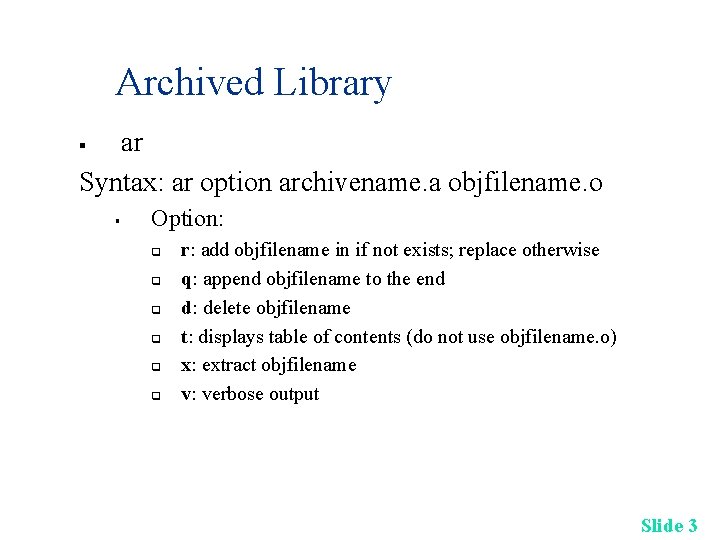
Archived Library ar Syntax: ar option archivename. a objfilename. o § § Option: q q q r: add objfilename in if not exists; replace otherwise q: append objfilename to the end d: delete objfilename t: displays table of contents (do not use objfilename. o) x: extract objfilename v: verbose output Slide 3
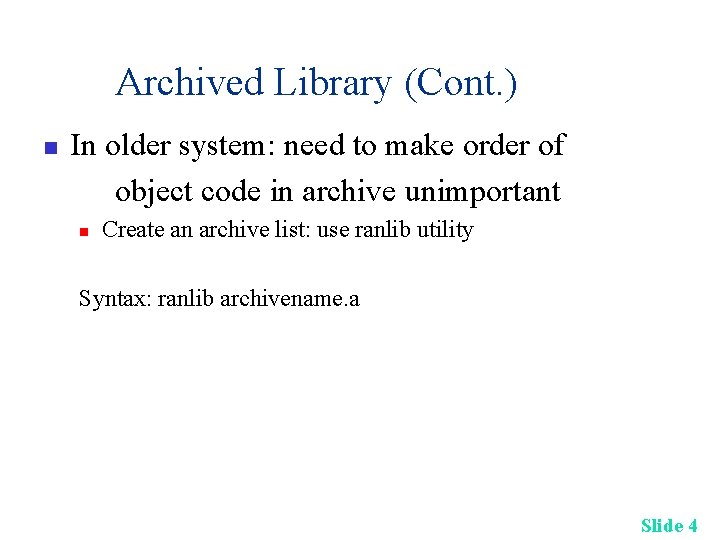
Archived Library (Cont. ) n In older system: need to make order of object code in archive unimportant n Create an archive list: use ranlib utility Syntax: ranlib archivename. a Slide 4

Archived Library (Cont. ) Example: creates an archive mylib. a which contains reverse. o. Then link the archive when needed. n gcc –o reverse. c ar rv mylib. a reverse. o ranlib mylib. a ar t mylib. a gcc –o main 1. c mylib. a Slide 5
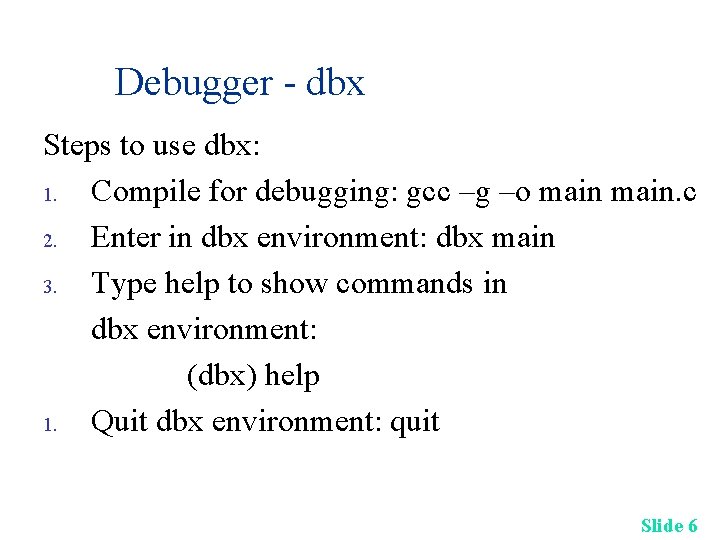
Debugger - dbx Steps to use dbx: 1. Compile for debugging: gcc –g –o main. c 2. Enter in dbx environment: dbx main 3. Type help to show commands in dbx environment: (dbx) help 1. Quit dbx environment: quit Slide 6
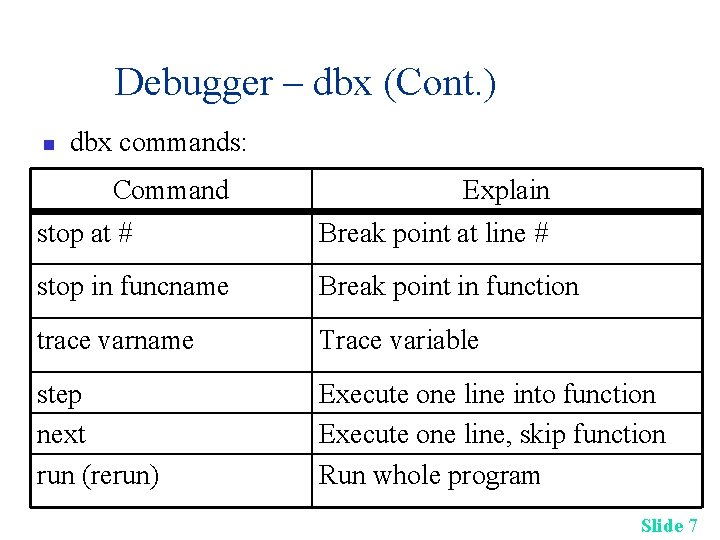
Debugger – dbx (Cont. ) n dbx commands: Command Explain stop at # Break point at line # stop in funcname Break point in function trace varname Trace variable step next run (rerun) Execute one line into function Execute one line, skip function Run whole program Slide 7
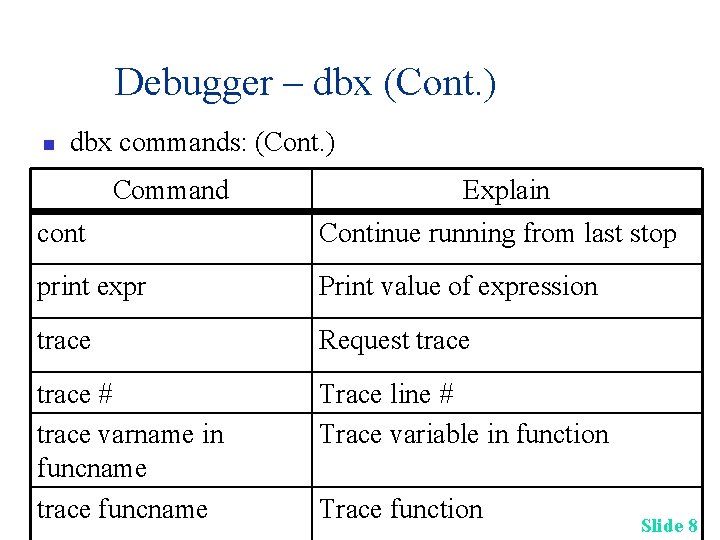
Debugger – dbx (Cont. ) n dbx commands: (Cont. ) Command Explain cont Continue running from last stop print expr Print value of expression trace Request trace # trace varname in funcname trace funcname Trace line # Trace variable in function Trace function Slide 8
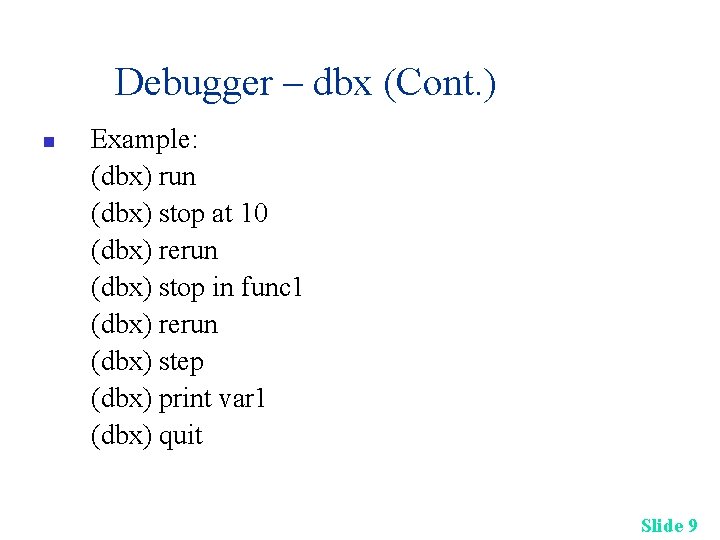
Debugger – dbx (Cont. ) n Example: (dbx) run (dbx) stop at 10 (dbx) rerun (dbx) stop in func 1 (dbx) rerun (dbx) step (dbx) print var 1 (dbx) quit Slide 9
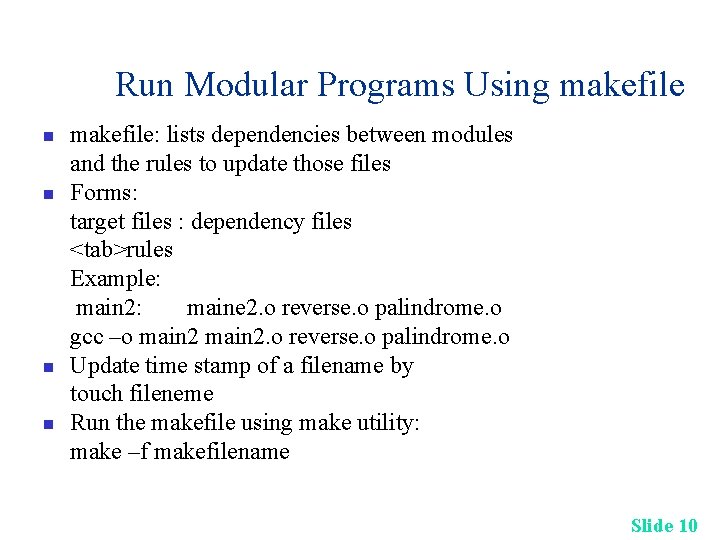
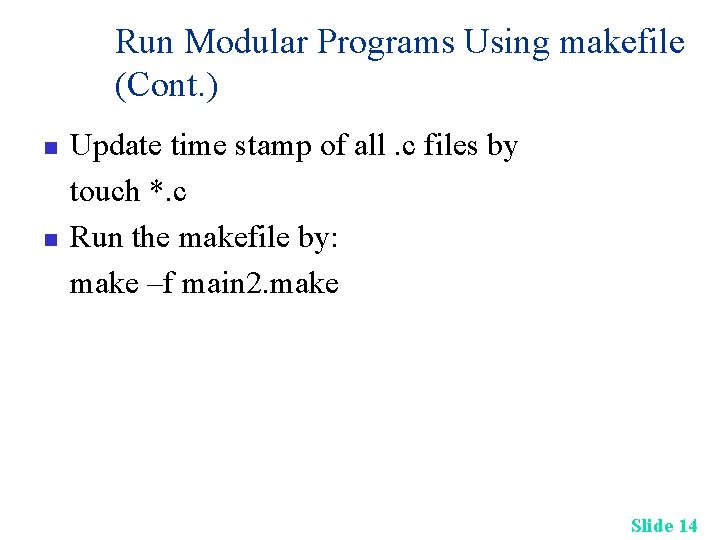
Run Modular Programs Using makefile n n makefile: lists dependencies between modules and the rules to update those files Forms: target files : dependency files <tab>rules Example: main 2: maine 2. o reverse. o palindrome. o gcc –o main 2. o reverse. o palindrome. o Update time stamp of a filename by touch fileneme Run the makefile using make utility: make –f makefilename Slide 10
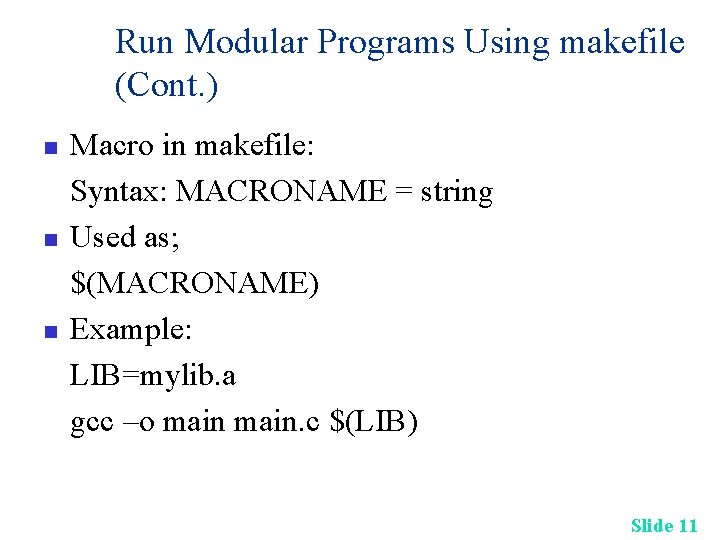
Run Modular Programs Using makefile (Cont. ) n n n Macro in makefile: Syntax: MACRONAME = string Used as; $(MACRONAME) Example: LIB=mylib. a gcc –o main. c $(LIB) Slide 11
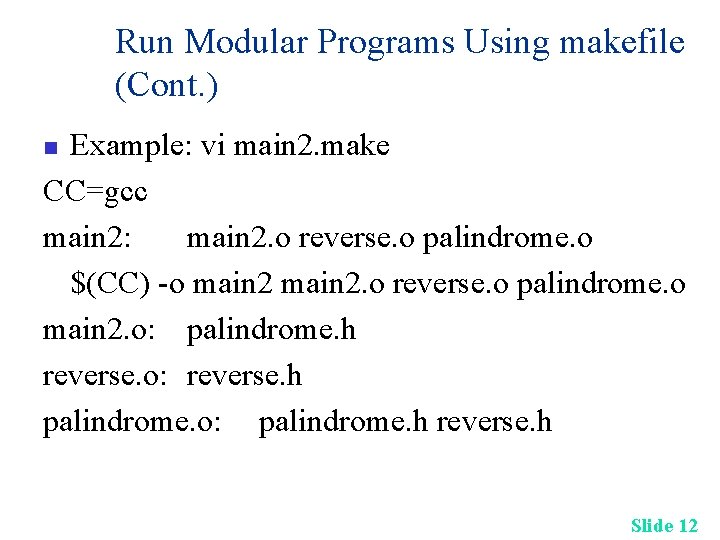
Run Modular Programs Using makefile (Cont. ) Example: vi main 2. make CC=gcc main 2: main 2. o reverse. o palindrome. o $(CC) -o main 2. o reverse. o palindrome. o main 2. o: palindrome. h reverse. o: reverse. h palindrome. o: palindrome. h reverse. h n Slide 12
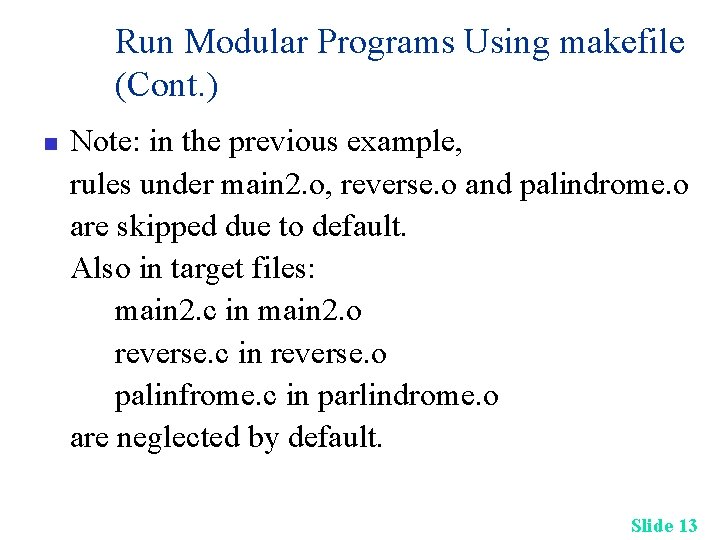
Run Modular Programs Using makefile (Cont. ) n Note: in the previous example, rules under main 2. o, reverse. o and palindrome. o are skipped due to default. Also in target files: main 2. c in main 2. o reverse. c in reverse. o palinfrome. c in parlindrome. o are neglected by default. Slide 13
Run Modular Programs Using makefile (Cont. ) n n Update time stamp of all. c files by touch *. c Run the makefile by: make –f main 2. make Slide 14
Reference: n Chapter 12 of Glass: Unix Slide 15
- Slides: 15