
CHAPTER 11 DATABASE MANAGEMENT SYSTEM Lesson 11 A
CHAPTER 11: DATABASE MANAGEMENT SYSTEM Lesson 11 A: • Databases and Database Management Systems • Working with a Database Lesson 11 B: (Not included) • Enterprise Software • Databases at work • Common Corporate Database Management System
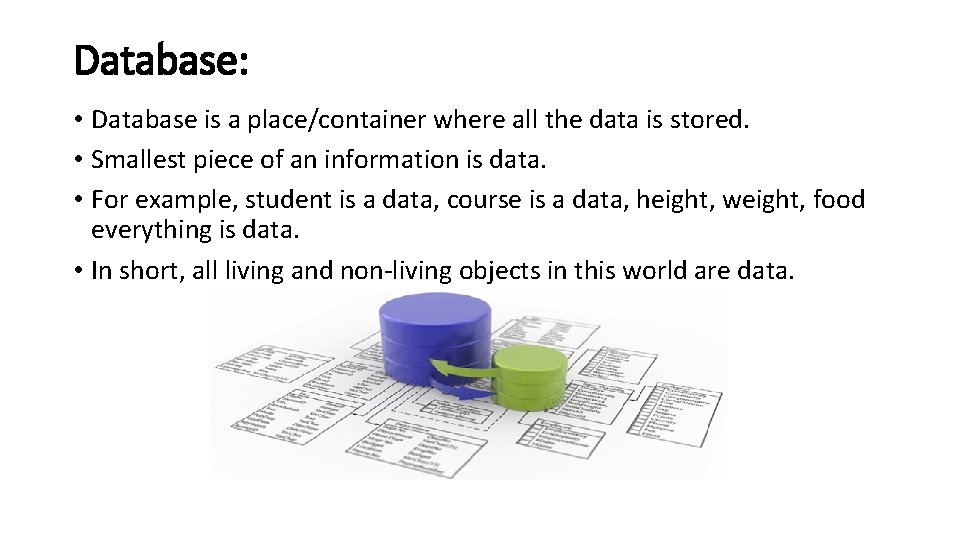
Database: • Database is a place/container where all the data is stored. • Smallest piece of an information is data. • For example, student is a data, course is a data, height, weight, food everything is data. • In short, all living and non-living objects in this world are data.
Database Cont. . Three of the most important terms to know about databases are: • Fields: Each piece of data in the address book is stored in its own location, called field. For example, each entry has a field for Name, Address, City, ZIP Code, Phone Number etc • Records: One full set of fields, related about one person is called record • Tables: A complete collection of records.
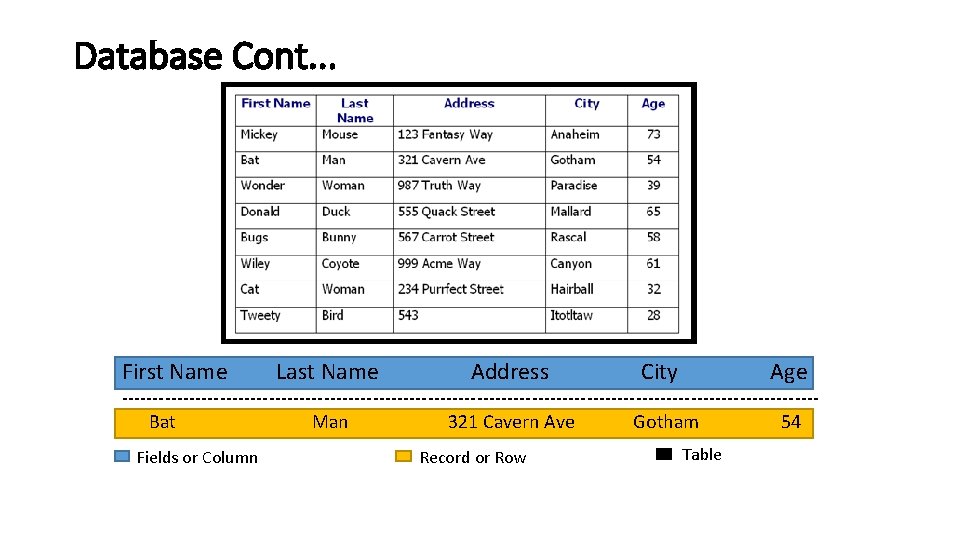
Database Cont. . . First Name Last Name Address City Age --------------------------------------------------------- Bat Man 321 Cavern Ave Gotham 54 Fields or Column Record or Row Table
Database Cont. . . • Once you created DB, now you can add, delete, update the data in DB. • Two of the most common elements of DB are: 1. Forms: Fields that are filled in to create records 2. Reports : Documents that display the selected portion of DB in an easily read format.
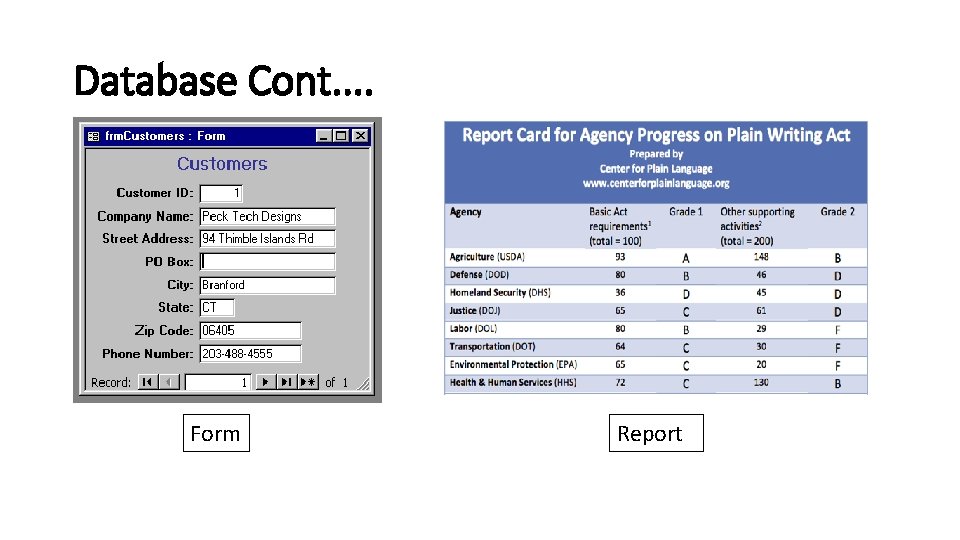
Database Cont. . Form Report
Database Cont. . . Characterstics of DB: • Should be able to store all kinds of data that exists in this real world. Since we need to work with all kinds of data and requirements, database should be strong enough to store all kinds of data that is present around us. (KWs: should be strong) • There should not be any duplication of data in the database. Data should be stored in such a way that it should not be repeated in multiple tables. If repeated, it would be unnecessary waste of DB space. (KWs: Not duplication) • It supports multiple views to the user, depending on his role. In a school database, Students will able to see only their reports and their access would be read only. At the same time teachers will have access to all the students with the modification rights. But the database is the same. Hence a single database provides different views to different users. (KWs: Accessible)
Database Cont. . . Characterstics of DB: • Database should also provide security, i. e. ; when there are multiple users are accessing the database, each user will have their own levels of rights to see the DB. For example, instructor who is teaching Physics will have access to see and update marks of his subject. He will not have access for other subjects. But the HOD will have full access on all the subjects. (KWs: Security and access) • DBMS has a strong query language. Once the database is designed, this helps the user to retrieve and manipulate the data. If a particular user wants to see any specific data, he can apply as many filtering conditions that he wants and pull the data that he needs. (KWs: strong query language, wants specific data)
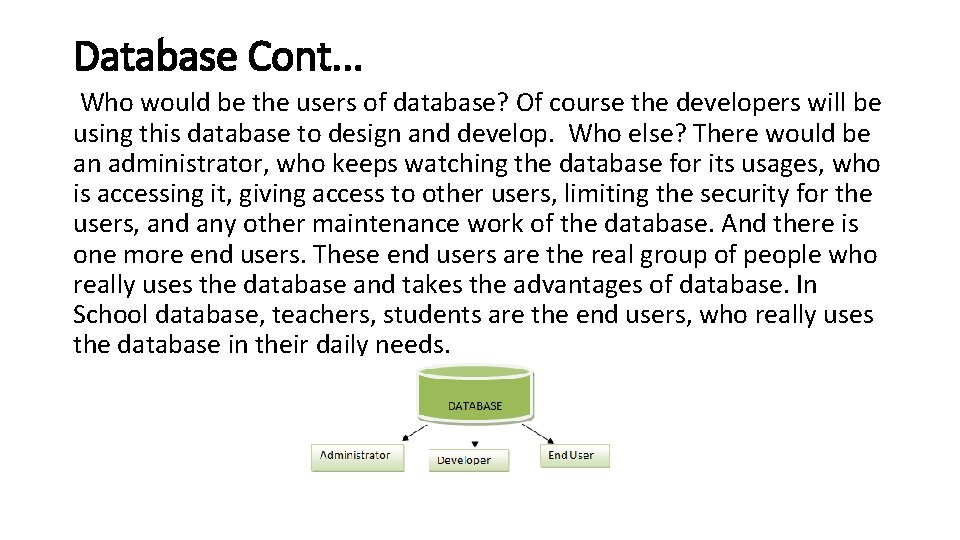
Database Cont. . . Who would be the users of database? Of course the developers will be using this database to design and develop. Who else? There would be an administrator, who keeps watching the database for its usages, who is accessing it, giving access to other users, limiting the security for the users, and any other maintenance work of the database. And there is one more end users. These end users are the real group of people who really uses the database and takes the advantages of database. In School database, teachers, students are the end users, who really uses the database in their daily needs.
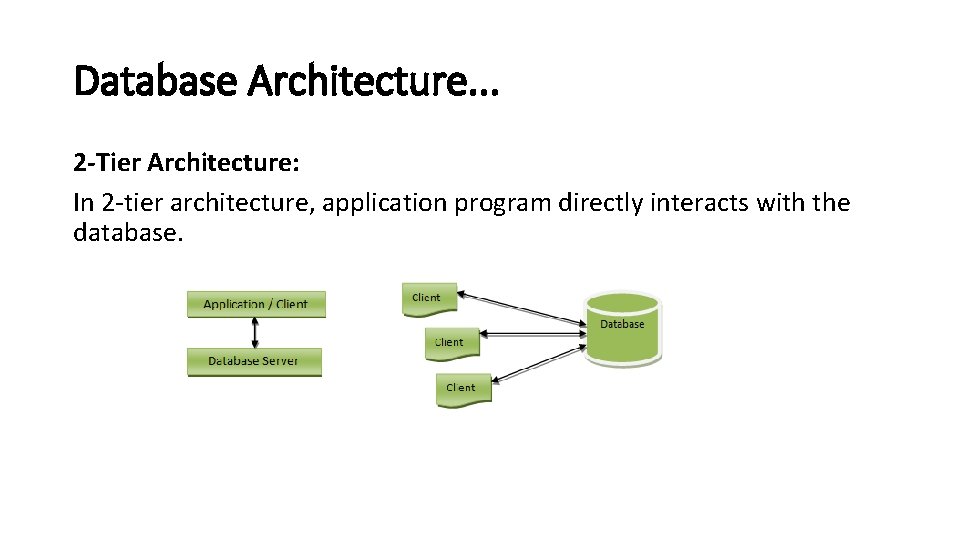
Database Architecture. . . 2 -Tier Architecture: In 2 -tier architecture, application program directly interacts with the database.
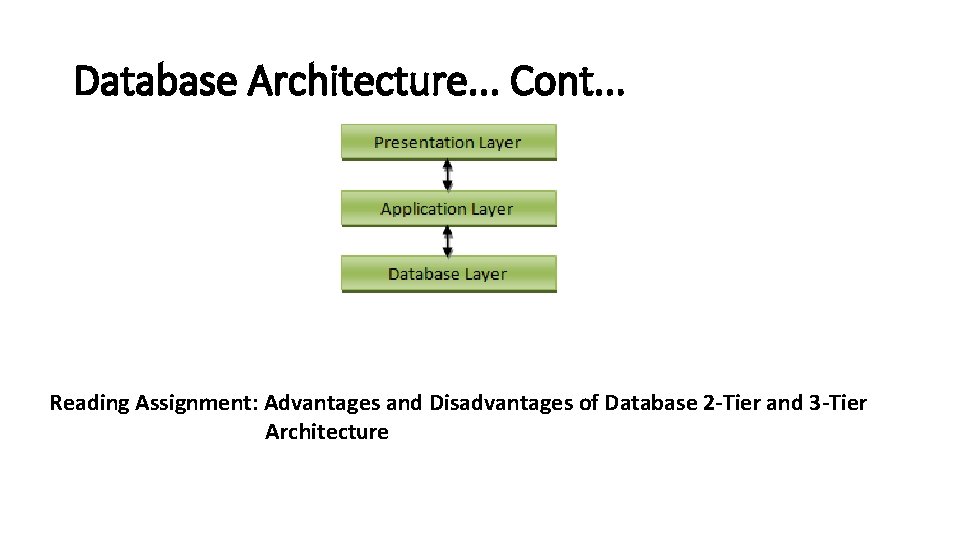
Database Architecture. . . Cont. . . 3 -Tier Architecture: 3 -tier architecture is the most widely used database architecture. Presentation layer / User layer is the layer where user uses the database. He does not have any knowledge about underlying database. He simply interacts with the database as though he has all data in front of him. You can imagine this layer as a registration form where you will be inputting your details. Did you ever guessed, after pressing ‘submit’ button where the data goes? No right? You just know that your details are saved. This is the presentation layer where all the details from the user are taken, sent to the next layer for processing.
Database Architecture. . . Cont. . . 3 -Tier Architecture: Application layer is the underlying program which is responsible for saving the details that you have entered, and retrieving your details to show up in the page. This layer has all the business logics like validation, calculations and manipulations of data, and then sends the requests to database to get the actual data. If this layer sees that the request is invalid, it sends back the message to presentation layer. It will not hit the database layer at all.
Database Architecture. . . Cont. . . 3 -Tier Architecture: Data layer or Database layer is the layer where actual database resides. In this layer, all the tables, their mappings and the actual data present. When you save you details from the front end, it will be inserted into the respective tables in the database layer, by using the programs in the application layer. When you want to view your details in the web browser, a request is sent to database layer by application layer. The database layer fires queries and gets the data. These data are then transferred to the browser (presentation layer) by the programs in the application layer.
Database Architecture. . . Cont. . . Reading Assignment: Advantages and Disadvantages of Database 2 -Tier and 3 -Tier Architecture
Working with DB. . . We can perform these data management functions: 1. Creating Tables 2. Viewing Records (Whole record and sometimes Filter) 3. Sorting Records (Arranged in order by Product_id or Product_name) 4. Creating Queries 5. Generating Reports
Working with DB. . . Cont. . . • Creating DB Table: The first step in building any database is to create one or more tables. To create a new database, you must first determine what kind of data will be stored in each table. In other words, you must define each field in the table by following a three step process: 1. Name the field. (student_id , Student_name, Student_reg) 2. Specify the field type. (int, text , varchar) 3. Specify the field size. (50* , 30*)
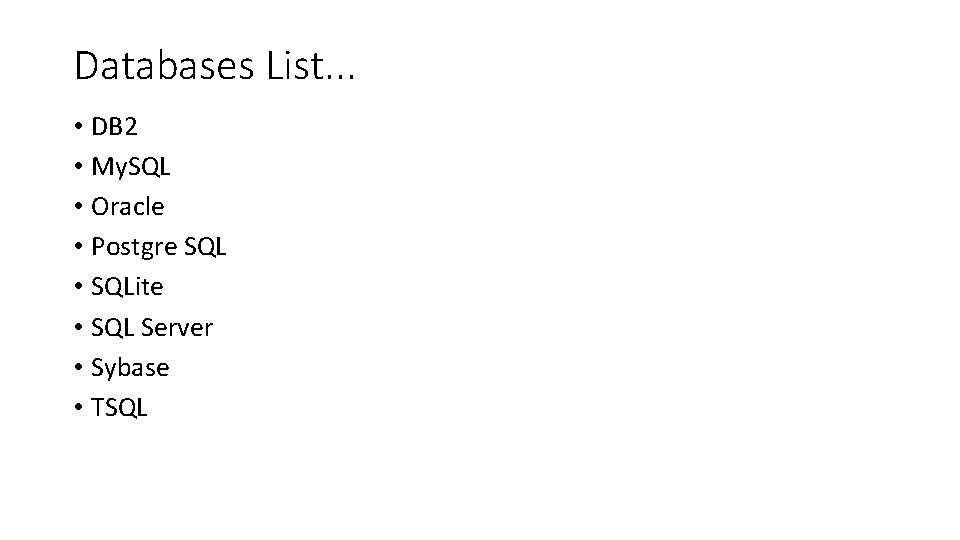
Databases List. . . • DB 2 • My. SQL • Oracle • Postgre SQL • SQLite • SQL Server • Sybase • TSQL
- Slides: 17