
Chapter 10 Technology for Distance Delivery Learning Outcomes
- Slides: 26
Chapter 10 Technology for Distance Delivery
Learning Outcomes • Distinguish among the popular technology-enhanced instructional delivery systems and blended delivery • Evaluate the issues associated with the implementation of distance and blended delivery • Describe the role that various technologies play in the alternative delivery of instruction and the issues
Opening Question • What are the pros and cons of distance education? • https: //www. youtube. com/watch? v=10 oh. U 1 W 5 Nv. Q
Distance Education • Broadly defined as the delivery of instruction to students who are separated from their teacher by time or location. • The teacher may or may not be located at the school site, and the students may or may not be attending physically. • Students may not see each other or the teacher face to face. • https: //www. youtube. com/watch? v=an. WBb 7 PTIMM Blackboard Moodle
Blended Delivery Systems • https: //www. youtube. com/watch? v=u. OUr. W n 8 GSvw • Combines elements of both face to face and online learning. • Vary very widely. • Some may meet regularly, while others may only meet for support in an online course. • Flipped Classrooms • https: //www. youtube. com/watch? v=NPvre. K Wa. Kj. Y
The Flipped Classroom • The flipped classroom is a pedagogical model in which the typical lecture and homework elements of a course are reversed. • Any class structure that provides pre recorded lectures followed by in-class exercises. • A growing number of higher education individual faculty have begun using the flipped model in their courses. • Devoting class time to application of concepts might give instructors a better opportunity to detect errors in thinking https: //www. youtube. com/watch? v=i. QWvc 6 qh. Tds
The Flipped Classroom • An effective flip requires careful preparation. • The flipped model puts more of the responsibility for learning on the shoulders of students while giving them greater opportunities to experiment and collaborate. https: //www. youtube. com/watch? v= Ij. Ut. Sv. Gv. B-0
Copyright and Fair use • Copyright is a big issue facing online and even in class teaching • Copyright includes using someone's work without accreditation or consideration. • Fair use refers to the parameters and guidelines that enable educators to use some copyrighted material for educational purposes. • https: //www. youtube. com/watch? v=x. DI 0 so. F hf. Cw&list=PLeue. Do. Gy 17 Eo 8 ZWn. Uu. SSx 0 BBh. WRbfqq. H
Types of Learning • Synchronous learning • A learning event in which a group of students are engaging in learning at the same time. • Asynchronous Learning • A student-centered teaching method that uses online learning resources to facilitate information sharing outside the constraints of time and place among a network of people.
Telephony Technology • Real time technology • Speaker phones • Conference calls • Phone bridge • Voice over-internet • Video conference • Email • Chat programs
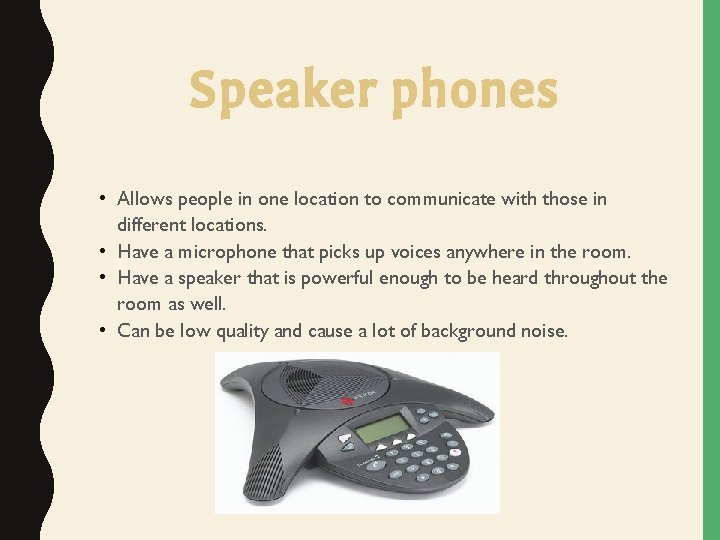
Speaker phones • Allows people in one location to communicate with those in different locations. • Have a microphone that picks up voices anywhere in the room. • Have a speaker that is powerful enough to be heard throughout the room as well. • Can be low quality and cause a lot of background noise.
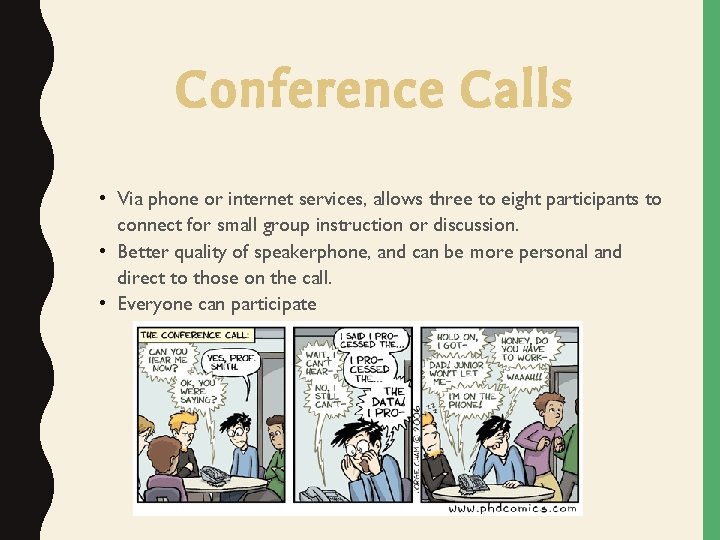
Conference Calls • Via phone or internet services, allows three to eight participants to connect for small group instruction or discussion. • Better quality of speakerphone, and can be more personal and direct to those on the call. • Everyone can participate
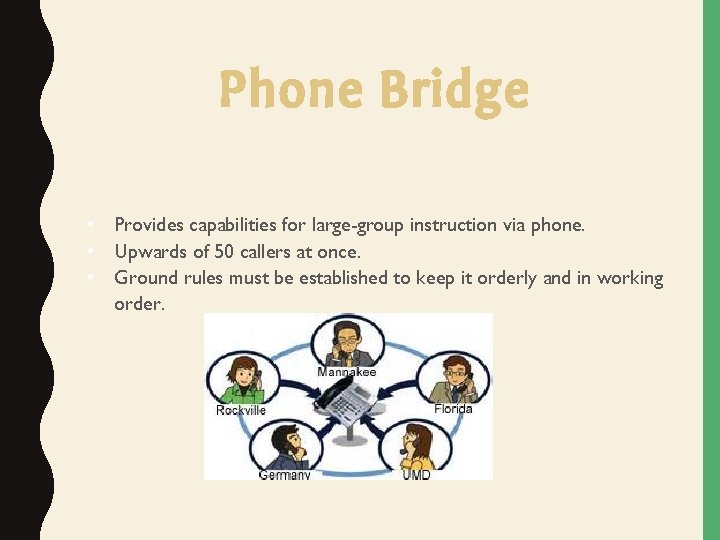
Phone Bridge • Provides capabilities for large-group instruction via phone. • Upwards of 50 callers at once. • Ground rules must be established to keep it orderly and in working order.
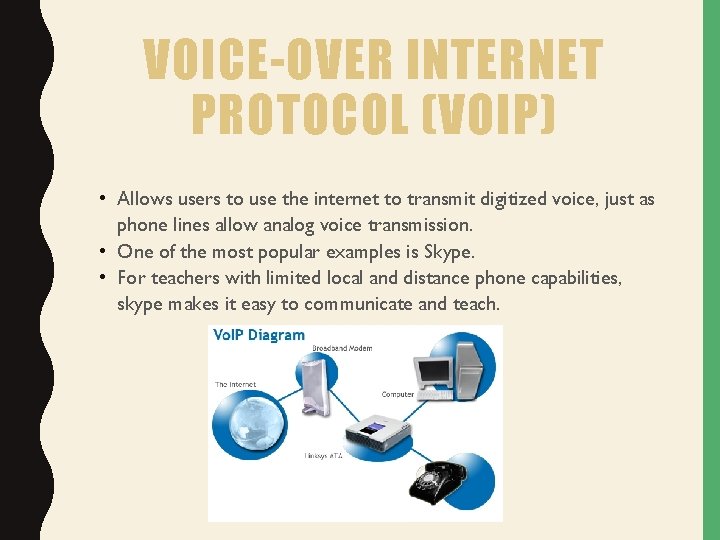
VOICE-OVER INTERNET PROTOCOL (VOIP) • Allows users to use the internet to transmit digitized voice, just as phone lines allow analog voice transmission. • One of the most popular examples is Skype. • For teachers with limited local and distance phone capabilities, skype makes it easy to communicate and teach.
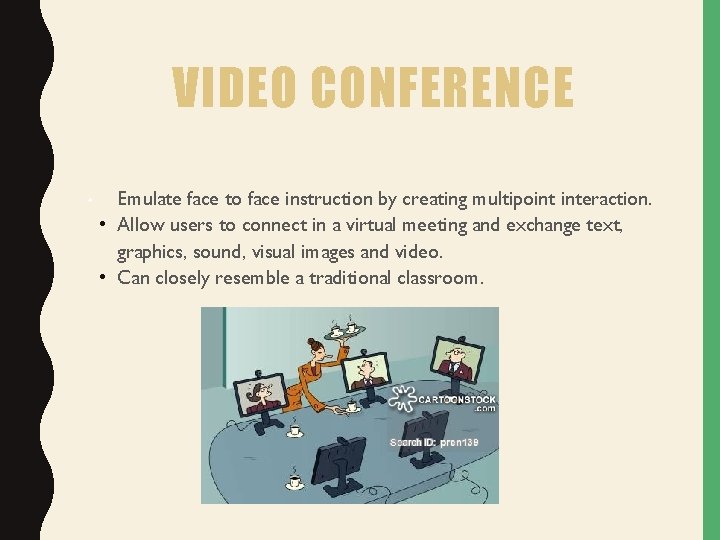
VIDEO CONFERENCE • Emulate face to face instruction by creating multipoint interaction. • Allow users to connect in a virtual meeting and exchange text, graphics, sound, visual images and video. • Can closely resemble a traditional classroom.
EMAIL • Used to communicate one to one or one to many. • Can contain text, only attachments such as word documents, pictures, or videos. • Can be private to professor or public to the class. • Useful for asking questions at any time.
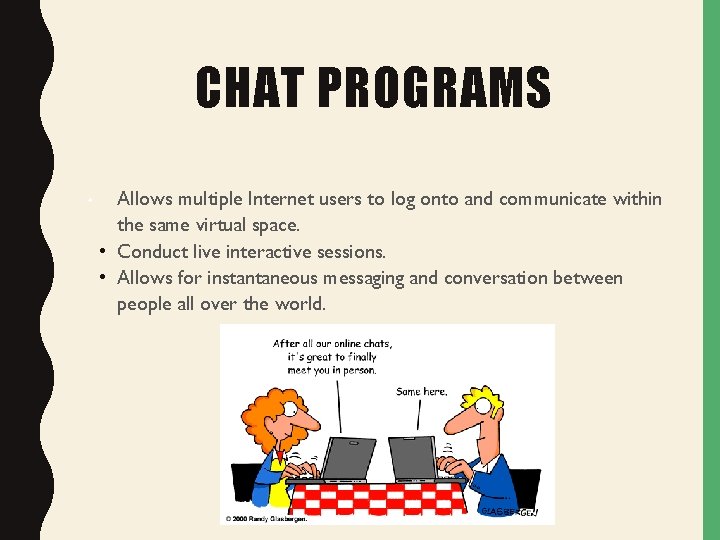
CHAT PROGRAMS • Allows multiple Internet users to log onto and communicate within the same virtual space. • Conduct live interactive sessions. • Allows for instantaneous messaging and conversation between people all over the world.
Examples of Distance Delivery Tools 21 Century Distance Delivery • Media sharing • Blogs • Social Media • Wiki • Podcasting/ Vodcasting • Really simple syndication
BLOGS • Web Logs • Allows students to individually or as a group to post commentary on the content being studied. • Can be used to interact and respond to each others comments, and add links. • Opportunity for in-depth yet spontaneous sharing.
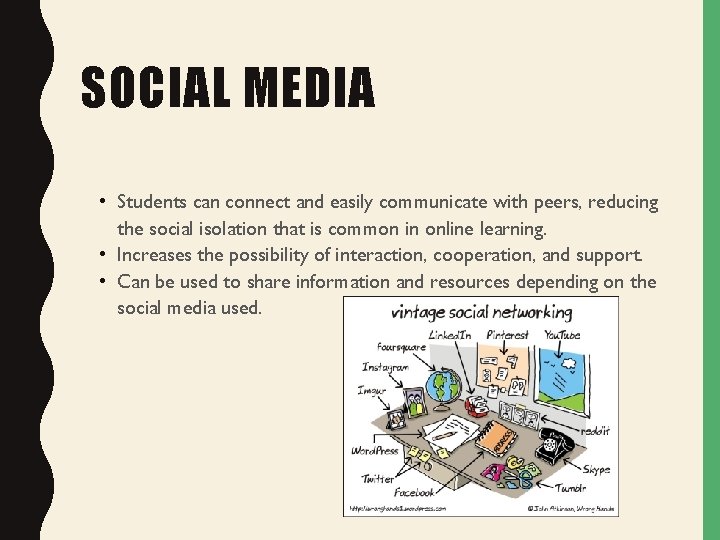
SOCIAL MEDIA • Students can connect and easily communicate with peers, reducing the social isolation that is common in online learning. • Increases the possibility of interaction, cooperation, and support. • Can be used to share information and resources depending on the social media used.
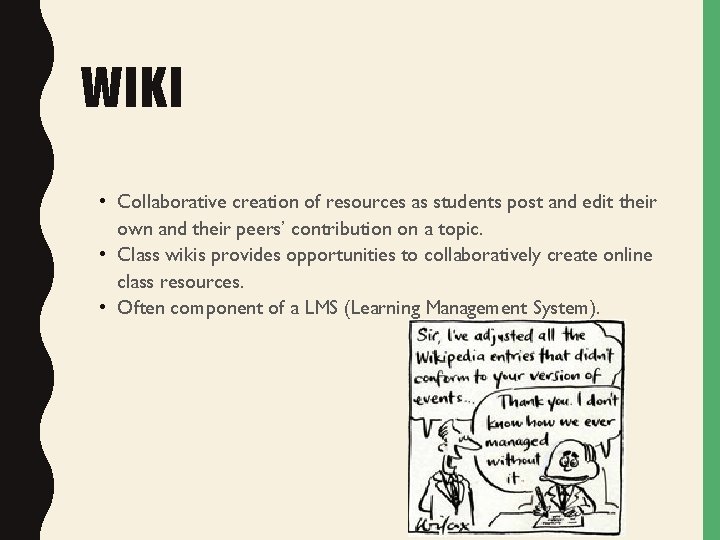
WIKI • Collaborative creation of resources as students post and edit their own and their peers’ contribution on a topic. • Class wikis provides opportunities to collaboratively create online class resources. • Often component of a LMS (Learning Management System).
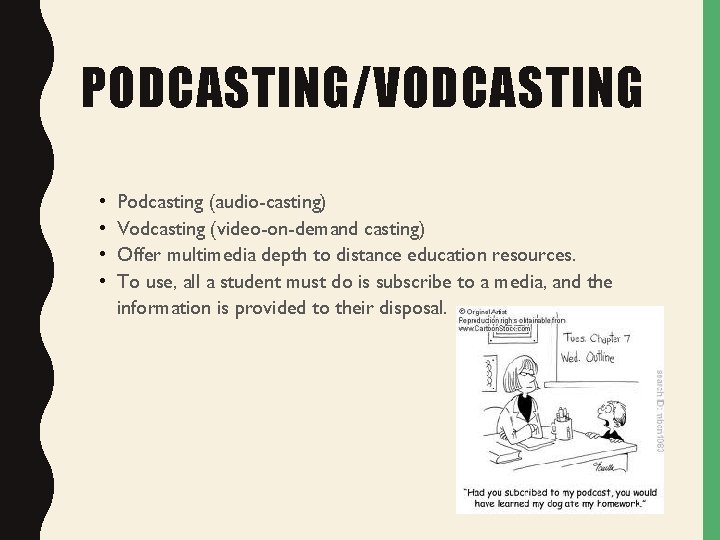
PODCASTING/VODCASTING • • Podcasting (audio-casting) Vodcasting (video-on-demand casting) Offer multimedia depth to distance education resources. To use, all a student must do is subscribe to a media, and the information is provided to their disposal.
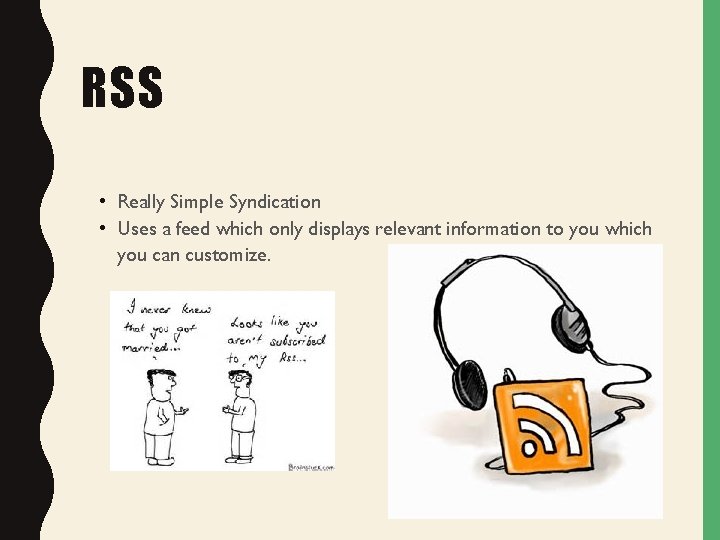
RSS • Really Simple Syndication • Uses a feed which only displays relevant information to you which you can customize.
POLL TIME! http: //strawpoll. me/7275284 Pick 3 Technologies you enjoy using in the classroom!
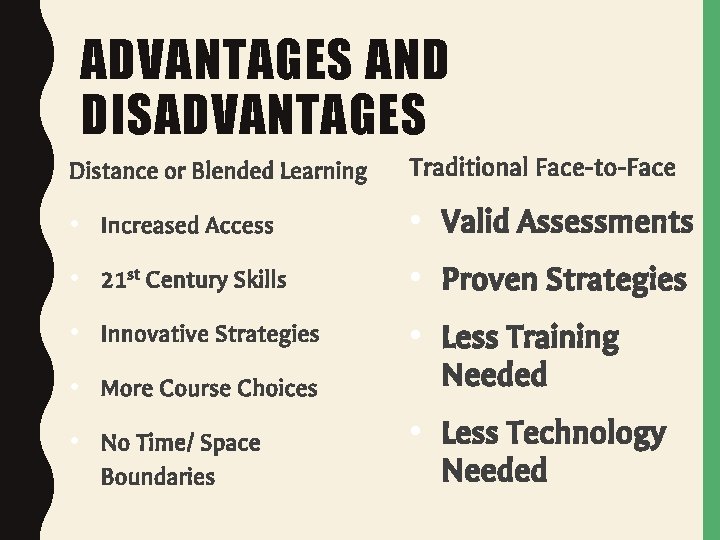
ADVANTAGES AND DISADVANTAGES Distance or Blended Learning Traditional Face-to-Face • Increased Access • Valid Assessments • 21 st Century Skills • Proven Strategies • Innovative Strategies • More Course Choices • Less Training Needed • No Time/ Space Boundaries • Less Technology Needed
DO YOU PREFER DISTANCE LEARNING OVER A TRADITIONAL CLASSROOM?