
Chapter 10 Image Capture Objectives Recall the difference

Chapter 10 Image Capture
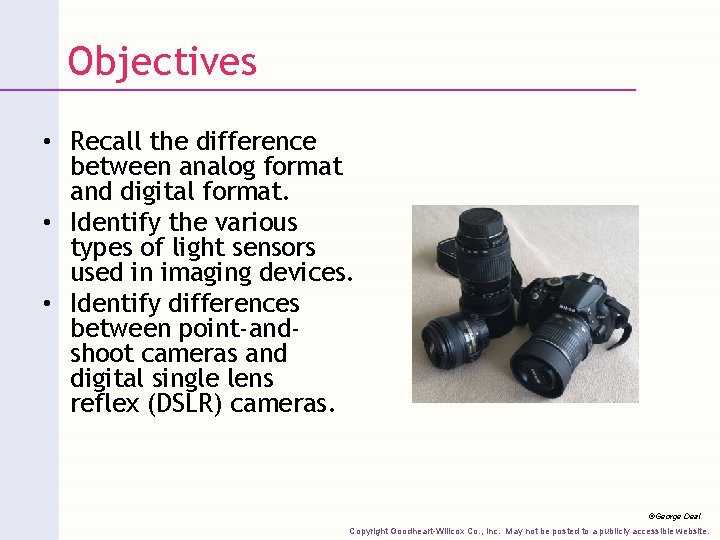
Objectives • Recall the difference between analog format and digital format. • Identify the various types of light sensors used in imaging devices. • Identify differences between point-andshoot cameras and digital single lens reflex (DSLR) cameras. ©George Deal Copyright Goodheart-Willcox Co. , Inc. May not be posted to a publicly accessible website.
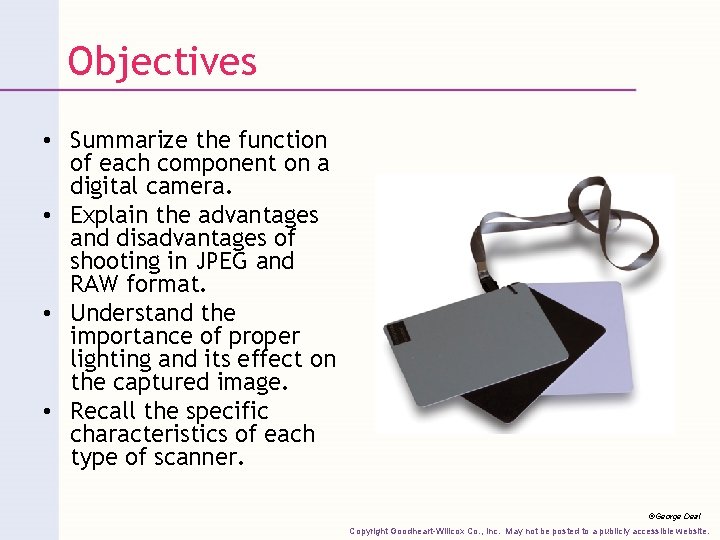
Objectives • Summarize the function of each component on a digital camera. • Explain the advantages and disadvantages of shooting in JPEG and RAW format. • Understand the importance of proper lighting and its effect on the captured image. • Recall the specific characteristics of each type of scanner. ©George Deal Copyright Goodheart-Willcox Co. , Inc. May not be posted to a publicly accessible website.
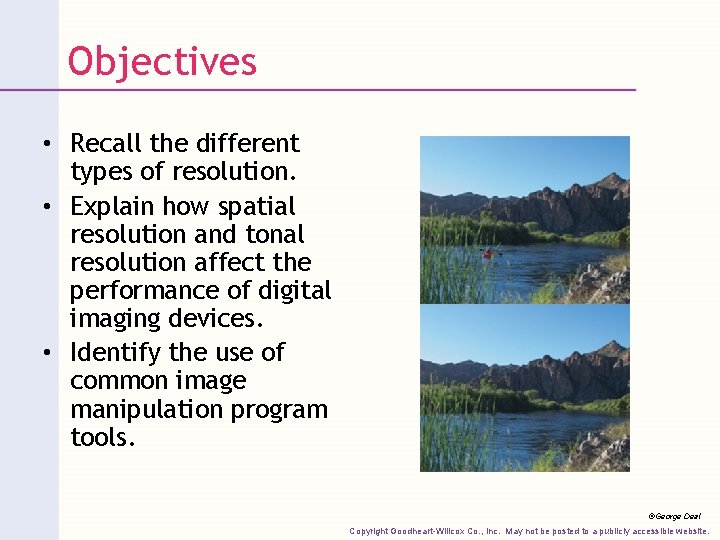
Objectives • Recall the different types of resolution. • Explain how spatial resolution and tonal resolution affect the performance of digital imaging devices. • Identify the use of common image manipulation program tools. ©George Deal Copyright Goodheart-Willcox Co. , Inc. May not be posted to a publicly accessible website.

Digital Imaging • Software allows you to: – Change or add colors – Remove unwanted components – Combine multiple images • Digital images captured through: – Scanning – Digital photography Copyright Goodheart-Willcox Co. , Inc. May not be posted to a publicly accessible website.
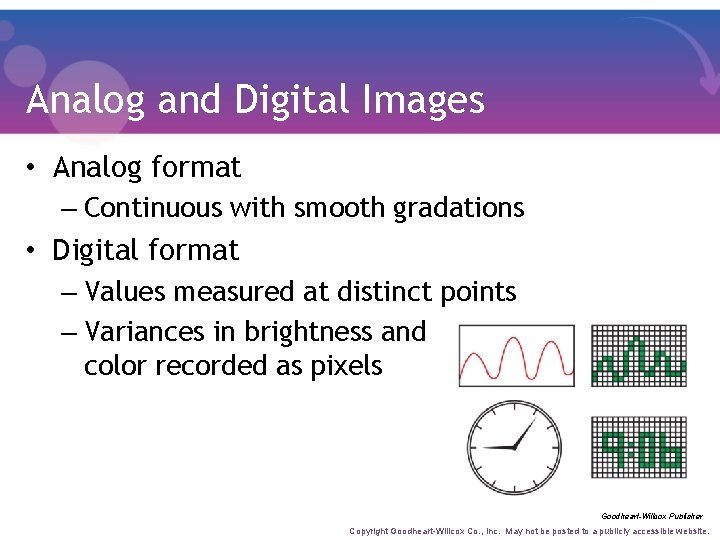
Analog and Digital Images • Analog format – Continuous with smooth gradations • Digital format – Values measured at distinct points – Variances in brightness and color recorded as pixels Goodheart-Willcox Publisher Copyright Goodheart-Willcox Co. , Inc. May not be posted to a publicly accessible website.
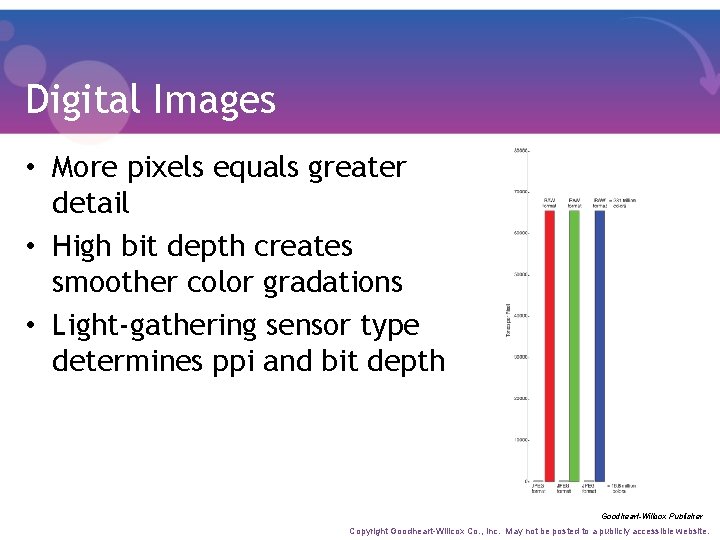
Digital Images • More pixels equals greater detail • High bit depth creates smoother color gradations • Light-gathering sensor type determines ppi and bit depth Goodheart-Willcox Publisher Copyright Goodheart-Willcox Co. , Inc. May not be posted to a publicly accessible website.
Light Sensors • Use light to record images electronically • Used in: – Flatbed scanners – Digital cameras Copyright Goodheart-Willcox Co. , Inc. May not be posted to a publicly accessible website.
CCD Sensors • Charge-coupled devices (CCDs) – Solid-state chips composed of well sites – Converts reflected light into analog charge – A/D converter converts analog to digital • Quantizing Copyright Goodheart-Willcox Co. , Inc. May not be posted to a publicly accessible website.
CMOS Sensors • • • Image quality of 50 megapixels or higher More susceptible to noise Consume little power Transistors reduce light sensitivity Can be used with mechanical shutter Copyright Goodheart-Willcox Co. , Inc. May not be posted to a publicly accessible website.

Digital Cameras and Camera Backs • Camera back – Digital connection for analog camera • Point-and-shoot cameras – Camera phones – View LCD screen, not lens – Shift in perspective called parallax Peter Bernik/Shutterstock. com Copyright Goodheart-Willcox Co. , Inc. May not be posted to a publicly accessible website.
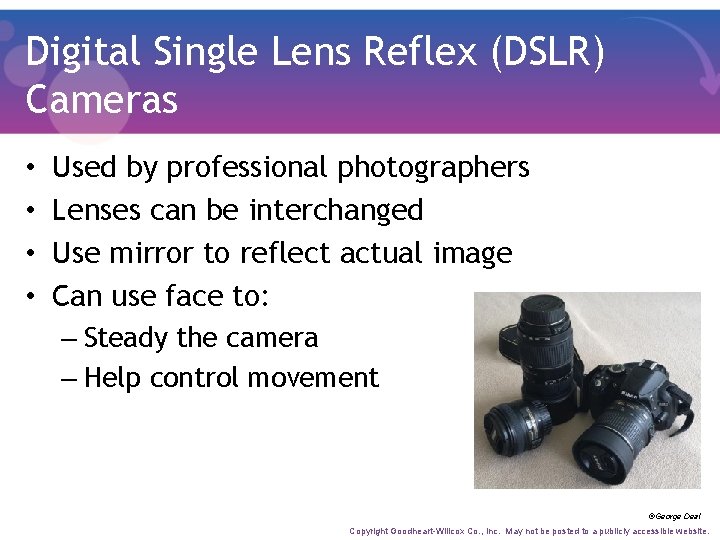
Digital Single Lens Reflex (DSLR) Cameras • • Used by professional photographers Lenses can be interchanged Use mirror to reflect actual image Can use face to: – Steady the camera – Help control movement ©George Deal Copyright Goodheart-Willcox Co. , Inc. May not be posted to a publicly accessible website.
Mirrorless Interchangeable Lens Cameras (MILC) • Bridge gap between point-and-shoot cameras and standard DSLRs • Quality rivals DSLRs • Look through lens to LED screen • Eliminates parallax Copyright Goodheart-Willcox Co. , Inc. May not be posted to a publicly accessible website.

Digital Camera Considerations • Camera should fit your needs • Higher number of pixels means increased picture resolution • Consider SD card size, capacity, and speed Copyright Goodheart-Willcox Co. , Inc. May not be posted to a publicly accessible website.
File Formats • JPEG – Standard 8 -bit default – Loss of data and quality – Faster shooting and processing • RAW – Shoots at 12 - and 14 -bits – File larger and slower to process Copyright Goodheart-Willcox Co. , Inc. May not be posted to a publicly accessible website.
Digital Camera Components and Features • • Lens Viewfinder and LCD Batteries Flash Image stabilization Exposure modes Image capture time Lighting Copyright Goodheart-Willcox Co. , Inc. May not be posted to a publicly accessible website.
Digital Camera Components and Features • Lens – May be permanent or detachable • Optical zoom – True zoom function • Digital zoom – Loses some detail • Lens aperture determines speed Copyright Goodheart-Willcox Co. , Inc. May not be posted to a publicly accessible website.
Viewfinder and LCD • Viewfinder – Used to frame scene and shoot picture • Liquid crystal display (LCD) screen – Displays exact image being photographed – Screen size does not impact image size – Allows in-camera review and editing Copyright Goodheart-Willcox Co. , Inc. May not be posted to a publicly accessible website.
Batteries • Point-and-shoot cameras – Tend to have shorter battery life – All components powered at same time • DSLR cameras – More efficient battery – Last considerably longer Copyright Goodheart-Willcox Co. , Inc. May not be posted to a publicly accessible website.
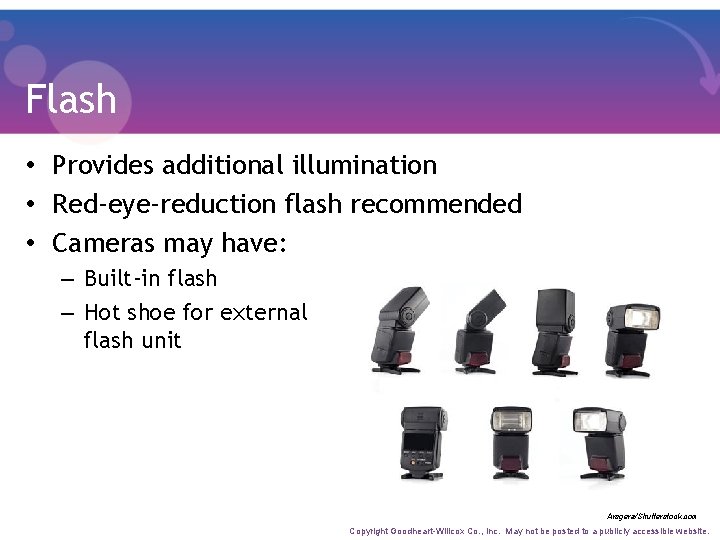
Flash • Provides additional illumination • Red-eye-reduction flash recommended • Cameras may have: – Built-in flash – Hot shoe for external flash unit Arsgera/Shutterstock. com Copyright Goodheart-Willcox Co. , Inc. May not be posted to a publicly accessible website.
Image Stabilization • Detects and counteracts camera movement • Useful for handheld shots – Taken at slower shutter speeds – With long focal-length lenses • Built into camera body or lens Copyright Goodheart-Willcox Co. , Inc. May not be posted to a publicly accessible website.
Exposure Modes • Fully automatic mode – Allows operator to point and shoot • Exposure controls – Should have aperture and shutter priority modes • Lower-end cameras now offer advanced features Copyright Goodheart-Willcox Co. , Inc. May not be posted to a publicly accessible website.
Image Capture Time • Internal buffer – Temporary storage area – Enables manipulation of data before transfer – Size determines number of sequential exposures before camera writes files to storage device Copyright Goodheart-Willcox Co. , Inc. May not be posted to a publicly accessible website.
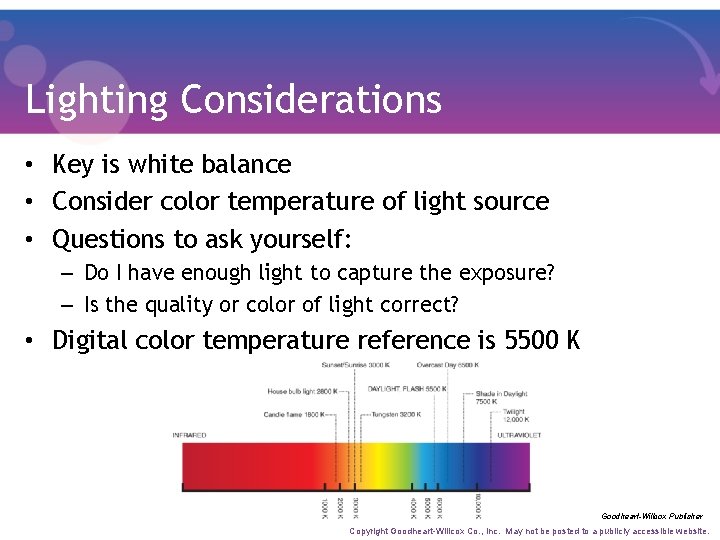
Lighting Considerations • Key is white balance • Consider color temperature of light source • Questions to ask yourself: – Do I have enough light to capture the exposure? – Is the quality or color of light correct? • Digital color temperature reference is 5500 K Goodheart-Willcox Publisher Copyright Goodheart-Willcox Co. , Inc. May not be posted to a publicly accessible website.
Lighting Considerations • Color temperature affected by: – Direction of daylight – How light falls on subject • Cameras with trilinear scanning arrays: – Require constant and steady lighting conditions • Slight variations can cause banding Copyright Goodheart-Willcox Co. , Inc. May not be posted to a publicly accessible website.
Lighting Considerations • Most commonly used lighting: – Electronic flash – Tungsten • Digital cameras using multiple exposures: – Require constant color temperature • Most flash equipment delivers 5500 K Copyright Goodheart-Willcox Co. , Inc. May not be posted to a publicly accessible website.
Lighting Considerations • Moderately expensive field cameras: – Have built-in flash-synchronized connections – Provide electronic bias for light sources • Less expensive point-and-shoot cameras: – Include built-in electronic flash capability Copyright Goodheart-Willcox Co. , Inc. May not be posted to a publicly accessible website.
Lighting Considerations • Shooting in JPEG format: – Calculate and compensate for white balance – Cannot be corrected with editing software • Shooting in RAW format: – No white balance issues – Easily adjusted in editing program Copyright Goodheart-Willcox Co. , Inc. May not be posted to a publicly accessible website.
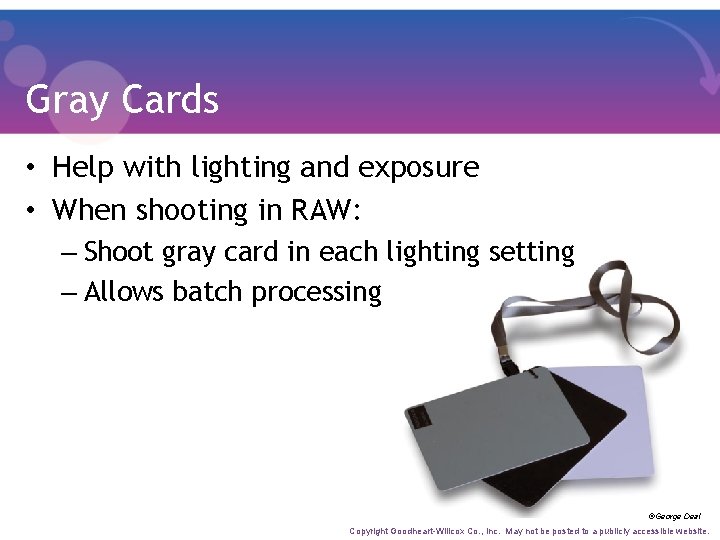
Gray Cards • Help with lighting and exposure • When shooting in RAW: – Shoot gray card in each lighting setting – Allows batch processing ©George Deal Copyright Goodheart-Willcox Co. , Inc. May not be posted to a publicly accessible website.
Career Link Digital Photographer • Common positions: – Portrait photographers – Commercial and industrial photographers – News photographers – Studio camera operators • Must be: – Technically proficient – Creative and imaginative – Familiar with editing software Copyright Goodheart-Willcox Co. , Inc. May not be posted to a publicly accessible website.
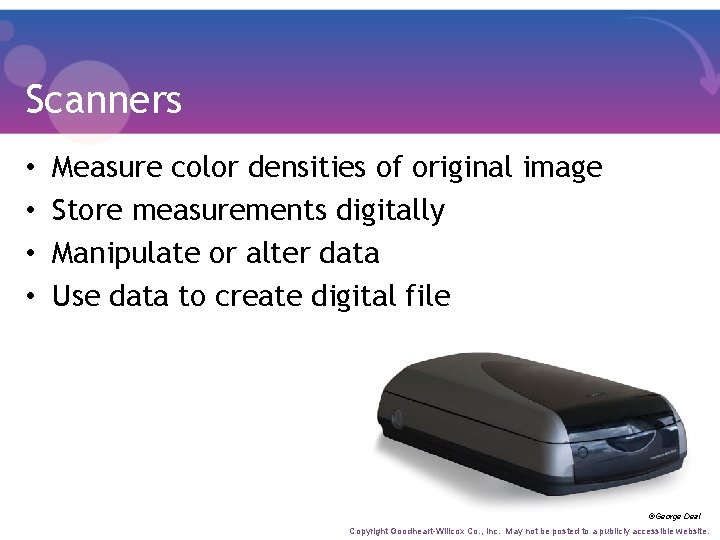
Scanners • • Measure color densities of original image Store measurements digitally Manipulate or alter data Use data to create digital file ©George Deal Copyright Goodheart-Willcox Co. , Inc. May not be posted to a publicly accessible website.
Scanners • Imaging quality affected by: – Dynamic range – Resolution – Quality of optics – Light source used – Number of bits per color – Aperture Copyright Goodheart-Willcox Co. , Inc. May not be posted to a publicly accessible website.
Scanners • Unsharp masking (USM) – Increase of tonal contrast where light and dark tones come together at edges – Accomplished electronically on color scanner • Almost any material can be scanned • Text scanning requires optical character recognition (OCR) system Copyright Goodheart-Willcox Co. , Inc. May not be posted to a publicly accessible website.
Portable Scanner • • • Lightweight and small Often powered by battery or USB May have built-in Wi-Fi Can scan multiple sizes and substrates Resolutions up to 1200 ppi Copyright Goodheart-Willcox Co. , Inc. May not be posted to a publicly accessible website.
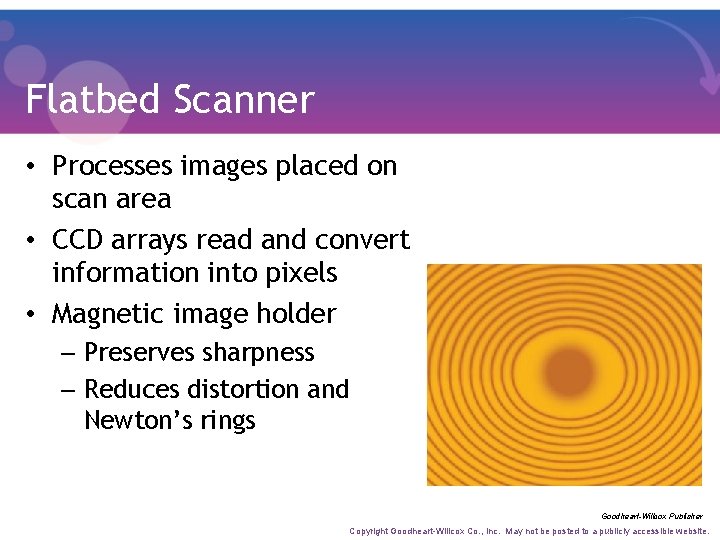
Flatbed Scanner • Processes images placed on scan area • CCD arrays read and convert information into pixels • Magnetic image holder – Preserves sharpness – Reduces distortion and Newton’s rings Goodheart-Willcox Publisher Copyright Goodheart-Willcox Co. , Inc. May not be posted to a publicly accessible website.
Flatbed Scanner • • Can scan materials of varied thickness Many can scan three-dimensional objects Adaptable to automation features Can set up bar codes with templates – Specify size, location, and resolution requirements Copyright Goodheart-Willcox Co. , Inc. May not be posted to a publicly accessible website.
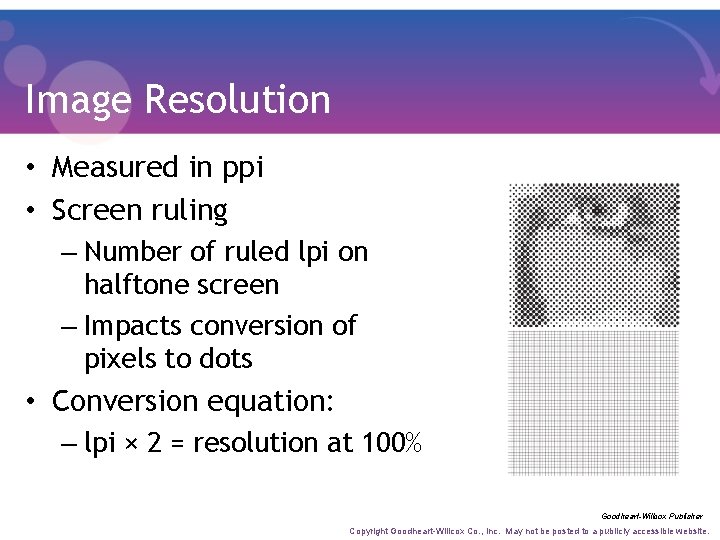
Image Resolution • Measured in ppi • Screen ruling – Number of ruled lpi on halftone screen – Impacts conversion of pixels to dots • Conversion equation: – lpi × 2 = resolution at 100% Goodheart-Willcox Publisher Copyright Goodheart-Willcox Co. , Inc. May not be posted to a publicly accessible website.
Image Resolution • Scaling images in layout software alters resolution • Important to know “real” resolution • Software menu displays effective ppi – Image resolution at scale in document Copyright Goodheart-Willcox Co. , Inc. May not be posted to a publicly accessible website.
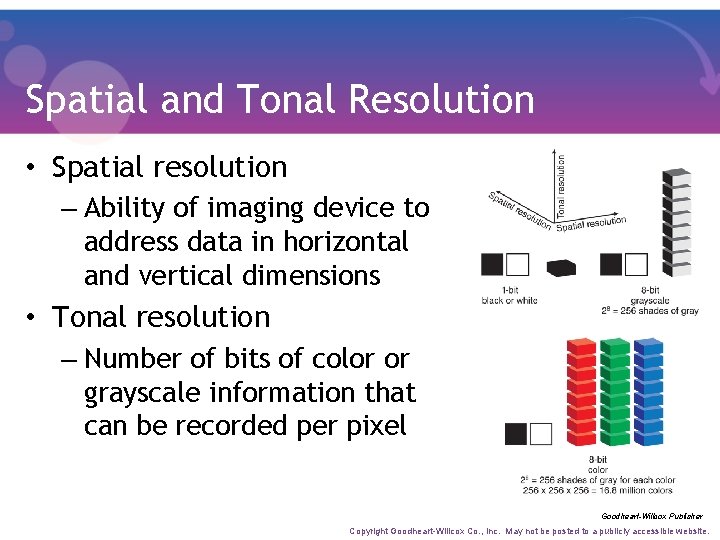
Spatial and Tonal Resolution • Spatial resolution – Ability of imaging device to address data in horizontal and vertical dimensions • Tonal resolution – Number of bits of color or grayscale information that can be recorded per pixel Goodheart-Willcox Publisher Copyright Goodheart-Willcox Co. , Inc. May not be posted to a publicly accessible website.
Exposure Latitude and Histogram • Exposure latitude – Amount of overexposure or underexposure acceptable for final production • Histogram – Graphic display of pixel value distribution – Good exposure characterized by: • Smooth tapering of highlight and shadow values Copyright Goodheart-Willcox Co. , Inc. May not be posted to a publicly accessible website.
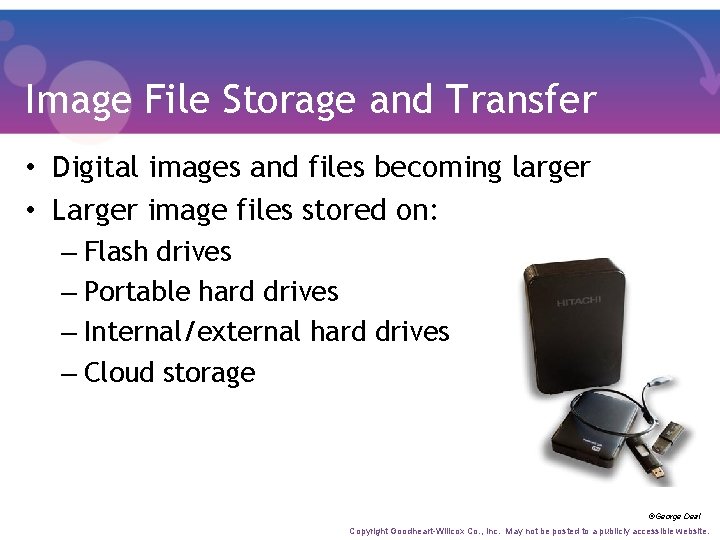
Image File Storage and Transfer • Digital images and files becoming larger • Larger image files stored on: – Flash drives – Portable hard drives – Internal/external hard drives – Cloud storage ©George Deal Copyright Goodheart-Willcox Co. , Inc. May not be posted to a publicly accessible website.
Data Transfer • Universal Serial Bus (USB) standard today – Type A plugs: storage devices and peripherals – Type B plugs: printer cables – Type Mini-B plugs: digital cameras • Fire. Wire device used for: – Hard disks – Audio and video equipment Copyright Goodheart-Willcox Co. , Inc. May not be posted to a publicly accessible website.
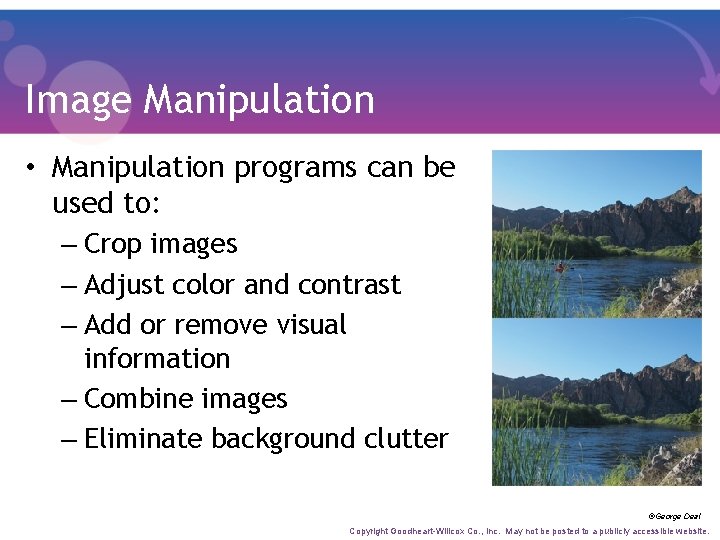
Image Manipulation • Manipulation programs can be used to: – Crop images – Adjust color and contrast – Add or remove visual information – Combine images – Eliminate background clutter ©George Deal Copyright Goodheart-Willcox Co. , Inc. May not be posted to a publicly accessible website.
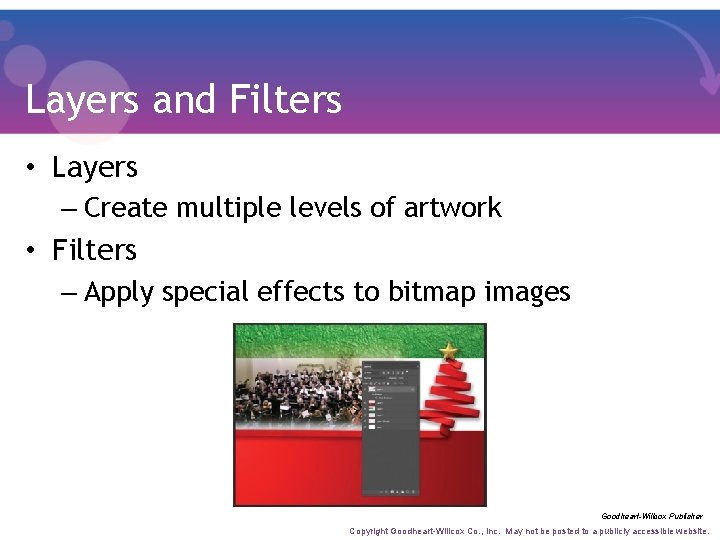
Layers and Filters • Layers – Create multiple levels of artwork • Filters – Apply special effects to bitmap images Goodheart-Willcox Publisher Copyright Goodheart-Willcox Co. , Inc. May not be posted to a publicly accessible website.
Paint Effects • Perform same functions as paint program – Fill in and erase colors – Create and add color – Assign and adjust color values and gradations Copyright Goodheart-Willcox Co. , Inc. May not be posted to a publicly accessible website.
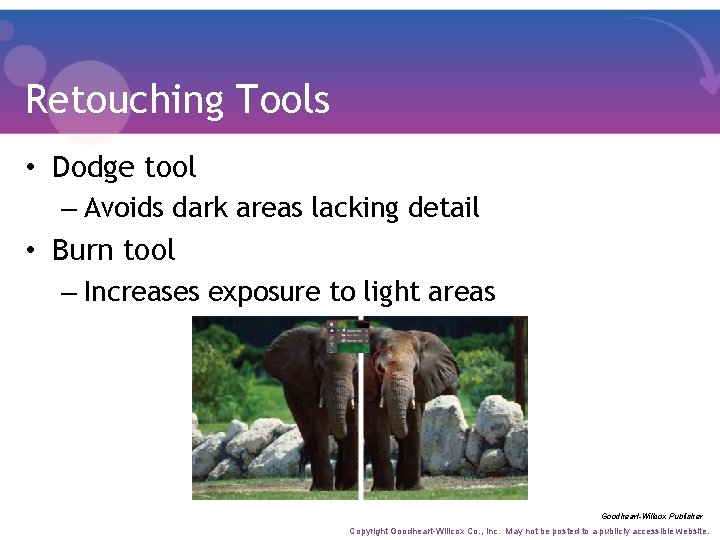
Retouching Tools • Dodge tool – Avoids dark areas lacking detail • Burn tool – Increases exposure to light areas Goodheart-Willcox Publisher Copyright Goodheart-Willcox Co. , Inc. May not be posted to a publicly accessible website.
Masks • Isolate and protect areas from changes applied to rest of image • Selecting part of image masks entire image • Semitransparent masks – Allow area of image to be partially affected • Consist of single or compound path Copyright Goodheart-Willcox Co. , Inc. May not be posted to a publicly accessible website.
Future Trends • Technology innovations have transformed prepress processes • Original artwork today often digital • Photographer’s role evolving – Can control how RGB-to-CMYK conversion affects appearance of images – Compelled to take on new responsibilities Copyright Goodheart-Willcox Co. , Inc. May not be posted to a publicly accessible website.
- Slides: 49