
Chapter 10 Files Starting Out with Programming Logic
- Slides: 21
Chapter 10: Files Starting Out with Programming Logic & Design Second Edition by Tony Gaddis Copyright © 2010 Pearson Education, Inc. Publishing as Pearson Addison-Wesley
Chapter Topics 10. 1 10. 2 10. 3 10. 4 10. 5 Introduction to File Input and Output Using Loops to Process Files Using Files and Arrays Processing Records Control Break Logic Copyright © 2010 Pearson Education, Inc. Publishing as Pearson Addison-Wesley 1 -2
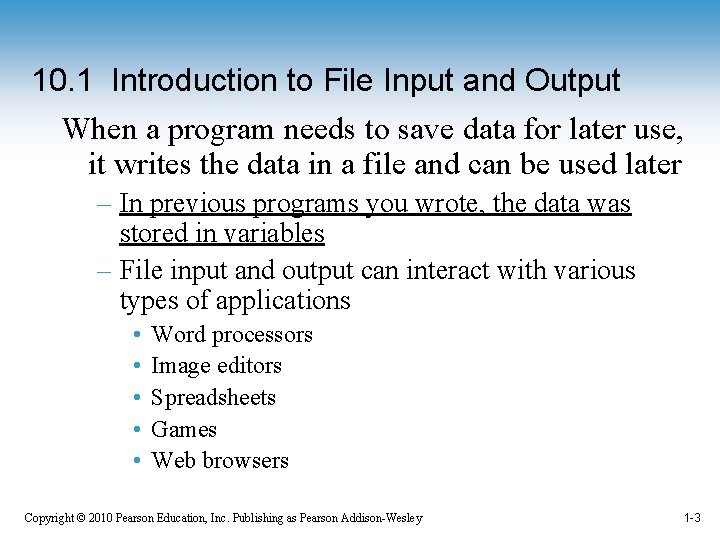
10. 1 Introduction to File Input and Output When a program needs to save data for later use, it writes the data in a file and can be used later – In previous programs you wrote, the data was stored in variables – File input and output can interact with various types of applications • • • Word processors Image editors Spreadsheets Games Web browsers Copyright © 2010 Pearson Education, Inc. Publishing as Pearson Addison-Wesley 1 -3
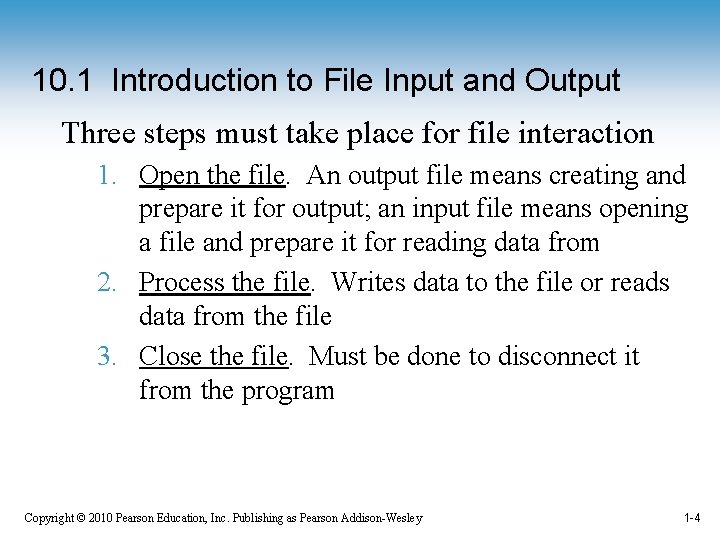
10. 1 Introduction to File Input and Output Three steps must take place for file interaction 1. Open the file. An output file means creating and prepare it for output; an input file means opening a file and prepare it for reading data from 2. Process the file. Writes data to the file or reads data from the file 3. Close the file. Must be done to disconnect it from the program Copyright © 2010 Pearson Education, Inc. Publishing as Pearson Addison-Wesley 1 -4
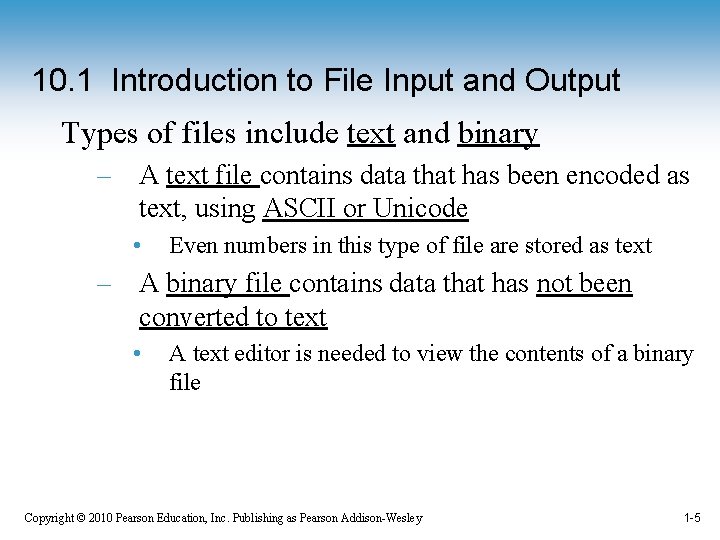
10. 1 Introduction to File Input and Output Types of files include text and binary – A text file contains data that has been encoded as text, using ASCII or Unicode • Even numbers in this type of file are stored as text – A binary file contains data that has not been converted to text • A text editor is needed to view the contents of a binary file Copyright © 2010 Pearson Education, Inc. Publishing as Pearson Addison-Wesley 1 -5
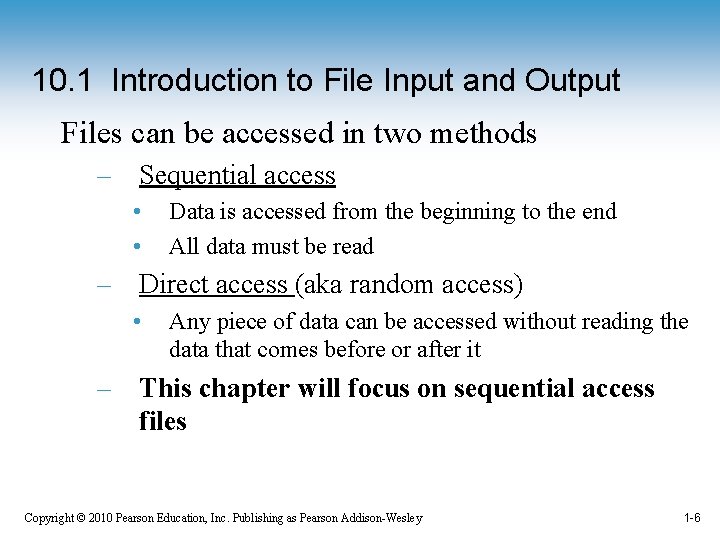
10. 1 Introduction to File Input and Output Files can be accessed in two methods – Sequential access • • Data is accessed from the beginning to the end All data must be read – Direct access (aka random access) • Any piece of data can be accessed without reading the data that comes before or after it – This chapter will focus on sequential access files Copyright © 2010 Pearson Education, Inc. Publishing as Pearson Addison-Wesley 1 -6
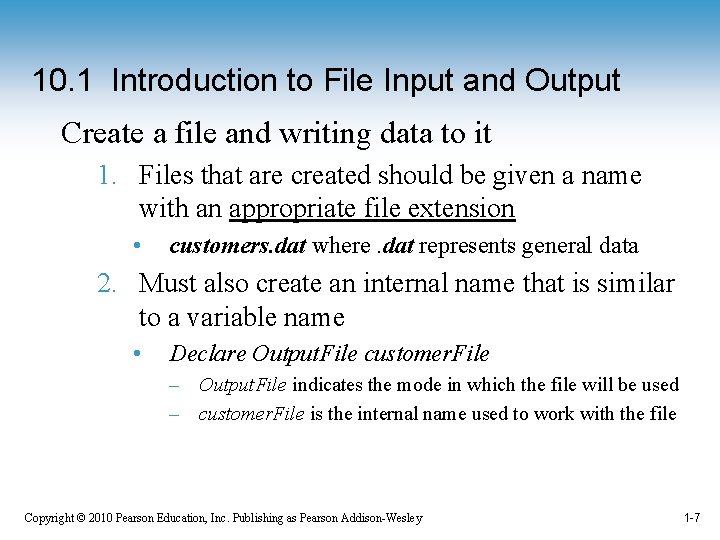
10. 1 Introduction to File Input and Output Create a file and writing data to it 1. Files that are created should be given a name with an appropriate file extension • customers. dat where. dat represents general data 2. Must also create an internal name that is similar to a variable name • Declare Output. File customer. File – Output. File indicates the mode in which the file will be used – customer. File is the internal name used to work with the file Copyright © 2010 Pearson Education, Inc. Publishing as Pearson Addison-Wesley 1 -7
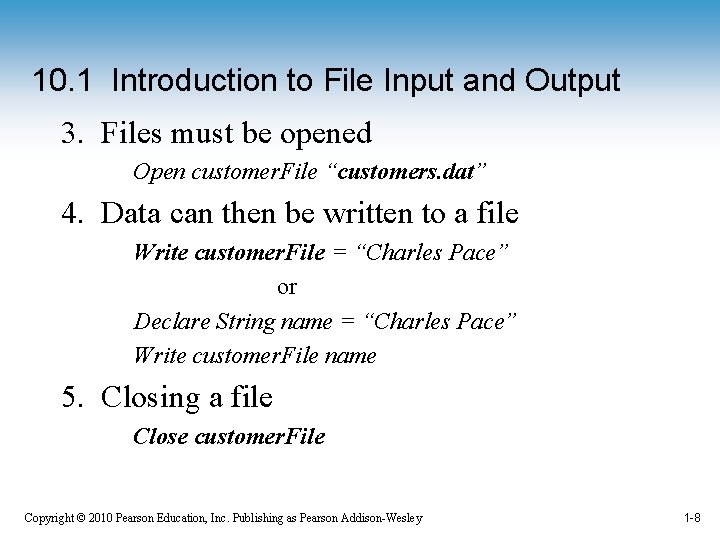
10. 1 Introduction to File Input and Output 3. Files must be opened Open customer. File “customers. dat” 4. Data can then be written to a file Write customer. File = “Charles Pace” or Declare String name = “Charles Pace” Write customer. File name 5. Closing a file Close customer. File Copyright © 2010 Pearson Education, Inc. Publishing as Pearson Addison-Wesley 1 -8
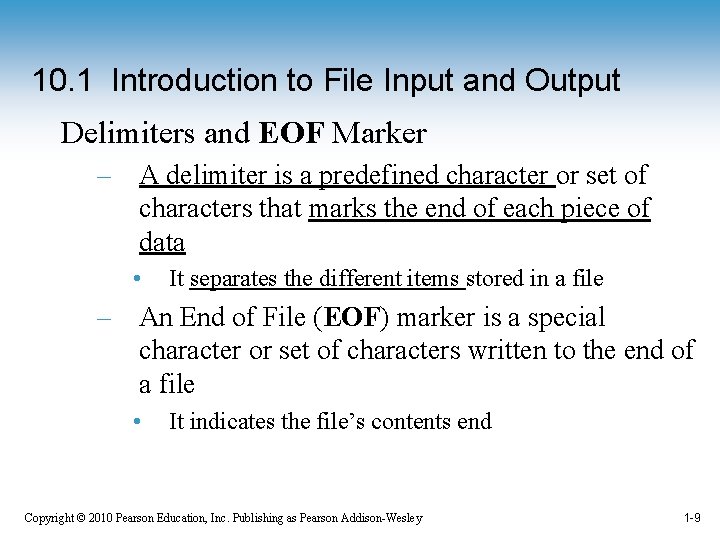
10. 1 Introduction to File Input and Output Delimiters and EOF Marker – A delimiter is a predefined character or set of characters that marks the end of each piece of data • It separates the different items stored in a file – An End of File (EOF) marker is a special character or set of characters written to the end of a file • It indicates the file’s contents end Copyright © 2010 Pearson Education, Inc. Publishing as Pearson Addison-Wesley 1 -9
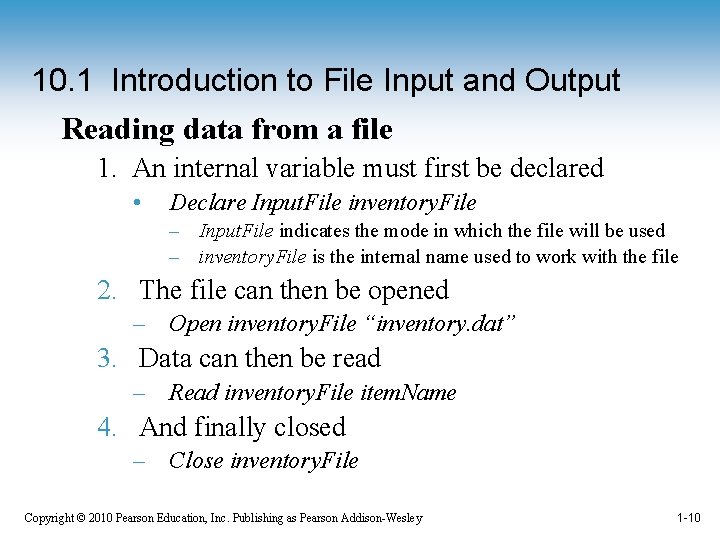
10. 1 Introduction to File Input and Output Reading data from a file 1. An internal variable must first be declared • Declare Input. File inventory. File – Input. File indicates the mode in which the file will be used – inventory. File is the internal name used to work with the file 2. The file can then be opened – Open inventory. File “inventory. dat” 3. Data can then be read – Read inventory. File item. Name 4. And finally closed – Close inventory. File Copyright © 2010 Pearson Education, Inc. Publishing as Pearson Addison-Wesley 1 -10
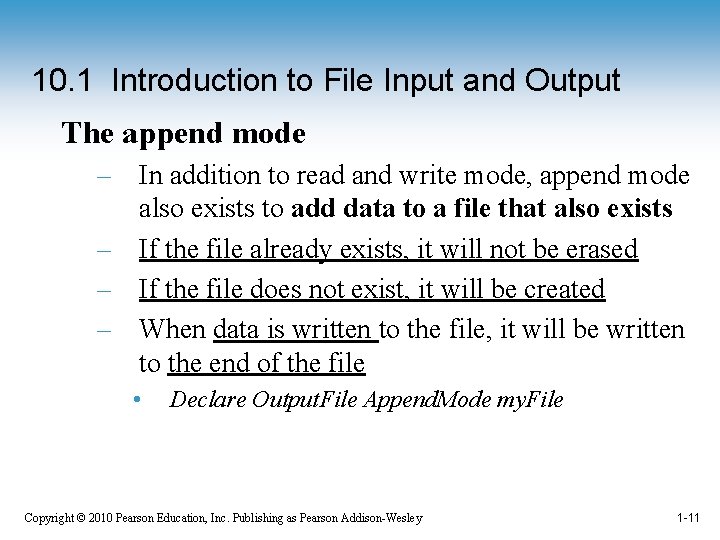
10. 1 Introduction to File Input and Output The append mode – In addition to read and write mode, append mode also exists to add data to a file that also exists – If the file already exists, it will not be erased – If the file does not exist, it will be created – When data is written to the file, it will be written to the end of the file • Declare Output. File Append. Mode my. File Copyright © 2010 Pearson Education, Inc. Publishing as Pearson Addison-Wesley 1 -11
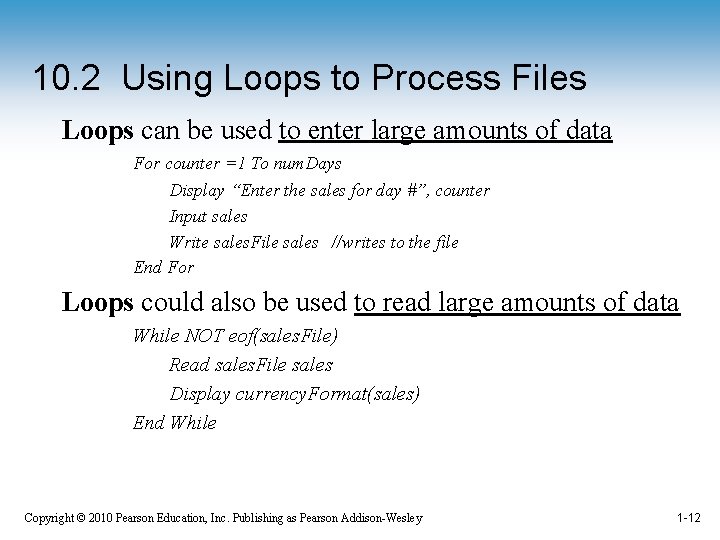
10. 2 Using Loops to Process Files Loops can be used to enter large amounts of data For counter =1 To num. Days Display “Enter the sales for day #”, counter Input sales Write sales. File sales //writes to the file End For Loops could also be used to read large amounts of data While NOT eof(sales. File) Read sales. File sales Display currency. Format(sales) End While Copyright © 2010 Pearson Education, Inc. Publishing as Pearson Addison-Wesley 1 -12
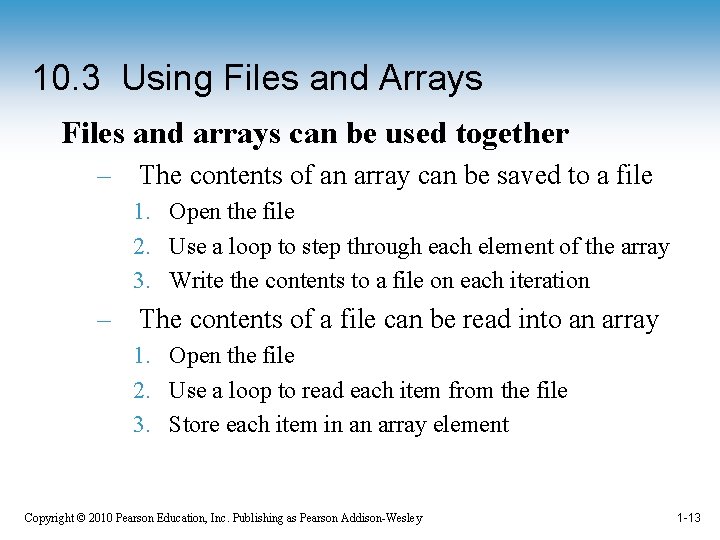
10. 3 Using Files and Arrays Files and arrays can be used together – The contents of an array can be saved to a file 1. Open the file 2. Use a loop to step through each element of the array 3. Write the contents to a file on each iteration – The contents of a file can be read into an array 1. Open the file 2. Use a loop to read each item from the file 3. Store each item in an array element Copyright © 2010 Pearson Education, Inc. Publishing as Pearson Addison-Wesley 1 -13
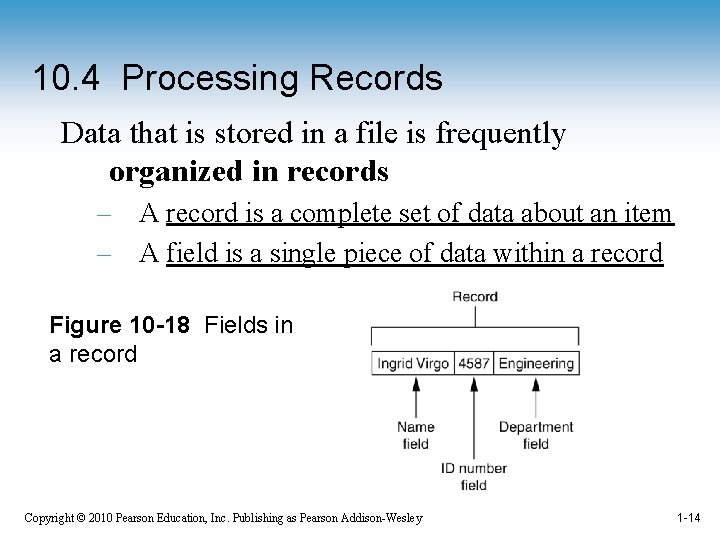
10. 4 Processing Records Data that is stored in a file is frequently organized in records – A record is a complete set of data about an item – A field is a single piece of data within a record Figure 10 -18 Fields in a record Copyright © 2010 Pearson Education, Inc. Publishing as Pearson Addison-Wesley 1 -14
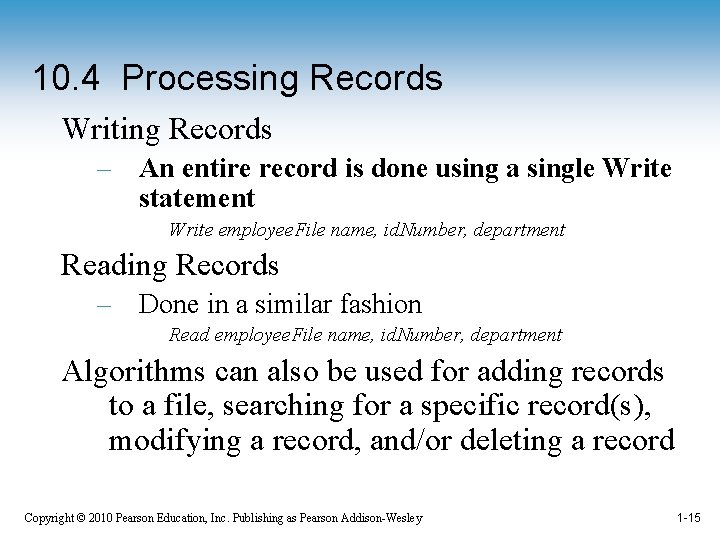
10. 4 Processing Records Writing Records – An entire record is done using a single Write statement Write employee. File name, id. Number, department Reading Records – Done in a similar fashion Read employee. File name, id. Number, department Algorithms can also be used for adding records to a file, searching for a specific record(s), modifying a record, and/or deleting a record Copyright © 2010 Pearson Education, Inc. Publishing as Pearson Addison-Wesley 1 -15
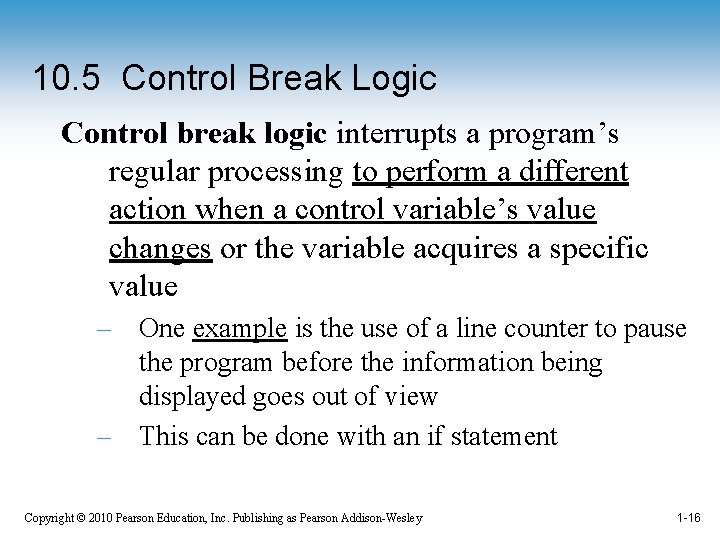
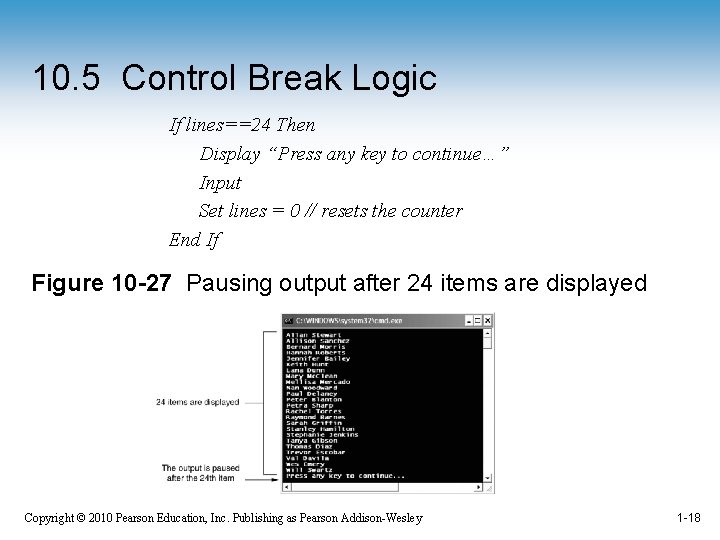
10. 5 Control Break Logic Control break logic interrupts a program’s regular processing to perform a different action when a control variable’s value changes or the variable acquires a specific value – One example is the use of a line counter to pause the program before the information being displayed goes out of view – This can be done with an if statement Copyright © 2010 Pearson Education, Inc. Publishing as Pearson Addison-Wesley 1 -16
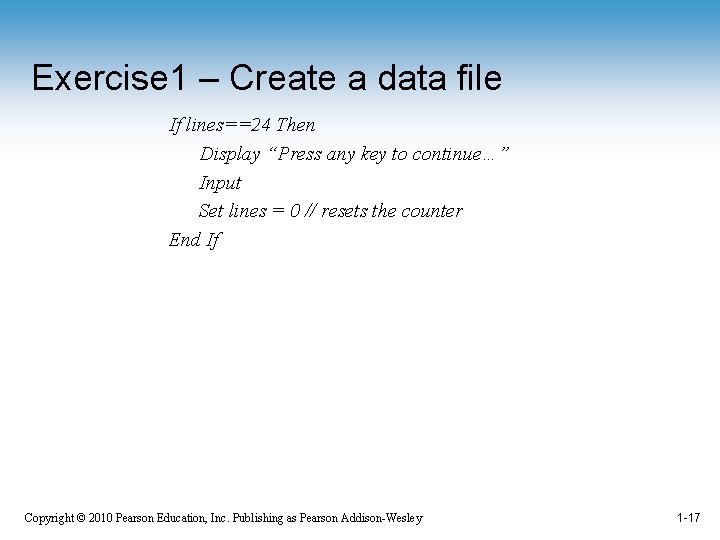
Exercise 1 – Create a data file If lines==24 Then Display “Press any key to continue…” Input Set lines = 0 // resets the counter End If Copyright © 2010 Pearson Education, Inc. Publishing as Pearson Addison-Wesley 1 -17
10. 5 Control Break Logic If lines==24 Then Display “Press any key to continue…” Input Set lines = 0 // resets the counter End If Figure 10 -27 Pausing output after 24 items are displayed Copyright © 2010 Pearson Education, Inc. Publishing as Pearson Addison-Wesley 1 -18
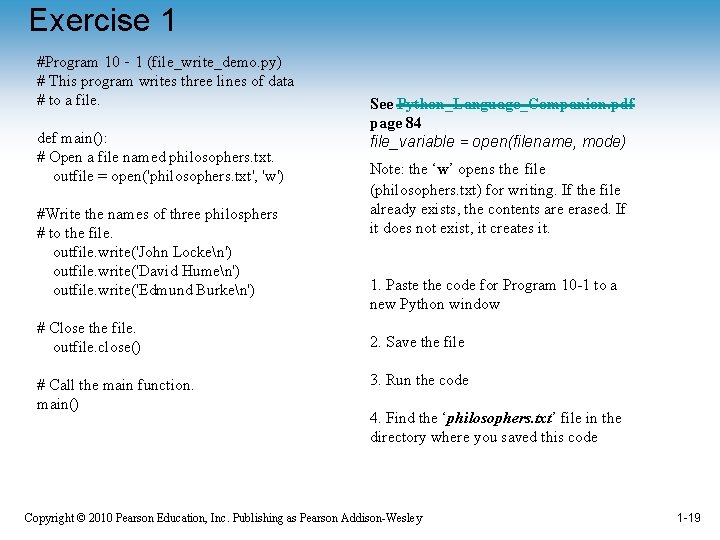
Exercise 1 #Program 10‐ 1 (file_write_demo. py) # This program writes three lines of data # to a file. def main(): # Open a file named philosophers. txt. outfile = open('philosophers. txt', 'w') #Write the names of three philosphers # to the file. outfile. write('John Locken') outfile. write('David Humen') outfile. write('Edmund Burken') # Close the file. outfile. close() # Call the main function. main() See Python_Language_Companion. pdf page 84 file_variable = open(filename, mode) Note: the ‘w’ opens the file (philosophers. txt) for writing. If the file already exists, the contents are erased. If it does not exist, it creates it. 1. Paste the code for Program 10 -1 to a new Python window 2. Save the file 3. Run the code 4. Find the ‘philosophers. txt’ file in the directory where you saved this code Copyright © 2010 Pearson Education, Inc. Publishing as Pearson Addison-Wesley 1 -19
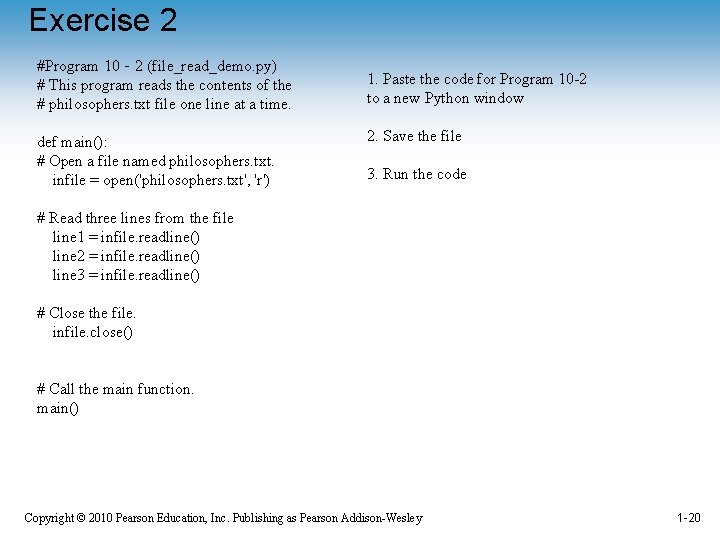
Exercise 2 #Program 10‐ 2 (file_read_demo. py) # This program reads the contents of the # philosophers. txt file one line at a time. def main(): # Open a file named philosophers. txt. infile = open('philosophers. txt', 'r') 1. Paste the code for Program 10 -2 to a new Python window 2. Save the file 3. Run the code # Read three lines from the file line 1 = infile. readline() line 2 = infile. readline() line 3 = infile. readline() # Close the file. infile. close() # Call the main function. main() Copyright © 2010 Pearson Education, Inc. Publishing as Pearson Addison-Wesley 1 -20
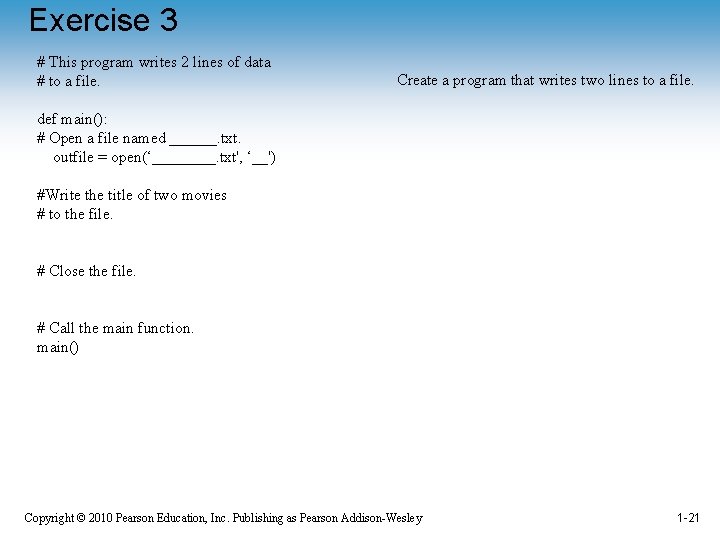
Exercise 3 # This program writes 2 lines of data # to a file. Create a program that writes two lines to a file. def main(): # Open a file named ______. txt. outfile = open(‘____. txt', ‘__') #Write the title of two movies # to the file. # Close the file. # Call the main function. main() Copyright © 2010 Pearson Education, Inc. Publishing as Pearson Addison-Wesley 1 -21