
Chapter 10 Application Layer Instructor Materials CCNA Routing









- Slides: 39
Chapter 10: Application Layer Instructor Materials CCNA Routing and Switching Introduction to Networks v 6. 0
Chapter 10: Application Layer Introduction to Networks 6. 0 Planning Guide © 2016 Cisco and/or its affiliates. All rights reserved. Cisco Confidential 3
Chapter 10: Application Layer Curriculum Title Introduction to Networks v 6. 0
Chapter 10 - Sections & Objectives § 10. 1 Application Layer Protocols • Explain the operation of the application layer in providing support to end-user applications. • Explain how the functions of the application layer, session layer, and presentation layer work together to provide network services to end user applications • Explain how common application layer protocols interact with end user applications. § 10. 2 Well-Known Application Protocols and Services • Explain how well-known TCP/IP application layer protocols operate. • Explain how web and email protocols operate. • Explain how DNS and DHCP operate. • Explain how file transfer protocols operate. © 2016 Cisco and/or its affiliates. All rights reserved. Cisco Confidential 13
10. 1 Application Layer Protocols © 2016 Cisco and/or its affiliates. All rights reserved. Cisco Confidential 14
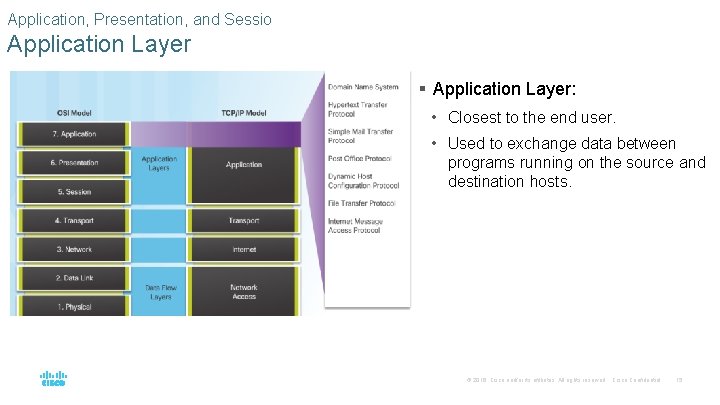
Application, Presentation, and Sessio Application Layer § Application Layer: • Closest to the end user. • Used to exchange data between programs running on the source and destination hosts. © 2016 Cisco and/or its affiliates. All rights reserved. Cisco Confidential 15
Application, Presentation, and Session Presentation and Session Layer § Presentation Layer function: • Formatting data at the source device into a compatible form for the receiving device. • Compressing data. • Encrypting data. § Session Layer Function • Create and maintain dialogs between source and destination applications. © 2016 Cisco and/or its affiliates. All rights reserved. Cisco Confidential 16
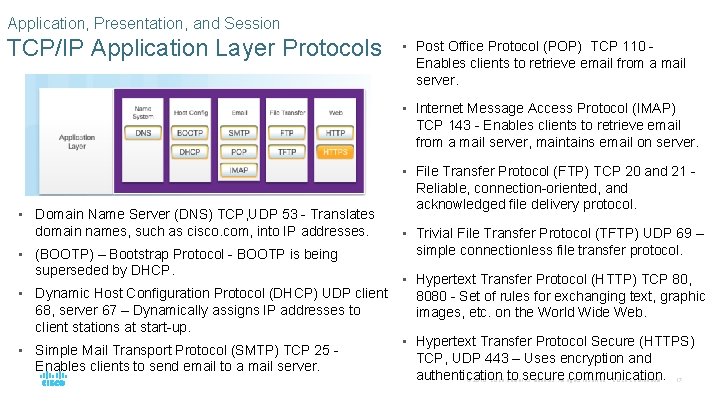
Application, Presentation, and Session TCP/IP Application Layer Protocols • Post Office Protocol (POP) TCP 110 - Enables clients to retrieve email from a mail server. • Internet Message Access Protocol (IMAP) TCP 143 - Enables clients to retrieve email from a mail server, maintains email on server. • File Transfer Protocol (FTP) TCP 20 and 21 - • Domain Name Server (DNS) TCP, UDP 53 - Translates domain names, such as cisco. com, into IP addresses. • (BOOTP) – Bootstrap Protocol - BOOTP is being superseded by DHCP. • Dynamic Host Configuration Protocol (DHCP) UDP client 68, server 67 – Dynamically assigns IP addresses to client stations at start-up. • Simple Mail Transport Protocol (SMTP) TCP 25 Enables clients to send email to a mail server. Reliable, connection-oriented, and acknowledged file delivery protocol. • Trivial File Transfer Protocol (TFTP) UDP 69 – simple connectionless file transfer protocol. • Hypertext Transfer Protocol (HTTP) TCP 80, 8080 - Set of rules for exchanging text, graphic images, etc. on the World Wide Web. • Hypertext Transfer Protocol Secure (HTTPS) TCP, UDP 443 – Uses encryption and authentication to secure communication. © 2016 Cisco and/or its affiliates. All rights reserved. Cisco Confidential 17
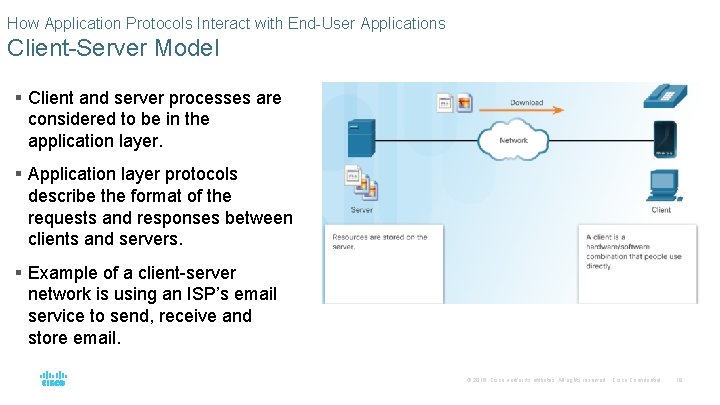
How Application Protocols Interact with End-User Applications Client-Server Model § Client and server processes are considered to be in the application layer. § Application layer protocols describe the format of the requests and responses between clients and servers. § Example of a client-server network is using an ISP’s email service to send, receive and store email. © 2016 Cisco and/or its affiliates. All rights reserved. Cisco Confidential 18
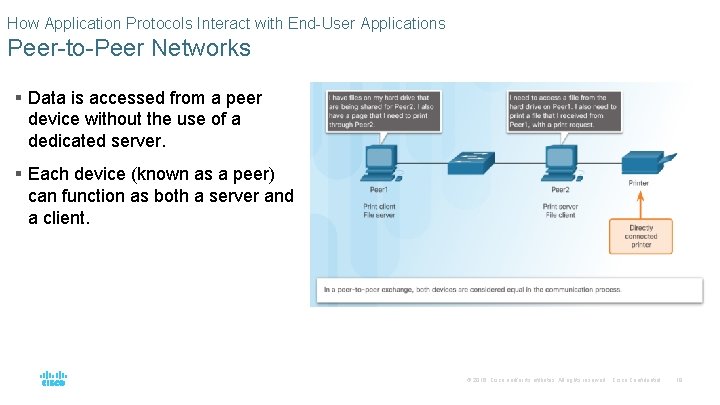
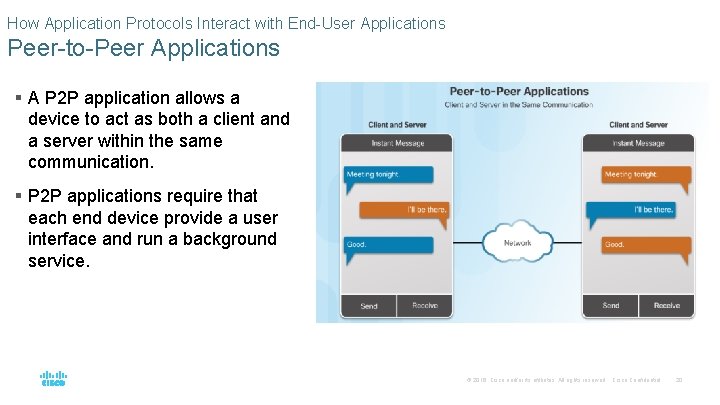
How Application Protocols Interact with End-User Applications Peer-to-Peer Networks § Data is accessed from a peer device without the use of a dedicated server. § Each device (known as a peer) can function as both a server and a client. © 2016 Cisco and/or its affiliates. All rights reserved. Cisco Confidential 19
How Application Protocols Interact with End-User Applications Peer-to-Peer Applications § A P 2 P application allows a device to act as both a client and a server within the same communication. § P 2 P applications require that each end device provide a user interface and run a background service. © 2016 Cisco and/or its affiliates. All rights reserved. Cisco Confidential 20
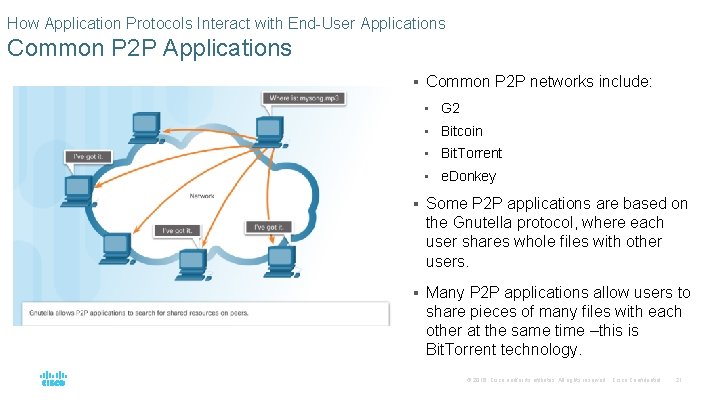
How Application Protocols Interact with End-User Applications Common P 2 P Applications § Common P 2 P networks include: • G 2 • Bitcoin • Bit. Torrent • e. Donkey § Some P 2 P applications are based on the Gnutella protocol, where each user shares whole files with other users. § Many P 2 P applications allow users to share pieces of many files with each other at the same time –this is Bit. Torrent technology. © 2016 Cisco and/or its affiliates. All rights reserved. Cisco Confidential 21
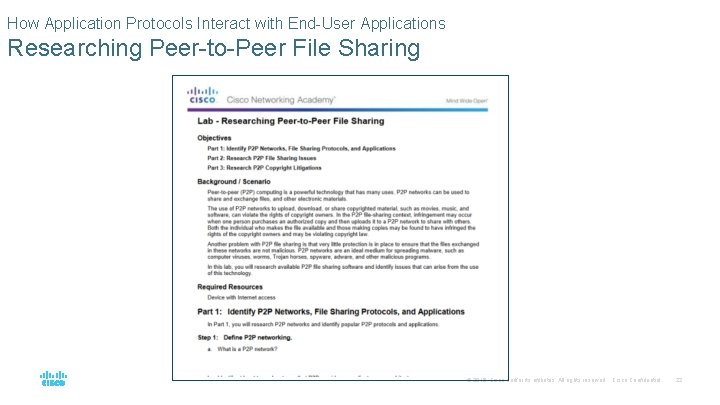
How Application Protocols Interact with End-User Applications Researching Peer-to-Peer File Sharing © 2016 Cisco and/or its affiliates. All rights reserved. Cisco Confidential 22
10. 2 Well-Known Application Layer Protocols and Services © 2016 Cisco and/or its affiliates. All rights reserved. Cisco Confidential 23
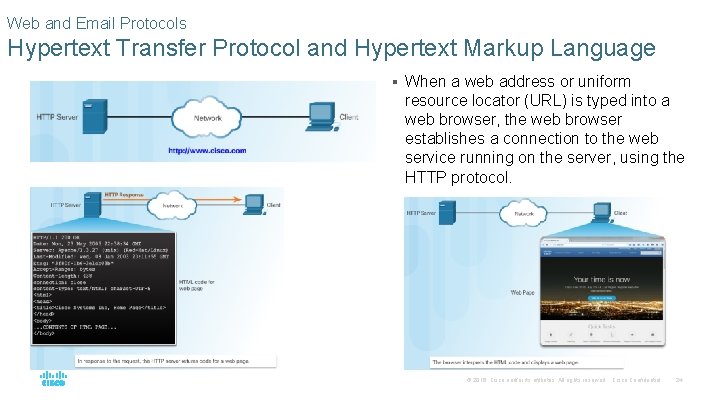
Web and Email Protocols Hypertext Transfer Protocol and Hypertext Markup Language § When a web address or uniform resource locator (URL) is typed into a web browser, the web browser establishes a connection to the web service running on the server, using the HTTP protocol. © 2016 Cisco and/or its affiliates. All rights reserved. Cisco Confidential 24
Web and Email Protocols HTTP and HTTPS § HTTP is a request/response protocol. § Three common HTTP message types are: • GET - A client request for data. • POST - Uploads data files to the web server. • PUT - Uploads resources or content to the web server. § HTTP Secure (HTTPS) protocol uses encryption and authentication to secure data. © 2016 Cisco and/or its affiliates. All rights reserved. Cisco Confidential 25
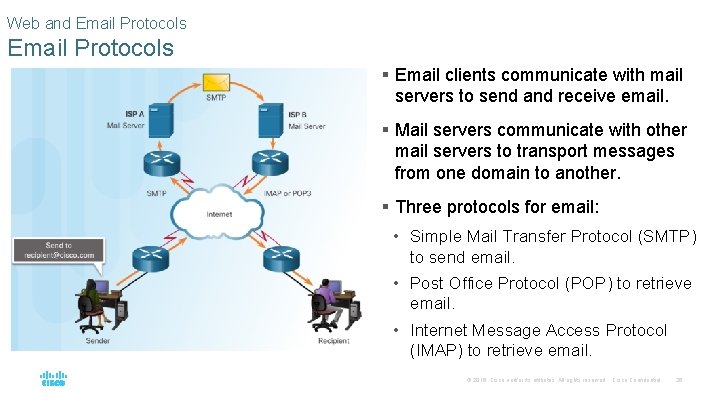
Web and Email Protocols § Email clients communicate with mail servers to send and receive email. § Mail servers communicate with other mail servers to transport messages from one domain to another. § Three protocols for email: • Simple Mail Transfer Protocol (SMTP) to send email. • Post Office Protocol (POP) to retrieve email. • Internet Message Access Protocol (IMAP) to retrieve email. © 2016 Cisco and/or its affiliates. All rights reserved. Cisco Confidential 26
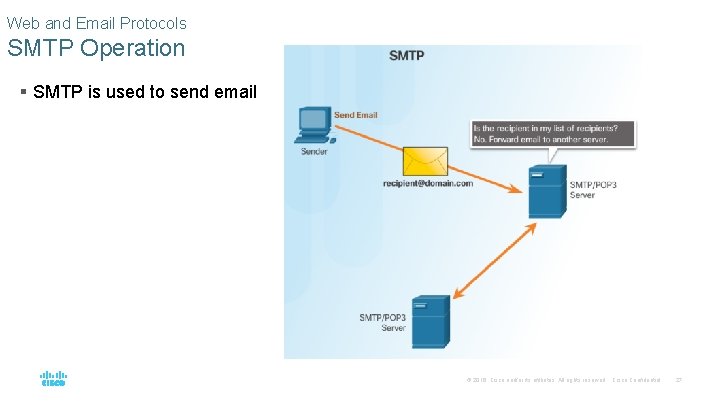
Web and Email Protocols SMTP Operation § SMTP is used to send email © 2016 Cisco and/or its affiliates. All rights reserved. Cisco Confidential 27
Web and Email Protocols POP Operation § POP is used to retrieve email from a mail server. § Email is downloaded from the server to the client and then deleted on the server. © 2016 Cisco and/or its affiliates. All rights reserved. Cisco Confidential 28
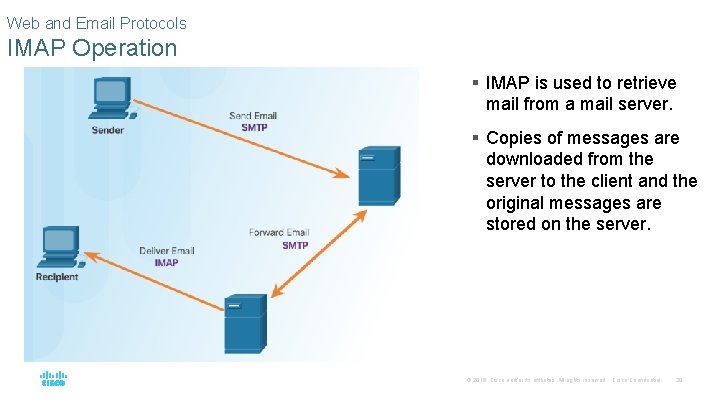
Web and Email Protocols IMAP Operation § IMAP is used to retrieve mail from a mail server. § Copies of messages are downloaded from the server to the client and the original messages are stored on the server. © 2016 Cisco and/or its affiliates. All rights reserved. Cisco Confidential 29
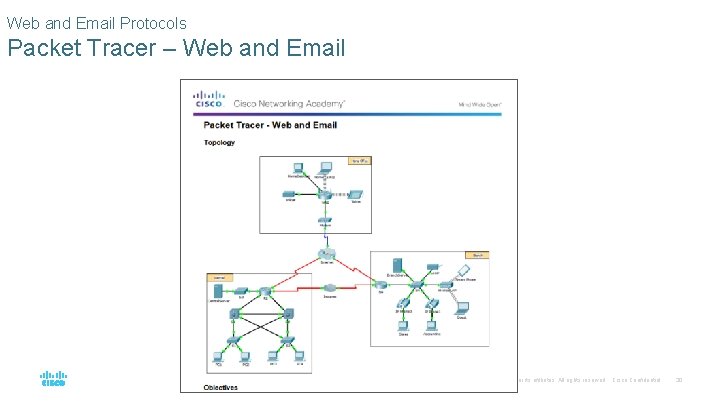
Web and Email Protocols Packet Tracer – Web and Email © 2016 Cisco and/or its affiliates. All rights reserved. Cisco Confidential 30
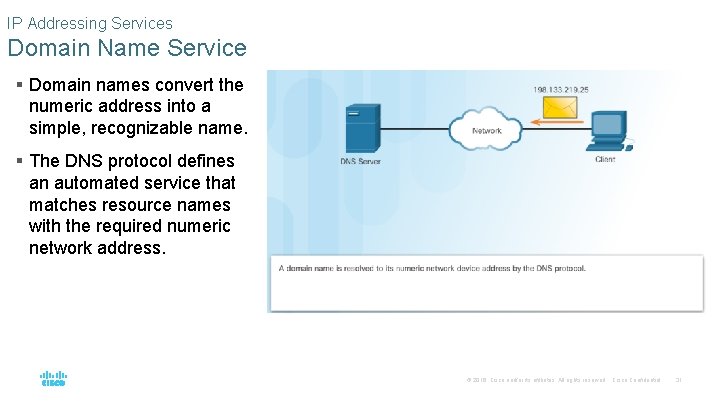
IP Addressing Services Domain Name Service § Domain names convert the numeric address into a simple, recognizable name. § The DNS protocol defines an automated service that matches resource names with the required numeric network address. © 2016 Cisco and/or its affiliates. All rights reserved. Cisco Confidential 31
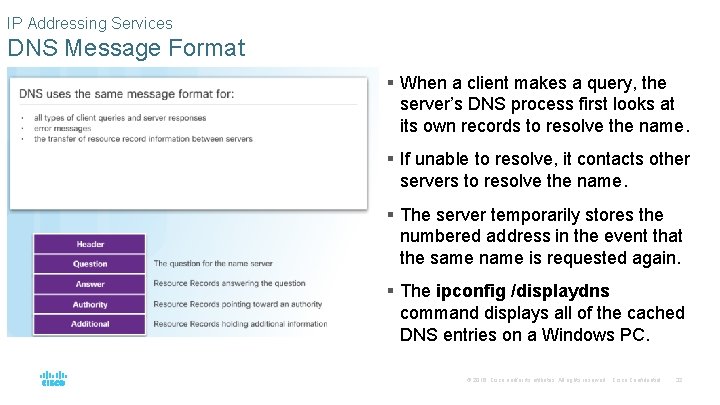
IP Addressing Services DNS Message Format § When a client makes a query, the server’s DNS process first looks at its own records to resolve the name. § If unable to resolve, it contacts other servers to resolve the name. § The server temporarily stores the numbered address in the event that the same name is requested again. § The ipconfig /displaydns command displays all of the cached DNS entries on a Windows PC. © 2016 Cisco and/or its affiliates. All rights reserved. Cisco Confidential 32
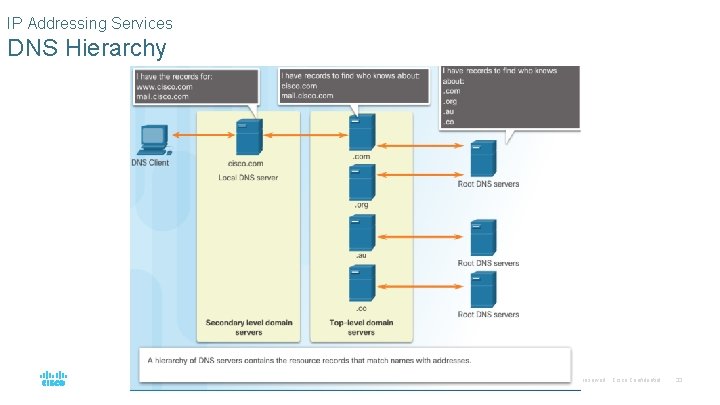
IP Addressing Services DNS Hierarchy © 2016 Cisco and/or its affiliates. All rights reserved. Cisco Confidential 33
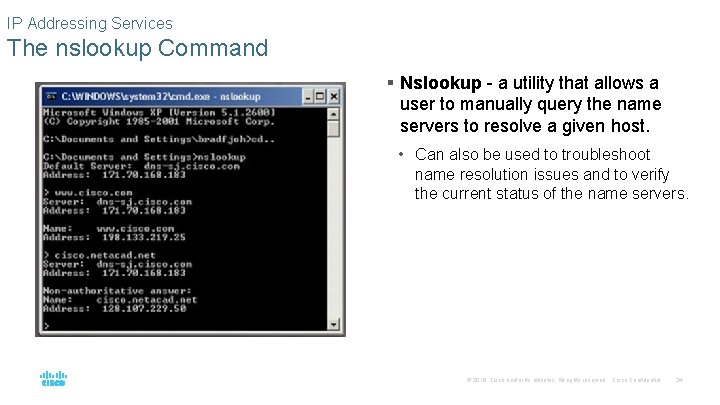
IP Addressing Services The nslookup Command § Nslookup - a utility that allows a user to manually query the name servers to resolve a given host. • Can also be used to troubleshoot name resolution issues and to verify the current status of the name servers. © 2016 Cisco and/or its affiliates. All rights reserved. Cisco Confidential 34
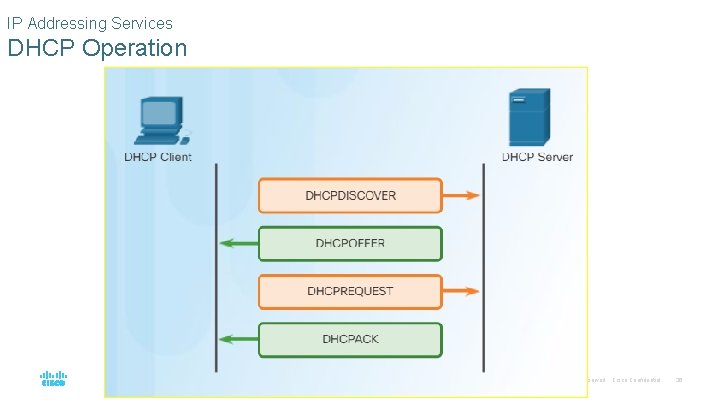
IP Addressing Services Dynamic Host Configuration Protocol § The Dynamic Host Configuration Protocol (DHCP) for IPv 4 automates the assignment of IPv 4 addresses, subnet masks, gateways, and other parameters. § DHCP-distributed addresses are leased for a set period of time, then returned to pool for reuse. § DHCP is usually employed for end user devices. Static addressing is used for network devices, such as gateways, switches, servers, and printers. § DHCPv 6 (DHCP for IPv 6) provides similar services for IPv 6 clients. © 2016 Cisco and/or its affiliates. All rights reserved. Cisco Confidential 35
IP Addressing Services DHCP Operation © 2016 Cisco and/or its affiliates. All rights reserved. Cisco Confidential 36
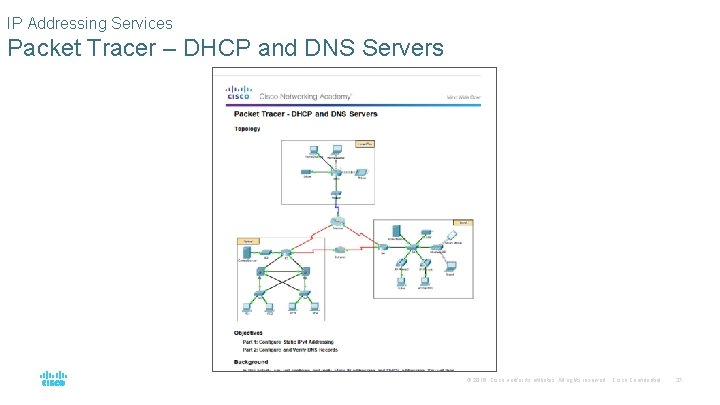
IP Addressing Services Packet Tracer – DHCP and DNS Servers © 2016 Cisco and/or its affiliates. All rights reserved. Cisco Confidential 37
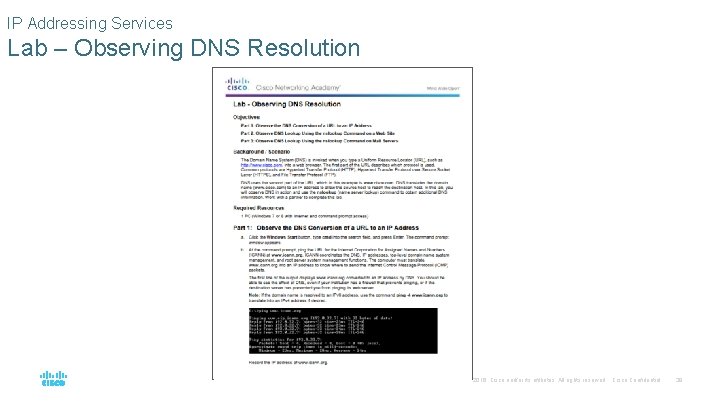
IP Addressing Services Lab – Observing DNS Resolution © 2016 Cisco and/or its affiliates. All rights reserved. Cisco Confidential 38
File Sharing Services File Transfer Protocol § FTP requires two connections between the client and the server, one for commands and replies, the other for the actual file transfer: • The client establishes the first connection to the server for control traffic using TCP port 21. • The client establishes the second connection to the server for the actual data transfer using TCP port 20. © 2016 Cisco and/or its affiliates. All rights reserved. Cisco Confidential 39
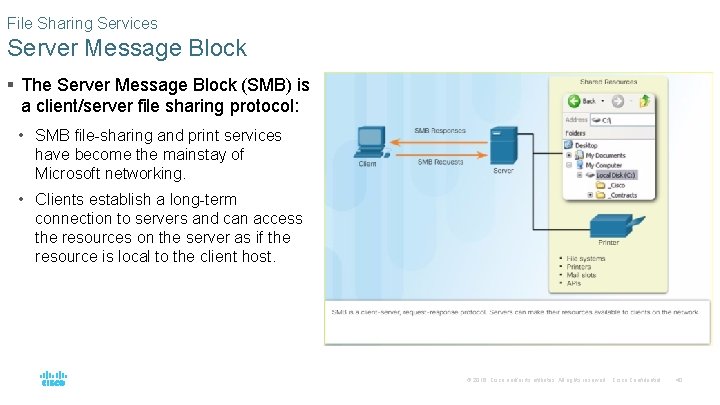
File Sharing Services Server Message Block § The Server Message Block (SMB) is a client/server file sharing protocol: • SMB file-sharing and print services have become the mainstay of Microsoft networking. • Clients establish a long-term connection to servers and can access the resources on the server as if the resource is local to the client host. © 2016 Cisco and/or its affiliates. All rights reserved. Cisco Confidential 40
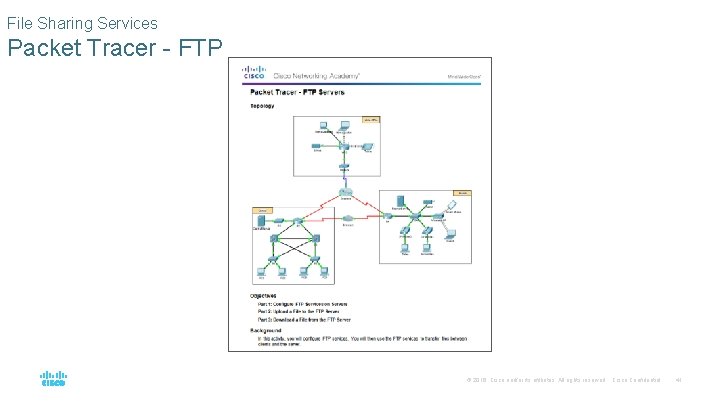
File Sharing Services Packet Tracer - FTP © 2016 Cisco and/or its affiliates. All rights reserved. Cisco Confidential 41
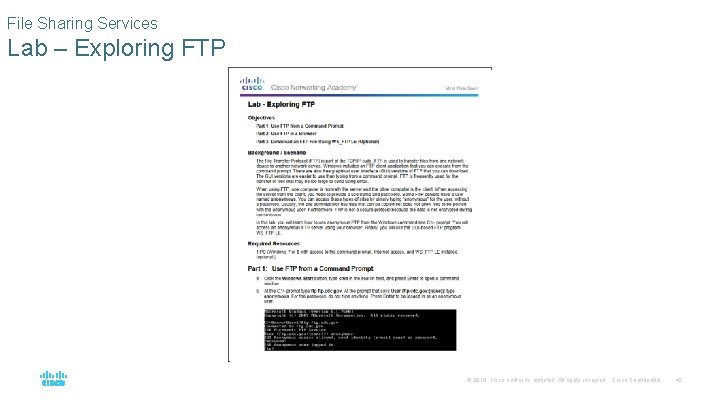
File Sharing Services Lab – Exploring FTP © 2016 Cisco and/or its affiliates. All rights reserved. Cisco Confidential 42
10. 3 Summary © 2016 Cisco and/or its affiliates. All rights reserved. Cisco Confidential 43
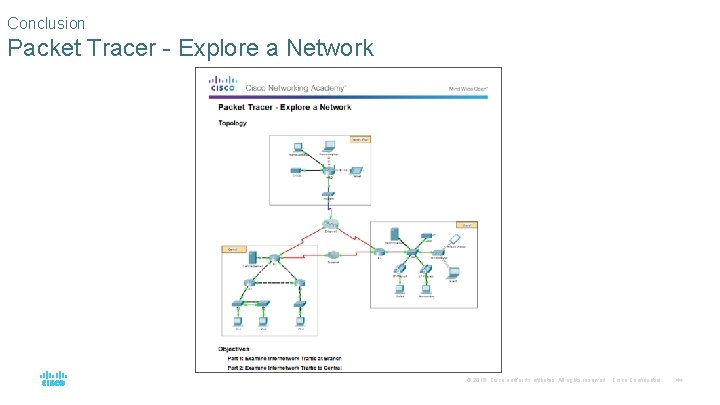
Conclusion Packet Tracer - Explore a Network © 2016 Cisco and/or its affiliates. All rights reserved. Cisco Confidential 44
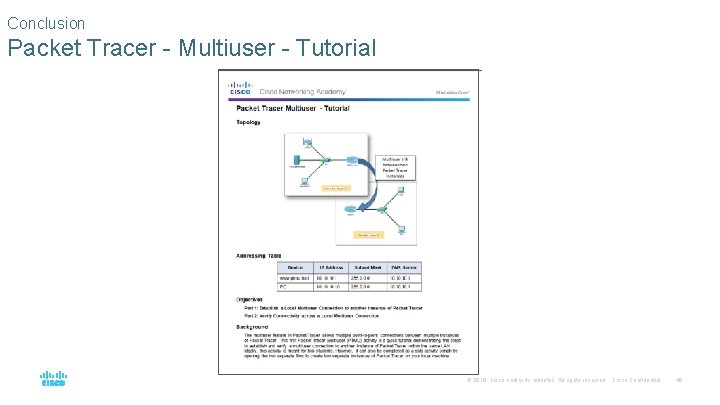
Conclusion Packet Tracer - Multiuser - Tutorial © 2016 Cisco and/or its affiliates. All rights reserved. Cisco Confidential 45
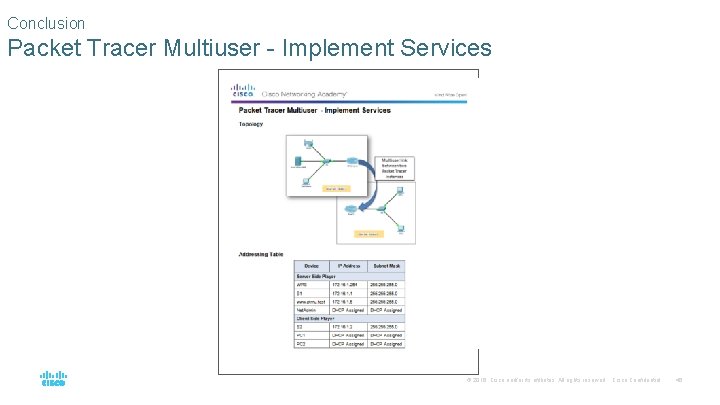
Conclusion Packet Tracer Multiuser - Implement Services © 2016 Cisco and/or its affiliates. All rights reserved. Cisco Confidential 46
Conclusion Chapter 10: Application Layer § Explain the operation of the application layer in providing support to enduser applications. § Explain how well-known TCP/IP application layer protocols operate. © 2016 Cisco and/or its affiliates. All rights reserved. Cisco Confidential 47