
Chapter 1 XP Introduction to Computers and Technology
- Slides: 56
Chapter 1 XP Introduction to Computers and Technology Chapter 1 Computers and Technology in a Changing Society, Second Edition 1
Objectives XP 1. Explain why it is essential to learn about computers today. 2. Discuss several ways computers are integrated into our business and personal lives. 3. Define a computer and describe its primary operations. 4. List some important milestones in computer evolution. 5. Identify the major components of a personal computer, including input, processing, output, storage, and communications hardware. Chapter 1 Computers and Technology in a Changing Society, Second Edition 2
XP Objectives (cont’d) 6. Discuss the differences between system software and application software and list examples of each. 7. Describe the purpose of a network and explain what the Internet is. 8. List the five basic types of computers, providing at least one example for each type of computer and stating its primary use. 9. Provide an overview of the societal impact of computers, including some benefits and risks related to their prominence in society. Chapter 1 Computers and Technology in a Changing Society, Second Edition 3
Why Learn About Computers? XP • Computers are so prominent in our society and will become even more so in the future. • Knowing something about computers can help you buy the right one for your needs, help you get the most efficient use out of it, and give you a higher level of comfort and confidence along the way. • Basic computer literacy—knowing about and understanding computers and their uses—is an essential skill today for everyone. Chapter 1 Computers and Technology in a Changing Society, Second Edition 4
XP How are Computers Used Today? • At home – home computer use has increased dramatically over the last few years. • In education – commonly used as a student-based learning tool and instructor presentation tool. • In the workplace – used by all types of employees in all types of businesses. • On the go – people use all types of computers in dayto-day life. Chapter 1 Computers and Technology in a Changing Society, Second Edition 5
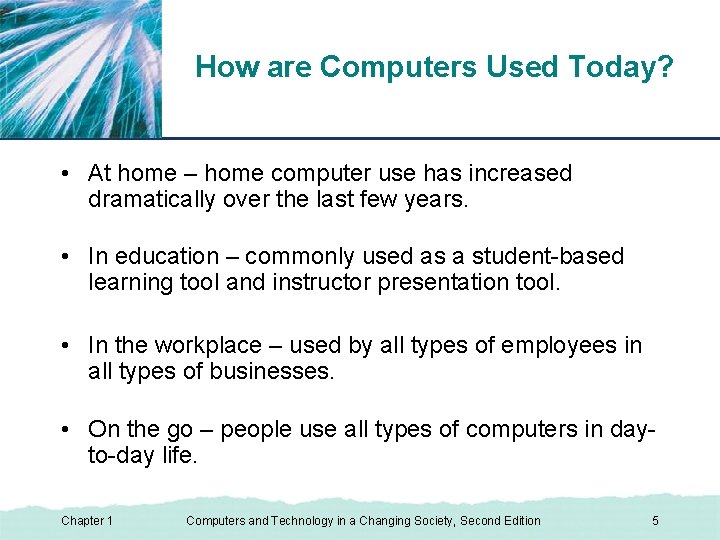
Computer Use at Home XP Reference – many households today have access to the Internet at home to retrieve news and other useful information. Figure 1 -1 Chapter 1 Computers and Technology in a Changing Society, Second Edition 6
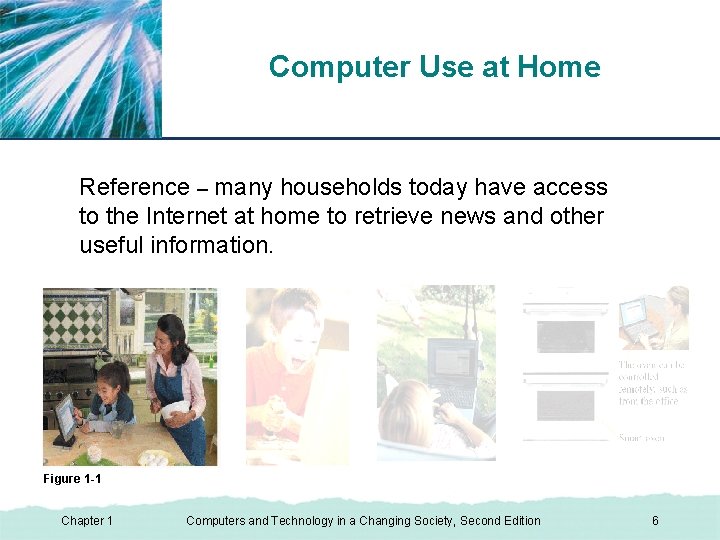
Computer Use at Home XP Education and entertainment – for children and adults alike, computers and the Internet offer a host of educational and entertainment activities. Figure 1 -1 Chapter 1 Computers and Technology in a Changing Society, Second Edition 7
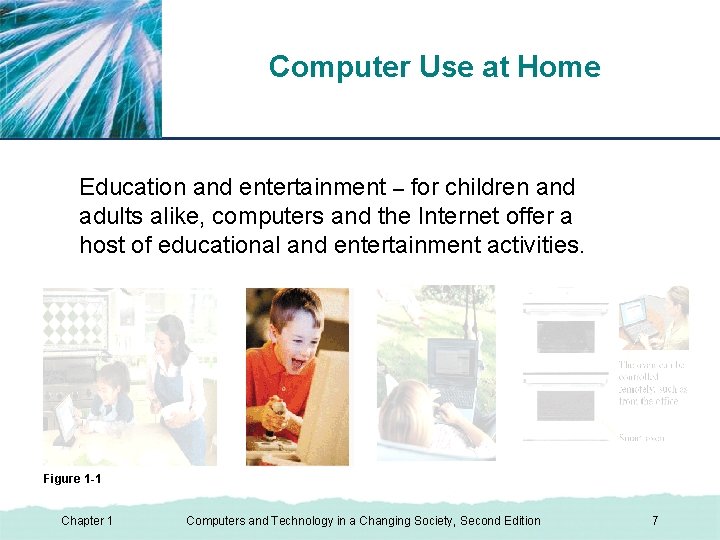
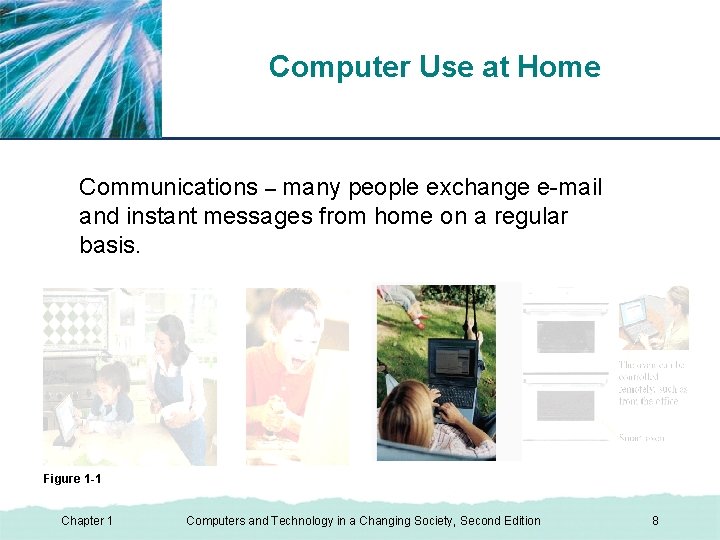
Computer Use at Home XP Communications – many people exchange e-mail and instant messages from home on a regular basis. Figure 1 -1 Chapter 1 Computers and Technology in a Changing Society, Second Edition 8
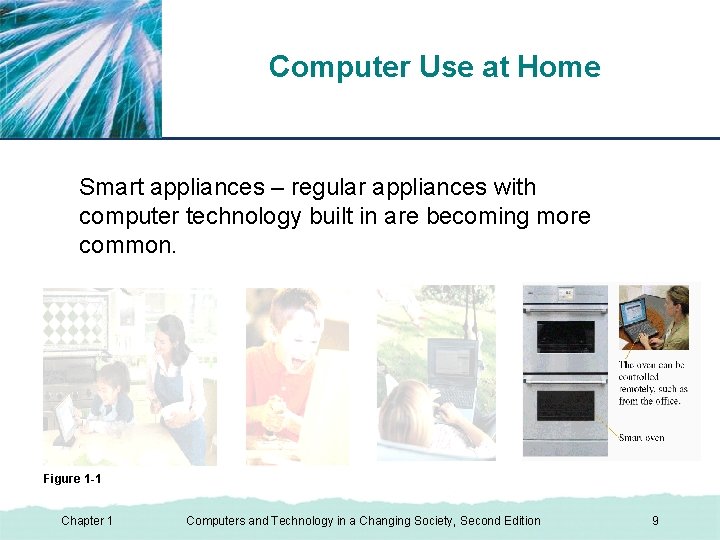
Computer Use at Home XP Smart appliances – regular appliances with computer technology built in are becoming more common. Figure 1 -1 Chapter 1 Computers and Technology in a Changing Society, Second Edition 9
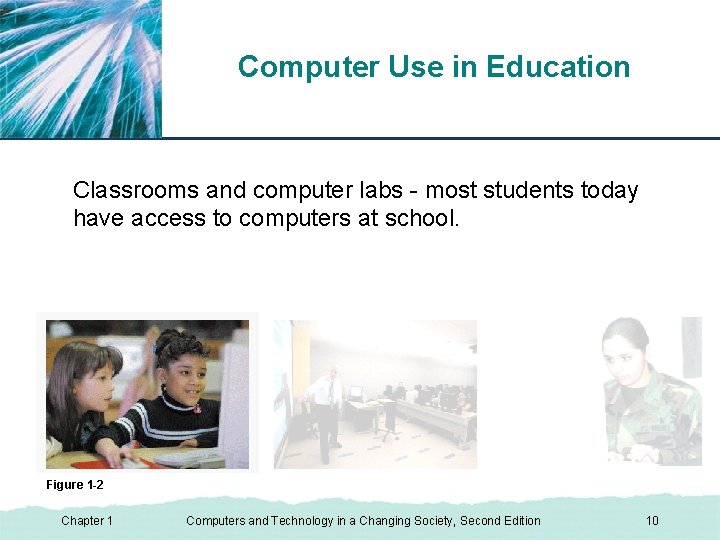
Computer Use in Education XP Classrooms and computer labs - most students today have access to computers at school. Figure 1 -2 Chapter 1 Computers and Technology in a Changing Society, Second Edition 10
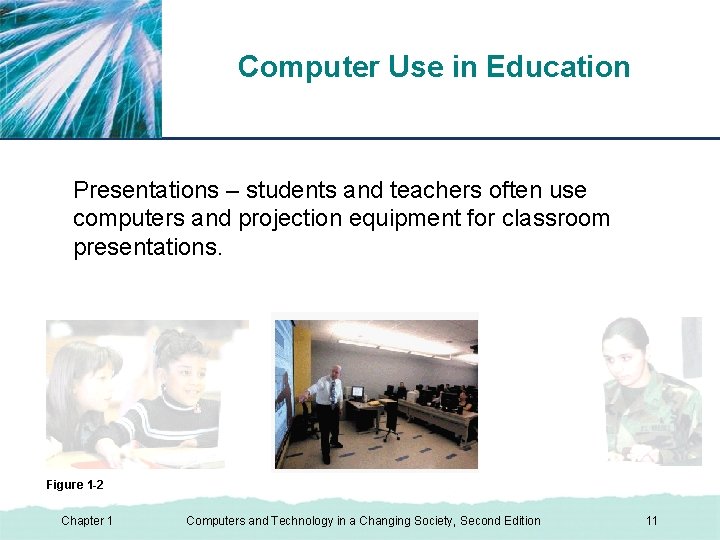
Computer Use in Education XP Presentations – students and teachers often use computers and projection equipment for classroom presentations. Figure 1 -2 Chapter 1 Computers and Technology in a Changing Society, Second Edition 11
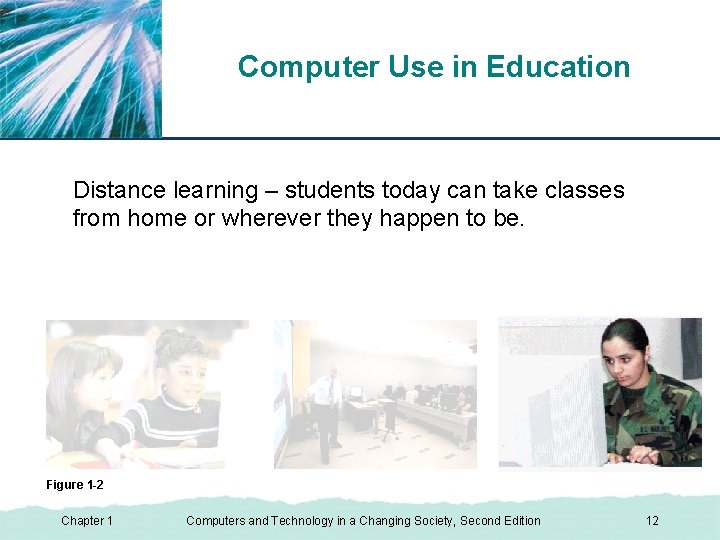
Computer Use in Education XP Distance learning – students today can take classes from home or wherever they happen to be. Figure 1 -2 Chapter 1 Computers and Technology in a Changing Society, Second Edition 12
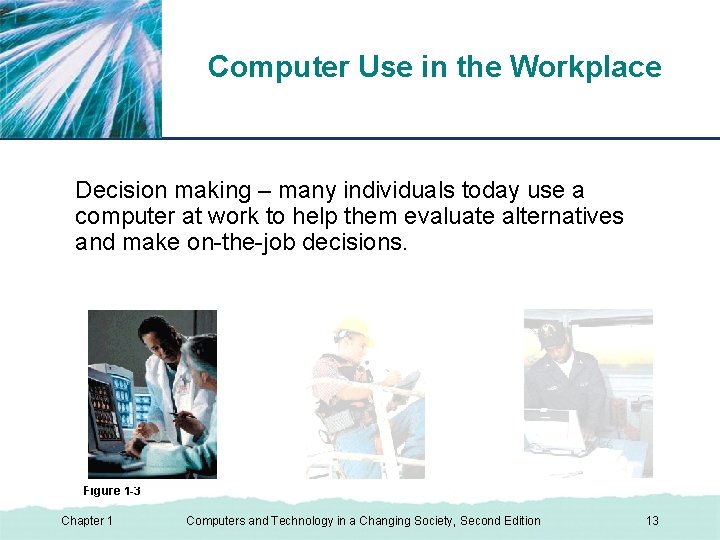
XP Computer Use in the Workplace Decision making – many individuals today use a computer at work to help them evaluate alternatives and make on-the-job decisions. Figure 1 -3 Chapter 1 Computers and Technology in a Changing Society, Second Edition 13
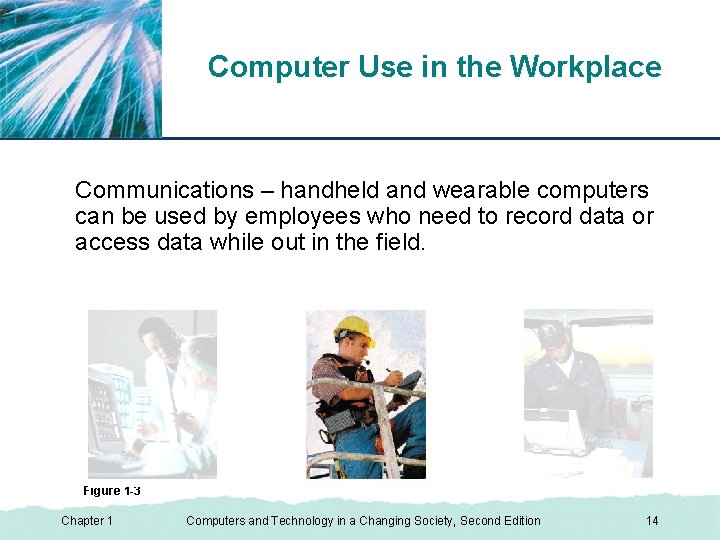
XP Computer Use in the Workplace Communications – handheld and wearable computers can be used by employees who need to record data or access data while out in the field. Figure 1 -3 Chapter 1 Computers and Technology in a Changing Society, Second Edition 14
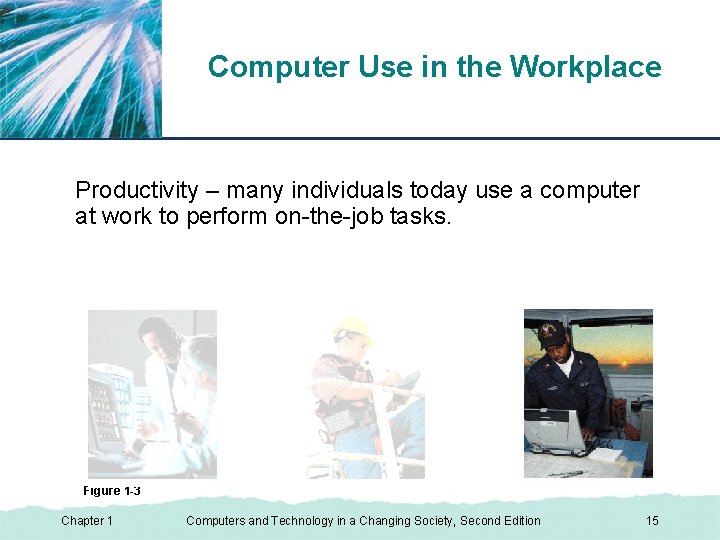
XP Computer Use in the Workplace Productivity – many individuals today use a computer at work to perform on-the-job tasks. Figure 1 -3 Chapter 1 Computers and Technology in a Changing Society, Second Edition 15
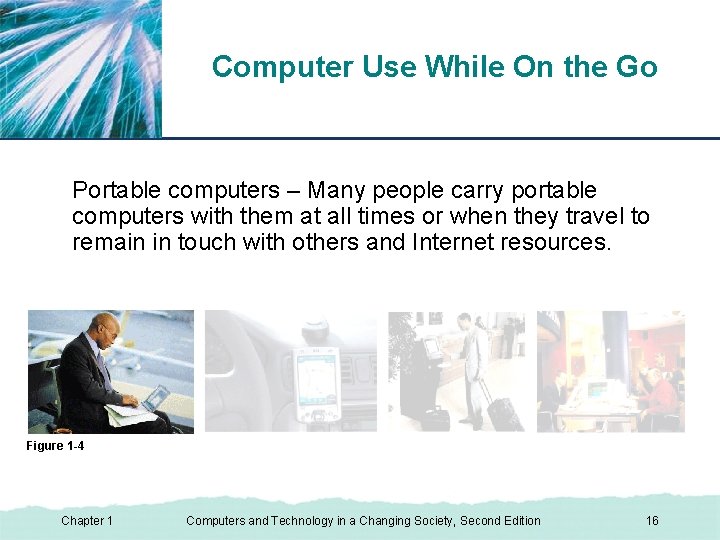
XP Computer Use While On the Go Portable computers – Many people carry portable computers with them at all times or when they travel to remain in touch with others and Internet resources. Figure 1 -4 Chapter 1 Computers and Technology in a Changing Society, Second Edition 16
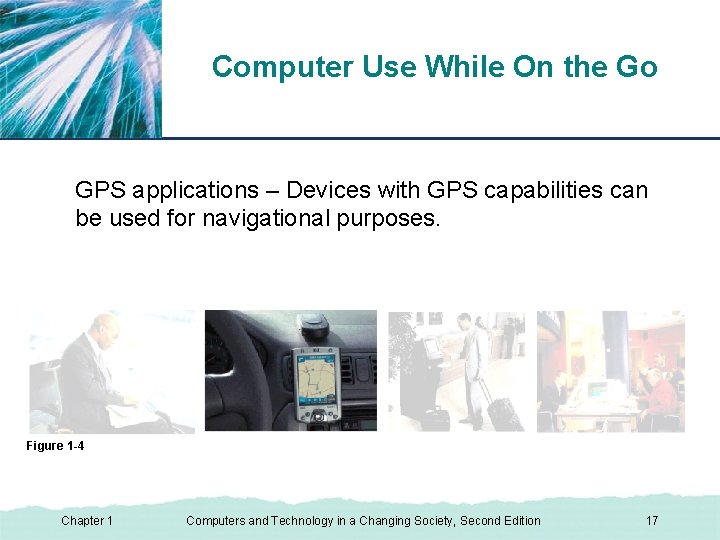
XP Computer Use While On the Go GPS applications – Devices with GPS capabilities can be used for navigational purposes. Figure 1 -4 Chapter 1 Computers and Technology in a Changing Society, Second Edition 17
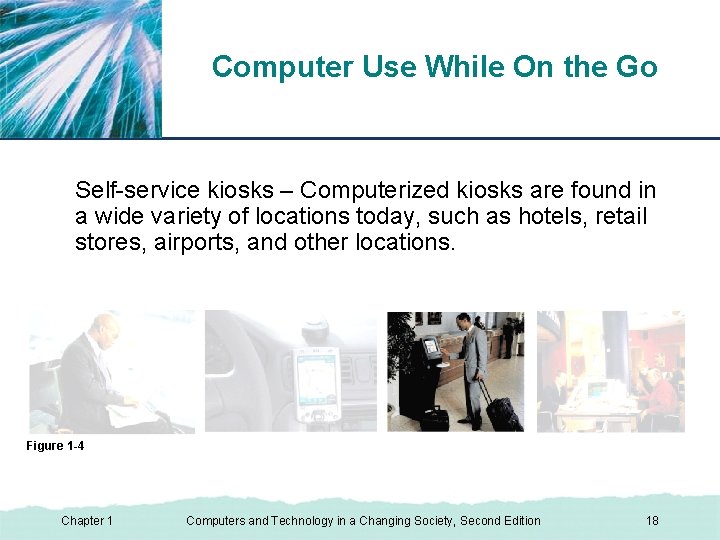
XP Computer Use While On the Go Self-service kiosks – Computerized kiosks are found in a wide variety of locations today, such as hotels, retail stores, airports, and other locations. Figure 1 -4 Chapter 1 Computers and Technology in a Changing Society, Second Edition 18
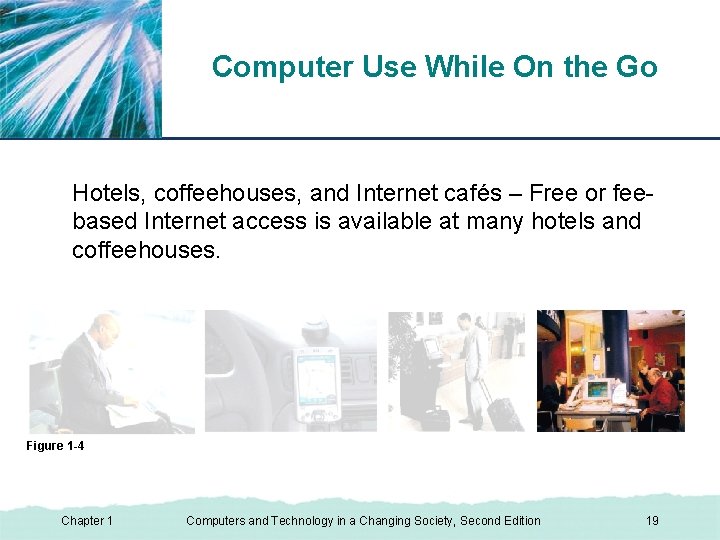
XP Computer Use While On the Go Hotels, coffeehouses, and Internet cafés – Free or feebased Internet access is available at many hotels and coffeehouses. Figure 1 -4 Chapter 1 Computers and Technology in a Changing Society, Second Edition 19
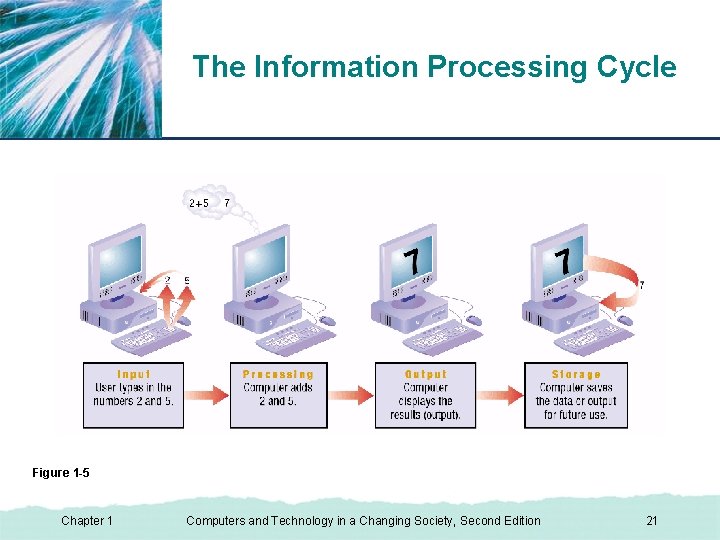
What Is a Computer? XP • A programmable electronic device that: ▪ Accepts data (input) ▪ Performs operations on the data (processing) ▪ Presents the results (output) ▪ Stores the data and results, as needed (storage) • Communications is sometimes considered the fifth primary computer operation. Chapter 1 Computers and Technology in a Changing Society, Second Edition 20
XP The Information Processing Cycle Figure 1 -5 Chapter 1 Computers and Technology in a Changing Society, Second Edition 21
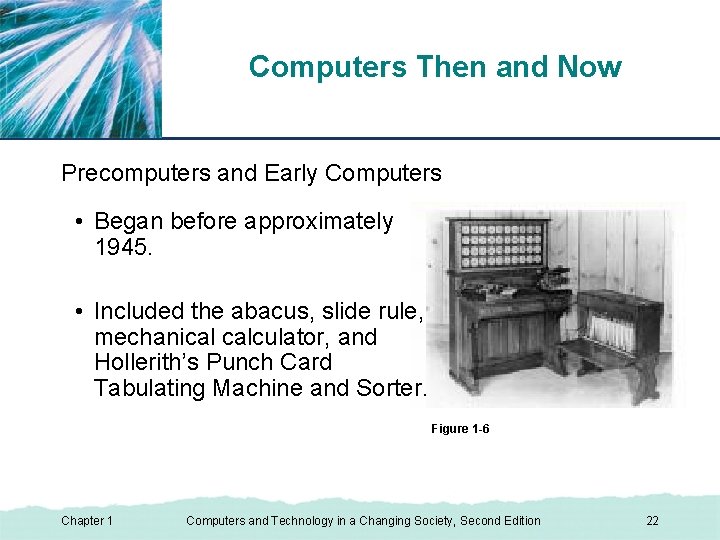
Computers Then and Now XP Precomputers and Early Computers • Began before approximately 1945. • Included the abacus, slide rule, mechanical calculator, and Hollerith’s Punch Card Tabulating Machine and Sorter. Figure 1 -6 Chapter 1 Computers and Technology in a Changing Society, Second Edition 22
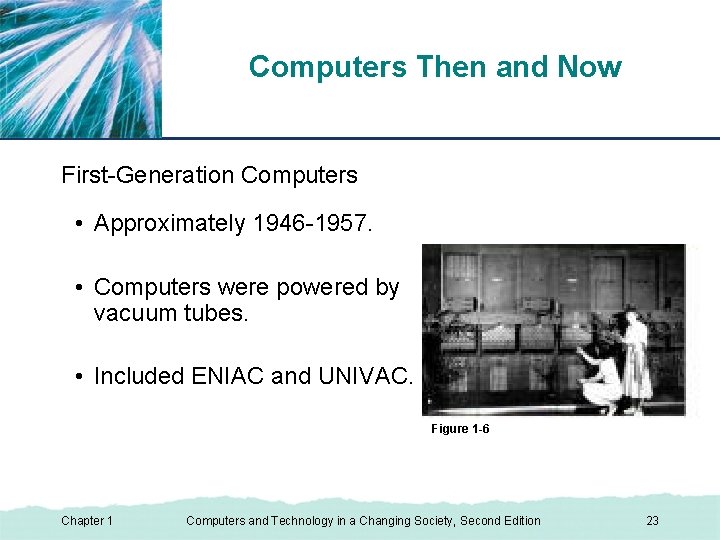
Computers Then and Now XP First-Generation Computers • Approximately 1946 -1957. • Computers were powered by vacuum tubes. • Included ENIAC and UNIVAC. Figure 1 -6 Chapter 1 Computers and Technology in a Changing Society, Second Edition 23
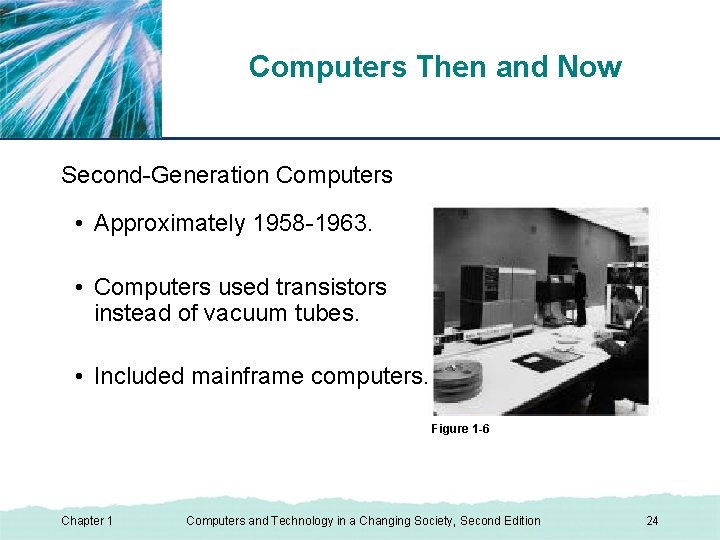
Computers Then and Now XP Second-Generation Computers • Approximately 1958 -1963. • Computers used transistors instead of vacuum tubes. • Included mainframe computers. Figure 1 -6 Chapter 1 Computers and Technology in a Changing Society, Second Edition 24
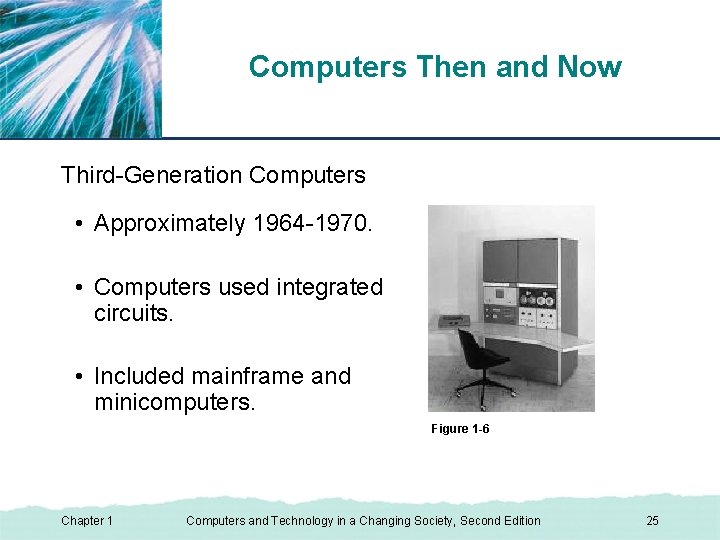
Computers Then and Now XP Third-Generation Computers • Approximately 1964 -1970. • Computers used integrated circuits. • Included mainframe and minicomputers. Figure 1 -6 Chapter 1 Computers and Technology in a Changing Society, Second Edition 25
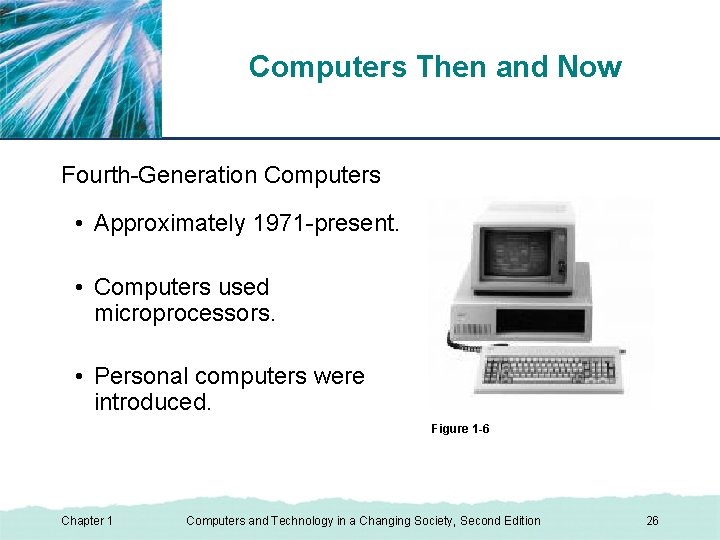
Computers Then and Now XP Fourth-Generation Computers • Approximately 1971 -present. • Computers used microprocessors. • Personal computers were introduced. Figure 1 -6 Chapter 1 Computers and Technology in a Changing Society, Second Edition 26
Computers Then and Now XP Fifth-Generation Computers • From now and into the future. • Computers may be based on artificial intelligence and use voice recognition as the primary interface. • Computers may take a different physical form, such as an optical computer. Chapter 1 Computers and Technology in a Changing Society, Second Edition 27
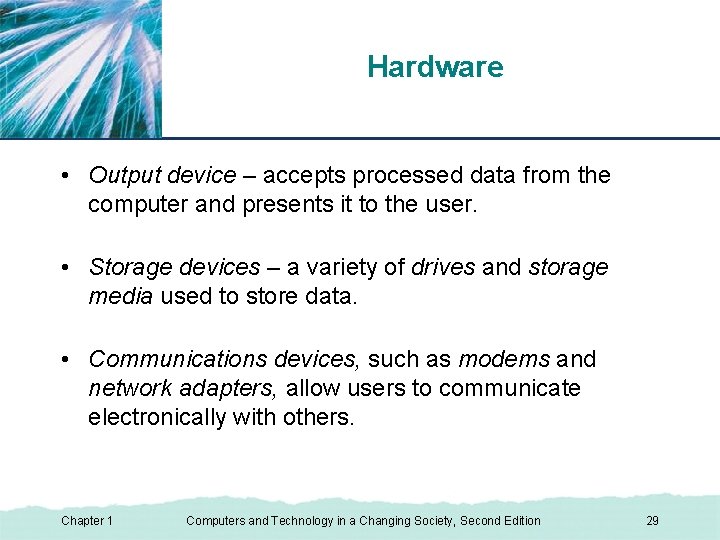
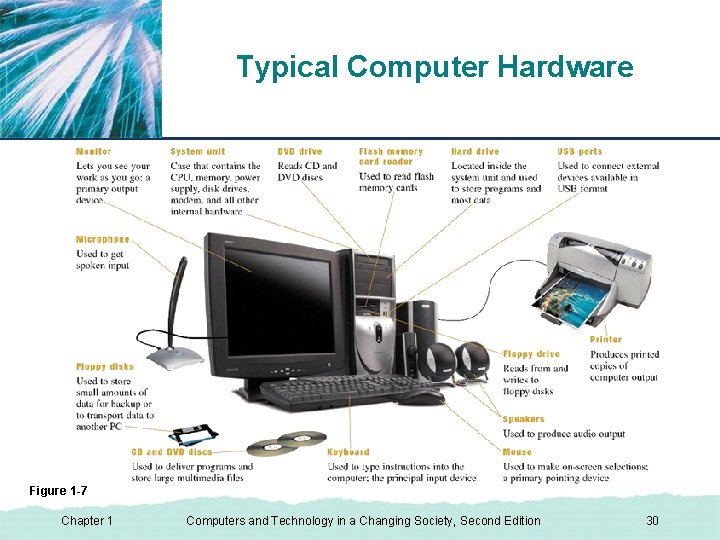
XP Hardware • Hardware – all of the physical parts of the computer, such as the keyboard, screen, and printer. • Hardware can be internal or external. • Input device – any piece of equipment that is used to input data into the computer. • The main processing device for a computer is the central processing unit (CPU). Chapter 1 Computers and Technology in a Changing Society, Second Edition 28
Hardware XP • Output device – accepts processed data from the computer and presents it to the user. • Storage devices – a variety of drives and storage media used to store data. • Communications devices, such as modems and network adapters, allow users to communicate electronically with others. Chapter 1 Computers and Technology in a Changing Society, Second Edition 29
Typical Computer Hardware XP Figure 1 -7 Chapter 1 Computers and Technology in a Changing Society, Second Edition 30
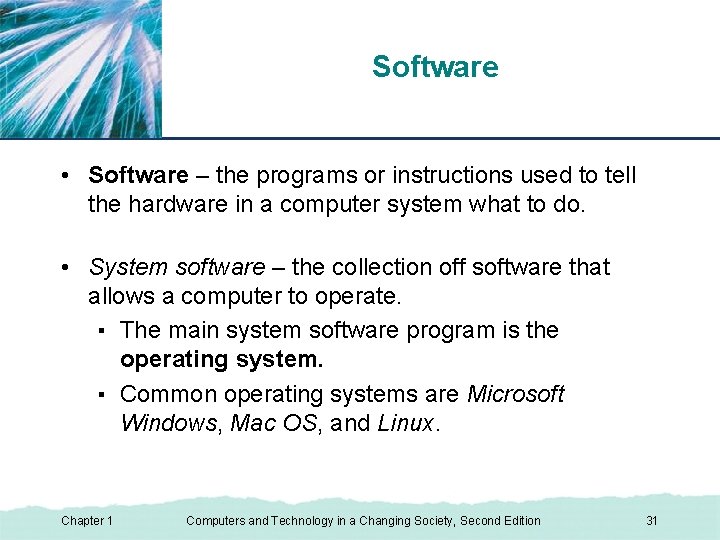
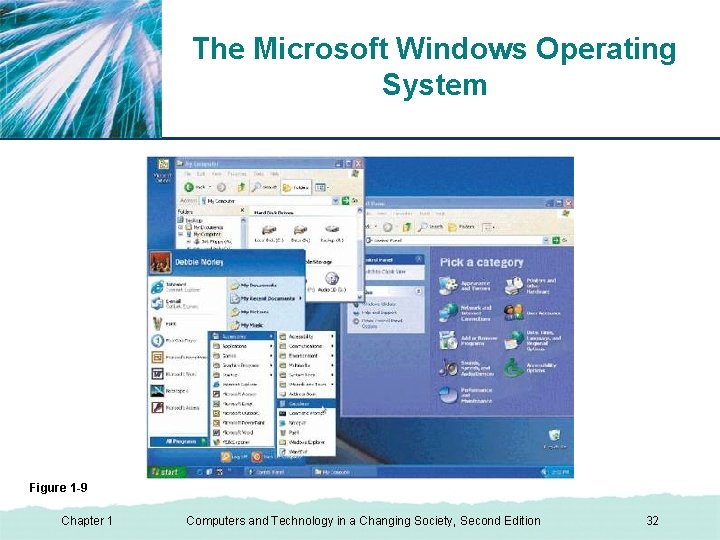
Software XP • Software – the programs or instructions used to tell the hardware in a computer system what to do. • System software – the collection off software that allows a computer to operate. ▪ The main system software program is the operating system. ▪ Common operating systems are Microsoft Windows, Mac OS, and Linux. Chapter 1 Computers and Technology in a Changing Society, Second Edition 31
XP The Microsoft Windows Operating System Figure 1 -9 Chapter 1 Computers and Technology in a Changing Society, Second Edition 32
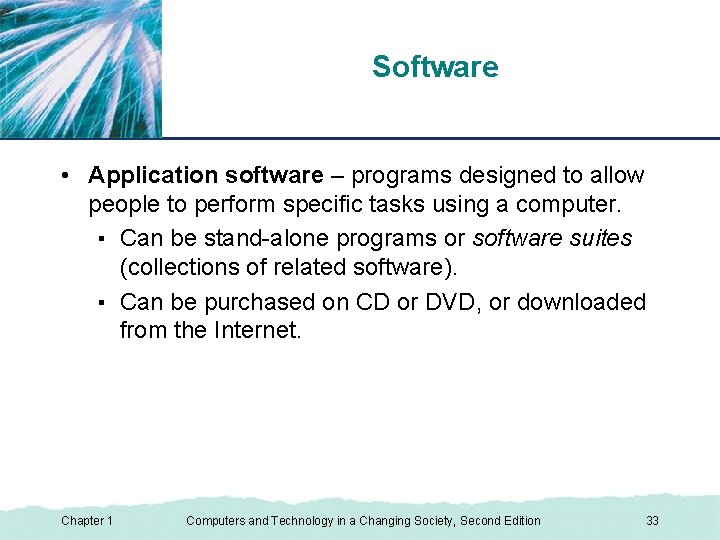
XP Software • Application software – programs designed to allow people to perform specific tasks using a computer. ▪ Can be stand-alone programs or software suites (collections of related software). ▪ Can be purchased on CD or DVD, or downloaded from the Internet. Chapter 1 Computers and Technology in a Changing Society, Second Edition 33
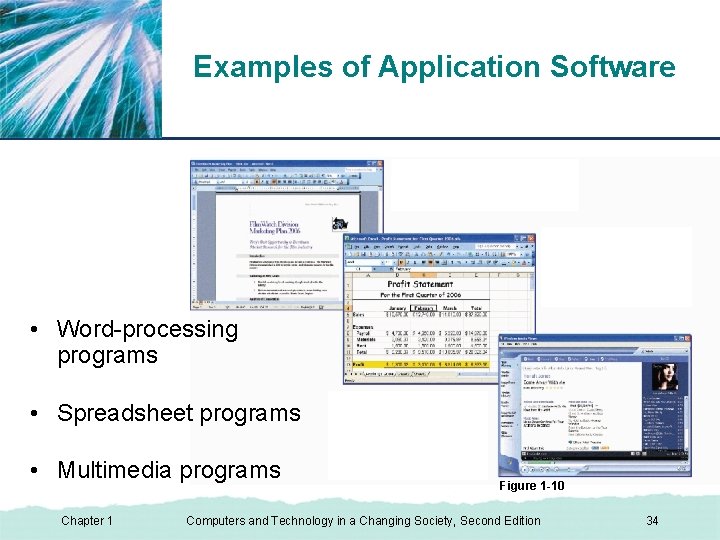
XP Examples of Application Software • Word-processing programs • Spreadsheet programs • Multimedia programs Chapter 1 Figure 1 -10 Computers and Technology in a Changing Society, Second Edition 34
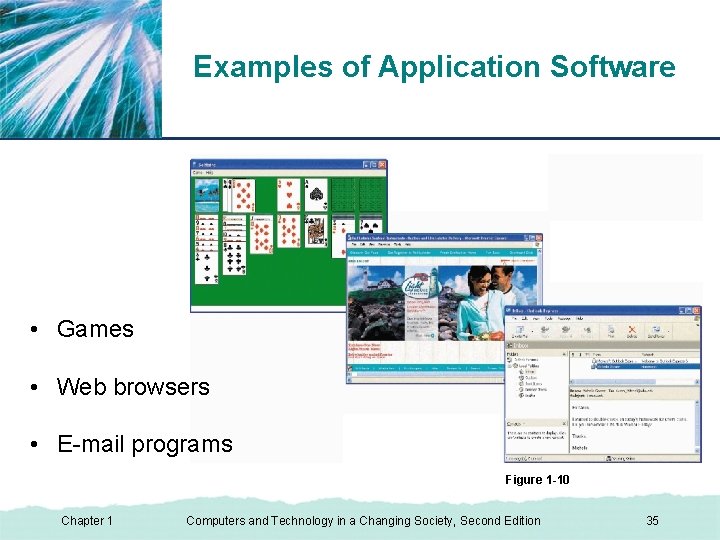
XP Examples of Application Software • Games • Web browsers • E-mail programs Figure 1 -10 Chapter 1 Computers and Technology in a Changing Society, Second Edition 35
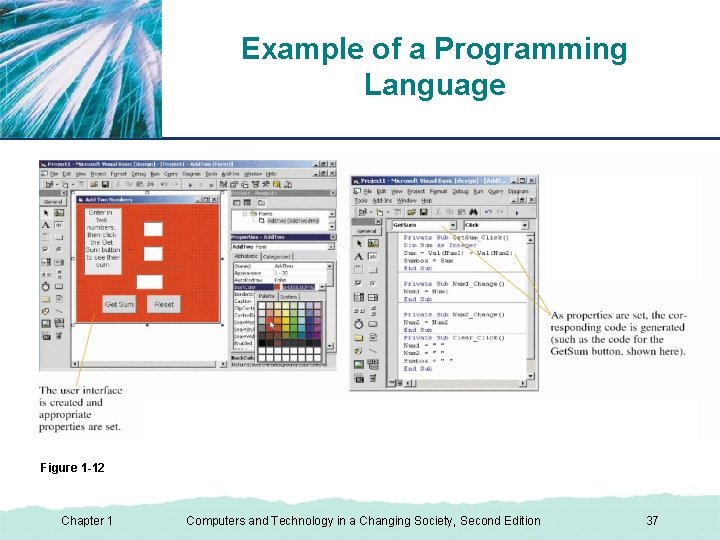
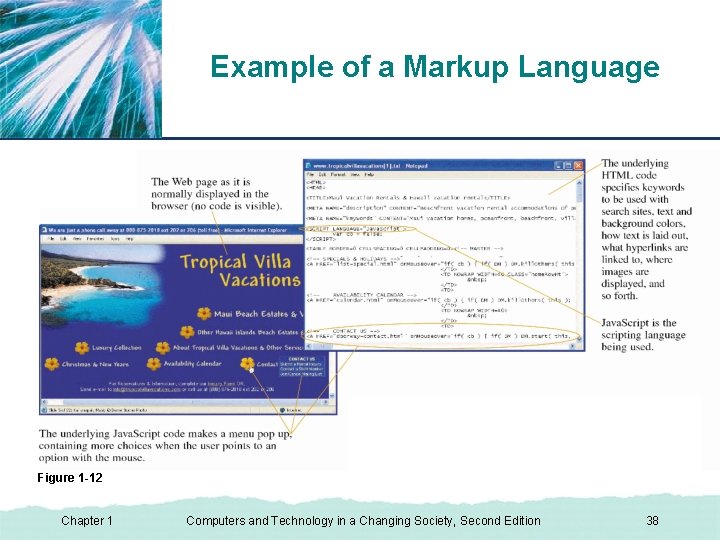
Software XP • Programming language – a set of rules used to write computer programs. • Markup languages – indicate where text, images, hyperlinks, and other elements on a Web page should be displayed and how they should look. • Scripting languages – enable Web developers to include small sets of instructions, or scripts, within the page’s HTML code. Chapter 1 Computers and Technology in a Changing Society, Second Edition 36
Example of a Programming Language XP Figure 1 -12 Chapter 1 Computers and Technology in a Changing Society, Second Edition 37
XP Example of a Markup Language Figure 1 -12 Chapter 1 Computers and Technology in a Changing Society, Second Edition 38
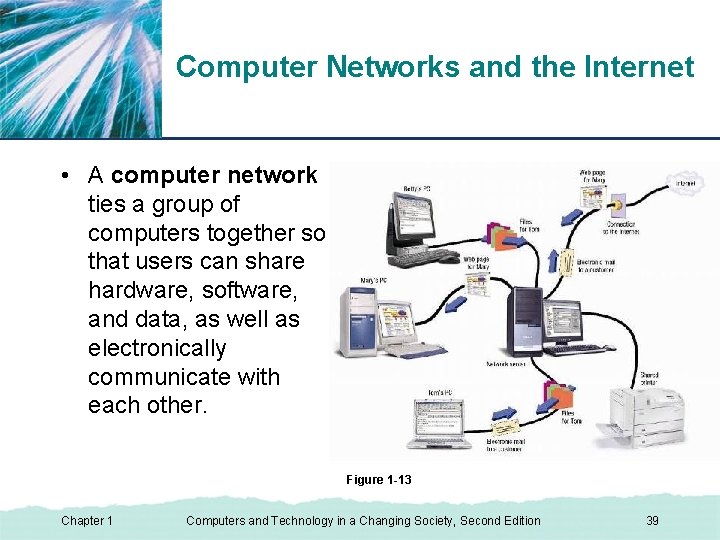
XP Computer Networks and the Internet • A computer network ties a group of computers together so that users can share hardware, software, and data, as well as electronically communicate with each other. Figure 1 -13 Chapter 1 Computers and Technology in a Changing Society, Second Edition 39
XP Computer Networks and the Internet • The Internet is the largest and most well-known computer network in the world. • Networks access each other on the Internet via the main backbone infrastructure. • People connect to the Internet via Internet service providers (ISPs), which are continually connected to the Internet. Chapter 1 Computers and Technology in a Changing Society, Second Edition 40
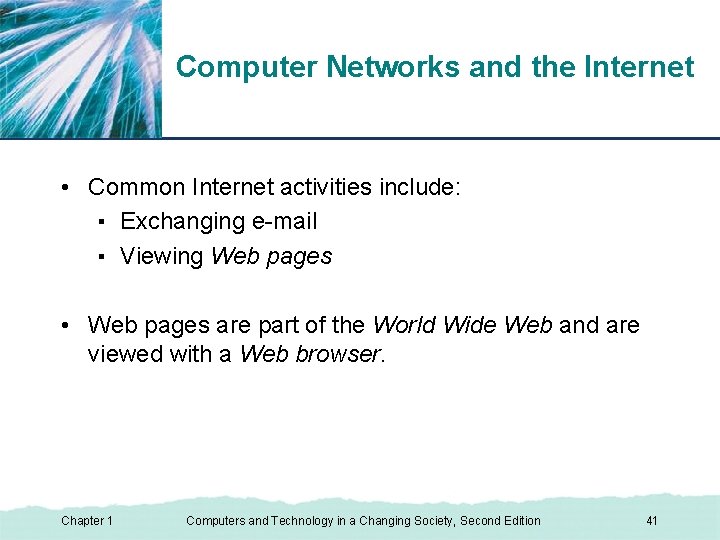
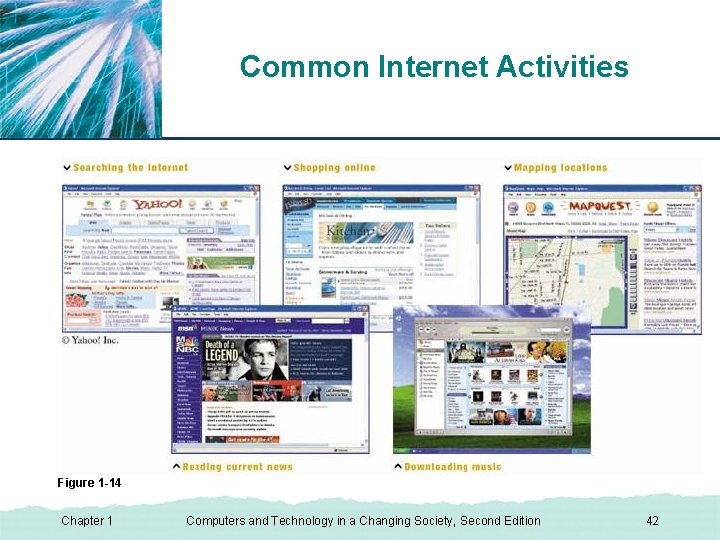
XP Computer Networks and the Internet • Common Internet activities include: ▪ Exchanging e-mail ▪ Viewing Web pages • Web pages are part of the World Wide Web and are viewed with a Web browser. Chapter 1 Computers and Technology in a Changing Society, Second Edition 41
Common Internet Activities XP Figure 1 -14 Chapter 1 Computers and Technology in a Changing Society, Second Edition 42
Basic Types of Computers XP • Mobile devices • Personal computers (PCs) • Midrange servers • Mainframe computers • Supercomputers Chapter 1 Computers and Technology in a Changing Society, Second Edition 43
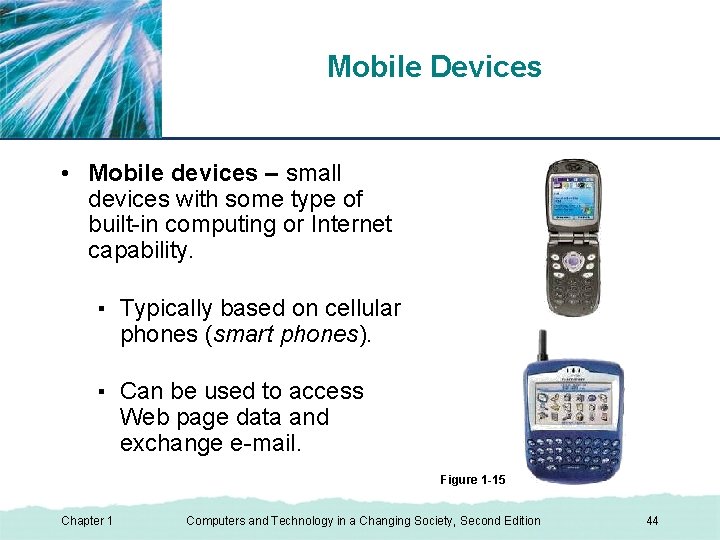
Mobile Devices XP • Mobile devices – small devices with some type of built-in computing or Internet capability. ▪ Typically based on cellular phones (smart phones). ▪ Can be used to access Web page data and exchange e-mail. Figure 1 -15 Chapter 1 Computers and Technology in a Changing Society, Second Edition 44
Personal Computers (PCs) XP • Personal computers (PCs) – designed to be used by one person at a time. ▪ Widely used in homes, schools, and businesses; can be connected to networks. ▪ Can be desktop PCs, portable PCs, or thin clients. Chapter 1 Computers and Technology in a Changing Society, Second Edition 45
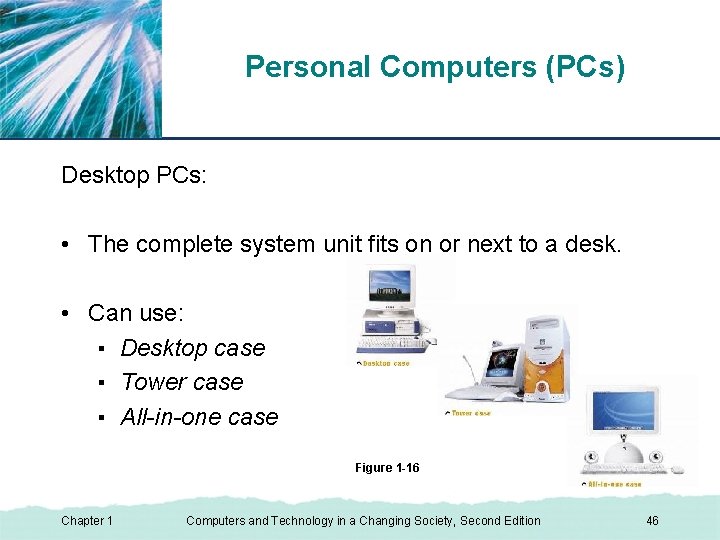
Personal Computers (PCs) XP Desktop PCs: • The complete system unit fits on or next to a desk. • Can use: ▪ Desktop case ▪ Tower case ▪ All-in-one case Figure 1 -16 Chapter 1 Computers and Technology in a Changing Society, Second Edition 46
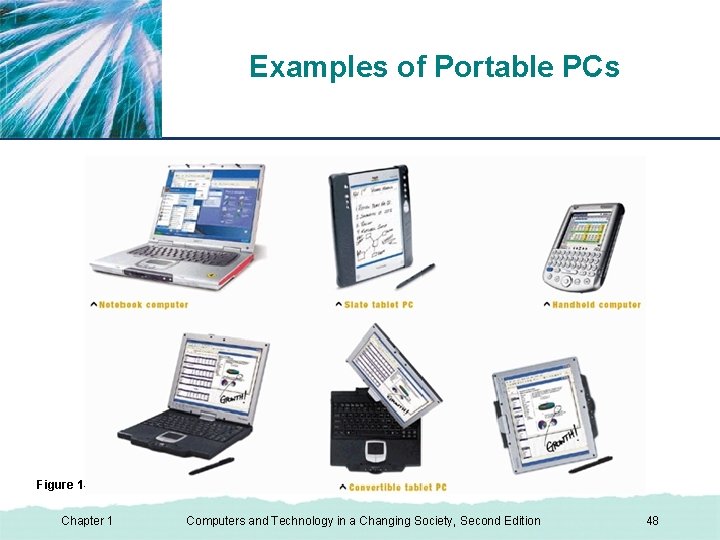
Personal Computers (PCs) XP Portable PCs: • Are smaller than typical desktop PCs and are designed to be easily carried around. • Can be: ▪ Notebook computers ▪ Tablet PCs ▪ Handheld computers Chapter 1 Computers and Technology in a Changing Society, Second Edition 47
Examples of Portable PCs XP Figure 1 -18 Chapter 1 Computers and Technology in a Changing Society, Second Edition 48
Personal Computers (PCs) XP Thin clients: • Designed to be used in conjunction with a company network. • Typically use a network server for storage and processing. • Also called network computers (NCs) Chapter 1 Computers and Technology in a Changing Society, Second Edition 49
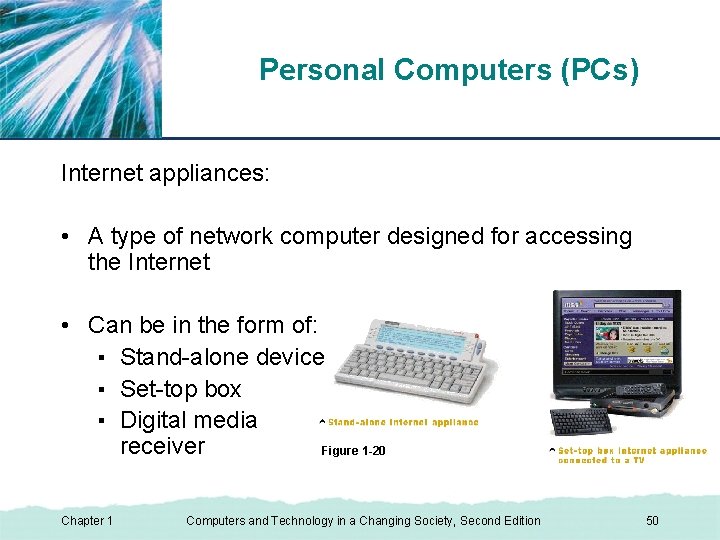
Personal Computers (PCs) XP Internet appliances: • A type of network computer designed for accessing the Internet • Can be in the form of: ▪ Stand-alone device ▪ Set-top box ▪ Digital media receiver Figure 1 -20 Chapter 1 Computers and Technology in a Changing Society, Second Edition 50
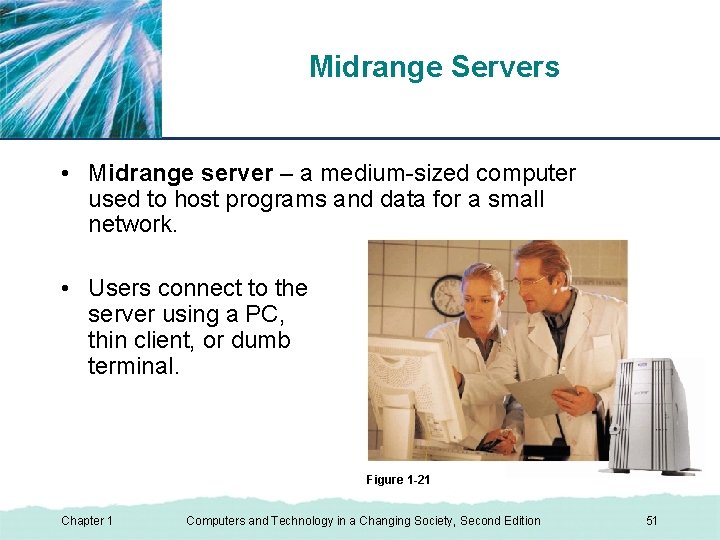
Midrange Servers XP • Midrange server – a medium-sized computer used to host programs and data for a small network. • Users connect to the server using a PC, thin client, or dumb terminal. Figure 1 -21 Chapter 1 Computers and Technology in a Changing Society, Second Edition 51
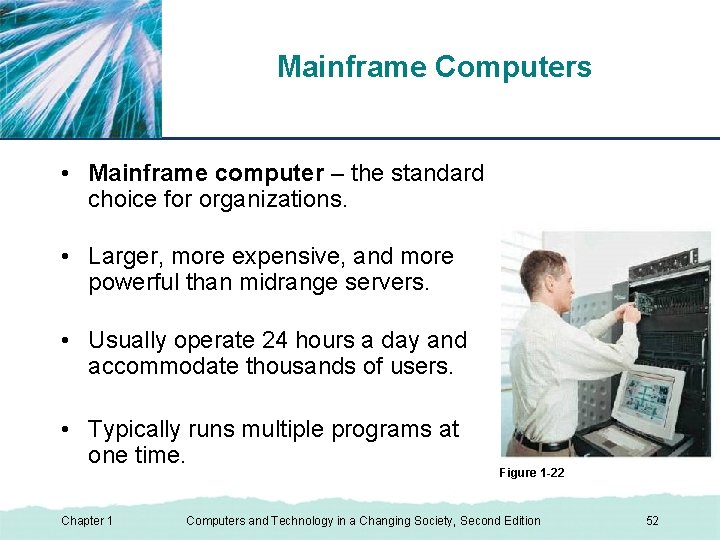
Mainframe Computers XP • Mainframe computer – the standard choice for organizations. • Larger, more expensive, and more powerful than midrange servers. • Usually operate 24 hours a day and accommodate thousands of users. • Typically runs multiple programs at one time. Chapter 1 Figure 1 -22 Computers and Technology in a Changing Society, Second Edition 52
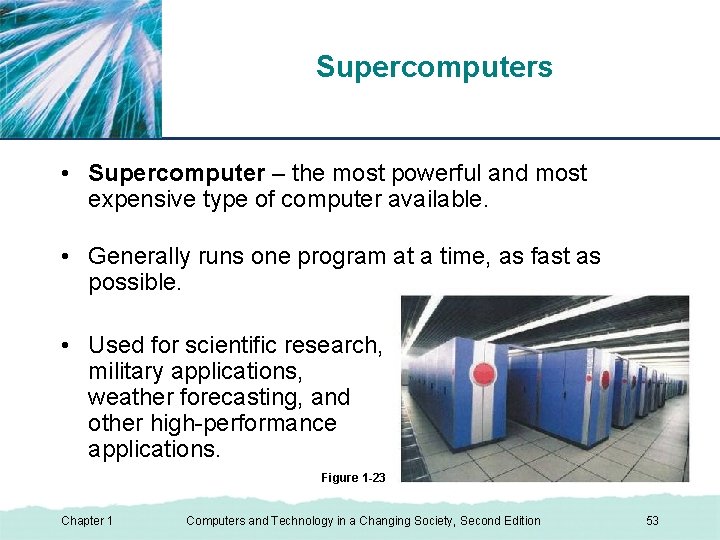
Supercomputers XP • Supercomputer – the most powerful and most expensive type of computer available. • Generally runs one program at a time, as fast as possible. • Used for scientific research, military applications, weather forecasting, and other high-performance applications. Figure 1 -23 Chapter 1 Computers and Technology in a Changing Society, Second Edition 53
Benefits of a Computer-Oriented Society XP • Ability to design and test buildings before construction and other virtual applications. • Earlier diagnosis and more effective treatment of diseases. • Ability to shop, pay bills, research products, take online courses, and locate information 24 hours a day. • Faster communications and financial transactions. Chapter 1 Computers and Technology in a Changing Society, Second Edition 54
Risks of a Computer-Oriented Society XP • Stress and health concerns. • Personal security and privacy issues. • Fear of “Big Brother” situations. • These and more are discussed in Chapters 4 through 8 of the text. Chapter 1 Computers and Technology in a Changing Society, Second Edition 55
Summary XP • Computers in Your Life • What Is a Computer? • Basic Types of Computers • Computers, Technology, and Society Chapter 1 Computers and Technology in a Changing Society, Second Edition 56