
Chapter 1 Review of Java Fundamentals 2006 Pearson
- Slides: 32
Chapter 1 Review of Java Fundamentals © 2006 Pearson Addison-Wesley. All rights reserved 1 -1
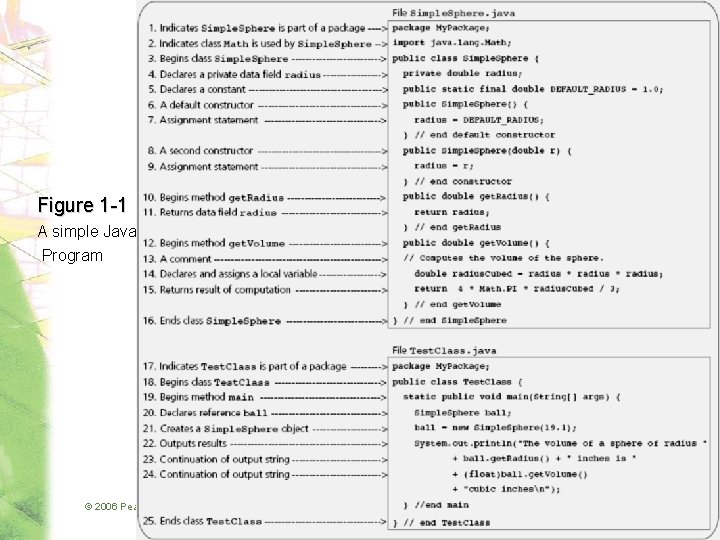
Program Structure • Typical Java program consists of – User written classes – Java Application Programming Interface (API) classes • Java application – Has one class with a main method • Java program basic elements: – – Packages Classes Data fields Methods © 2006 Pearson Addison-Wesley. All rights reserved 1 -2
Packages • Provide a mechanism for grouping related classes • package statement – Indicates a class is part of a package • Java assumes all classes in a particular package are contained in same directory • Java API consists of many predefined packages © 2006 Pearson Addison-Wesley. All rights reserved 1 -3
Packages • import statement – Allows you to use classes contained in other packages • Package java. lang is implicitly imported to all Java code © 2006 Pearson Addison-Wesley. All rights reserved 1 -4
Figure 1 -1 A simple Java Program © 2006 Pearson Addison-Wesley. All rights reserved 1 -5
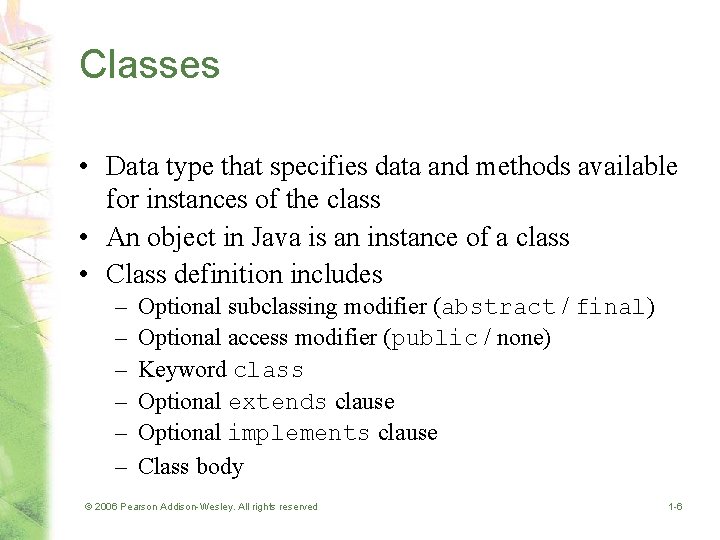
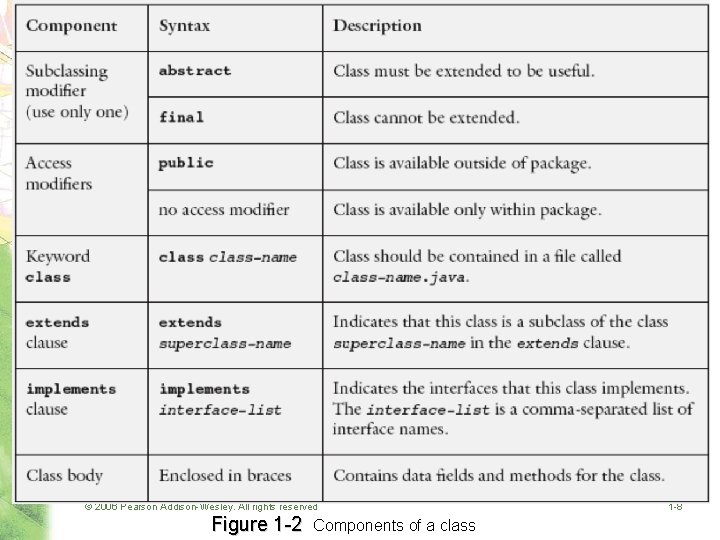
Classes • Data type that specifies data and methods available for instances of the class • An object in Java is an instance of a class • Class definition includes – – – Optional subclassing modifier (abstract / final) Optional access modifier (public / none) Keyword class Optional extends clause Optional implements clause Class body © 2006 Pearson Addison-Wesley. All rights reserved 1 -6
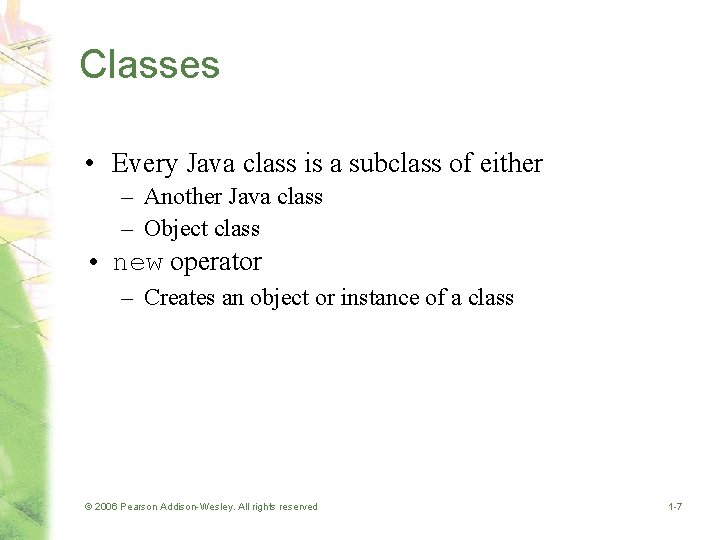
Classes • Every Java class is a subclass of either – Another Java class – Object class • new operator – Creates an object or instance of a class © 2006 Pearson Addison-Wesley. All rights reserved 1 -7
© 2006 Pearson Addison-Wesley. All rights reserved Figure 1 -2 Components of a class 1 -8
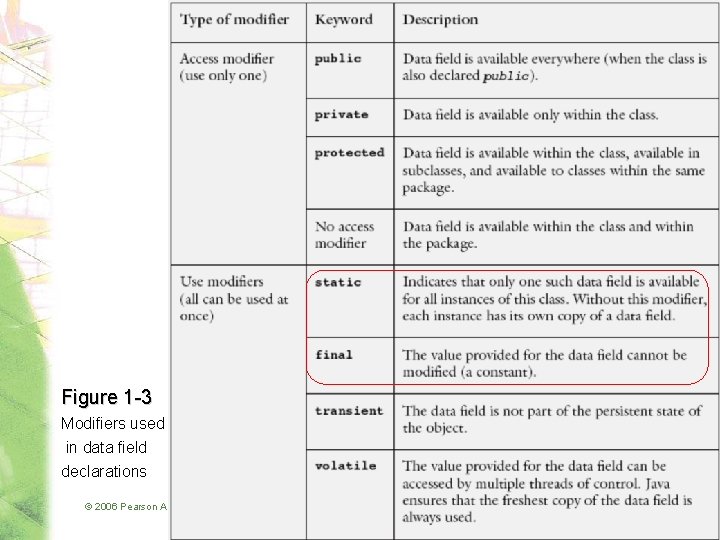
Data Fields • Class members that are either variables or constants • Data field declarations can contain – Access modifiers – Use modifiers – Modules © 2006 Pearson Addison-Wesley. All rights reserved 1 -9
Figure 1 -3 Modifiers used in data field declarations © 2006 Pearson Addison-Wesley. All rights reserved 1 -10
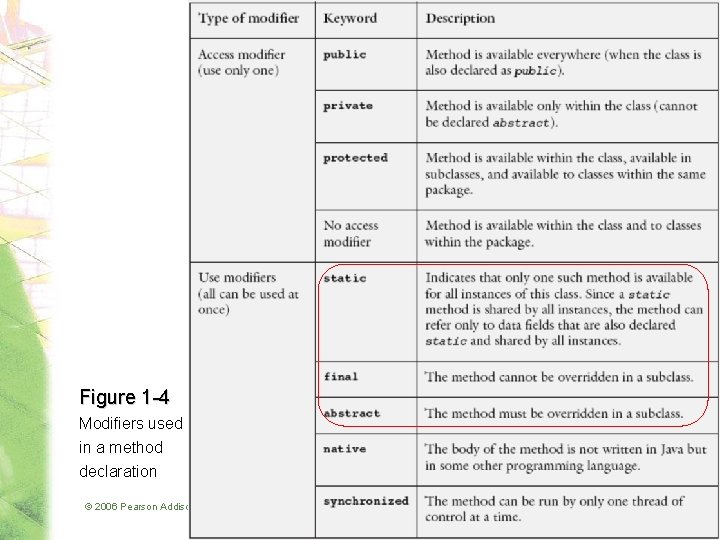
Methods • Used to implement operations • Should perform one well-defined task • Method modifiers – Access modifiers and use modifiers • Valued method – Returns a value – Body must contain return expression; © 2006 Pearson Addison-Wesley. All rights reserved 1 -11
Figure 1 -4 Modifiers used in a method declaration © 2006 Pearson Addison-Wesley. All rights reserved 1 -12
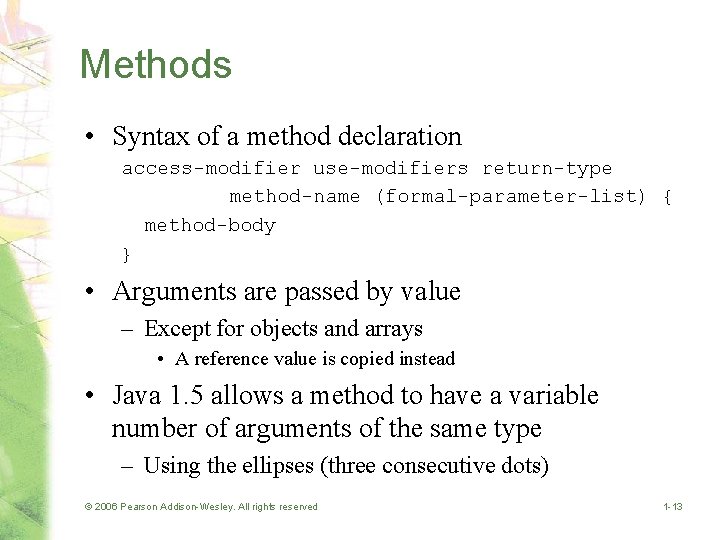
Methods • Syntax of a method declaration access-modifier use-modifiers return-type method-name (formal-parameter-list) { method-body } • Arguments are passed by value – Except for objects and arrays • A reference value is copied instead • Java 1. 5 allows a method to have a variable number of arguments of the same type – Using the ellipses (three consecutive dots) © 2006 Pearson Addison-Wesley. All rights reserved 1 -13
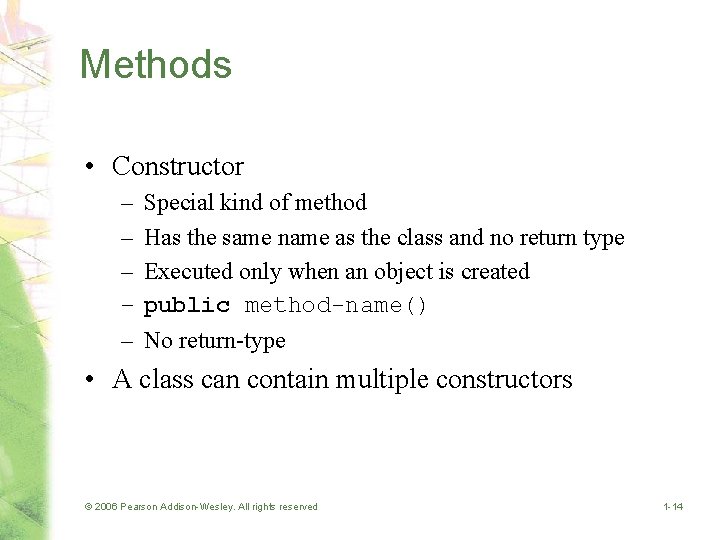
Methods • Constructor – – – Special kind of method Has the same name as the class and no return type Executed only when an object is created public method-name() No return-type • A class can contain multiple constructors © 2006 Pearson Addison-Wesley. All rights reserved 1 -14
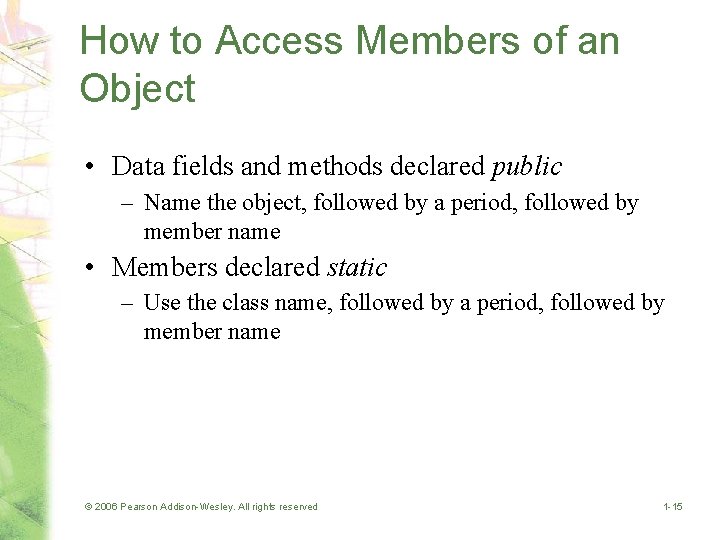
How to Access Members of an Object • Data fields and methods declared public – Name the object, followed by a period, followed by member name • Members declared static – Use the class name, followed by a period, followed by member name © 2006 Pearson Addison-Wesley. All rights reserved 1 -15
Language Basics • Java application – Collection of classes • One class contains the main method • Java programs can also be written as applets © 2006 Pearson Addison-Wesley. All rights reserved 1 -16
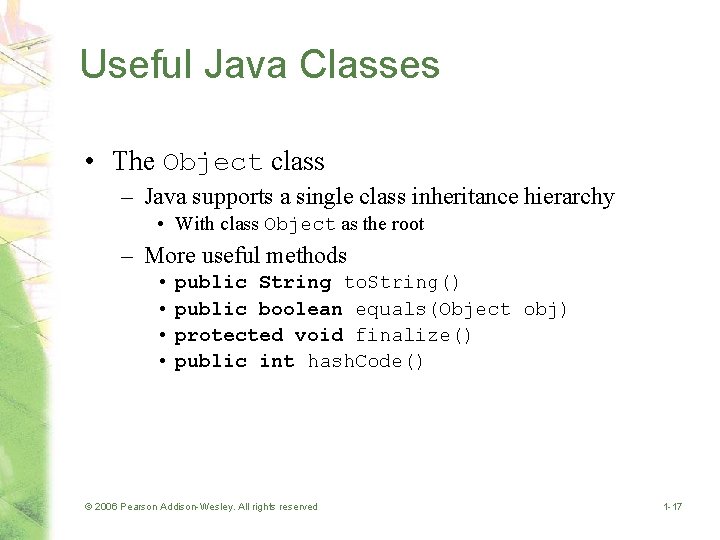
Useful Java Classes • The Object class – Java supports a single class inheritance hierarchy • With class Object as the root – More useful methods • public String to. String() • public boolean equals(Object obj) • protected void finalize() • public int hash. Code() © 2006 Pearson Addison-Wesley. All rights reserved 1 -17
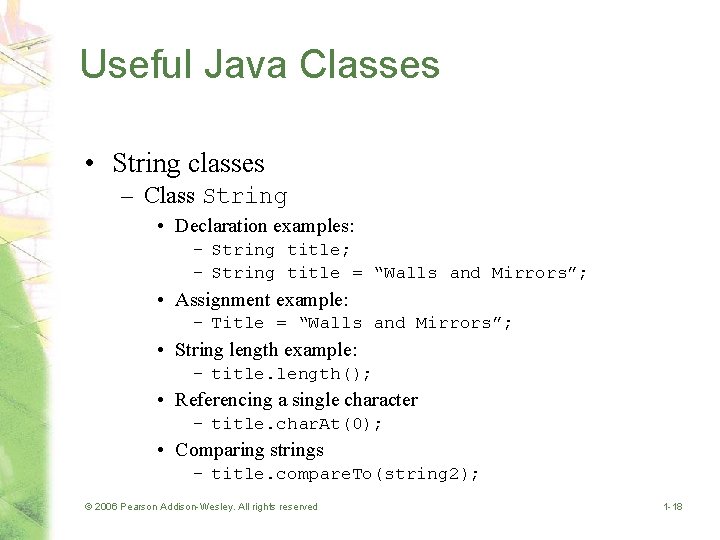
Useful Java Classes • String classes – Class String • Declaration examples: – String title; – String title = “Walls and Mirrors”; • Assignment example: – Title = “Walls and Mirrors”; • String length example: – title. length(); • Referencing a single character – title. char. At(0); • Comparing strings – title. compare. To(string 2); © 2006 Pearson Addison-Wesley. All rights reserved 1 -18
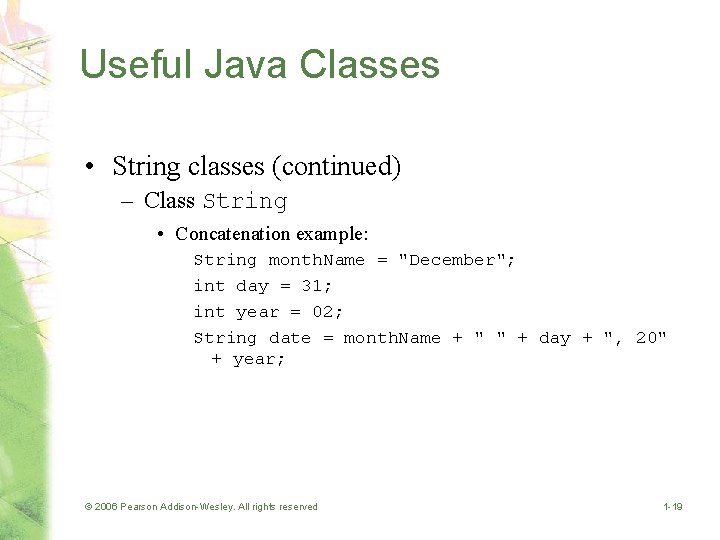
Useful Java Classes • String classes (continued) – Class String • Concatenation example: String month. Name = "December"; int day = 31; int year = 02; String date = month. Name + " " + day + ", 20" + year; © 2006 Pearson Addison-Wesley. All rights reserved 1 -19
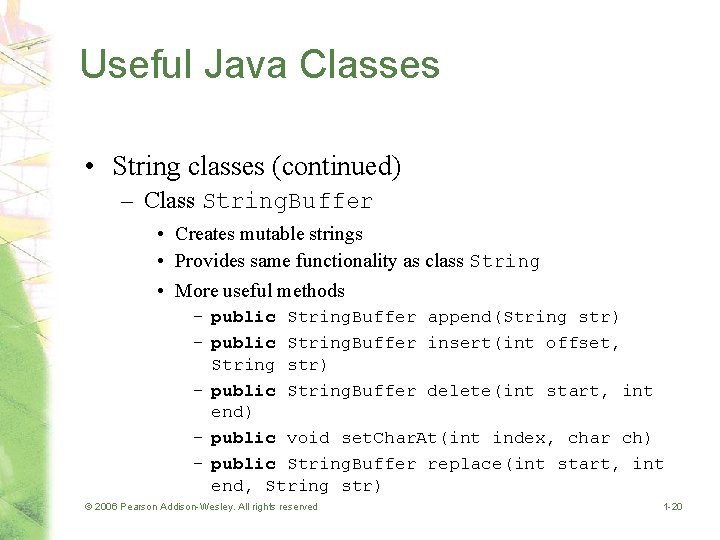
Useful Java Classes • String classes (continued) – Class String. Buffer • Creates mutable strings • Provides same functionality as class String • More useful methods – public String. Buffer append(String str) – public String. Buffer insert(int offset, String str) – public String. Buffer delete(int start, int end) – public void set. Char. At(int index, char ch) – public String. Buffer replace(int start, int end, String str) © 2006 Pearson Addison-Wesley. All rights reserved 1 -20
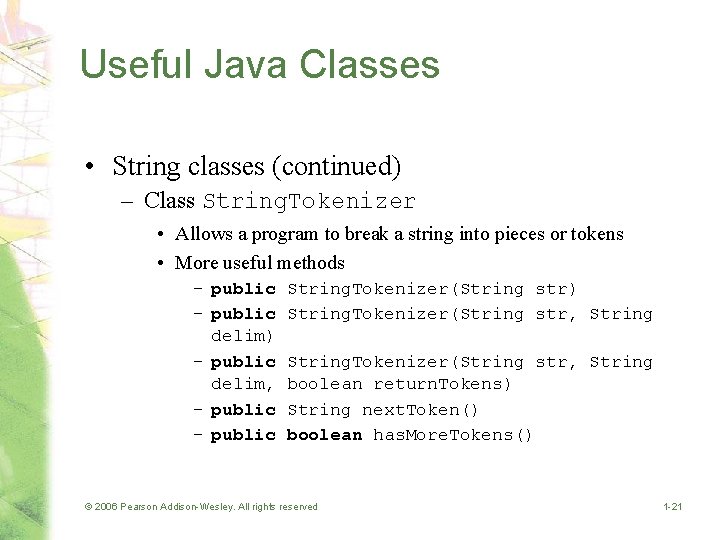
Useful Java Classes • String classes (continued) – Class String. Tokenizer • Allows a program to break a string into pieces or tokens • More useful methods – public String. Tokenizer(String str) – public String. Tokenizer(String str, String delim, boolean return. Tokens) – public String next. Token() – public boolean has. More. Tokens() © 2006 Pearson Addison-Wesley. All rights reserved 1 -21
Java Exceptions • Exception – Handles an error during execution • Throw an exception – To indicate an error during a method execution • Catch an exception – To deal with the error condition © 2006 Pearson Addison-Wesley. All rights reserved 1 -22
Catching Exceptions • Java provides try-catch blocks – To handle an exception • Place statement that might throw an exception within the try block – Must be followed by one or more catch blocks – When an exception occurs, control is passed to catch block • Catch block indicates type of exception you want to handle © 2006 Pearson Addison-Wesley. All rights reserved 1 -23
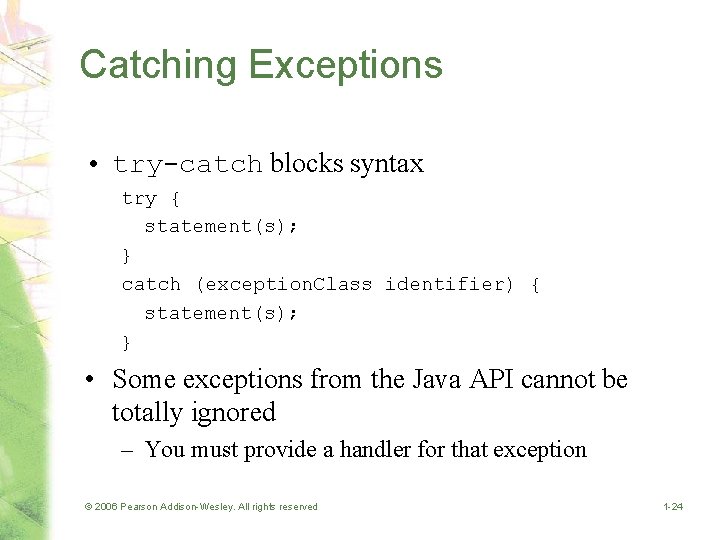
Catching Exceptions • try-catch blocks syntax try { statement(s); } catch (exception. Class identifier) { statement(s); } • Some exceptions from the Java API cannot be totally ignored – You must provide a handler for that exception © 2006 Pearson Addison-Wesley. All rights reserved 1 -24
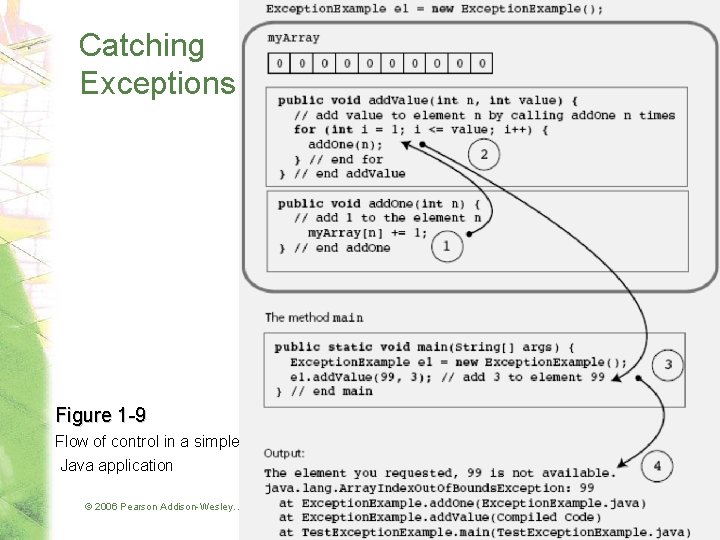
Catching Exceptions Figure 1 -9 Flow of control in a simple Java application © 2006 Pearson Addison-Wesley. All rights reserved 1 -25
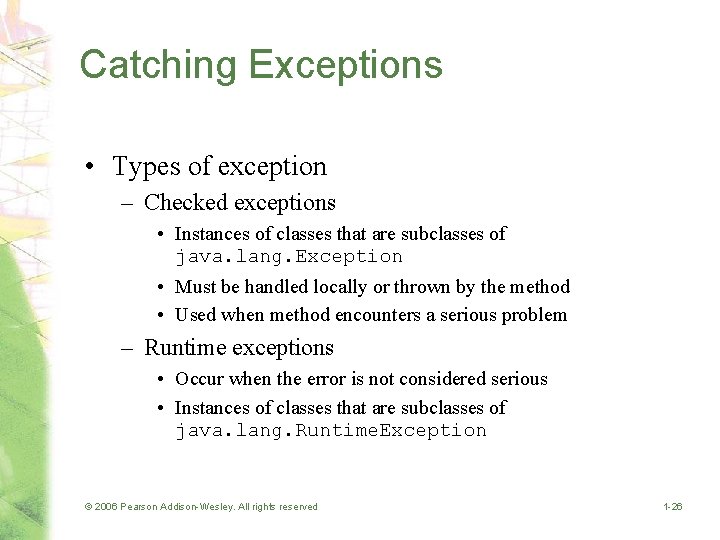
Catching Exceptions • Types of exception – Checked exceptions • Instances of classes that are subclasses of java. lang. Exception • Must be handled locally or thrown by the method • Used when method encounters a serious problem – Runtime exceptions • Occur when the error is not considered serious • Instances of classes that are subclasses of java. lang. Runtime. Exception © 2006 Pearson Addison-Wesley. All rights reserved 1 -26
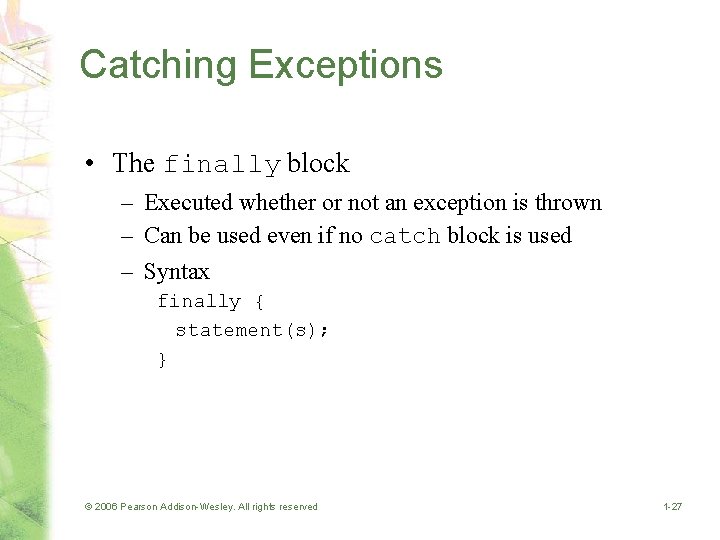
Catching Exceptions • The finally block – Executed whether or not an exception is thrown – Can be used even if no catch block is used – Syntax finally { statement(s); } © 2006 Pearson Addison-Wesley. All rights reserved 1 -27
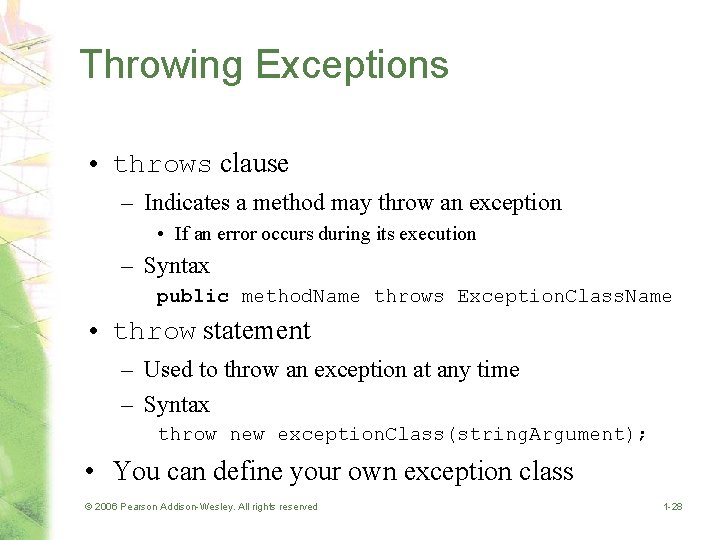
Throwing Exceptions • throws clause – Indicates a method may throw an exception • If an error occurs during its execution – Syntax public method. Name throws Exception. Class. Name • throw statement – Used to throw an exception at any time – Syntax throw new exception. Class(string. Argument); • You can define your own exception class © 2006 Pearson Addison-Wesley. All rights reserved 1 -28
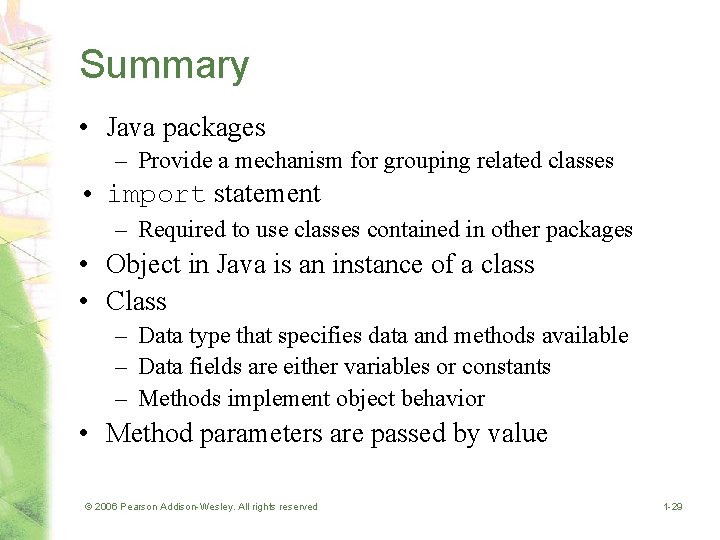
Summary • Java packages – Provide a mechanism for grouping related classes • import statement – Required to use classes contained in other packages • Object in Java is an instance of a class • Class – Data type that specifies data and methods available – Data fields are either variables or constants – Methods implement object behavior • Method parameters are passed by value © 2006 Pearson Addison-Wesley. All rights reserved 1 -29
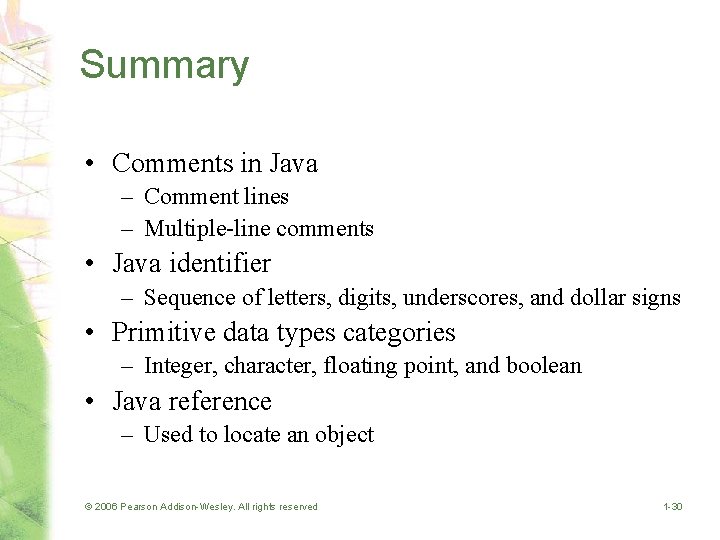
Summary • Comments in Java – Comment lines – Multiple-line comments • Java identifier – Sequence of letters, digits, underscores, and dollar signs • Primitive data types categories – Integer, character, floating point, and boolean • Java reference – Used to locate an object © 2006 Pearson Addison-Wesley. All rights reserved 1 -30
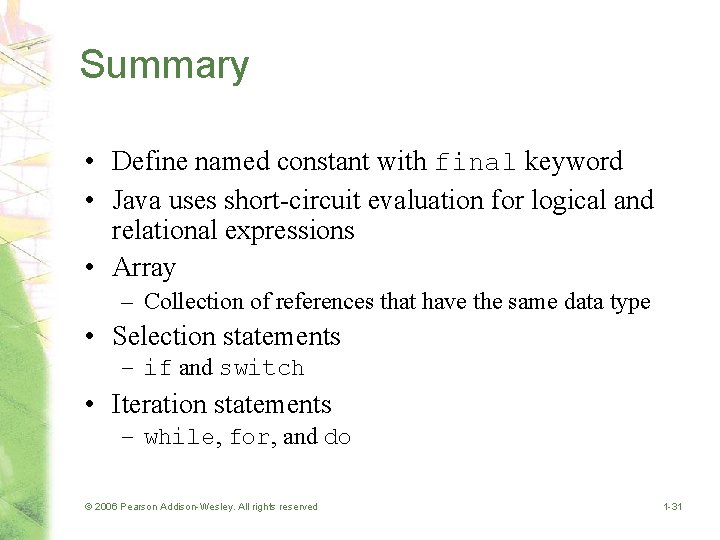
Summary • Define named constant with final keyword • Java uses short-circuit evaluation for logical and relational expressions • Array – Collection of references that have the same data type • Selection statements – if and switch • Iteration statements – while, for, and do © 2006 Pearson Addison-Wesley. All rights reserved 1 -31
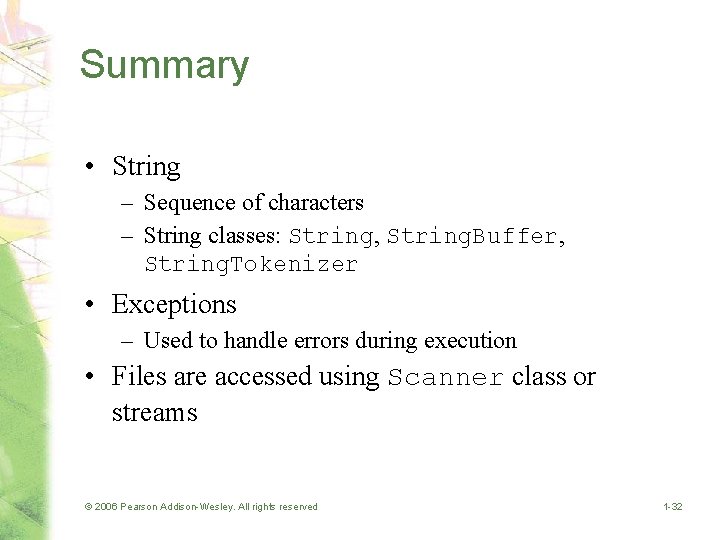
Summary • String – Sequence of characters – String classes: String, String. Buffer, String. Tokenizer • Exceptions – Used to handle errors during execution • Files are accessed using Scanner class or streams © 2006 Pearson Addison-Wesley. All rights reserved 1 -32