
Chapter 1 Principles of computer and Select the

















- Slides: 66
Chapter 1 Principles of computer and Select the computer. Hardware: Input, Processing, and Output Devices
Indicators. p Describe the elements and principles of computer Telling features of the computer and peripherals. p Use hardware and software to fit the task. p
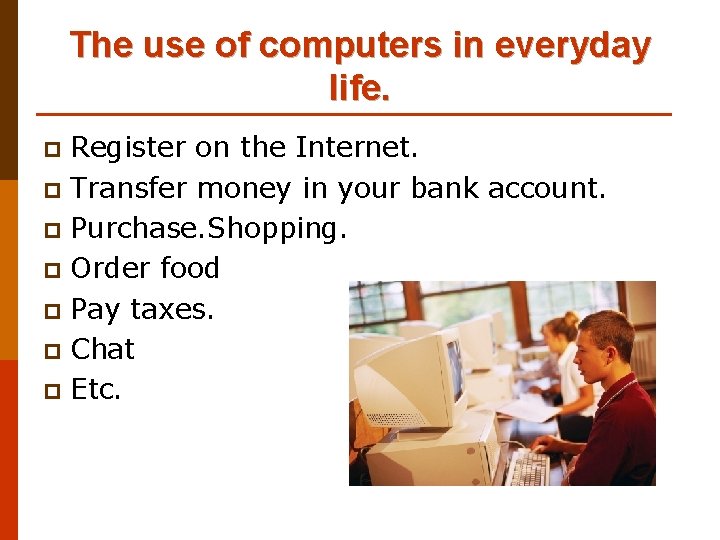
The use of computers in everyday life. Register on the Internet. p Transfer money in your bank account. p Purchase. Shopping. p Order food p Pay taxes. p Chat p Etc. p
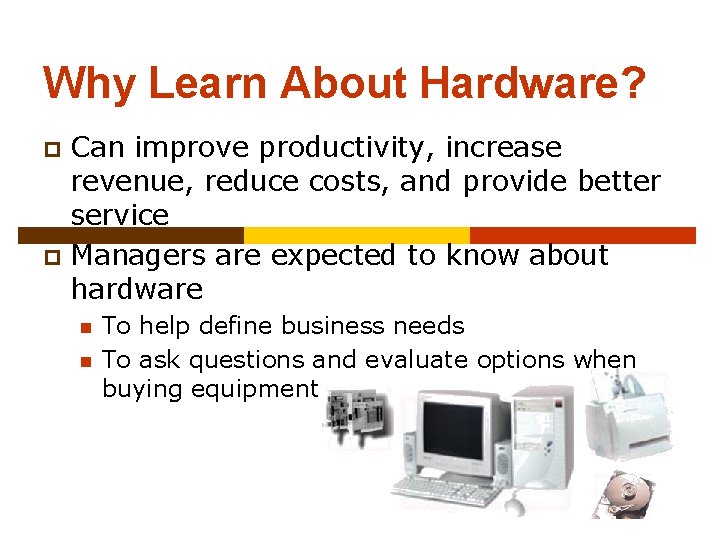
Why Learn About Hardware? Can improve productivity, increase revenue, reduce costs, and provide better service p Managers are expected to know about hardware p n n To help define business needs To ask questions and evaluate options when buying equipment
Introduction Hardware: any machinery (most of which use digital circuits) that assists in the input, processing, storage, and output activities of an information system p When making hardware decisions, businesses must consider how the hardware can support: p n n Objectives of the information system Goals of the organization
Computer Systems: Integrating The Power of Technology p Choosing the right computer hardware requires understanding its relationship to the information system and needs of the organization p Hardware objectives are subordinate to, but supportive of, the information system and the current and future needs of the organization
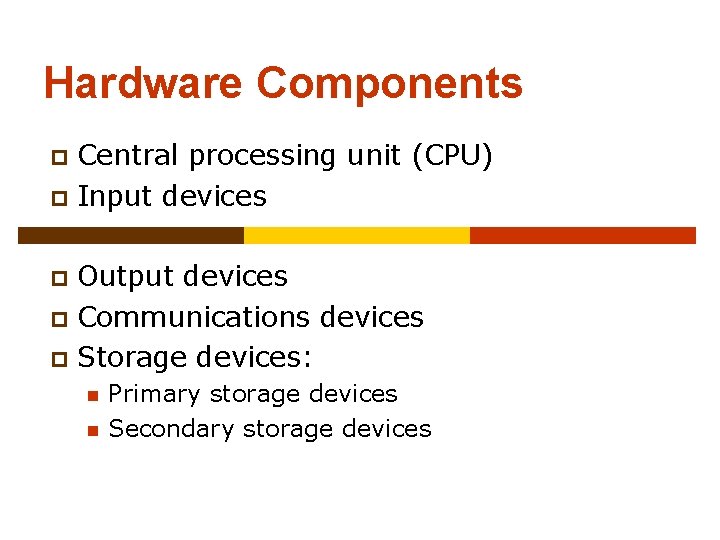
Hardware Components Central processing unit (CPU) p Input devices p Output devices p Communications devices p Storage devices: p n n Primary storage devices Secondary storage devices
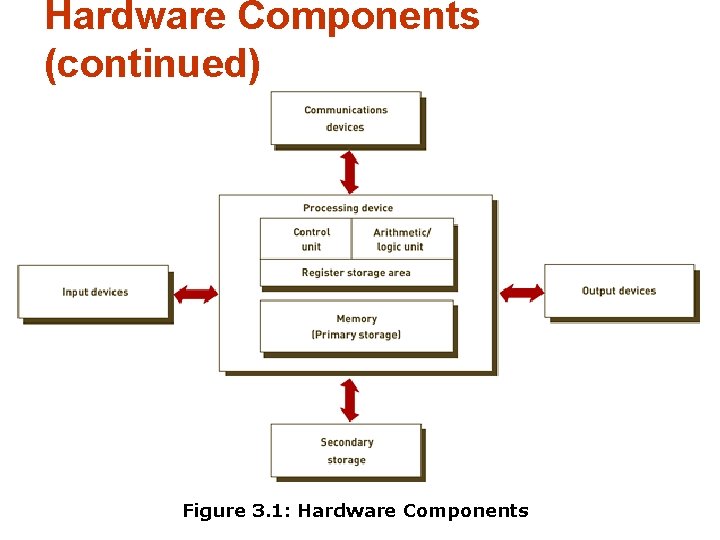
Hardware Components (continued) Figure 3. 1: Hardware Components
Cycle of the computer. p In the computer. Has 4 basic steps of a brief procedure that consists of IPOS cycle. n n Input Processing Output Storage. Input Processing Storage Output
Question? 1. The basic steps in a computer are what a few steps.
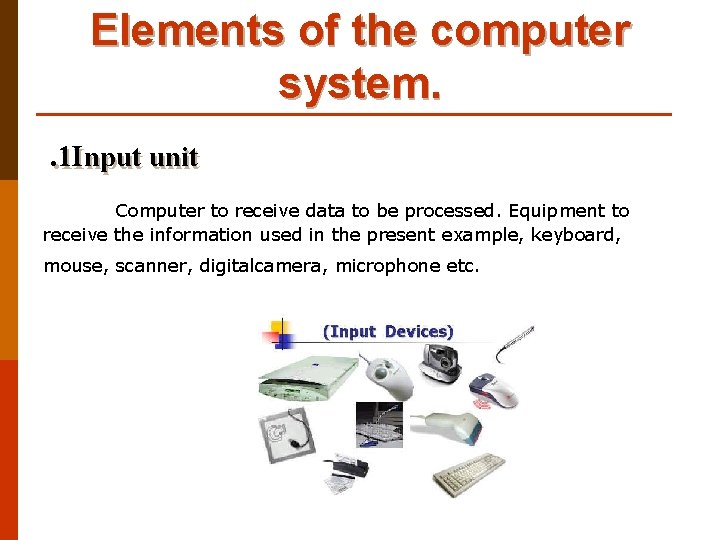
Elements of the computer system. . 1 Input unit Computer to receive data to be processed. Equipment to receive the information used in the present example, keyboard, mouse, scanner, digitalcamera, microphone etc.
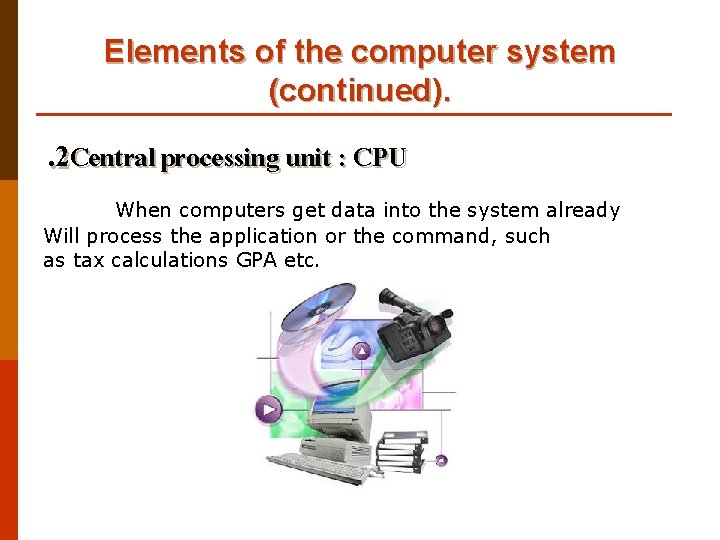
Elements of the computer system (continued). . 2 Central processing unit : CPU When computers get data into the system already Will process the application or the command, such as tax calculations GPA etc.
Elements of the computer system (continued). . 3 Main memory n Located physically close to the CPU, but not on the CPU chip itself n Rapidly provides data and instructions to the CPU
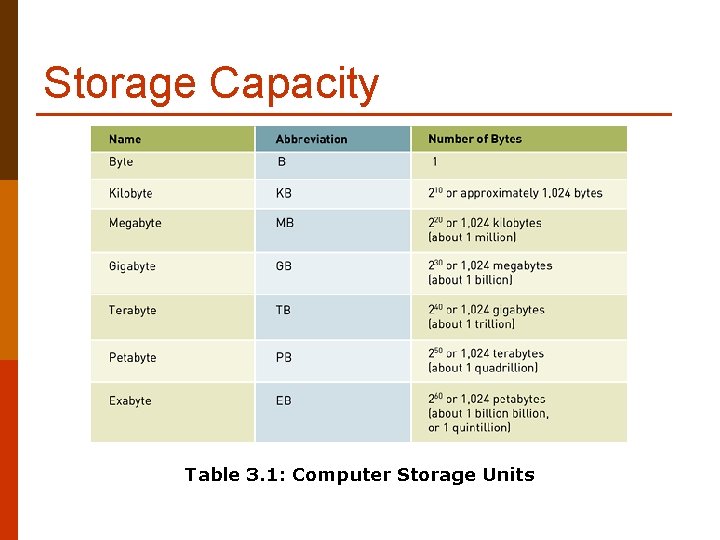
Storage Capacity Table 3. 1: Computer Storage Units
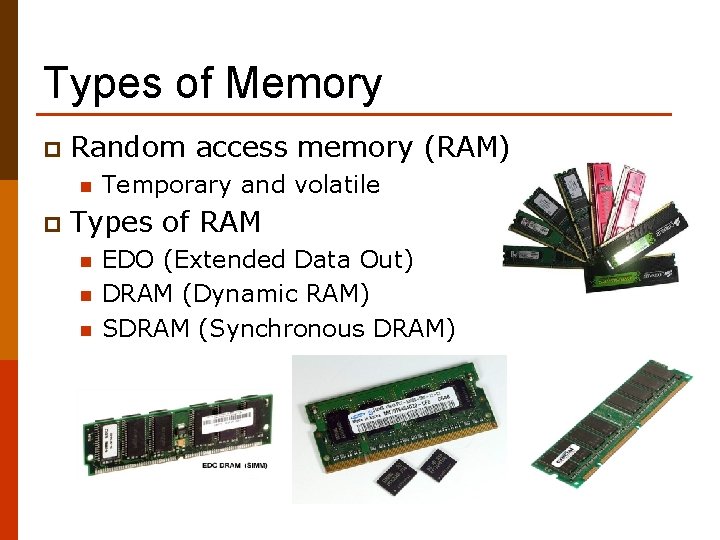
Types of Memory p Random access memory (RAM) n p Temporary and volatile Types of RAM n n n EDO (Extended Data Out) DRAM (Dynamic RAM) SDRAM (Synchronous DRAM)
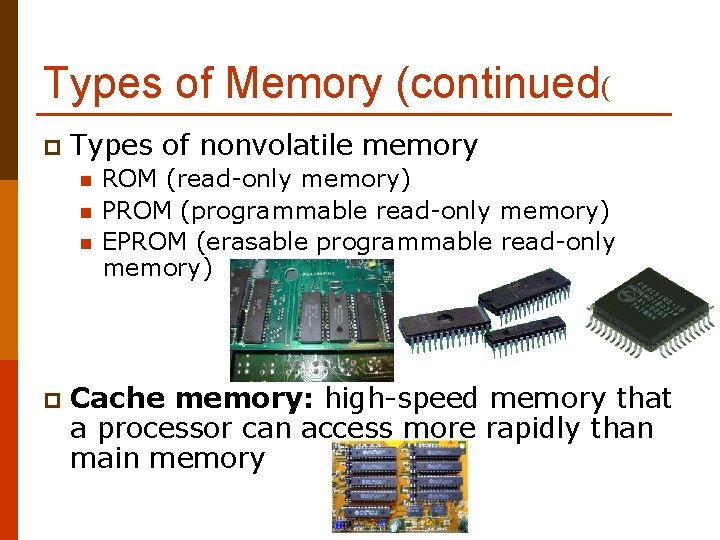
Types of Memory (continued( p Types of nonvolatile memory n n n p ROM (read-only memory) PROM (programmable read-only memory) EPROM (erasable programmable read-only memory) Cache memory: high-speed memory that a processor can access more rapidly than main memory
Types of Memory (continued( Figure 3. 4: Basic Types of Memory Chips
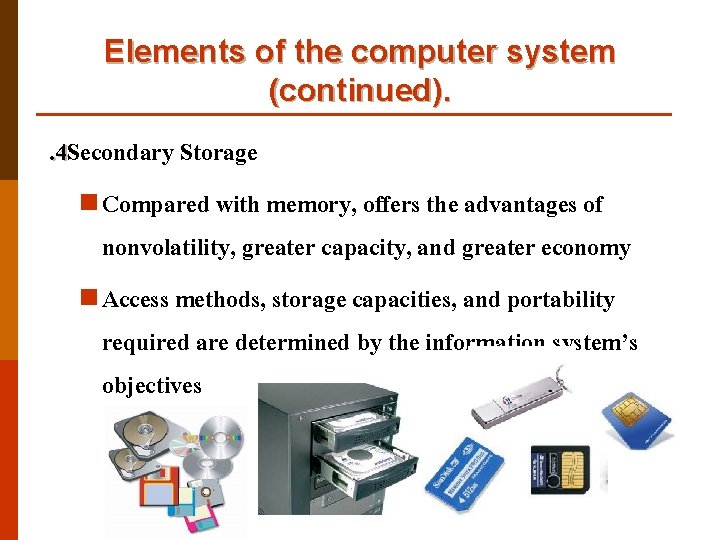
Elements of the computer system (continued). . 4 Secondary Storage n Compared with memory, offers the advantages of nonvolatility, greater capacity, and greater economy n Access methods, storage capacities, and portability required are determined by the information system’s objectives
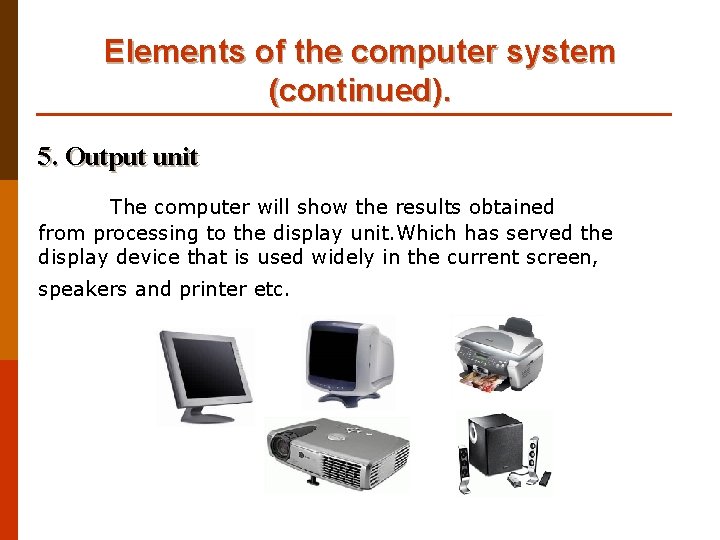
Elements of the computer system (continued). 5. Output unit The computer will show the results obtained from processing to the display unit. Which has served the display device that is used widely in the current screen, speakers and printer etc.
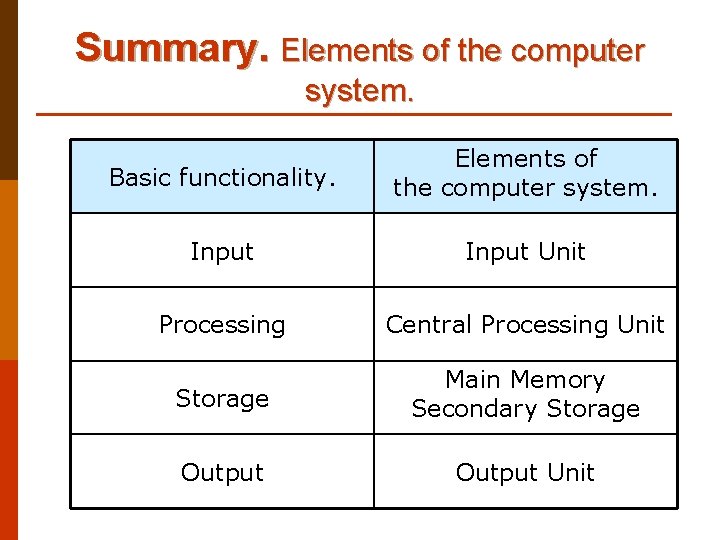
Summary. Elements of the computer system. Basic functionality. Elements of the computer system. Input Unit Processing Central Processing Unit Storage Main Memory Secondary Storage Output Unit
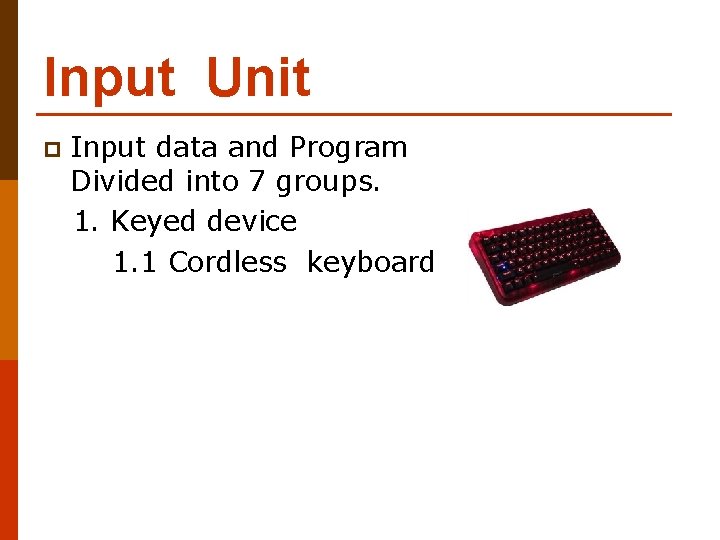
Input Unit p Input data and Program Divided into 7 groups. 1. Keyed device 1. 1 Cordless keyboard
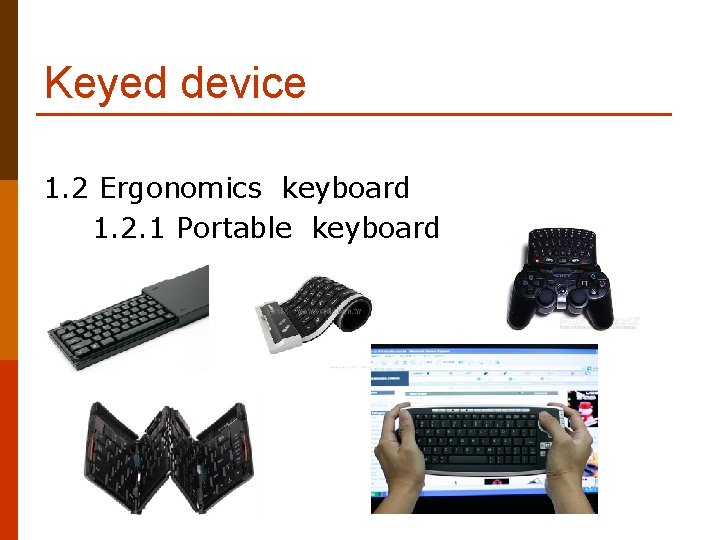
Keyed device 1. 2 Ergonomics keyboard 1. 2. 1 Portable keyboard
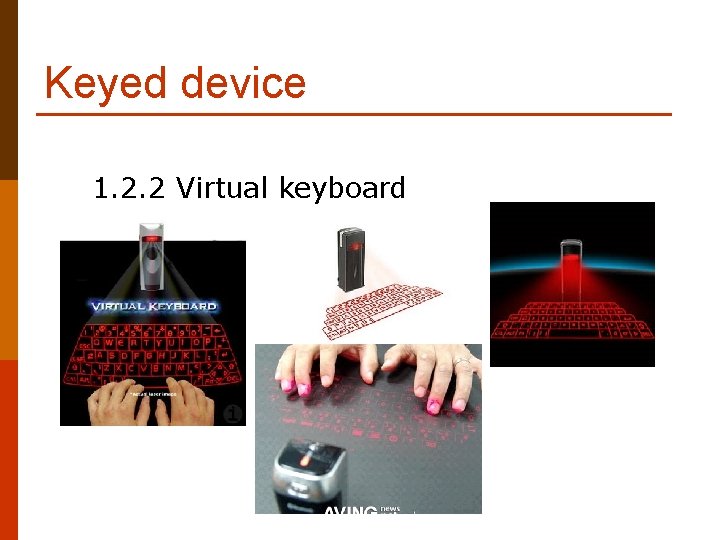
Keyed device 1. 2. 2 Virtual keyboard
Input Unit )continued. ( 2. Pointing device or Mouse 2. 1 Mec-hanical mouse
Input Unit )continued. ( 2. 2 Optical mouse
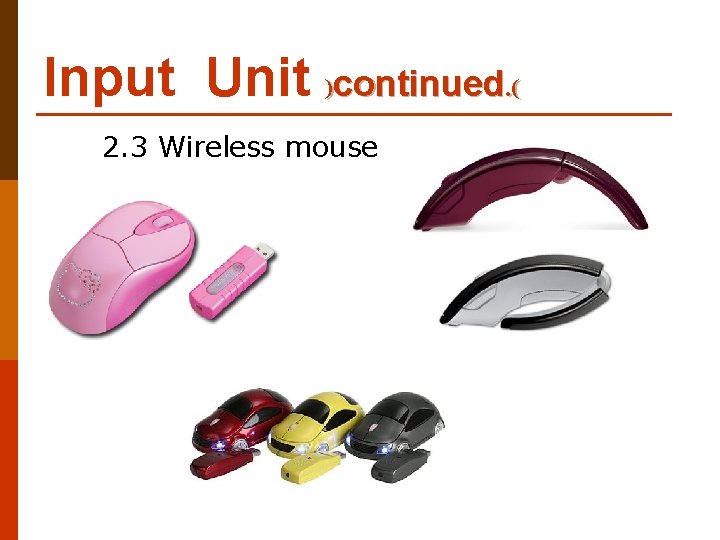
Input Unit )continued. ( 2. 3 Wireless mouse
Input Unit )continued. ( 2. 4 Foot mouse
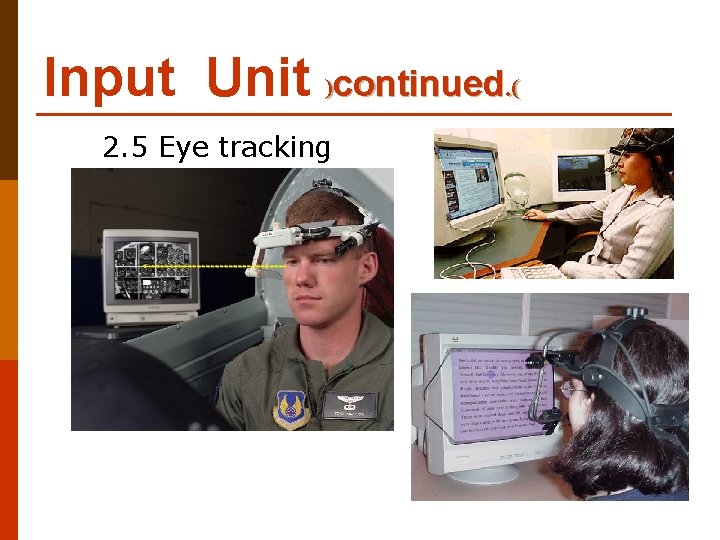
Input Unit )continued. ( 2. 5 Eye tracking
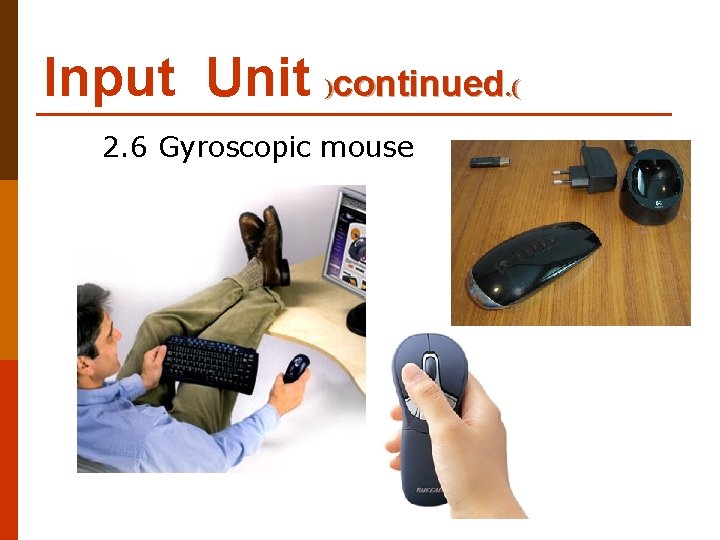
Input Unit )continued. ( 2. 6 Gyroscopic mouse
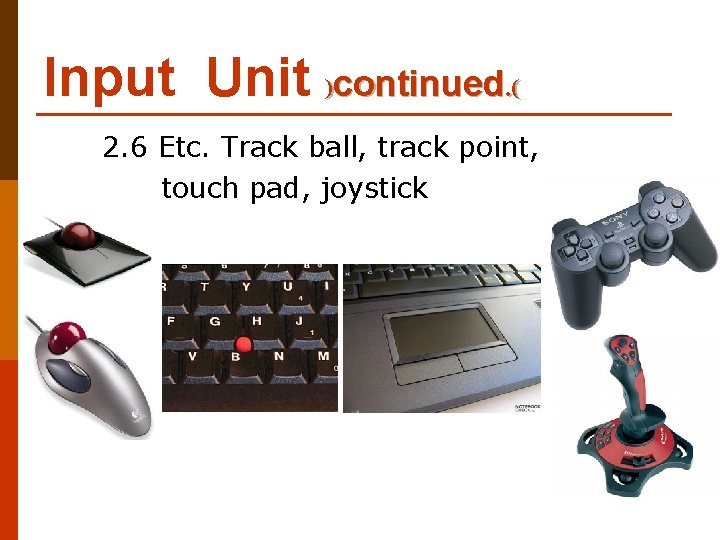
Input Unit )continued. ( 2. 6 Etc. Track ball, track point, touch pad, joystick
Input Unit )continued. ( 3. Touch sensitive screen , multi touch
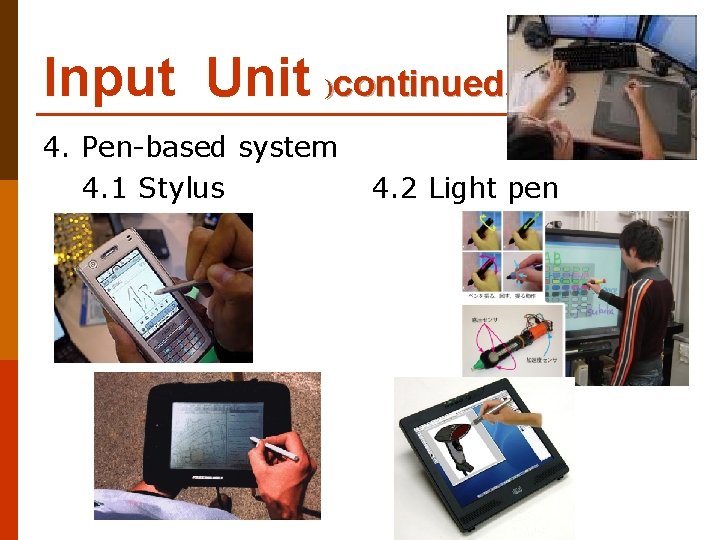
Input Unit )continued. ( 4. Pen-based system 4. 1 Stylus 4. 2 Light pen
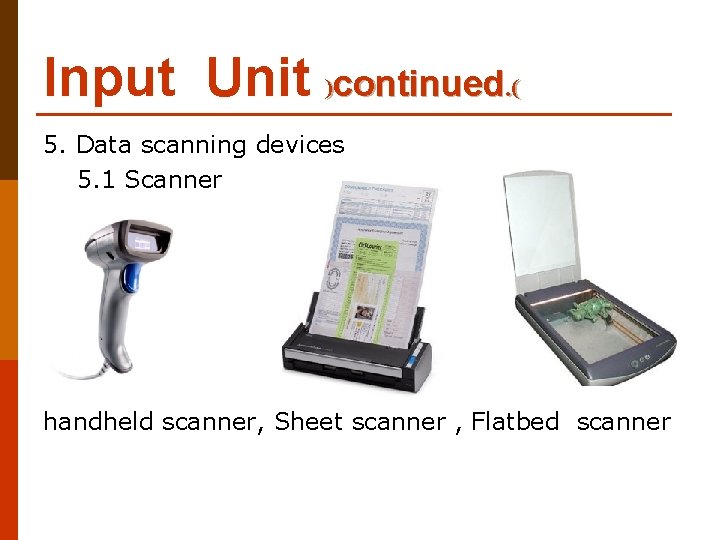
Input Unit )continued. ( 5. Data scanning devices 5. 1 Scanner handheld scanner, Sheet scanner , Flatbed scanner
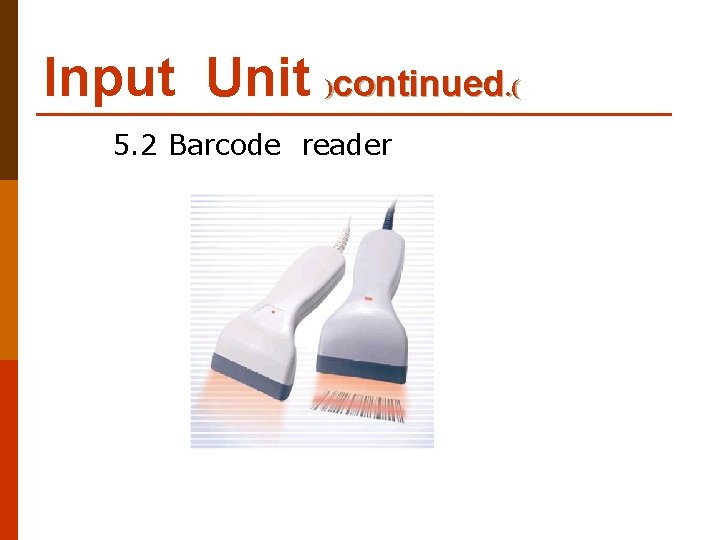
Input Unit )continued. ( 5. 2 Barcode reader
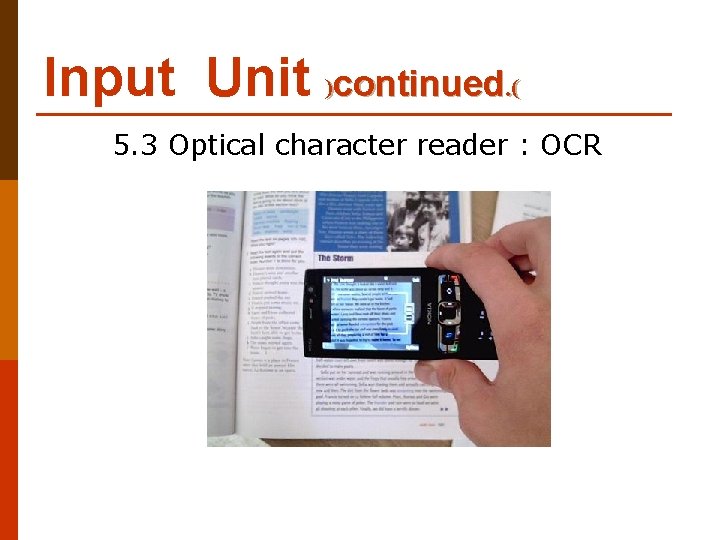
Input Unit )continued. ( 5. 3 Optical character reader : OCR
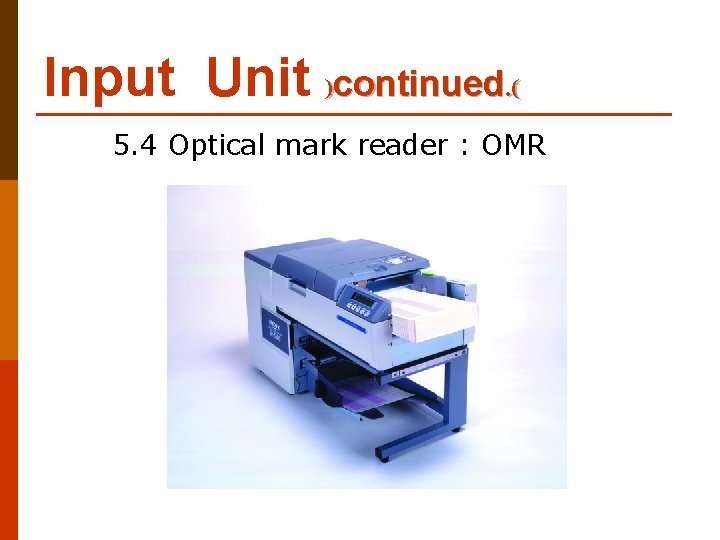
Input Unit )continued. ( 5. 4 Optical mark reader : OMR
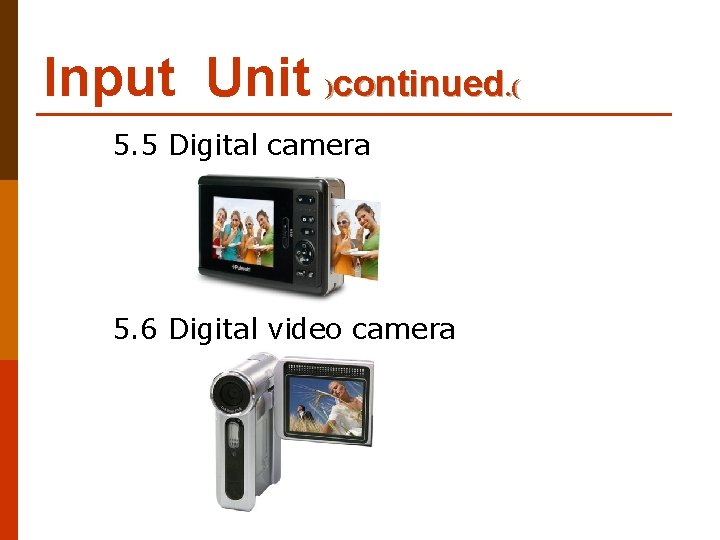
Input Unit )continued. ( 5. 5 Digital camera 5. 6 Digital video camera
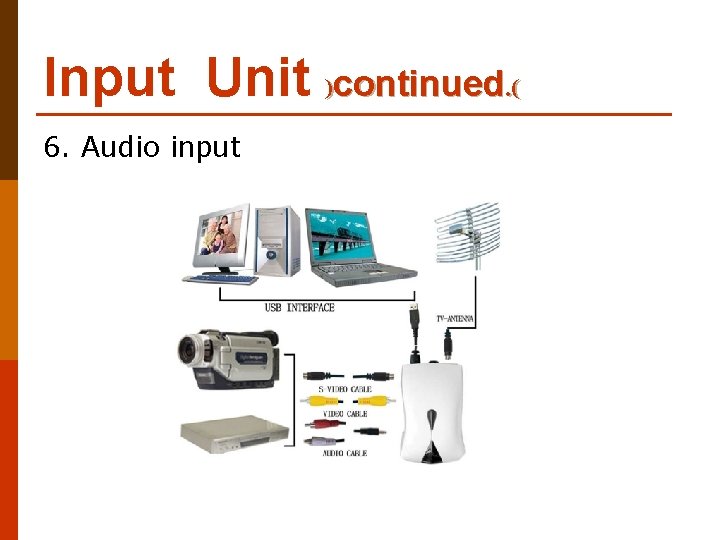
Input Unit )continued. ( 6. Audio input
Input Unit )continued. ( 7. Haptic device
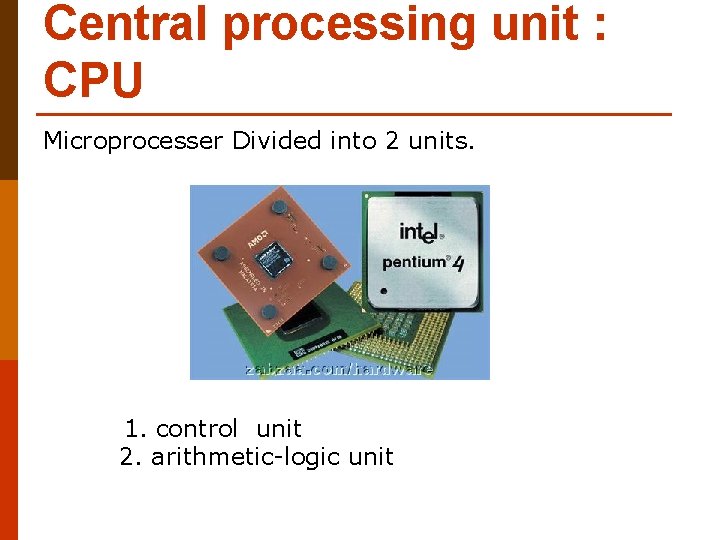
Central processing unit : CPU Microprocesser Divided into 2 units. 1. control unit 2. arithmetic-logic unit
CPU continued. Elements of CPU 2 factors. 1. Register In a computer, a register is one of a small set of data holding places that are part of a computer processor. A register may hold a computer instruction , a storage address, or any kind of data (such as a bit sequence or individual characters). Some instructions specify registers as part of the instruction. For example, an instruction may specify that the contents of two defined registers be added together and then placed in a specified register. A register must be large enough to hold an instruction - for example, in a 32 -bit instruction computer, a register must be 32 bits in length. In some computer designs, there are smaller registers - for example, half-registers - for shorter instructions. Depending on the processor design and language rules, registers may be numbered or have arbitrary names. Ex. Program counter : PC 2. Bus a bus is a transmission path on which signals are dropped off or picked up at every device attached to the line. Only devices addressed by the signals pay attention to them; the others discard the signals. According to Winn L. Rosch, the term derives from its similarity to autobuses that stop at every town or block to drop off or take on riders
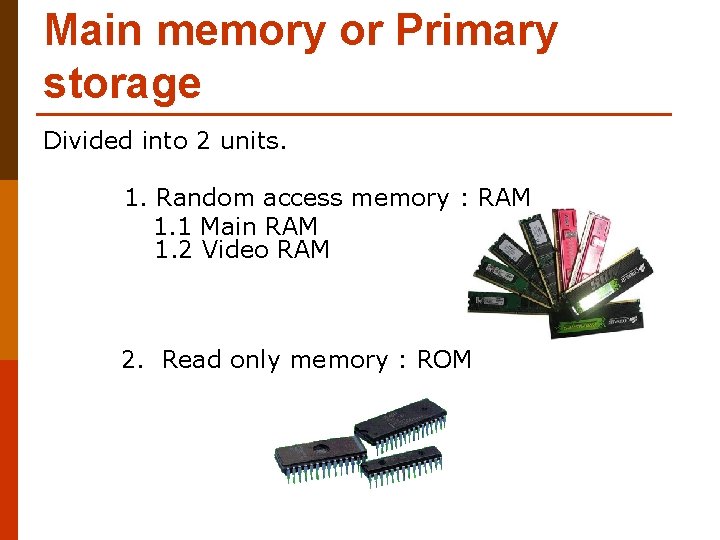
Main memory or Primary storage Divided into 2 units. 1. Random access memory : RAM 1. 1 Main RAM 1. 2 Video RAM 2. Read only memory : ROM
Secondary storage Divided into 4 factors. 1. Hard disk
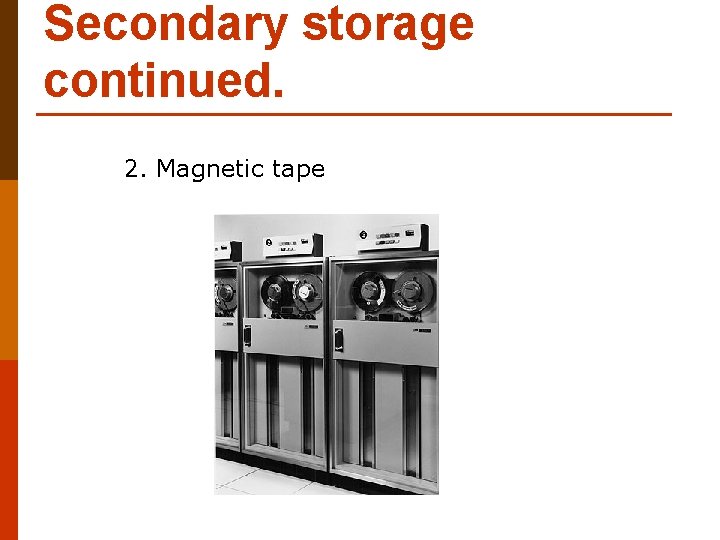
Secondary storage continued. 2. Magnetic tape
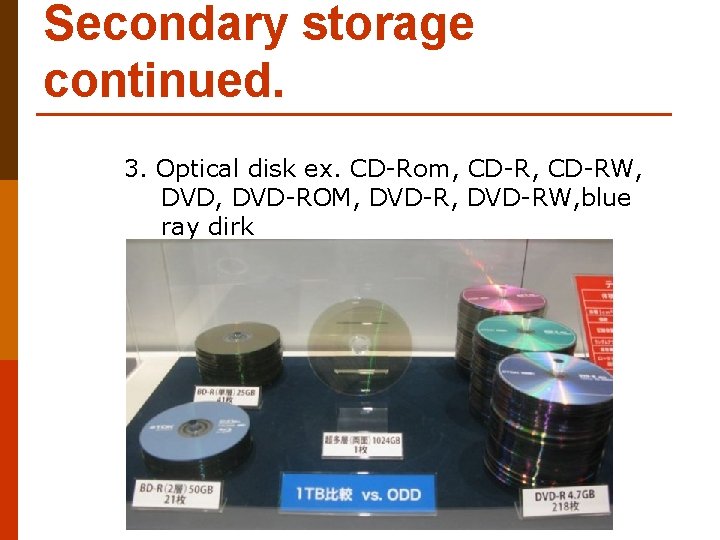
Secondary storage continued. 3. Optical disk ex. CD-Rom, CD-RW, DVD-ROM, DVD-RW, blue ray dirk
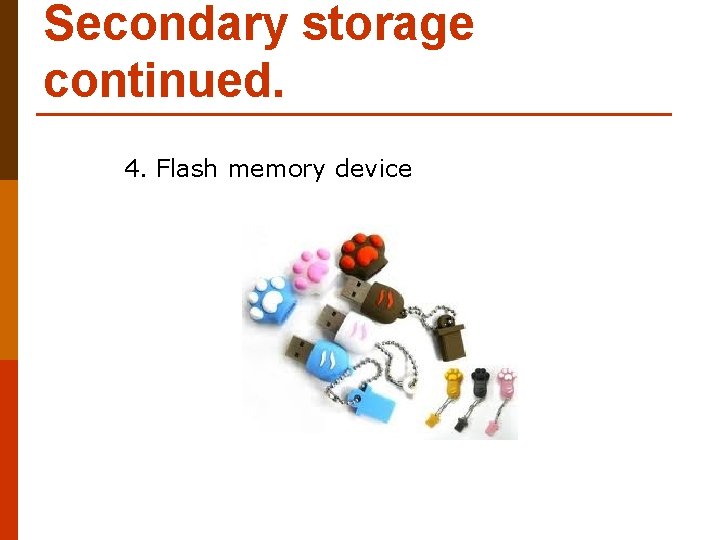
Secondary storage continued. 4. Flash memory device
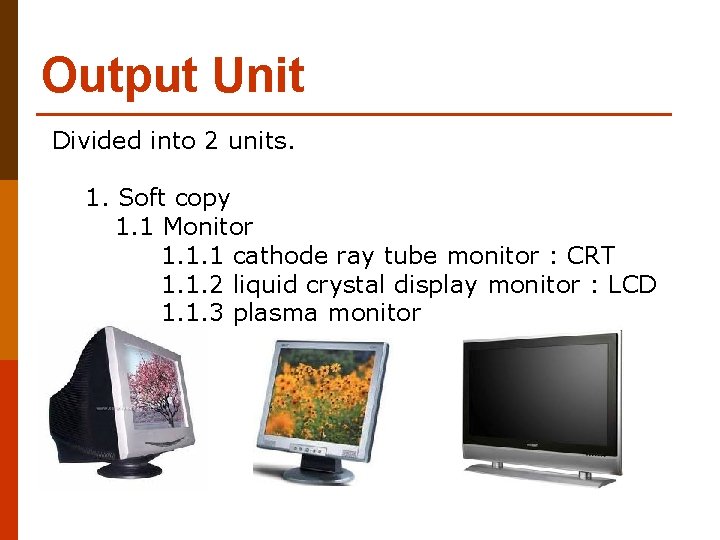
Output Unit Divided into 2 units. 1. Soft copy 1. 1 Monitor 1. 1. 1 cathode ray tube monitor : CRT 1. 1. 2 liquid crystal display monitor : LCD 1. 1. 3 plasma monitor
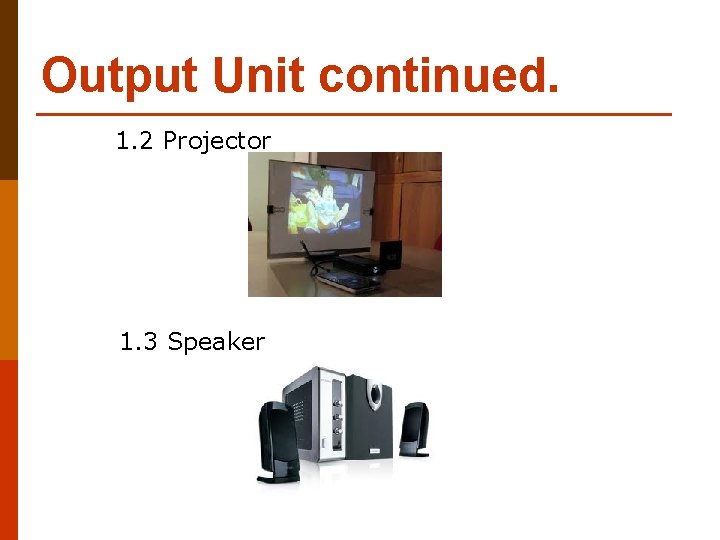
Output Unit continued. 1. 2 Projector 1. 3 Speaker
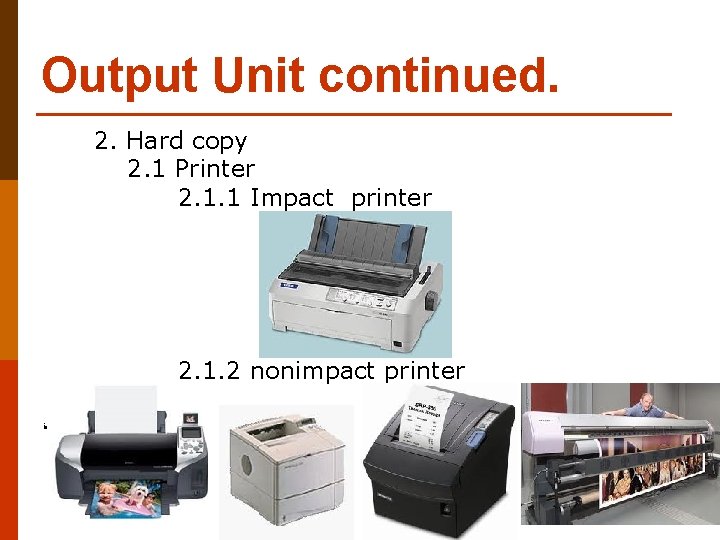
Output Unit continued. 2. Hard copy 2. 1 Printer 2. 1. 1 Impact printer 2. 1. 2 nonimpact printer iร
Question? 1. Briefly describe the components of the computer system shortly 2. processing power of computers will be fast or slow Depending on what
Principles of buying a computer. May follow the guidelines below. 3. 1 Survey of level of computer use. 3. 1. 1 3. 1. 2 3. 1. 3 3. 1. 4 Level general users and new users. Graphic user Advanced graphic user Gammer user
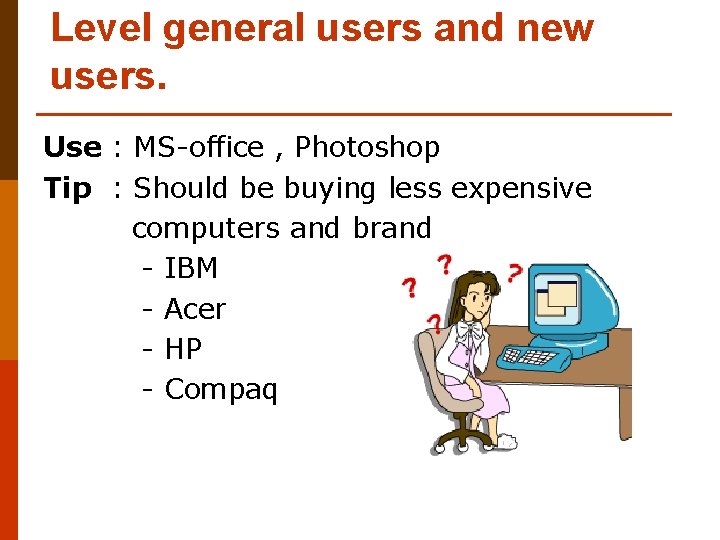
Level general users and new users. Use : MS-office , Photoshop Tip : Should be buying less expensive computers and brand - IBM - Acer - HP - Compaq
Advanced graphic user Use : Photoshop, Illustrator, Corel. Draw, Page. Maker Tip : Computer prices were moderate to high Computer assembly
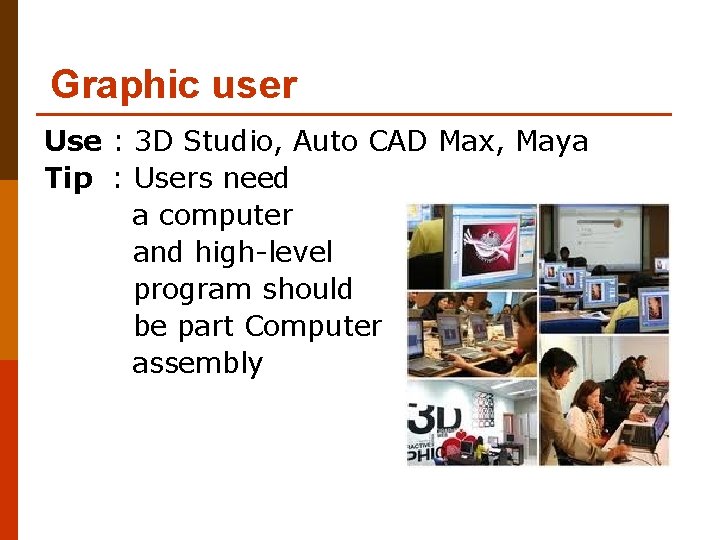
Graphic user Use : 3 D Studio, Auto CAD Max, Maya Tip : Users need a computer and high-level program should be part Computer assembly
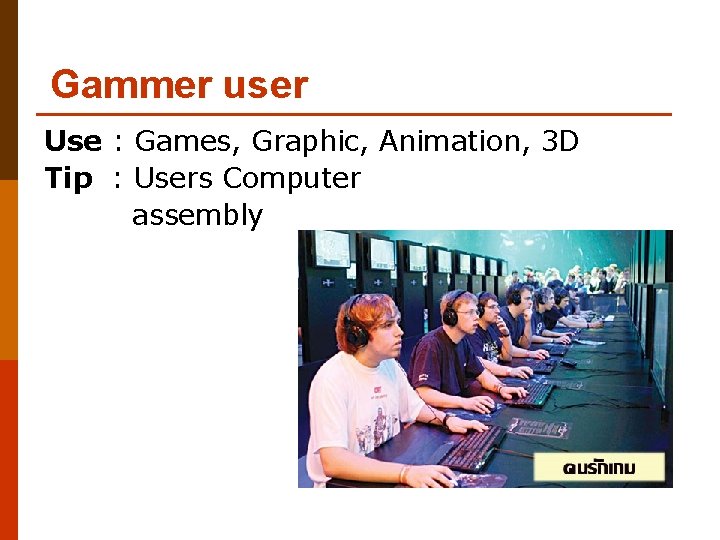
Gammer user Use : Games, Graphic, Animation, 3 D Tip : Users Computer assembly
Principles of buying a computer (continue) 3. 2 How to determine which features computer.
Principles of buying a computer (continue) 3. 2. 1 For applications focused on basic work. Computer equipment Specifications CPU Intel Celeron, Pentium 4, Pentium D or AMD Sempron, AMD Athlon 64 x 2 RAM DDR 2 -SDRAM 512 MB up Main board Choose the type of audio chips are chips chip network. Hard disk Serial ATA 160 GB up VGA On Board Audio card On Board Lan card On Board speed 10/100 Mbps or 1 Gbps Optical Storage DVD-RW UPS 500 VA up
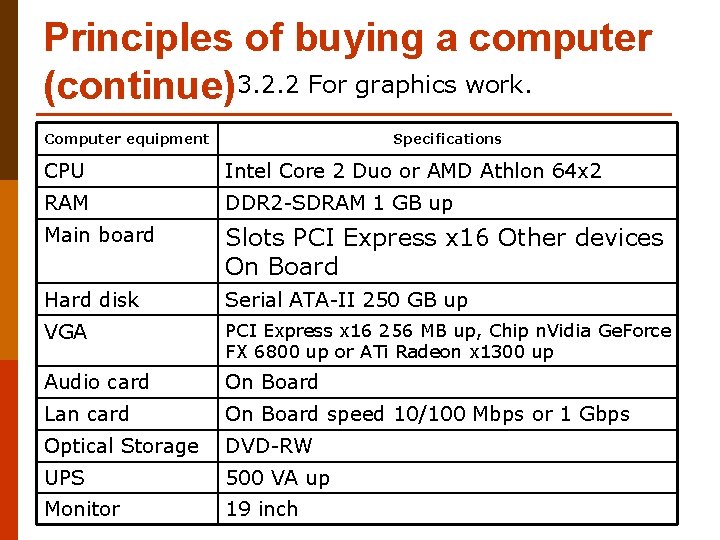
Principles of buying a computer (continue)3. 2. 2 For graphics work. Computer equipment Specifications CPU Intel Core 2 Duo or AMD Athlon 64 x 2 RAM DDR 2 -SDRAM 1 GB up Main board Slots PCI Express x 16 Other devices On Board Hard disk Serial ATA-II 250 GB up VGA PCI Express x 16 256 MB up, Chip n. Vidia Ge. Force FX 6800 up or ATi Radeon x 1300 up Audio card On Board Lan card On Board speed 10/100 Mbps or 1 Gbps Optical Storage DVD-RW UPS 500 VA up Monitor 19 inch
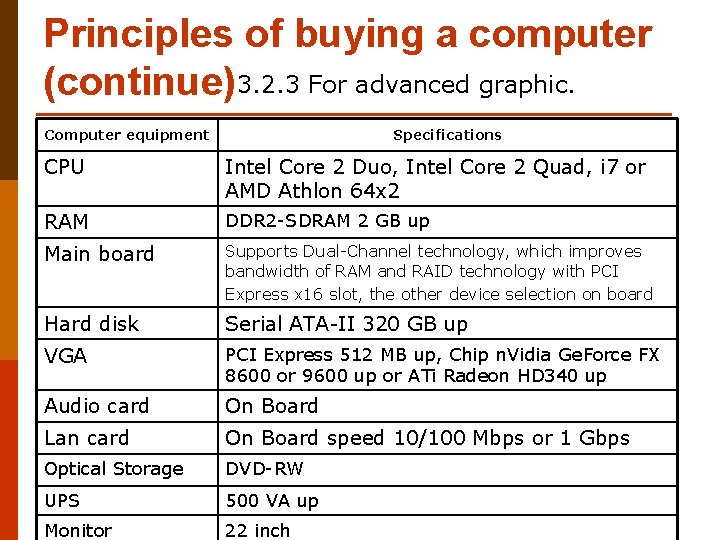
Principles of buying a computer (continue)3. 2. 3 For advanced graphic. Computer equipment Specifications CPU Intel Core 2 Duo, Intel Core 2 Quad, i 7 or AMD Athlon 64 x 2 RAM DDR 2 -SDRAM 2 GB up Main board Supports Dual-Channel technology, which improves bandwidth of RAM and RAID technology with PCI Express x 16 slot, the other device selection on board Hard disk Serial ATA-II 320 GB up VGA PCI Express 512 MB up, Chip n. Vidia Ge. Force FX 8600 or 9600 up or ATi Radeon HD 340 up Audio card On Board Lan card On Board speed 10/100 Mbps or 1 Gbps Optical Storage DVD-RW UPS 500 VA up Monitor 22 inch
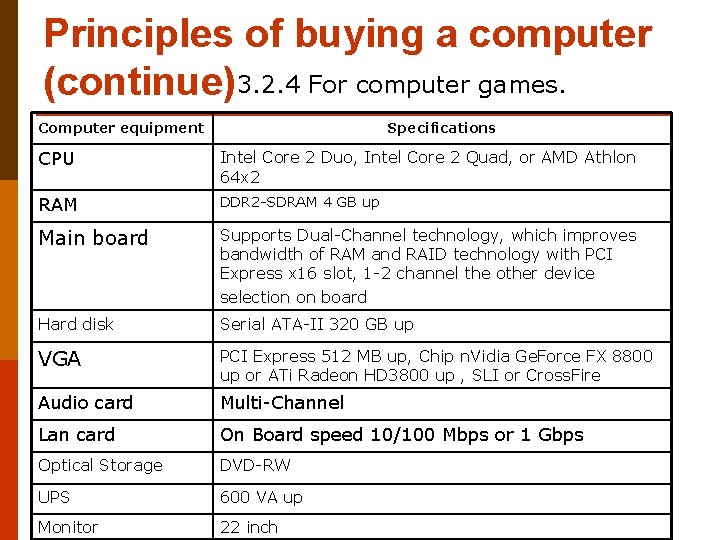
Principles of buying a computer (continue)3. 2. 4 For computer games. Computer equipment Specifications CPU Intel Core 2 Duo, Intel Core 2 Quad, or AMD Athlon 64 x 2 RAM DDR 2 -SDRAM 4 GB up Main board Supports Dual-Channel technology, which improves bandwidth of RAM and RAID technology with PCI Express x 16 slot, 1 -2 channel the other device selection on board Hard disk Serial ATA-II 320 GB up VGA PCI Express 512 MB up, Chip n. Vidia Ge. Force FX 8800 up or ATi Radeon HD 3800 up , SLI or Cross. Fire Audio card Multi-Channel Lan card On Board speed 10/100 Mbps or 1 Gbps Optical Storage DVD-RW UPS 600 VA up Monitor 22 inch
Principles of buying a computer (continue) 3. 3 Price survey. - Computer store - supper market
Principles of buying a computer (continue) 3. 4 Survey after sales service.
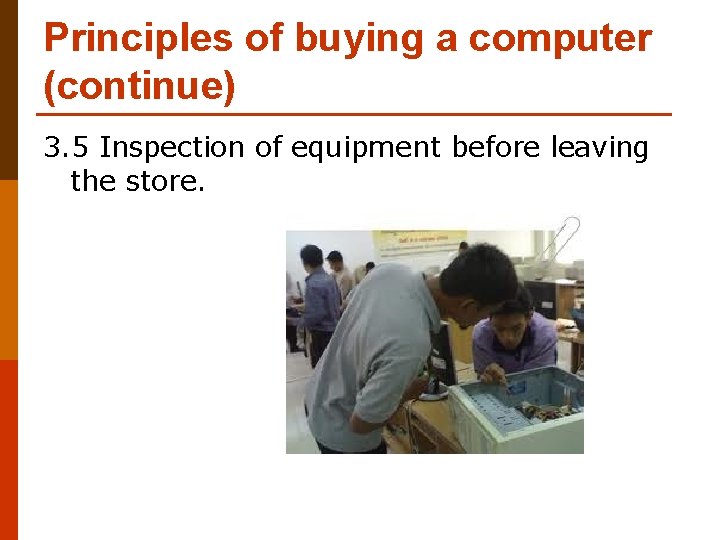
Principles of buying a computer (continue) 3. 5 Inspection of equipment before leaving the store.
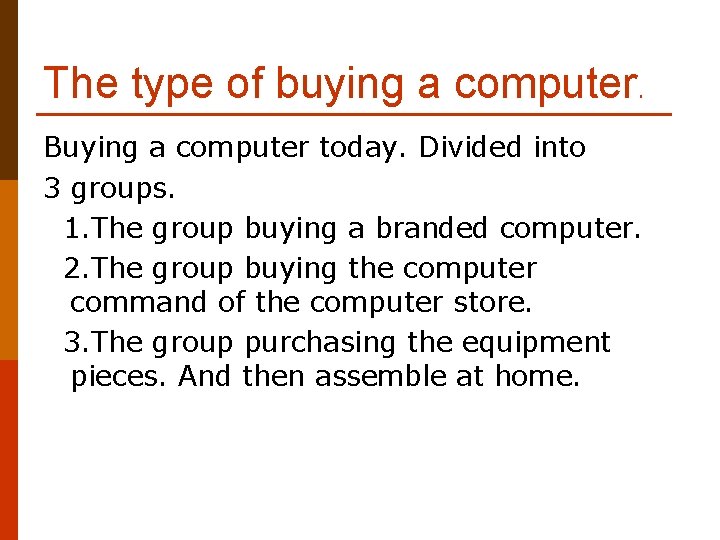
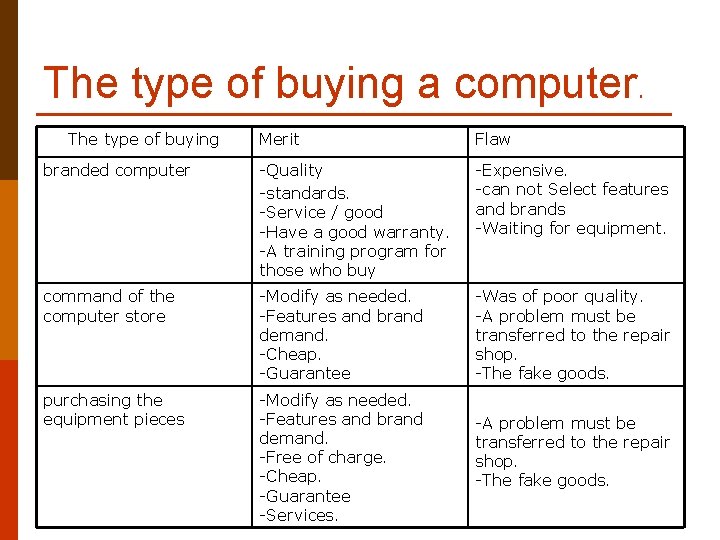
The type of buying a computer. Buying a computer today. Divided into 3 groups. 1. The group buying a branded computer. 2. The group buying the computer command of the computer store. 3. The group purchasing the equipment pieces. And then assemble at home.
The type of buying a computer. The type of buying Merit Flaw branded computer -Quality -standards. -Service / good -Have a good warranty. -A training program for those who buy -Expensive. -can not Select features and brands -Waiting for equipment. command of the computer store -Modify as needed. -Features and brand demand. -Cheap. -Guarantee -Was of poor quality. -A problem must be transferred to the repair shop. -The fake goods. purchasing the equipment pieces -Modify as needed. -Features and brand demand. -Free of charge. -Cheap. -Guarantee -Services. -A problem must be transferred to the repair shop. -The fake goods.
Question ? 1. Explain buying a computer to use. What are some factors to consider. 2. Be considered a professional organization requires. Classified as a user level. Why. - student - engineer - teacher - designers television - market woman - official statistics. - programmer - publishers. - Banker.