
Chapter 1 Introduction to the World of Computers
- Slides: 41
Chapter 1 Introduction to the World of Computers
Learning Objectives n Explain why it is essential to learn about computers today and discuss several ways computers are integrated into our business and personal lives. n Define a computer and describe its primary operations. n Identify the major parts of a personal computer, n Define software and understand how it is used to instruct the computer what to do. n List the five basic types of computers, giving at least one example of each type of computer 2
Overview n This chapter covers: q What computers do and how they are used q Computer terminology q The basic types of computers in use today 3
Computers in Your Life n Why learn about computers? q q Pervasive computing n Also known as ubiquitous computing n Computers have become an integral part of our lives Basic computer literacy n Knowing about and understanding computers and their uses is an essential skill today for everyone 4
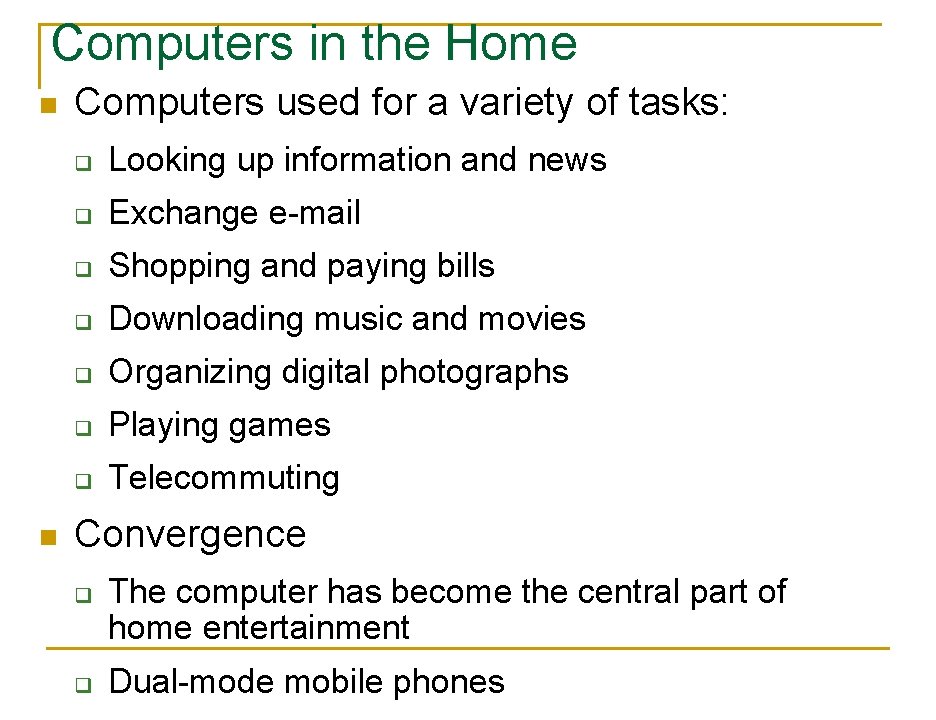
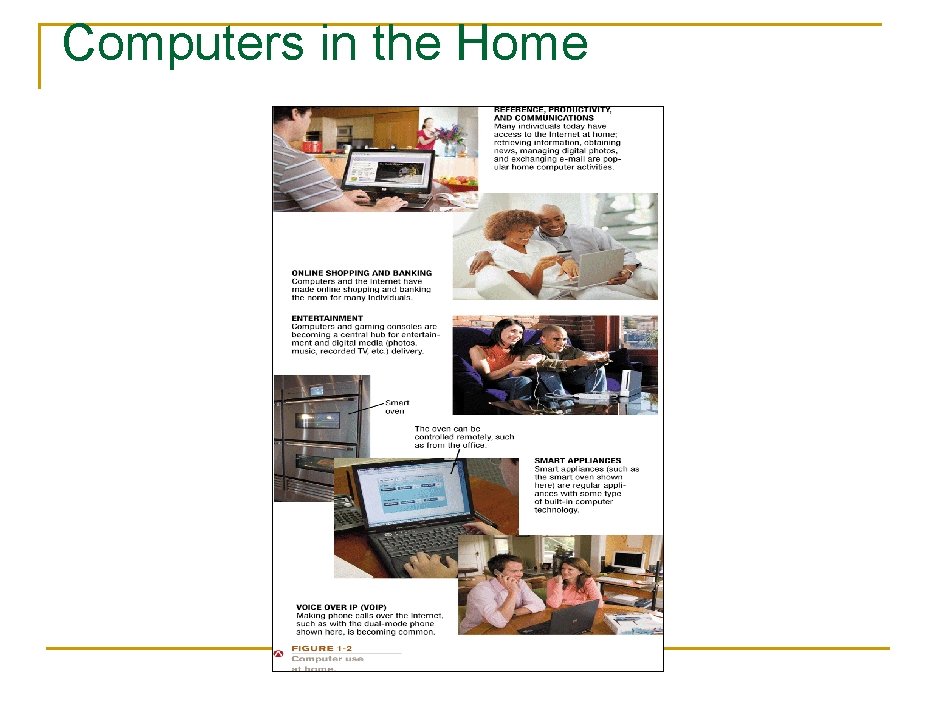
Computers in the Home n n Computers used for a variety of tasks: q Looking up information and news q Exchange e-mail q Shopping and paying bills q Downloading music and movies q Organizing digital photographs q Playing games q Telecommuting Convergence q q The computer has become the central part of home entertainment Dual-mode mobile phones 5
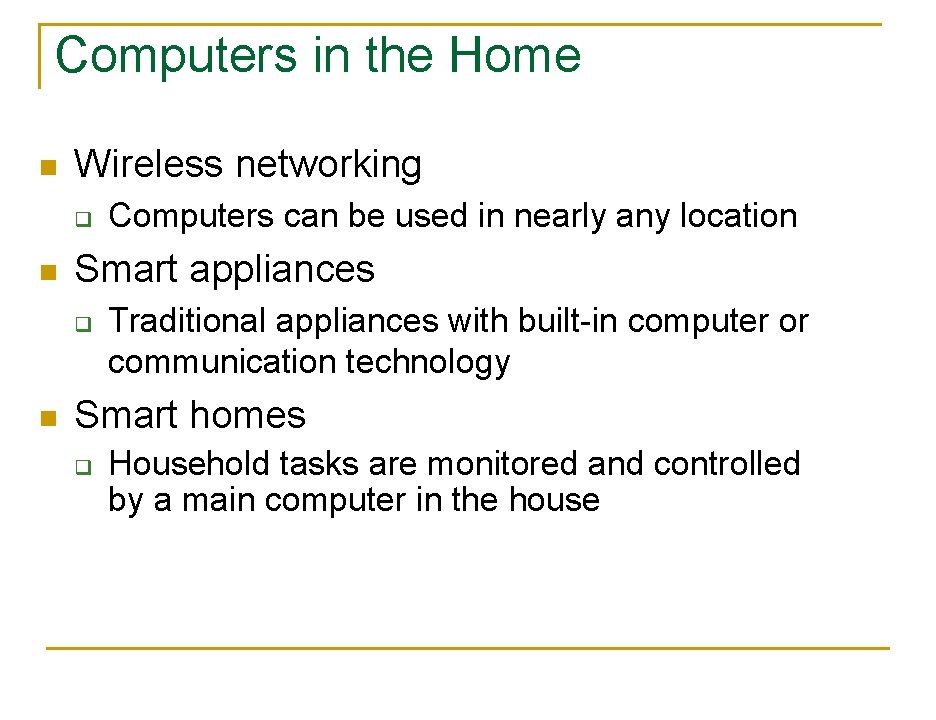
Computers in the Home n Wireless networking q n Smart appliances q n Computers can be used in nearly any location Traditional appliances with built-in computer or communication technology Smart homes q Household tasks are monitored and controlled by a main computer in the house 6
Computers in the Home 7
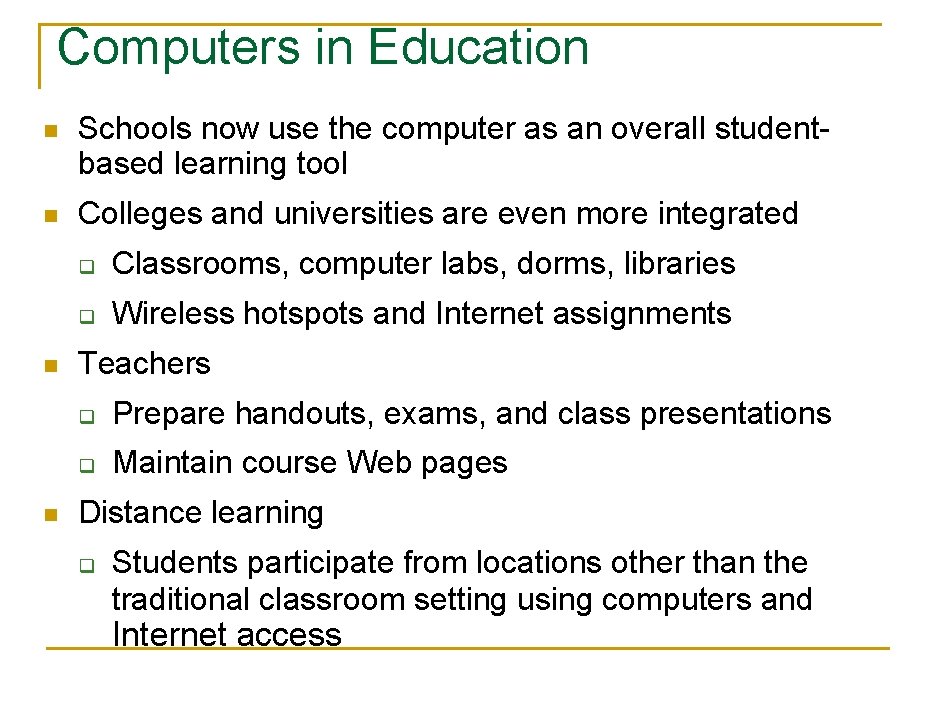
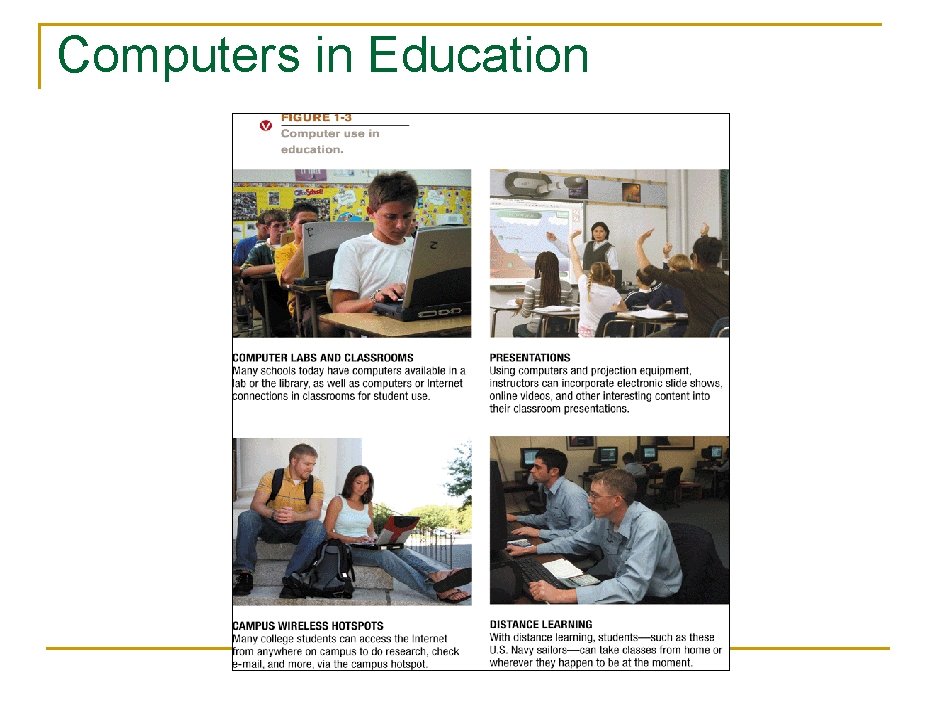
Computers in Education n Schools now use the computer as an overall studentbased learning tool n Colleges and universities are even more integrated n n q Classrooms, computer labs, dorms, libraries q Wireless hotspots and Internet assignments Teachers q Prepare handouts, exams, and class presentations q Maintain course Web pages Distance learning q Students participate from locations other than the traditional classroom setting using computers and Internet access 8
Computers in Education 9
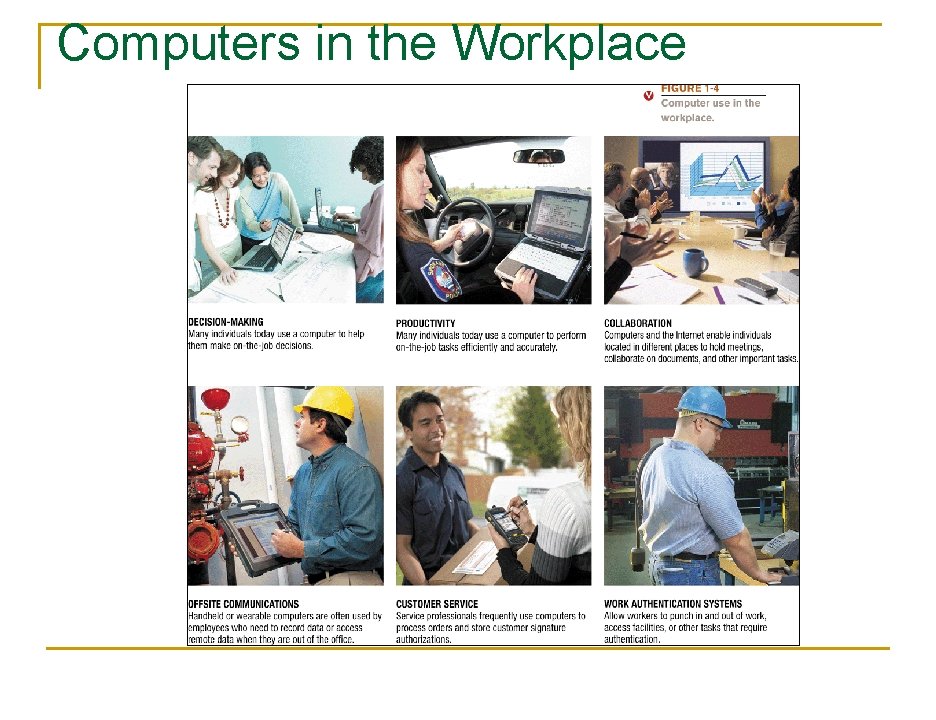
Computers in the Workplace n Computers have become a universal on-thejob tool for decision-making, productivity, and communication q q q Used by all types of employees Used for access control and other security measures Use by service professionals is growing Used extensively by the military Employees in all lines of work need to continually refresh their computer skills 10
Computers in the Workplace 11
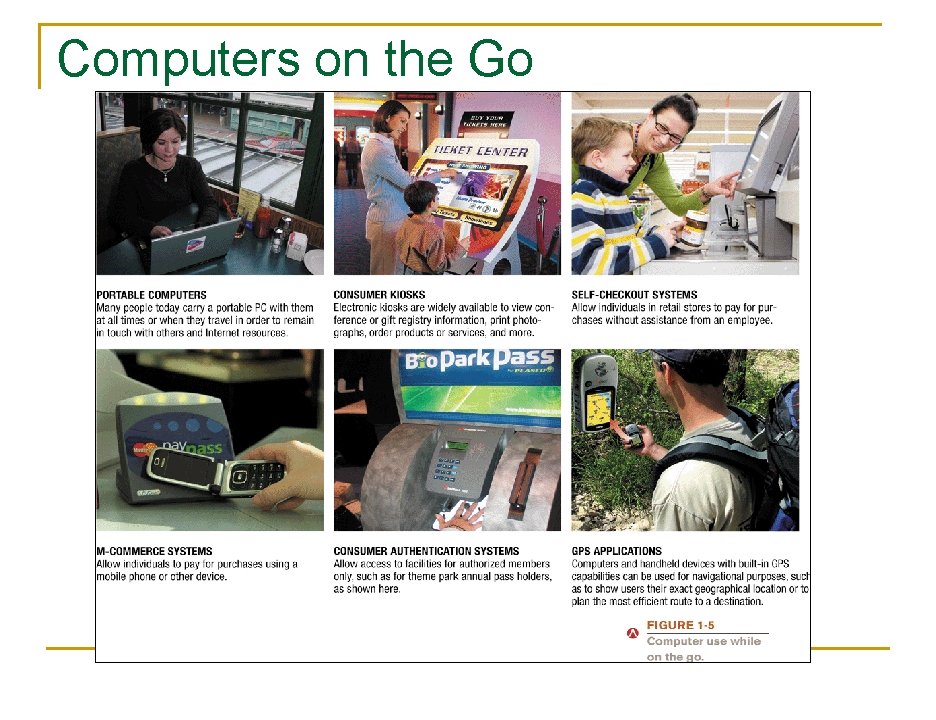
Computers on the Go n Computers are encountered in nearly every aspect of daily life q Portable PCs and handheld computers q Wi-Fi hotspots and Internet cafes q ATM machines and retail stores q Self-checkout systems and consumer kiosks q M-commerce systems q GPS systems 12
Computers on the Go 13
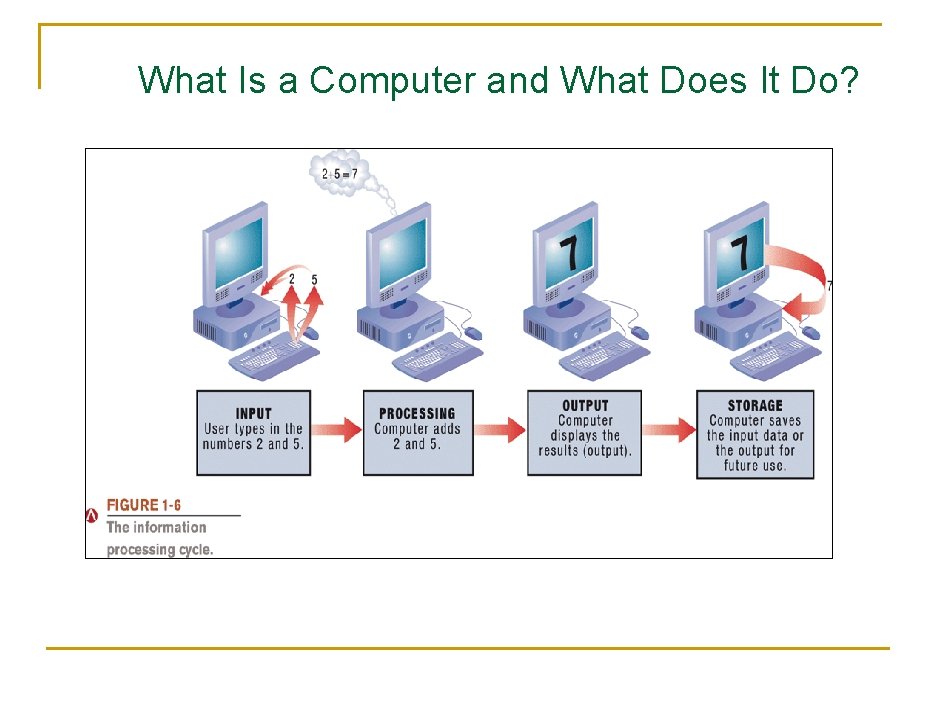
What Is a Computer and What Does It Do? n Computer: A programmable, electronic device that accepts data, performs operations on that data, and stores the data or results as needed q n Computers follow instructions, called programs, which determine the tasks the computer will perform Basic operations q Input: Entering data into the computer q Processing: Performing operations on the data q Output: Presenting the results q q Storage: Saving data, programs, or output for future use Communications: Sending or receiving data 14
What Is a Computer and What Does It Do? 15
Data vs. Information n Data q q n Can be in the form of text, graphics, audio, or video Information q n Raw, unorganized facts Data that has been processed into a meaningful form Information processing q Converting data into information 16
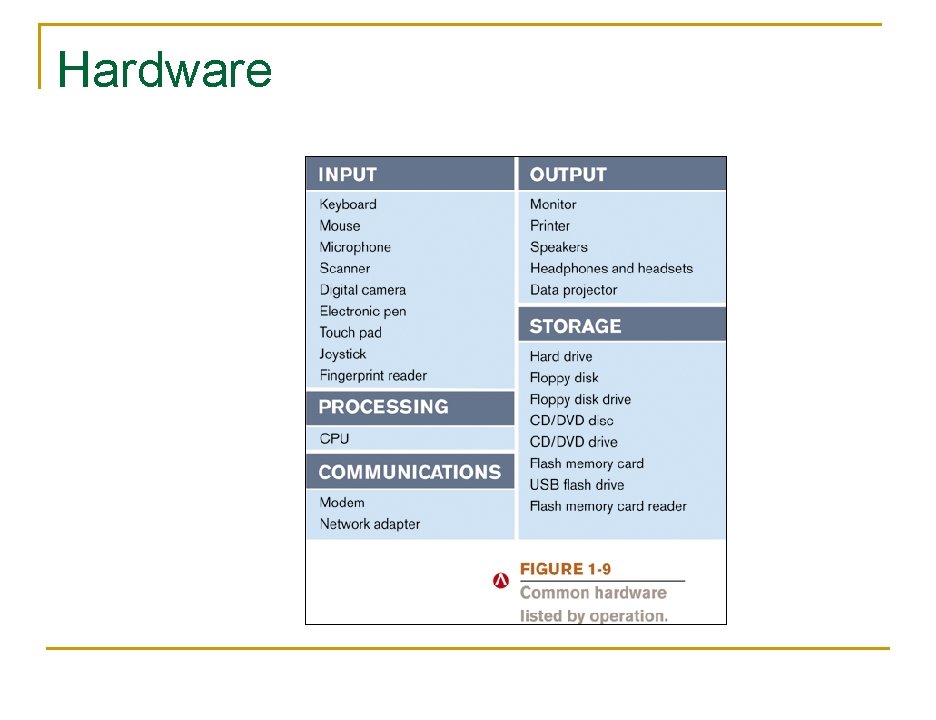
Hardware n Hardware: The physical parts of a computer q Internal hardware n q External hardware n q Located inside the main box (system unit) of the computer Located outside the system unit and plug into ports located on the exterior of the system unit Hardware associated with all five computer operations 17
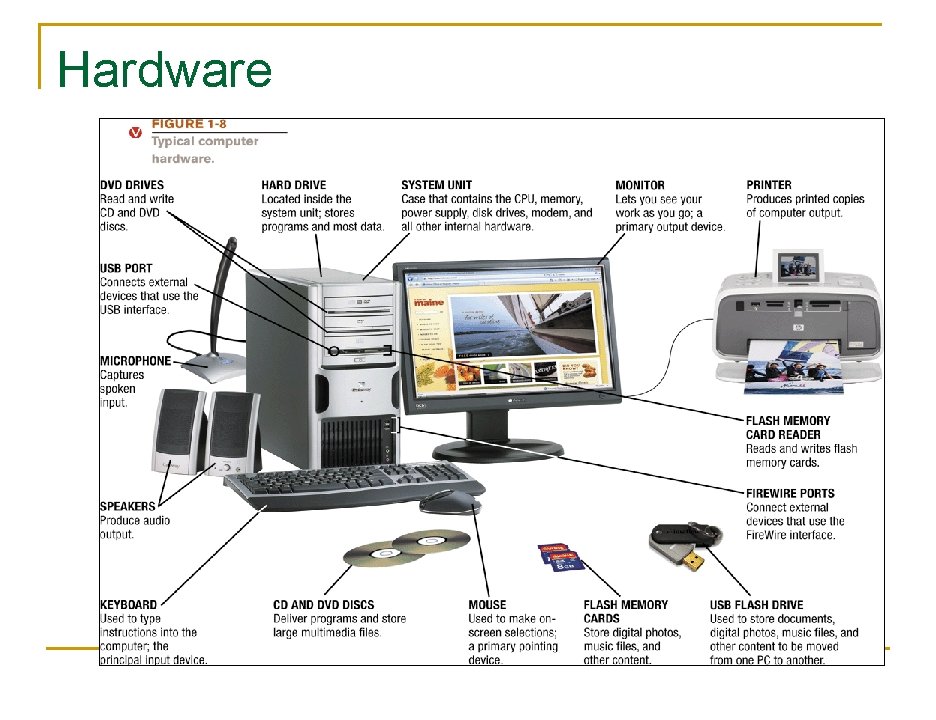
Hardware 18
Hardware n Input devices q q n Processing devices q q n Used to input data into the computer Keyboards, mice, scanners, cameras, microphones, joysticks, etc. Perform calculations and control computer’s operation Central processing unit (CPU) and memory Output devices q q Present results to the user Monitors, printers, speakers, projectors, etc. 19
Hardware n Storage devices q q n Used to store data on or access data from storage media Hard drives, DVD disks and drives, USB flash drives, etc. Communications devices q q Allow users to communicate with others and to electronically access information Modems, network adapters, etc. 20
Hardware 21
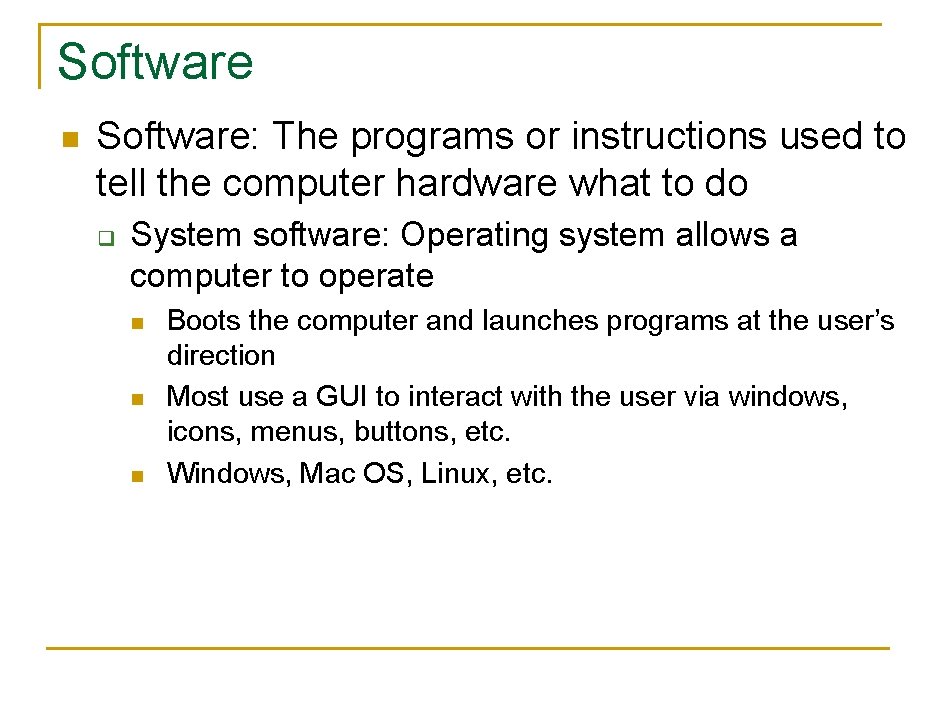
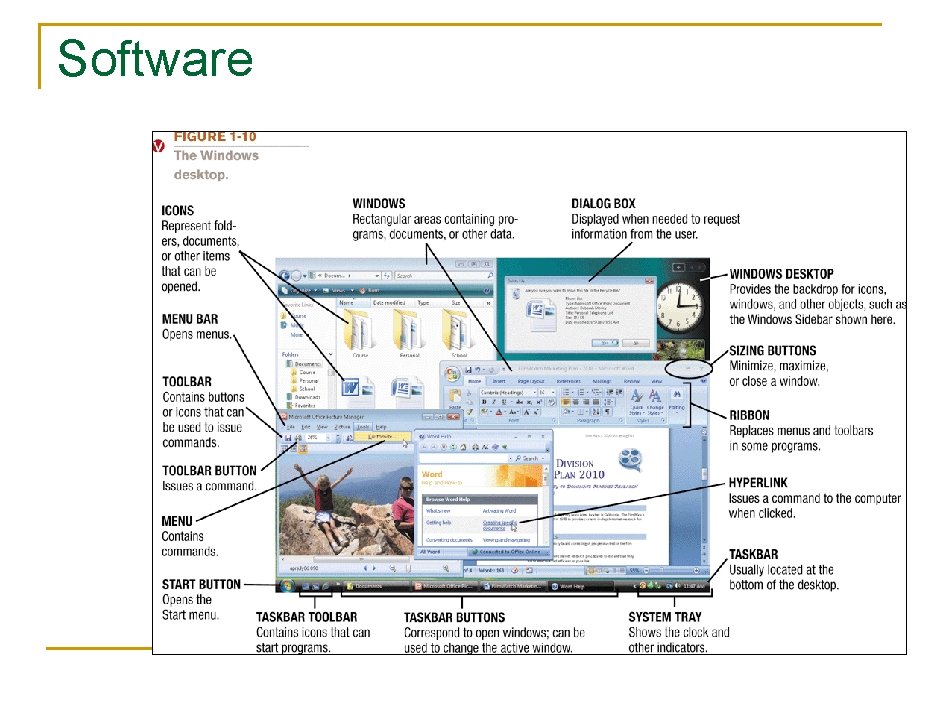
Software n Software: The programs or instructions used to tell the computer hardware what to do q System software: Operating system allows a computer to operate n n n Boots the computer and launches programs at the user’s direction Most use a GUI to interact with the user via windows, icons, menus, buttons, etc. Windows, Mac OS, Linux, etc. 22
Software 23
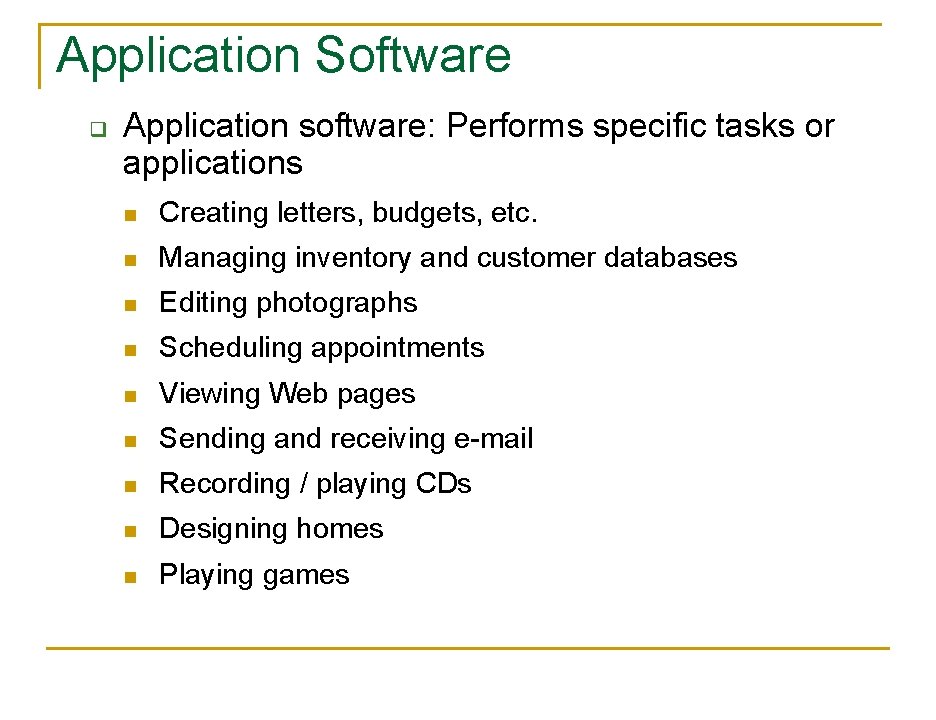
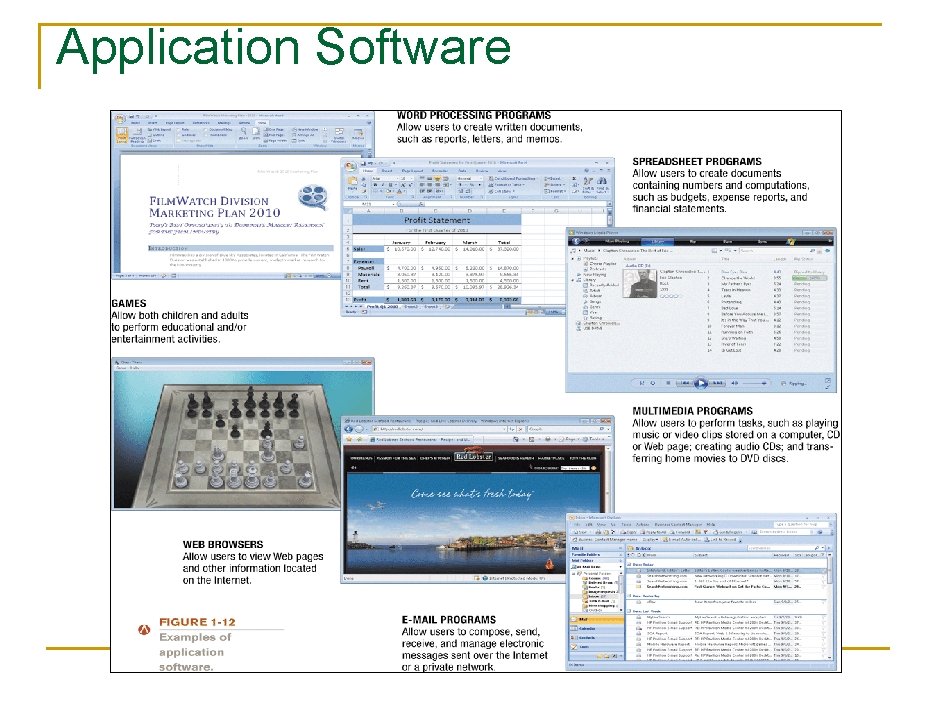
Application Software q Application software: Performs specific tasks or applications n Creating letters, budgets, etc. n Managing inventory and customer databases n Editing photographs n Scheduling appointments n Viewing Web pages n Sending and receiving e-mail n Recording / playing CDs n Designing homes n Playing games 24
Application Software 25
Computer Users and Professionals n Computer users (end users) q n People who use a computer to obtain information Computer professionals include: q Programmers q Systems analysts q Computer operations personnel 26
Computers to Fit Every Need n Six basic categories of computers q Embedded computers q Mobile devices q Personal computers q Midrange servers q Mainframe computers q Supercomputers 27
Embedded Computers n n n Embedded computer: Embedded into a product and designed to perform specific tasks or functions for that product Cannot be used as general-purpose computers Often embedded into: q q q Household appliances Thermostats Sewing machines A/V equipment Cars 28
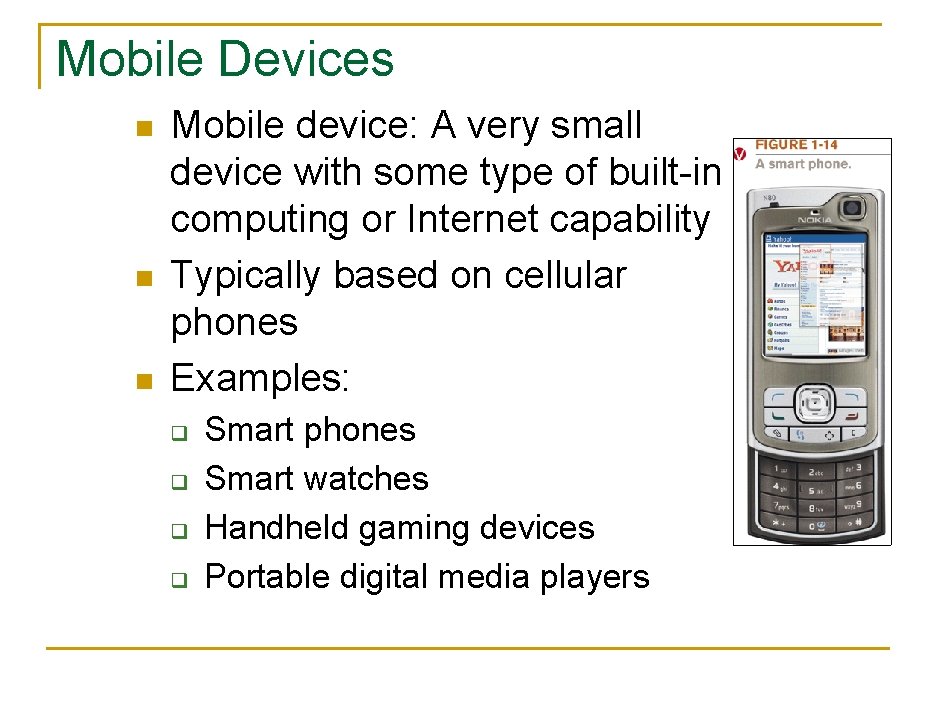
Mobile Devices n n n Mobile device: A very small device with some type of built-in computing or Internet capability Typically based on cellular phones Examples: q q Smart phones Smart watches Handheld gaming devices Portable digital media players 29
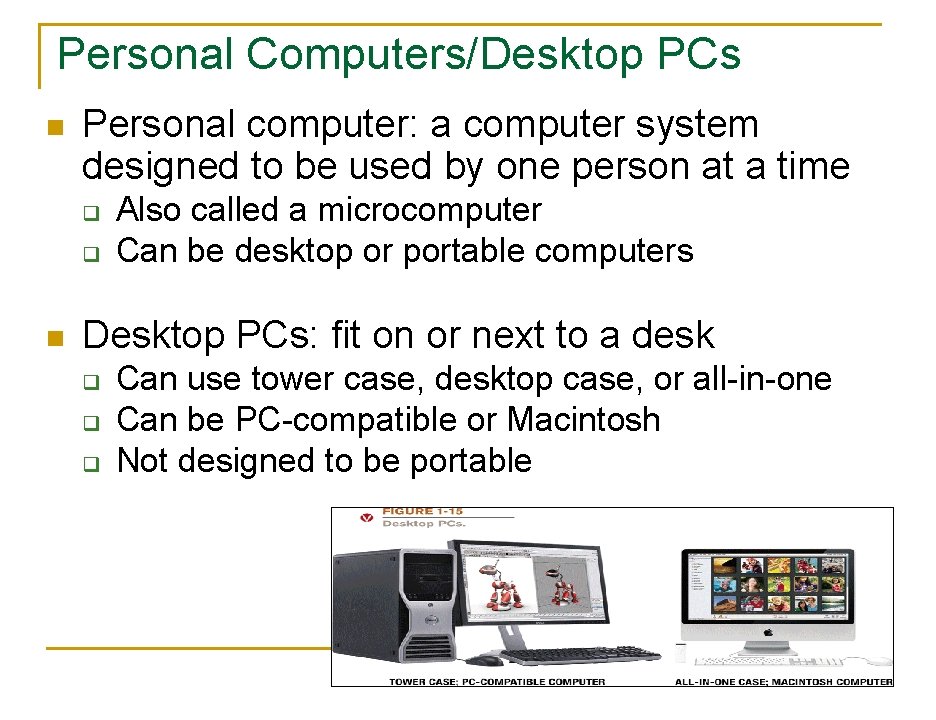
Personal Computers/Desktop PCs n Personal computer: a computer system designed to be used by one person at a time q q n Also called a microcomputer Can be desktop or portable computers Desktop PCs: fit on or next to a desk q q q Can use tower case, desktop case, or all-in-one Can be PC-compatible or Macintosh Not designed to be portable 30
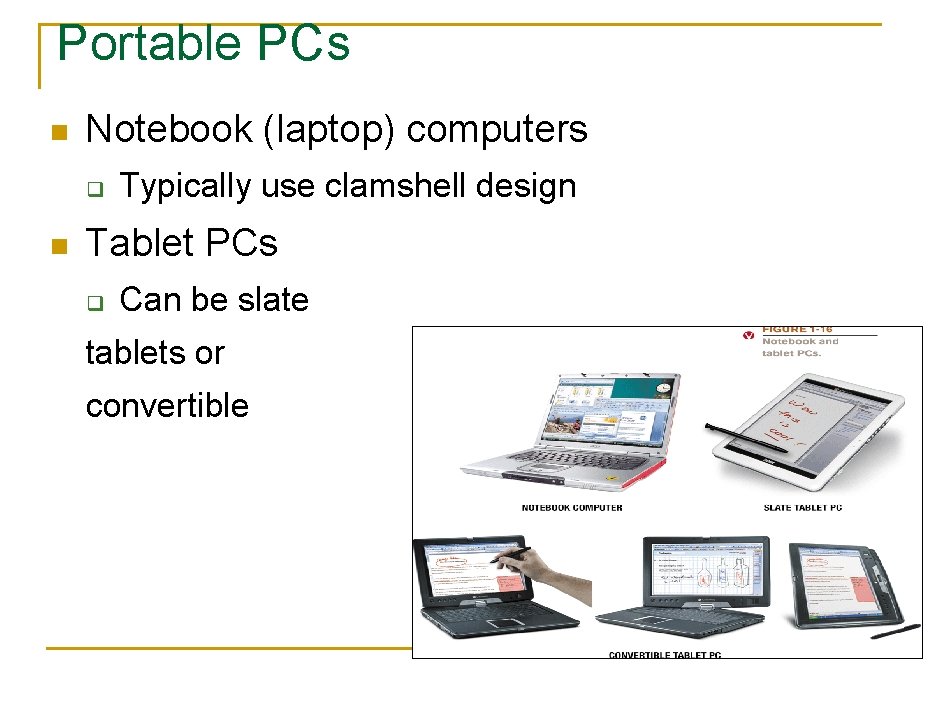
Portable PCs n Notebook (laptop) computers q n Typically use clamshell design Tablet PCs q Can be slate tablets or convertible 31
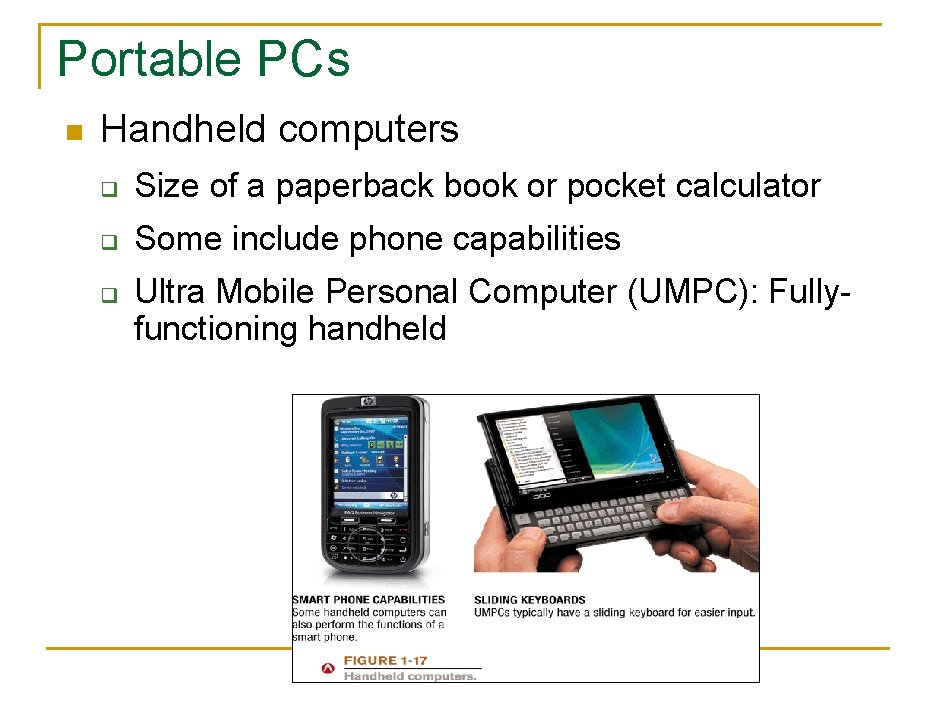
Portable PCs n Handheld computers q Size of a paperback book or pocket calculator q Some include phone capabilities q Ultra Mobile Personal Computer (UMPC): Fullyfunctioning handheld 32
Portable PCs n Most include wireless networking capabilities n Can synch (share information) with a desktop computer as needed n Can use a docking station or notebook stand as needed 33
Thin Clients and Internet Appliances n n Thin client or network computer (NC): PC designed to access a network for processing and data storage q Lower cost and easier maintenance q Limited or no local storage q Not able to function as a computer if network is down Internet appliance: Specialized network computer designed for Internet access and/or email exchange q Often set-top boxes q Can include Internet-enabled gaming consoles 34
Thin Clients and Internet Appliances 35
Midrange Servers n Midrange server: A medium-sized computer used to host programs and data for a small network q q Users connect via a network with a computer, thin client, or dumb terminal May consist of a collection of individual circuit boards called blades (blade servers) 36
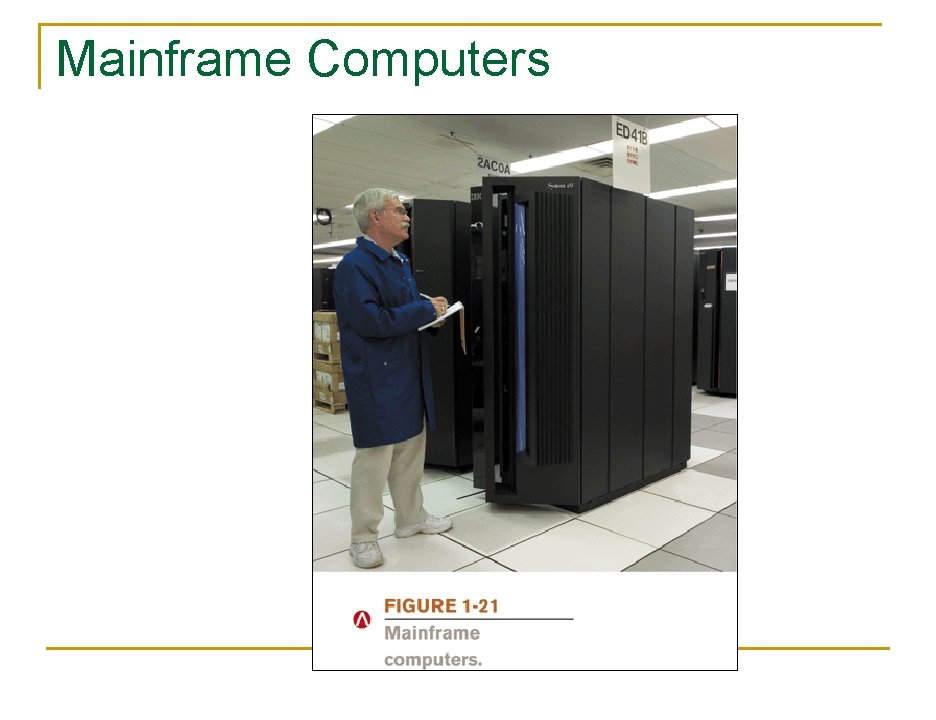
Mainframe Computers n Mainframe computer: Powerful computer used by several large organizations to manage large amounts of centralized data q q q Standard choice for large organizations, hospitals, universities, large businesses, banks, government offices Located in climate-controlled data centers and connected to the rest of the company computers via a network Larger, more expensive, and more powerful than midrange servers Usually operate 24 hours a day Also called high-end servers or enterprise-class servers 37
Mainframe Computers 38
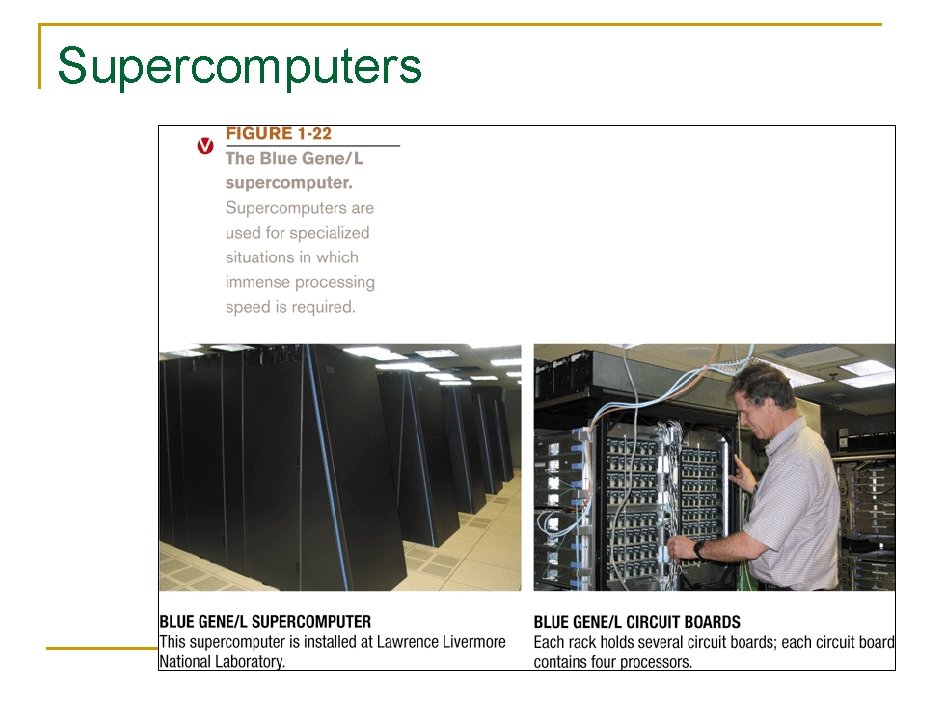
Supercomputers n Supercomputer: Fastest, most expensive, most powerful type of computer q q q n Generally run one program at a time, as fast as possible Commonly built by connecting hundreds of smaller computers, supercomputing cluster Used for space exploration, missile guidance, satellites, weather forecast, oil exploration, scientific research, complex Web sites, decision support systems, 3 D applications, etc. Grid computing: Using the unused processing power of a large number of computers to work together on a single task 39
Supercomputers 40
Summary n Computers in Your Life n What Is a Computer and What Does It Do n Computers to Fit Every Need 41