
CHAPTER 1 Introduction to the Internet the WWW
- Slides: 31
CHAPTER 1 Introduction to the Internet & the WWW
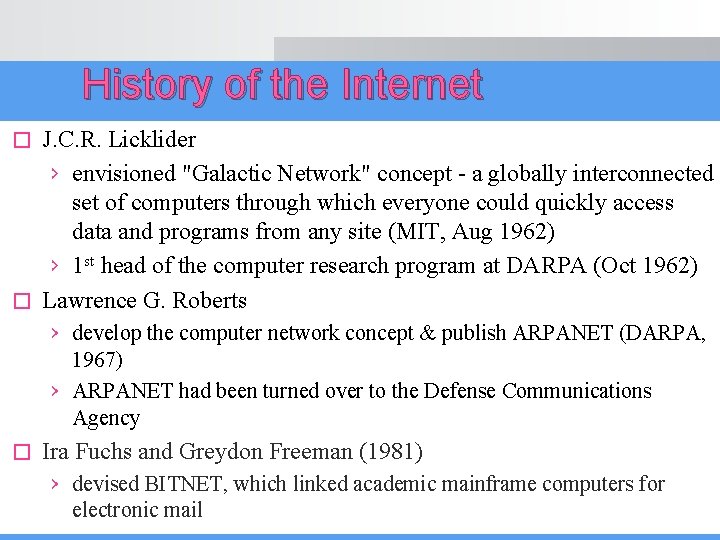
History of the Internet J. C. R. Licklider › envisioned "Galactic Network" concept - a globally interconnected set of computers through which everyone could quickly access data and programs from any site (MIT, Aug 1962) › 1 st head of the computer research program at DARPA (Oct 1962) � Lawrence G. Roberts � › develop the computer network concept & publish ARPANET (DARPA, 1967) › ARPANET had been turned over to the Defense Communications Agency � Ira Fuchs and Greydon Freeman (1981) › devised BITNET, which linked academic mainframe computers for electronic mail
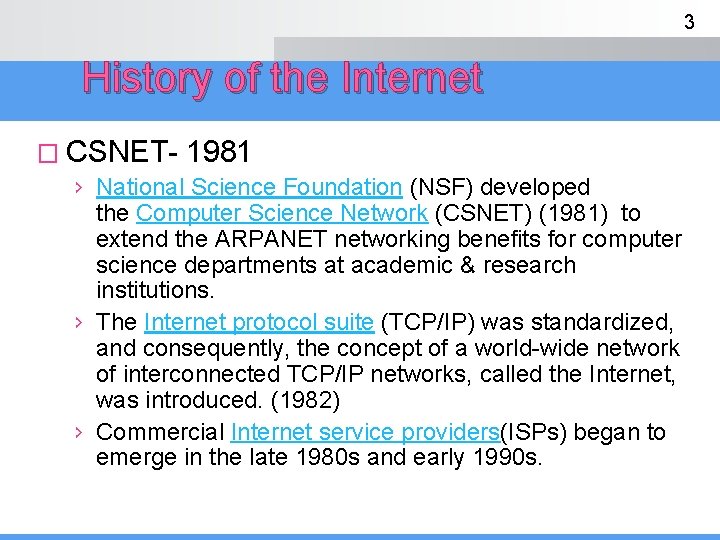
3 History of the Internet � CSNET- 1981 › National Science Foundation (NSF) developed the Computer Science Network (CSNET) (1981) to extend the ARPANET networking benefits for computer science departments at academic & research institutions. › The Internet protocol suite (TCP/IP) was standardized, and consequently, the concept of a world-wide network of interconnected TCP/IP networks, called the Internet, was introduced. (1982) › Commercial Internet service providers(ISPs) began to emerge in the late 1980 s and early 1990 s.
DISCUSS � INTERNET? � NETWORK? � WWW?
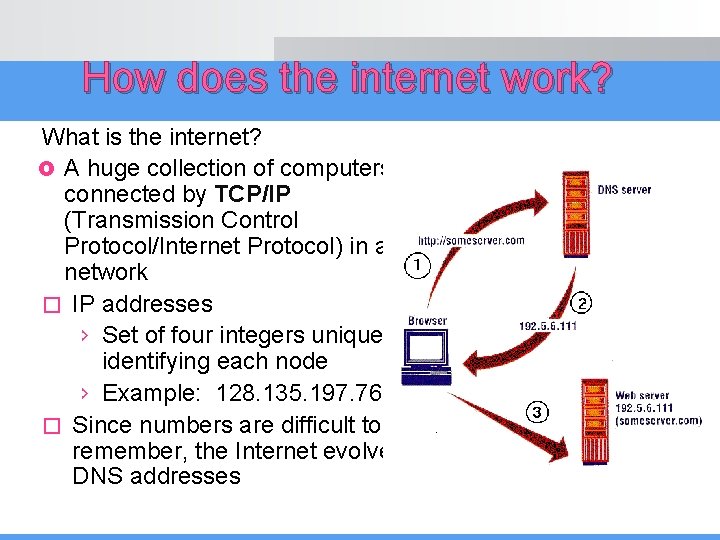
How does the internet work? What is the internet? £ A huge collection of computers connected by TCP/IP (Transmission Control Protocol/Internet Protocol) in a network � IP addresses › Set of four integers uniquely identifying each node › Example: 128. 135. 197. 76 � Since numbers are difficult to remember, the Internet evolved DNS addresses
6 Internet Protocol (IP) Computers are identified by unique numeric addresses Form: 32 -bit binary number Example : 191. 57. 126. 0 to 191. 57. 126. 255 has 256 IP addresses � Written as four 8 -bit numbers, separated by periods � Organizations are assigned groups of IPs for their computers � � �
7 DOMAIN NAMES Why domain names? Form: host-name. domain-names There maybe 2, 3 or more domain names. First domain appears to the right of the hostname, is the domain of which the host is a part � Second domain gives the domain of which the first domain is a part � Last domain specifies the type of organization in which the host resides, largest domain in the site’s name � Example movies. comedy. abc. com � �
8 DOMAIN NAMES Examples of last domain names › COM…EDU. . NET. . GOV specify ? ? ? › Abbreviation for the country, ‘my’ for Malaysia, ‘se’ for Sweden and so forth � Fully qualified domain name - the host name and all of the domain names � DNS servers convert fully qualified domain names to IPs � Problem: By the mid-1980 s, several different protocols had been invented and were being used on the Internet, all with different user interfaces (Telnet, FTP, mailto) �
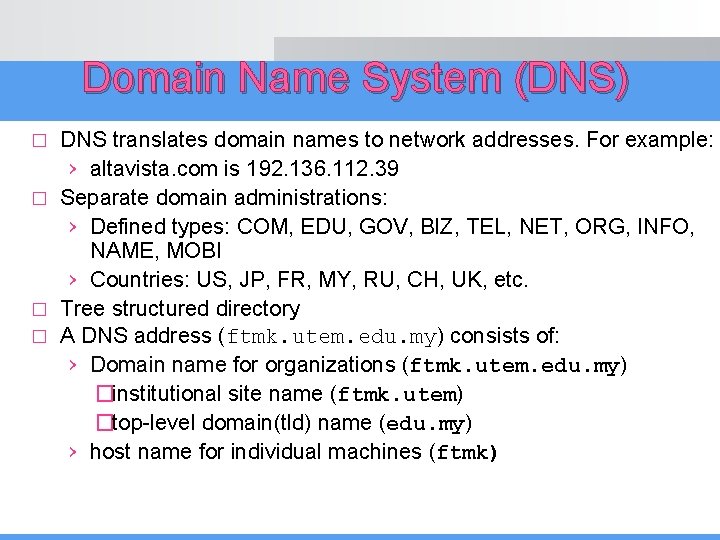
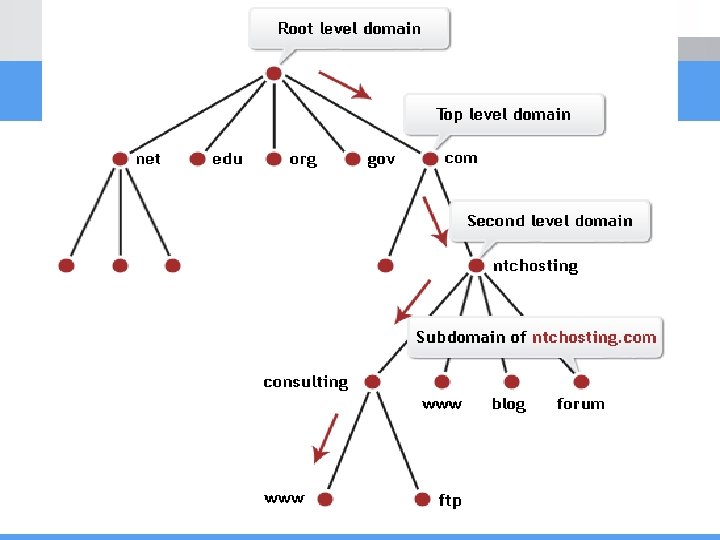
Domain Name System (DNS) DNS translates domain names to network addresses. For example: › altavista. com is 192. 136. 112. 39 � Separate domain administrations: › Defined types: COM, EDU, GOV, BIZ, TEL, NET, ORG, INFO, NAME, MOBI › Countries: US, JP, FR, MY, RU, CH, UK, etc. � Tree structured directory � A DNS address (ftmk. utem. edu. my) consists of: › Domain name for organizations (ftmk. utem. edu. my) �institutional site name (ftmk. utem) �top-level domain(tld) name (edu. my) › host name for individual machines (ftmk) �
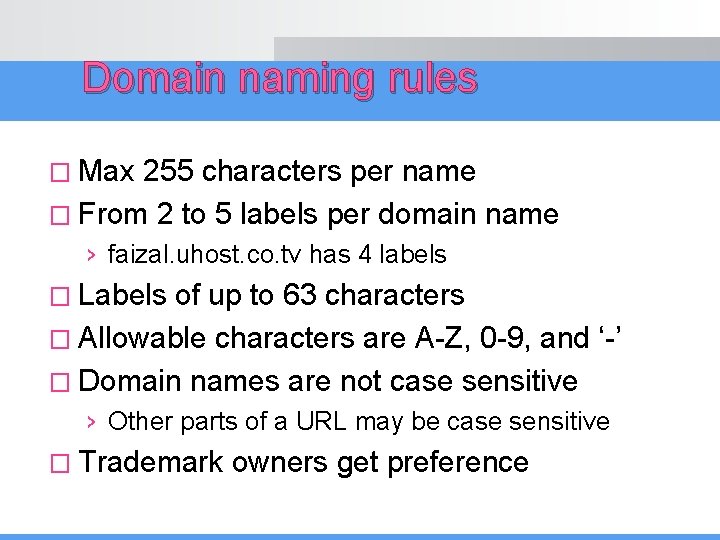
Domain naming rules � Max 255 characters per name � From 2 to 5 labels per domain name › faizal. uhost. co. tv has 4 labels � Labels of up to 63 characters � Allowable characters are A-Z, 0 -9, and ‘-’ � Domain names are not case sensitive › Other parts of a URL may be case sensitive � Trademark owners get preference
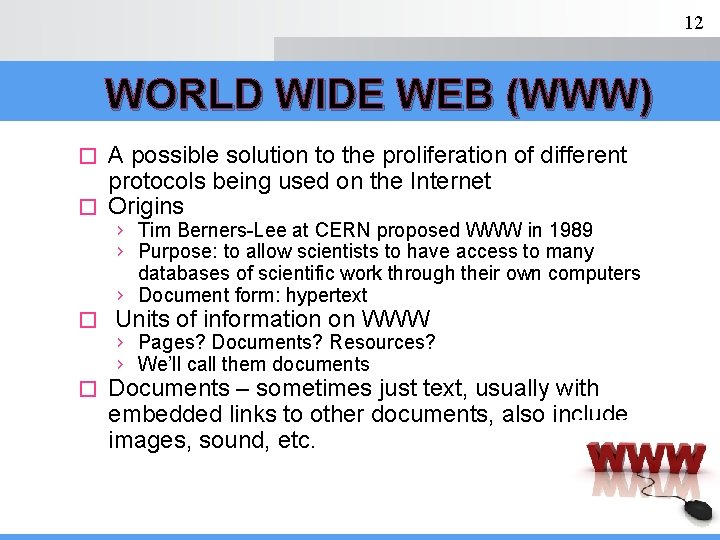
12 WORLD WIDE WEB (WWW) A possible solution to the proliferation of different protocols being used on the Internet � Origins � › Tim Berners-Lee at CERN proposed WWW in 1989 › Purpose: to allow scientists to have access to many databases of scientific work through their own computers › Document form: hypertext � Units of information on WWW › Pages? Documents? Resources? › We’ll call them documents � Documents – sometimes just text, usually with embedded links to other documents, also include images, sound, etc.
World Wide Web (Web) � � � � 13 Web allows computer users to locate and view multimedia-based documents on almost any subject over the Internet Web is an application to share and access Web documents on top of the Internet › Other applications: email, FTP, newsgroups, instant messaging, etc. Founded by Tim Berners Lee of CERN, 1989 The WWW is not the Internet Tim developed a technology for sharing information via hyperlinked text documents called HTML Tim also wrote communication protocols to form the backbone of the WWW. He wrote the Hypertext Transfer Protocol (HTTP) – a communication protocol used to send information over the Web documents (Web pages) are formatted in Hyper. Text Markup Language(HTML)
14 WEB BROWSER? ? Mosaic (Univ. of Illinois), in early 1993 › First to use a GUI, led to explosion of Web use › Initially for X-Windows, under UNIX, but was ported to other platforms by late 1993 � Browsers are clients that always initiate, servers react � � › Example : browser requests document from server, the server locates the doc and then sends it to the browser › Sometimes servers require responses. . example? Most requests are for existing documents, using HTTP but some requests are for program execution, with the output being returned as a document � Examples of current browsers…? �
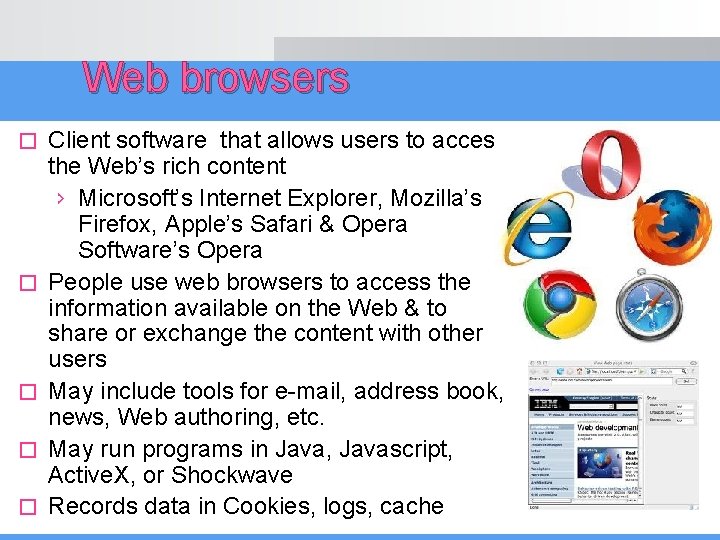
Web browsers � � � Client software that allows users to access the Web’s rich content › Microsoft’s Internet Explorer, Mozilla’s Firefox, Apple’s Safari & Opera Software’s Opera People use web browsers to access the information available on the Web & to share or exchange the content with other users May include tools for e-mail, address book, news, Web authoring, etc. May run programs in Java, Javascript, Active. X, or Shockwave Records data in Cookies, logs, cache
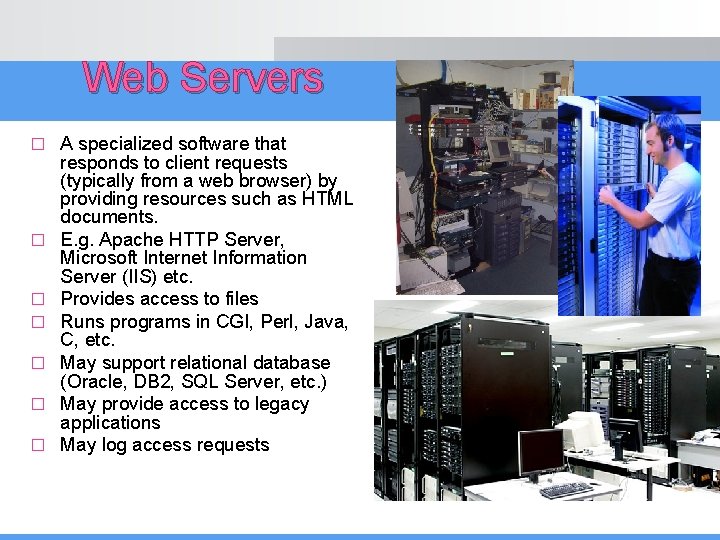
Web Servers � � � � A specialized software that responds to client requests (typically from a web browser) by providing resources such as HTML documents. E. g. Apache HTTP Server, Microsoft Internet Information Server (IIS) etc. Provides access to files Runs programs in CGI, Perl, Java, C, etc. May support relational database (Oracle, DB 2, SQL Server, etc. ) May provide access to legacy applications May log access requests
Uniform Resource Locator (URL) All Web pages are addressed with URLs � Format: protocol: address � › protocol may be �ftp, http, mailto, telnet, etc › address specifies �A server name �A directory path (optional) �A filename � Example: › http: //www. eftmk. utem. edu. my/bitm 2113/rajah 1. png
18 URLs � � URL stands for Uniform Resource Locator General form -> scheme: object-address › The scheme is often a communications protocol, such as telnet or ftp › For the http protocol, the object-address is fully qualified domain name/doc path Host name may include a port number, as in anusuriya: 80 (80 is the default, so this is silly) � URLs cannot include spaces or any of a collection of other special characters (semicolons, . . . ), so how to include a space or one of disallowed special characters in a URL? ? �
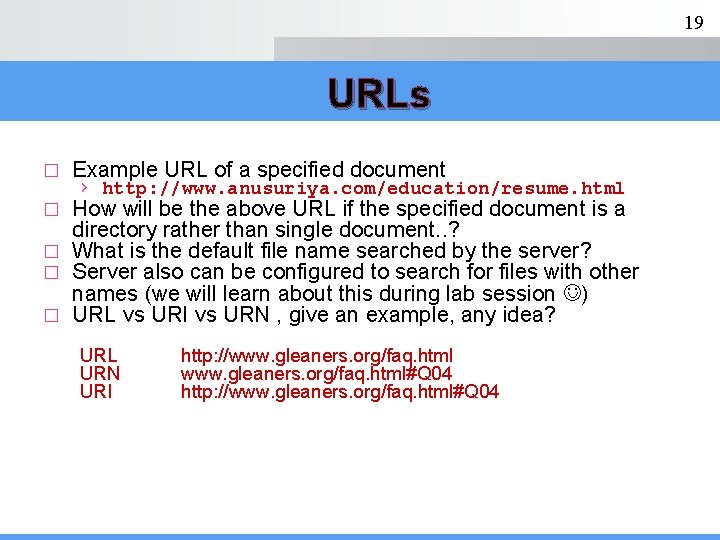
19 URLs � Example URL of a specified document › http: //www. anusuriya. com/education/resume. html How will be the above URL if the specified document is a directory rather than single document. . ? � What is the default file name searched by the server? � Server also can be configured to search for files with other names (we will learn about this during lab session ) � URL vs URI vs URN , give an example, any idea? � URL URN URI http: //www. gleaners. org/faq. html#Q 04 http: //www. gleaners. org/faq. html#Q 04
20 MIME stands for Multipurpose Internet Mail Extensions (MIME) Originally developed for email Used to specify to the browser the form of a file returned by the server (attached by the server to the beginning of the document) � Form: type/subtype � � � › Examples: text/plain, text/html, image/gif, image/jpeg � Server gets type from the requested file name’s suffix › *. html implies text/html � � � Browser gets the type explicitly from the server Experimental types › › Subtype begins with x-, example, video/x-msvideo Experimental subtypes are added to MIME specification stored in user’s Web server. Experimental types require the server to send a helper application or plug-in so the browser can deal with the file
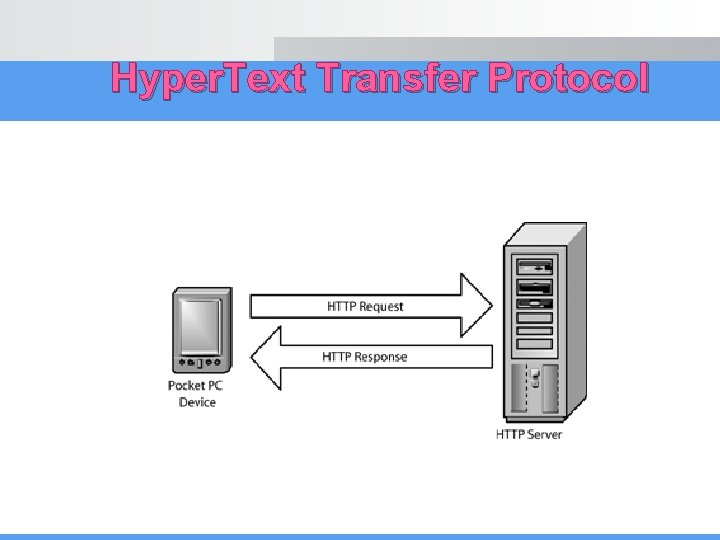
Hyper. Text Transfer Protocol
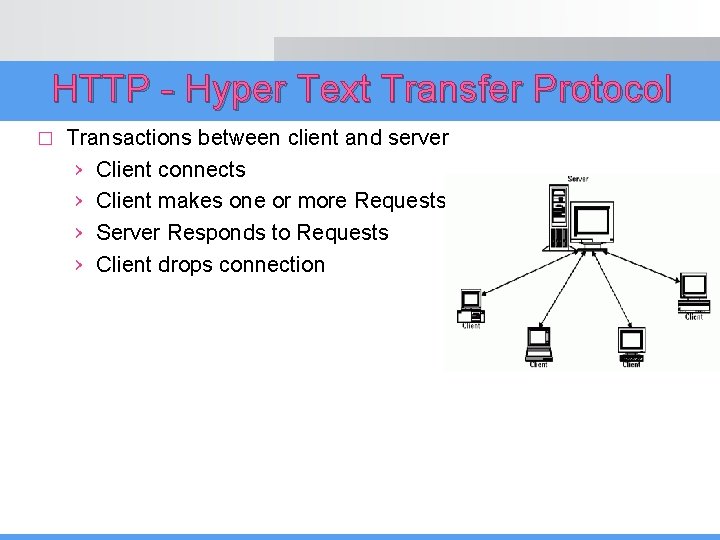
HTTP - Hyper Text Transfer Protocol � Transactions between client and server › Client connects › Client makes one or more Requests › Server Responds to Requests › Client drops connection
23 Hyper. Text Transfer Protocol The protocol used by ALL WWW communications Request Phase Form � HTTP method domain part of URL HTTP version Header fields blank line Message body � An example of the first line of a request: GET � /cs. utem. edu. my/degrees. html Most commonly used request methods: › › › HTTP/1. 1 GET - Fetch a document POST - Execute the document, using the data in body HEAD - Fetch just the header of the document PUT - Store a new document on the server DELETE - Remove a document from the server
24 Hyper. Text Transfer Protocol � � Four categories of header fields: 1. 2. 3. 4. General – For general information, such as date Request – Included in request headers Response – For response headers Entity - Used in both request and response headers Common request fields: › › Accept: text/plain Accept: text/* If-Modified_since: date › Specifies that the requested file should be sent only if it has been modified since the given date Common response fields: › › Content-length: 488 Content-type: text/html
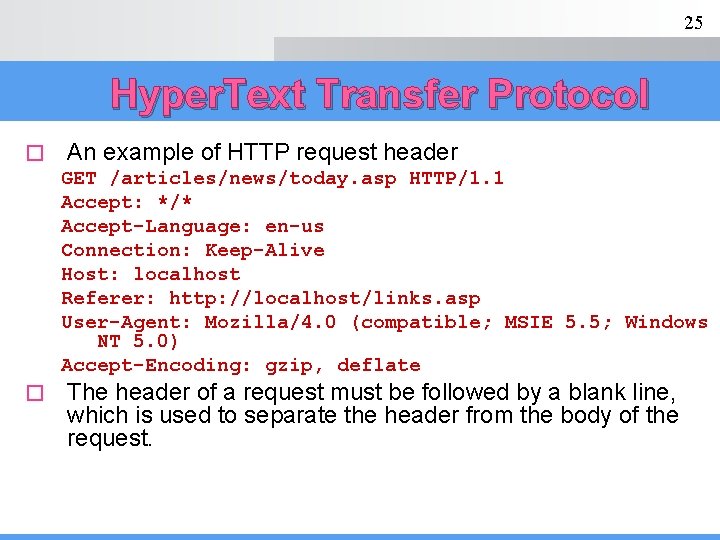
25 Hyper. Text Transfer Protocol � An example of HTTP request header GET /articles/news/today. asp HTTP/1. 1 Accept: */* Accept-Language: en-us Connection: Keep-Alive Host: localhost Referer: http: //localhost/links. asp User-Agent: Mozilla/4. 0 (compatible; MSIE 5. 5; Windows NT 5. 0) Accept-Encoding: gzip, deflate � The header of a request must be followed by a blank line, which is used to separate the header from the body of the request.
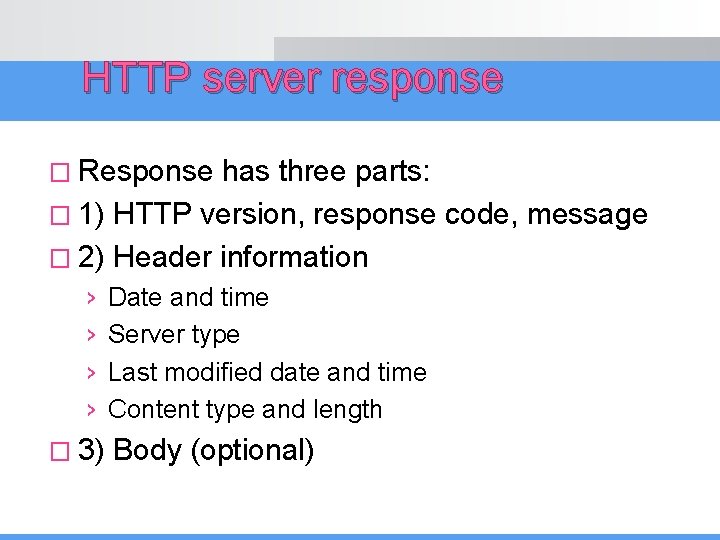
HTTP server response � Response has three parts: � 1) HTTP version, response code, message � 2) Header information › › � 3) Date and time Server type Last modified date and time Content type and length Body (optional)
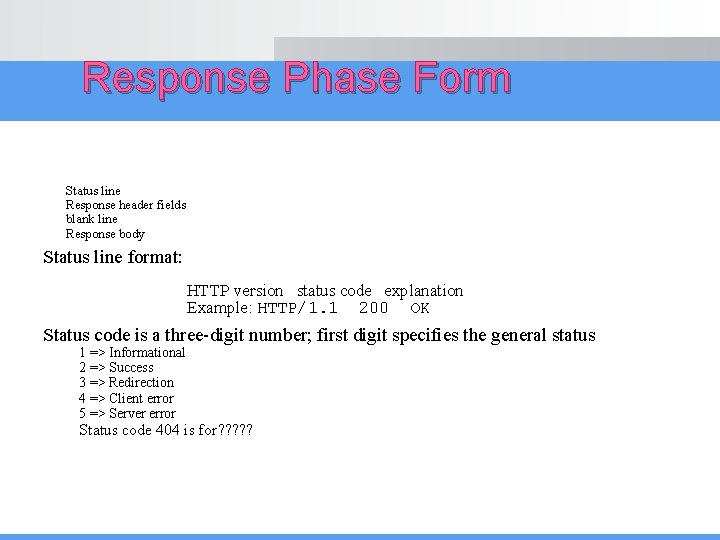
Response Phase Form Status line Response header fields blank line Response body Status line format: HTTP version status code explanation Example: HTTP/1. 1 200 OK Status code is a three-digit number; first digit specifies the general status 1 => Informational 2 => Success 3 => Redirection 4 => Client error 5 => Server error Status code 404 is for? ? ?
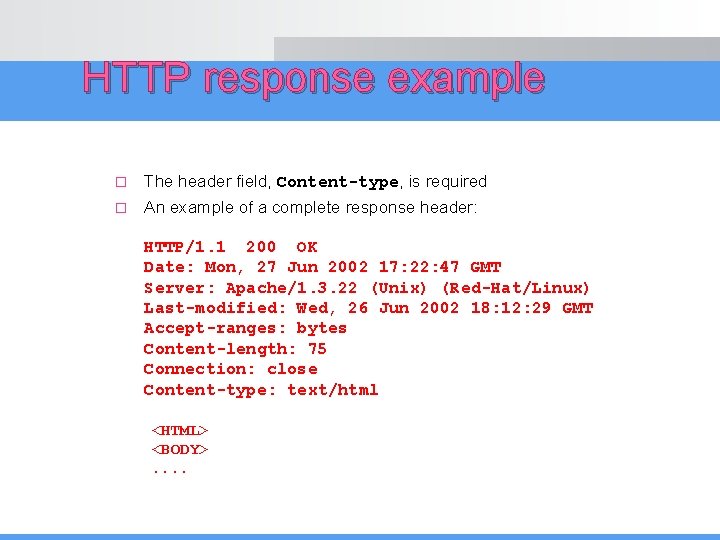
HTTP response example � The header field, Content-type, is required � An example of a complete response header: HTTP/1. 1 200 OK Date: Mon, 27 Jun 2002 17: 22: 47 GMT Server: Apache/1. 3. 22 (Unix) (Red-Hat/Linux) Last-modified: Wed, 26 Jun 2002 18: 12: 29 GMT Accept-ranges: bytes Content-length: 75 Connection: close Content-type: text/html <HTML> <BODY>. .
Scriptings Client-side scripting › Validates user input › Accesses the browser › Enhances Web pages with Active. X® controls, applets, etc. › Manipulates browser documents � Client-side validation › Reduces number of requests that need to be passed to server � Client-side scripting limitations › Browser dependency › Viewable to users through View Source command � Example of Client-side scripting – Java. Script, VBScripts �
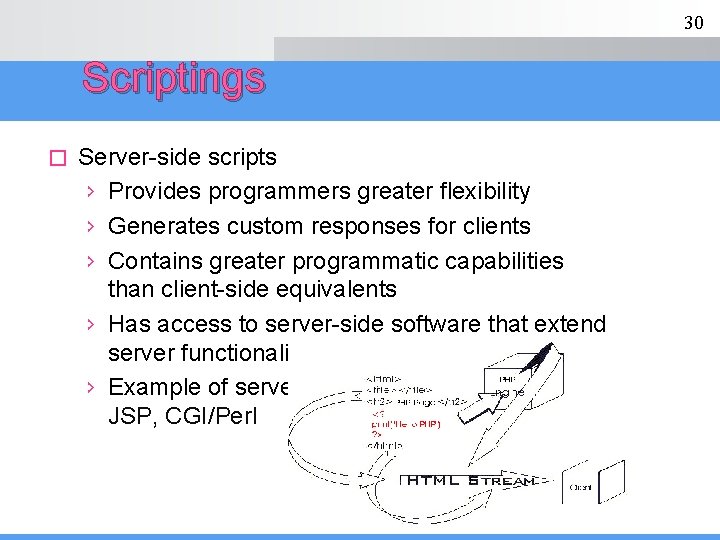
30 Scriptings � Server-side scripts › Provides programmers greater flexibility › Generates custom responses for clients › Contains greater programmatic capabilities than client-side equivalents › Has access to server-side software that extend server functionality › Example of server-side scripting – ASP, PHP, JSP, CGI/Perl
End of lecture. .