
Chapter 1 Introduction to Technology Infrastructure Announcements and
- Slides: 24
Chapter 1 Introduction to Technology Infrastructure
Announcements and Outline Class Outline 1. Introduction to Networks 1. 1 Network Types/Technologies 1. 2 Layering and Packetization 2
Why Networks are Important Data, data! Modern organizations rely on the efficient transmission of data Enables distributed systems, real-time communication, electronic commerce, social media, and the Web
Data Communications is the movement of computer information from one point to another by means of electrical or optical transmission systems Telecommunications is a broader term and includes the transmission of voice and video (images and graphics) as well as data and usually implies longer distances
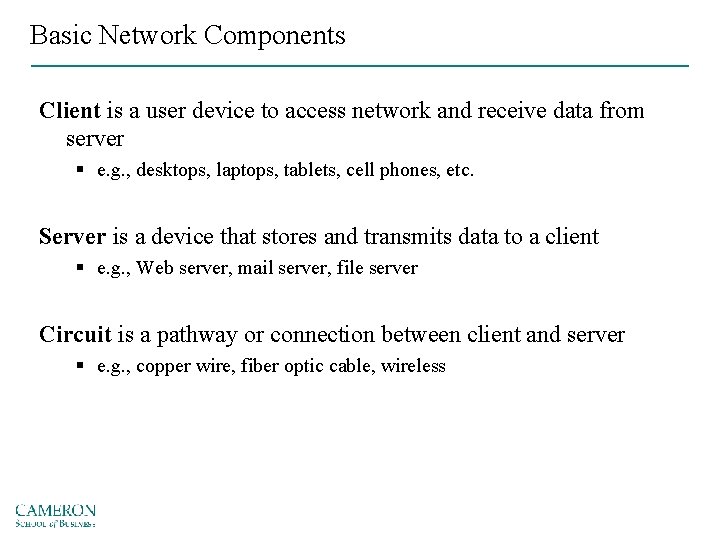
Basic Network Components Client is a user device to access network and receive data from server § e. g. , desktops, laptops, tablets, cell phones, etc. Server is a device that stores and transmits data to a client § e. g. , Web server, mail server, file server Circuit is a pathway or connection between client and server § e. g. , copper wire, fiber optic cable, wireless
Network Types/Technologies 6
Network Types/Technologies Local Area Networks (LAN) Wireless Local Area Networks (WLAN) Backbone WAN 7
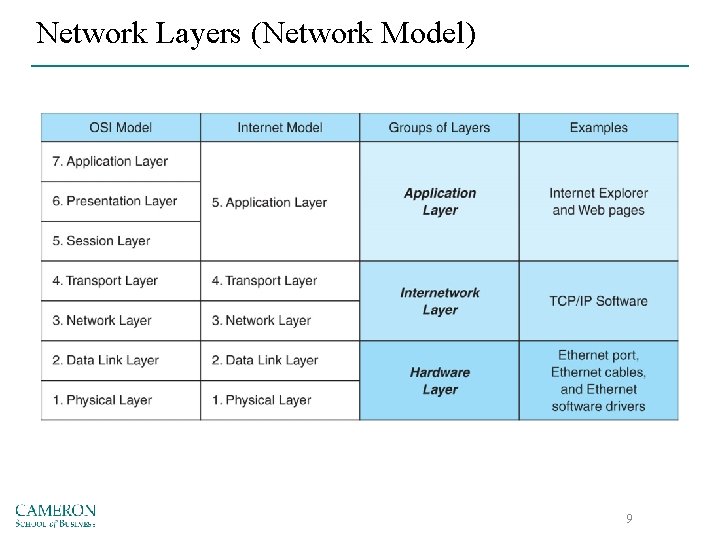
Network Layers Most Commonly Used Models: • OSI (Open Systems Interconnection Reference Model) • Network Model Protocols & Protocol Data Unit (PDU) 8
Network Layers (Network Model) 9
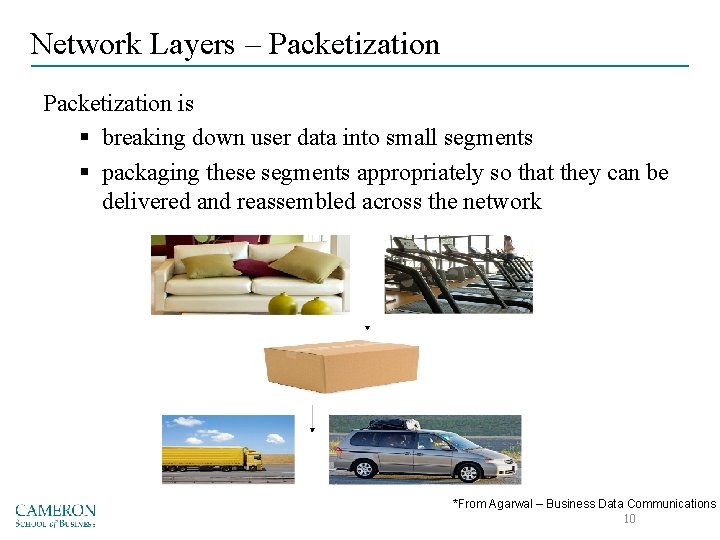
Network Layers – Packetization is § breaking down user data into small segments § packaging these segments appropriately so that they can be delivered and reassembled across the network *From Agarwal – Business Data Communications 10
Network Layers – 5 Important Data Comm. Tasks 11
Network Layers APPLICATION LAYER • Software used by the users Common Examples: Protocols: PDU: 12
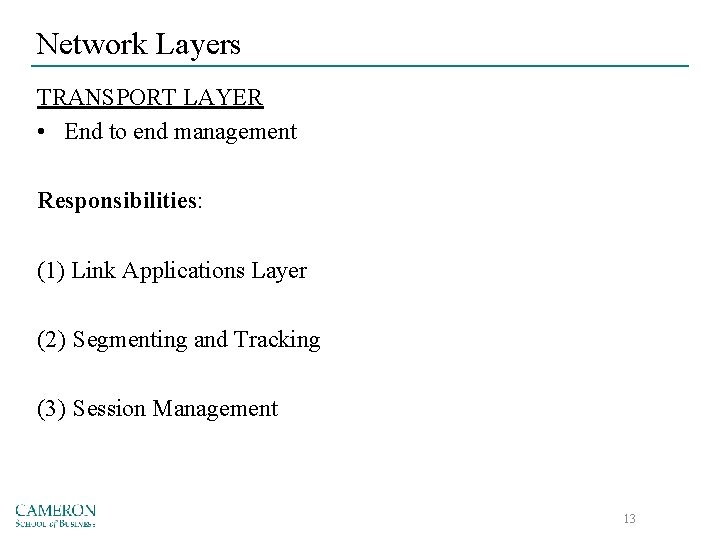
Network Layers TRANSPORT LAYER • End to end management Responsibilities: (1) Link Applications Layer (2) Segmenting and Tracking (3) Session Management 13
Network Layers TRANSPORT LAYER (cont. ) Protocols: PDU: 14
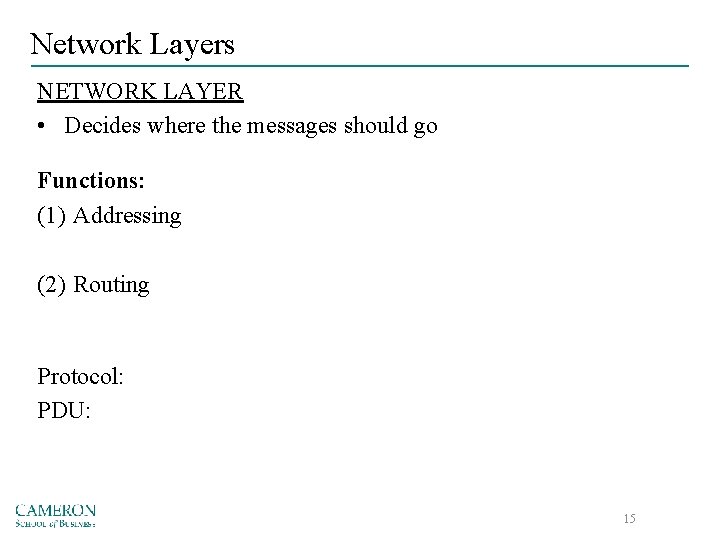
Network Layers NETWORK LAYER • Decides where the messages should go Functions: (1) Addressing (2) Routing Protocol: PDU: 15
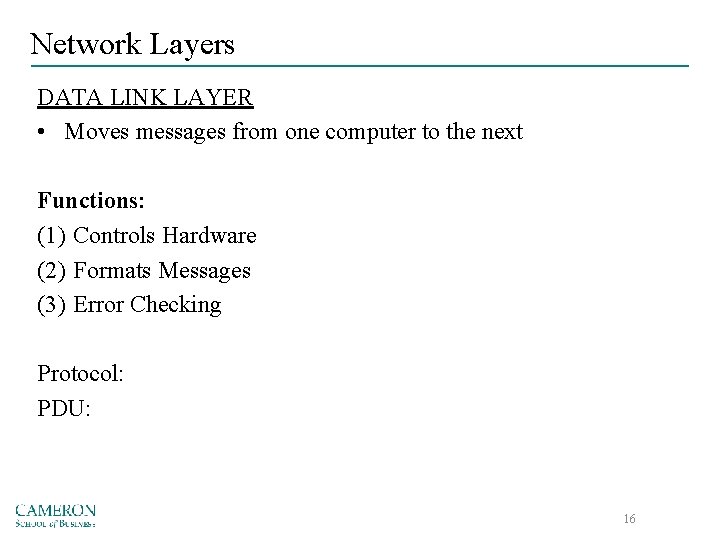
Network Layers DATA LINK LAYER • Moves messages from one computer to the next Functions: (1) Controls Hardware (2) Formats Messages (3) Error Checking Protocol: PDU: 16
Network Layers PHYSICAL LAYER • Hardware that transmits the message Protocols: PDU: 17
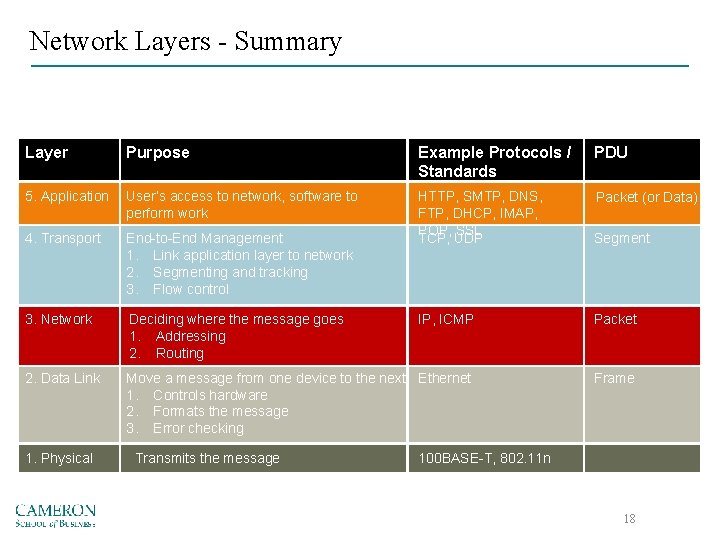
Network Layers - Summary Layer Purpose Example Protocols / Standards PDU 5. Application User’s access to network, software to perform work Packet (or Data) 4. Transport End-to-End Management 1. Link application layer to network 2. Segmenting and tracking 3. Flow control HTTP, SMTP, DNS, FTP, DHCP, IMAP, POP, SSL TCP, UDP Segment 3. Network Deciding where the message goes 1. Addressing 2. Routing IP, ICMP Packet 2. Data Link Move a message from one device to the next Ethernet 1. Controls hardware 2. Formats the message 3. Error checking Frame 1. Physical Transmits the message 100 BASE-T, 802. 11 n 18
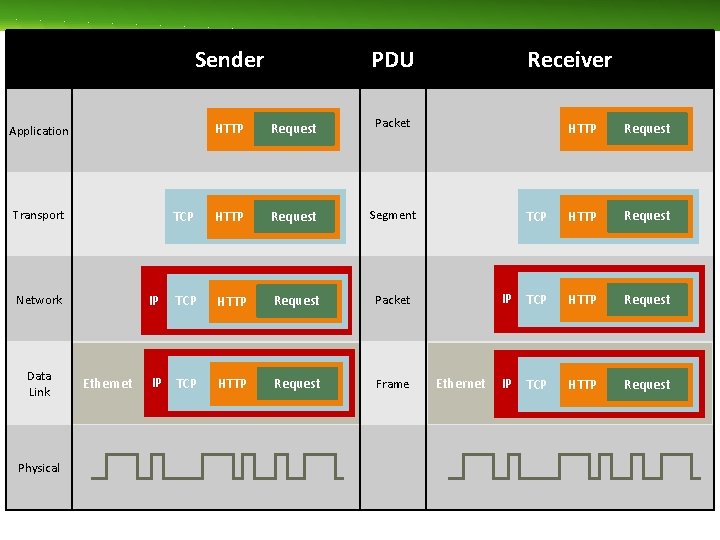
Sender HTTP Request Packet TCP HTTP Request Segment TCP HTTP Request Packet IP TCP HTTP Request Frame Application Transport IP Network Data Link Physical Ethernet PDU Receiver Ethernet HTTP Request TCP HTTP Request IP TCP HTTP Request
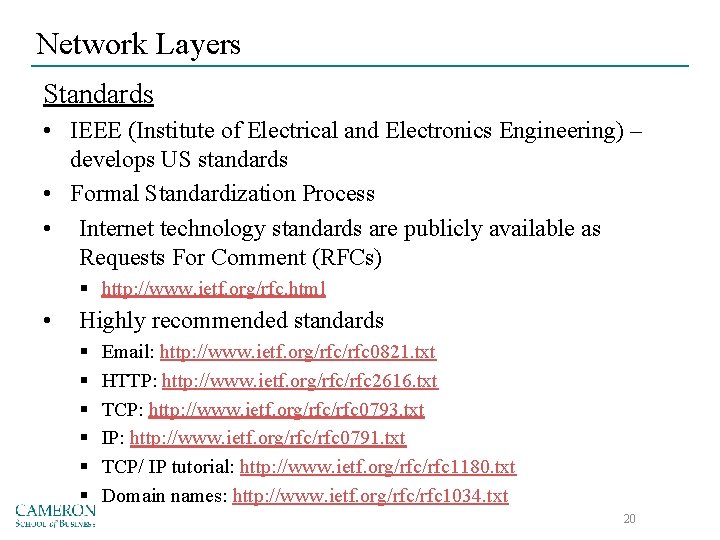
Network Layers Standards • IEEE (Institute of Electrical and Electronics Engineering) – develops US standards • Formal Standardization Process • Internet technology standards are publicly available as Requests For Comment (RFCs) § http: //www. ietf. org/rfc. html • Highly recommended standards § § § Email: http: //www. ietf. org/rfc 0821. txt HTTP: http: //www. ietf. org/rfc 2616. txt TCP: http: //www. ietf. org/rfc 0793. txt IP: http: //www. ietf. org/rfc 0791. txt TCP/ IP tutorial: http: //www. ietf. org/rfc 1180. txt Domain names: http: //www. ietf. org/rfc 1034. txt 20
Pros and Cons of using Layers Advantages: Disadvantages: 21
Trends Bring your own device (BYOD) Internet of Thing (Io. T) Massively Online (MOOCS)
Recap 1 Network Types 1. 1 Network Types • LAN • WLAN • Backbone • WAN 1. 2 Network Layers • Network Model • Standards • Pros/Cons 23
Tuesday – Meet in CIS 1007 Chapter 2 – Application Layer • • Hardware Software Architecture Web Email 24