
Chapter 1 Introduction to Programming CSC 1101 Computer

- Slides: 36
Chapter 1 Introduction to Programming CSC 1101 - Computer Programming -1 Dr. Nouf Aljaffan naljaffan@ksu. edu. sa
Outline • The course objectives • Advises to success • The computer programs • The C programming language • Stages in Program Development Process
To introduce computational thinking and problem solving skills to beginner students. Aims To develop an understanding of the nature of programming To familiarize student with the basic of C programming language
Learning Outcomes You will be able to • Write small C programs (Structured programming) and proper programming techniques • Read and understand much larger programs • Learn the basics of new programming languages by yourself
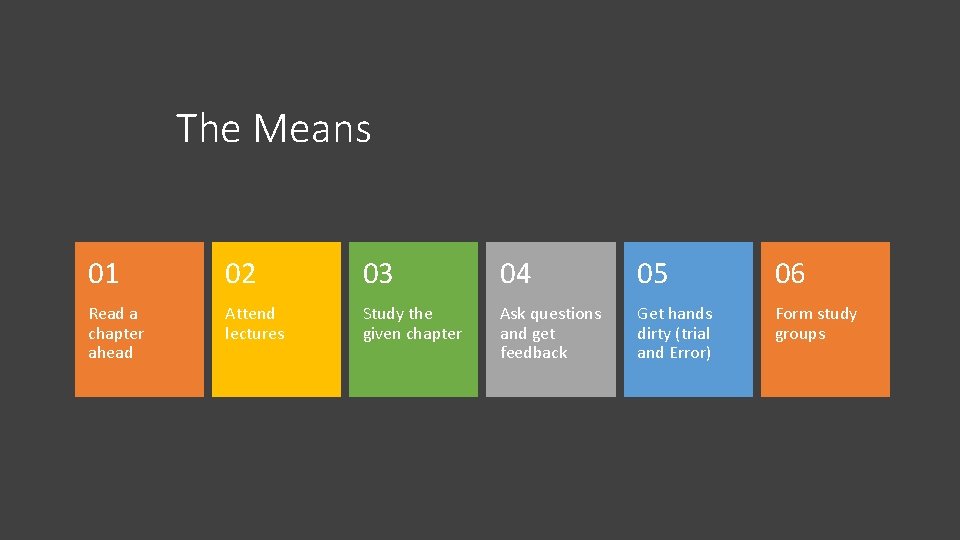
The Means 01 02 03 04 05 06 Read a chapter ahead Attend lectures Study the given chapter Ask questions and get feedback Get hands dirty (trial and Error) Form study groups
Cooperate on Learning • Except for the work you hand in as individual contributions, we strongly encourage you to collaborate and help each other
GET HELP and SUPPORT • If in doubt if a collaboration is legitimate: ask! • Don’t claim to have written code that you copied from others • Don’t give anyone else your code (to hand in for a grade) • When you rely on the work of others, explicitly list all of your sources – i. e. give credit to those who did the work • Don’t study alone when you don’t have to • Do help each other (without plagiarizing) • Go to my office hours or/and send me an email • Go prepared with questions • The only stupid questions are the ones you wanted to ask but did not
What a computer program is?
• Computer program is a set of instructions which are given to a computer to be able to perform specific tasks. • A specific task can be, for example, “printing a student grade”.
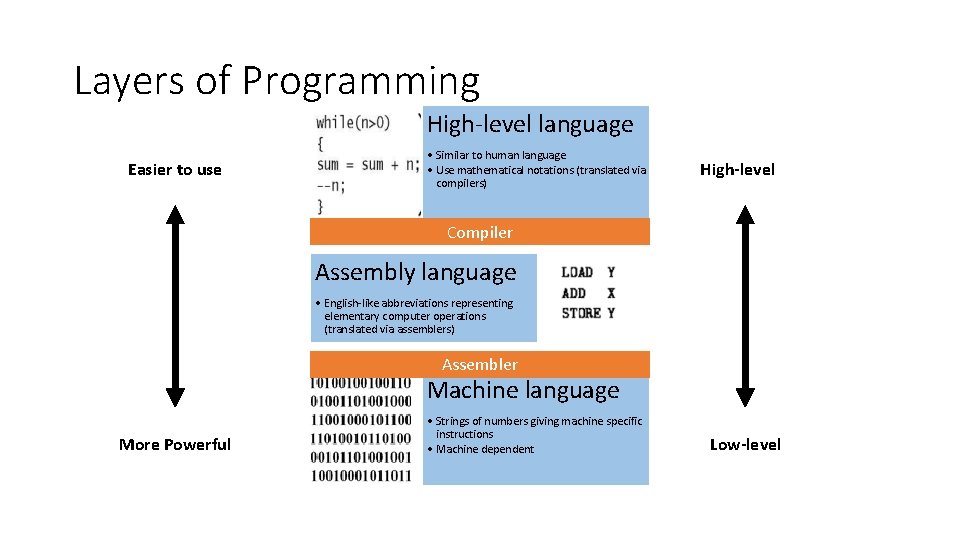
Layers of Programming High-level language Easier to use • Similar to human language • Use mathematical notations (translated via compilers) High-level Compiler Assembly language • English-like abbreviations representing elementary computer operations (translated via assemblers) Assembler Machine language More Powerful • Strings of numbers giving machine specific instructions • Machine dependent Low-level
Why C programming?
Why C ? • You can’t learn to program without a programming language • Evolved by Ritchie from two previous programming languages, BCPL and B • Hardware independent (portable) • Programming concepts that you learn using C can be used fairly directly in other languages • Including C++, Java, C#, and (less directly) Fortran
Where is C Used? • Used to develop UNIX • Used to write modern operating systems • Just about everywhere • Mars rovers, animation, graphics, Photoshop, GUI, OS, compilers, slides, chip design, chip manufacturing, semiconductor tools, etc.
The C Standard Library • C programs consist of pieces/modules called functions • A programmer can create his own functions • Advantage: the programmer knows exactly how it works • Disadvantage: time consuming • Programmers will often use the C library functions • Use these as building blocks • Avoid re-inventing the wheel • If a premade function exists, generally best to use it rather than write your own • Library functions carefully written, efficient, and portable
Stages in Program Development Process 1 - Analysis of a problem 2 - Create the algorithm 3 - Compile the program 4 - Execute the program 5 - Testing and Debugging the Program
(1) Analysis of a problem Human thoughts where it should be given a solution.
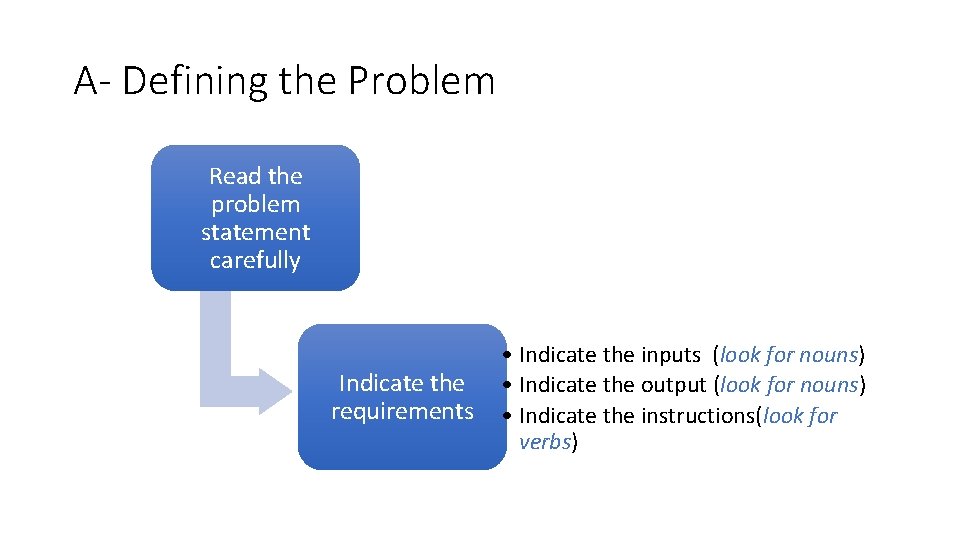
A- Defining the Problem Read the problem statement carefully Indicate the requirements • Indicate the inputs (look for nouns) • Indicate the output (look for nouns) • Indicate the instructions(look for verbs)
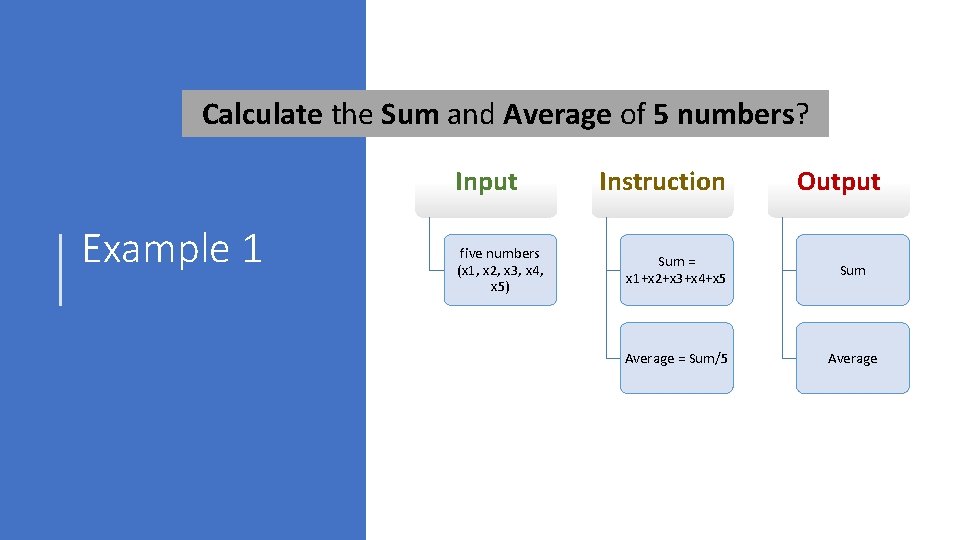
Calculate the Sum and Average of 5 numbers? Input Example 1 five numbers (x 1, x 2, x 3, x 4, x 5) Instruction Output Sum = x 1+x 2+x 3+x 4+x 5 Sum Average = Sum/5 Average
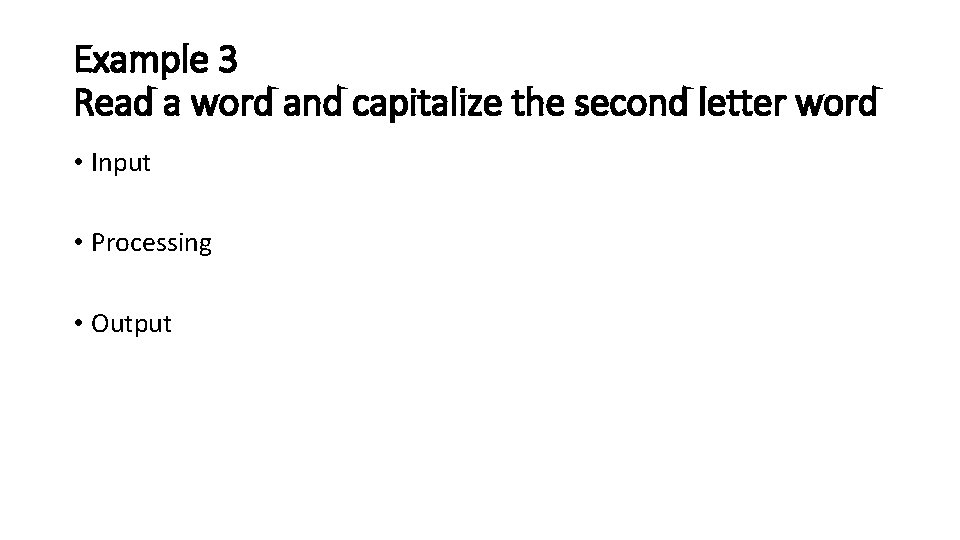
Example 3 Read a word and capitalize the second letter word • Input • Processing • Output
(2) Create the algorithm Plan for solution and use basic statements and expression to develop the algorithm
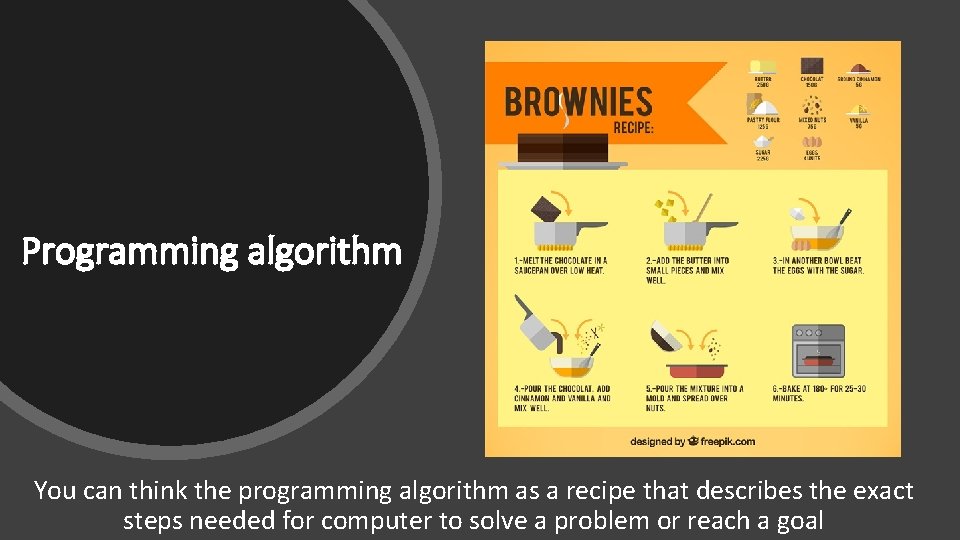
Programming algorithm You can think the programming algorithm as a recipe that describes the exact steps needed for computer to solve a problem or reach a goal
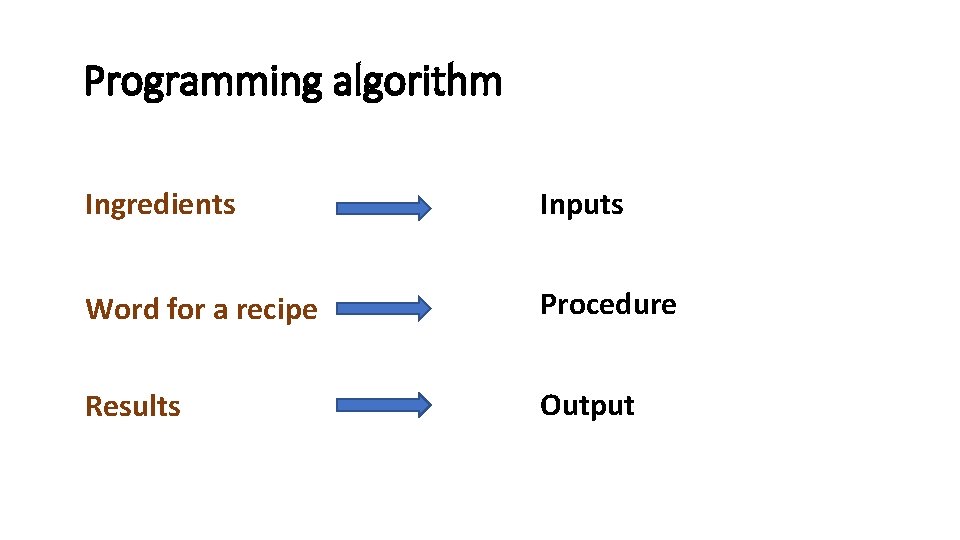
Programming algorithm Ingredients Inputs Word for a recipe Procedure Results Output
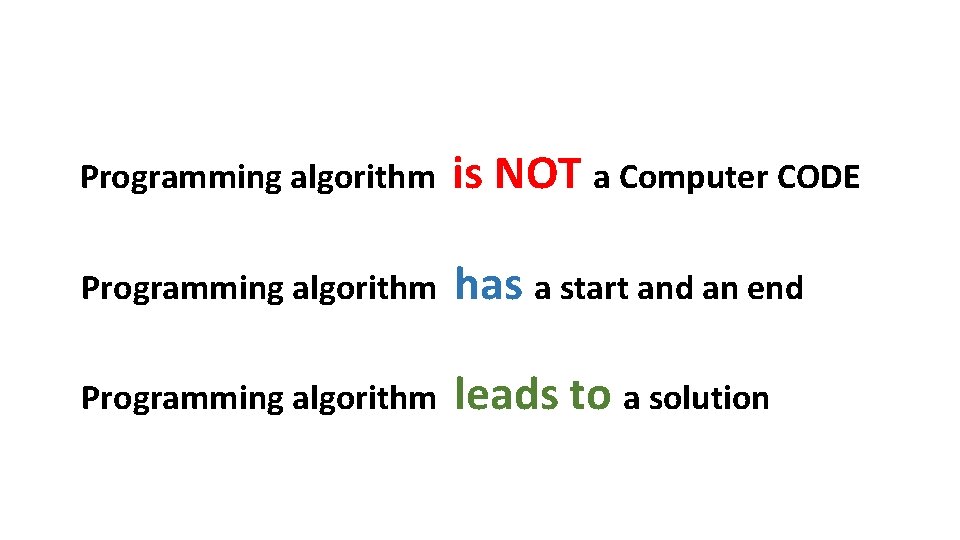
Programming algorithm is NOT a Computer CODE Programming algorithm has a start and an end Programming algorithm leads to a solution
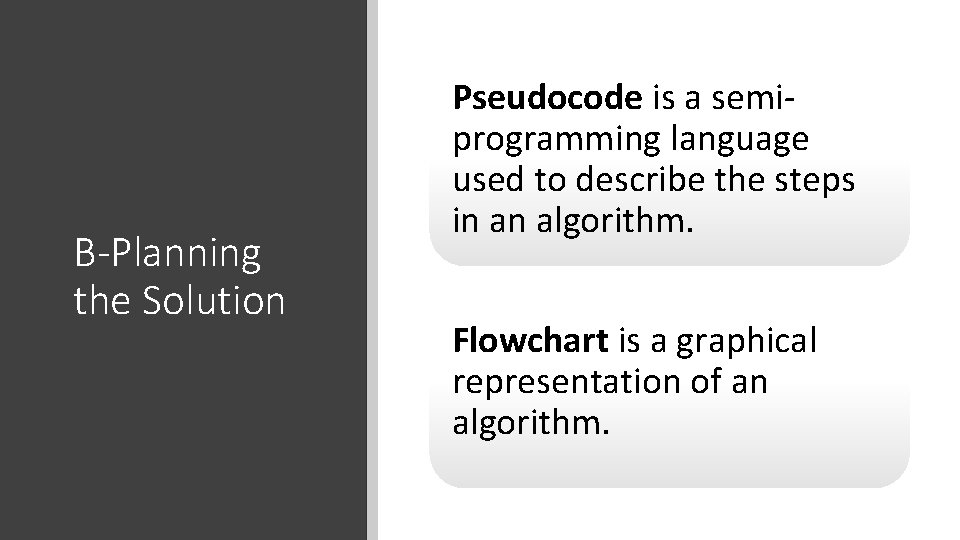
B-Planning the Solution Pseudocode is a semiprogramming language used to describe the steps in an algorithm. Flowchart is a graphical representation of an algorithm.
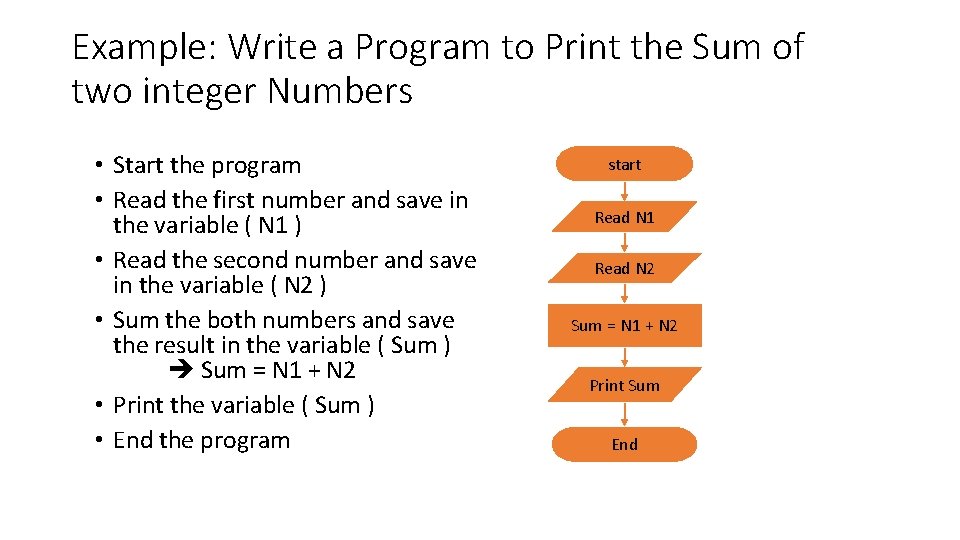
Example: Write a Program to Print the Sum of two integer Numbers • Start the program • Read the first number and save in the variable ( N 1 ) • Read the second number and save in the variable ( N 2 ) • Sum the both numbers and save the result in the variable ( Sum ) Sum = N 1 + N 2 • Print the variable ( Sum ) • End the program start Read N 1 Read N 2 Sum = N 1 + N 2 Print Sum End
(3) Compile the program Generate the source code using any programming languages. Then, compile the program.
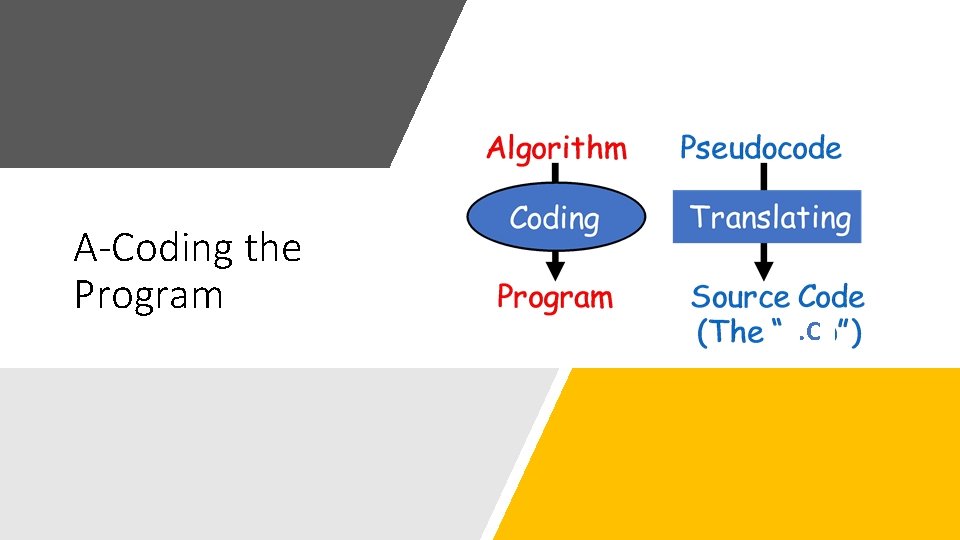
A-Coding the Program . C
What is a Compiler • It is a software that checks the correctness of the source code according to the language rules. • If the code is free of errors: • The source code will be translated into machine code. • Create of an “object ” file • Else: • Syntax errors are raised if some rules were violated.
Preprocessor • In C , a preprocessor program executes automatically before the compiler translation phase begin. • Preprocessor indicate that certain manipulations are to be performed on the program before compilation.
(4) Execute the program If the code is error free, the program can be executed to create the output
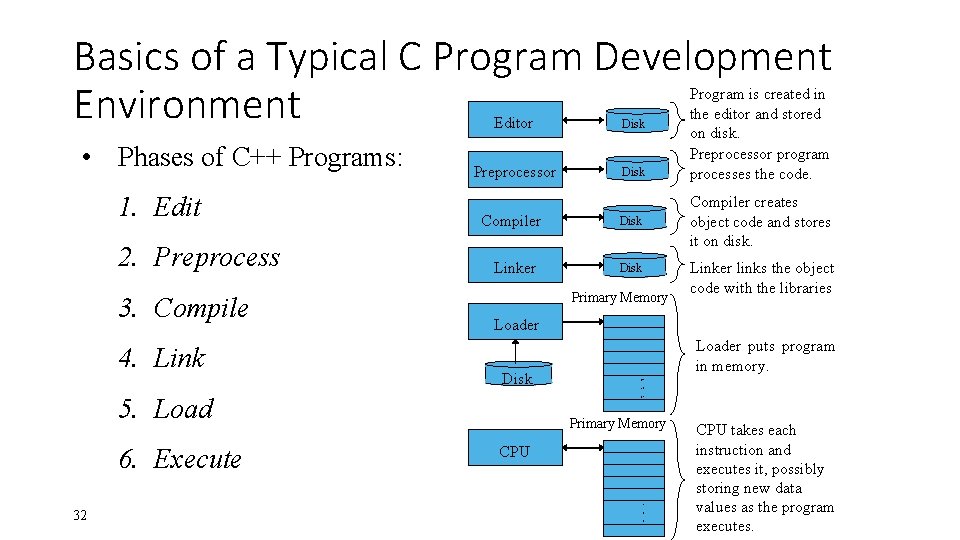
4 -Running The Program • Linking Phase • Occurring before running the code • Linking the object code with the code for the missing functions to produce an executable image (with no missing pieces). • If the program compiles and links correctly, a file called a. out is produced. • Load Phase: • Before a program can be executed, the program must first be placed in memory. • The computer, under the control of its CPU, executes the program one instruction at a time
Basics of a Typical C Program Development Environment • Phases of C++ Programs: 1. Edit 2. Preprocess 3. Compile 4. Link Editor Disk Preprocessor Disk Compiler Linker 32 Disk Primary Memory Compiler creates object code and stores it on disk. Linker links the object code with the libraries Loader Disk 5. Load 6. Execute Disk Program is created in the editor and stored on disk. Preprocessor program processes the code. Loader puts program in memory. . . . Primary Memory CPU . . . CPU takes each instruction and executes it, possibly storing new data values as the program executes.
(5) Testing and Debugging the Program To ensure there is no errors
5 -Testing and Debugging the Program • Testing • Be sure that the output of the program conforms with the input. • There are three types of errors: • Syntax Errors (Compiler Error): occurs when the compiler cannot recognize a statement because it violates the rules of the language. • Logical Errors: The program run but provides wrong output. • Runtime errors: The program stop running suddenly when asking the OS executing a non accepted statement (divide by zero, etc). • Debugging • Find, Understand correct the error
Conclusion • The course objectives • The computer programs • The C programming language • Stages in Program Development Process
• Any Questions