
Chapter 1 Introduction to Operating Systems Ruth Watson
- Slides: 14
Chapter 1 Introduction to Operating Systems Ruth Watson Operating Systems Concepts 1/e Ruth Watson Chapter 1
Objectives (1 of 2) n Explain what an operating system does n List the three main components of any operating system n Differentiate between using the left and right mouse buttons n Explain the role of the Start Button Operating Systems Concepts 1/e Ruth Watson Chapter 1 2
Objectives (2 of 2) n Explain the role of the Quick Launch Toolbar n Demonstrate how to create shortcuts in the Quick Launch Toolbar n Explain the role of the Taskbar n Demonstrate how to use Task Manager to terminate a process Operating Systems Concepts 1/e Ruth Watson Chapter 1 3
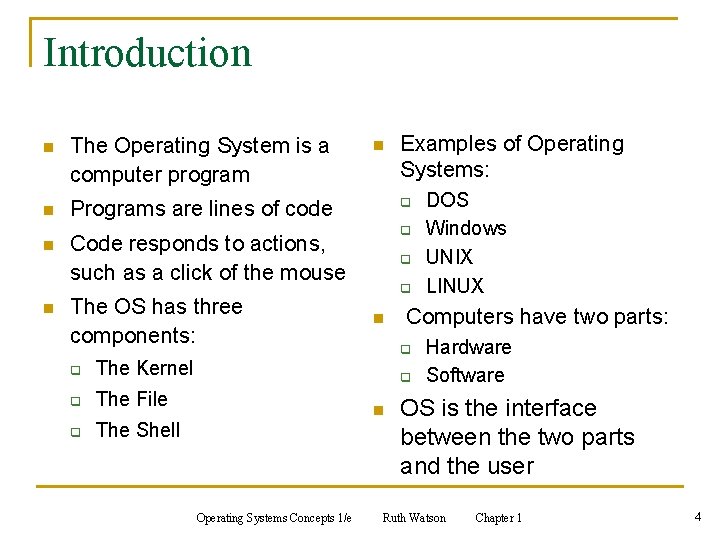
Introduction n The Operating System is a computer program n Programs are lines of code n n n q q Code responds to actions, such as a click of the mouse The OS has three components: q The Kernel q The File q The Shell Examples of Operating Systems: q q n Computers have two parts: q q n Operating Systems Concepts 1/e DOS Windows UNIX LINUX Hardware Software OS is the interface between the two parts and the user Ruth Watson Chapter 1 4
Important Terms to Understand n Binary math n Kernel n Code n Object oriented n DOS n Operating system n File system n Shell n GUI n Source code Operating Systems Concepts 1/e Ruth Watson Chapter 1 5
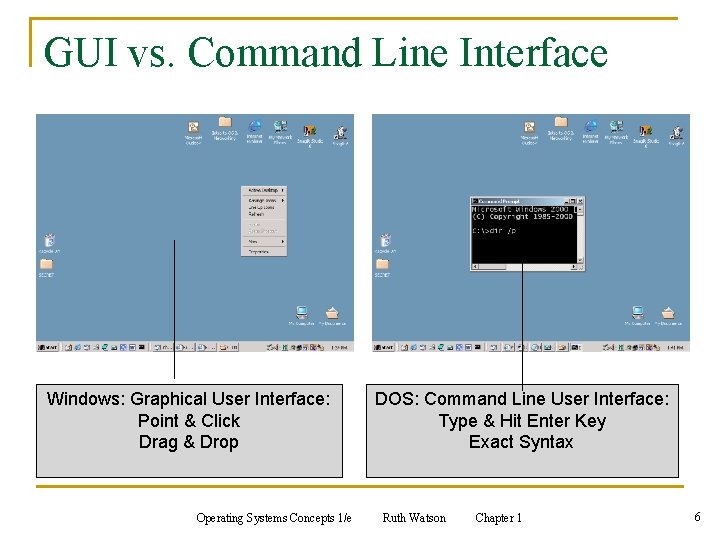
GUI vs. Command Line Interface Windows: Graphical User Interface: Point & Click Drag & Drop Operating Systems Concepts 1/e DOS: Command Line User Interface: Type & Hit Enter Key Exact Syntax Ruth Watson Chapter 1 6
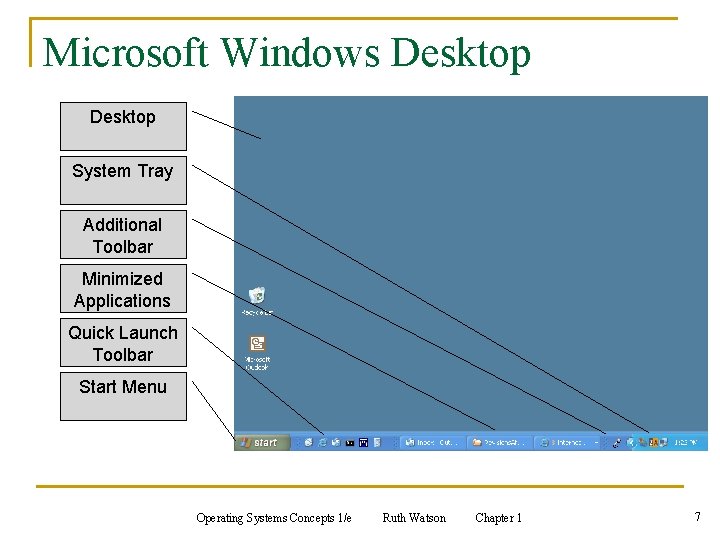
Microsoft Windows Desktop System Tray Additional Toolbar Minimized Applications Quick Launch Toolbar Start Menu Operating Systems Concepts 1/e Ruth Watson Chapter 1 7
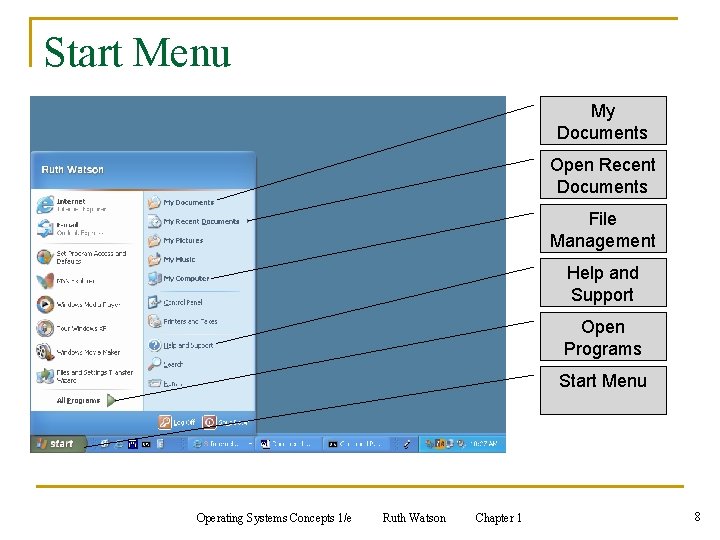
Start Menu My Documents Open Recent Documents File Management Help and Support Open Programs Start Menu Operating Systems Concepts 1/e Ruth Watson Chapter 1 8
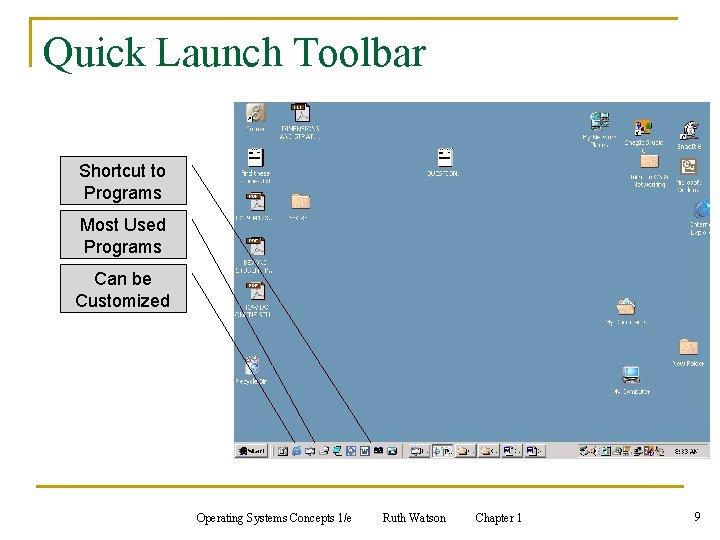
Quick Launch Toolbar Shortcut to Programs Most Used Programs Can be Customized Operating Systems Concepts 1/e Ruth Watson Chapter 1 9
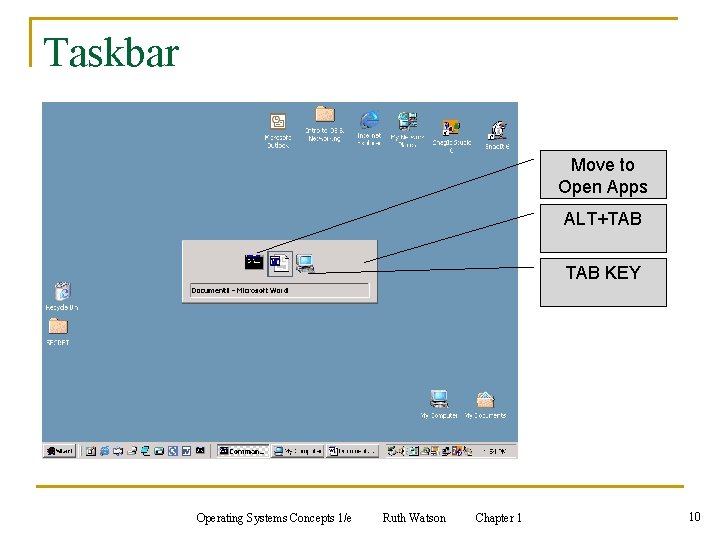
Taskbar Move to Open Apps ALT+TAB KEY Operating Systems Concepts 1/e Ruth Watson Chapter 1 10
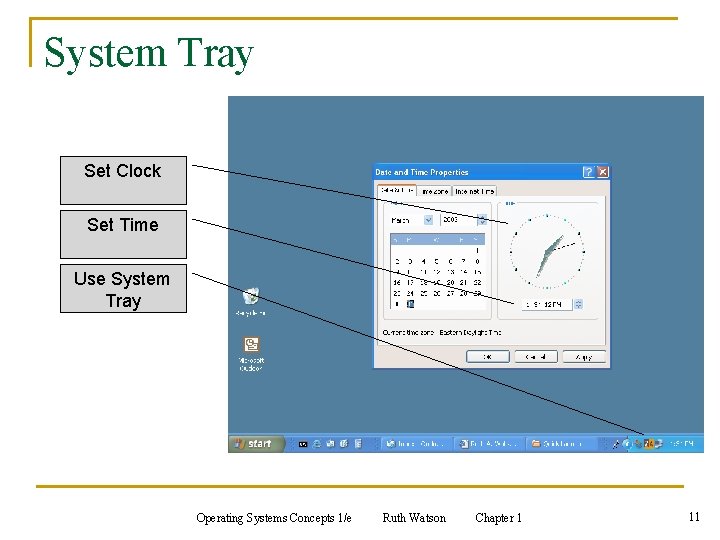
System Tray Set Clock Set Time Use System Tray Operating Systems Concepts 1/e Ruth Watson Chapter 1 11
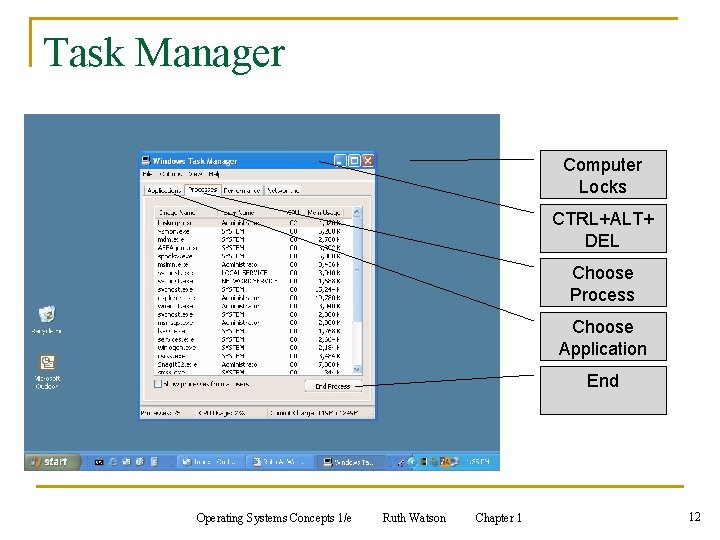
Task Manager Computer Locks CTRL+ALT+ DEL Choose Process Choose Application End Operating Systems Concepts 1/e Ruth Watson Chapter 1 12
Summary n Computers would be nothing without the Operating System n Many different types of Operating Systems n All Operating Systems have three main components: q File System q Kernel q User Interface Operating Systems Concepts 1/e Ruth Watson Chapter 1 13
Questions? Operating Systems Concepts 1/e Ruth Watson Chapter 1 14