
Chapter 1 Introduction to Computers What Is a
- Slides: 43
Chapter 1 Introduction to Computers
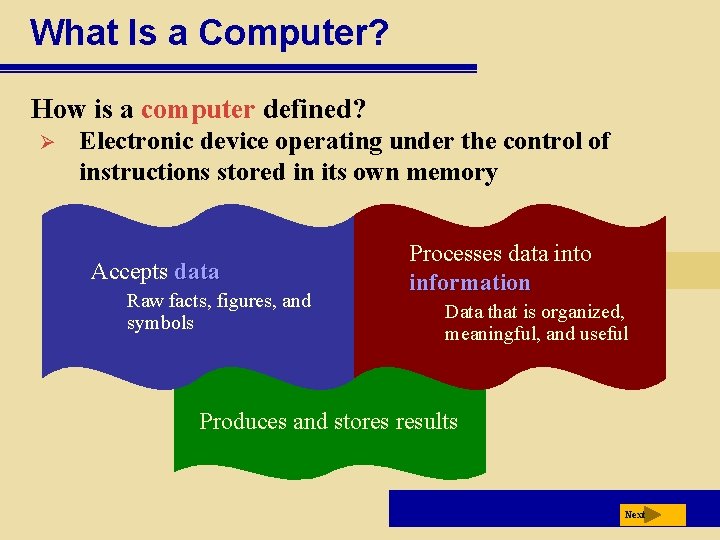
What Is a Computer? How is a computer defined? Ø Electronic device operating under the control of instructions stored in its own memory Accepts data Raw facts, figures, and symbols Processes data into information Data that is organized, meaningful, and useful Produces and stores results Next
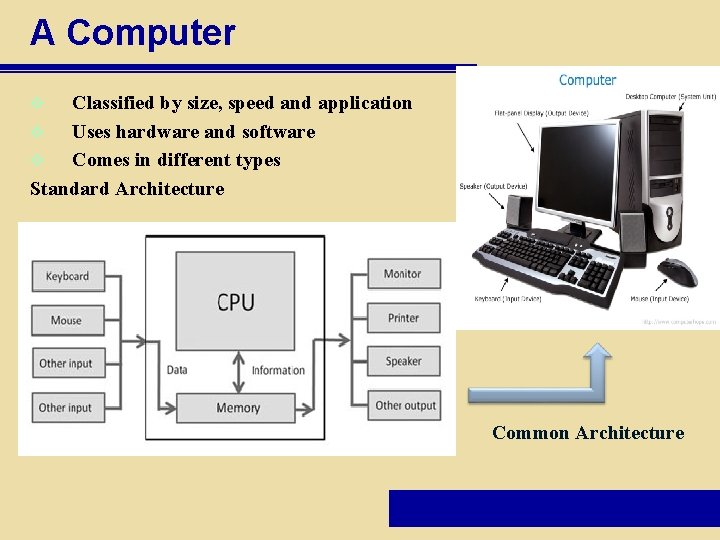
A Computer Classified by size, speed and application v Uses hardware and software v Comes in different types Standard Architecture v Common Architecture
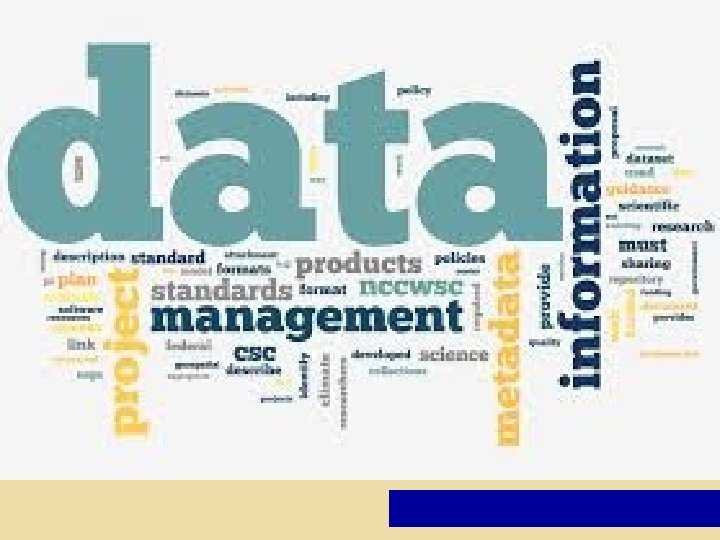
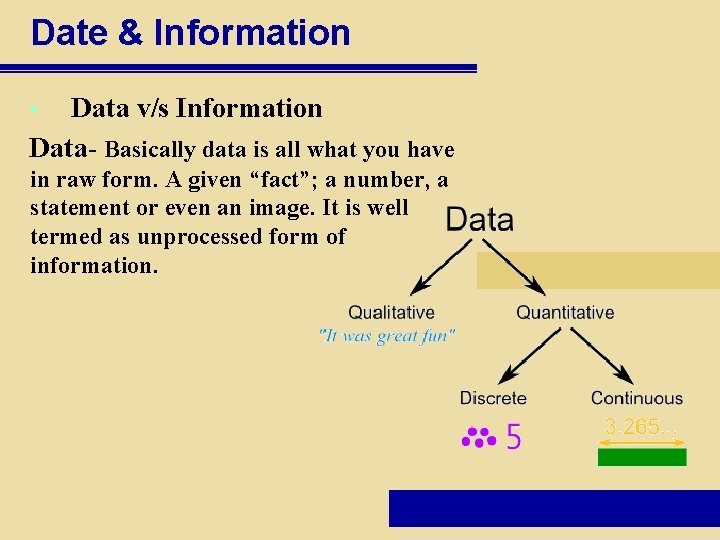
Date & Information Data v/s Information Data- Basically data is all what you have • in raw form. A given “fact”; a number, a statement or even an image. It is well termed as unprocessed form of information.
Information- Data that have a meaning within a context is termed as information. In this data is organized and communicated in clear and meaningful way. Data is converted into information, and information is converted into knowledge. Knowledge; information is evaluated so that it can be used purposefully.
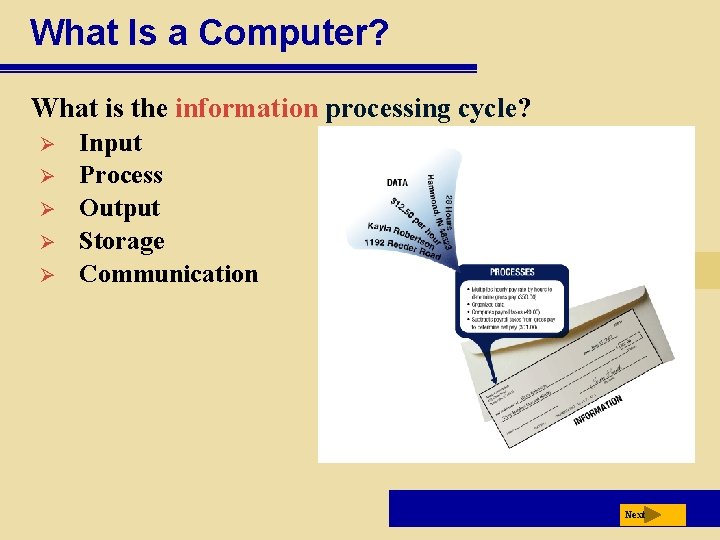
What Is a Computer? What is the information processing cycle? Ø Ø Ø Input Process Output Storage Communication Next
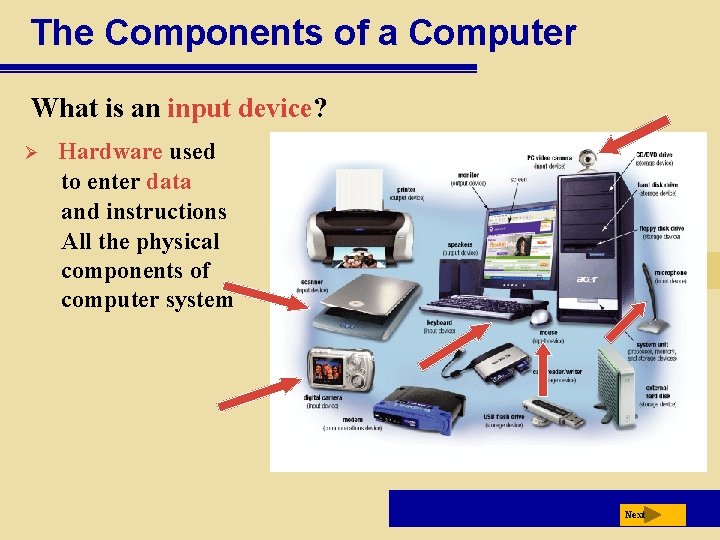
The Components of a Computer What is an input device? Ø Hardware used to enter data and instructions All the physical components of computer system Next
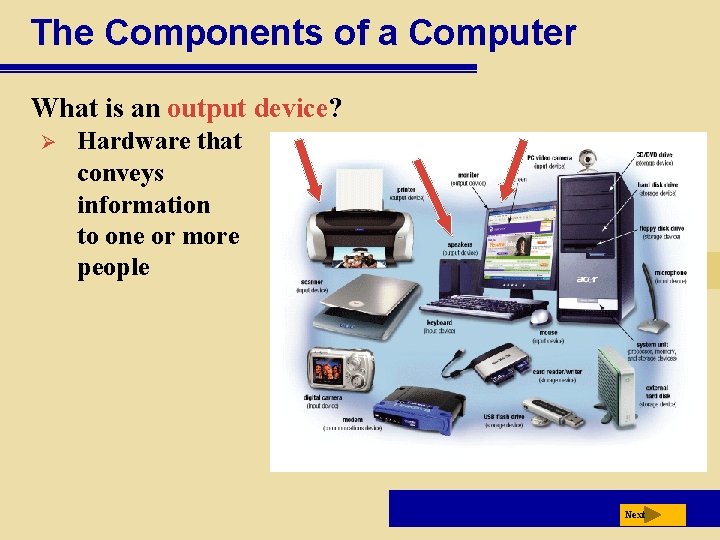
The Components of a Computer What is an output device? Ø Hardware that conveys information to one or more people Next
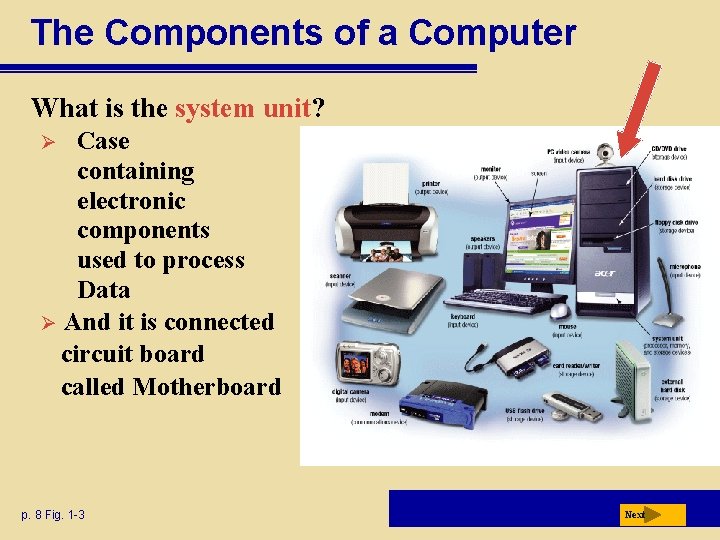
The Components of a Computer What is the system unit? Case containing electronic components used to process Data Ø And it is connected circuit board called Motherboard Ø p. 8 Fig. 1 -3 Next
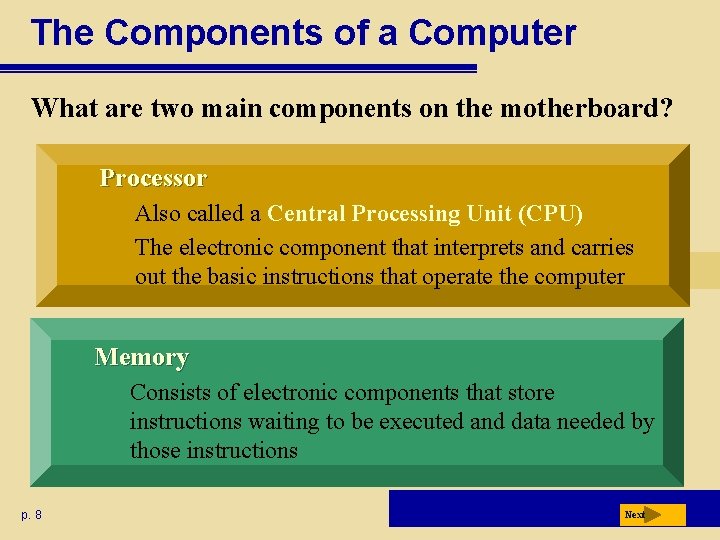
The Components of a Computer What are two main components on the motherboard? Processor Also called a Central Processing Unit (CPU) The electronic component that interprets and carries out the basic instructions that operate the computer Memory Consists of electronic components that store instructions waiting to be executed and data needed by those instructions p. 8 Next
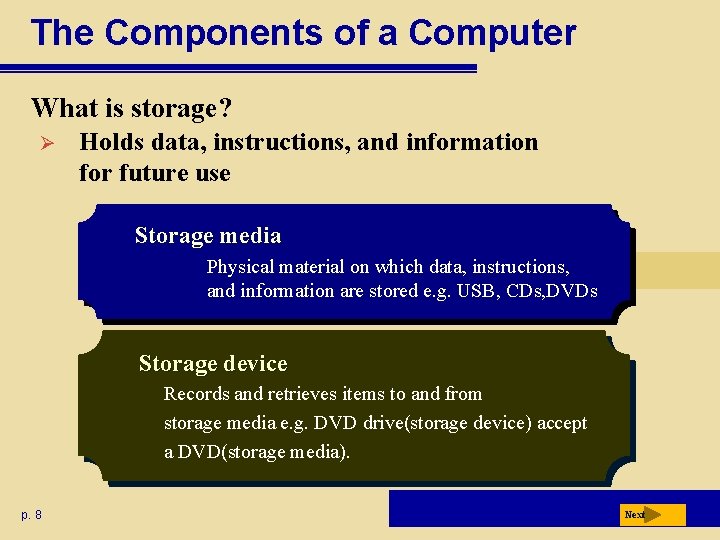
The Components of a Computer What is storage? Ø Holds data, instructions, and information for future use Storage media Physical material on which data, instructions, and information are stored e. g. USB, CDs, DVDs Storage device Records and retrieves items to and from storage media e. g. DVD drive(storage device) accept a DVD(storage media). p. 8 Next
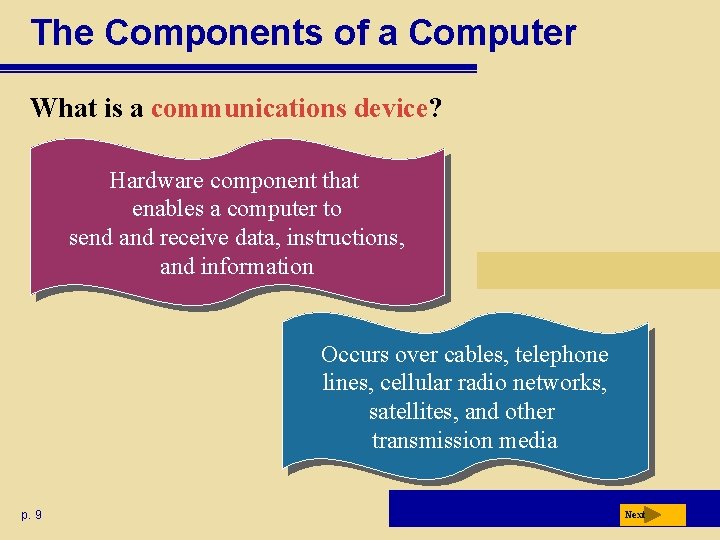
The Components of a Computer What is a communications device? Hardware component that enables a computer to send and receive data, instructions, and information Occurs over cables, telephone lines, cellular radio networks, satellites, and other transmission media p. 9 Next
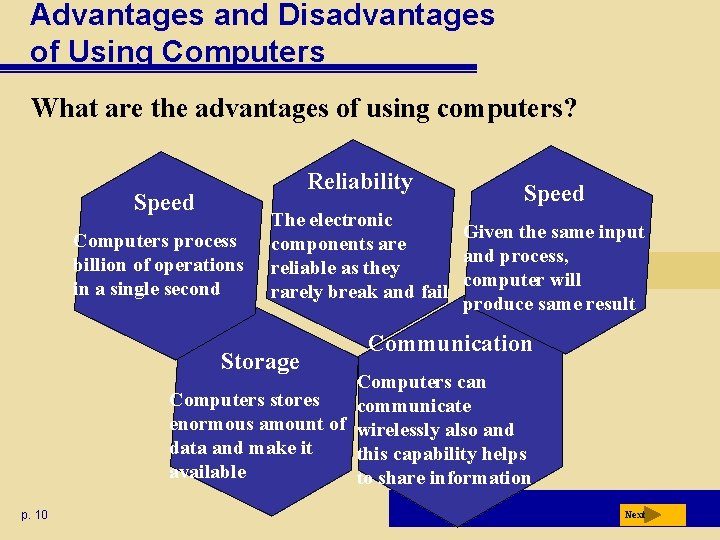
Advantages and Disadvantages of Using Computers What are the advantages of using computers? Reliability Speed Computers process billion of operations in a single second Speed The electronic Given the same input components are and process, reliable as they computer will rarely break and fail produce same result Storage Communication Computers can Computers stores communicate enormous amount of wirelessly also and data and make it this capability helps available to share information p. 10 Next
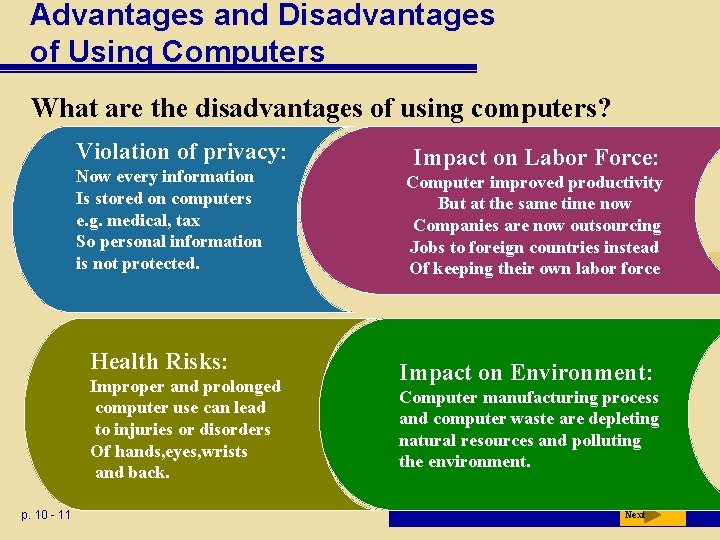
Advantages and Disadvantages of Using Computers What are the disadvantages of using computers? Violation of privacy: Now every information Is stored on computers e. g. medical, tax So personal information is not protected. Health Risks: Improper and prolonged computer use can lead to injuries or disorders Of hands, eyes, wrists and back. p. 10 - 11 Impact on Labor Force: Computer improved productivity But at the same time now Companies are now outsourcing Jobs to foreign countries instead Of keeping their own labor force Impact on Environment: Computer manufacturing process and computer waste are depleting natural resources and polluting the environment. Next
Networks and the Internet What is a network? Ø p. 11 Collection of computers and devices connected together, often wirelessly, via communication devices and transmission. When computer is connected to a network it is online. Next
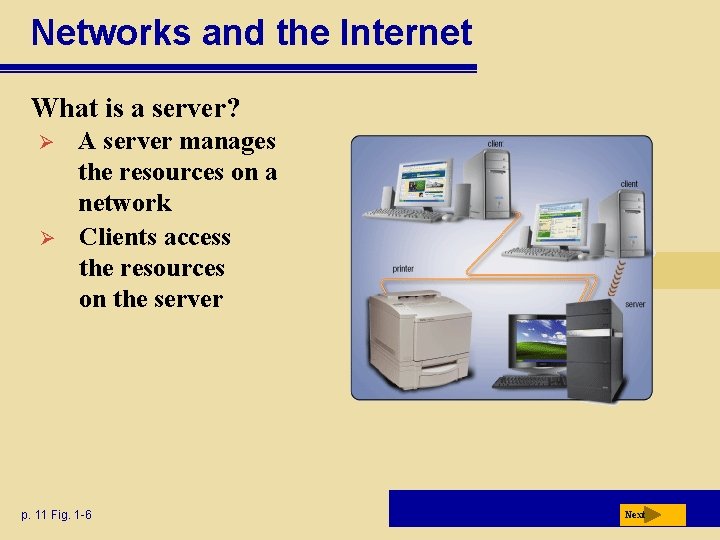
Networks and the Internet What is a server? Ø Ø A server manages the resources on a network Clients access the resources on the server p. 11 Fig. 1 -6 Next
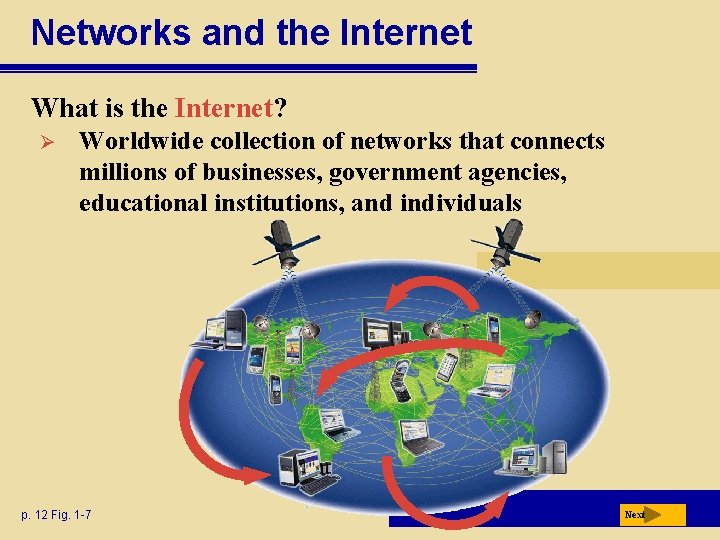
Networks and the Internet What is the Internet? Ø Worldwide collection of networks that connects millions of businesses, government agencies, educational institutions, and individuals p. 12 Fig. 1 -7 Next
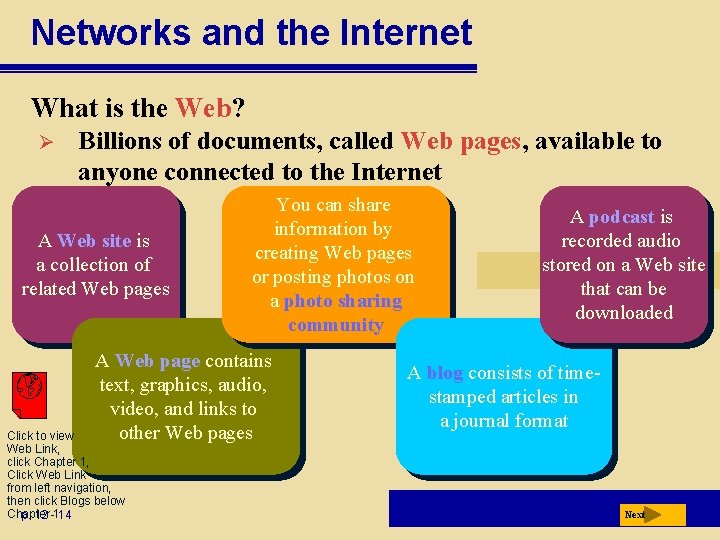
Networks and the Internet What is the Web? Ø Billions of documents, called Web pages, available to anyone connected to the Internet A Web site is a collection of related Web pages You can share information by creating Web pages or posting photos on a photo sharing community A Web page contains text, graphics, audio, video, and links to other Web pages Click to view Web Link, click Chapter 1, Click Web Link from left navigation, then click Blogs below Chapter p. 12 -114 A podcast is recorded audio stored on a Web site that can be downloaded A blog consists of timestamped articles in a journal format Next
Computer Software What is software? Consists of a series of instructions that tells the computer what to do p. 15 Also called a program Next
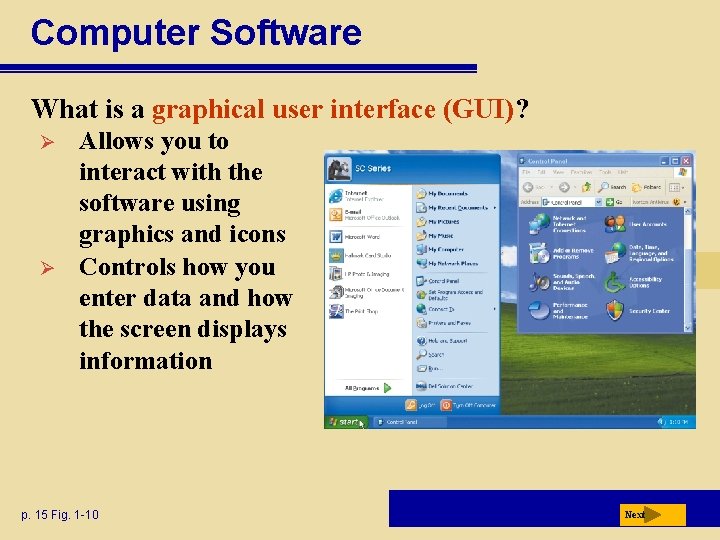
Computer Software What is a graphical user interface (GUI)? Ø Ø Allows you to interact with the software using graphics and icons Controls how you enter data and how the screen displays information p. 15 Fig. 1 -10 Next
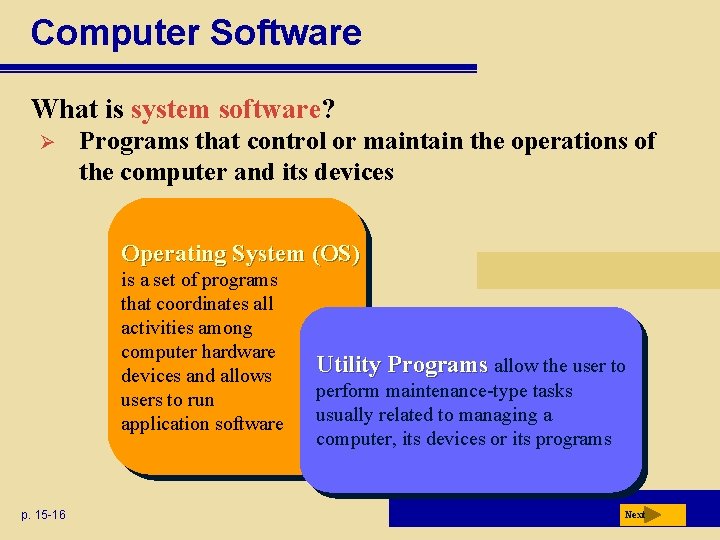
Computer Software What is system software? Ø Programs that control or maintain the operations of the computer and its devices Operating System (OS) is a set of programs that coordinates all activities among computer hardware devices and allows users to run application software p. 15 -16 Utility Programs allow the user to perform maintenance-type tasks usually related to managing a computer, its devices or its programs Next
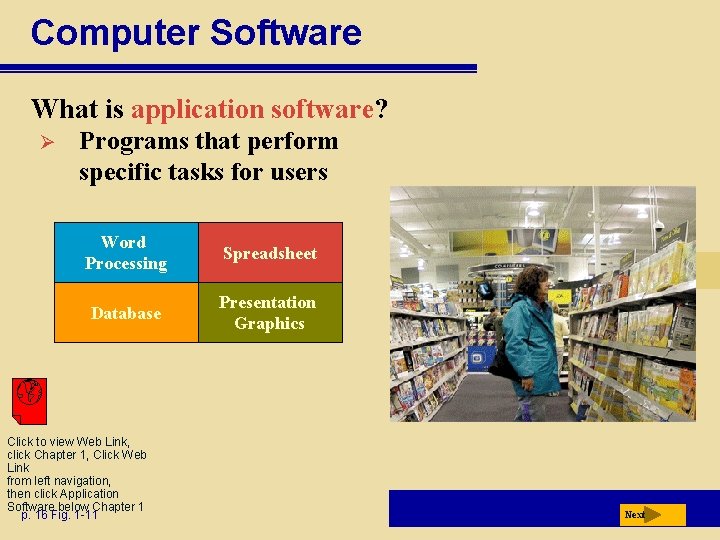
Computer Software What is application software? Ø Programs that perform specific tasks for users Word Processing Spreadsheet Database Presentation Graphics Click to view Web Link, click Chapter 1, Click Web Link from left navigation, then click Application Software below Chapter 1 p. 16 Fig. 1 -11 Next
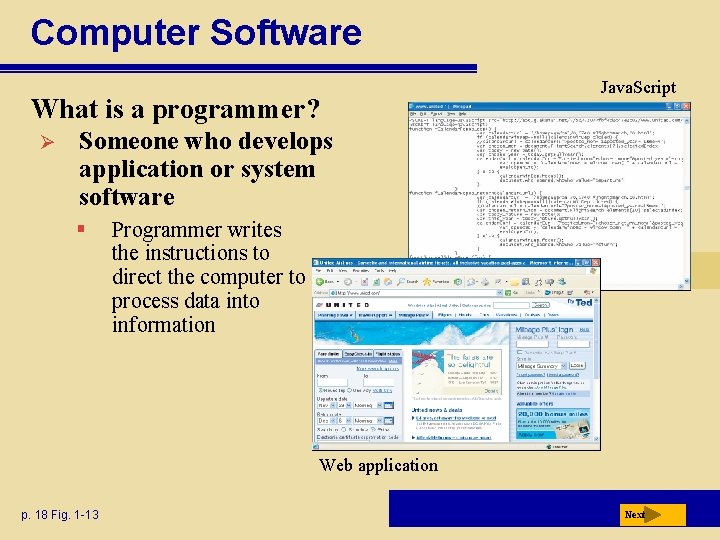
Computer Software What is a programmer? Ø Java. Script Someone who develops application or system software § Programmer writes the instructions to direct the computer to process data into information Web application p. 18 Fig. 1 -13 Next
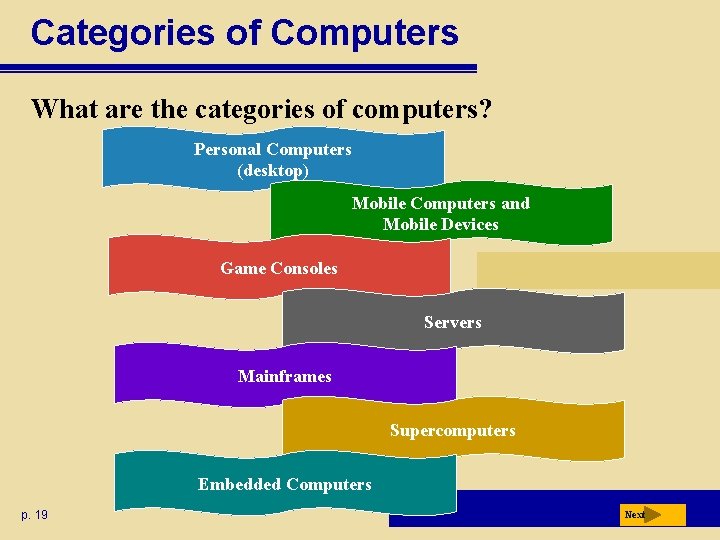
Categories of Computers What are the categories of computers? Personal Computers (desktop) Mobile Computers and Mobile Devices Game Consoles Servers Mainframes Supercomputers Embedded Computers p. 19 Next
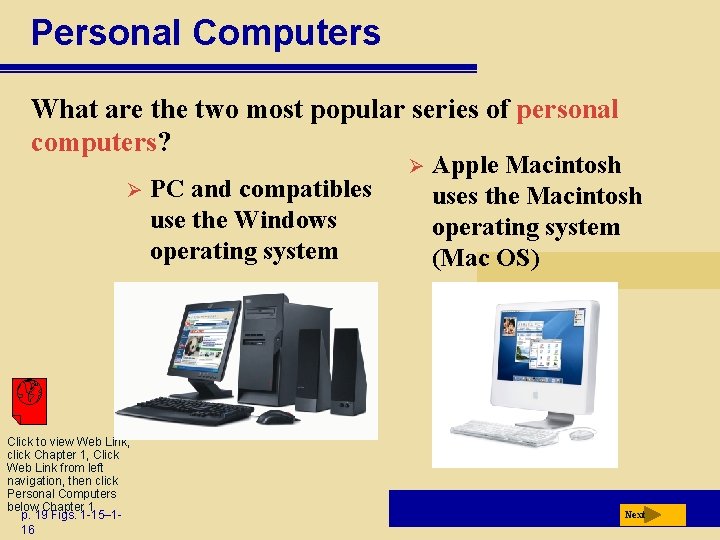
Personal Computers What are the two most popular series of personal computers? Ø Click to view Web Link, click Chapter 1, Click Web Link from left navigation, then click Personal Computers below Chapter 1 p. 19 Figs. 1 -15– 116 PC and compatibles use the Windows operating system Ø Apple Macintosh uses the Macintosh operating system (Mac OS) Next
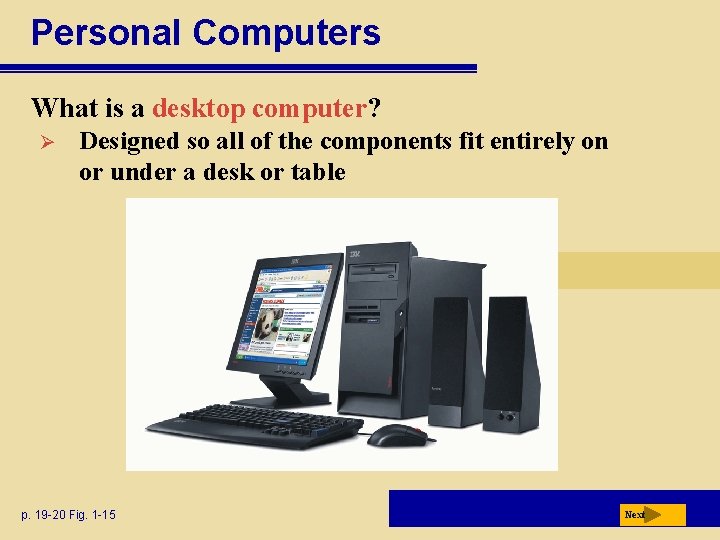
Personal Computers What is a desktop computer? Ø Designed so all of the components fit entirely on or under a desk or table p. 19 -20 Fig. 1 -15 Next
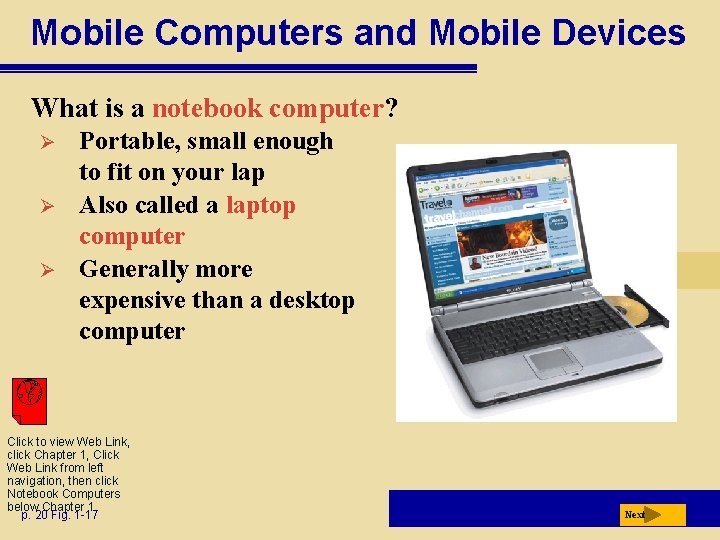
Mobile Computers and Mobile Devices What is a notebook computer? Ø Ø Ø Portable, small enough to fit on your lap Also called a laptop computer Generally more expensive than a desktop computer Click to view Web Link, click Chapter 1, Click Web Link from left navigation, then click Notebook Computers below Chapter 1 p. 20 Fig. 1 -17 Next
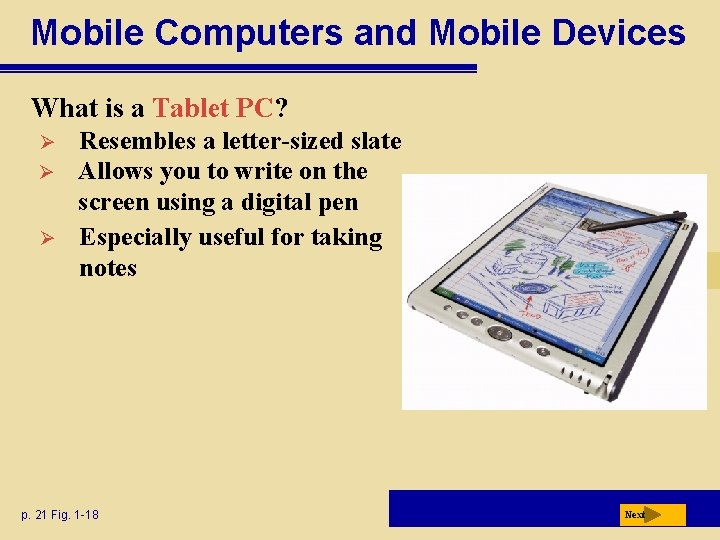
Mobile Computers and Mobile Devices What is a Tablet PC? Ø Ø Ø Resembles a letter-sized slate Allows you to write on the screen using a digital pen Especially useful for taking notes p. 21 Fig. 1 -18 Next
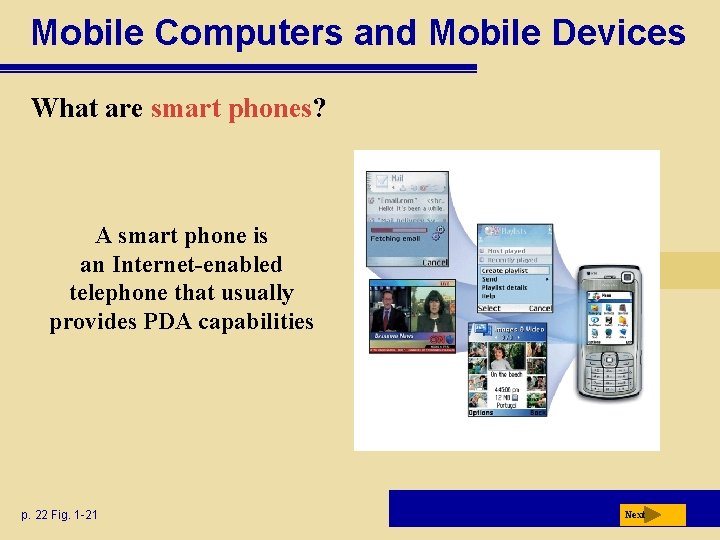
Mobile Computers and Mobile Devices What are mobile devices? Small enough to carry in a pocket Internet-enabled telephone is a “smart telephone” p. 21 Next
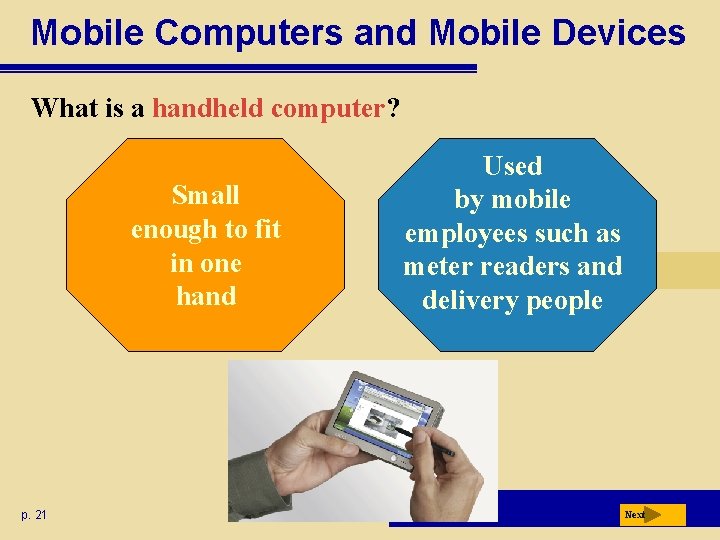
Mobile Computers and Mobile Devices What is a handheld computer? Small enough to fit in one hand p. 21 Used by mobile employees such as meter readers and delivery people Next
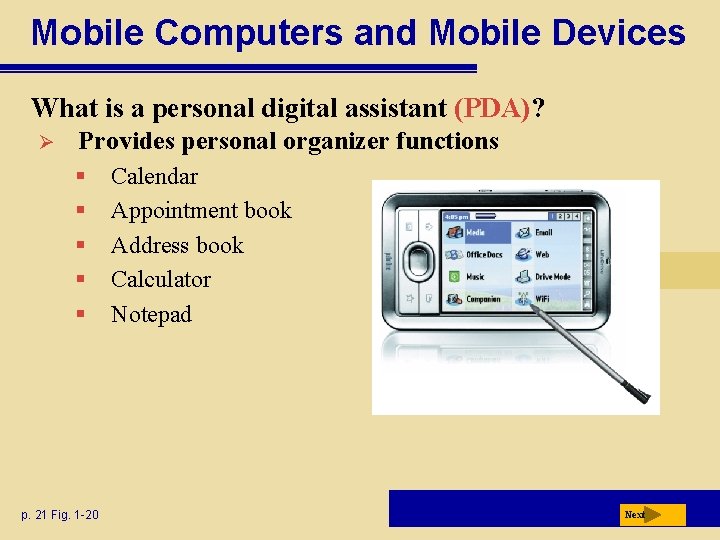
Mobile Computers and Mobile Devices What is a personal digital assistant (PDA)? Ø Provides personal organizer functions § § § p. 21 Fig. 1 -20 Calendar Appointment book Address book Calculator Notepad Next
Mobile Computers and Mobile Devices What are smart phones? A smart phone is an Internet-enabled telephone that usually provides PDA capabilities p. 22 Fig. 1 -21 Next
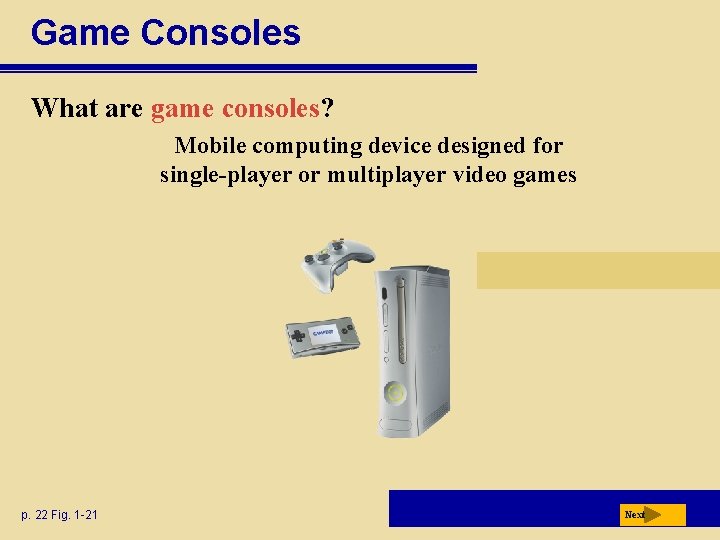
Game Consoles What are game consoles? Mobile computing device designed for single-player or multiplayer video games p. 22 Fig. 1 -21 Next
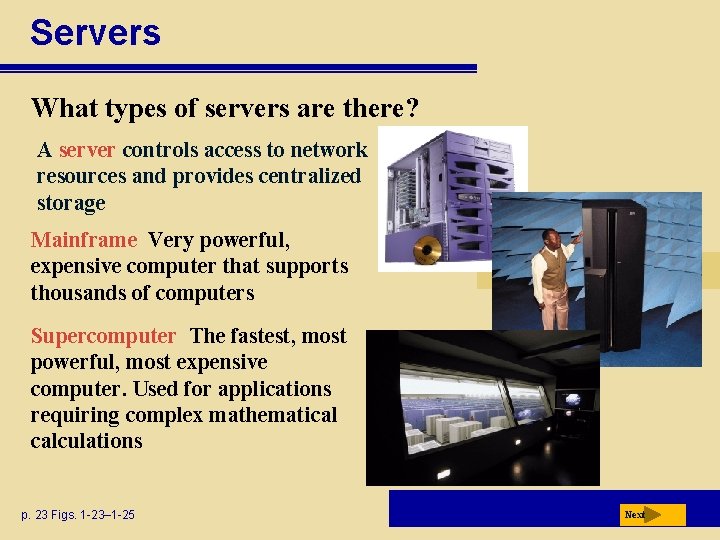
Servers What types of servers are there? A server controls access to network resources and provides centralized storage Mainframe Very powerful, expensive computer that supports thousands of computers Supercomputer The fastest, most powerful, most expensive computer. Used for applications requiring complex mathematical calculations p. 23 Figs. 1 -23– 1 -25 Next
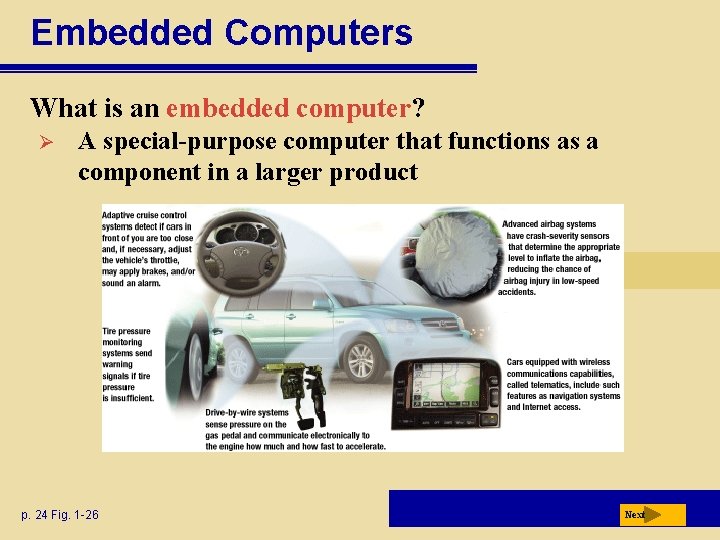
Embedded Computers What is an embedded computer? Ø A special-purpose computer that functions as a component in a larger product p. 24 Fig. 1 -26 Next
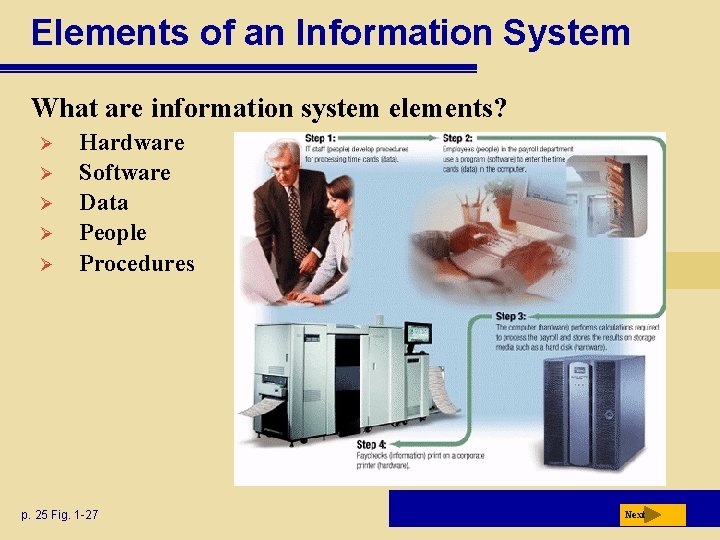
Elements of an Information System What are information system elements? Ø Ø Ø Hardware Software Data People Procedures p. 25 Fig. 1 -27 Next
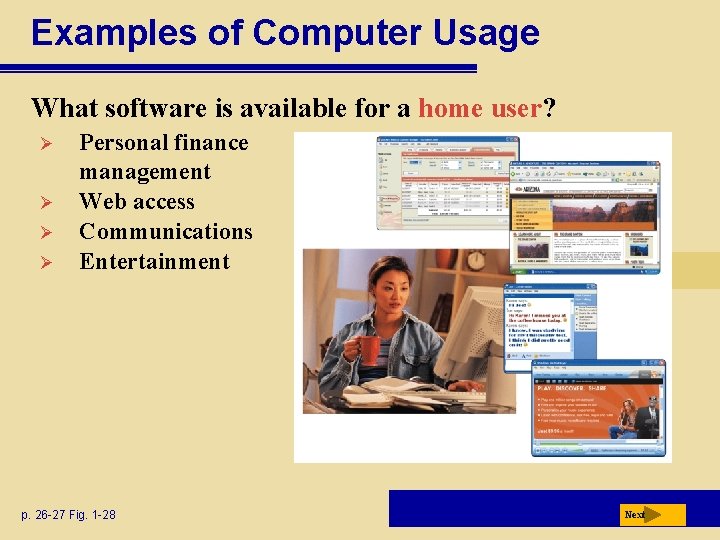
Examples of Computer Usage What software is available for a home user? Ø Ø Personal finance management Web access Communications Entertainment p. 26 -27 Fig. 1 -28 Next
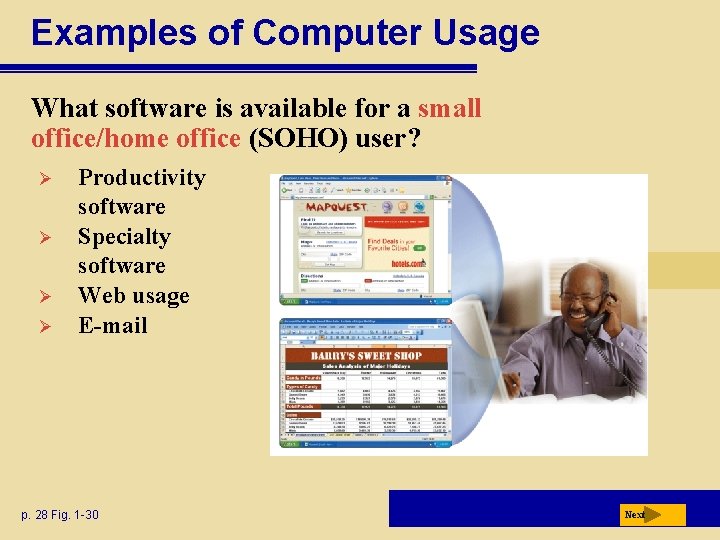
Examples of Computer Usage What software is available for a small office/home office (SOHO) user? Ø Ø Productivity software Specialty software Web usage E-mail p. 28 Fig. 1 -30 Next
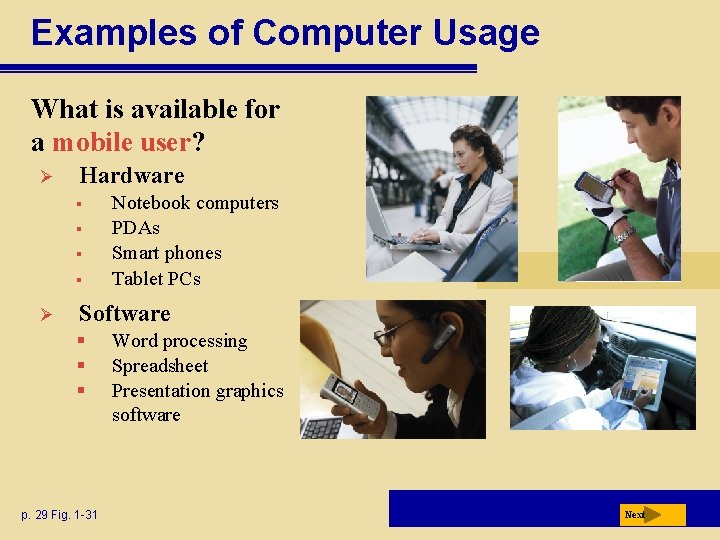
Examples of Computer Usage What is available for a mobile user? Ø Hardware § § Ø Notebook computers PDAs Smart phones Tablet PCs Software § § § p. 29 Fig. 1 -31 Word processing Spreadsheet Presentation graphics software Next
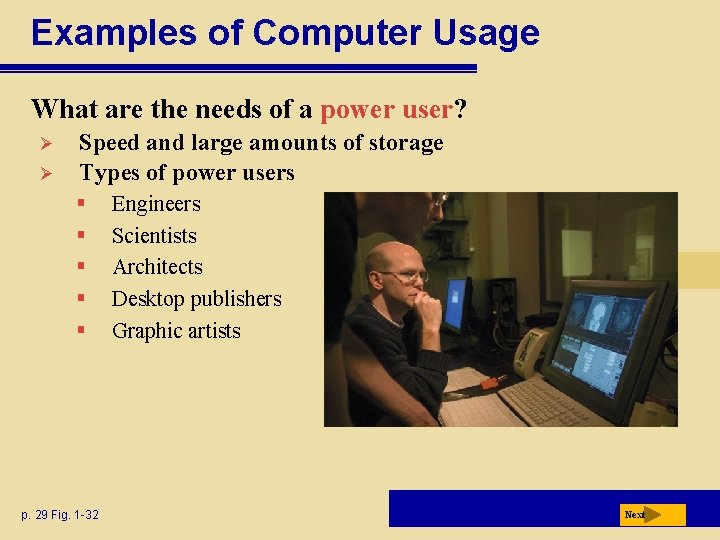
Examples of Computer Usage What are the needs of a power user? Ø Ø Speed and large amounts of storage Types of power users § § § p. 29 Fig. 1 -32 Engineers Scientists Architects Desktop publishers Graphic artists Next
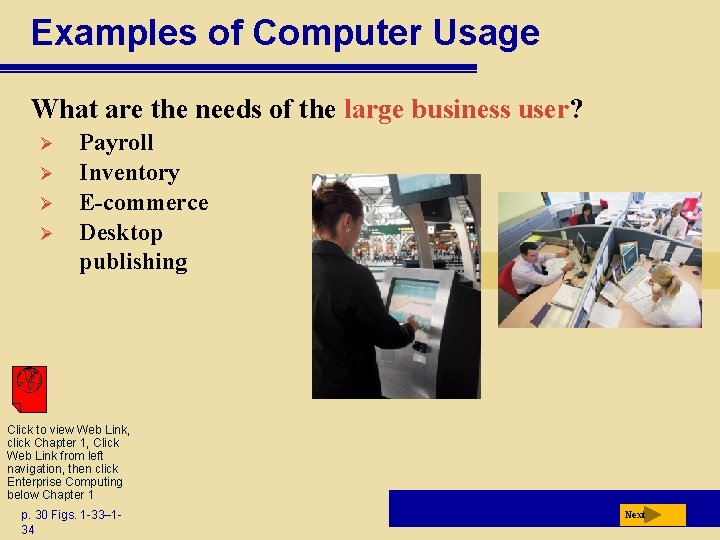
Examples of Computer Usage What are the needs of the large business user? Ø Ø Payroll Inventory E-commerce Desktop publishing Click to view Web Link, click Chapter 1, Click Web Link from left navigation, then click Enterprise Computing below Chapter 1 p. 30 Figs. 1 -33– 134 Next
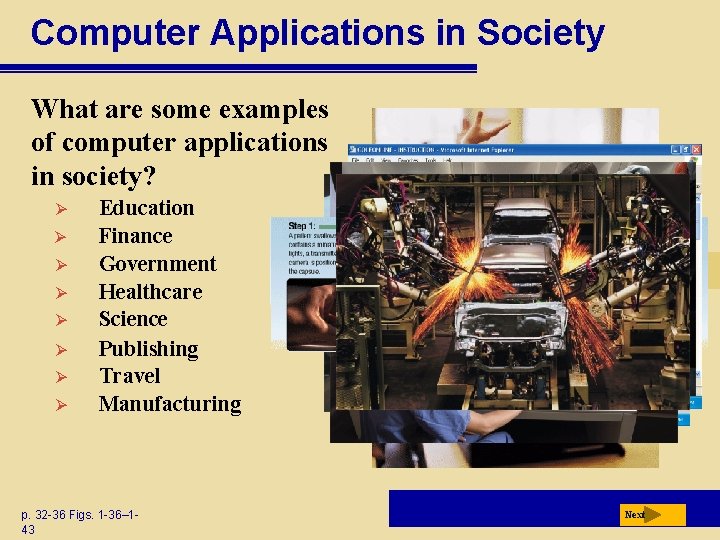
Computer Applications in Society What are some examples of computer applications in society? Ø Ø Ø Ø Education Finance Government Healthcare Science Publishing Travel Manufacturing p. 32 -36 Figs. 1 -36– 143 Next