
Chapter 1 Introduction to Computers the Internet and
- Slides: 21
Chapter 1 - Introduction to Computers, the Internet, and the World Wide Web Outline 1. 1 Introduction 1. 2 What Is a Computer? 1. 3 Computer Organization 1. 4 Evolution of Operating Systems 1. 5 Personal, Distributed and Client/Server Computing 1. 6 Machine Languages, Assembly Languages and High-Level Languages 1. 7 History of C++ 1. 8 History of Java 1. 9 Java Class Libraries 1. 10 Other High-Level Languages 1. 11 Structured Programming 1. 12 The Internet and the World Wide Web 1. 13 Basics of a Typical Java Environment 1. 14 General Notes about Java and This Book 2000 Prentice Hall, Inc. All rights reserved. 1
2 1. 1 Introduction • Core of book – Program clarity, using both structured and object-oriented programming • Learn structured programming properly, from the beginning • Java – Powerful, object-oriented language – Fun to use for beginners, appropriate for experienced programmers – Language of choice for Internet and network communications – Free implementation at http: //java. sun. com 2000 Prentice Hall, Inc. All rights reserved.
3 1. 2 What is a Computer? • Computer – Device for performing computations and making logical decisions – Process data using sets of instructions called computer programs • Hardware – Devices comprising a computer – Keyboard, screen, mouse, disks, memory, CD-ROM, and processing units • Software – Programs that run on a computer 2000 Prentice Hall, Inc. All rights reserved.
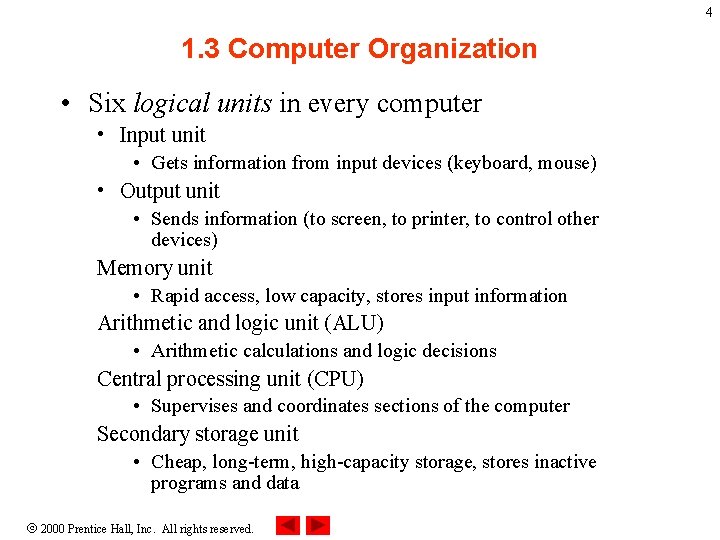
4 1. 3 Computer Organization • Six logical units in every computer • Input unit • Gets information from input devices (keyboard, mouse) • Output unit • Sends information (to screen, to printer, to control other devices) Memory unit • Rapid access, low capacity, stores input information Arithmetic and logic unit (ALU) • Arithmetic calculations and logic decisions Central processing unit (CPU) • Supervises and coordinates sections of the computer Secondary storage unit • Cheap, long-term, high-capacity storage, stores inactive programs and data 2000 Prentice Hall, Inc. All rights reserved.
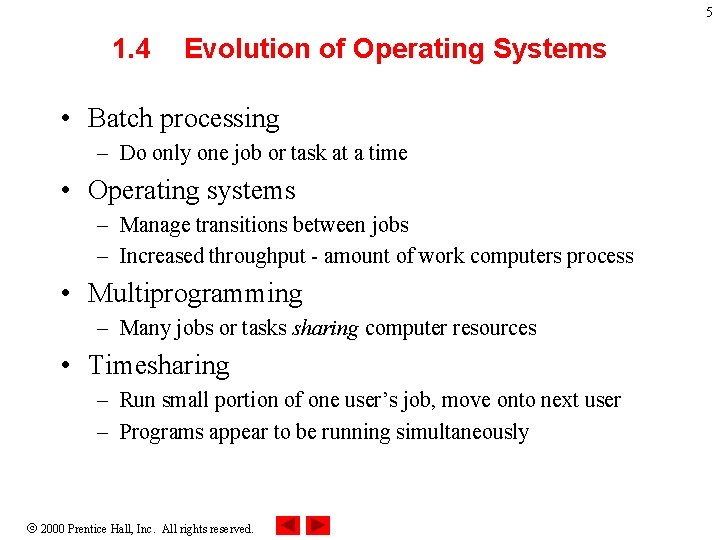
5 1. 4 Evolution of Operating Systems • Batch processing – Do only one job or task at a time • Operating systems – Manage transitions between jobs – Increased throughput - amount of work computers process • Multiprogramming – Many jobs or tasks sharing computer resources • Timesharing – Run small portion of one user’s job, move onto next user – Programs appear to be running simultaneously 2000 Prentice Hall, Inc. All rights reserved.
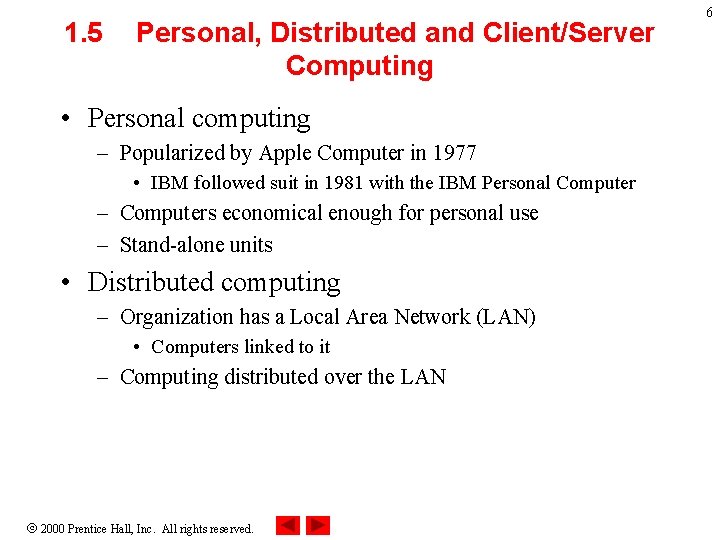
1. 5 Personal, Distributed and Client/Server Computing • Personal computing – Popularized by Apple Computer in 1977 • IBM followed suit in 1981 with the IBM Personal Computer – Computers economical enough for personal use – Stand-alone units • Distributed computing – Organization has a Local Area Network (LAN) • Computers linked to it – Computing distributed over the LAN 2000 Prentice Hall, Inc. All rights reserved. 6
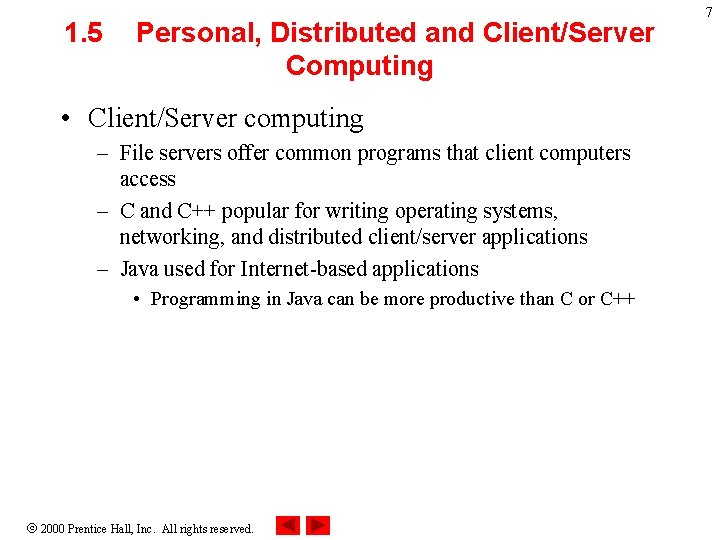
1. 5 Personal, Distributed and Client/Server Computing • Client/Server computing – File servers offer common programs that client computers access – C and C++ popular for writing operating systems, networking, and distributed client/server applications – Java used for Internet-based applications • Programming in Java can be more productive than C or C++ 2000 Prentice Hall, Inc. All rights reserved. 7
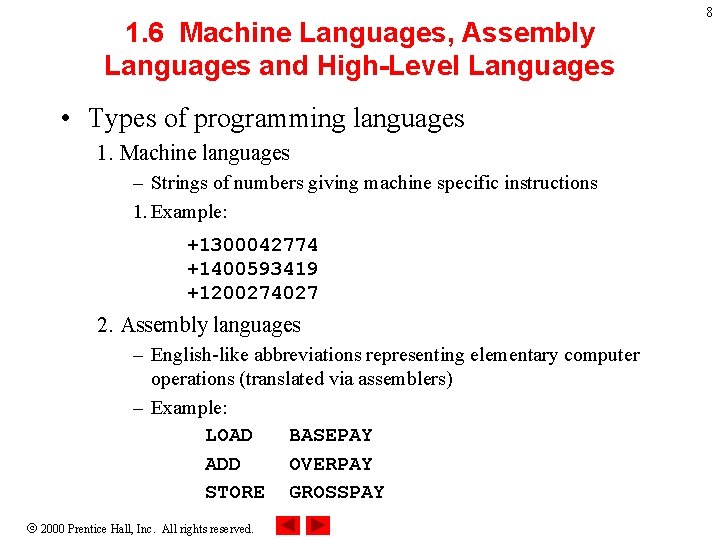
1. 6 Machine Languages, Assembly Languages and High-Level Languages • Types of programming languages 1. Machine languages – Strings of numbers giving machine specific instructions 1. Example: +1300042774 +1400593419 +1200274027 2. Assembly languages – English-like abbreviations representing elementary computer operations (translated via assemblers) – Example: LOAD BASEPAY ADD OVERPAY STORE GROSSPAY 2000 Prentice Hall, Inc. All rights reserved. 8
1. 6 Machine Languages, Assembly Languages and High-Level Languages • Types of programming languages 3. High-level languages – Similar to everyday English and use mathematical notations (translated via compilers) – Example: gross. Pay = base. Pay + over. Time. Pay 2000 Prentice Hall, Inc. All rights reserved. 9
10 1. 7 History of C++ • C++ evolved from C – C evolved from two previous programming languages, BCPL and B – ANSI C established worldwide standards for C programming • C++ “spruces up” C – Provides capabilities for object-oriented programming • Objects - reusable software components that model things in the real world – Object-oriented programs easy to understand, correct and modify 2000 Prentice Hall, Inc. All rights reserved.
11 1. 8 History of Java • Java – Based on C and C++ – Developed in 1991 for intelligent consumer electronic devices • Market did not develop, project in danger of being cancelled – Internet exploded in 1993, saved project • Used Java to create web pages with dynamic content – Java formally announced in 1995 – Now used to create web pages with interactive content, enhance web servers, applications for consumer devices (pagers, cell phones). . . 2000 Prentice Hall, Inc. All rights reserved.
12 1. 9 Java Class Libraries • Java programs – Consist of pieces called classes – Classes contain methods, which perform tasks • Class libraries – Also known as Java API (Applications Programming Interface) – Rich collection of predefined classes, which you can use • Two parts to learning Java – Learning the language itself, so you can create your own classes – Learning how to use the existing classes in the libraries 2000 Prentice Hall, Inc. All rights reserved.
13 1. 10 Other High-Level Languages • A few other high-level languages have achieved broad acceptance – FORTRAN (FORmula TRANslator) • Scientific and engineering applications – COBOL (COmmon Business Oriented Language) • Used to manipulate large amounts of data – Pascal • Intended for academic use – BASIC • Developed in 1965 • Simple language to help novices 2000 Prentice Hall, Inc. All rights reserved.
14 1. 11 Structured Programming • Structured programming – Disciplined approach to writing programs – Clear, easy to test, debug, and modify – Pascal designed to teach structured programming • Not used in industrial or commercial applications • Multitasking – Many activities run in parallel – C and C++ allow one activity at a time – Java allows multithreading • Activities can occur in parallel 2000 Prentice Hall, Inc. All rights reserved.
15 1. 12 The Internet and the World Wide Web • The Internet – Developed 30 years ago, funded by the Department of Defense – Originally designed to link universities • Now accessible by hundreds of millions of computers • World Wide Web – View multimedia-based documents – Internet has exploded • Mixes computing and communication • Changes how business is done • Information instantly accessible – We cover Java applications that use the Internet 2000 Prentice Hall, Inc. All rights reserved.
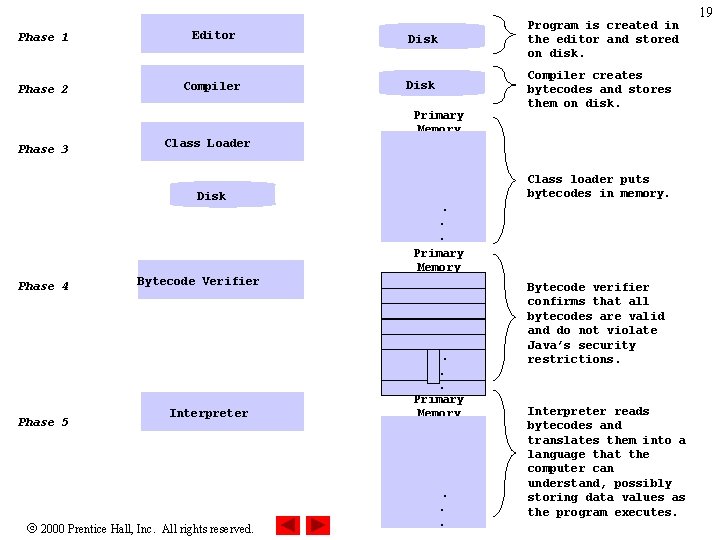
16 1. 13 Basics of a Typical Java Environment • Java Systems – Consist of environment, language, Java Applications Programming Interface (API), class libraries • Java programs have five phases – Edit • Use an editor to type Java program • vi or emacs, notepad, Jbuilder, Visual J++ • . java extension – Compile • Translates program into bytecodes, understood by Java interpreter • javac command: javac my. Program. java • Creates. class file containing bytecodes (my. Program. class) 2000 Prentice Hall, Inc. All rights reserved.
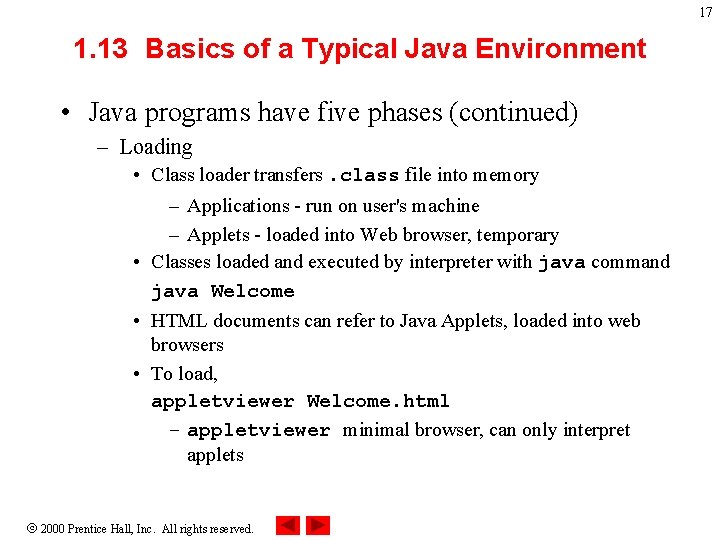
17 1. 13 Basics of a Typical Java Environment • Java programs have five phases (continued) – Loading • Class loader transfers. class file into memory – Applications - run on user's machine – Applets - loaded into Web browser, temporary • Classes loaded and executed by interpreter with java command java Welcome • HTML documents can refer to Java Applets, loaded into web browsers • To load, appletviewer Welcome. html – appletviewer minimal browser, can only interpret applets 2000 Prentice Hall, Inc. All rights reserved.
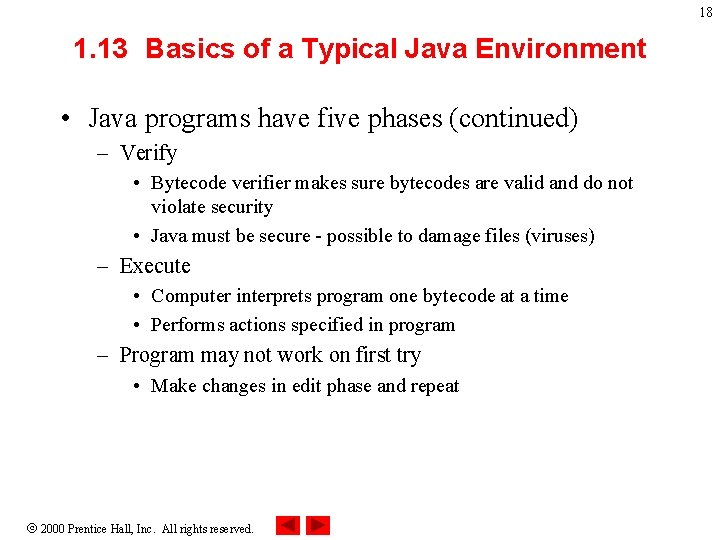
18 1. 13 Basics of a Typical Java Environment • Java programs have five phases (continued) – Verify • Bytecode verifier makes sure bytecodes are valid and do not violate security • Java must be secure - possible to damage files (viruses) – Execute • Computer interprets program one bytecode at a time • Performs actions specified in program – Program may not work on first try • Make changes in edit phase and repeat 2000 Prentice Hall, Inc. All rights reserved.
Phase 1 Editor Disk Program is created in the editor and stored on disk. Phase 2 Compiler Disk Compiler creates bytecodes and stores them on disk. Primary Memory Phase 3 Class Loader Disk Phase 4 Phase 5 Class loader puts bytecodes in memory. . . . Primary Memory Bytecode Verifier Interpreter 2000 Prentice Hall, Inc. All rights reserved. . . . Primary Memory . . . Bytecode verifier confirms that all bytecodes are valid and do not violate Java’s security restrictions. Interpreter reads bytecodes and translates them into a language that the computer can understand, possibly storing data values as the program executes. 19
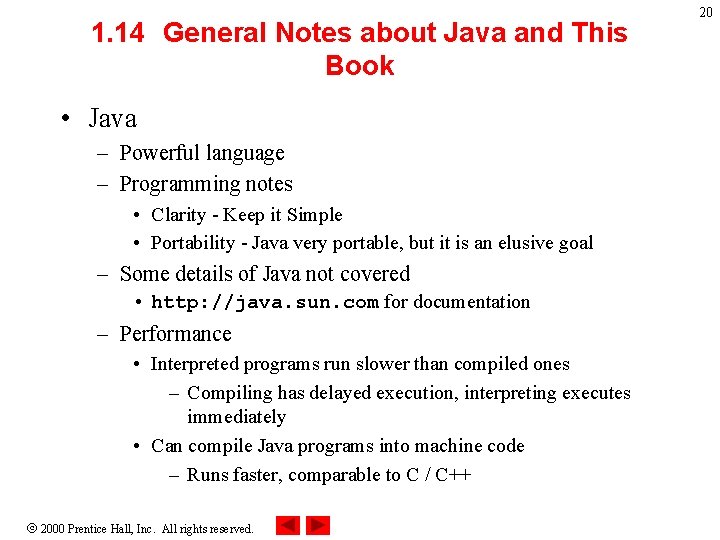
1. 14 General Notes about Java and This Book • Java – Powerful language – Programming notes • Clarity - Keep it Simple • Portability - Java very portable, but it is an elusive goal – Some details of Java not covered • http: //java. sun. com for documentation – Performance • Interpreted programs run slower than compiled ones – Compiling has delayed execution, interpreting executes immediately • Can compile Java programs into machine code – Runs faster, comparable to C / C++ 2000 Prentice Hall, Inc. All rights reserved. 20
1. 14 General Notes about Java and This Book • Just-in-time compiler – Midway between compiling and interpreting • As interpreter runs, compiles code and executes it • Not as efficient as full compilers – Being developed for Java – Integrated Development Environment (IDE) • Tools to support software development • Several Java IDE's are as powerful as C / C++ IDE's 2000 Prentice Hall, Inc. All rights reserved. 21