
Chapter 1 Introduction to Computers Programs and Java
![Syntax Errors public class Show. Syntax. Errors { public static main(String[] args) { System.](https://slidetodoc.com/presentation_image_h2/8785c000306b6b9b9ad5a1f98dfea889/image-21.jpg "Syntax Errors public class Show. Syntax. Errors { public static main(String[] args) { System.")
![Syntax Errors public class Show. Syntax. Errors { public static main(String[] args) { System.](https://slidetodoc.com/presentation_image_h2/8785c000306b6b9b9ad5a1f98dfea889/image-22.jpg "Syntax Errors public class Show. Syntax. Errors { public static main(String[] args) { System.")
![Syntax Errors public class Show. Syntax. Errors { public static main(String[] args) { system.](https://slidetodoc.com/presentation_image_h2/8785c000306b6b9b9ad5a1f98dfea889/image-23.jpg "Syntax Errors public class Show. Syntax. Errors { public static main(String[] args) { system.")
![Runtime Errors public class Show. Runtime. Errors { public static void main(String[] args) {](https://slidetodoc.com/presentation_image_h2/8785c000306b6b9b9ad5a1f98dfea889/image-24.jpg "Runtime Errors public class Show. Runtime. Errors { public static void main(String[] args) {")
![Logic Errors public class Show. Logic. Errors { public static void main(String[] args) {](https://slidetodoc.com/presentation_image_h2/8785c000306b6b9b9ad5a1f98dfea889/image-25.jpg "Logic Errors public class Show. Logic. Errors { public static void main(String[] args) {")
- Slides: 26
Chapter 1 Introduction to Computers, Programs, and Java Liang, Introduction to Java Programming, Tenth Edition, (c) 2015 Pearson Education, Inc. All rights reserved. 1
Anatomy of a Java Program F Class name F Main method F Statements F Statement terminator F Reserved words F Comments F Blocks Liang, Introduction to Java Programming, Tenth Edition, (c) 2015 Pearson Education, Inc. All rights reserved. 2
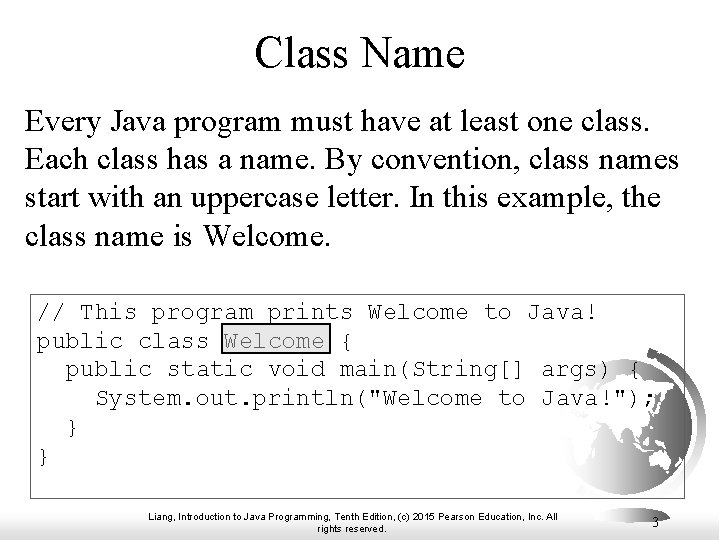
Class Name Every Java program must have at least one class. Each class has a name. By convention, class names start with an uppercase letter. In this example, the class name is Welcome. // This program prints Welcome to Java! public class Welcome { public static void main(String[] args) { System. out. println("Welcome to Java!"); } } Liang, Introduction to Java Programming, Tenth Edition, (c) 2015 Pearson Education, Inc. All rights reserved. 3
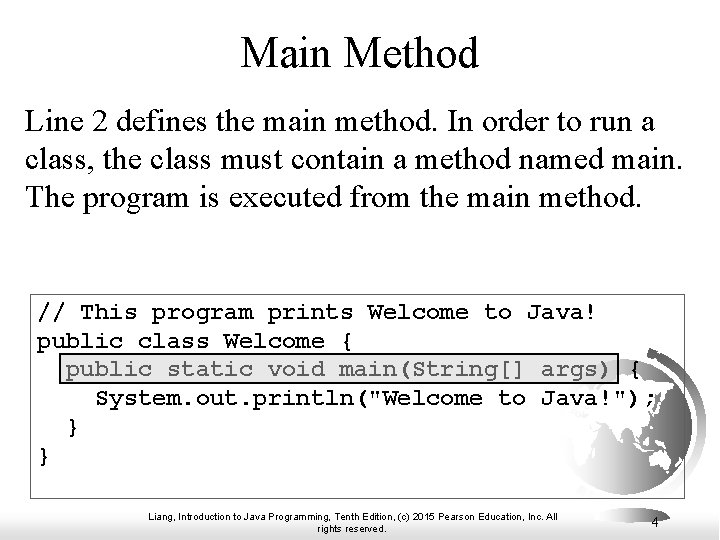
Main Method Line 2 defines the main method. In order to run a class, the class must contain a method named main. The program is executed from the main method. // This program prints Welcome to Java! public class Welcome { public static void main(String[] args) { System. out. println("Welcome to Java!"); } } Liang, Introduction to Java Programming, Tenth Edition, (c) 2015 Pearson Education, Inc. All rights reserved. 4
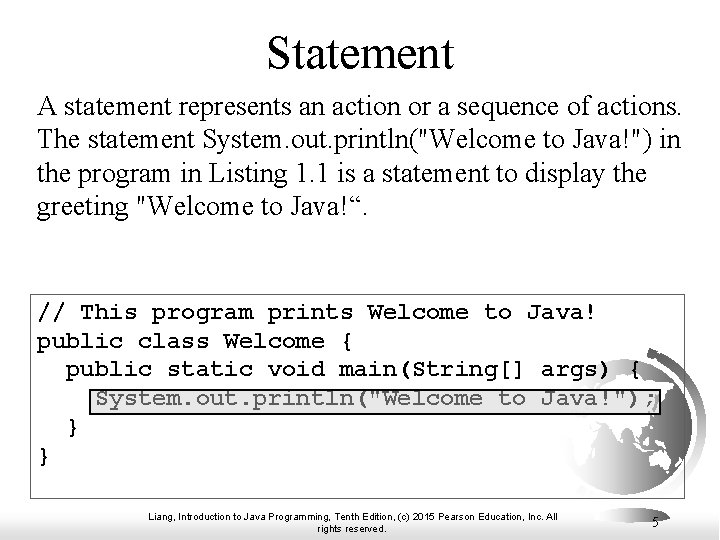
Statement A statement represents an action or a sequence of actions. The statement System. out. println("Welcome to Java!") in the program in Listing 1. 1 is a statement to display the greeting "Welcome to Java!“. // This program prints Welcome to Java! public class Welcome { public static void main(String[] args) { System. out. println("Welcome to Java!"); } } Liang, Introduction to Java Programming, Tenth Edition, (c) 2015 Pearson Education, Inc. All rights reserved. 5
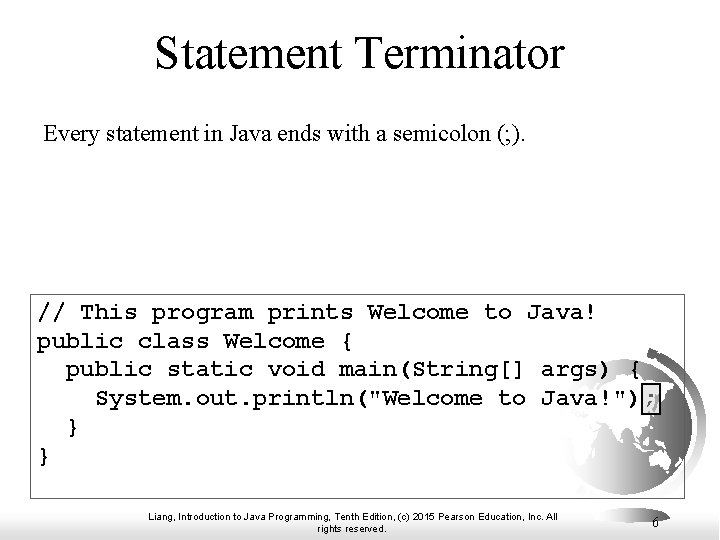
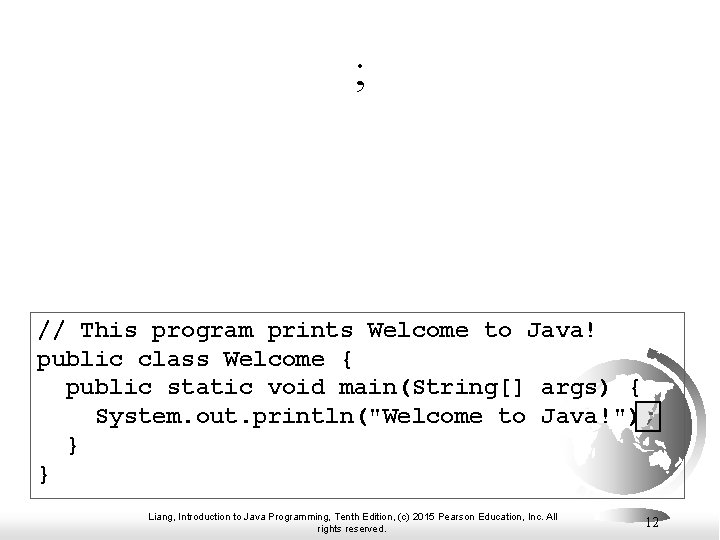
Statement Terminator Every statement in Java ends with a semicolon (; ). // This program prints Welcome to Java! public class Welcome { public static void main(String[] args) { System. out. println("Welcome to Java!"); } } Liang, Introduction to Java Programming, Tenth Edition, (c) 2015 Pearson Education, Inc. All rights reserved. 6
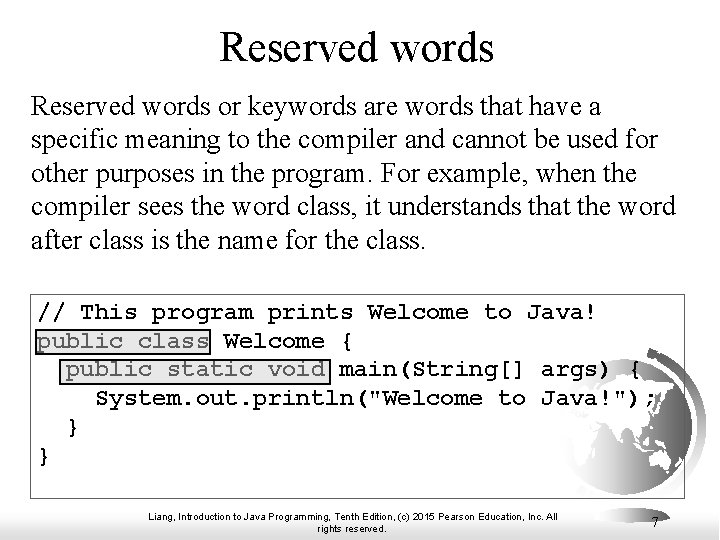
Reserved words or keywords are words that have a specific meaning to the compiler and cannot be used for other purposes in the program. For example, when the compiler sees the word class, it understands that the word after class is the name for the class. // This program prints Welcome to Java! public class Welcome { public static void main(String[] args) { System. out. println("Welcome to Java!"); } } Liang, Introduction to Java Programming, Tenth Edition, (c) 2015 Pearson Education, Inc. All rights reserved. 7
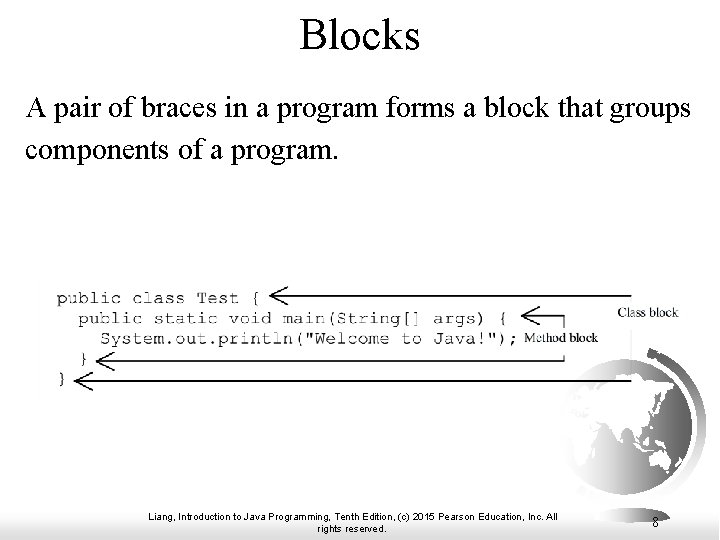
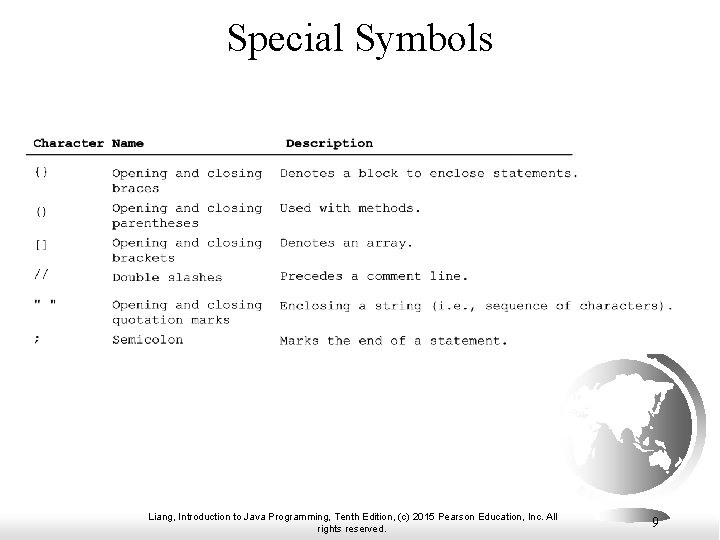
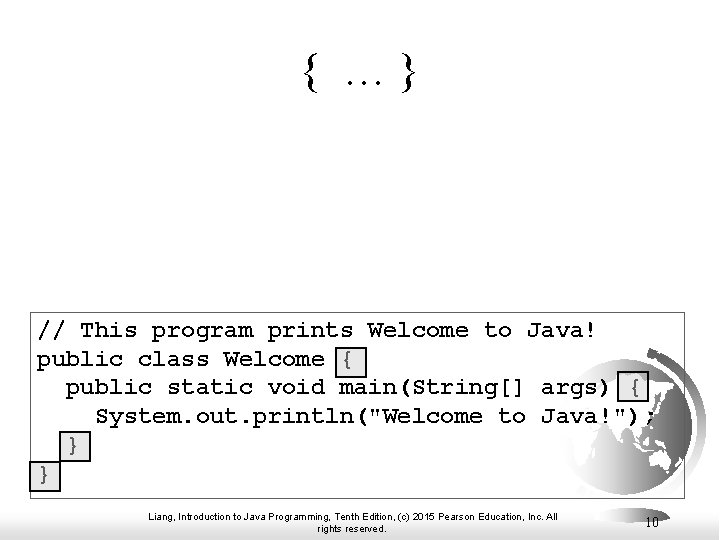
Blocks A pair of braces in a program forms a block that groups components of a program. Liang, Introduction to Java Programming, Tenth Edition, (c) 2015 Pearson Education, Inc. All rights reserved. 8
Special Symbols Liang, Introduction to Java Programming, Tenth Edition, (c) 2015 Pearson Education, Inc. All rights reserved. 9
{ …} // This program prints Welcome to Java! public class Welcome { public static void main(String[] args) { System. out. println("Welcome to Java!"); } } Liang, Introduction to Java Programming, Tenth Edition, (c) 2015 Pearson Education, Inc. All rights reserved. 10
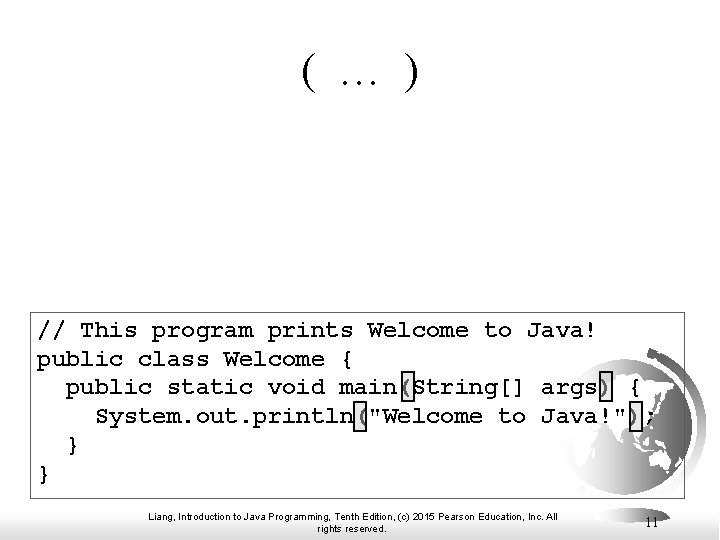
( … ) // This program prints Welcome to Java! public class Welcome { public static void main(String[] args) { System. out. println("Welcome to Java!"); } } Liang, Introduction to Java Programming, Tenth Edition, (c) 2015 Pearson Education, Inc. All rights reserved. 11
; // This program prints Welcome to Java! public class Welcome { public static void main(String[] args) { System. out. println("Welcome to Java!"); } } Liang, Introduction to Java Programming, Tenth Edition, (c) 2015 Pearson Education, Inc. All rights reserved. 12
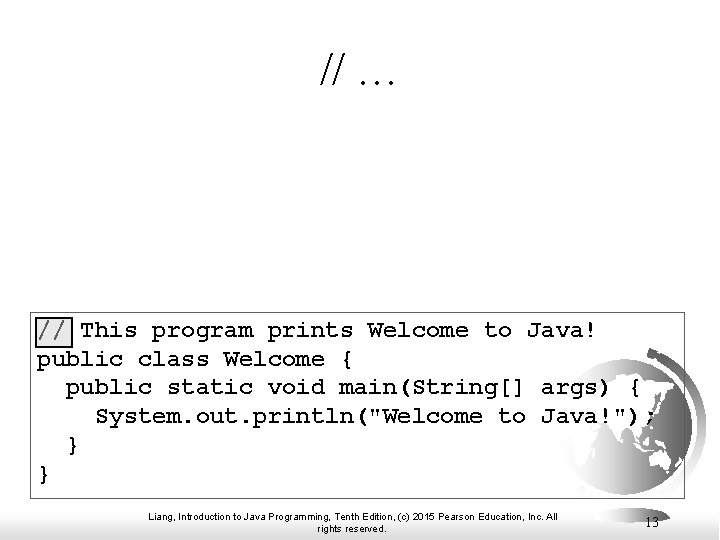
// … // This program prints Welcome to Java! public class Welcome { public static void main(String[] args) { System. out. println("Welcome to Java!"); } } Liang, Introduction to Java Programming, Tenth Edition, (c) 2015 Pearson Education, Inc. All rights reserved. 13
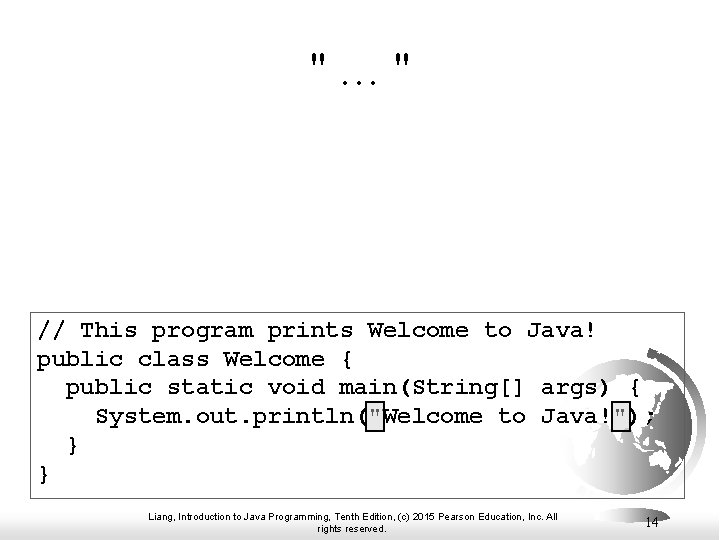
"…" // This program prints Welcome to Java! public class Welcome { public static void main(String[] args) { System. out. println("Welcome to Java!"); } } Liang, Introduction to Java Programming, Tenth Edition, (c) 2015 Pearson Education, Inc. All rights reserved. 14
Programming Style and Documentation F Appropriate Comments F Naming Conventions F Proper Indentation and Spacing Lines F Block Styles Liang, Introduction to Java Programming, Tenth Edition, (c) 2015 Pearson Education, Inc. All rights reserved. 15
Appropriate Comments Include a summary at the beginning of the program to explain what the program does, its key features, its supporting data structures, and any unique techniques it uses. Include your name, class section, instructor, date, and a brief description at the beginning of the program. Liang, Introduction to Java Programming, Tenth Edition, (c) 2015 Pearson Education, Inc. All rights reserved. 16
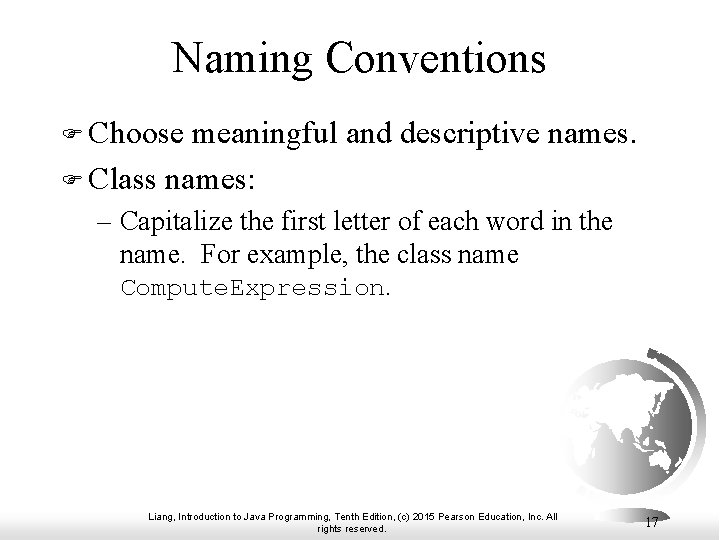
Naming Conventions F Choose meaningful and descriptive names. F Class names: – Capitalize the first letter of each word in the name. For example, the class name Compute. Expression. Liang, Introduction to Java Programming, Tenth Edition, (c) 2015 Pearson Education, Inc. All rights reserved. 17
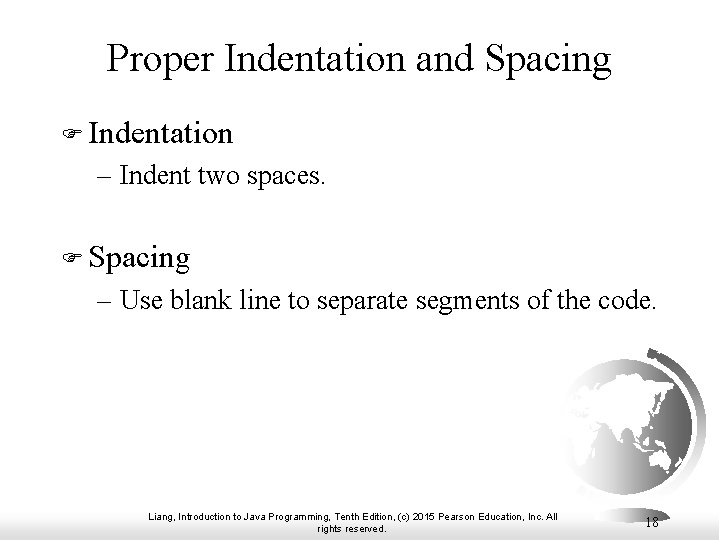
Proper Indentation and Spacing F Indentation – Indent two spaces. F Spacing – Use blank line to separate segments of the code. Liang, Introduction to Java Programming, Tenth Edition, (c) 2015 Pearson Education, Inc. All rights reserved. 18
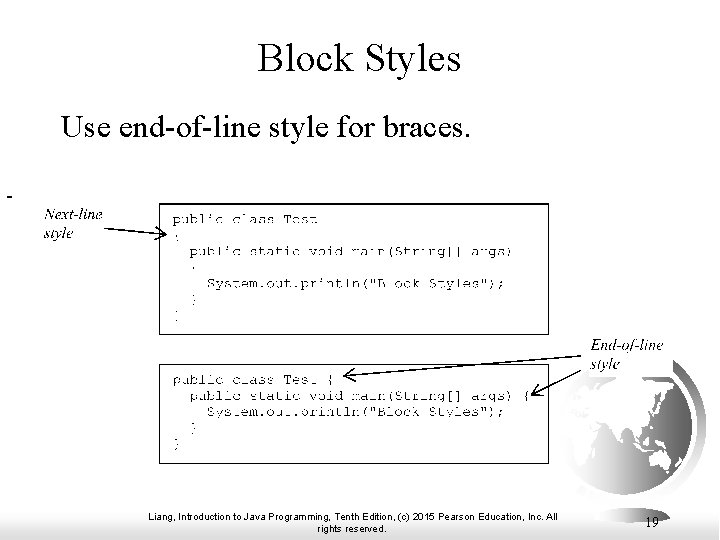
Block Styles Use end-of-line style for braces. Liang, Introduction to Java Programming, Tenth Edition, (c) 2015 Pearson Education, Inc. All rights reserved. 19
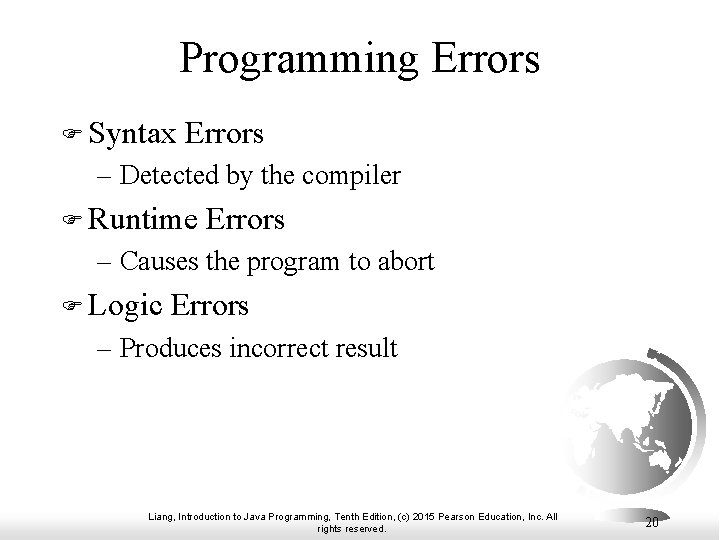
Programming Errors F Syntax Errors – Detected by the compiler F Runtime Errors – Causes the program to abort F Logic Errors – Produces incorrect result Liang, Introduction to Java Programming, Tenth Edition, (c) 2015 Pearson Education, Inc. All rights reserved. 20
Syntax Errors public class Show. Syntax. Errors { public static main(String[] args) { System. out. println("Welcome to Java); } } Show. Syntax. Errors Run Liang, Introduction to Java Programming, Tenth Edition, (c) 2015 Pearson Education, Inc. All rights reserved. 21
Syntax Errors public class Show. Syntax. Errors { public static main(String[] args) { System. out. println("Welcome to Java") } } Show. Syntax. Errors Run Liang, Introduction to Java Programming, Tenth Edition, (c) 2015 Pearson Education, Inc. All rights reserved. 22
Syntax Errors public class Show. Syntax. Errors { public static main(String[] args) { system. out. println("Welcome to Java"); } } " Show. Syntax. Errors Run Liang, Introduction to Java Programming, Tenth Edition, (c) 2015 Pearson Education, Inc. All rights reserved. 23
Runtime Errors public class Show. Runtime. Errors { public static void main(String[] args) { System. out. println(1 / 0); } } Show. Runtime. Errors Run Liang, Introduction to Java Programming, Tenth Edition, (c) 2015 Pearson Education, Inc. All rights reserved. 24
Logic Errors public class Show. Logic. Errors { public static void main(String[] args) { System. out. println("Celsius 35 is Fahrenheit degree "); System. out. println((9 / 5) * 35 + 32); } } Show. Logic. Errors Run Liang, Introduction to Java Programming, Tenth Edition, (c) 2015 Pearson Education, Inc. All rights reserved. 25
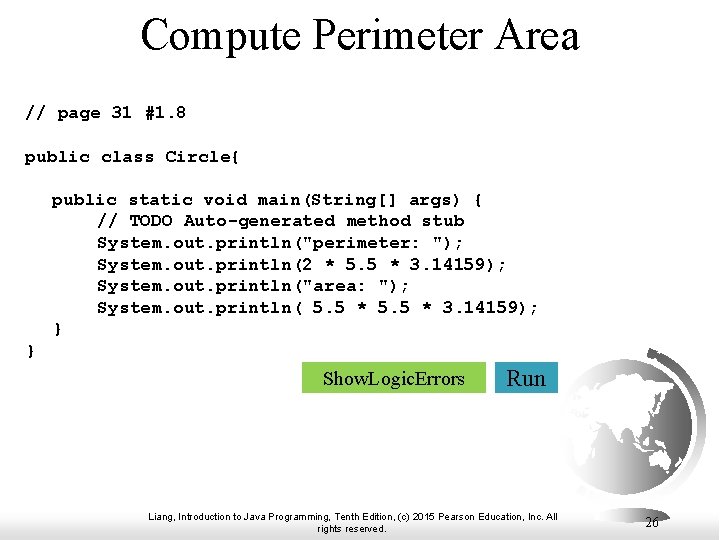
Compute Perimeter Area // page 31 #1. 8 public class Circle{ public static void main(String[] args) { // TODO Auto-generated method stub System. out. println("perimeter: "); System. out. println(2 * 5. 5 * 3. 14159); System. out. println("area: "); System. out. println( 5. 5 * 3. 14159); } } Show. Logic. Errors Run Liang, Introduction to Java Programming, Tenth Edition, (c) 2015 Pearson Education, Inc. All rights reserved. 26