
Chapter 1 Introduction to Computers Chapter 1 Learning



- Slides: 46
Chapter 1 Introduction to Computers
Chapter 1 Learning Objectives Recognize the importance of computer literacy Define the term computer and identify its components Explain why a computer is a powerful tool Recognize the purpose of a network Discuss the uses of the Internet and the World Wide Web Distinguish between installing and running a program Identify the types of software
Chapter 1 Learning Objectives Describe the categories of computers Determine how the elements of an information system interact
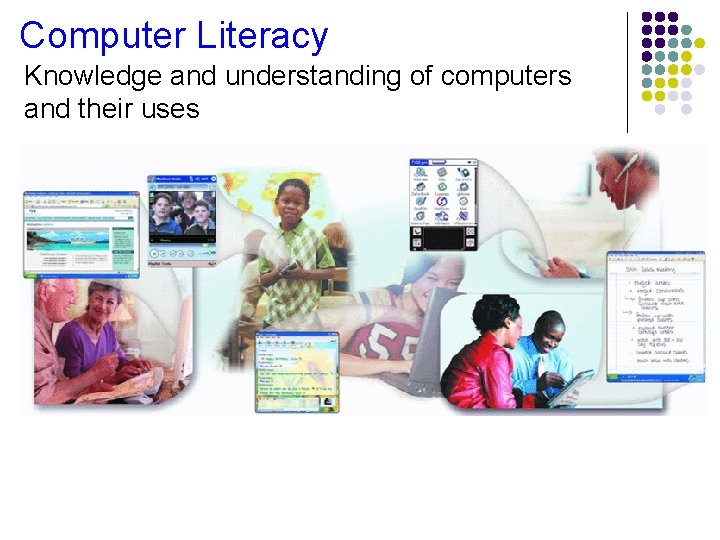
Computer Literacy Knowledge and understanding of computers and their uses
Definition of a Computer Electronic device operating under the control of instructions stored in its own memory Accepts data Raw facts, figures, and symbols Processes data into information Data that is organized, meaningful, and useful Produces and stores results
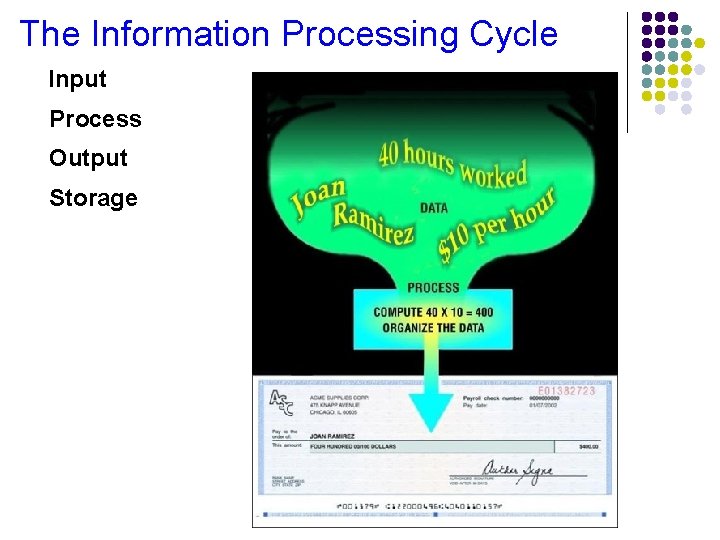
The Information Processing Cycle Input Process Output Storage
Hardware and Software Hardware Software Electronic and mechanical equipment Instructions that tell hardware how to perform tasks
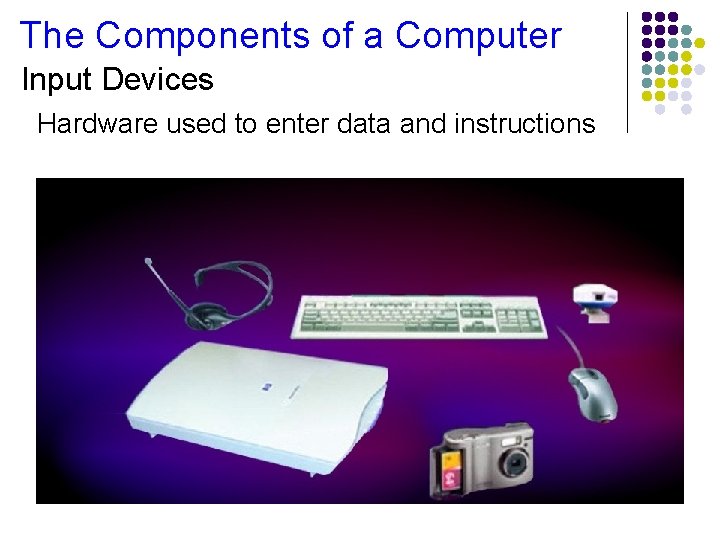
The Components of a Computer Input Devices Hardware used to enter data and instructions
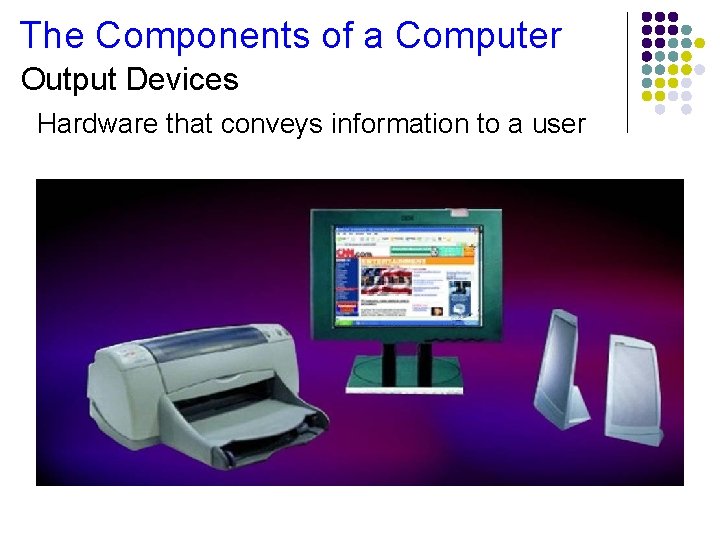
The Components of a Computer Output Devices Hardware that conveys information to a user
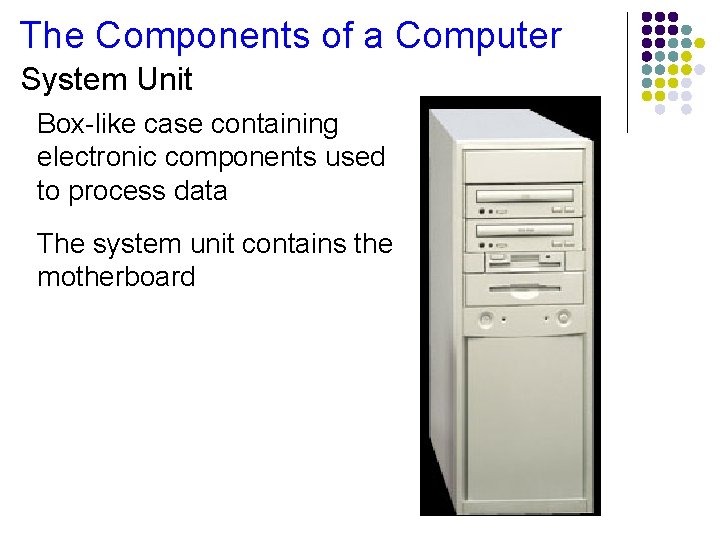
The Components of a Computer System Unit Box-like case containing electronic components used to process data The system unit contains the motherboard
The Components of a Computer The Motherboard The two main components on the motherboard are; Central Processing Unit (CPU) Also called a processor Carries out instructions that tell computer what to do Memory Temporary holding place for data and instructions
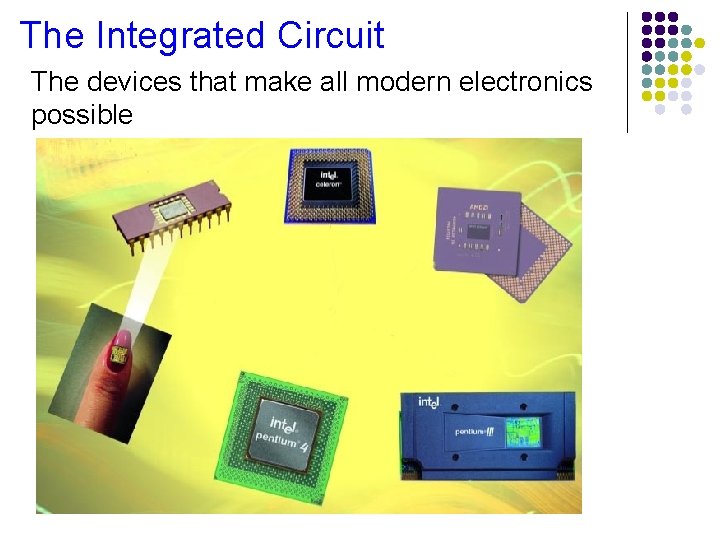
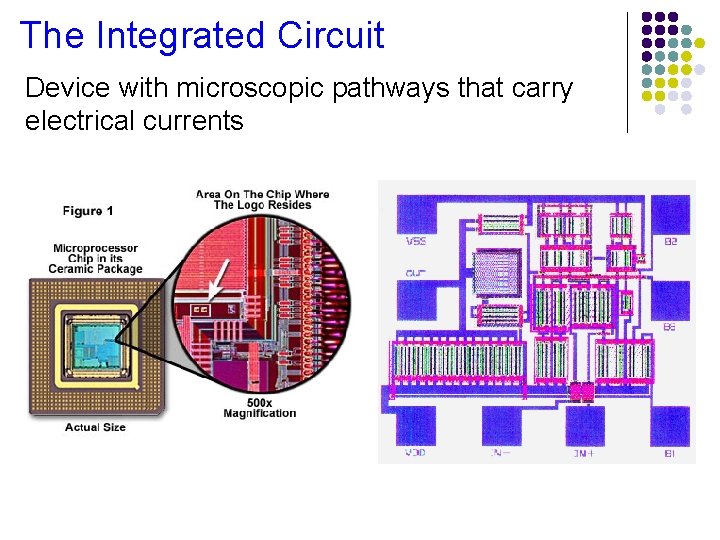
The Integrated Circuit The devices that make all modern electronics possible
The Integrated Circuit Device with microscopic pathways that carry electrical currents
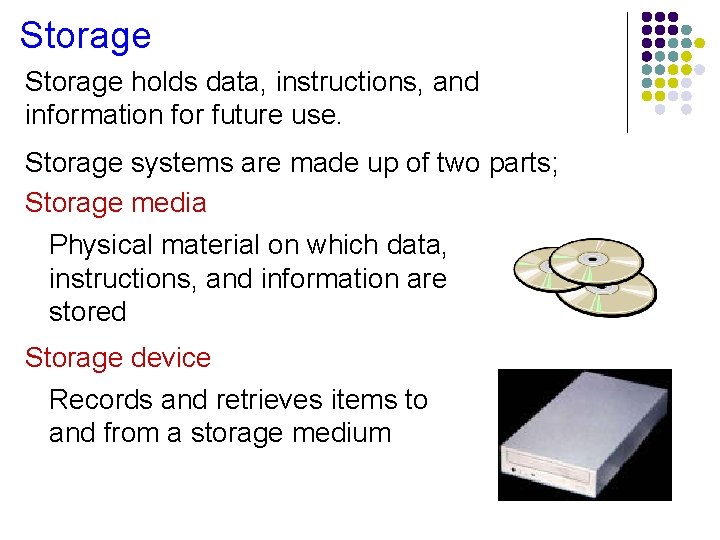
Storage holds data, instructions, and information for future use. Storage systems are made up of two parts; Storage media Physical material on which data, instructions, and information are stored Storage device Records and retrieves items to and from a storage medium
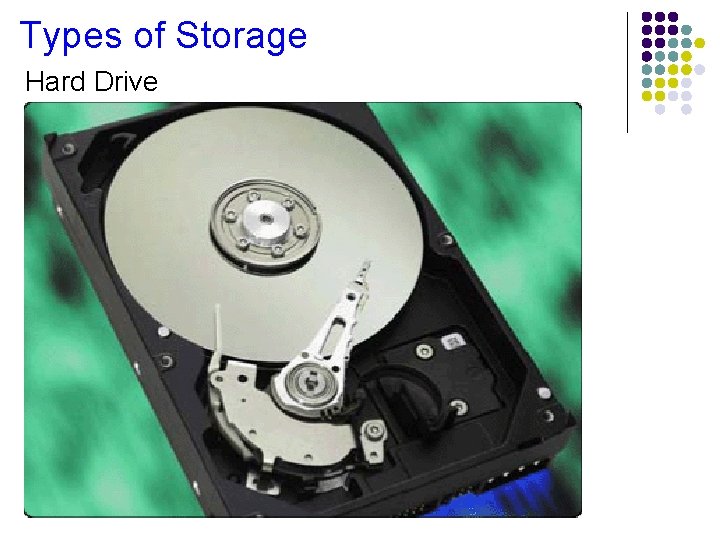
Types of Storage Hard Drive
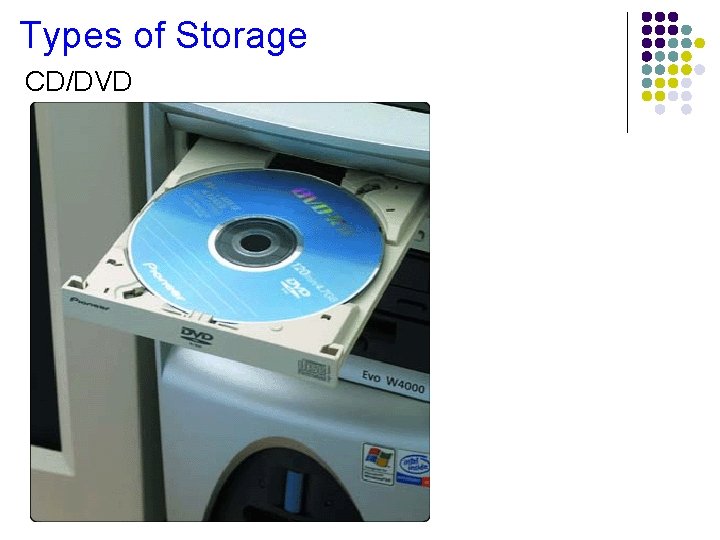
Types of Storage CD/DVD
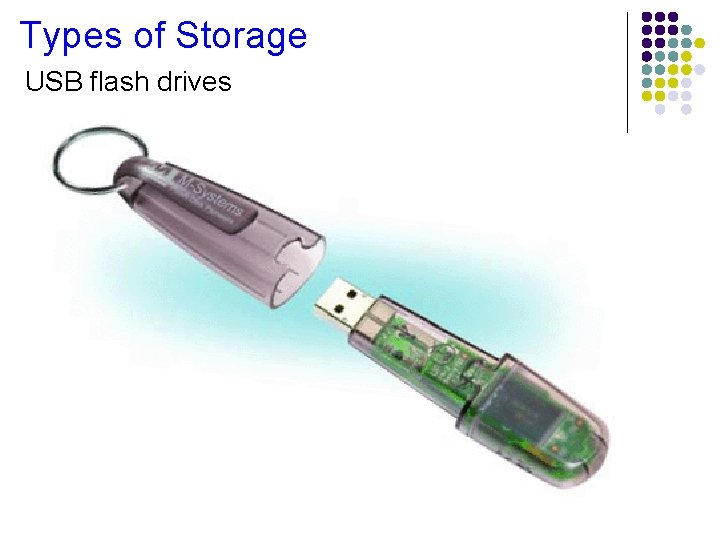
Types of Storage USB flash drives
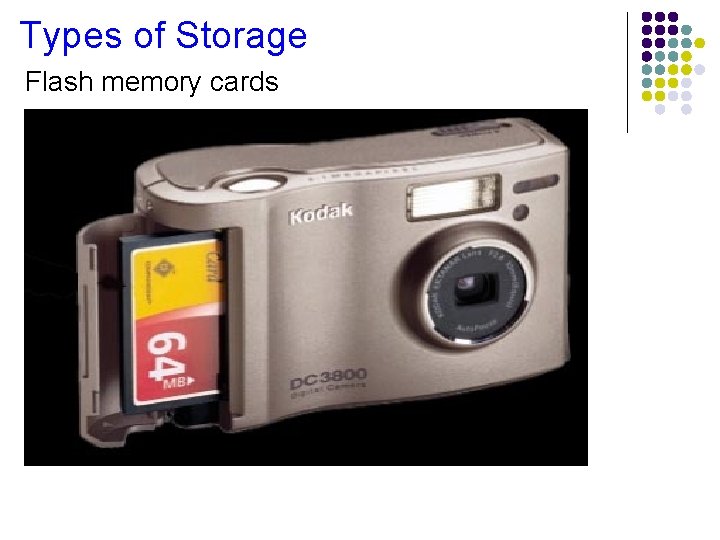
Types of Storage Flash memory cards
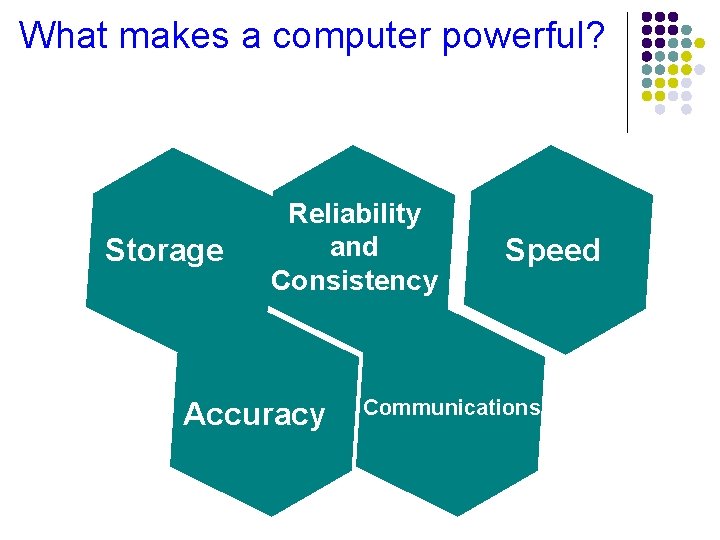
What makes a computer powerful? Storage Reliability and Consistency Accuracy Speed Communications
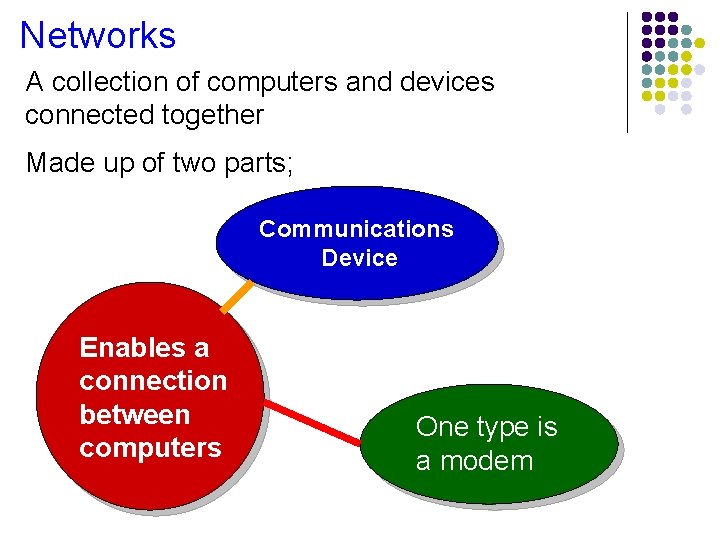
Networks A collection of computers and devices connected together Made up of two parts; Communications Device Enables a connection between computers One type is a modem
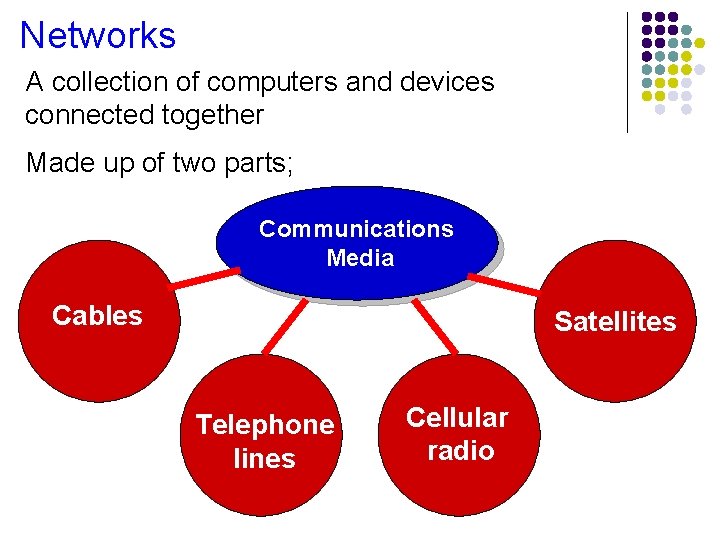
Networks A collection of computers and devices connected together Made up of two parts; Communications Media Cables Satellites Telephone lines Cellular radio
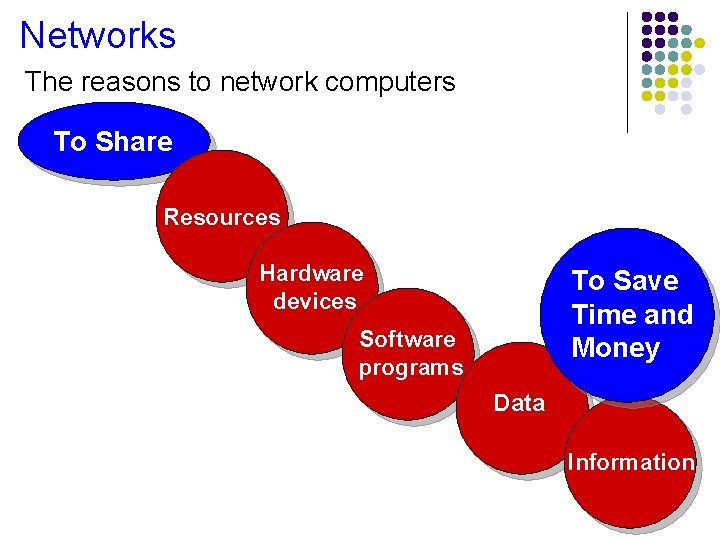
Networks The reasons to network computers To Share Resources Hardware devices To Save Time and Money Software programs Data Information
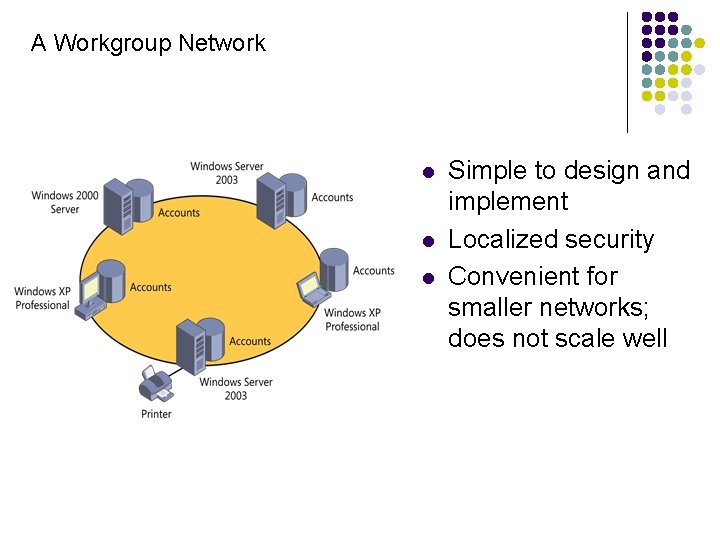
A Workgroup Network l l l Simple to design and implement Localized security Convenient for smaller networks; does not scale well
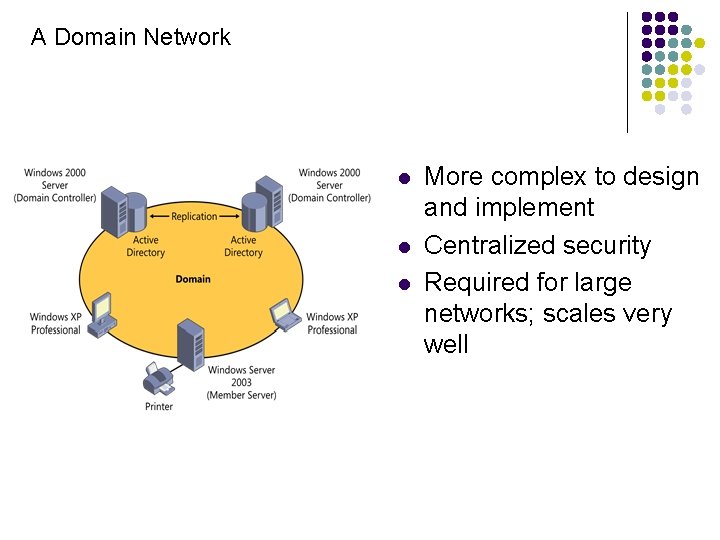
A Domain Network l l l More complex to design and implement Centralized security Required for large networks; scales very well
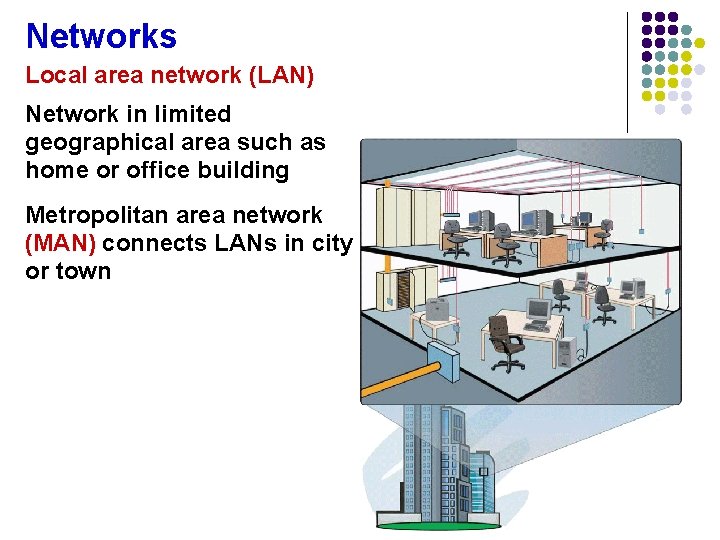
Networks Local area network (LAN) Network in limited geographical area such as home or office building Metropolitan area network (MAN) connects LANs in city or town
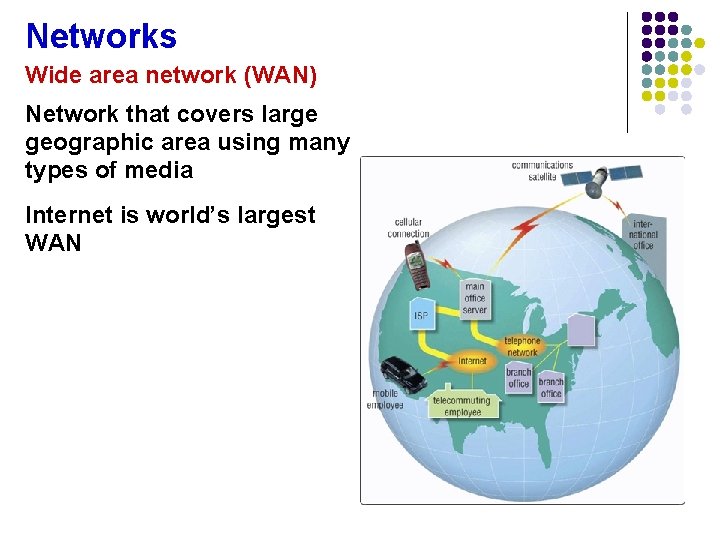
Networks Wide area network (WAN) Network that covers large geographic area using many types of media Internet is world’s largest WAN
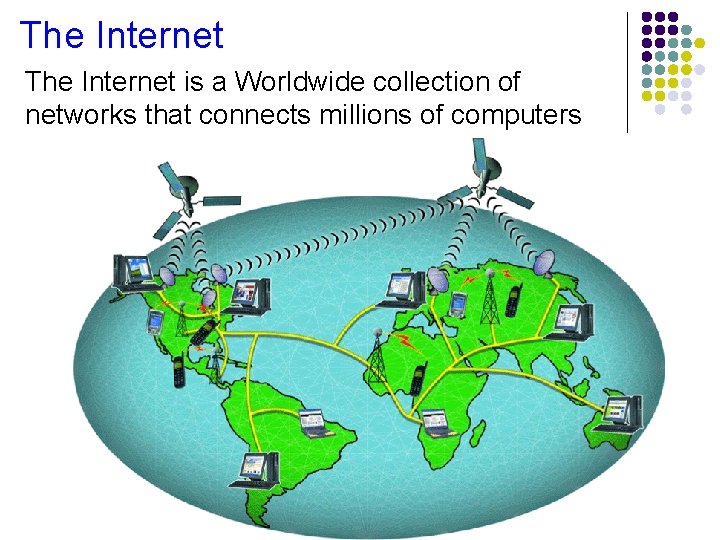
The Internet is a Worldwide collection of networks that connects millions of computers
The Internet Why do users access the Internet? Communications Information Sharing Ecommerce Entertainment
The Internet The World Wide Web (WWW) is a major component of the Internet The WWW is made up or billions of documents, called Web pages, available to anyone connected to the Internet Web Page Contains text, graphics, sound, video, and links to other Web pages Web Site A collection of related Web pages
Software A software program is a series of instructions that tells the computer what to do User Interface Allows you to interact with the software There are two types of interfaces; Command line Graphical User Interface (GUI) Allows you to interact with the software using graphics and icons
Software System Software Programs that control the operations of the computer and its devices There are two part to system software; Operating System (OS) A set of programs that coordinates all activities among computer hardware devices and allows users to run application software
Software System Software Programs that control the operations of the computer and its devices There are two part to system softeare; Utility Programs Allow the user to perform maintenance-type tasks usually related to managing a computer, its devices or its programs
Software Application Software Programs that perform specific tasks for users Word Processing Spreadsheets Database Presentation Graphics
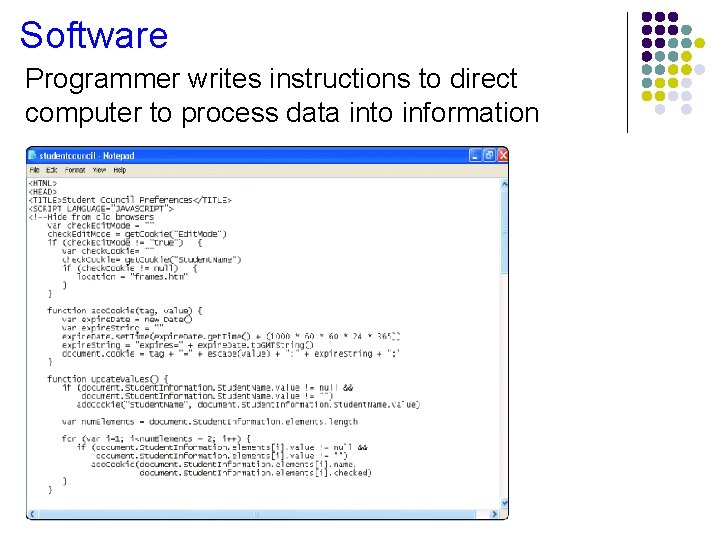
Software Programmer writes instructions to direct computer to process data into information
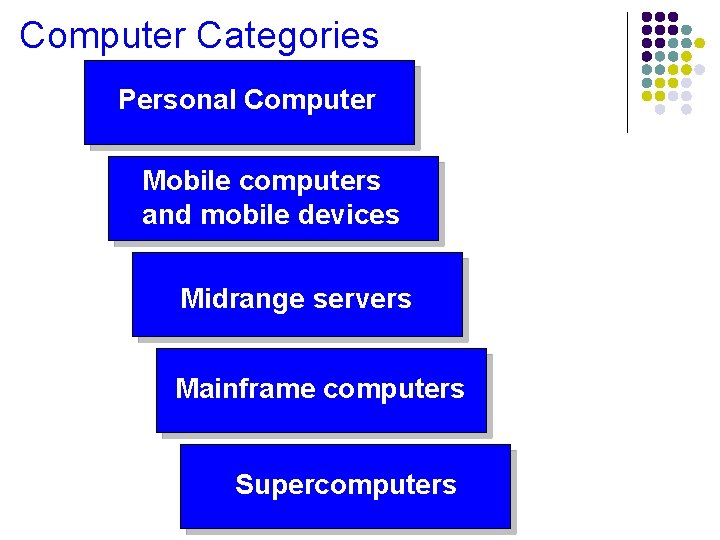
Computer Categories Personal Computer Mobile computers and mobile devices Midrange servers Mainframe computers Supercomputers
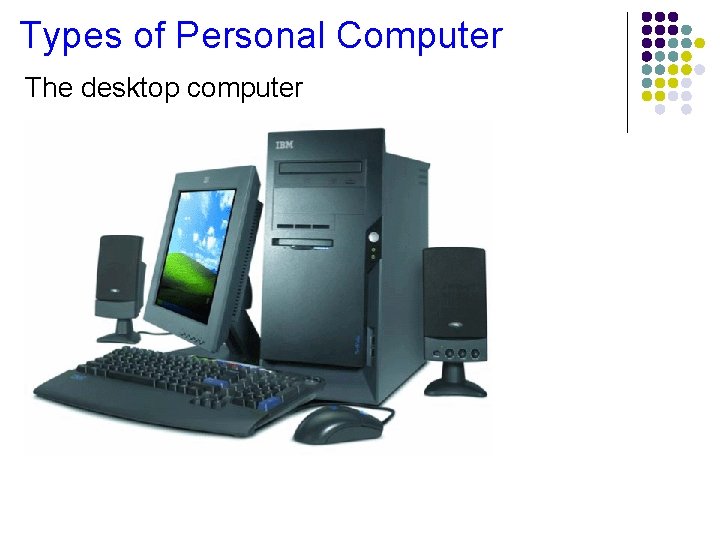
Types of Personal Computer The desktop computer
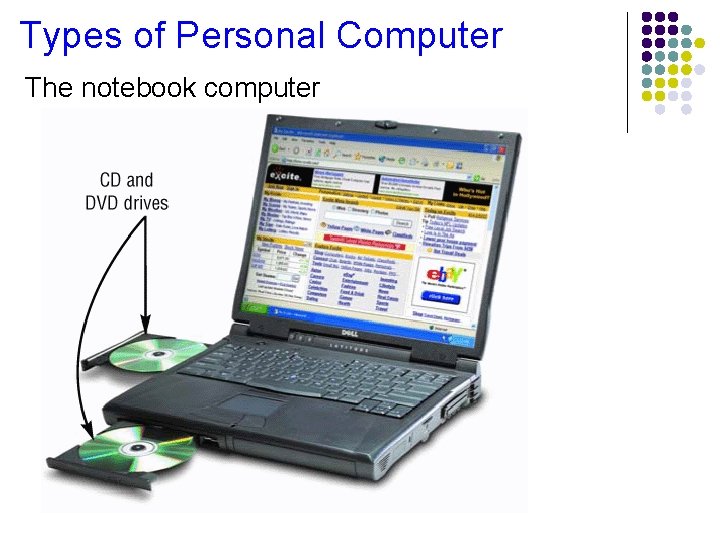
Types of Personal Computer The notebook computer
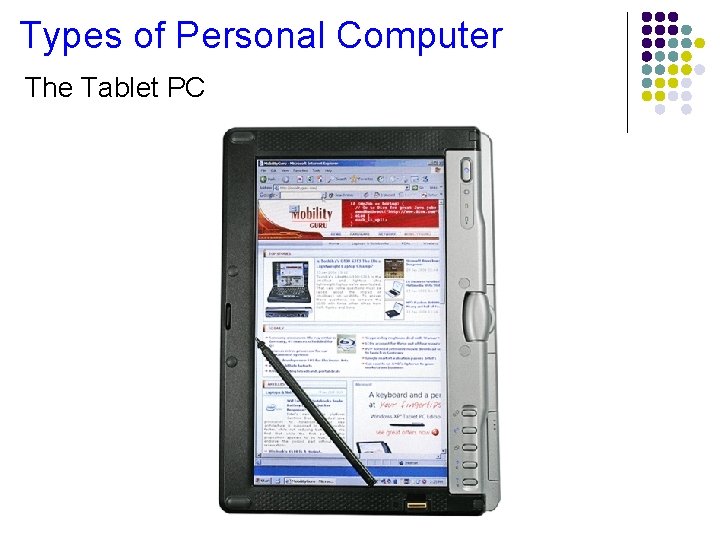
Types of Personal Computer The Tablet PC
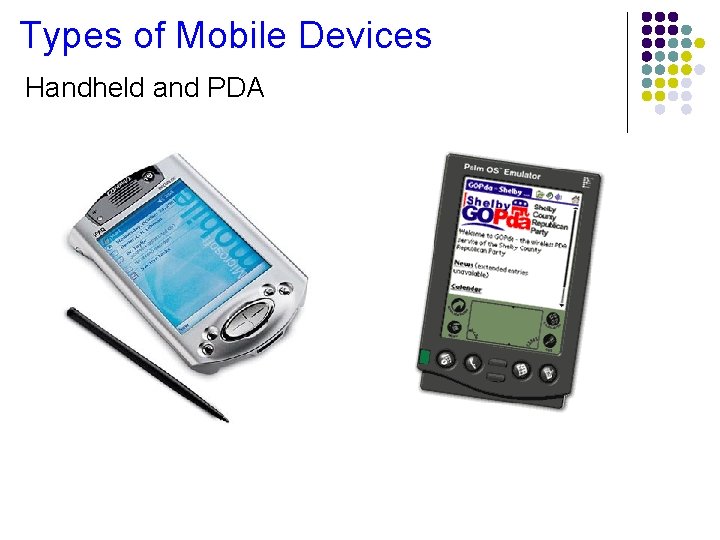
Types of Mobile Devices Handheld and PDA
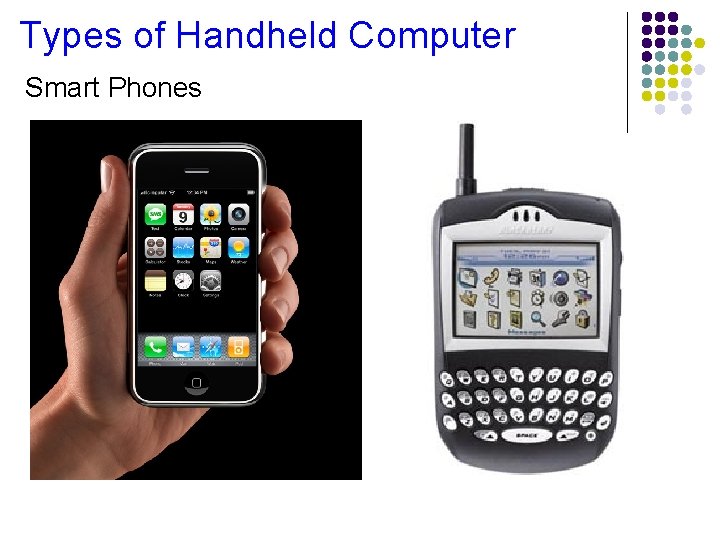
Types of Handheld Computer Smart Phones
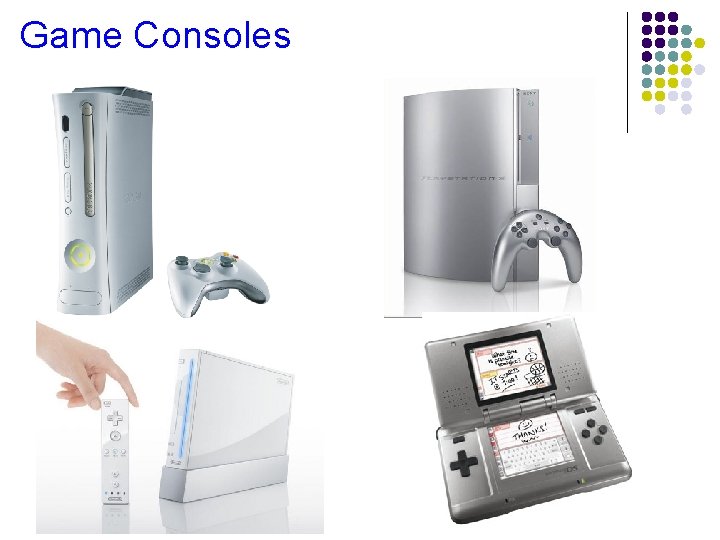
Game Consoles
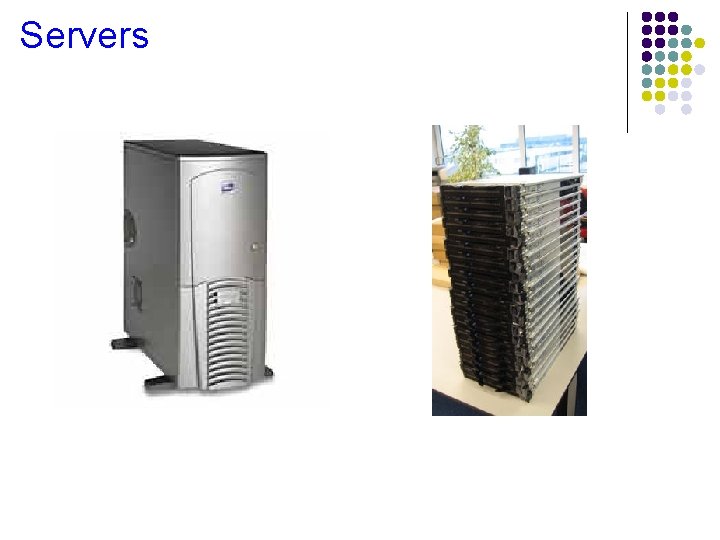
Servers
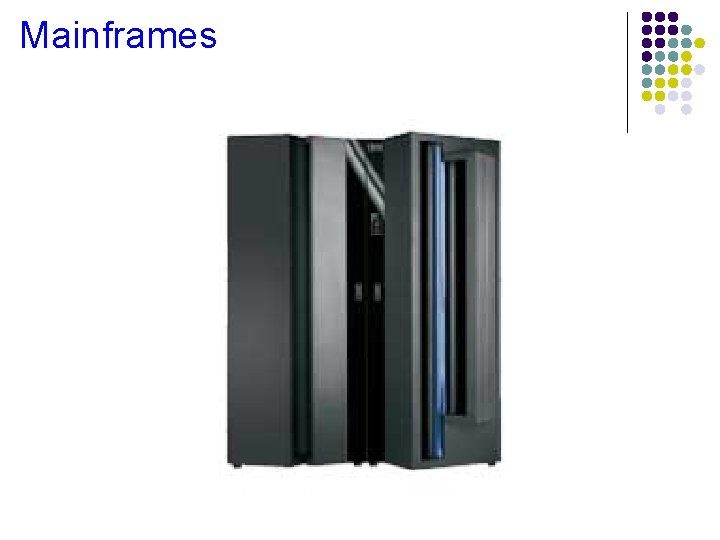
Mainframes
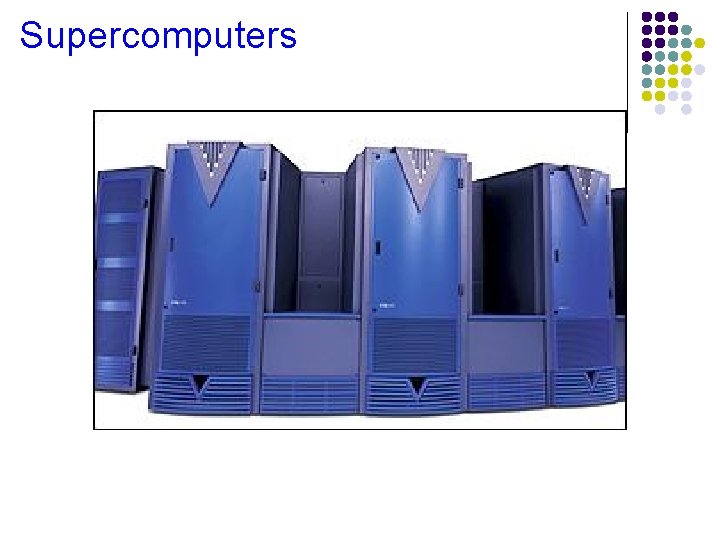
Supercomputers
Embedded Computers
Information Systems The elements of an information system are; People Procedures Data Information Software Hardware