
Chapter 1 Introduction to Computers and C Programming
- Slides: 50
Chapter 1 Introduction to Computers and C++ Programming Slide 1 - 1
Overview 1. 1 Computer Systems 1. 2 Programming and Problem Solving 1. 3 Introduction to C++ 1. 4 Testing and Debugging Slide 1 - 2
1. 1 Computer Systems Slide 1 - 3
Computer Systems • A computer program is… – A set of instructions for a computer to follow • Computer software is … – The collection of programs used by a computer • Includes: » Editors » Translators » System Managers Slide 1 - 4
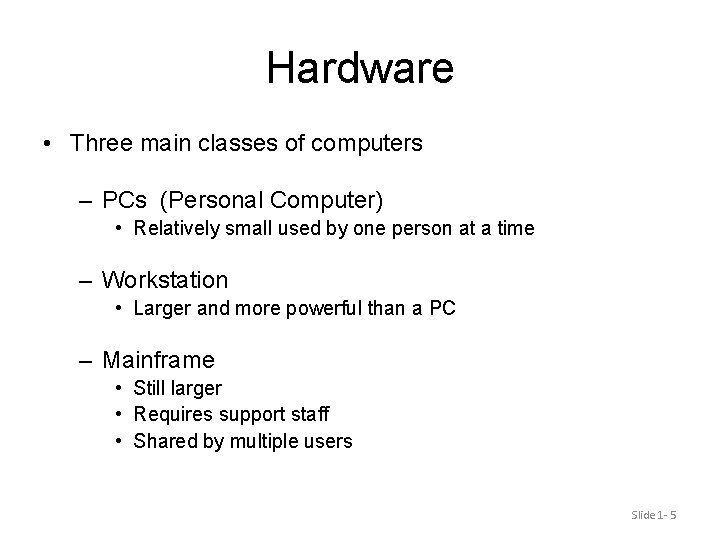
Hardware • Three main classes of computers – PCs (Personal Computer) • Relatively small used by one person at a time – Workstation • Larger and more powerful than a PC – Mainframe • Still larger • Requires support staff • Shared by multiple users Slide 1 - 5
Networks • A number of computers connected to share resources – Share printers and other devices – Share information Slide 1 - 6
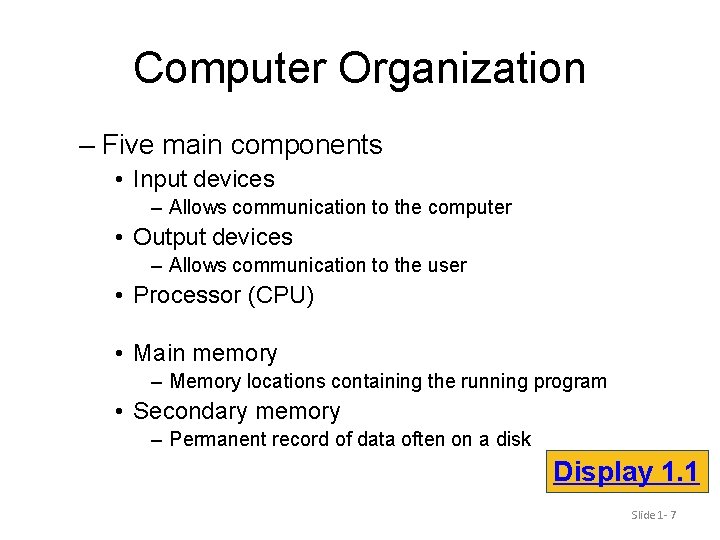
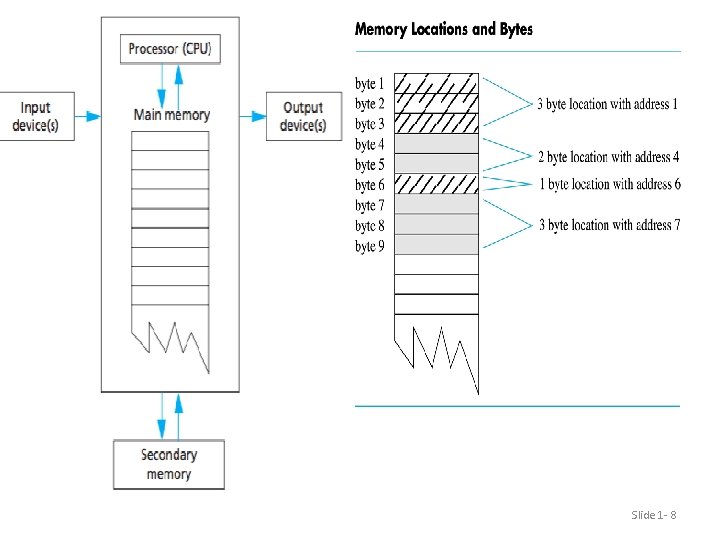
Computer Organization – Five main components • Input devices – Allows communication to the computer • Output devices – Allows communication to the user • Processor (CPU) • Main memory – Memory locations containing the running program • Secondary memory – Permanent record of data often on a disk Display 1. 1 Slide 1 - 7
Slide 1 - 8
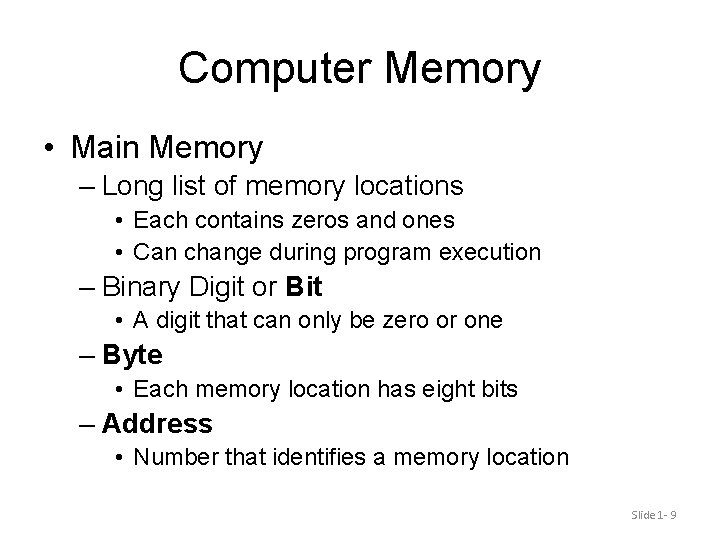
Computer Memory • Main Memory – Long list of memory locations • Each contains zeros and ones • Can change during program execution – Binary Digit or Bit • A digit that can only be zero or one – Byte • Each memory location has eight bits – Address • Number that identifies a memory location Slide 1 - 9
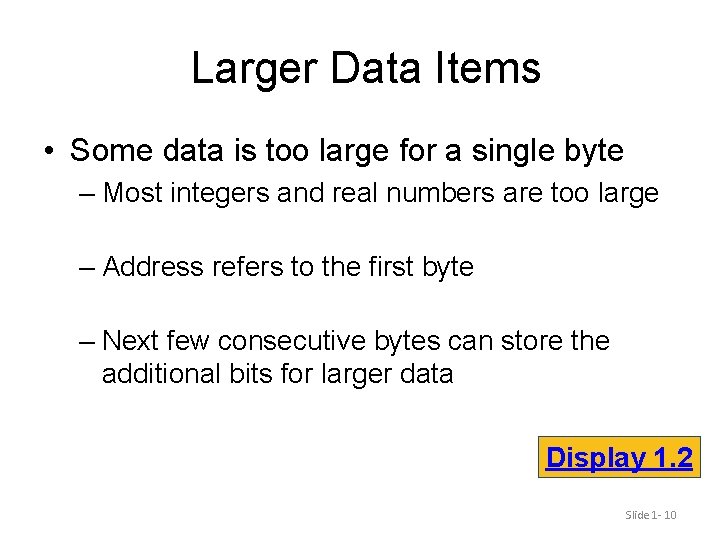
Larger Data Items • Some data is too large for a single byte – Most integers and real numbers are too large – Address refers to the first byte – Next few consecutive bytes can store the additional bits for larger data Display 1. 2 Slide 1 - 10
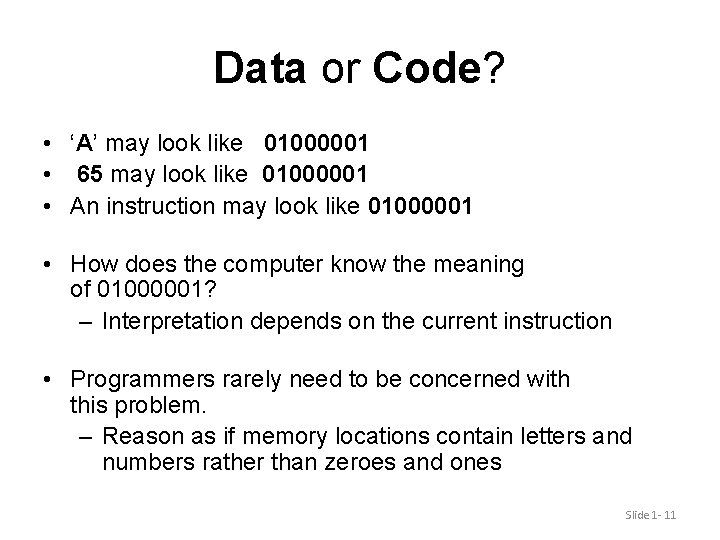
Data or Code? • ‘A’ may look like 01000001 • 65 may look like 01000001 • An instruction may look like 01000001 • How does the computer know the meaning of 01000001? – Interpretation depends on the current instruction • Programmers rarely need to be concerned with this problem. – Reason as if memory locations contain letters and numbers rather than zeroes and ones Slide 1 - 11
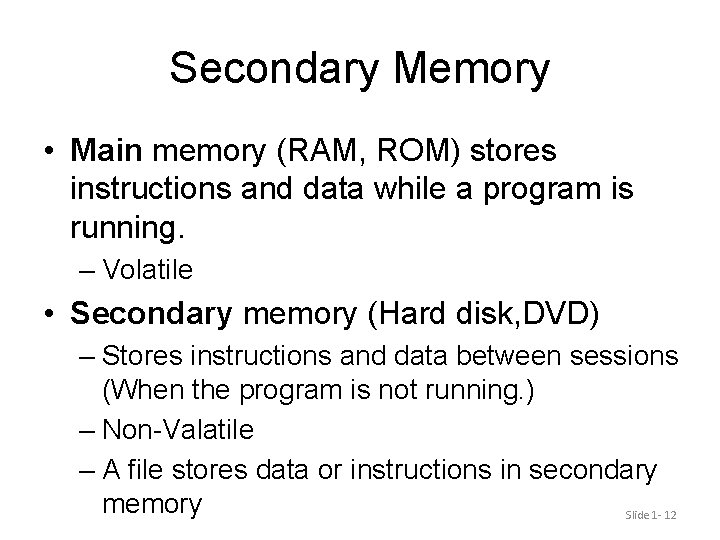
Secondary Memory • Main memory (RAM, ROM) stores instructions and data while a program is running. – Volatile • Secondary memory (Hard disk, DVD) – Stores instructions and data between sessions (When the program is not running. ) – Non-Valatile – A file stores data or instructions in secondary memory Slide 1 - 12
Secondary Memory Media • A computer might have any of these types of secondary memory – Hard disk (Magnetic) • Fast • Fixed in the computer and not normally removed – Floppy disk (Magnetic) – Compact disk (Optical) • Slower than hard disks • Easily shared with other computers • Can be read only or re-writable Slide 1 - 13
Memory Access • Random Access – Usually called RAM • Computer can directly access any memory location • Sequential Access – Data is generally found by searching through other items first • More common in secondary memory Slide 1 - 14
The Processor • Typically called the CPU – Central Processing Unit – Follows program instructions – Typical capabilities of CPU include: add subtract multiply divide move data from location to location Slide 1 - 15
Computer Software • The operating system – Allows us to communicate with the computer – Is a (big) program – Allocates the computer’s resources – Responds to user requests to run other programs • Common operating systems include… – UNIX Linux DOS Windows Macintosh VMS Slide 1 - 16
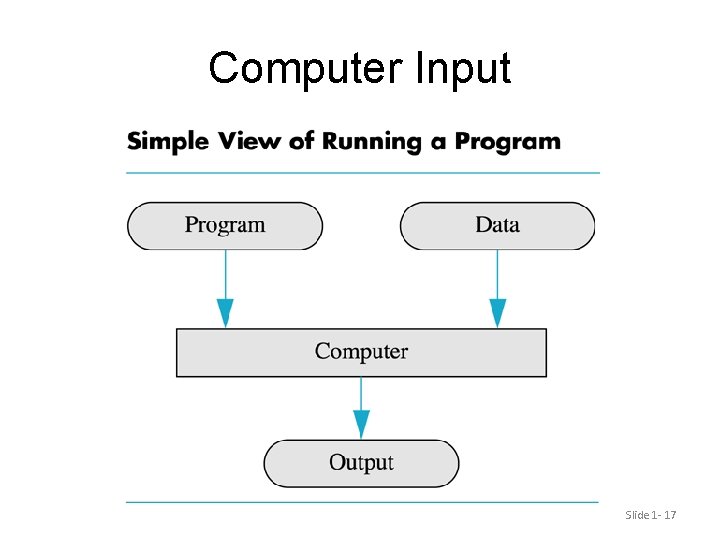
Computer Input Slide 1 - 17
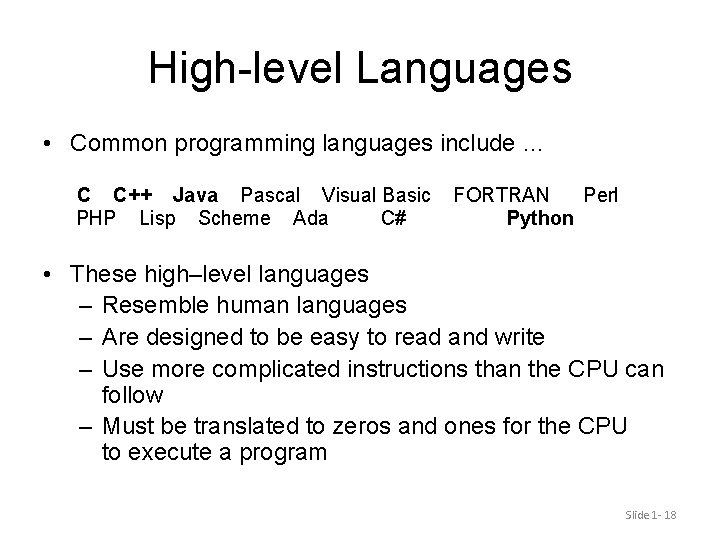
High-level Languages • Common programming languages include … C C++ Java Pascal Visual Basic PHP Lisp Scheme Ada C# FORTRAN Perl Python • These high–level languages – Resemble human languages – Are designed to be easy to read and write – Use more complicated instructions than the CPU can follow – Must be translated to zeros and ones for the CPU to execute a program Slide 1 - 18
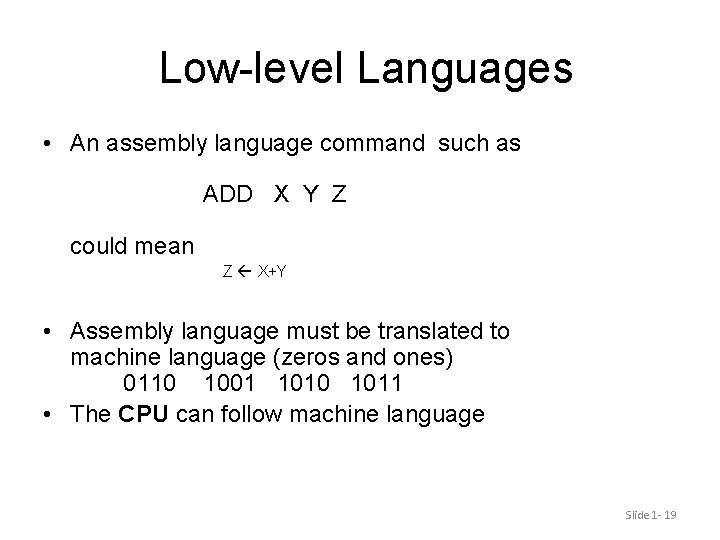
Low-level Languages • An assembly language command such as ADD X Y Z could mean Z X+Y • Assembly language must be translated to machine language (zeros and ones) 0110 1001 1010 1011 • The CPU can follow machine language Slide 1 - 19
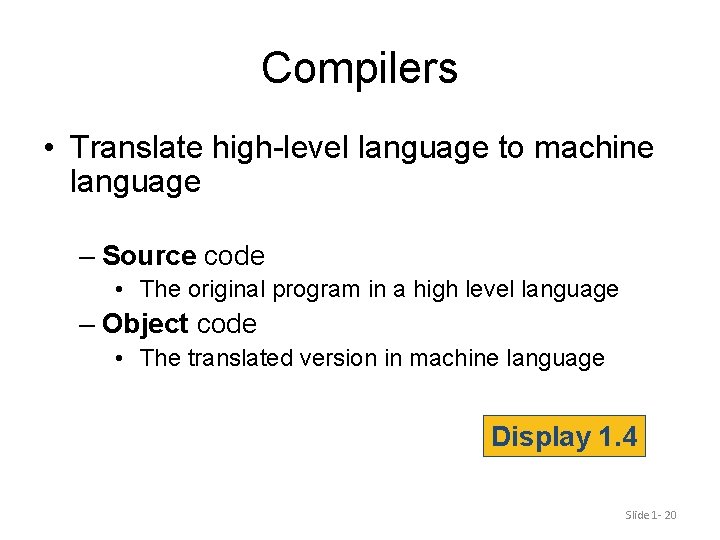
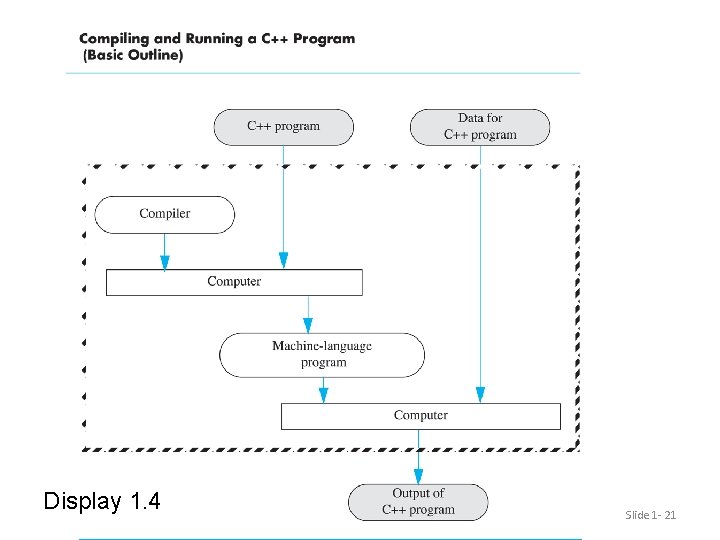
Compilers • Translate high-level language to machine language – Source code • The original program in a high level language – Object code • The translated version in machine language Display 1. 4 Slide 1 - 20
Display 1. 4 Slide 1 - 21
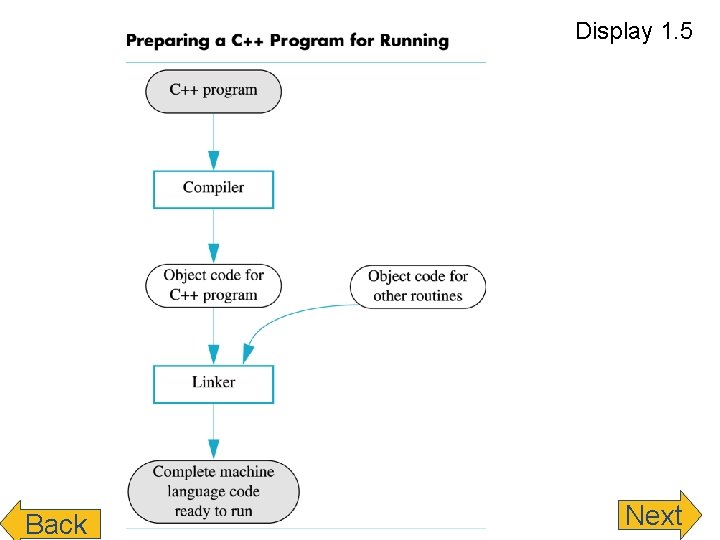
Linkers • Some programs we use are already compiled – Their object code is available for us to use – For example: Input and output routines • A Linker combines – The object code for the programs we write and – The object code for the pre-compiled routines into – The machine language program the CPU can run Slide 1 - 22
Display 1. 5 Back Slide 1 - 23 Next
History Note • First programmable computer – Designed by Charles Babbage – Began work in 1822 – Not completed in Babbage’s life time • First programmer – Ada Augusta, Countess of Lovelace • Colleague of Babbage Slide 1 - 24
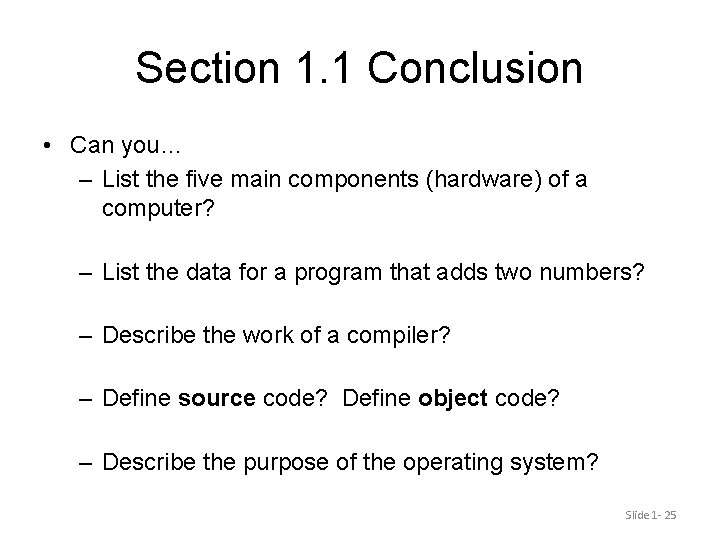
Section 1. 1 Conclusion • Can you… – List the five main components (hardware) of a computer? – List the data for a program that adds two numbers? – Describe the work of a compiler? – Define source code? Define object code? – Describe the purpose of the operating system? Slide 1 - 25
1. 2 Programming and Problem-Solving Slide 1 - 26
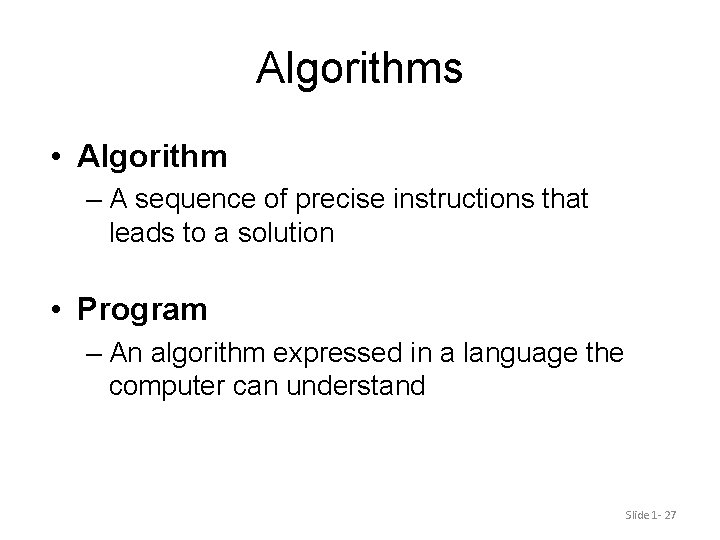
Algorithms • Algorithm – A sequence of precise instructions that leads to a solution • Program – An algorithm expressed in a language the computer can understand Slide 1 - 27
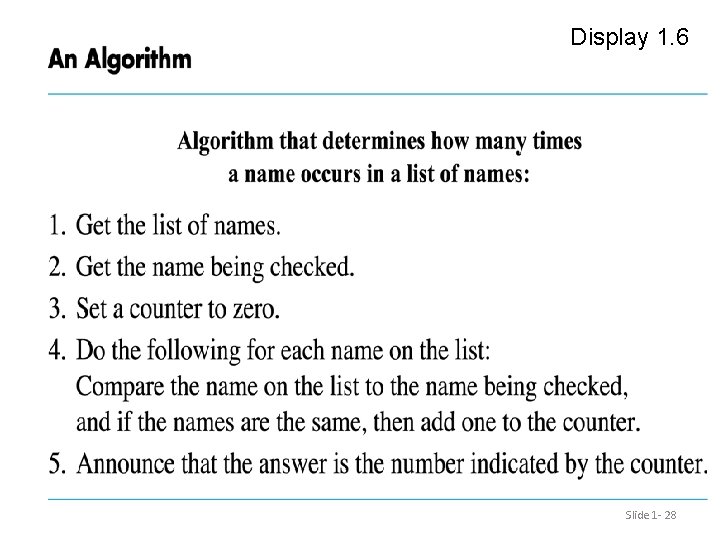
Display 1. 6 Slide 1 - 28
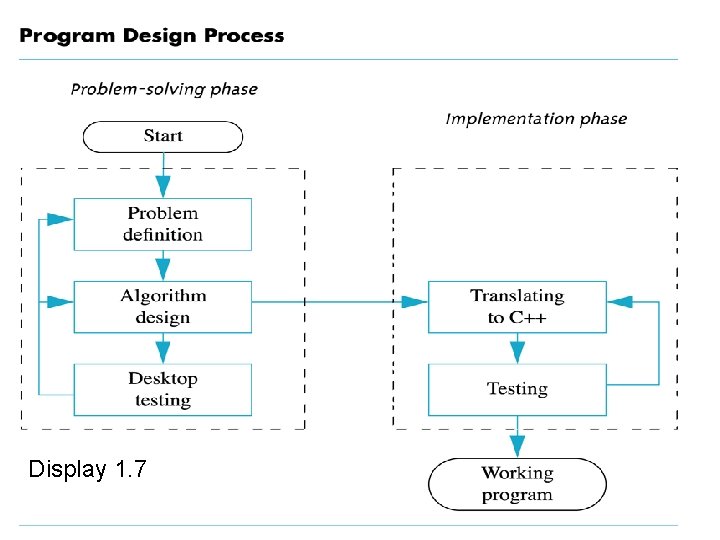
Program Design • Programming is a creative process – No complete set of rules for creating a program • Program Design Process – Problem Solving Phase • Result is an algorithm that solves the problem – Implementation Phase • Result is a programming language that implements the algorithm. Slide 1 - 29
Problem Solving Phase • Be certain the task is completely specified – What is the input? – What information is in the output? – How is the output organized? • Develop the algorithm before implementation – Experience shows this saves time in getting your program to run. – Test the algorithm for correctness Slide 1 - 30
Implementation Phase • Translate the algorithm into a programming language – Easier as you gain experience with the language • Compile the source code – Locates errors in using the programming language • Run the program on sample data – Verify correctness of results • Results may require modification of the algorithm and program Display 1. 7 Slide 1 - 31
Display 1. 7 Slide 1 - 32
Object Oriented Programming • Abbreviated OOP • Used for many modern programs • Program is viewed as interacting objects – Each object has its own behavior (functionalities) – Program design phase involves designing objects and their behavior Slide 1 - 33
OOP Characteristics • Encapsulation – Information hiding – Objects contain their own data and algorithms • Inheritance – Writing reusable code – Objects can inherit characteristics from other objects • Polymorphism – A single name can have multiple meanings depending on its context Slide 1 - 34
Software Life Cycle • Analysis and specification of the task (problem definition) • Design of the software (object and algorithm design) • Implementation (coding) • Maintenance and evolution of the system • Obsolescence Slide 1 - 35
Section 1. 2 Conclusion • Can you… – Describe the first step to take when creating a program? – List the two main phases of the program design process? – Explain the importance of the problem-solving phase? – List the steps in the software life cycle? Slide 1 - 36
1. 3 Introduction to C++ Slide 1 - 37
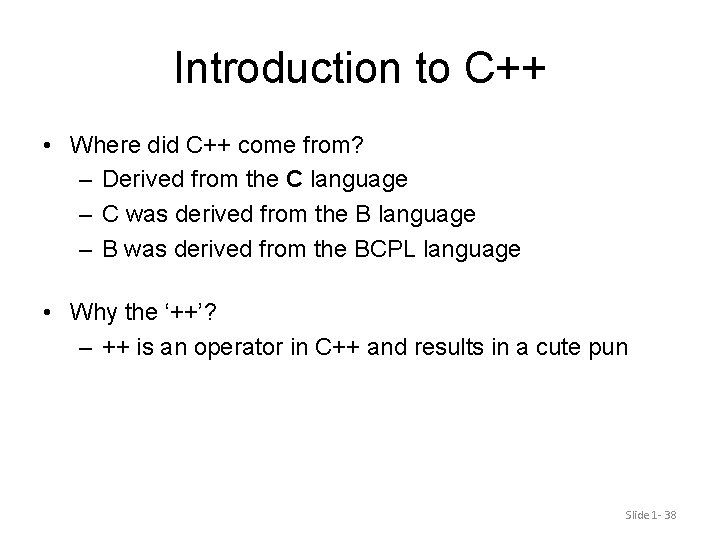
Introduction to C++ • Where did C++ come from? – Derived from the C language – C was derived from the B language – B was derived from the BCPL language • Why the ‘++’? – ++ is an operator in C++ and results in a cute pun Slide 1 - 38
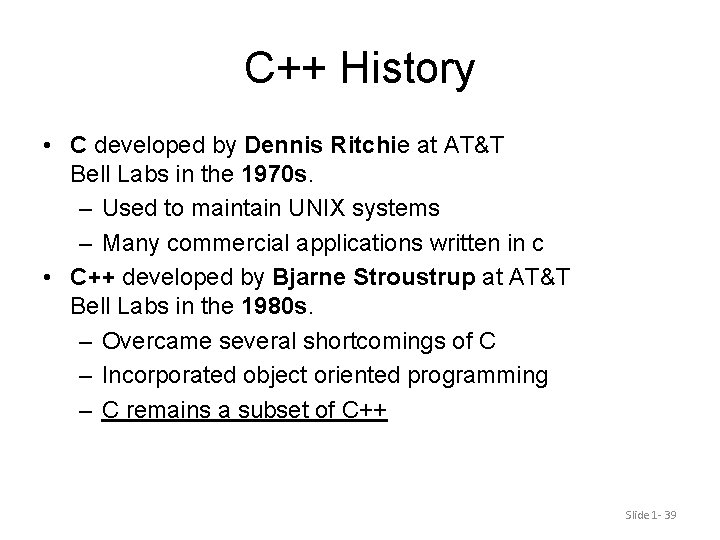
C++ History • C developed by Dennis Ritchie at AT&T Bell Labs in the 1970 s. – Used to maintain UNIX systems – Many commercial applications written in c • C++ developed by Bjarne Stroustrup at AT&T Bell Labs in the 1980 s. – Overcame several shortcomings of C – Incorporated object oriented programming – C remains a subset of C++ Slide 1 - 39
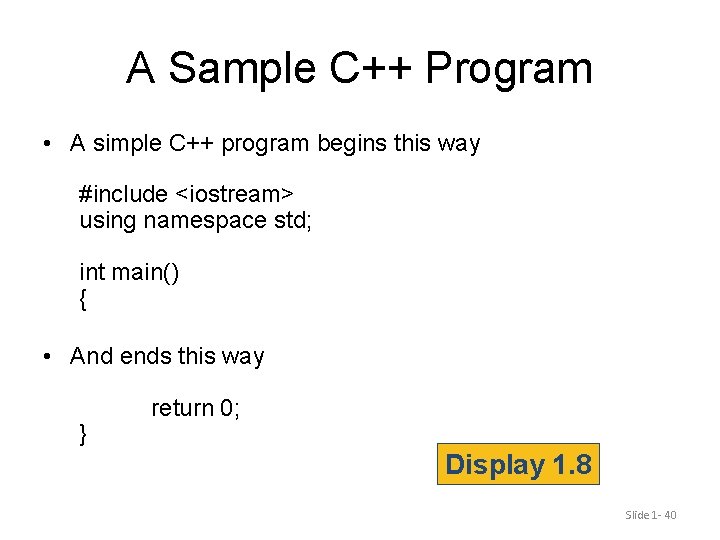
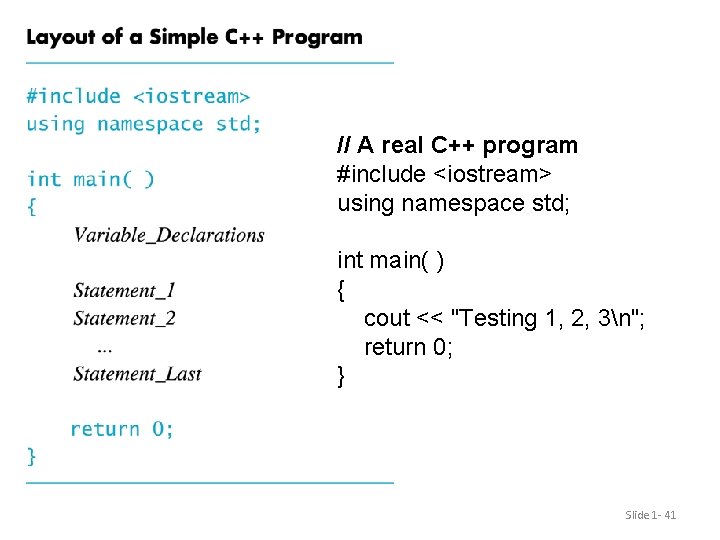
A Sample C++ Program • A simple C++ program begins this way #include <iostream> using namespace std; int main() { • And ends this way } return 0; Display 1. 8 Slide 1 - 40
// A real C++ program #include <iostream> using namespace std; int main( ) { cout << "Testing 1, 2, 3n"; return 0; } Slide 1 - 41
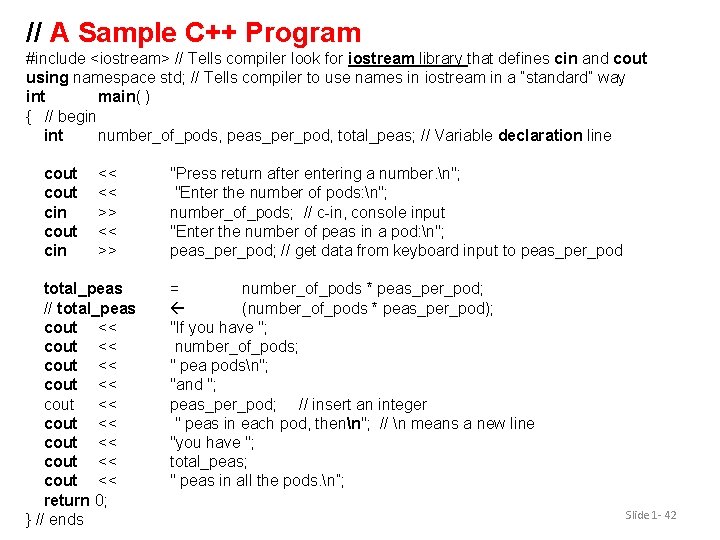
// A Sample C++ Program #include <iostream> // Tells compiler look for iostream library that defines cin and cout using namespace std; // Tells compiler to use names in iostream in a “standard” way int main( ) { // begin int number_of_pods, peas_per_pod, total_peas; // Variable declaration line cout cin << << >> total_peas // total_peas cout << cout << cout << return 0; } // ends "Press return after entering a number. n"; "Enter the number of pods: n"; number_of_pods; // c-in, console input "Enter the number of peas in a pod: n"; peas_per_pod; // get data from keyboard input to peas_per_pod = number_of_pods * peas_per_pod; (number_of_pods * peas_per_pod); "If you have "; number_of_pods; " pea podsn"; "and "; peas_per_pod; // insert an integer " peas in each pod, thenn"; // n means a new line "you have "; total_peas; " peas in all the pods. n”; Slide 1 - 42
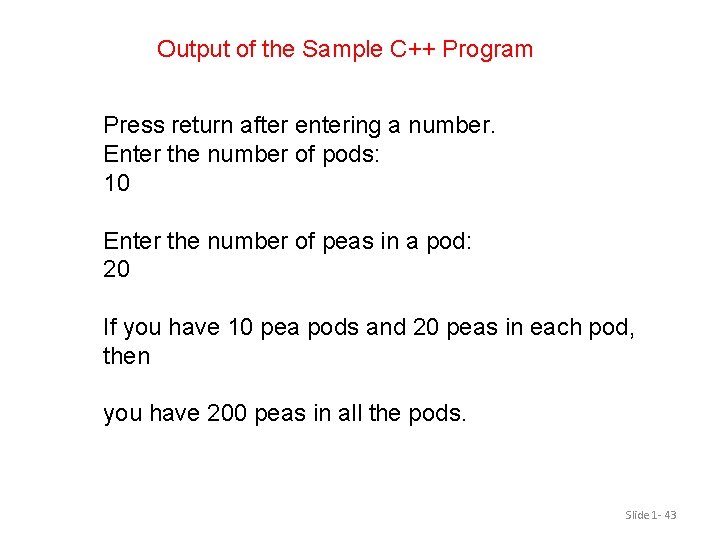
Output of the Sample C++ Program Press return after entering a number. Enter the number of pods: 10 Enter the number of peas in a pod: 20 If you have 10 pea pods and 20 peas in each pod, then you have 200 peas in all the pods. Slide 1 - 43
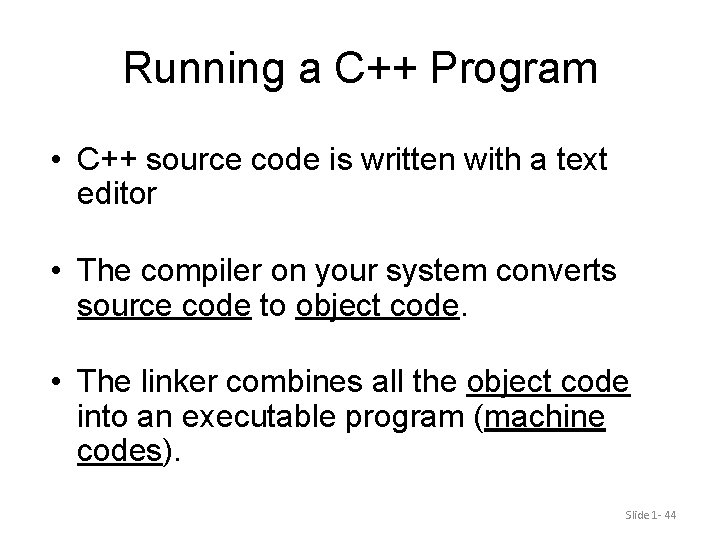
Running a C++ Program • C++ source code is written with a text editor • The compiler on your system converts source code to object code. • The linker combines all the object code into an executable program (machine codes). Slide 1 - 44
C++11 • C++11 (formerly known as C++0 x) is the most recent version of the standard of the C++ programming language. – Approved on August 12, 2011 by the International Organization for Standardization. • C++11 language features are not supported by older compilers • Check the documentation with your compiler to determine if special steps are needed to compile C++11 programs – e. g. with g++, use extra flags of –std=c++11 Slide 1 - 45
Section 1. 3 Conclusion • Can you… – Describe the output of this line? cout << “C++ is easy to understand. ”; – Explain what this line does? cin >> peas_per_pod; – Explain this? #include <iostream> Slide 1 - 46
1. 4 Testing and Debugging Slide 1 - 47
Testing and Debugging • Bug – A mistake in a program • Debugging – Eliminating mistakes in programs – Term used when a moth caused a failed relay on the Harvard Mark 1 computer. Grace Hopper and other programmers taped the moth in logbook stating: “First actual case of a bug being found. ” Slide 1 - 48
Program Errors • Syntax errors – Violation of the grammar rules of the language – Discovered by the compiler • Error messages may not always show correct location of errors • Run-time errors – Error conditions detected by the computer at run-time – Divided by zero • Logic errors – Errors in the program’s algorithm – Most difficult to diagnose – Computer does not recognize an error Slide 1 - 49
Section 1 -4 Conclusion • Can you… – Describe three kinds of program errors? – Tell what kind of errors the compiler catches? – What kind of error is produced if you forget a punctuation symbol such as a semi-colon? – Tell what type of error is produced when a program runs but produces incorrect results? Slide 1 - 50