
Chapter 1 Introduction to Computers and C Programming
- Slides: 62
Chapter 1 Introduction to Computers and C++ Programming Copyright © 2012 Pearson Addison-Wesley. All rights reserved.
Overview 1. 1 Computer Systems 1. 2 Programming and Problem Solving 1. 3 Introduction to C++ 1. 4 Testing and Debugging Copyright © 2012 Pearson Addison-Wesley. All rights reserved. Slide 1 - 3
1. 1 Computer Systems Copyright © 2012 Pearson Addison-Wesley. All rights reserved.
Computer Systems n n A computer program is… n A set of instructions for a computer to follow Computer software is … n The collection of programs used by a computer n Includes: n n n Editors Translators System Managers Copyright © 2012 Pearson Addison-Wesley. All rights reserved. Slide 1 - 5
Hardware n Three main classes of computers n PCs (Personal Computer) n n Workstation n n Relatively small used by one person at a time Larger and more powerful than a PC Mainframe n n n Still larger Requires support staff Shared by multiple users Copyright © 2012 Pearson Addison-Wesley. All rights reserved. Slide 1 - 6
Networks n A number of computers connected to share resources n Share printers and other devices n Share information Copyright © 2012 Pearson Addison-Wesley. All rights reserved. Slide 1 - 7
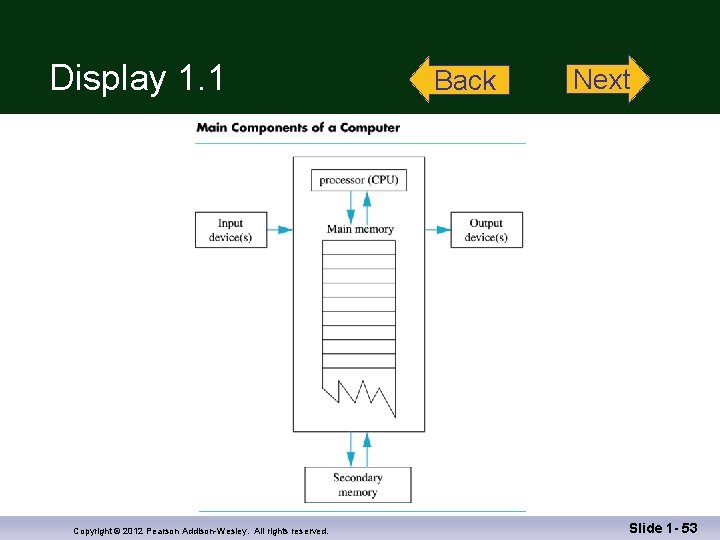
Computer Organization n Five main components n Input devices n n Allows communication to the computer Output devices n Allows communication to the user n Processor (CPU) n Main memory n n Memory locations containing the running program Secondary memory n Permanent record of data often on a disk Copyright © 2012 Pearson Addison-Wesley. All rights reserved. Display 1. 1 Slide 1 - 8
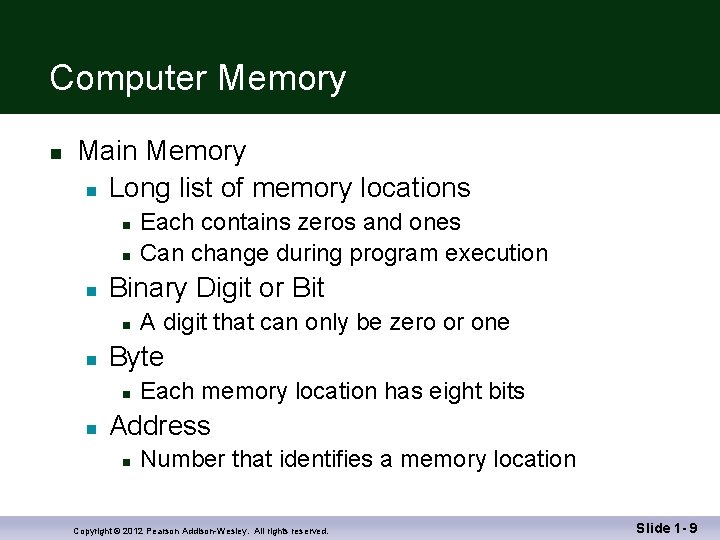
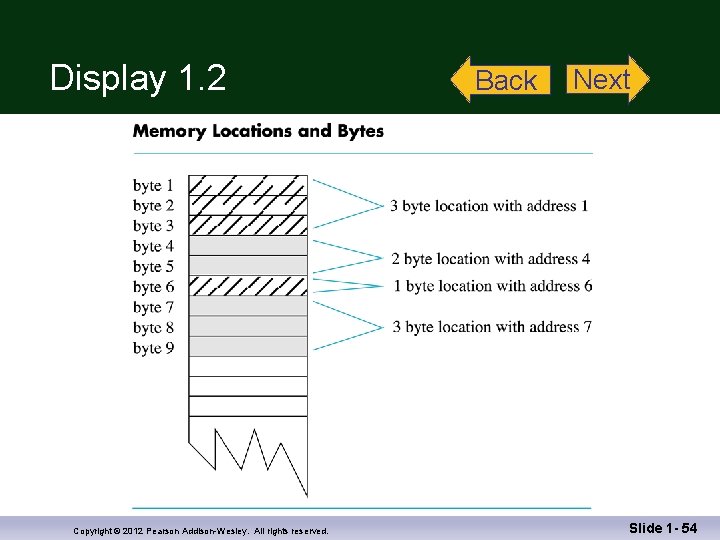
Computer Memory n Main Memory n Long list of memory locations n n n Binary Digit or Bit n n A digit that can only be zero or one Byte n n Each contains zeros and ones Can change during program execution Each memory location has eight bits Address n Number that identifies a memory location Copyright © 2012 Pearson Addison-Wesley. All rights reserved. Slide 1 - 9
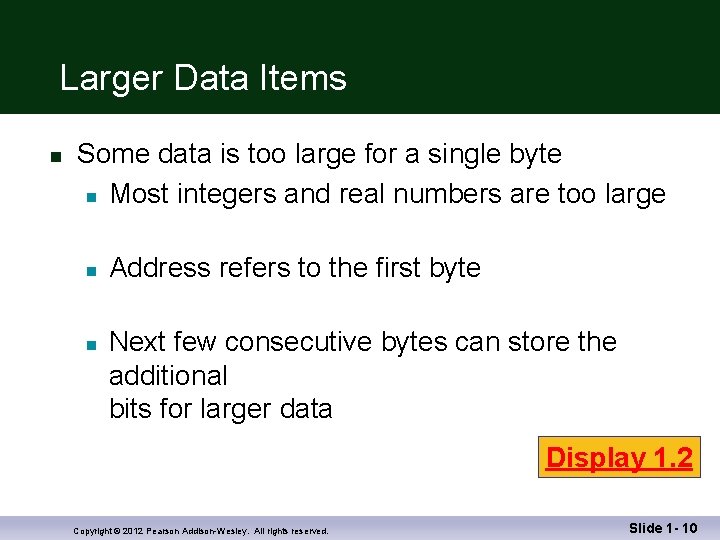
Larger Data Items n Some data is too large for a single byte n Most integers and real numbers are too large n n Address refers to the first byte Next few consecutive bytes can store the additional bits for larger data Display 1. 2 Copyright © 2012 Pearson Addison-Wesley. All rights reserved. Slide 1 - 10
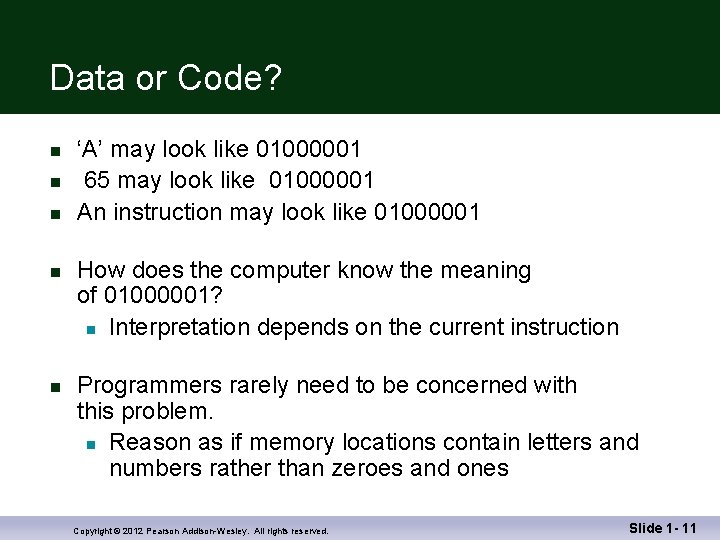
Data or Code? n n n ‘A’ may look like 01000001 65 may look like 01000001 An instruction may look like 01000001 How does the computer know the meaning of 01000001? n Interpretation depends on the current instruction Programmers rarely need to be concerned with this problem. n Reason as if memory locations contain letters and numbers rather than zeroes and ones Copyright © 2012 Pearson Addison-Wesley. All rights reserved. Slide 1 - 11
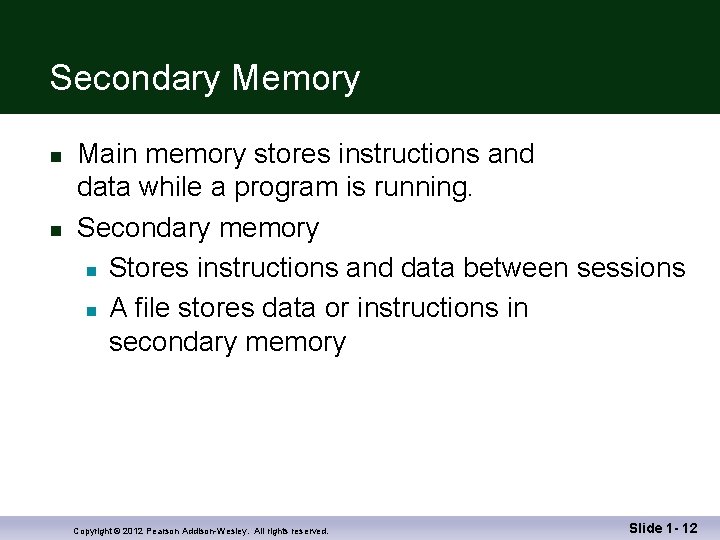
Secondary Memory n n Main memory stores instructions and data while a program is running. Secondary memory n Stores instructions and data between sessions n A file stores data or instructions in secondary memory Copyright © 2012 Pearson Addison-Wesley. All rights reserved. Slide 1 - 12
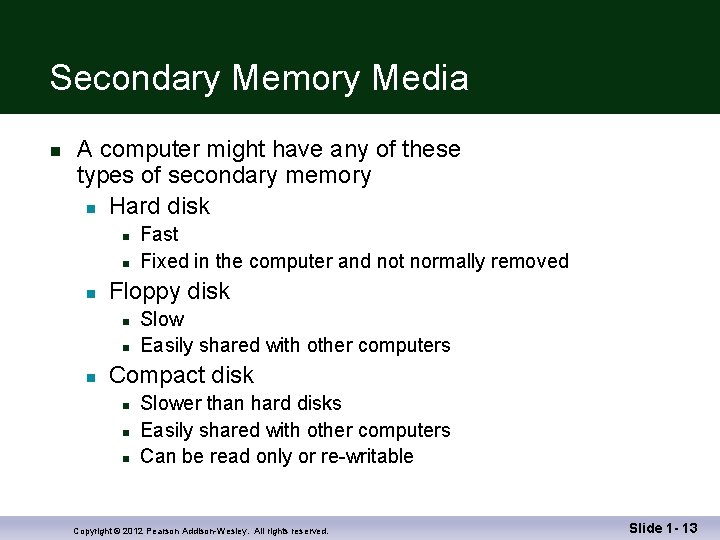
Secondary Memory Media n A computer might have any of these types of secondary memory n Hard disk n n n Floppy disk n n n Fast Fixed in the computer and not normally removed Slow Easily shared with other computers Compact disk n n n Slower than hard disks Easily shared with other computers Can be read only or re-writable Copyright © 2012 Pearson Addison-Wesley. All rights reserved. Slide 1 - 13
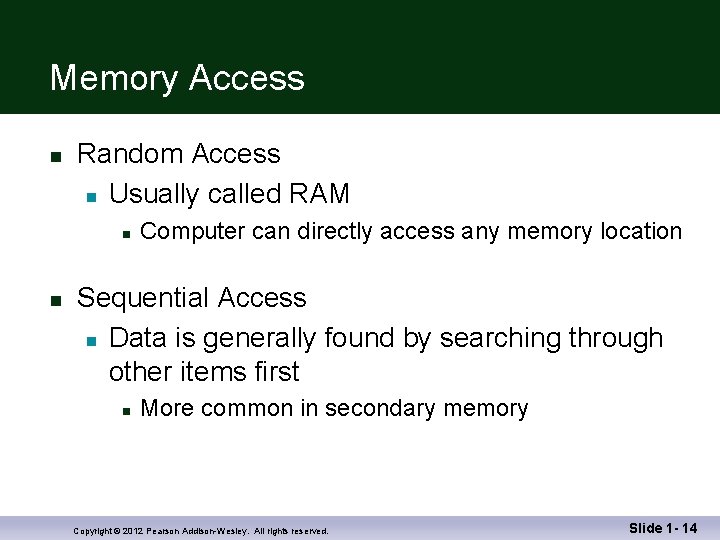
Memory Access n Random Access n Usually called RAM n n Computer can directly access any memory location Sequential Access n Data is generally found by searching through other items first n More common in secondary memory Copyright © 2012 Pearson Addison-Wesley. All rights reserved. Slide 1 - 14
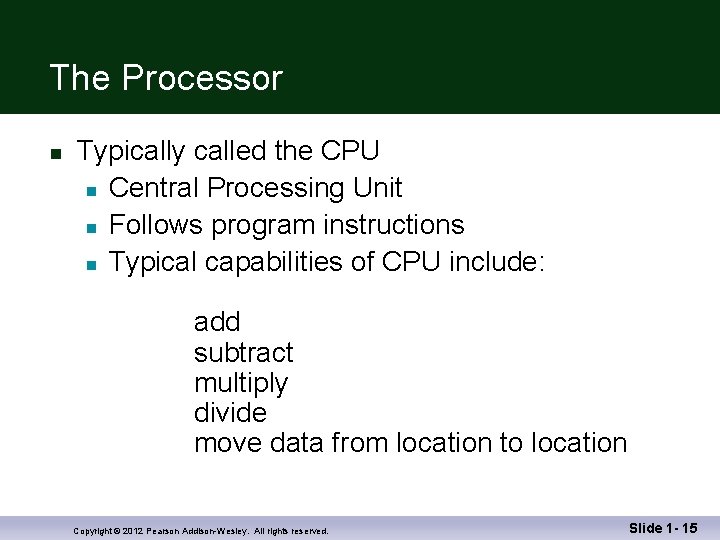
The Processor n Typically called the CPU n Central Processing Unit n Follows program instructions n Typical capabilities of CPU include: add subtract multiply divide move data from location to location Copyright © 2012 Pearson Addison-Wesley. All rights reserved. Slide 1 - 15
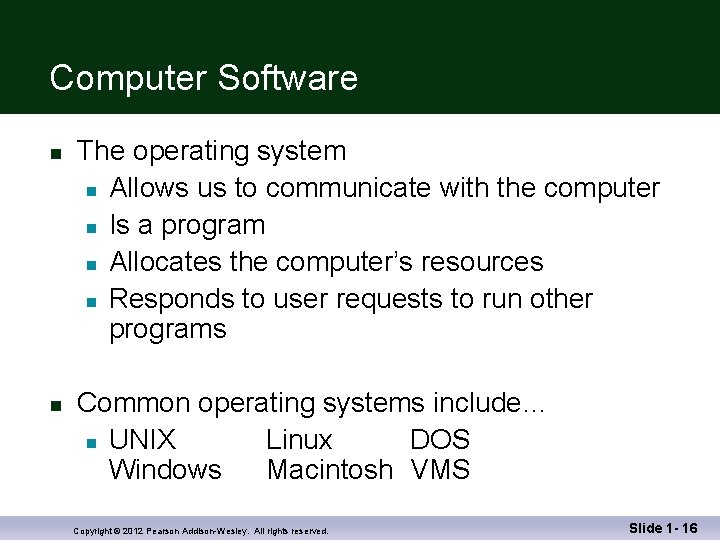
Computer Software n n The operating system n Allows us to communicate with the computer n Is a program n Allocates the computer’s resources n Responds to user requests to run other programs Common operating systems include… n UNIX Linux DOS Windows Macintosh VMS Copyright © 2012 Pearson Addison-Wesley. All rights reserved. Slide 1 - 16
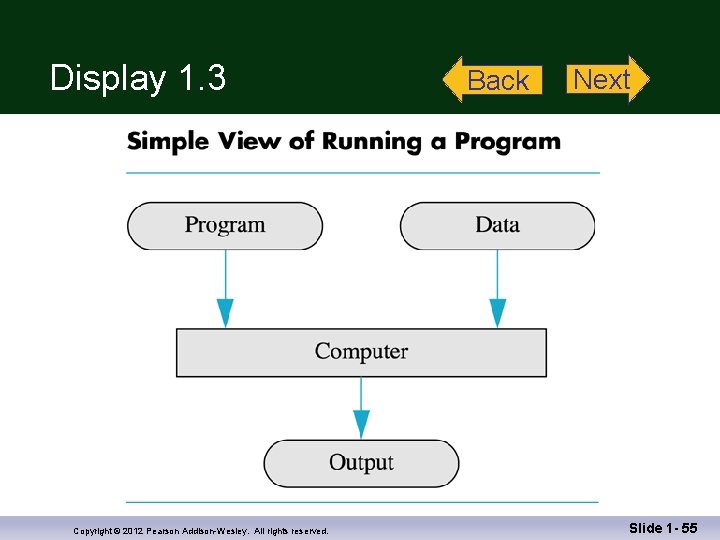
Computer Input n Computer input consists of n A program n Some data Display 1. 3 Copyright © 2012 Pearson Addison-Wesley. All rights reserved. Slide 1 - 17
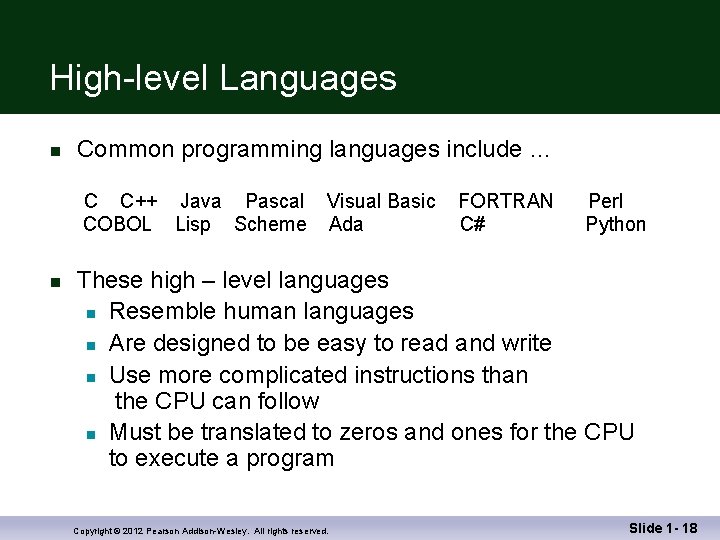
High-level Languages n Common programming languages include … C C++ Java Pascal Visual Basic COBOL Lisp Scheme Ada n FORTRAN C# Perl Python These high – level languages n Resemble human languages n Are designed to be easy to read and write n Use more complicated instructions than the CPU can follow n Must be translated to zeros and ones for the CPU to execute a program Copyright © 2012 Pearson Addison-Wesley. All rights reserved. Slide 1 - 18
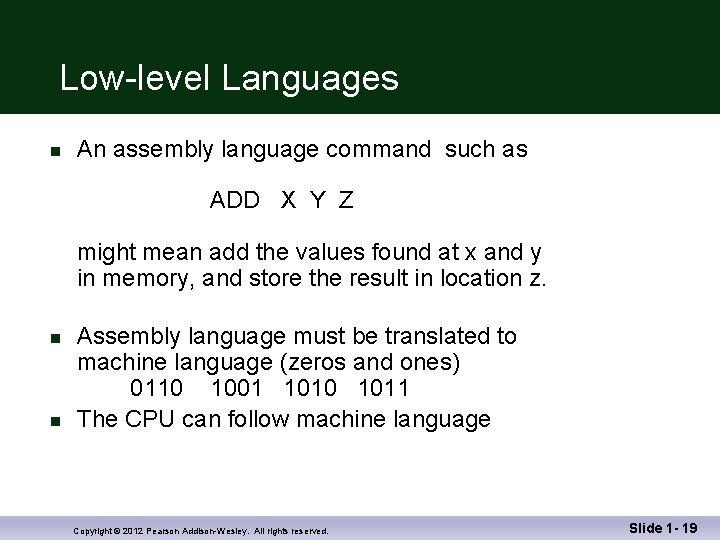
Low-level Languages n An assembly language command such as ADD X Y Z might mean add the values found at x and y in memory, and store the result in location z. n n Assembly language must be translated to machine language (zeros and ones) 0110 1001 1010 1011 The CPU can follow machine language Copyright © 2012 Pearson Addison-Wesley. All rights reserved. Slide 1 - 19
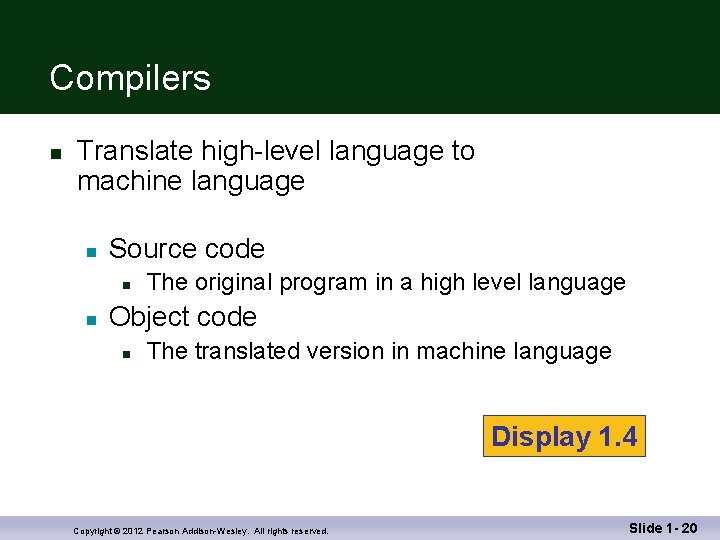
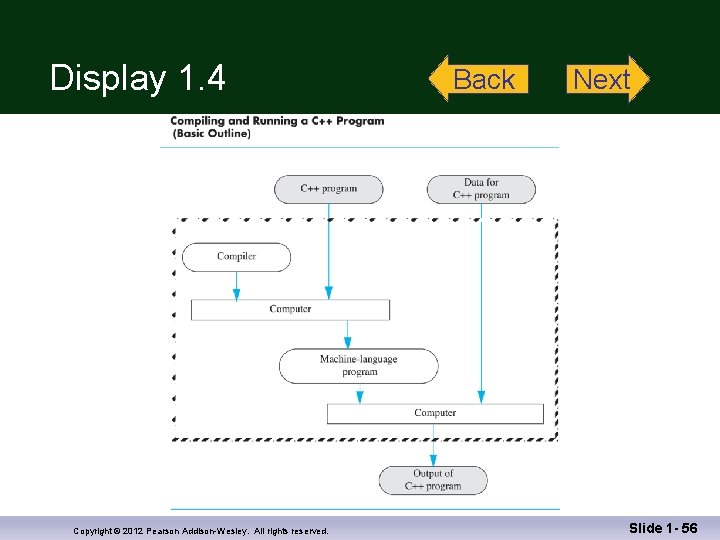
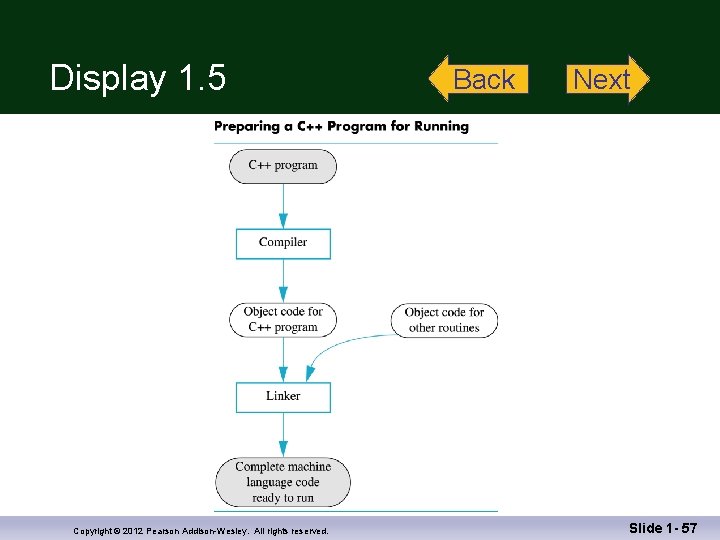
Compilers n Translate high-level language to machine language n Source code n n The original program in a high level language Object code n The translated version in machine language Display 1. 4 Copyright © 2012 Pearson Addison-Wesley. All rights reserved. Slide 1 - 20
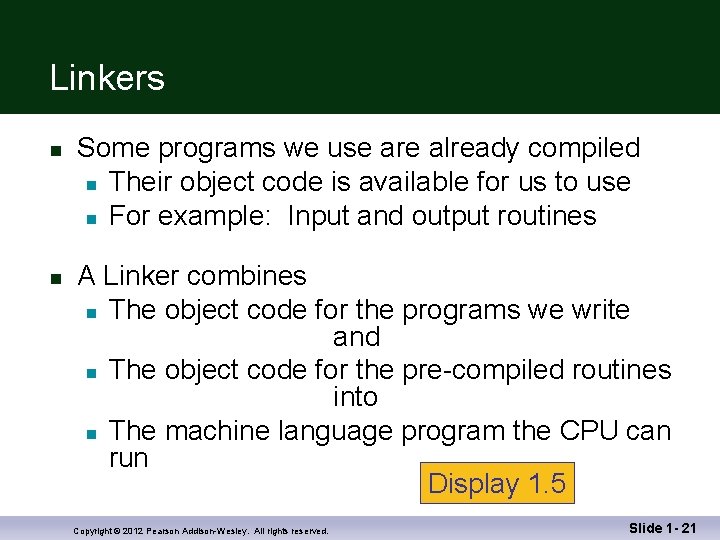
Linkers n n Some programs we use are already compiled n Their object code is available for us to use n For example: Input and output routines A Linker combines n The object code for the programs we write and n The object code for the pre-compiled routines into n The machine language program the CPU can run Display 1. 5 Copyright © 2012 Pearson Addison-Wesley. All rights reserved. Slide 1 - 21
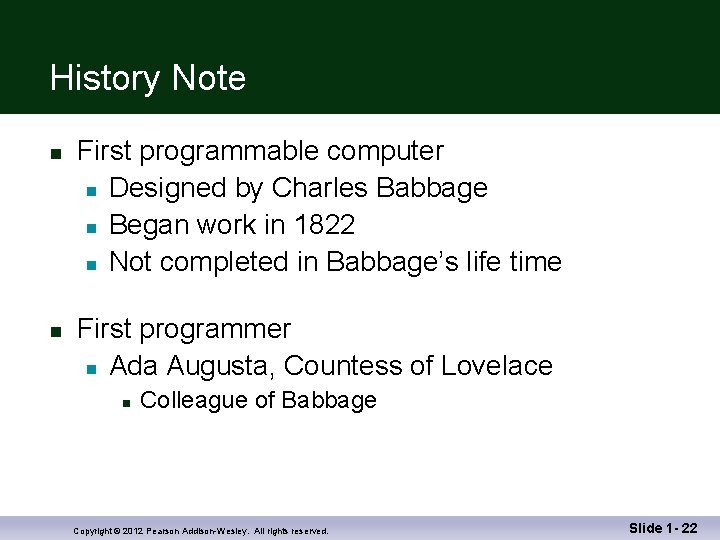
History Note n n First programmable computer n Designed by Charles Babbage n Began work in 1822 n Not completed in Babbage’s life time First programmer n Ada Augusta, Countess of Lovelace n Colleague of Babbage Copyright © 2012 Pearson Addison-Wesley. All rights reserved. Slide 1 - 22
Section 1. 1 Conclusion n Can you… n List the five main components of a computer? n List the data for a program that adds two numbers? n Describe the work of a compiler? n Define source code? Define object code? n Describe the purpose of the operating system? Copyright © 2012 Pearson Addison-Wesley. All rights reserved. Slide 1 - 23
1. 2 Programming and Problem. Solving Copyright © 2012 Pearson Addison-Wesley. All rights reserved.
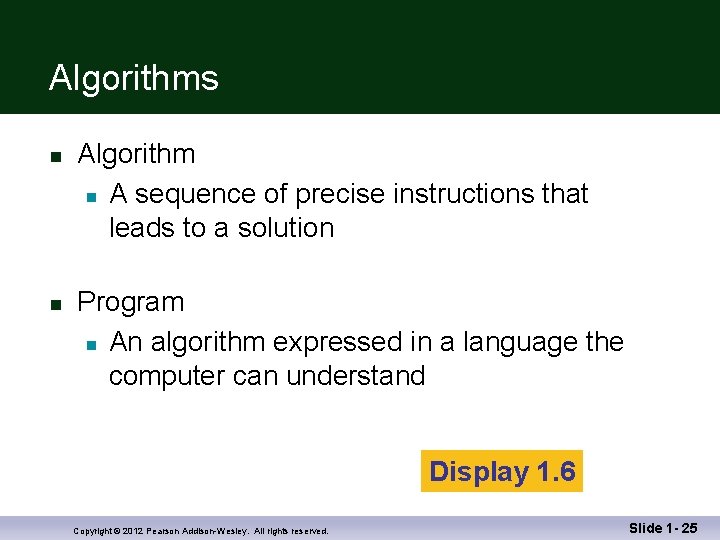
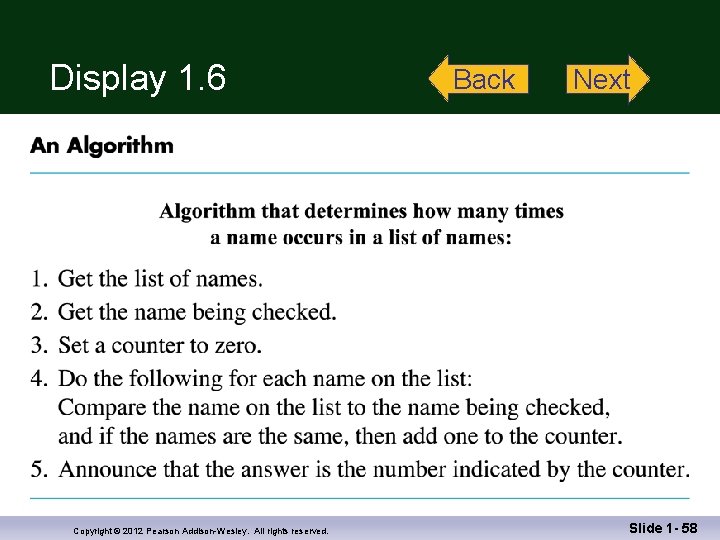
Algorithms n n Algorithm n A sequence of precise instructions that leads to a solution Program n An algorithm expressed in a language the computer can understand Display 1. 6 Copyright © 2012 Pearson Addison-Wesley. All rights reserved. Slide 1 - 25
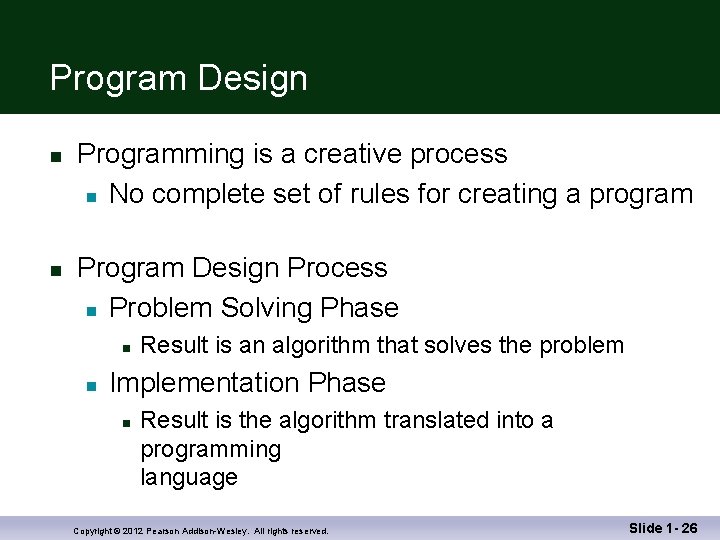
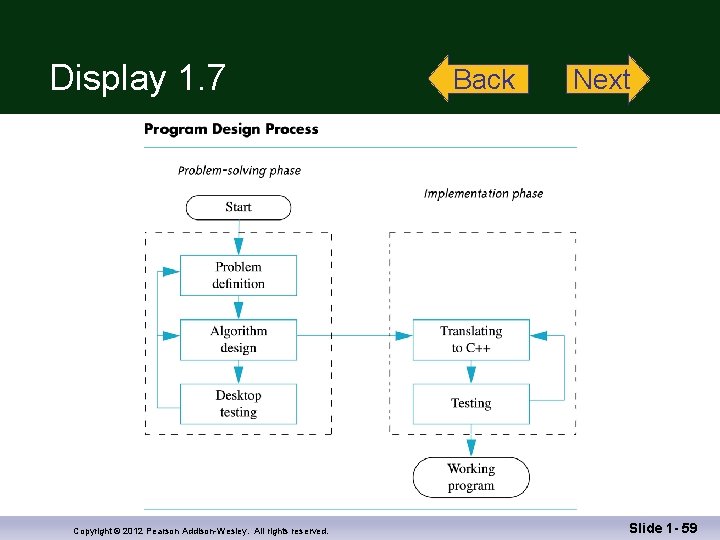
Program Design n n Programming is a creative process n No complete set of rules for creating a program Program Design Process n Problem Solving Phase n n Result is an algorithm that solves the problem Implementation Phase n Result is the algorithm translated into a programming language Copyright © 2012 Pearson Addison-Wesley. All rights reserved. Slide 1 - 26
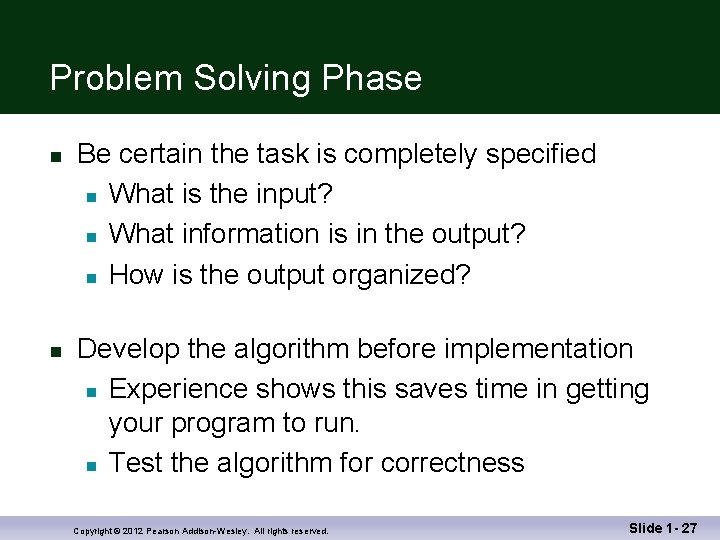
Problem Solving Phase n n Be certain the task is completely specified n What is the input? n What information is in the output? n How is the output organized? Develop the algorithm before implementation n Experience shows this saves time in getting your program to run. n Test the algorithm for correctness Copyright © 2012 Pearson Addison-Wesley. All rights reserved. Slide 1 - 27
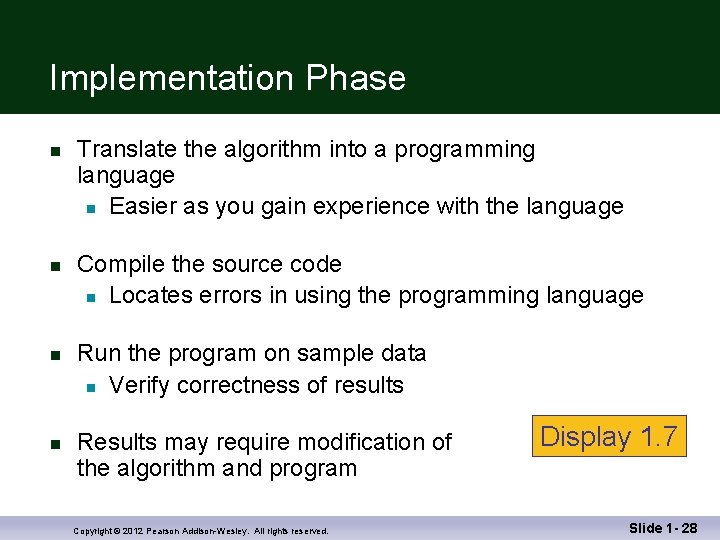
Implementation Phase n n Translate the algorithm into a programming language n Easier as you gain experience with the language Compile the source code n Locates errors in using the programming language Run the program on sample data n Verify correctness of results Results may require modification of the algorithm and program Copyright © 2012 Pearson Addison-Wesley. All rights reserved. Display 1. 7 Slide 1 - 28
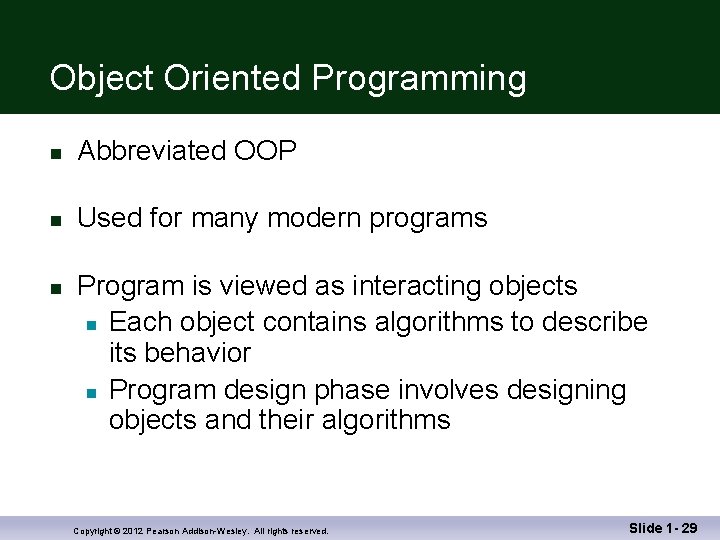
Object Oriented Programming n Abbreviated OOP n Used for many modern programs n Program is viewed as interacting objects n Each object contains algorithms to describe its behavior n Program design phase involves designing objects and their algorithms Copyright © 2012 Pearson Addison-Wesley. All rights reserved. Slide 1 - 29
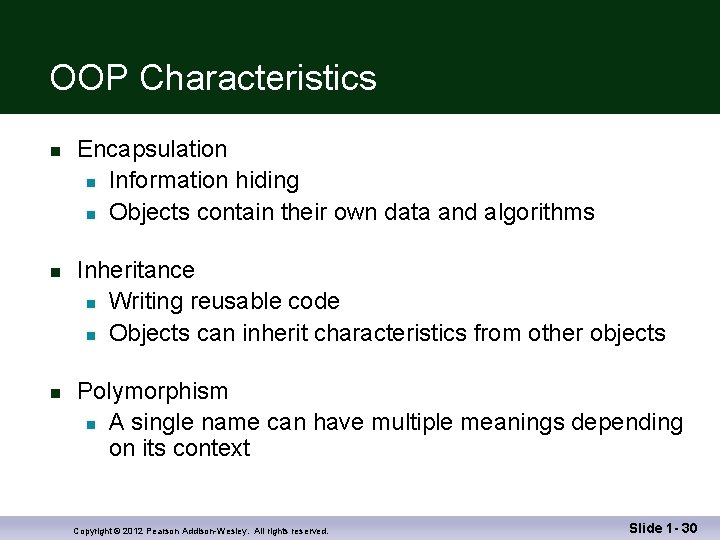
OOP Characteristics n n n Encapsulation n Information hiding n Objects contain their own data and algorithms Inheritance n Writing reusable code n Objects can inherit characteristics from other objects Polymorphism n A single name can have multiple meanings depending on its context Copyright © 2012 Pearson Addison-Wesley. All rights reserved. Slide 1 - 30
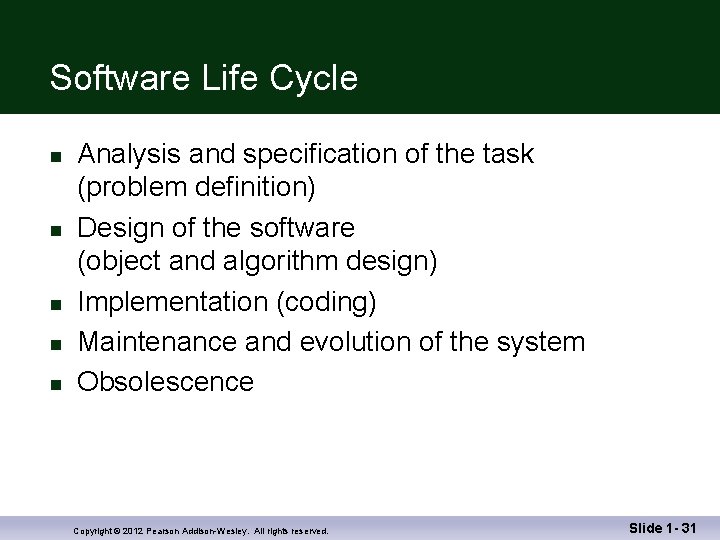
Software Life Cycle n n n Analysis and specification of the task (problem definition) Design of the software (object and algorithm design) Implementation (coding) Maintenance and evolution of the system Obsolescence Copyright © 2012 Pearson Addison-Wesley. All rights reserved. Slide 1 - 31
Section 1. 2 Conclusion n Can you… n Describe the first step to take when creating a program? n List the two main phases of the program design process? n Explain the importance of the problem-solving phase? n List the steps in the software life cycle? Copyright © 2012 Pearson Addison-Wesley. All rights reserved. Slide 1 - 32
1. 3 Introduction to C++ Copyright © 2012 Pearson Addison-Wesley. All rights reserved.
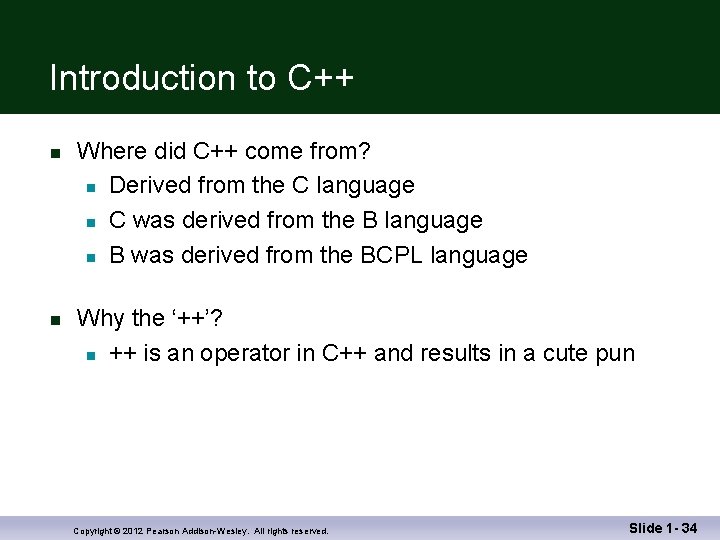
Introduction to C++ n n Where did C++ come from? n Derived from the C language n C was derived from the B language n B was derived from the BCPL language Why the ‘++’? n ++ is an operator in C++ and results in a cute pun Copyright © 2012 Pearson Addison-Wesley. All rights reserved. Slide 1 - 34
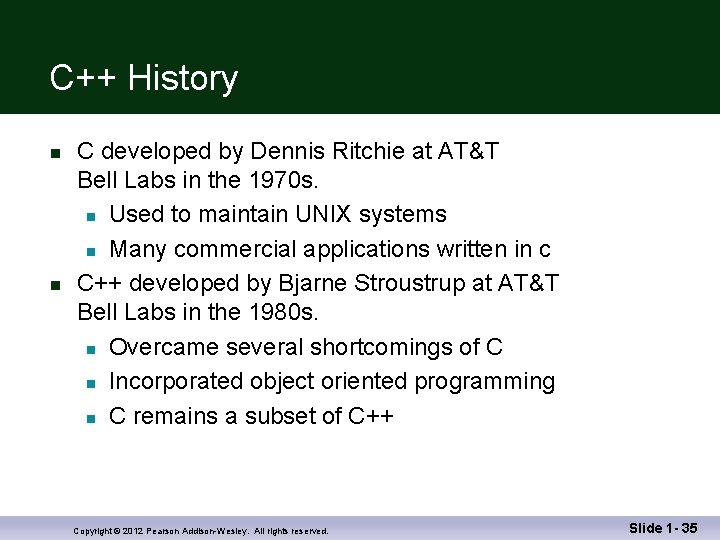
C++ History n n C developed by Dennis Ritchie at AT&T Bell Labs in the 1970 s. n Used to maintain UNIX systems n Many commercial applications written in c C++ developed by Bjarne Stroustrup at AT&T Bell Labs in the 1980 s. n Overcame several shortcomings of C n Incorporated object oriented programming n C remains a subset of C++ Copyright © 2012 Pearson Addison-Wesley. All rights reserved. Slide 1 - 35
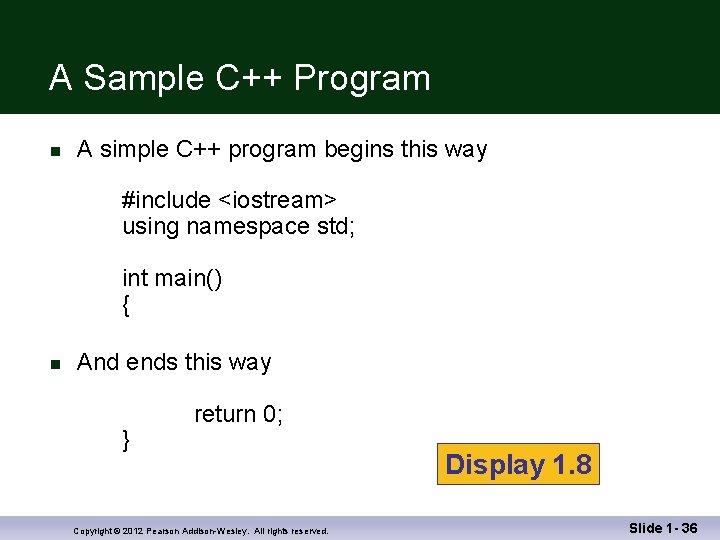
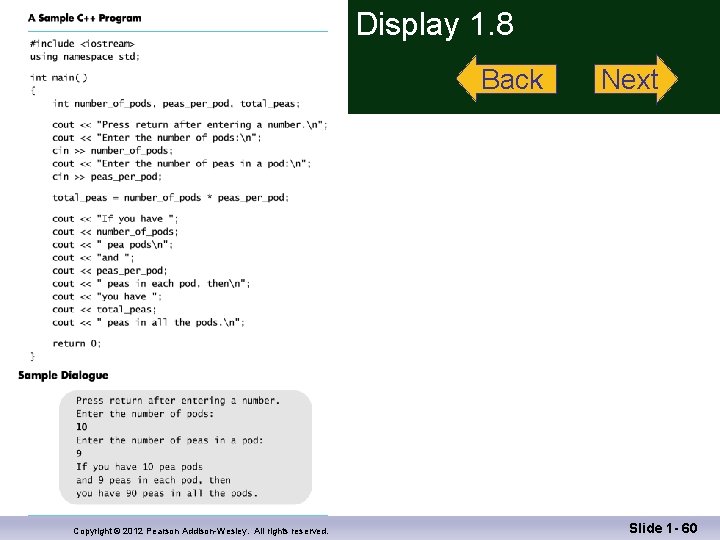
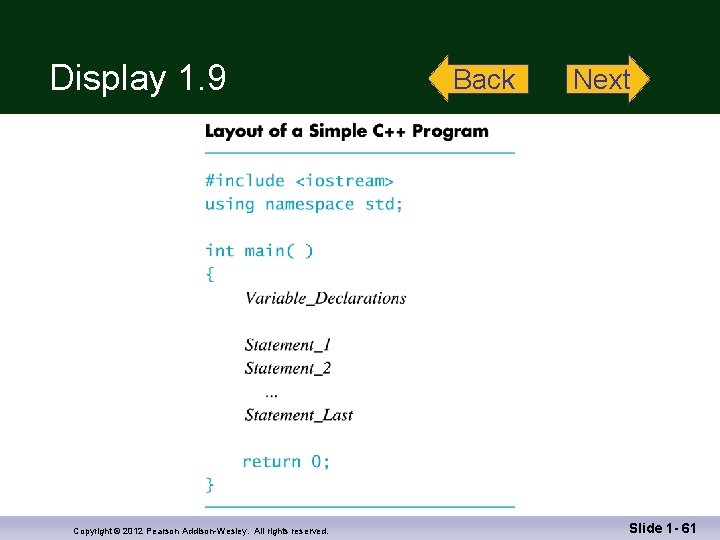
A Sample C++ Program n A simple C++ program begins this way #include <iostream> using namespace std; int main() { n And ends this way } return 0; Copyright © 2012 Pearson Addison-Wesley. All rights reserved. Display 1. 8 Slide 1 - 36
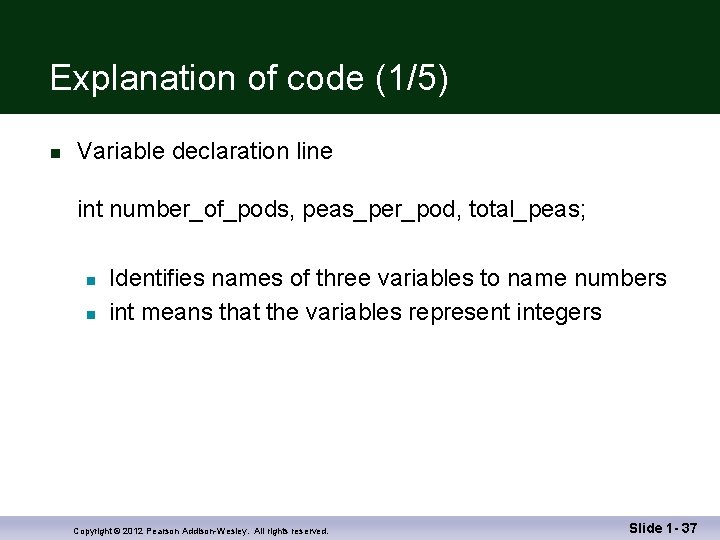
Explanation of code (1/5) n Variable declaration line int number_of_pods, peas_per_pod, total_peas; n n Identifies names of three variables to name numbers int means that the variables represent integers Copyright © 2012 Pearson Addison-Wesley. All rights reserved. Slide 1 - 37
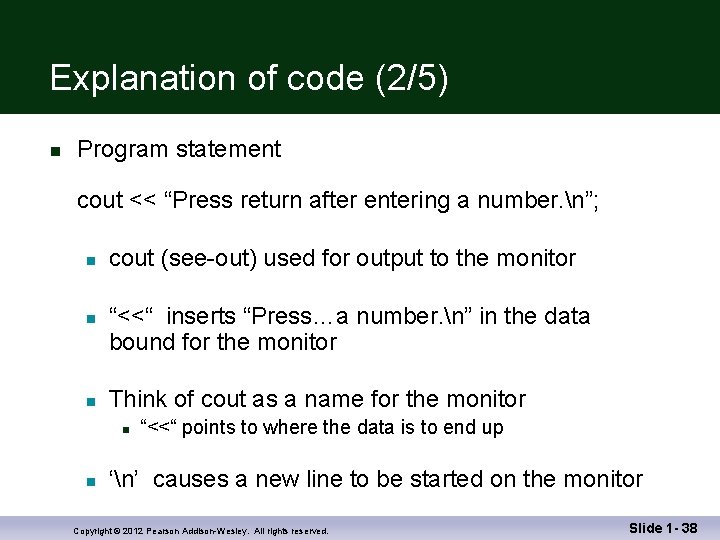
Explanation of code (2/5) n Program statement cout << “Press return after entering a number. n”; n n n cout (see-out) used for output to the monitor “<<“ inserts “Press…a number. n” in the data bound for the monitor Think of cout as a name for the monitor n n “<<“ points to where the data is to end up ‘n’ causes a new line to be started on the monitor Copyright © 2012 Pearson Addison-Wesley. All rights reserved. Slide 1 - 38
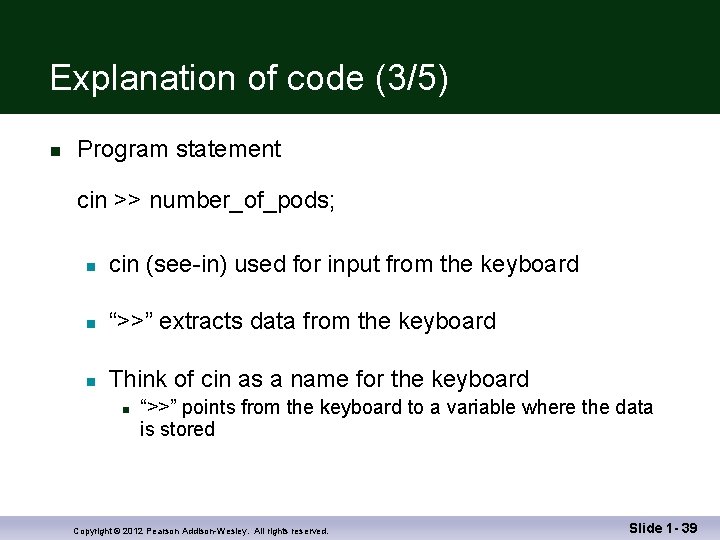
Explanation of code (3/5) n Program statement cin >> number_of_pods; n cin (see-in) used for input from the keyboard n “>>” extracts data from the keyboard n Think of cin as a name for the keyboard n “>>” points from the keyboard to a variable where the data is stored Copyright © 2012 Pearson Addison-Wesley. All rights reserved. Slide 1 - 39
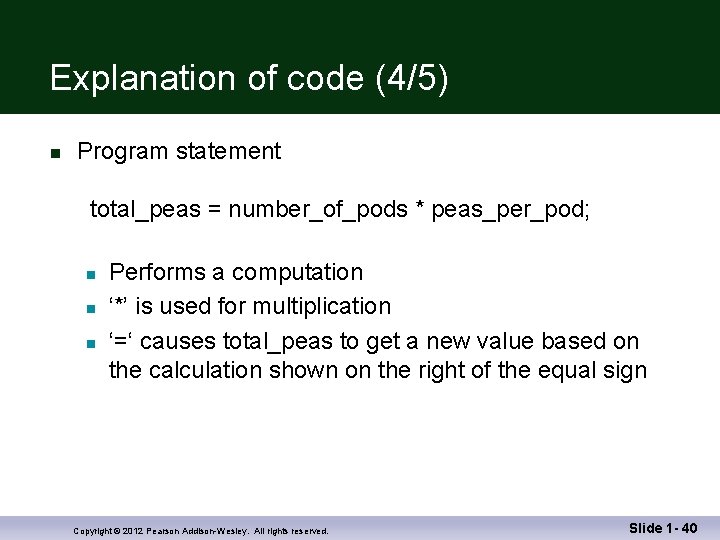
Explanation of code (4/5) n Program statement total_peas = number_of_pods * peas_per_pod; n n n Performs a computation ‘*’ is used for multiplication ‘=‘ causes total_peas to get a new value based on the calculation shown on the right of the equal sign Copyright © 2012 Pearson Addison-Wesley. All rights reserved. Slide 1 - 40
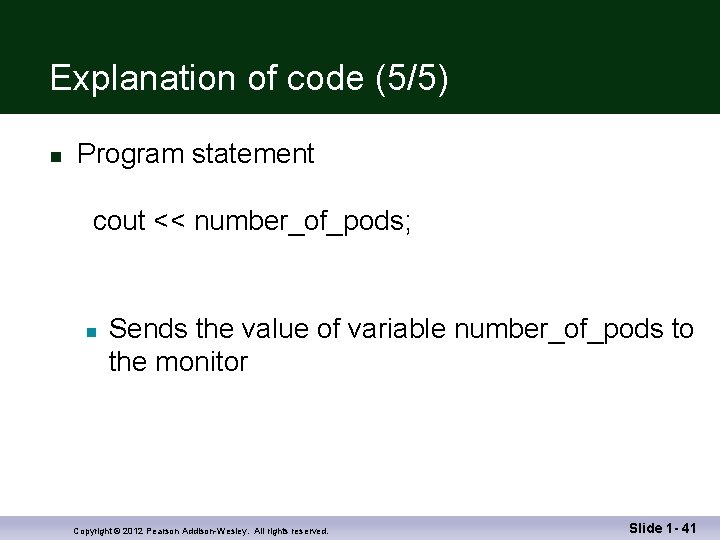
Explanation of code (5/5) n Program statement cout << number_of_pods; n Sends the value of variable number_of_pods to the monitor Copyright © 2012 Pearson Addison-Wesley. All rights reserved. Slide 1 - 41
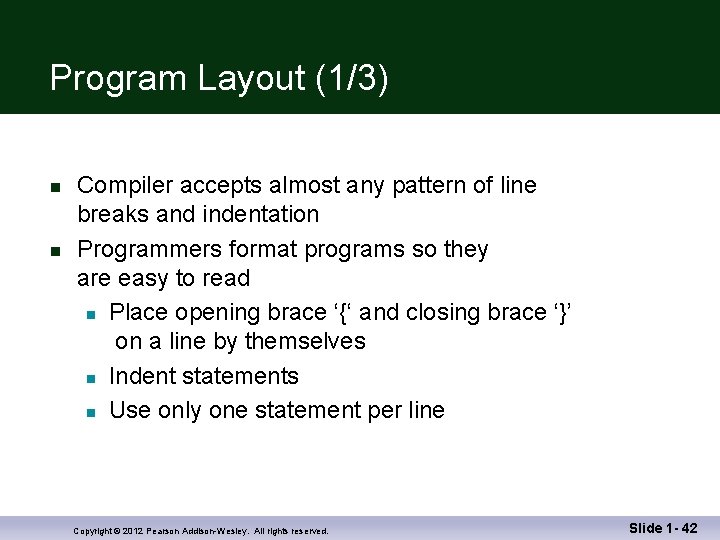
Program Layout (1/3) n n Compiler accepts almost any pattern of line breaks and indentation Programmers format programs so they are easy to read n Place opening brace ‘{‘ and closing brace ‘}’ on a line by themselves n Indent statements n Use only one statement per line Copyright © 2012 Pearson Addison-Wesley. All rights reserved. Slide 1 - 42
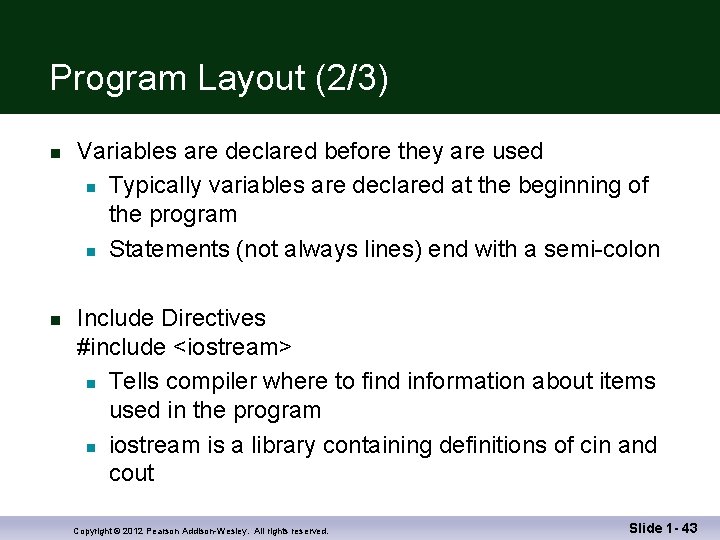
Program Layout (2/3) n n Variables are declared before they are used n Typically variables are declared at the beginning of the program n Statements (not always lines) end with a semi-colon Include Directives #include <iostream> n Tells compiler where to find information about items used in the program n iostream is a library containing definitions of cin and cout Copyright © 2012 Pearson Addison-Wesley. All rights reserved. Slide 1 - 43
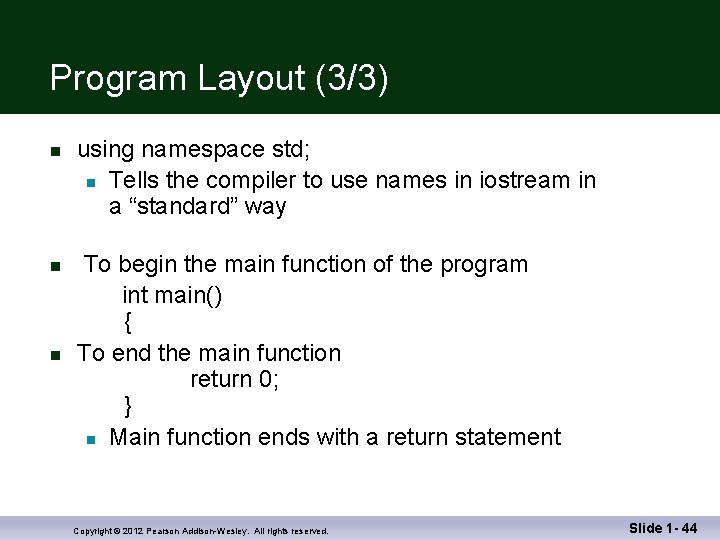
Program Layout (3/3) n n n using namespace std; n Tells the compiler to use names in iostream in a “standard” way To begin the main function of the program int main() { To end the main function return 0; } n Main function ends with a return statement Copyright © 2012 Pearson Addison-Wesley. All rights reserved. Slide 1 - 44
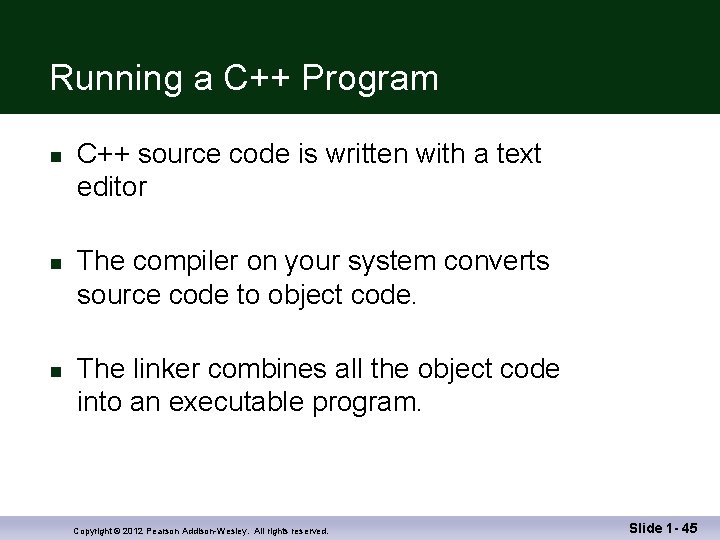
Running a C++ Program n n n C++ source code is written with a text editor The compiler on your system converts source code to object code. The linker combines all the object code into an executable program. Copyright © 2012 Pearson Addison-Wesley. All rights reserved. Slide 1 - 45
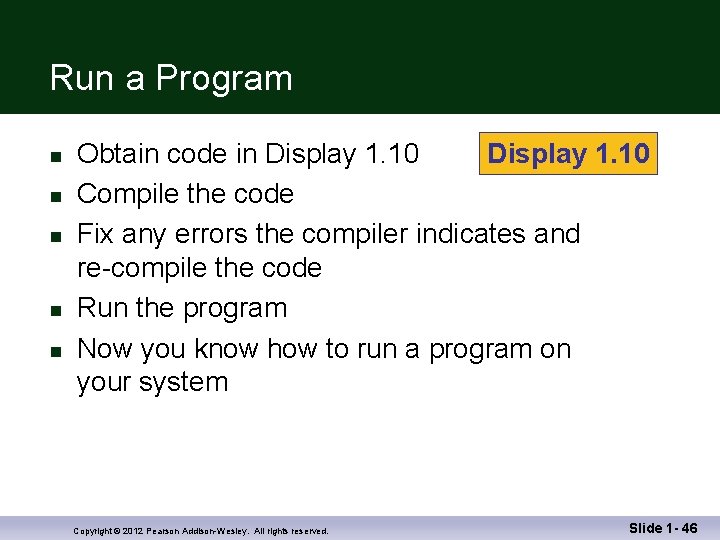
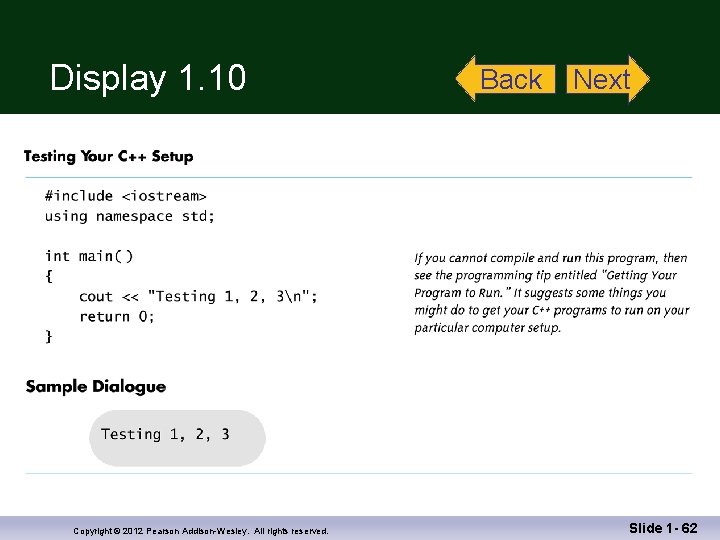
Run a Program n n n Obtain code in Display 1. 10 Compile the code Fix any errors the compiler indicates and re-compile the code Run the program Now you know how to run a program on your system Copyright © 2012 Pearson Addison-Wesley. All rights reserved. Slide 1 - 46
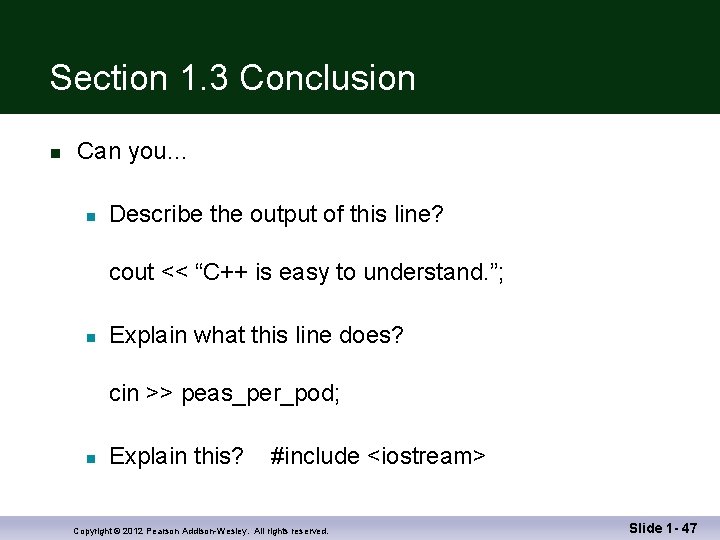
Section 1. 3 Conclusion n Can you… n Describe the output of this line? cout << “C++ is easy to understand. ”; n Explain what this line does? cin >> peas_per_pod; n Explain this? #include <iostream> Copyright © 2012 Pearson Addison-Wesley. All rights reserved. Slide 1 - 47
1. 4 Testing and Debugging Copyright © 2012 Pearson Addison-Wesley. All rights reserved.
Testing and Debugging n n Bug n A mistake in a program Debugging n Eliminating mistakes in programs n Term used when a moth caused a failed relay on the Harvard Mark 1 computer. Grace Hopper and other programmers taped the moth in logbook stating: “First actual case of a bug being found. ” Copyright © 2012 Pearson Addison-Wesley. All rights reserved. Slide 1 - 49
Program Errors n Syntax errors n Violation of the grammar rules of the language n Discovered by the compiler n n n Error messages may not always show correct location of errors Run-time errors n Error conditions detected by the computer at run-time Logic errors n Errors in the program’s algorithm n Most difficult to diagnose n Computer does not recognize an error Copyright © 2012 Pearson Addison-Wesley. All rights reserved. Slide 1 - 50
Section 1 -4 Conclusion n Can you… n Describe three kinds of program errors? n n n Tell what kind of errors the compiler catches? What kind of error is produced if you forget a punctuation symbol such as a semi-colon? Tell what type of error is produced when a program runs but produces incorrect results? Copyright © 2012 Pearson Addison-Wesley. All rights reserved. Slide 1 - 51
Chapter 1 -- End Copyright © 2012 Pearson Addison-Wesley. All rights reserved. Slide 1 - 52
Display 1. 1 Copyright © 2012 Pearson Addison-Wesley. All rights reserved. Back Next Slide 1 - 53
Display 1. 2 Copyright © 2012 Pearson Addison-Wesley. All rights reserved. Back Next Slide 1 - 54
Display 1. 3 Copyright © 2012 Pearson Addison-Wesley. All rights reserved. Back Next Slide 1 - 55
Display 1. 4 Copyright © 2012 Pearson Addison-Wesley. All rights reserved. Back Next Slide 1 - 56
Display 1. 5 Copyright © 2012 Pearson Addison-Wesley. All rights reserved. Back Next Slide 1 - 57
Display 1. 6 Copyright © 2012 Pearson Addison-Wesley. All rights reserved. Back Next Slide 1 - 58
Display 1. 7 Copyright © 2012 Pearson Addison-Wesley. All rights reserved. Back Next Slide 1 - 59
Display 1. 8 Back Copyright © 2012 Pearson Addison-Wesley. All rights reserved. Next Slide 1 - 60
Display 1. 9 Copyright © 2012 Pearson Addison-Wesley. All rights reserved. Back Next Slide 1 - 61
Display 1. 10 Copyright © 2012 Pearson Addison-Wesley. All rights reserved. Back Next Slide 1 - 62