
Chapter 1 Introduction Objectives Describe The database schema
Chapter 1 Introduction
Objectives • Describe The database schema used in this course and the development environments • Review some basic concepts of SQL

Human Resource schema (HR) used in this course

How to use HR sample schema 1. 2. 3. 4. 5. 6. Display the SQL command prompt window. For example, on Windows, click Start, then Programs (or All Programs), then Oracle Database 11 g Express Edition, and then Run SQL Command Line. Connect as the SYSTEM user: 1. 2. 3. Type: connect Enter user-name: system Enter password: <password-for-system> Enter the following statement to unlock the HR account: SQL> ALTER USER hr ACCOUNT UNLOCK; Enter a statement in the following form to specify the password that you want for the HR user: SQL> ALTER USER hr IDENTIFIED BY hr
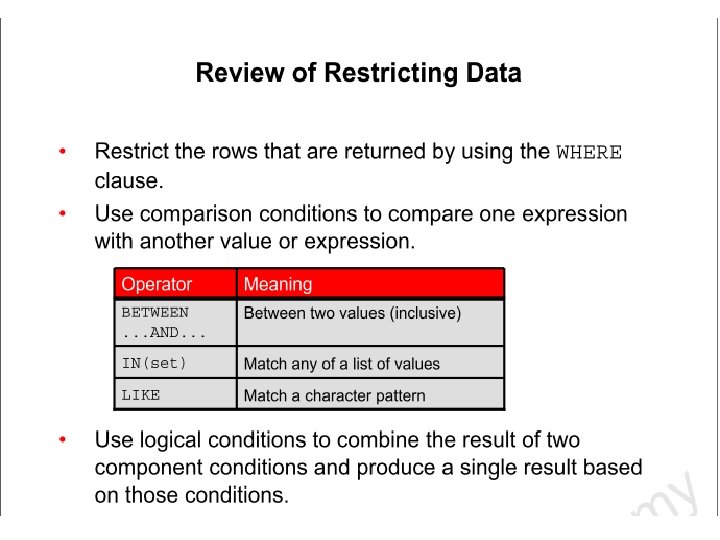
Reviews of restricting Data • The WHERE Clause can compare values in columns, literal values, arthmetic expressions and functions • WHERE clause format: – WHERE expr operator value • Comparison conditions: <, > ==, <>, <= • Three logical operator available: – And – Or – Not
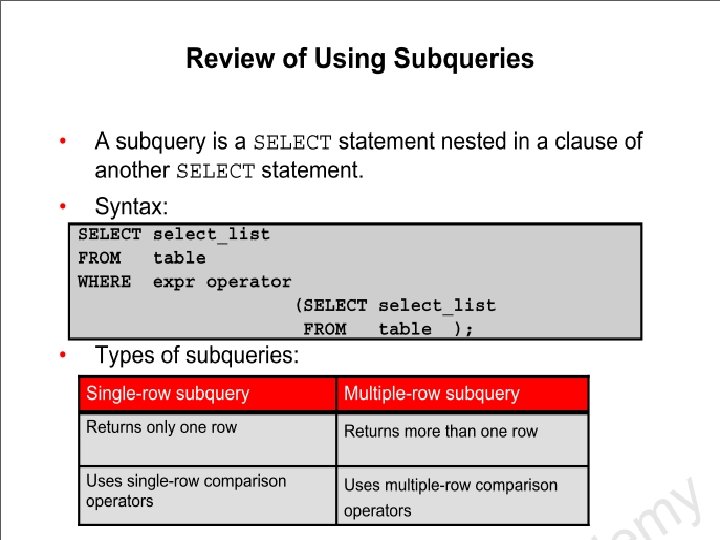
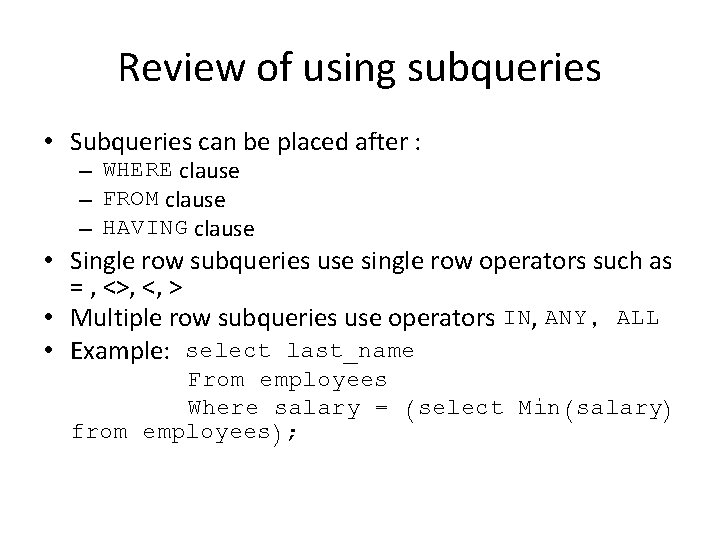
Review of using subqueries • Subqueries can be placed after : – WHERE clause – FROM clause – HAVING clause • Single row subqueries use single row operators such as = , <>, <, > • Multiple row subqueries use operators IN, ANY, ALL • Example: select last_name From employees Where salary = (select Min(salary) from employees);
- Slides: 12