
Chapter 1 Introduction Chapter 1 Introduction 1 Chapter
![A Simple Program • • public class Class. Name public static void main(String[] args)](https://slidetodoc.com/presentation_image_h2/1894f0f87721e559cc2567feb3aeb9fd/image-40.jpg "A Simple Program • • public class Class. Name public static void main(String[] args)")
- Slides: 50
Chapter 1 Introduction Chapter 1 Introduction 1
Chapter Goals q To understand the activity of programming q To learn about the architecture of computers q q To learn about machine code and high level programming languages To become familiar with your computing environment and your compiler q To compile and run your first Java program q To recognize syntax and logic errors Chapter 1 Introduction 2
Prerequisites q q Computer savvy § File management, text editing, etc Problem solving skills § The most important skill in all of CS! q Time management q Math 19 q No prior programming background required Chapter 1 Introduction 3
What Is Programming? q q Computers are programmed to perform tasks § This why a computer can do so many things Different tasks require different programs Program § Sequence of basic operations executed in rapid succession § Contains instruction sequences for all tasks it can execute Sophisticated programs require teams of highly skilled programmers and other professionals § Examples? § Your programs for this class will be “mundane” Chapter 1 Introduction 4
Self Check 1. What is required to play a music CD on a computer? 2. Why is a CD player less flexible than a computer? 3. Can a computer program develop the initiative to execute tasks in a better way than its programmers envisioned? Chapter 1 Introduction 5
Answers 1. A program (software) that reads the data on the CD and sends output to the speakers and the screen. 2. A CD player can do one thing–play music CDs. It cannot execute programs. 3. No. The program simply executes the instruction sequences that the programmers have prepared in advance. Chapter 1 Introduction 6
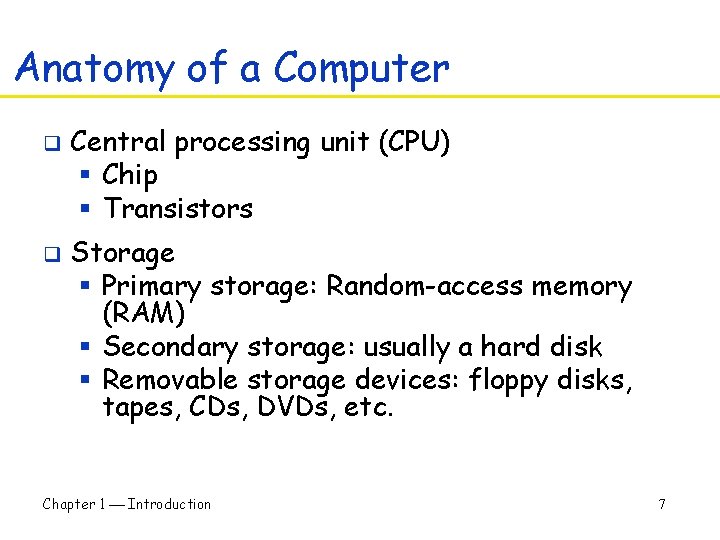
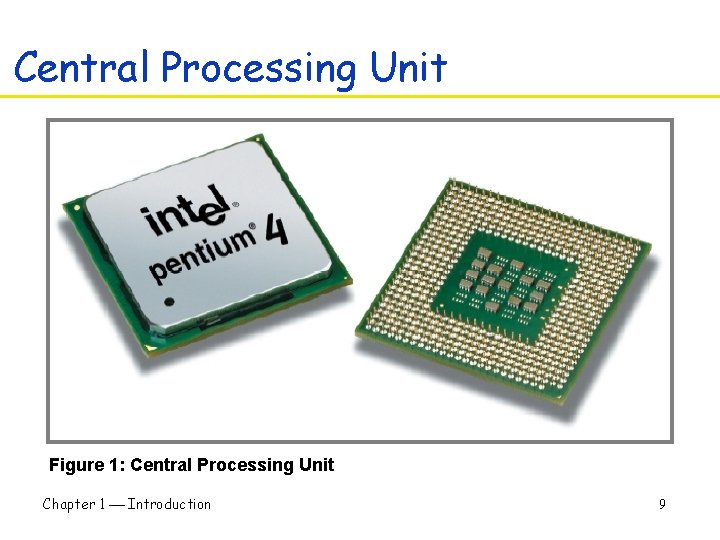
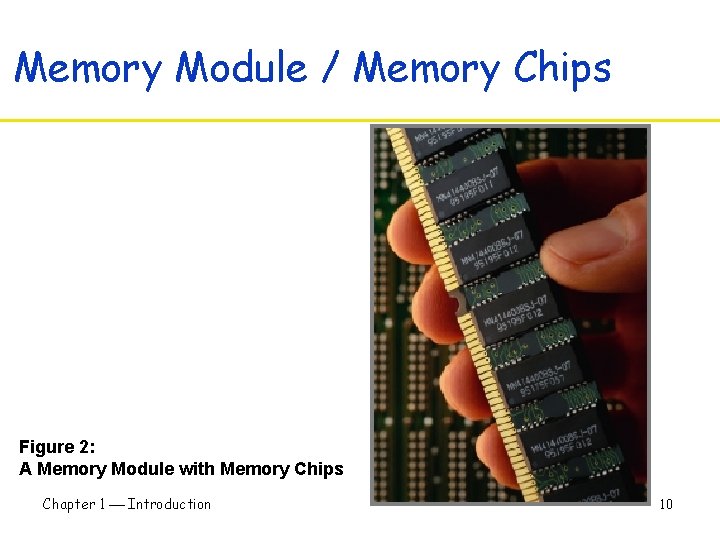
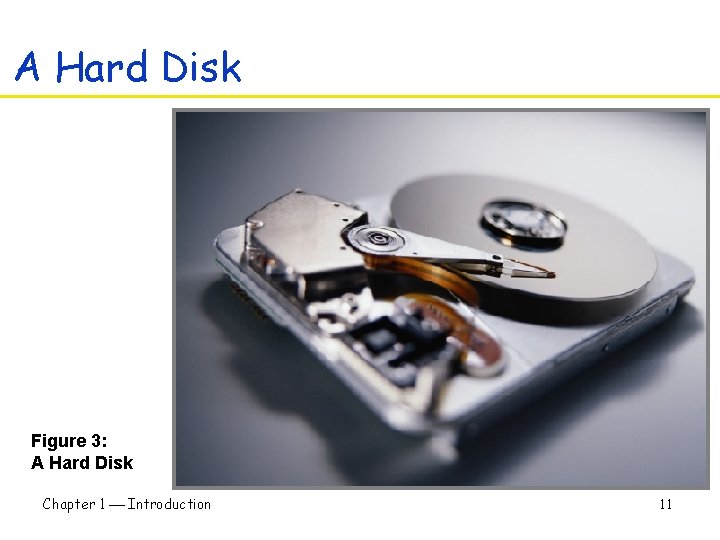
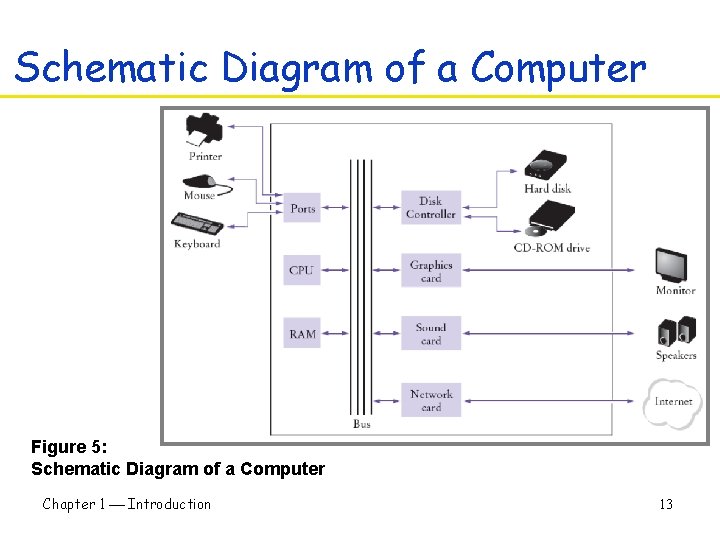
Anatomy of a Computer q q Central processing unit (CPU) § Chip § Transistors Storage § Primary storage: Random-access memory (RAM) § Secondary storage: usually a hard disk § Removable storage devices: floppy disks, tapes, CDs, DVDs, etc. Chapter 1 Introduction 7
Anatomy of a Computer q q Hardware: CPU, storage, peripherals, etc. Executes very simple instructions § Load, store, add, etc. Executes simple instructions very rapidly § Speeds are almost unimaginably fast General purpose and open system § In contrast to, say, a game console Chapter 1 Introduction 8
Central Processing Unit Figure 1: Central Processing Unit Chapter 1 Introduction 9
Memory Module / Memory Chips Figure 2: A Memory Module with Memory Chips Chapter 1 Introduction 10
A Hard Disk Figure 3: A Hard Disk Chapter 1 Introduction 11
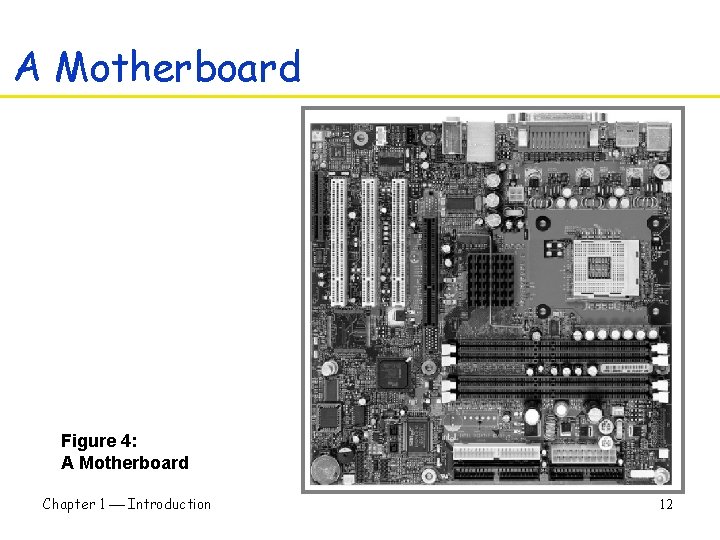
A Motherboard Figure 4: A Motherboard Chapter 1 Introduction 12
Schematic Diagram of a Computer Figure 5: Schematic Diagram of a Computer Chapter 1 Introduction 13
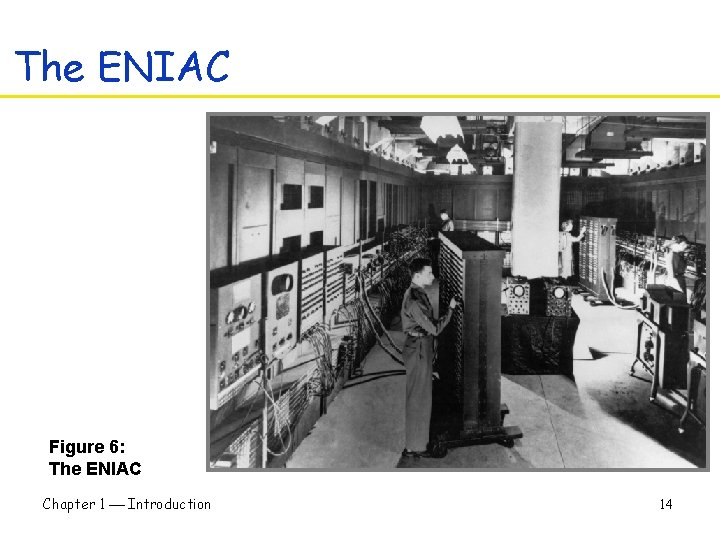
The ENIAC Figure 6: The ENIAC Chapter 1 Introduction 14
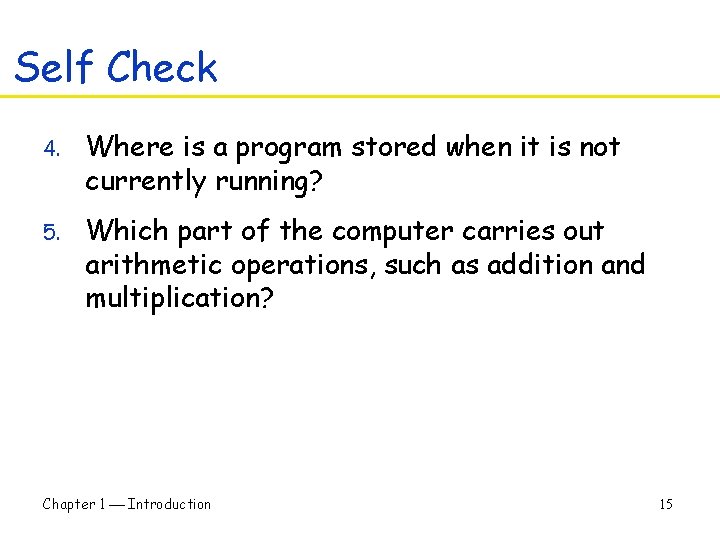
Self Check 4. Where is a program stored when it is not currently running? 5. Which part of the computer carries out arithmetic operations, such as addition and multiplication? Chapter 1 Introduction 15
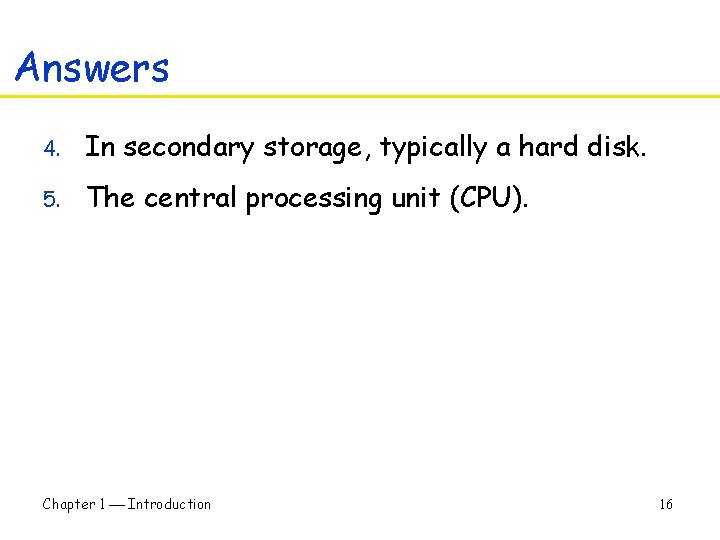
Answers 4. In secondary storage, typically a hard disk. 5. The central processing unit (CPU). Chapter 1 Introduction 16
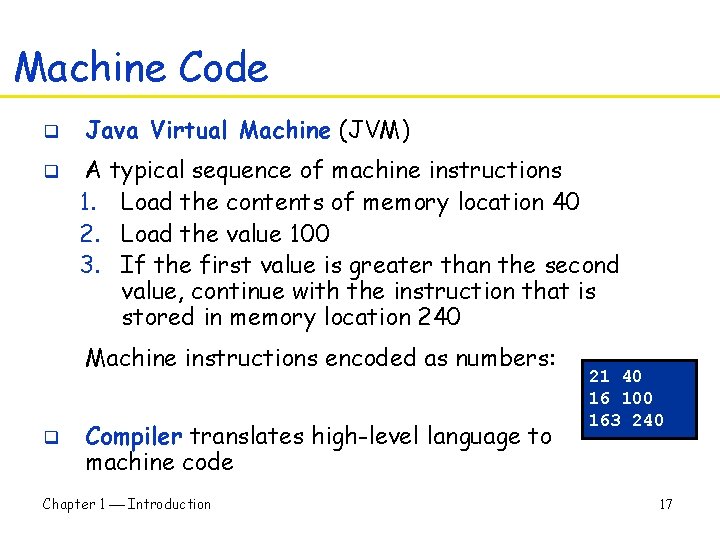
Machine Code q q Java Virtual Machine (JVM) A typical sequence of machine instructions 1. Load the contents of memory location 40 2. Load the value 100 3. If the first value is greater than the second value, continue with the instruction that is stored in memory location 240 Machine instructions encoded as numbers: q Compiler translates high-level language to machine code Chapter 1 Introduction 21 40 16 100 163 240 17
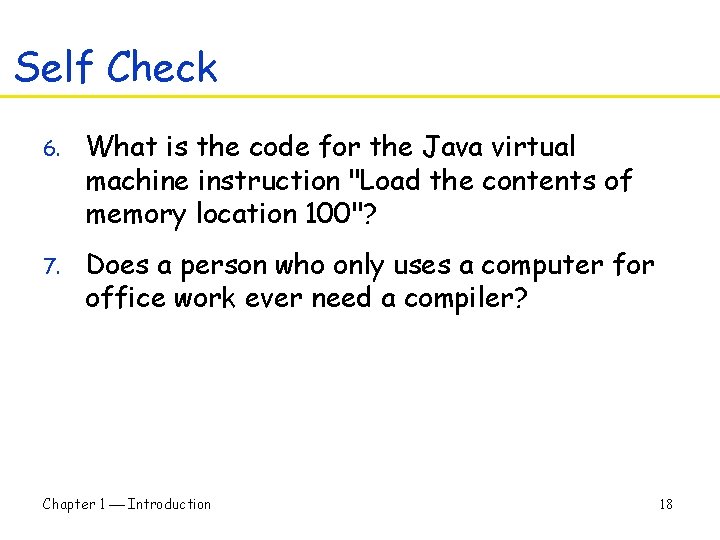
Self Check 6. What is the code for the Java virtual machine instruction "Load the contents of memory location 100"? 7. Does a person who only uses a computer for office work ever need a compiler? Chapter 1 Introduction 18
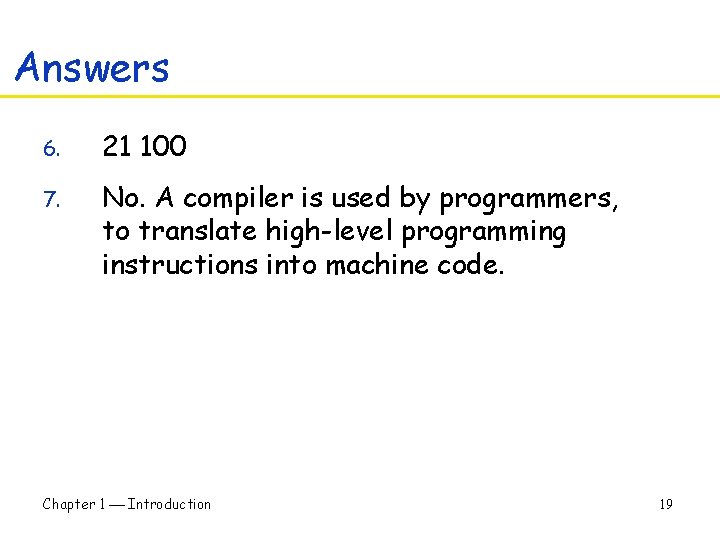
Answers 6. 21 100 7. No. A compiler is used by programmers, to translate high-level programming instructions into machine code. Chapter 1 Introduction 19
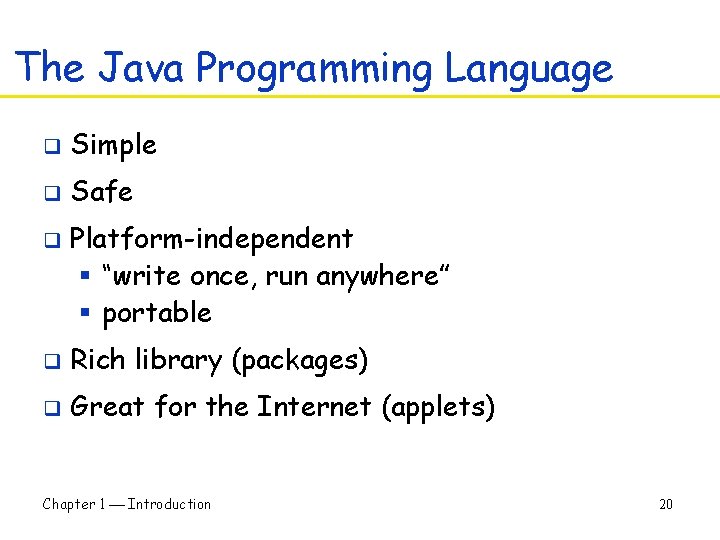
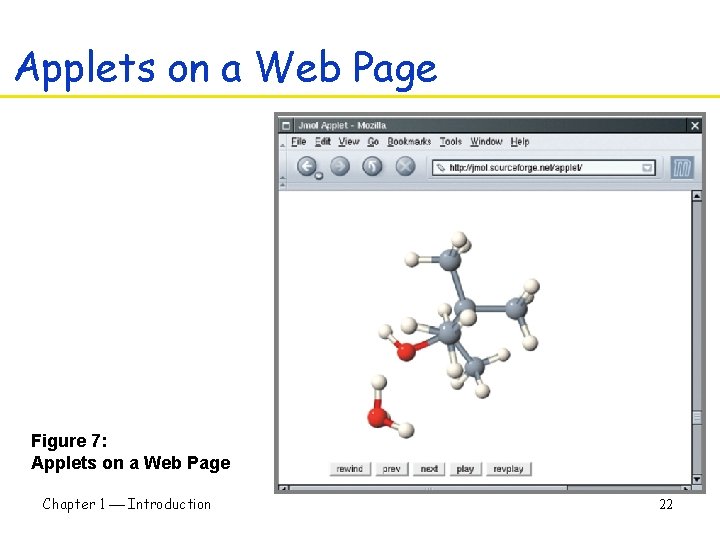
The Java Programming Language q Simple q Safe q Platform-independent § “write once, run anywhere” § portable q Rich library (packages) q Great for the Internet (applets) Chapter 1 Introduction 20
The Java Programming Language q q Java is good for beginners, but not perfect § Simplest programs are not that simple § Java has been revised many times (and continues to be revised) § Cannot learn all of Java in one semester (if ever) These are not serious problems for professional programmers Chapter 1 Introduction 21
Applets on a Web Page Figure 7: Applets on a Web Page Chapter 1 Introduction 22
Self Check 8. For the beginning programmer, what are the two most important benefits of Java? 9. How long does it take to learn the entire Java library? Chapter 1 Introduction 23
Answers 8. Safety and portability (simple? ) 9. No one person can learn the entire library since it is too large. Learn the part that is needed for a particular project. Chapter 1 Introduction 24
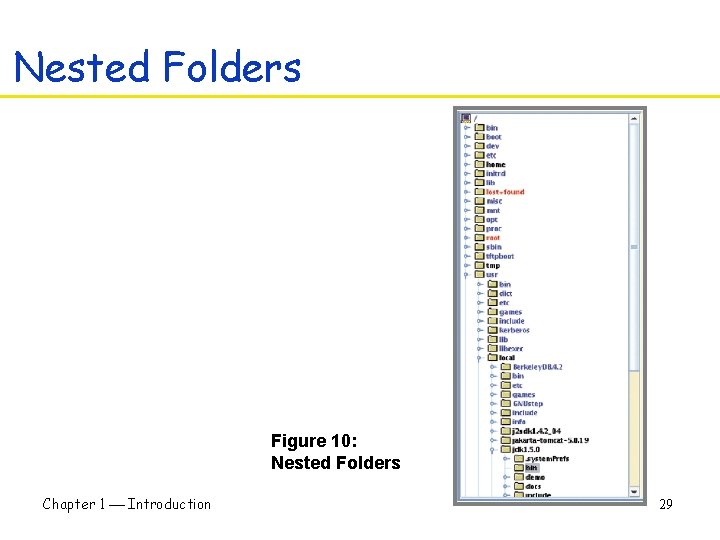
Become Familiar with your Computer q q q Log in Locate the Java compiler § Be sure you can run the compiler Understand files and folders § Programs are kept in files § File: a collection of items of information that are kept together § Files have names, and the rules for legal names differ from one system to another § Files are stored in folders or directories; these file containers can be nested Chapter 1 Introduction 25
Become Familiar with your Computer q q Write a simple program (next) Save your work § Develop a strategy for keeping backup copies of your work • This is essential! § See text (p. 14) for some good suggestions Chapter 1 Introduction 26
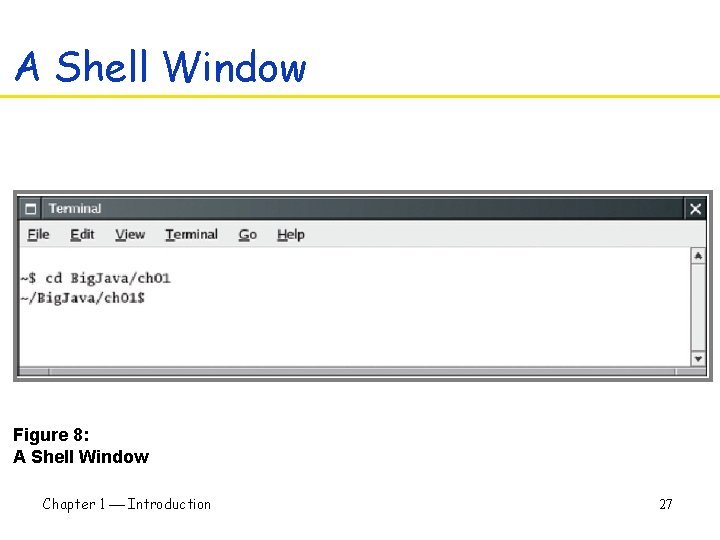
A Shell Window Figure 8: A Shell Window Chapter 1 Introduction 27
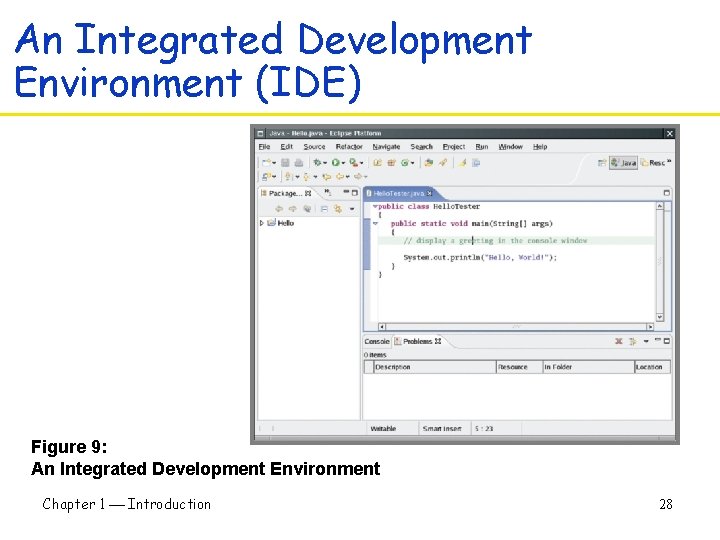
An Integrated Development Environment (IDE) Figure 9: An Integrated Development Environment Chapter 1 Introduction 28
Nested Folders Figure 10: Nested Folders Chapter 1 Introduction 29
Self Check 10. How are programming projects stored on a computer? 11. What do you do to protect yourself from data loss when you work on programming projects? Chapter 1 Introduction 30
Answers 10. Programs are stored in files, and files are stored in folders or directories 11. Backup your files and folders Chapter 1 Introduction 31
Compiling A Simple Program q q q Java is case sensitive § Print is not the same as print Spacing is ignored by compiler § But very useful to the human reader Class, method, object… Chapter 1 Introduction 32
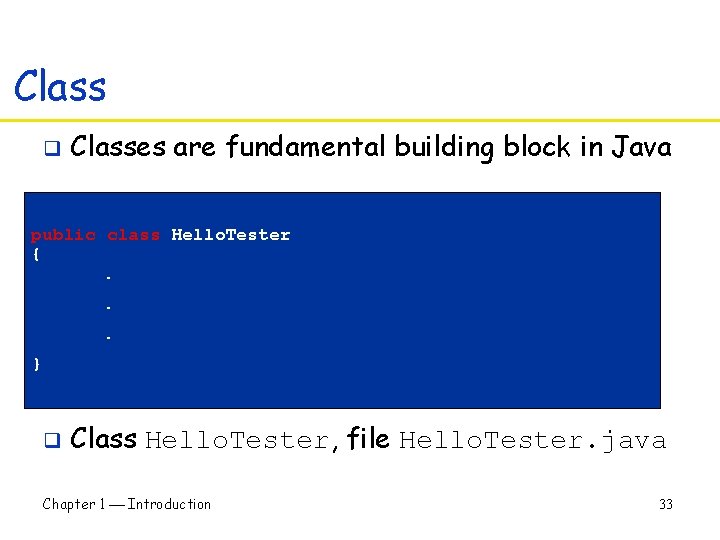
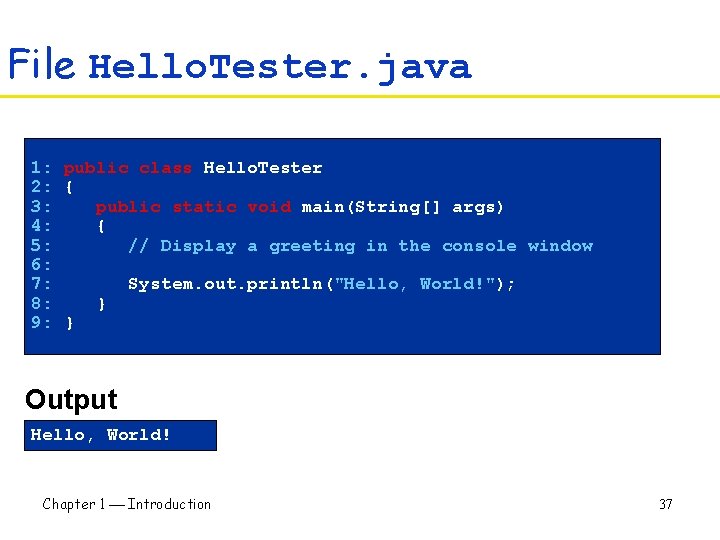
Class q Classes are fundamental building block in Java public class Hello. Tester {. . . } q Class Hello. Tester, file Hello. Tester. java Chapter 1 Introduction 33
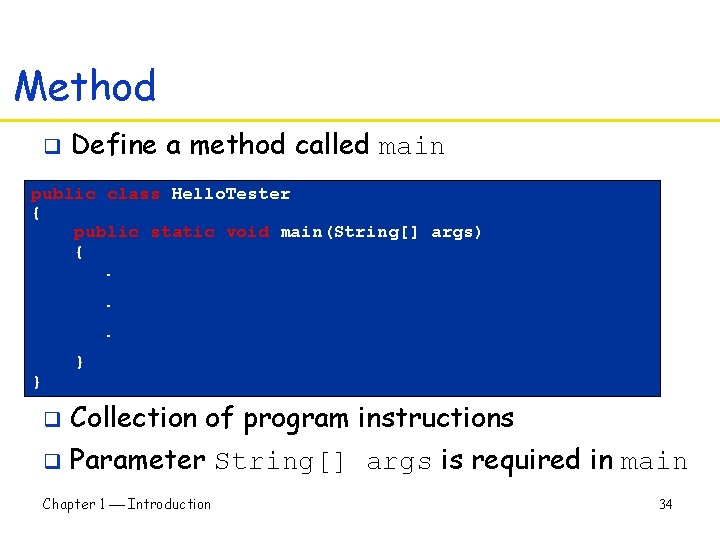
Method q Define a method called main public class Hello. Tester { public static void main(String[] args) {. . . } } q Collection of program instructions q Parameter String[] args is required in main Chapter 1 Introduction 34
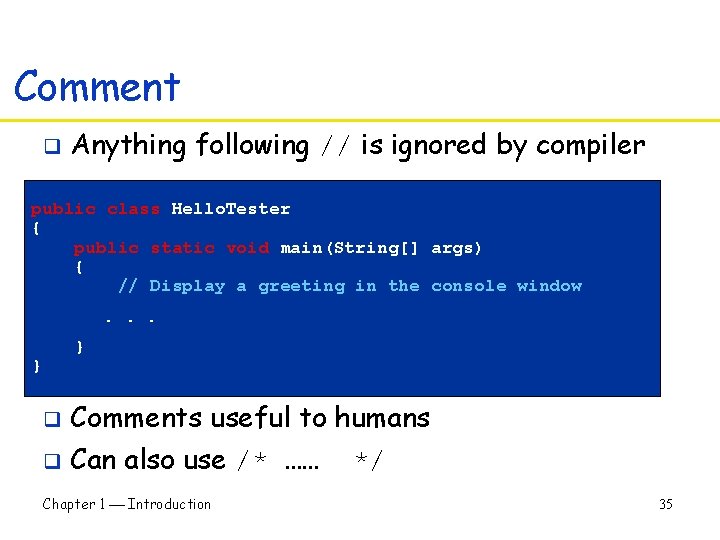
Comment q Anything following // is ignored by compiler public class Hello. Tester { public static void main(String[] args) { // Display a greeting in the console window. . . } } q Comments useful to humans q Can also use /* …… Chapter 1 Introduction */ 35
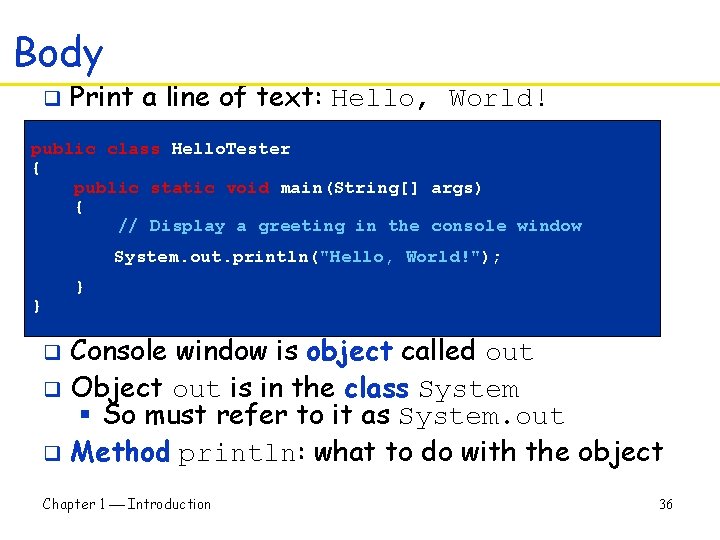
Body q Print a line of text: Hello, World! public class Hello. Tester { public static void main(String[] args) { // Display a greeting in the console window System. out. println("Hello, World!"); } } Console window is object called out q Object out is in the class System § So must refer to it as System. out q Method println: what to do with the object q Chapter 1 Introduction 36
File Hello. Tester. java 1: public class Hello. Tester 2: { 3: public static void main(String[] args) 4: { 5: // Display a greeting in the console window 6: 7: System. out. println("Hello, World!"); 8: } 9: } Output Hello, World! Chapter 1 Introduction 37
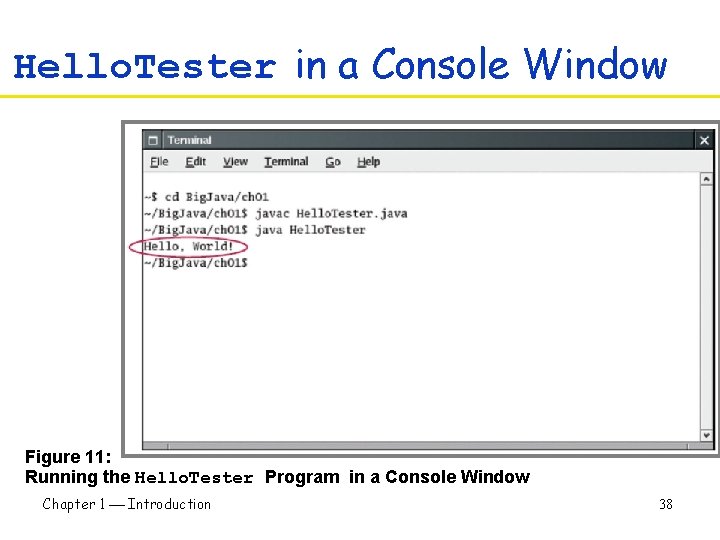
Hello. Tester in a Console Window Figure 11: Running the Hello. Tester Program in a Console Window Chapter 1 Introduction 38
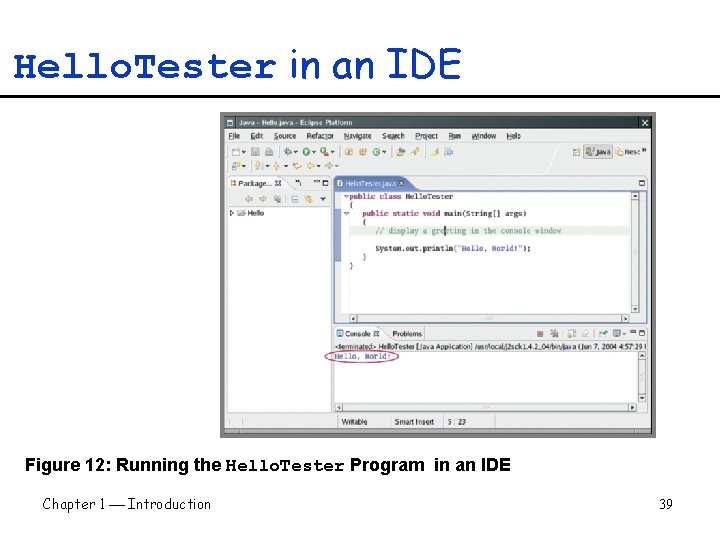
Hello. Tester in an IDE Figure 12: Running the Hello. Tester Program in an IDE Chapter 1 Introduction 39
A Simple Program • • public class Class. Name public static void main(String[] args) // comment Method call Figure 13: Calling a Method System Class System. out Object println Method Chapter 1 Introduction 40
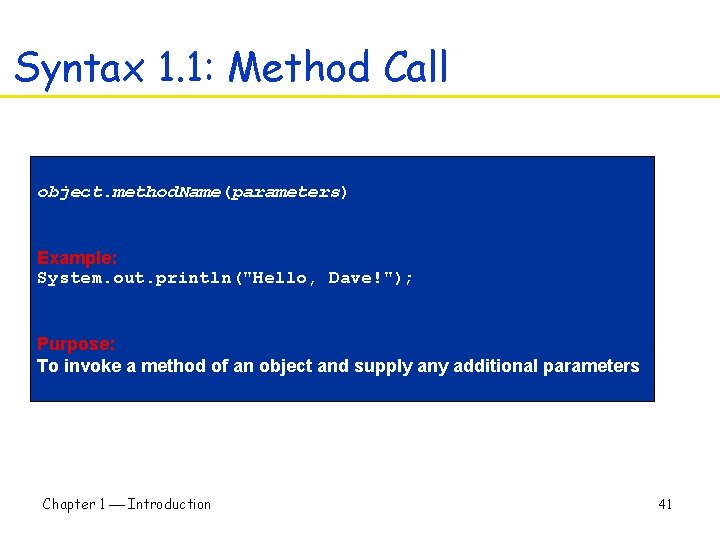
Syntax 1. 1: Method Call object. method. Name(parameters) Example: System. out. println("Hello, Dave!"); Purpose: To invoke a method of an object and supply any additional parameters Chapter 1 Introduction 41
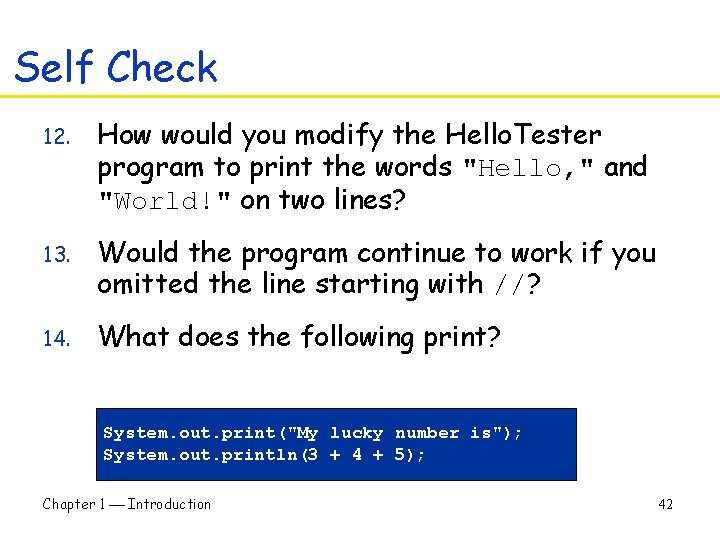
Self Check 12. How would you modify the Hello. Tester program to print the words "Hello, " and "World!" on two lines? 13. Would the program continue to work if you omitted the line starting with //? 14. What does the following print? System. out. print("My lucky number is"); System. out. println(3 + 4 + 5); Chapter 1 Introduction 42
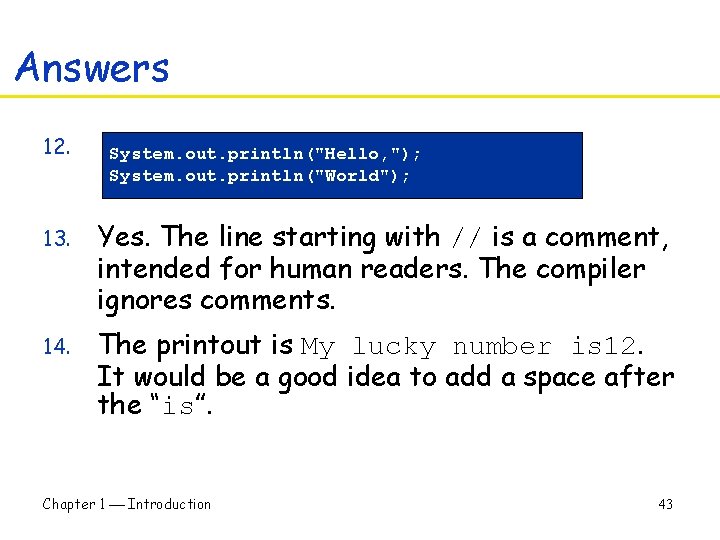
Answers 12. System. out. println("Hello, "); System. out. println("World"); 13. Yes. The line starting with // is a comment, intended for human readers. The compiler ignores comments. 14. The printout is My lucky number is 12. It would be a good idea to add a space after the “is”. Chapter 1 Introduction 43
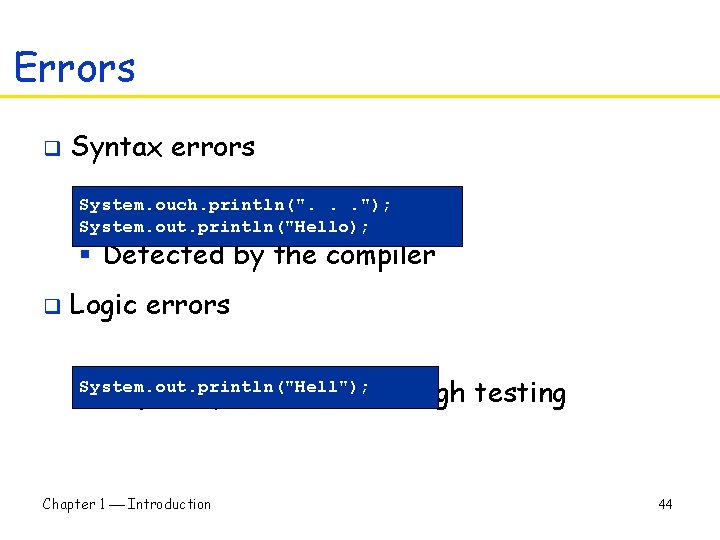
Errors q Syntax errors System. ouch. println(". . . "); System. out. println("Hello); § Detected by the compiler q Logic errors § Hopefully detected through testing System. out. println("Hell"); Chapter 1 Introduction 44
Self Check 15. Suppose you omit the // characters from the Hello. Tester. java program but not the remainder of the comment. Will you get a compile-time error or a run-time error? 16. How can you find logic errors in a program? Chapter 1 Introduction 45
Answers 15. A compile-time error. The compiler will not know what to do with the word display. 16. You need to run the program and observe its behavior (testing) Chapter 1 Introduction 46
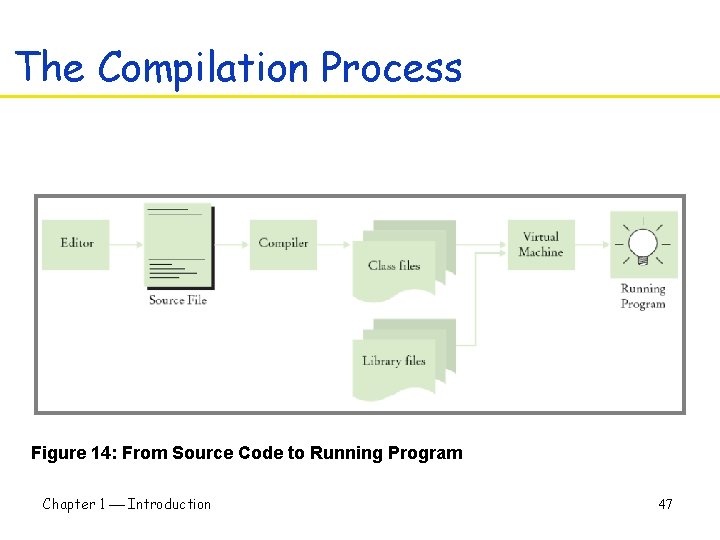
The Compilation Process Figure 14: From Source Code to Running Program Chapter 1 Introduction 47
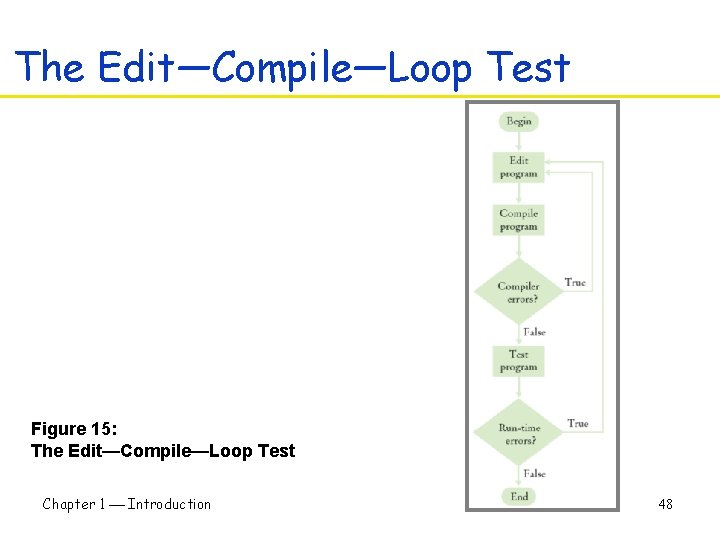
The Edit—Compile—Loop Test Figure 15: The Edit—Compile—Loop Test Chapter 1 Introduction 48
Self Check 17. What do you expect to see when you load a class file into your text editor? 18. Why can't you test a program for run-time errors when it has compile-time errors? Chapter 1 Introduction 49
Answers 17. A sequence of random characters, some funny-looking. Class files contain virtual machine instructions that are encoded as binary numbers. 18. When a program has compiler errors, no class file is produced, and there is nothing to run. Chapter 1 Introduction 50