
Chapter 1 Introducing Linux The Complete Guide To

- Slides: 68
Chapter 1: Introducing Linux The Complete Guide To Linux System Administration
Objectives • Describe how Linux was created and how it compares to other operating systems • List versions of Linux currently available • Outline the skills required and challenges facing a system administrator • Log in and begin using a Linux system The Complete Guide to Linux System Administration 2
Objectives (continued) • Explore a Linux file system from the command line • Locate additional information about commands you want to use or learn about The Complete Guide to Linux System Administration 3
A Brief History • Popular graphical computers – Apple Macintosh – Microsoft Windows • Linux – Alternative for people whose computing needs require something different The Complete Guide to Linux System Administration 4
Understanding Operating Systems • Software – Collection of instructions that control the tasks a computer performs – Can be changed without disassembling the computer and rewiring • Operating system – Software that helps other programs control computer hardware and interact with users The Complete Guide to Linux System Administration 5
Understanding Operating Systems (continued) • Application – Software program that provides service for computer user – Cannot act without “permission” from operating system The Complete Guide to Linux System Administration 6
Operating System Functions • Initialize computer hardware • Allocate system resources to programs • Keep track of multiple programs running at same time • Provide organized method for all programs to use system devices The Complete Guide to Linux System Administration 7
Operating System Functions (continued) • Major operating system components: – – – Kernel Device drivers Shell Utility programs Graphical user interface (GUI) The Complete Guide to Linux System Administration 8
The UNIX Operating System • UNIX – Operating system – Originally created at AT&T Bell Labs in early 1970 s – Designed to control networked computers that were shared by many users – Features and low cost of Linux effectively driving UNIX out of market The Complete Guide to Linux System Administration 9
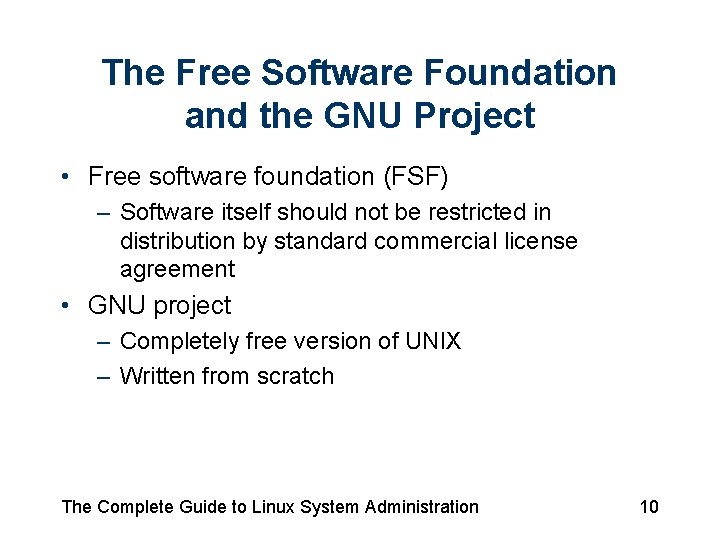
The Free Software Foundation and the GNU Project • Free software foundation (FSF) – Software itself should not be restricted in distribution by standard commercial license agreement • GNU project – Completely free version of UNIX – Written from scratch The Complete Guide to Linux System Administration 10
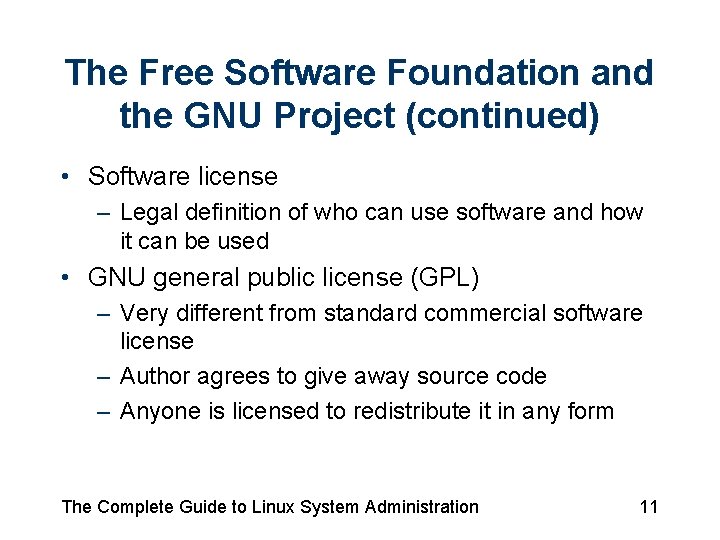
The Free Software Foundation and the GNU Project (continued) • Software license – Legal definition of who can use software and how it can be used • GNU general public license (GPL) – Very different from standard commercial software license – Author agrees to give away source code – Anyone is licensed to redistribute it in any form The Complete Guide to Linux System Administration 11
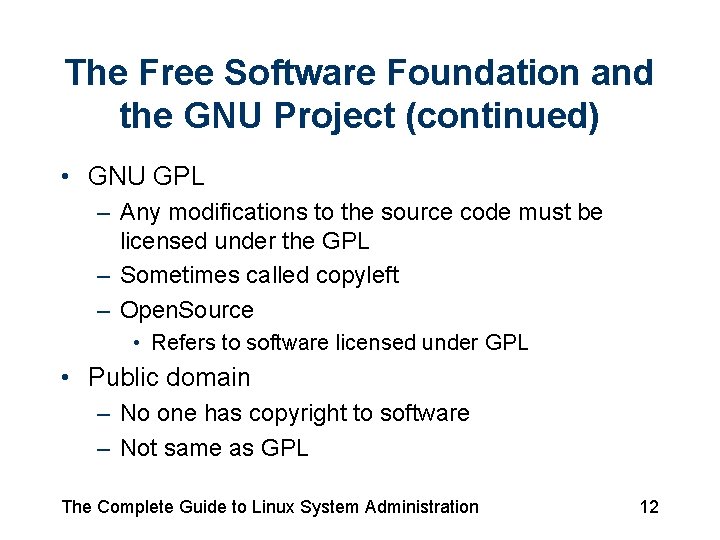
The Free Software Foundation and the GNU Project (continued) • GNU GPL – Any modifications to the source code must be licensed under the GPL – Sometimes called copyleft – Open. Source • Refers to software licensed under GPL • Public domain – No one has copyright to software – Not same as GPL The Complete Guide to Linux System Administration 12
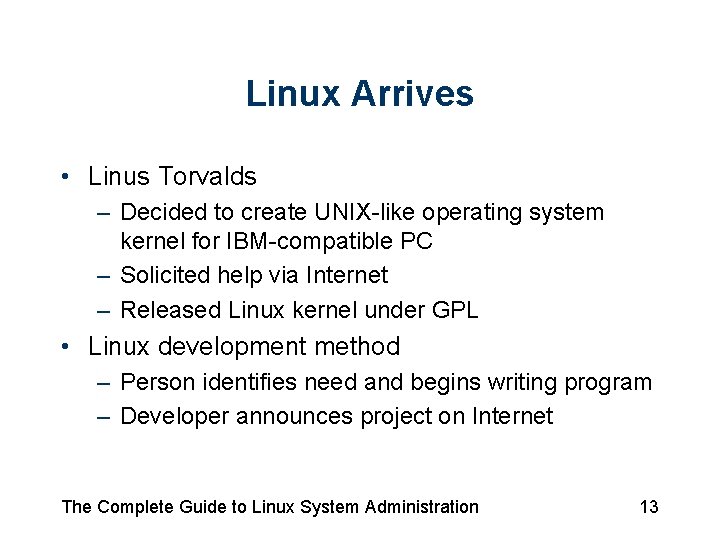
Linux Arrives • Linus Torvalds – Decided to create UNIX-like operating system kernel for IBM-compatible PC – Solicited help via Internet – Released Linux kernel under GPL • Linux development method – Person identifies need and begins writing program – Developer announces project on Internet The Complete Guide to Linux System Administration 13
Linux Arrives (continued) • Linux development method (continued) – Others respond and work on different parts of project – Person leading project releases software – People download source code and try program; send back information about problems – Developers fix bugs • Forking – Creating new project based on existing source code The Complete Guide to Linux System Administration 14
Motivating Free Software Developers • Why would so many people devote so much effort to something without expecting any reward? – – Fills developer’s specific technical need Respect of like-minded professionals Sense of contribution and community Valuable boost to developer’s resume The Complete Guide to Linux System Administration 15
The Strengths Of Linux • • • Stability Security Speed Cost Multiprocessing and other high-end features Applications The Complete Guide to Linux System Administration 16
Linux In The Market • Linux is packaged and sold • Red hat software – Current market leader The Complete Guide to Linux System Administration 17
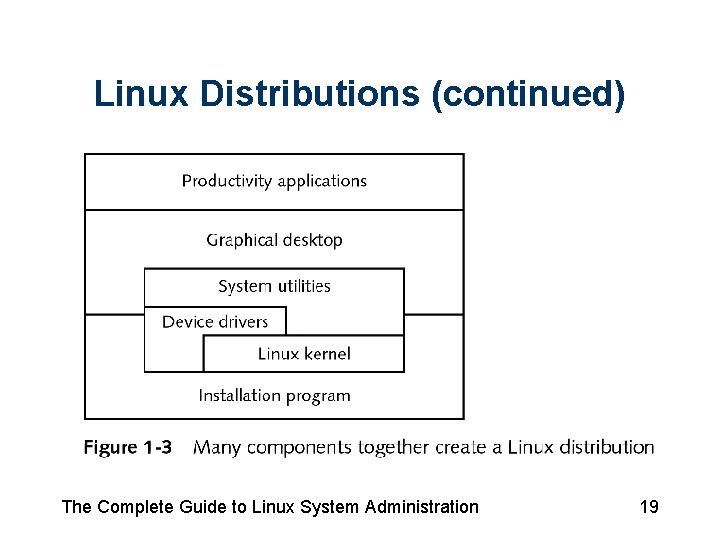
Linux Distributions • Linux distribution – Productized version of Linux • Includes operating system kernel along with other components • System utilities – Related to managing Linux system • Price – Generally between $2 and $100 The Complete Guide to Linux System Administration 18
Linux Distributions (continued) The Complete Guide to Linux System Administration 19
Red Hat Software • Fedora distribution – Free product • Red Hat Enterprise Linux configurations – WS (workstation) – ES (enterprise server) – AS (application server) • Red Hat Enterprise Linux – Sold as subscription service The Complete Guide to Linux System Administration 20
Red Hat Software (continued) • Red Hat Enterprise Linux – Updates from Red Hat Network (RHN) • Red Hat – Excels in service and support offered to large companies using Linux The Complete Guide to Linux System Administration 21
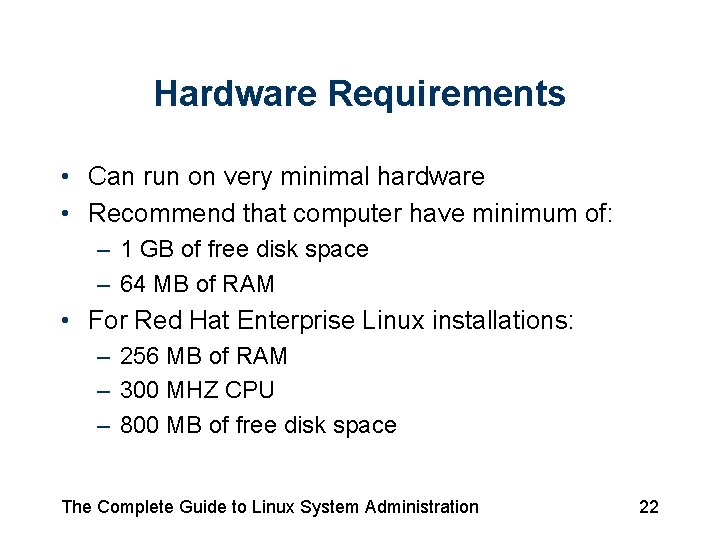
Hardware Requirements • Can run on very minimal hardware • Recommend that computer have minimum of: – 1 GB of free disk space – 64 MB of RAM • For Red Hat Enterprise Linux installations: – 256 MB of RAM – 300 MHZ CPU – 800 MB of free disk space The Complete Guide to Linux System Administration 22
Version Numbering • Version numbers assigned to: – Each release of Linux kernel – Each component of Linux distribution – Linux distributions • Most users select latest available version The Complete Guide to Linux System Administration 23
Version Numbering (continued) • Kernel version number components – Major version number – Minor version number • Even indicates production release • Odd indicates development release – Patch-level number The Complete Guide to Linux System Administration 24
Linux Certification • Industry certification programs – – – Red Hat Certified Technician Red Hat Certified Engineer LPI Certification Linux Certified Administrator (LCA) Certification Linux+ Certification Novell Certified Linux Engineer The Complete Guide to Linux System Administration 25
Linux Certification (continued) • Red Hat’s certification program – Very highly regarded – Training program consists of three courses The Complete Guide to Linux System Administration 26
The Work of a System Administrator • Linux is increasingly part of information technology infrastructure of large organizations • Knowledge of Linux can set you on path to a fulfilling and profitable career The Complete Guide to Linux System Administration 27
Careers in Linux • • System administrator Network administrator Software engineer Trainer Technical writer Product marketing Business consultant The Complete Guide to Linux System Administration 28
The Duties of a System Administrator • Role – Make technology work and continue to work for those who do “real work” of organization – Enable others to use technology benefits • Responsibilities – Create new user accounts – Maintain system hardware – Train end users The Complete Guide to Linux System Administration 29
The Duties of a System Administrator (continued) • Responsibilities – – – Keep system running smoothly Document system Define procedures and policies Recover from emergencies Plan systems The Complete Guide to Linux System Administration 30
Ethics, Privacy, and the Law • Working as system administrator involves many ethical issues • Fellow employees count on your work to do theirs • Best route to success comes through making employer successful • System administrators guild (SAGE) – www. sage. org The Complete Guide to Linux System Administration 31
Starting To Use Linux • Should have access to computer with Linux installed The Complete Guide to Linux System Administration 32
Logging In • Log in – Identify yourself to operating system so that it knows: • You are authorized to use system • Which parts of system to permit you to access • User account – Set of permissions to use system – Has associated user name and password The Complete Guide to Linux System Administration 33
Logging In (continued) • Modes – Graphical – Text The Complete Guide to Linux System Administration 34
Graphical Environments • Popular desktops – KDE desktop – GNOME desktop • Features – – Taskbar Main menu Desktop icons Multiple overlapping windows The Complete Guide to Linux System Administration 35
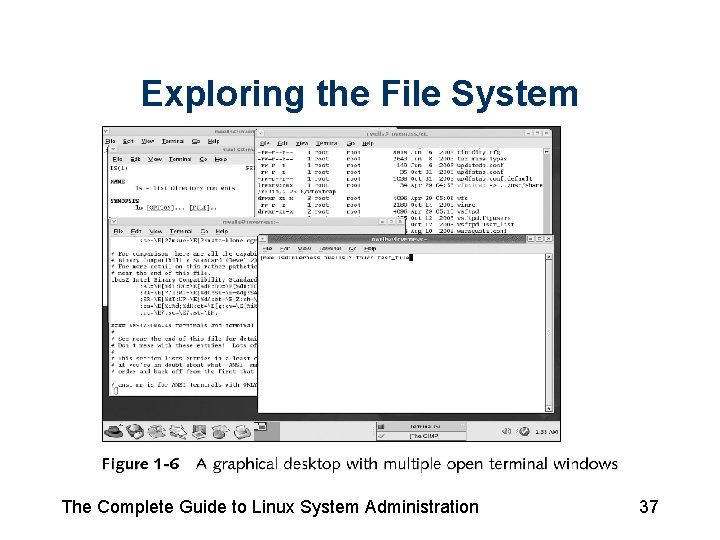
Opening a Terminal Window • Terminal window – Resembles console – Enter commands from keyboard The Complete Guide to Linux System Administration 36
Exploring the File System The Complete Guide to Linux System Administration 37
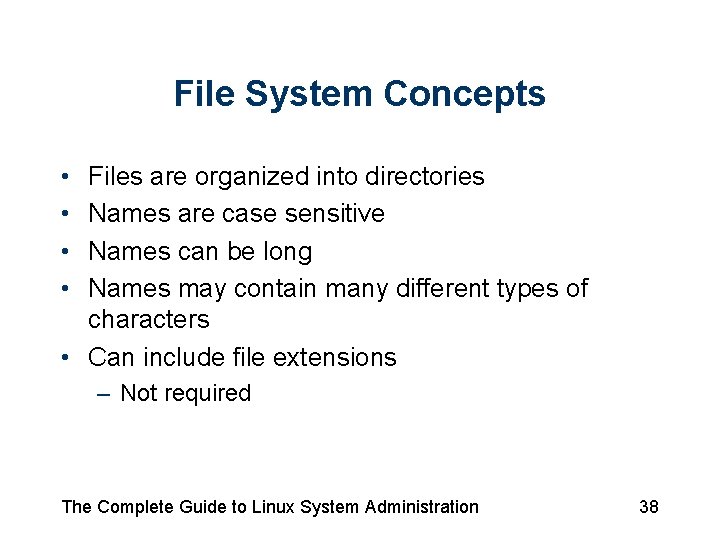
File System Concepts • • Files are organized into directories Names are case sensitive Names can be long Names may contain many different types of characters • Can include file extensions – Not required The Complete Guide to Linux System Administration 38
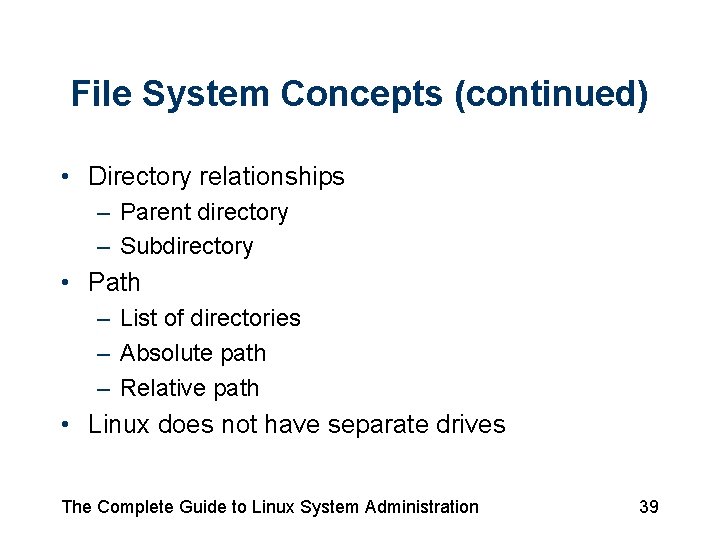
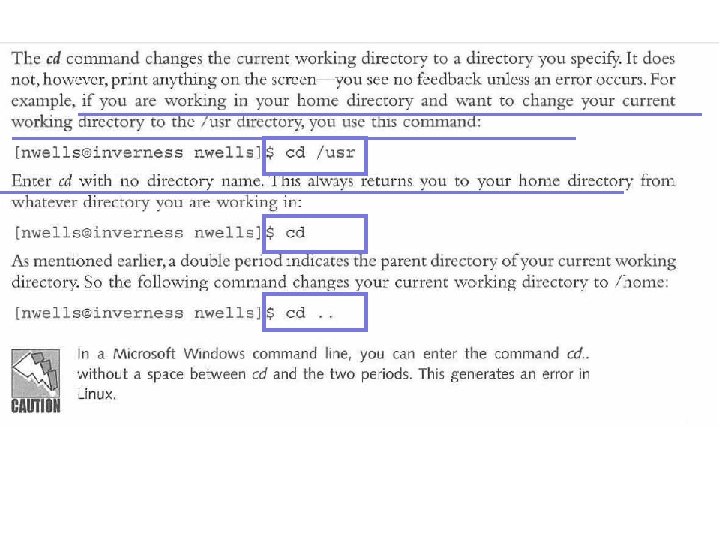
File System Concepts (continued) • Directory relationships – Parent directory – Subdirectory • Path – List of directories – Absolute path – Relative path • Linux does not have separate drives The Complete Guide to Linux System Administration 39
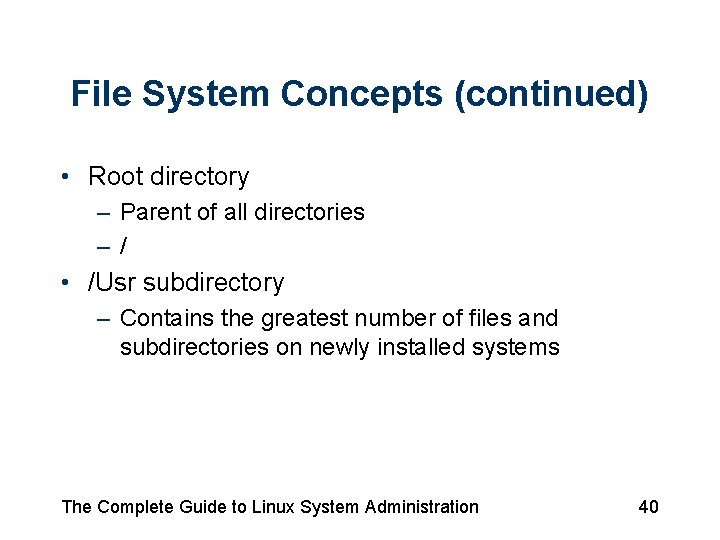
File System Concepts (continued) • Root directory – Parent of all directories –/ • /Usr subdirectory – Contains the greatest number of files and subdirectories on newly installed systems The Complete Guide to Linux System Administration 40
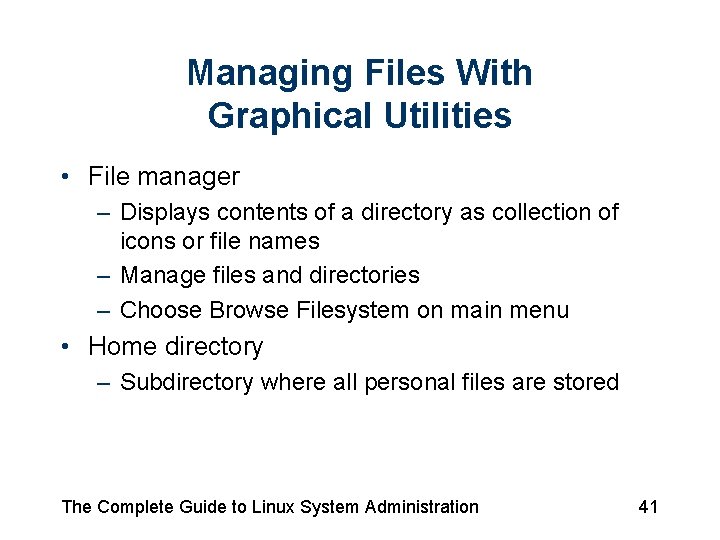
Managing Files With Graphical Utilities • File manager – Displays contents of a directory as collection of icons or file names – Manage files and directories – Choose Browse Filesystem on main menu • Home directory – Subdirectory where all personal files are stored The Complete Guide to Linux System Administration 41
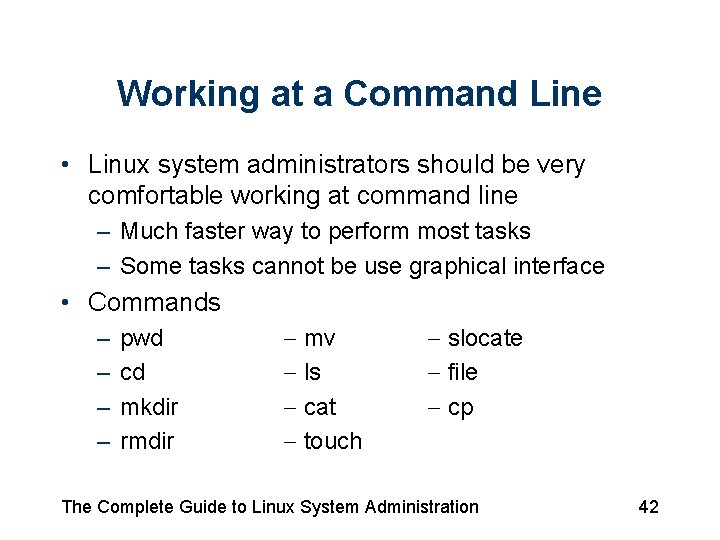
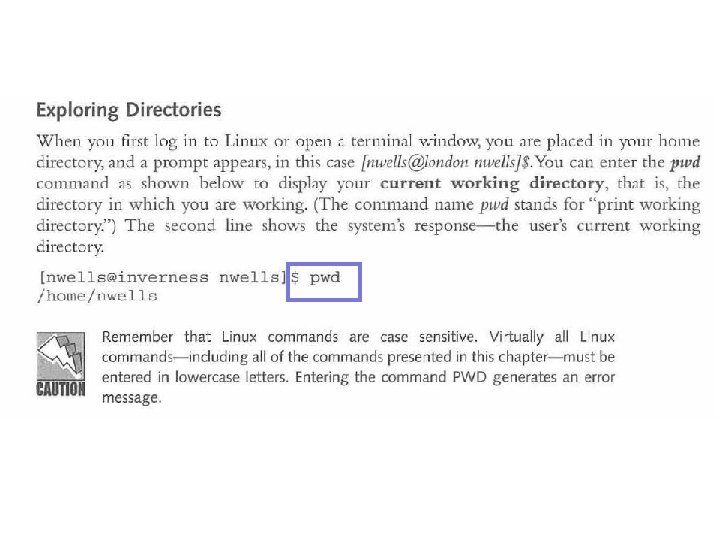
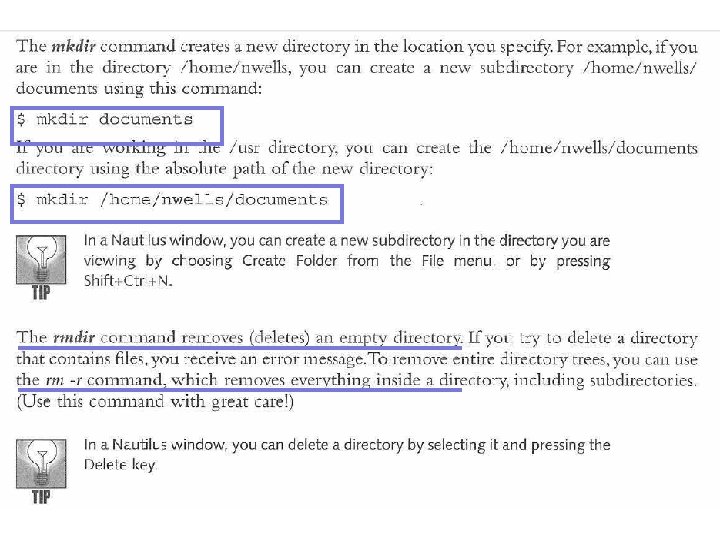
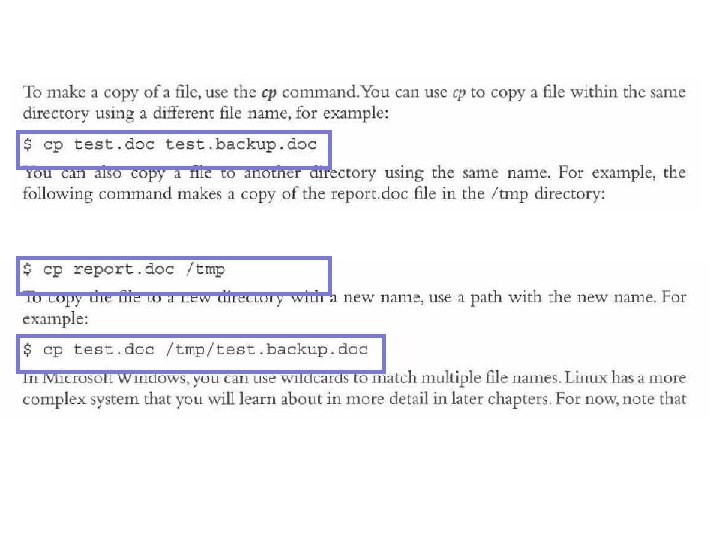
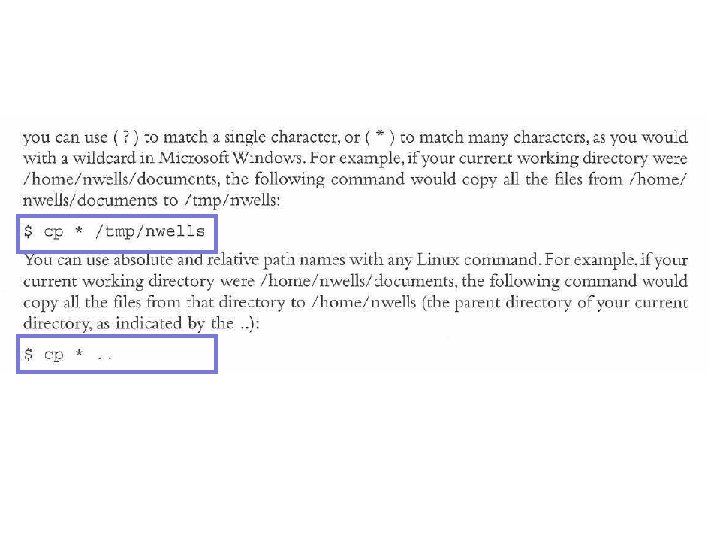
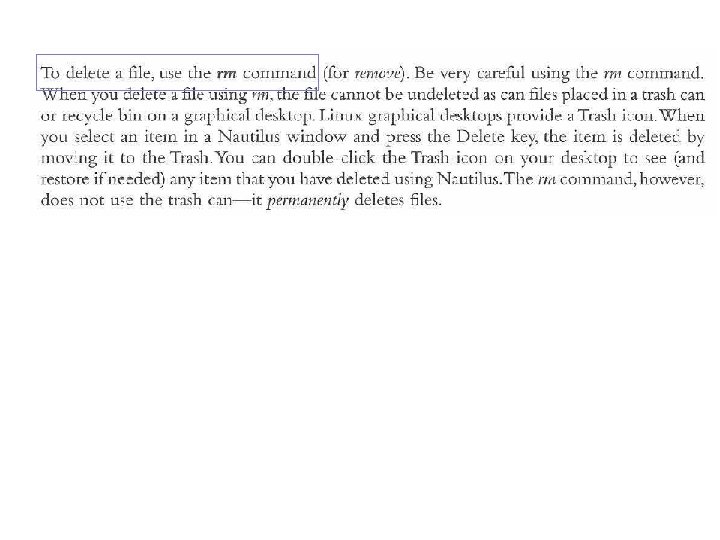
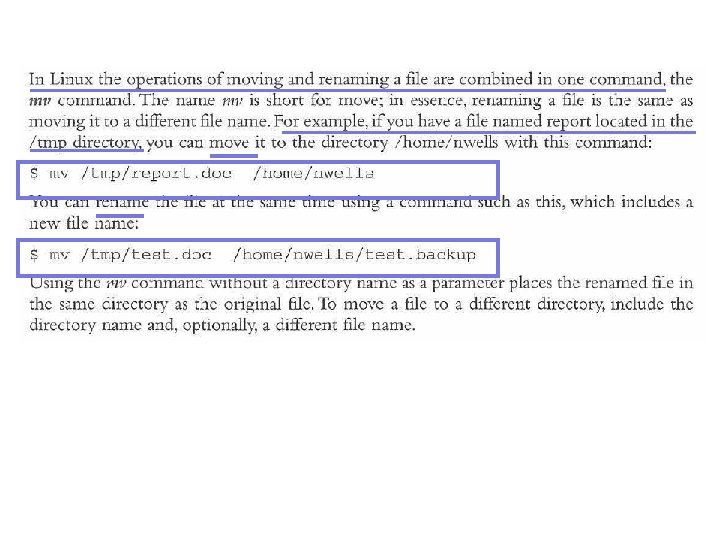
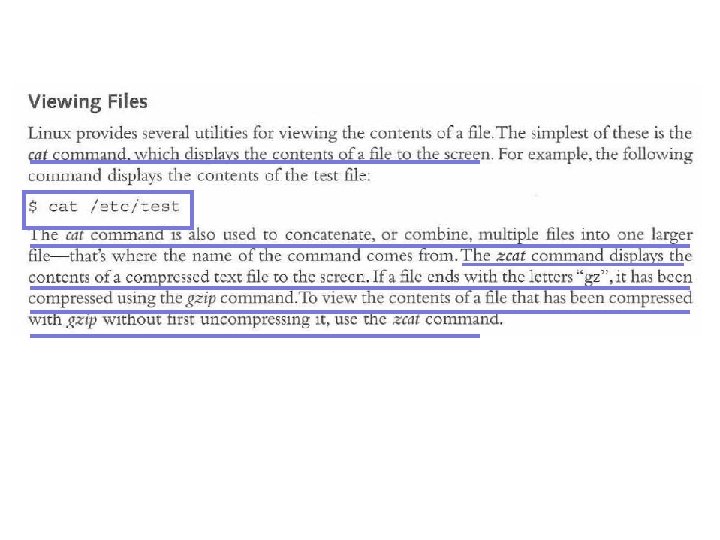
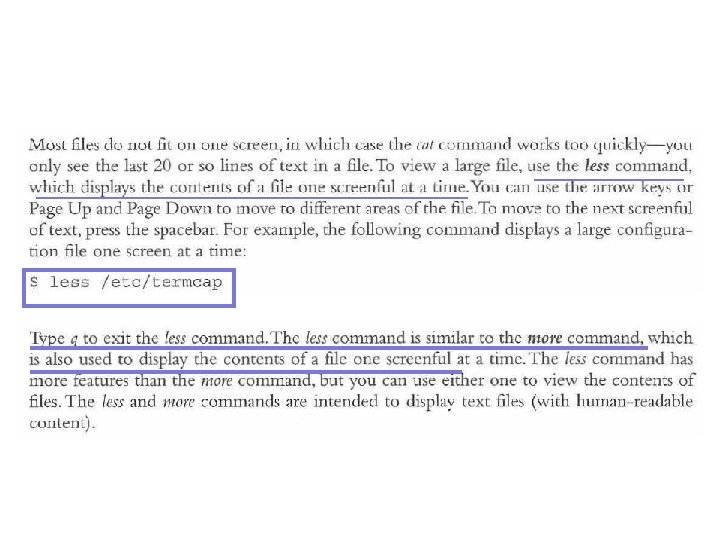
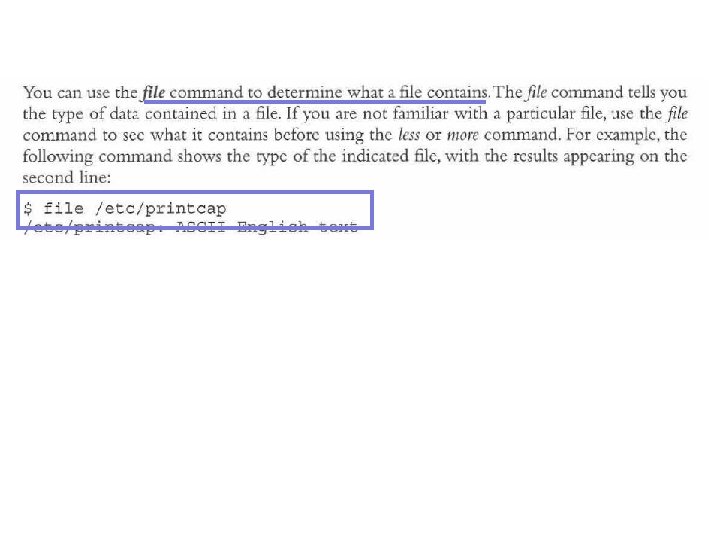
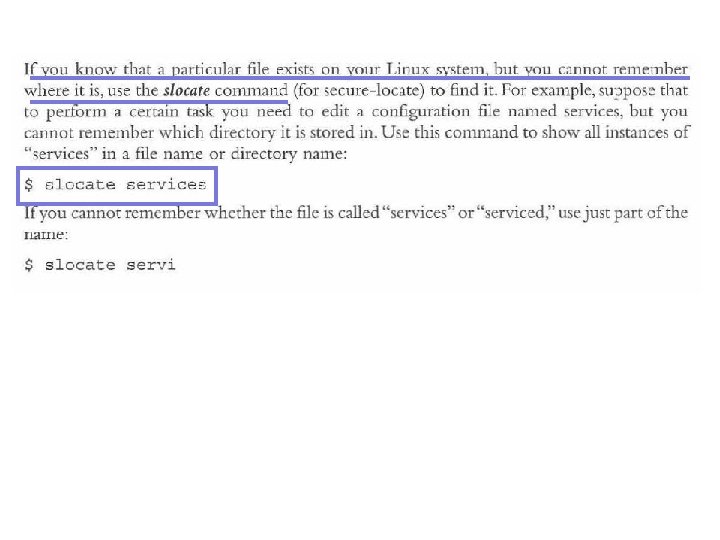
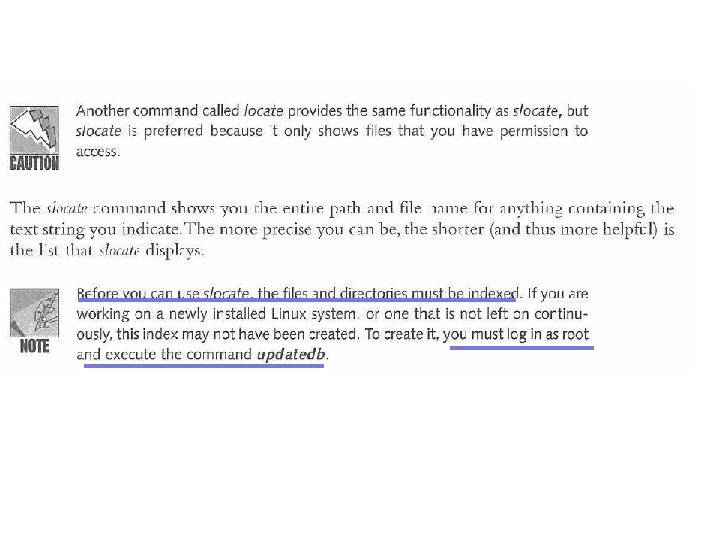
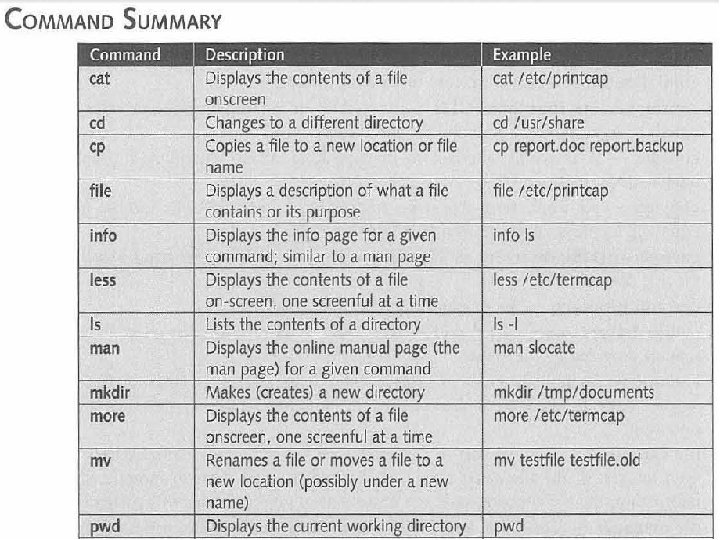
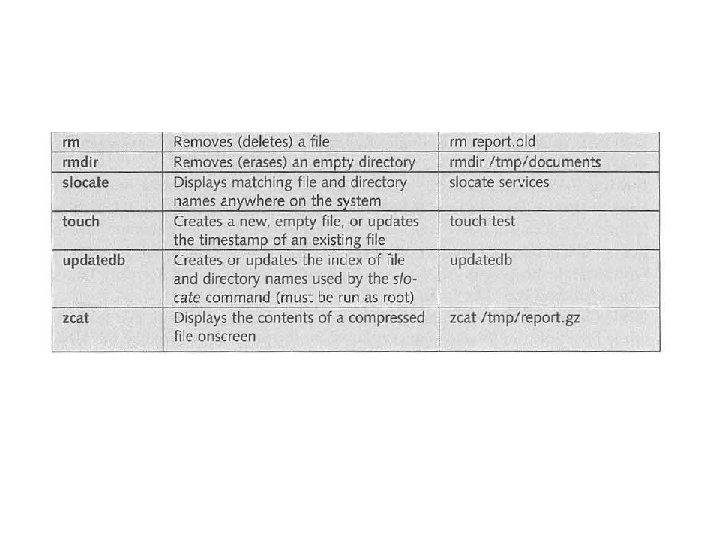
Working at a Command Line • Linux system administrators should be very comfortable working at command line – Much faster way to perform most tasks – Some tasks cannot be use graphical interface • Commands – – pwd cd mkdir rmdir mv ls cat touch slocate file cp The Complete Guide to Linux System Administration 42
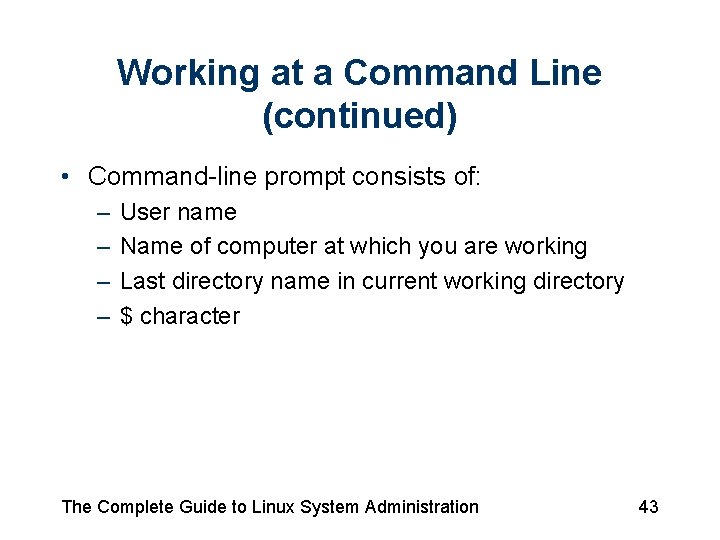
Working at a Command Line (continued) • Command-line prompt consists of: – – User name Name of computer at which you are working Last directory name in current working directory $ character The Complete Guide to Linux System Administration 43
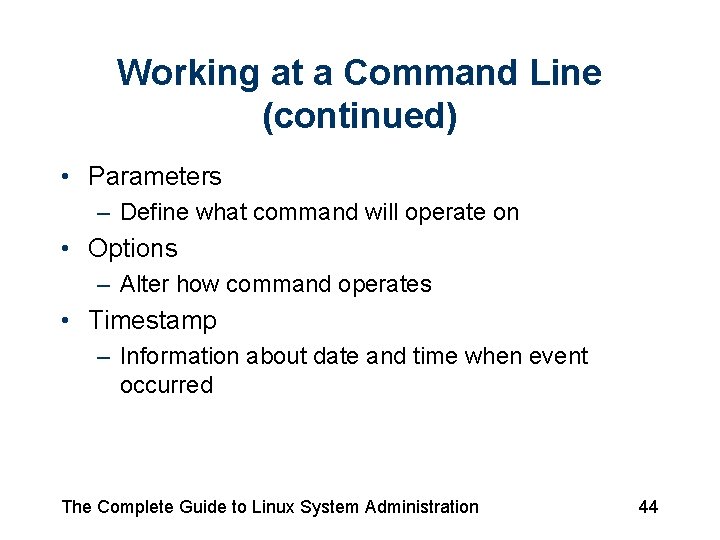
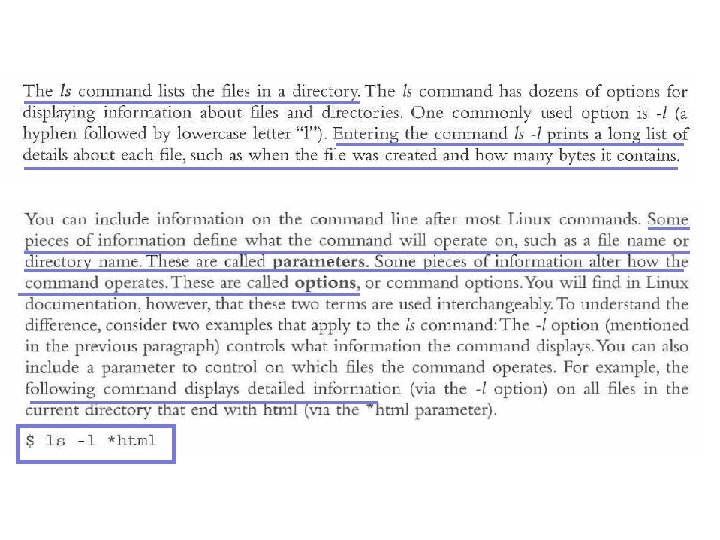
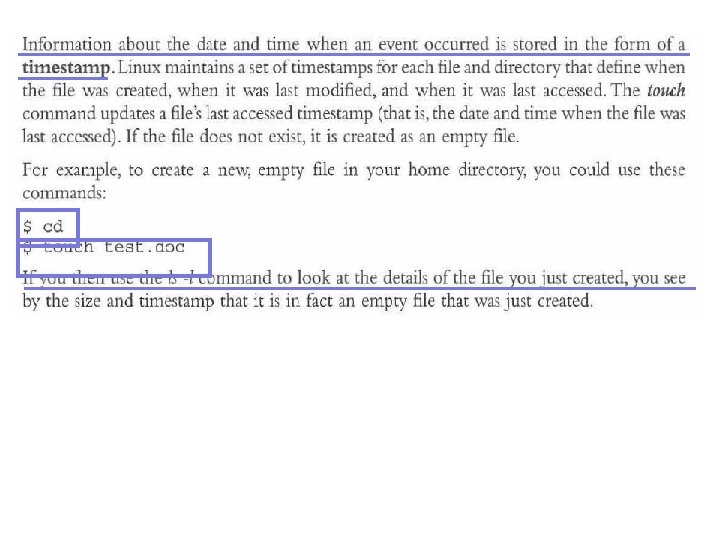
Working at a Command Line (continued) • Parameters – Define what command will operate on • Options – Alter how command operates • Timestamp – Information about date and time when event occurred The Complete Guide to Linux System Administration 44
Finding Command Help • Learn more details • Explore additional Linux topics The Complete Guide to Linux System Administration 45
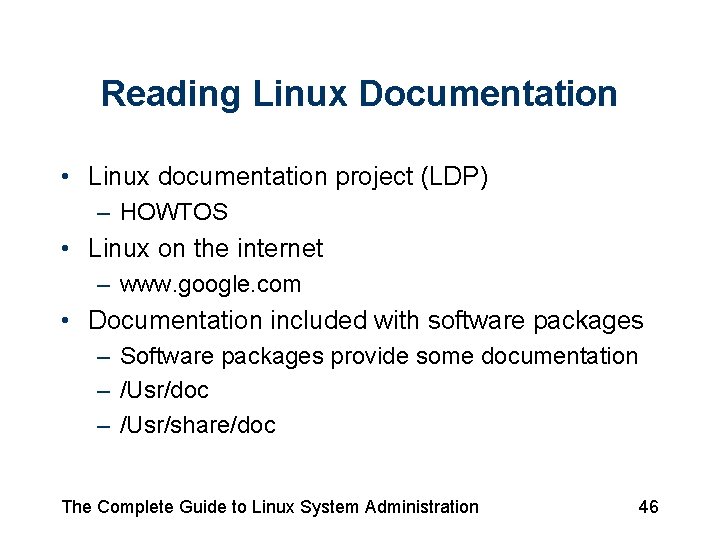
Reading Linux Documentation • Linux documentation project (LDP) – HOWTOS • Linux on the internet – www. google. com • Documentation included with software packages – Software packages provide some documentation – /Usr/doc – /Usr/share/doc The Complete Guide to Linux System Administration 46
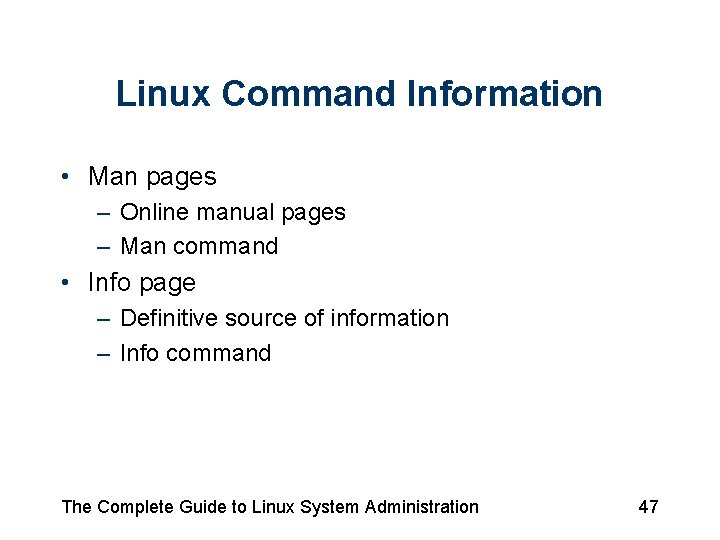
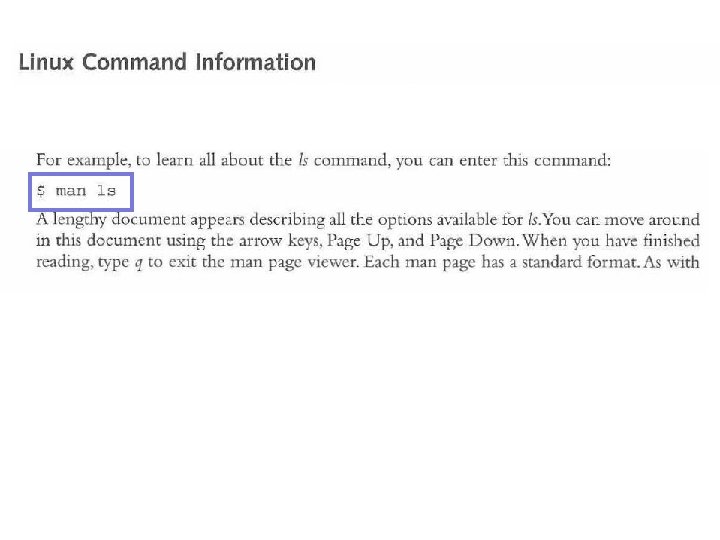
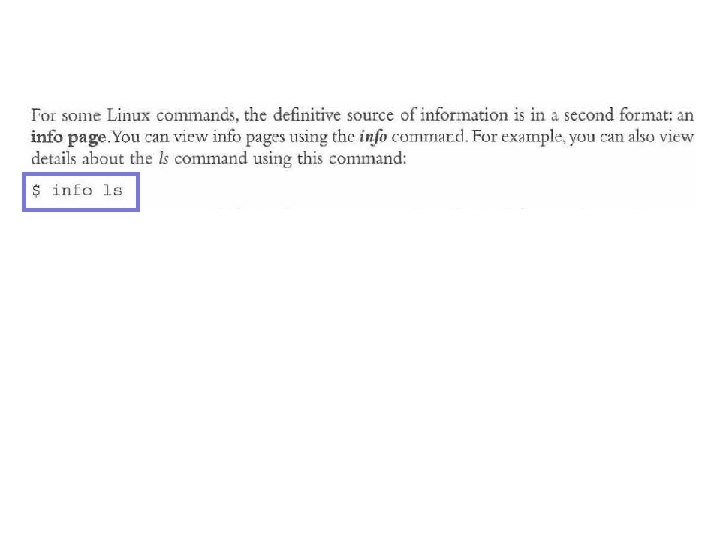
Linux Command Information • Man pages – Online manual pages – Man command • Info page – Definitive source of information – Info command The Complete Guide to Linux System Administration 47
Summary • Operating system – Provides interface between computer hardware and applications run by user • Linux offers important features, such as: – – – Stability Speed Security Flexibility Low cost The Complete Guide to Linux System Administration 66
Summary (continued) • Several Linux certification programs are available • Several versions of Red Hat Enterprise Linux • Most users rely on GUI to log in and use Linux – Text-only mode also available • Information in Linux is stored in directories – Begins with root directory / The Complete Guide to Linux System Administration 67
Summary (continued) • Linux files can include file extensions – Few Linux programs rely on file extensions to define what file contains • Information about Linux is available online – Part of LDP The Complete Guide to Linux System Administration 68