
Chapter 1 Image processing and computer vision Introduction

- Slides: 42
Chapter 1: Image processing and computer vision Introduction by K. H. Wong, Computer Science and Engineering Dept. CUHK khwong@cse. cuhk. edu. hk introduction v 1 a 1
Content n n n 1) Introduction 2) Camera model 3) edges detection 4) Feature extraction 5) Hough transform for line circle and shape detection 6) Histogram for color equalization 7) Meanshift for motion tracking 8) Stereo vision 9) Pose estimation and Structure From Motion SFM for virtual reality applications 10) Bundle adjustment for SFM 11) 3 D display format introduction v 1 a 2
Image processing and applications introduction v 1 a 3
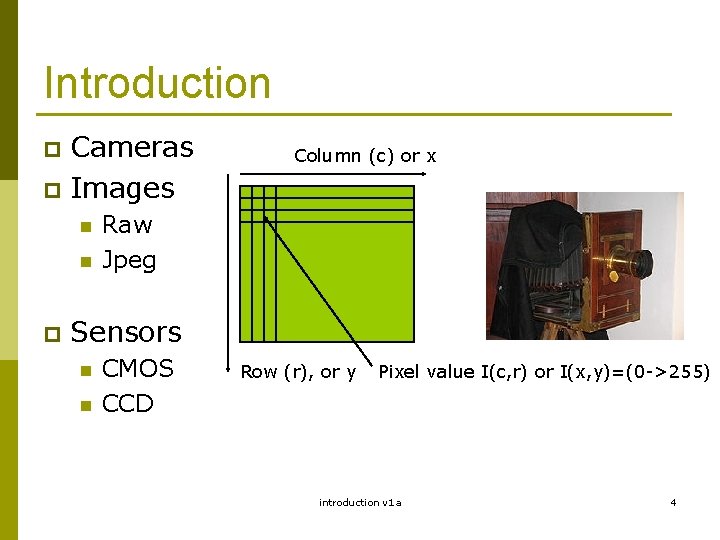
Introduction Cameras p Images p n n p Column (c) or x Raw Jpeg Sensors n n CMOS CCD Row (r), or y Pixel value I(c, r) or I(x, y)=(0 ->255) introduction v 1 a 4
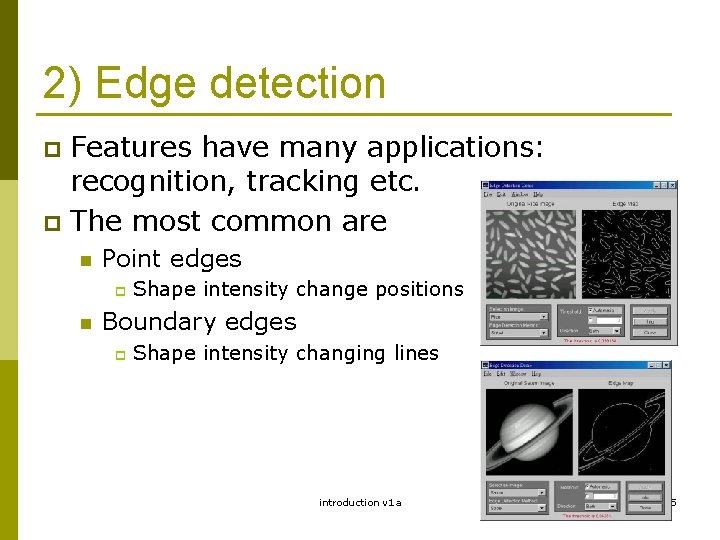
2) Edge detection Features have many applications: recognition, tracking etc. p The most common are p n Point edges p n Shape intensity change positions Boundary edges p Shape intensity changing lines introduction v 1 a 5
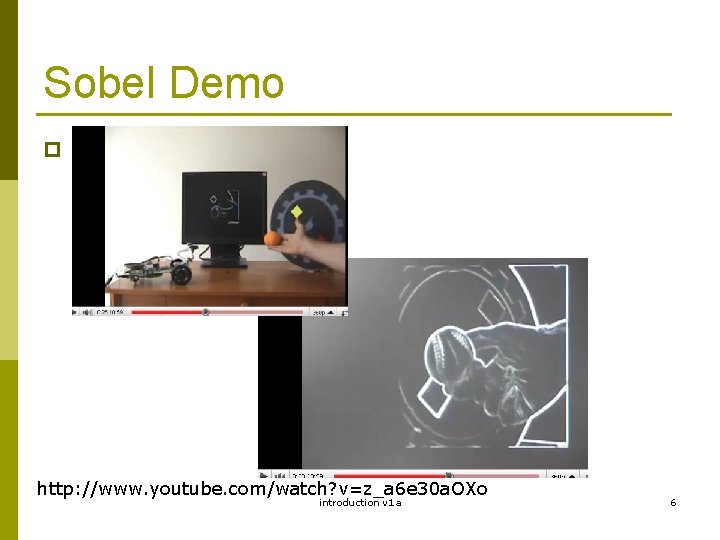
Sobel Demo p http: //www. youtube. com/watch? v=z_a 6 e 30 a. OXo introduction v 1 a 6
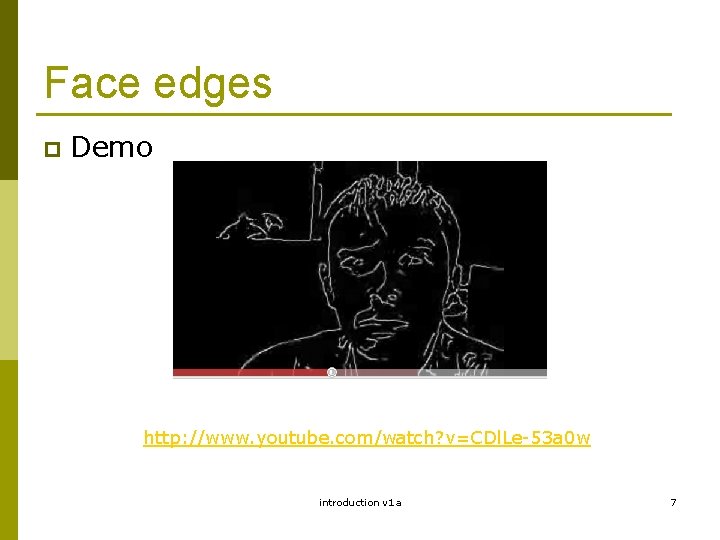
Face edges p Demo http: //www. youtube. com/watch? v=CDl. Le-53 a 0 w introduction v 1 a 7
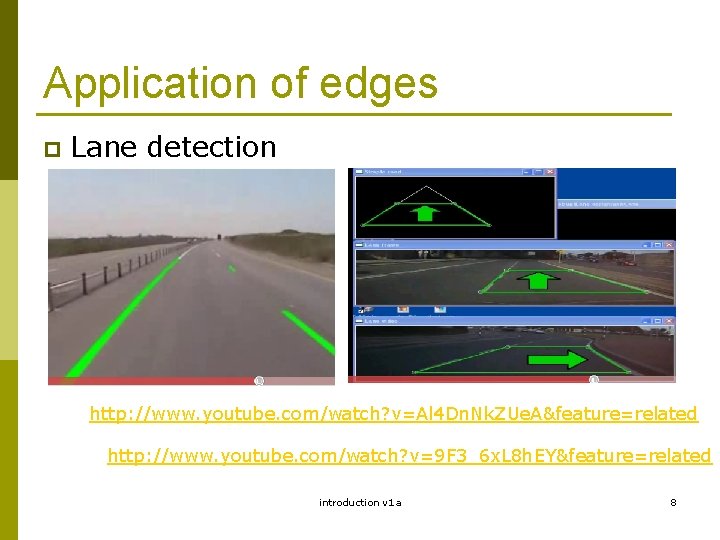
Application of edges p Lane detection http: //www. youtube. com/watch? v=Al 4 Dn. Nk. ZUe. A&feature=related http: //www. youtube. com/watch? v=9 F 3_6 x. L 8 h. EY&feature=related introduction v 1 a 8
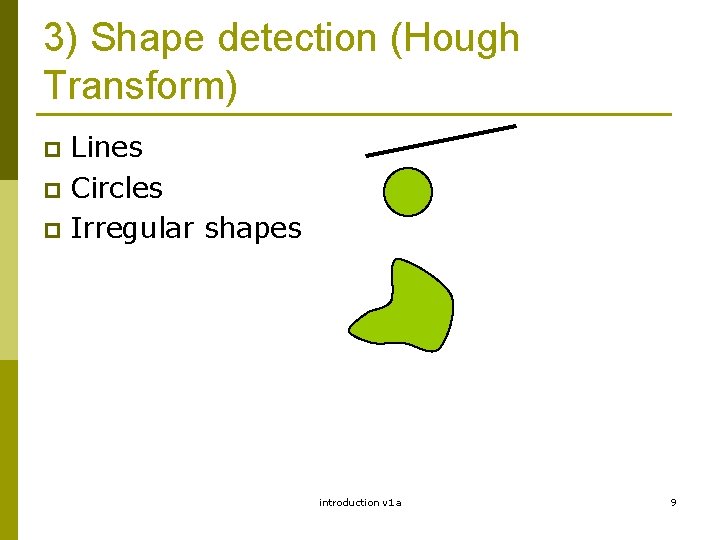
3) Shape detection (Hough Transform) Lines p Circles p Irregular shapes p introduction v 1 a 9
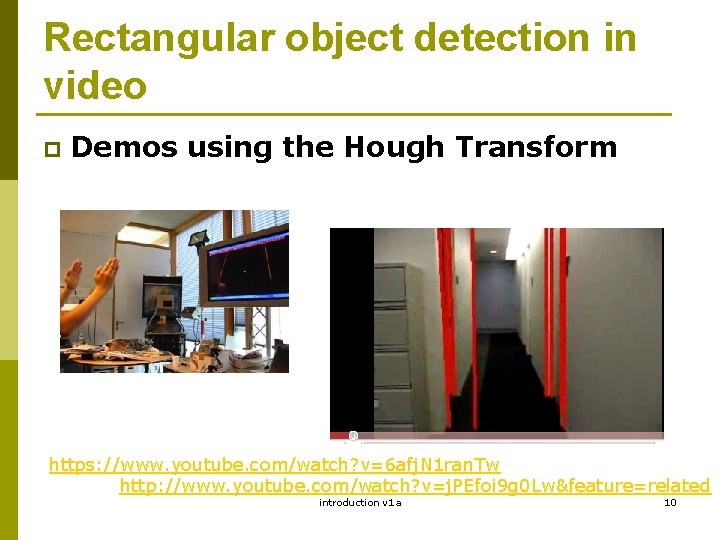
Rectangular object detection in video p Demos using the Hough Transform https: //www. youtube. com/watch? v=6 afj. N 1 ran. Tw http: //www. youtube. com/watch? v=j. PEfoi 9 g 0 Lw&feature=related introduction v 1 a 10
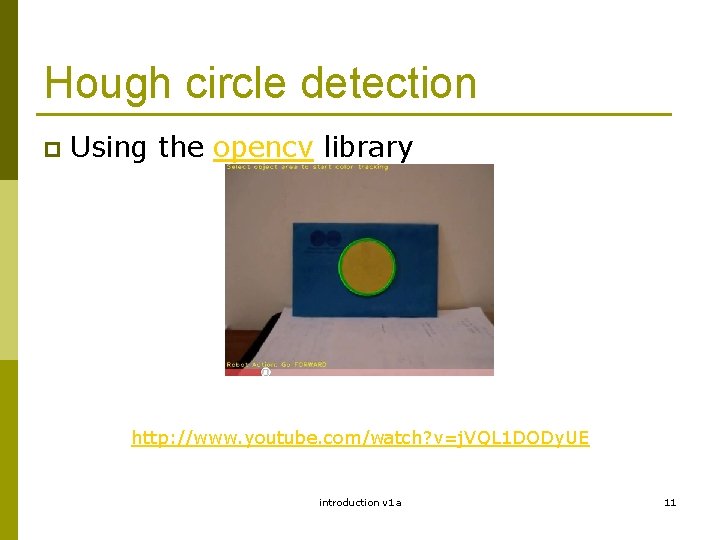
Hough circle detection p Using the opencv library http: //www. youtube. com/watch? v=j. VQL 1 DODy. UE introduction v 1 a 11
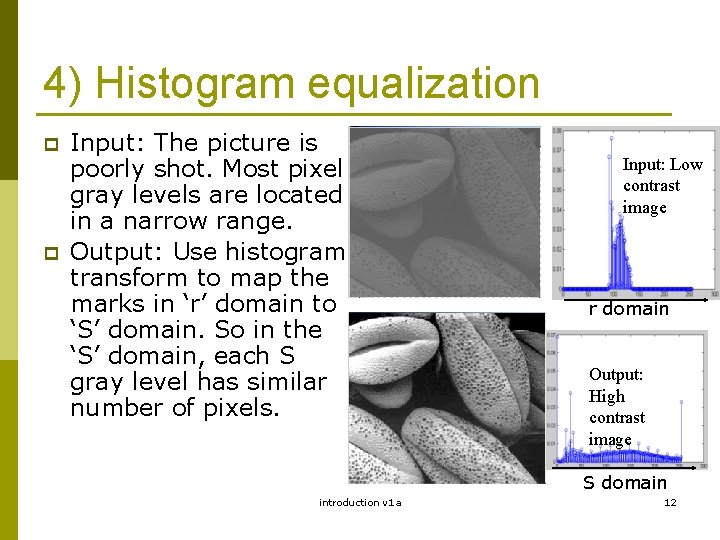
4) Histogram equalization p p Input: The picture is poorly shot. Most pixel gray levels are located in a narrow range. Output: Use histogram transform to map the marks in ‘r’ domain to ‘S’ domain. So in the ‘S’ domain, each S gray level has similar number of pixels. Input: Low contrast image r domain Output: High contrast image S domain introduction v 1 a 12
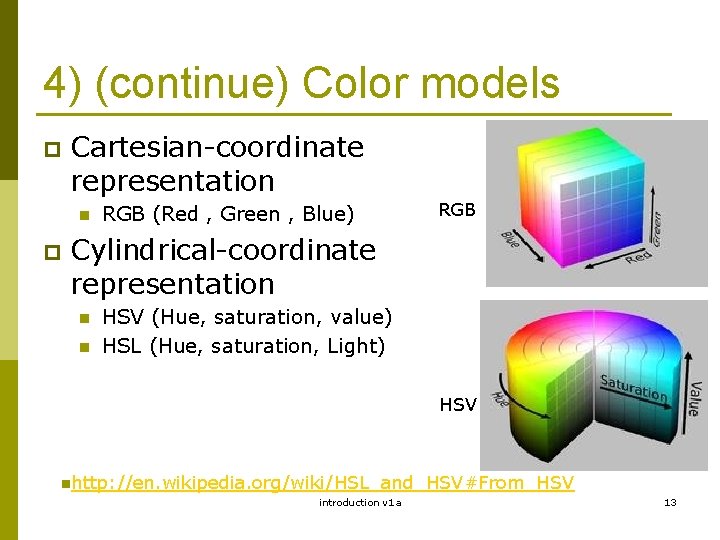
4) (continue) Color models p Cartesian-coordinate representation n p RGB (Red , Green , Blue) RGB Cylindrical-coordinate representation n n HSV (Hue, saturation, value) HSL (Hue, saturation, Light) HSV nhttp: //en. wikipedia. org/wiki/HSL_and_HSV#From_HSV introduction v 1 a 13
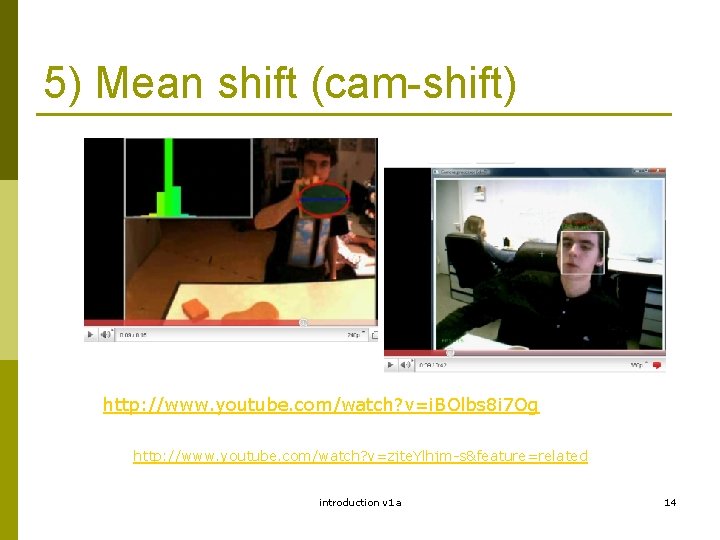
5) Mean shift (cam-shift) http: //www. youtube. com/watch? v=i. BOlbs 8 i 7 Og http: //www. youtube. com/watch? v=zjte. Ylhjm-s&feature=related introduction v 1 a 14
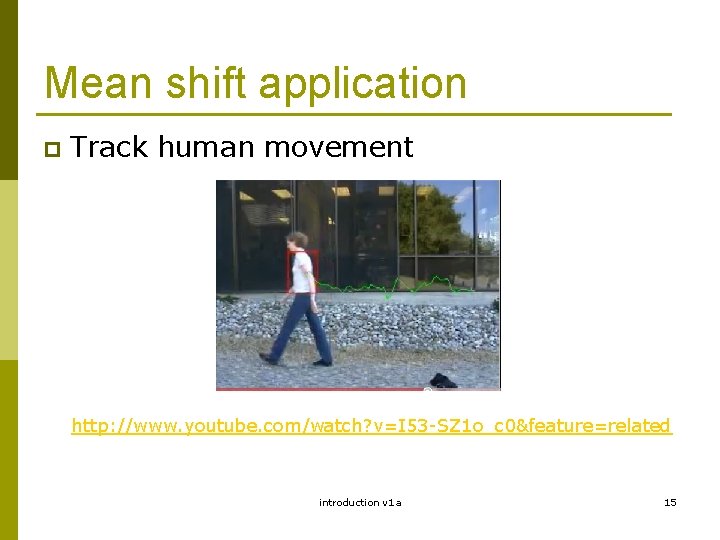
Mean shift application p Track human movement http: //www. youtube. com/watch? v=I 53 -SZ 1 o_c 0&feature=related introduction v 1 a 15
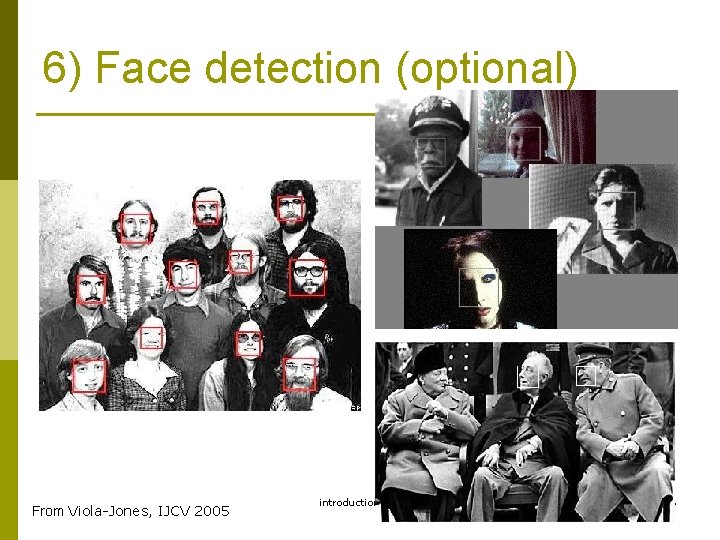
6) Face detection (optional) From Viola-Jones, IJCV 2005 introduction v 1 a 16
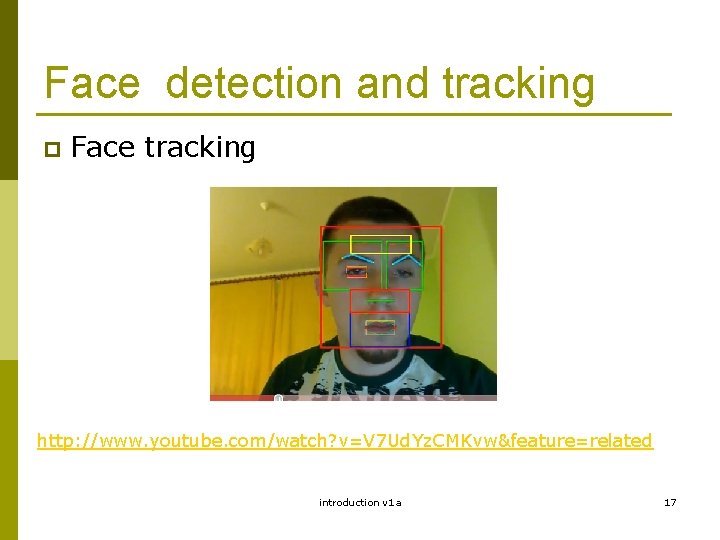
Face detection and tracking p Face tracking http: //www. youtube. com/watch? v=V 7 Ud. Yz. CMKvw&feature=related introduction v 1 a 17
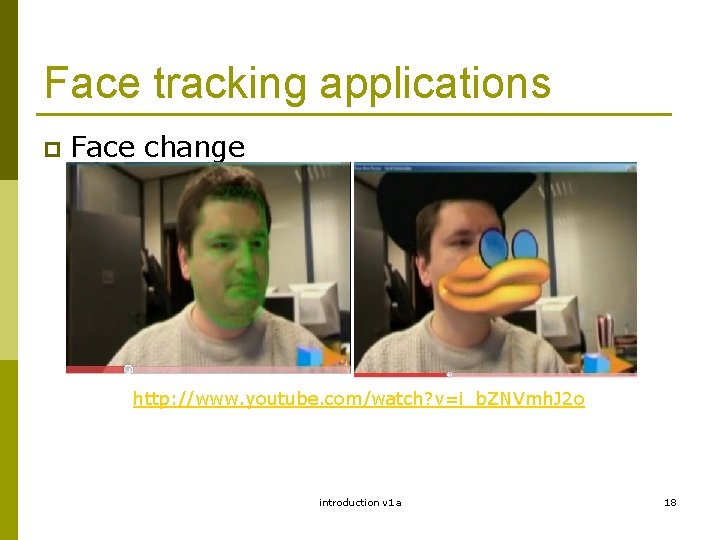
Face tracking applications p Face change http: //www. youtube. com/watch? v=i_b. ZNVmh. J 2 o introduction v 1 a 18
Topics in 3 D computer vision by Prof. K. H. Wong, Computer Science and Engineering Dept. CUHK khwong@cse. cuhk. edu. hk introduction v 1 a 19
Motivation Study the 3 D vision problems p Study how to obtain 3 D information from 2 D images p Study various applications p introduction v 1 a 20
Applications 3 D models from images p Game development p Robot navigation p 3 G Mobil phone applications, p n n Location systems User input introduction v 1 a 21
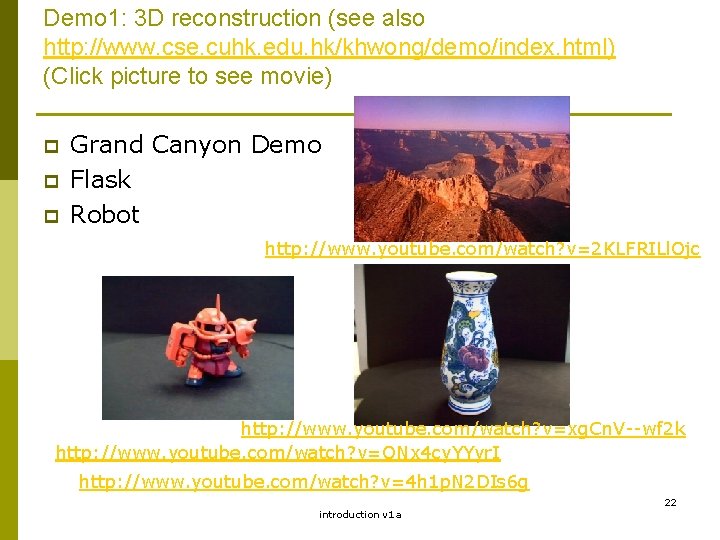
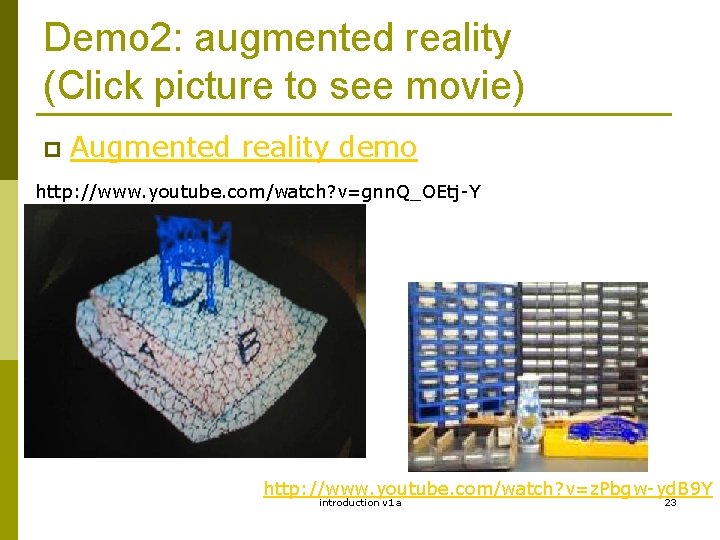
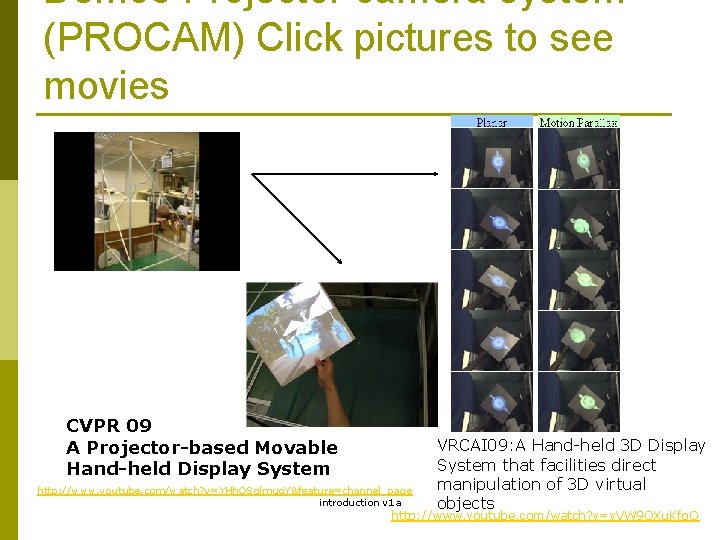
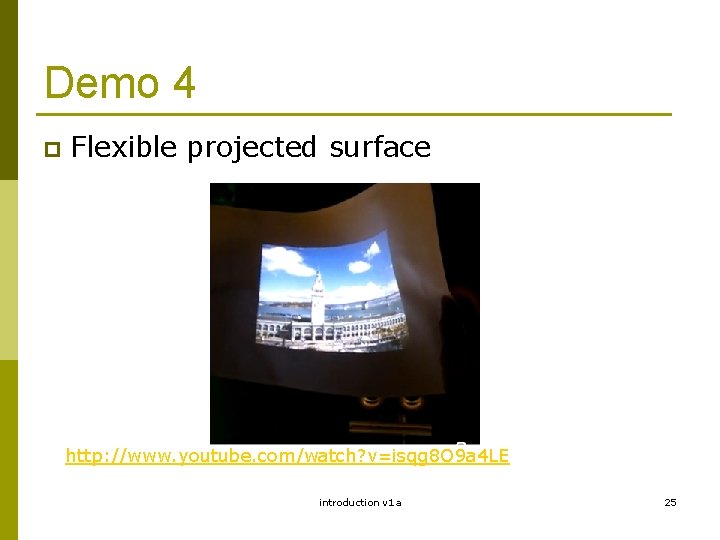
Demo 1: 3 D reconstruction (see also http: //www. cse. cuhk. edu. hk/khwong/demo/index. html) (Click picture to see movie) p p p Grand Canyon Demo Flask Robot http: //www. youtube. com/watch? v=2 KLFRILl. Ojc http: //www. youtube. com/watch? v=xg. Cn. V--wf 2 k http: //www. youtube. com/watch? v=ONx 4 cy. YYyr. I http: //www. youtube. com/watch? v=4 h 1 p. N 2 DIs 6 g introduction v 1 a 22
Demo 2: augmented reality (Click picture to see movie) p Augmented reality demo http: //www. youtube. com/watch? v=gnn. Q_OEtj-Y http: //www. youtube. com/watch? v=z. Pbgw-yd. B 9 Y introduction v 1 a 23
Demo 3 Projector camera system (PROCAM) Click pictures to see movies CVPR 09 A Projector-based Movable Hand-held Display System http: //www. youtube. com/watch? v=YHh. QSglmuq. Y&feature=channel_page introduction v 1 a VRCAI 09: A Hand-held 3 D Display System that facilities direct manipulation of 3 D virtual 24 objects http: //www. youtube. com/watch? v=v. VW 9 QXu. Kfo. Q
Demo 4 p Flexible projected surface http: //www. youtube. com/watch? v=isqg 8 O 9 a 4 LE introduction v 1 a 25
Demo 5 p 3 -D display without the use of spectacles. http: //www. youtube. com/watch? v=oyx. R_RT 4 NNc introduction v 1 a 26
Demo 6 p Spherical projected surface for 3 D viewing without spectacles. http: //www. youtube. com/watch? v=y. VDFc. ZZ 8 g. Do introduction v 1 a 27
Demo 7 p A KEYSTONE-FREE HAND-HELD MOBILE PROJECTION http: //www. youtube. com/watch? v=mbl-Bp. Tnbe. A introduction v 1 a 28
A quick tour of 3 D computer vision Image capturing p Feature extraction p Model reconstruction or pose estimation p Application of model and pose obtained p introduction v 1 a 29
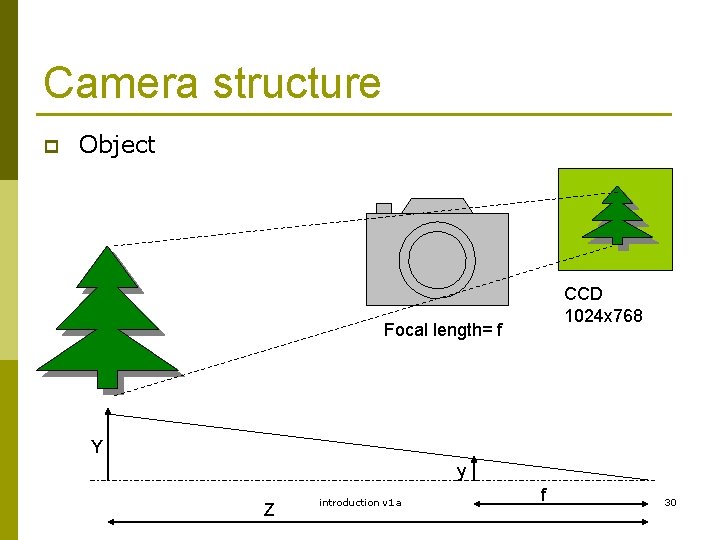
Camera structure p Object CCD 1024 x 768 Focal length= f Y y Z introduction v 1 a f 30
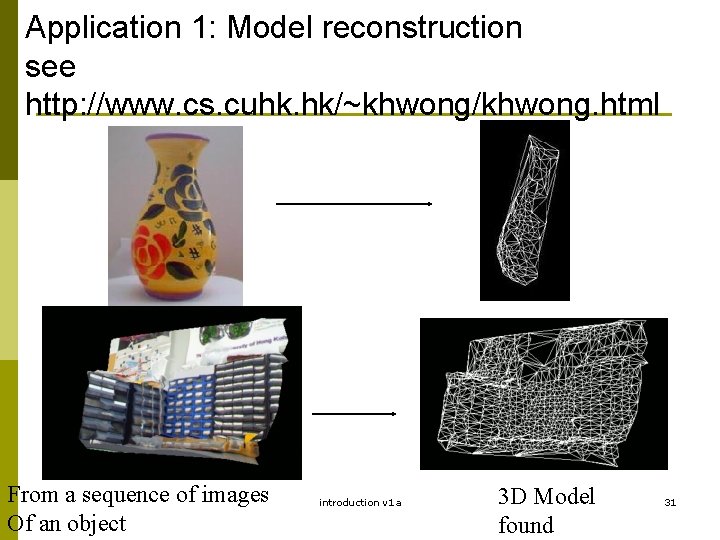
Application 1: Model reconstruction see http: //www. cs. cuhk. hk/~khwong/khwong. html From a sequence of images Of an object introduction v 1 a 3 D Model found 31
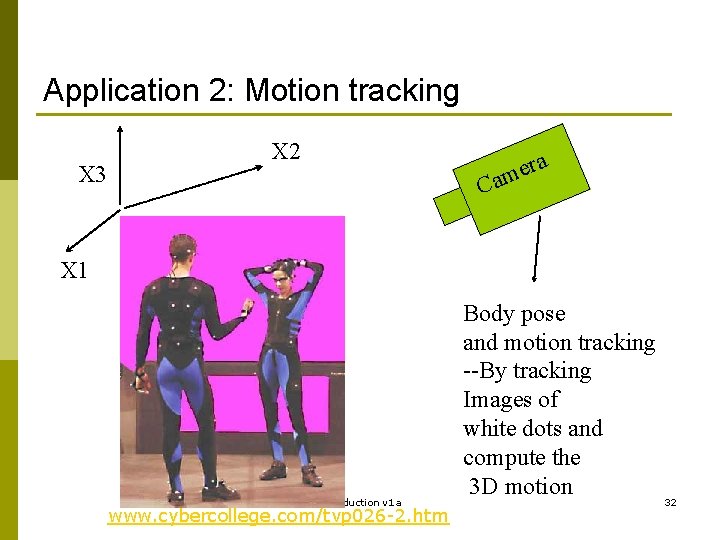
Application 2: Motion tracking X 3 X 2 a r e am C X 1 introduction v 1 a www. cybercollege. com/tvp 026 -2. htm Body pose and motion tracking --By tracking Images of white dots and compute the 3 D motion 32
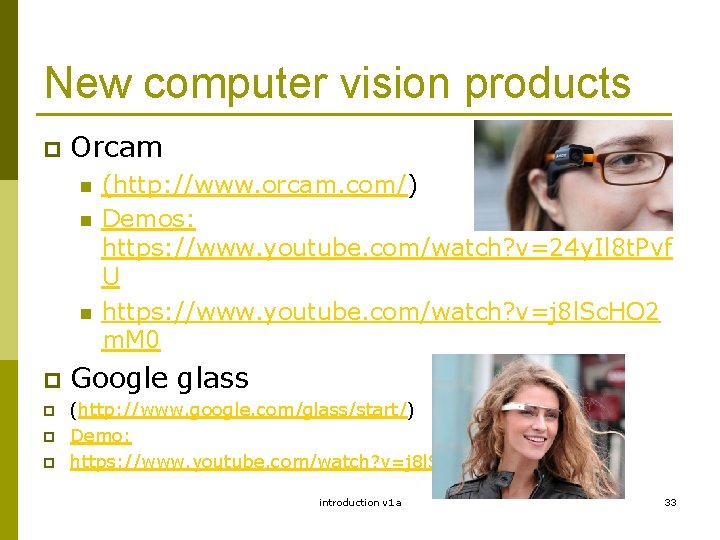
New computer vision products p Orcam n n n p p (http: //www. orcam. com/) Demos: https: //www. youtube. com/watch? v=24 y. Il 8 t. Pvf U https: //www. youtube. com/watch? v=j 8 l. Sc. HO 2 m. M 0 Google glass (http: //www. google. com/glass/start/) Demo: https: //www. youtube. com/watch? v=j 8 l. Sc. HO 2 m. M 0 introduction v 1 a 33
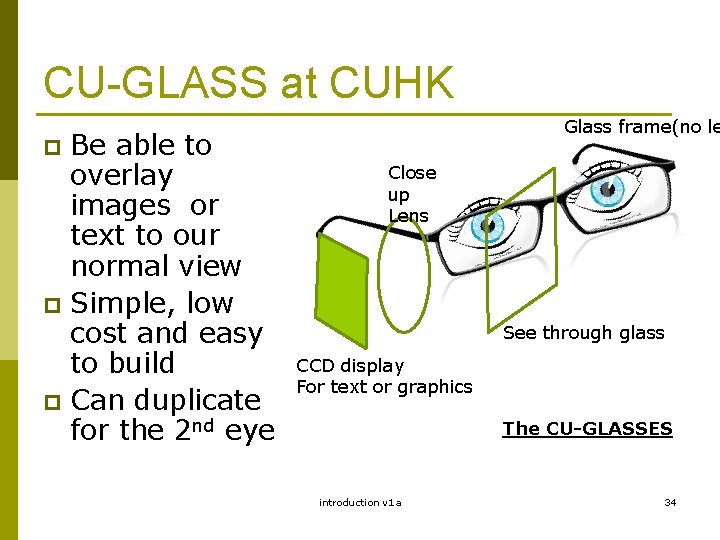
CU-GLASS at CUHK Be able to overlay images or text to our normal view p Simple, low cost and easy to build p Can duplicate for the 2 nd eye Glass frame(no le p Close up Lens See through glass CCD display For text or graphics The CU-GLASSES introduction v 1 a 34
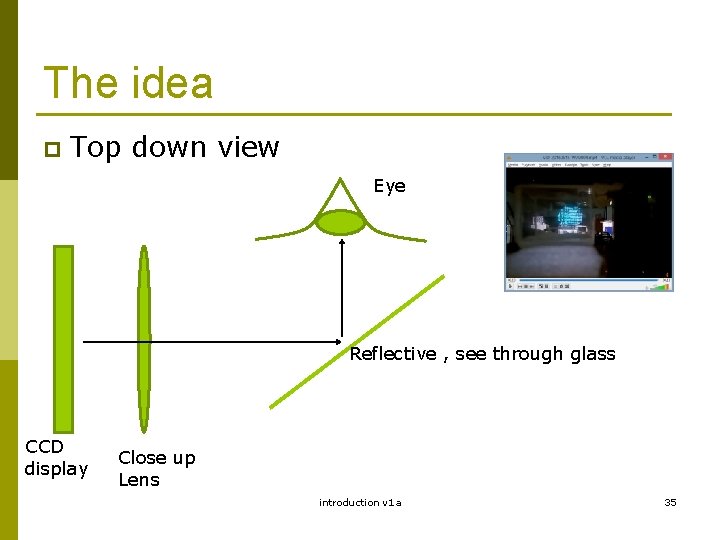
The idea p Top down view Eye Reflective , see through glass CCD display Close up Lens introduction v 1 a 35
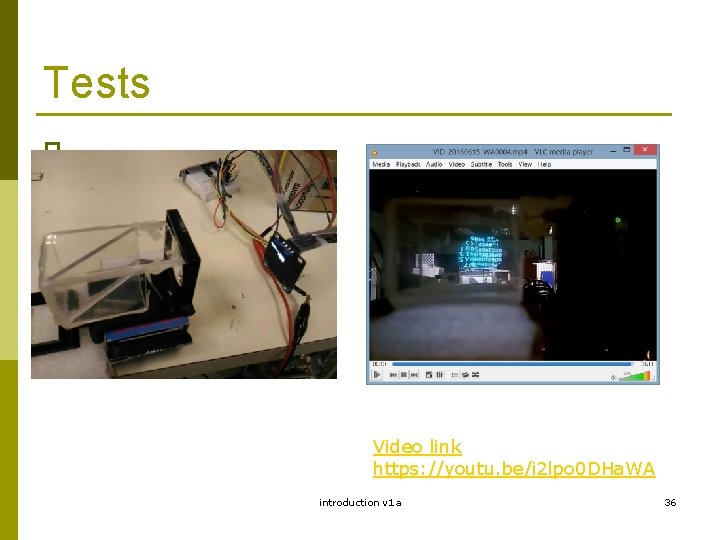
Tests p Video link https: //youtu. be/i 2 lpo 0 DHa. WA introduction v 1 a 36
Computer vision (3 D) The mathematics introduction v 1 a 37
3 D vision processing Projection geometry: Perspective Geometry p Edge detection p stereo correspondence p introduction v 1 a 38
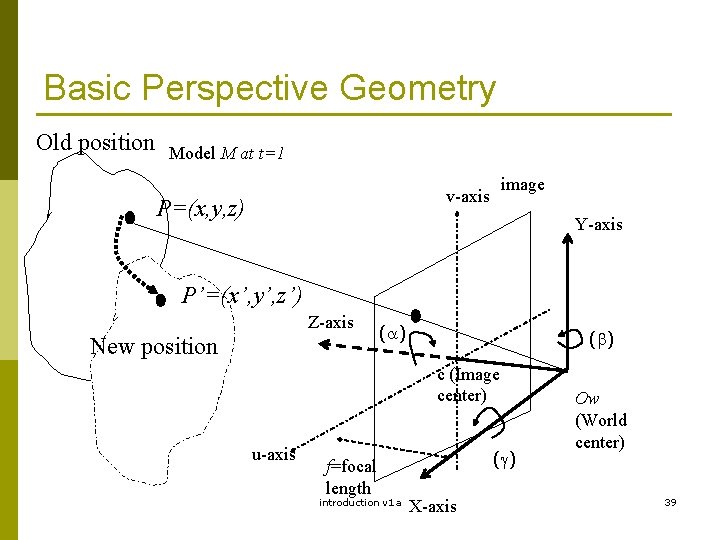
Basic Perspective Geometry Old position Model M at t=1 image v-axis P=(x, y, z) Y-axis P’=(x’, y’, z’) Z-axis New position ( ) c (Image center) u-axis f=focal length introduction v 1 a ( ) X-axis Ow (World center) 39
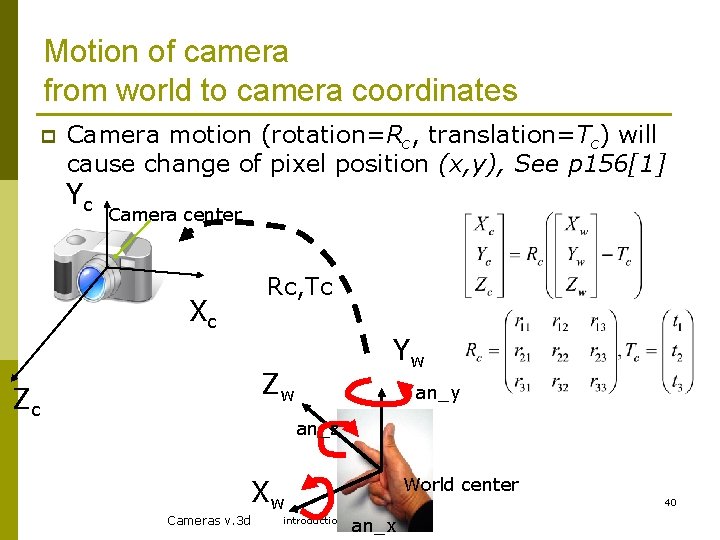
Motion of camera from world to camera coordinates p Camera motion (rotation=Rc, translation=Tc) will cause change of pixel position (x, y), See p 156[1] Yc Camera center Xc Rc, Tc Yw Zw Zc an_y an_z World center Xw Cameras v. 3 d 40 introduction v 1 a an_x
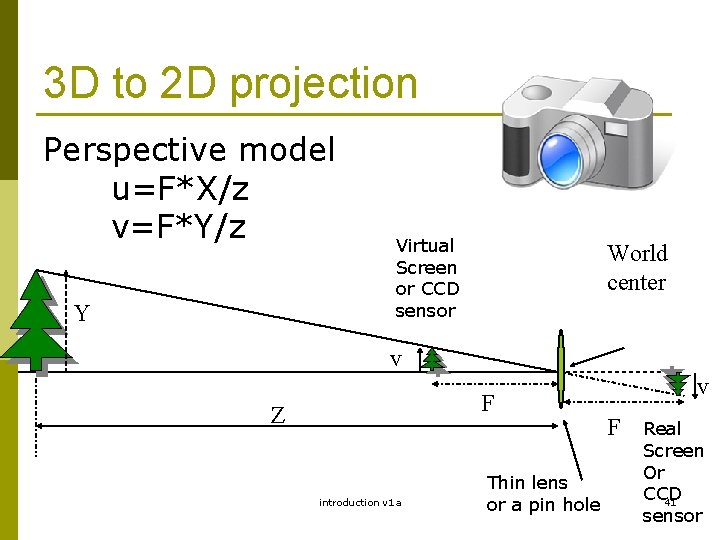
3 D to 2 D projection Perspective model u=F*X/z v=F*Y/z Y Virtual Screen or CCD sensor World center v F Z introduction v 1 a Thin lens or a pin hole v F Real Screen Or CCD 41 sensor
Summary Image processing and computer vision are useful in many applications p Becoming more and more popular since every one is carrying cameras in his/her mobile devices. p We will study the mathematics and algorithms of image processing and vision programming p introduction v 1 a 42