
CHAPTER 1 Functions and an Introduction to Recursion
- Slides: 23
CHAPTER 1 Functions and an Introduction to Recursion
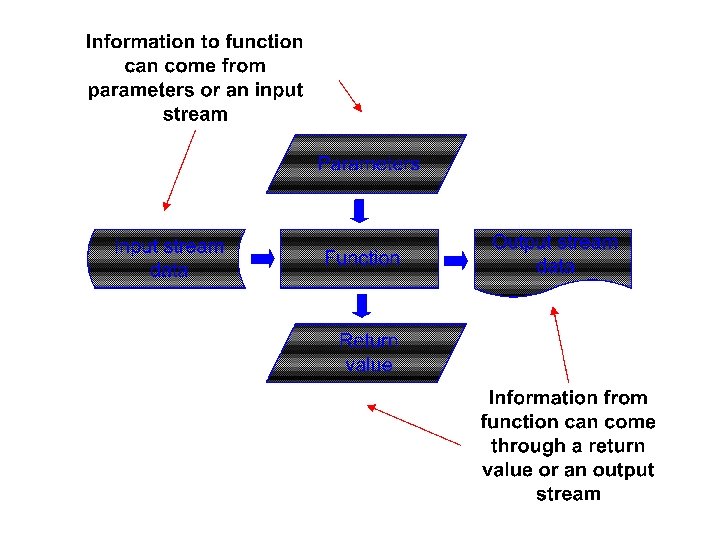
Function Definition • To develop a large program effectively, it is divided into smaller pieces or modules called as functions. • Function is defined to do a particular task. • Function is defined by one or more statements. • In C++ main() is also a function.
Uses of Function • Functions are used for: – Divide and conquer • A large program is divided into smaller pieces to build the program effectively. – Code reusability • Avoid repeating code in the program. • Use existing functions as building block to create new program.
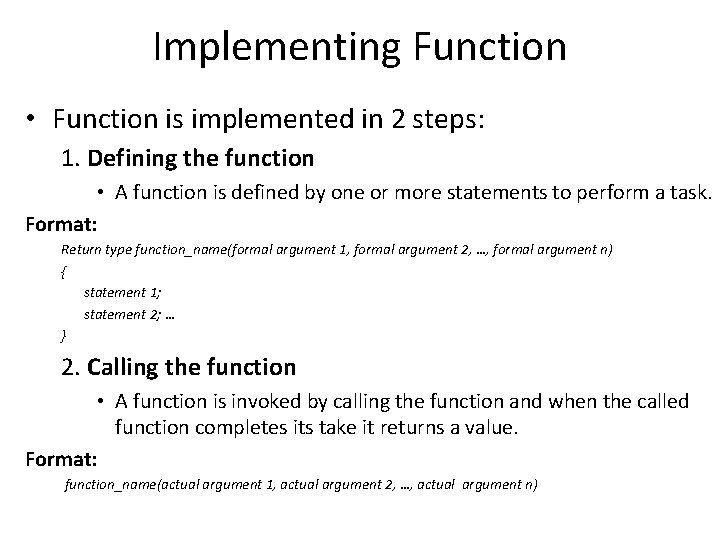
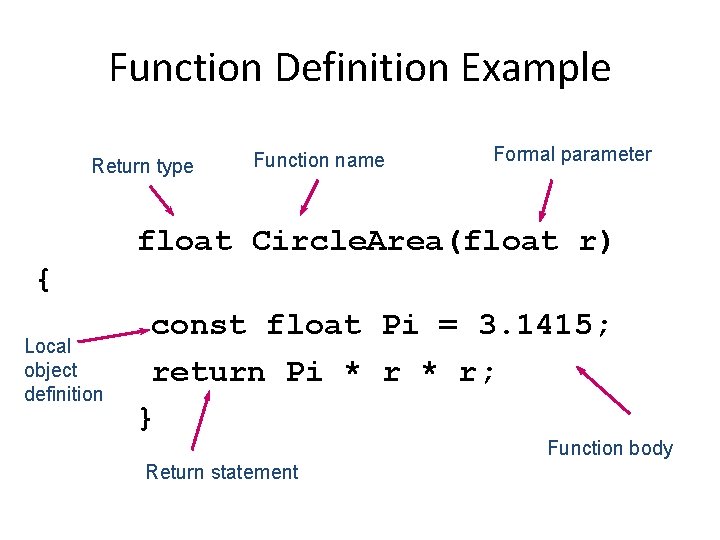
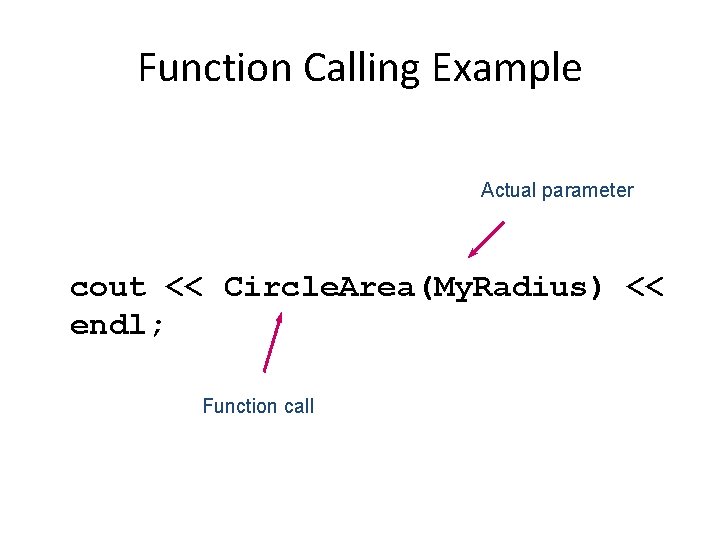
Implementing Function • Function is implemented in 2 steps: 1. Defining the function • A function is defined by one or more statements to perform a task. Format: Return type function_name(formal argument 1, formal argument 2, …, formal argument n) { statement 1; statement 2; … } 2. Calling the function • A function is invoked by calling the function and when the called function completes its take it returns a value. Format: function_name(actual argument 1, actual argument 2, …, actual argument n)
Function Definition Example Return type Function name Formal parameter float Circle. Area(float r) { Local object definition const float Pi = 3. 1415; return Pi * r; } Function body Return statement
Function Calling Example Actual parameter cout << Circle. Area(My. Radius) << endl; Function call
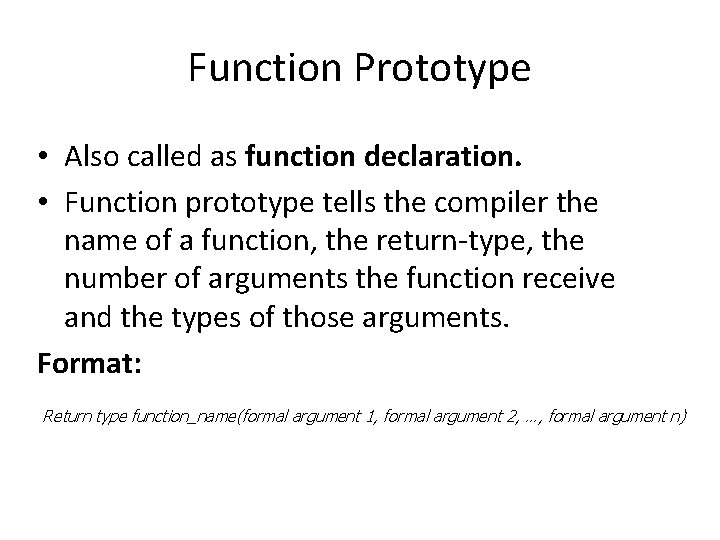
Function Prototype • Also called as function declaration. • Function prototype tells the compiler the name of a function, the return-type, the number of arguments the function receive and the types of those arguments. Format: Return type function_name(formal argument 1, formal argument 2, …, formal argument n)
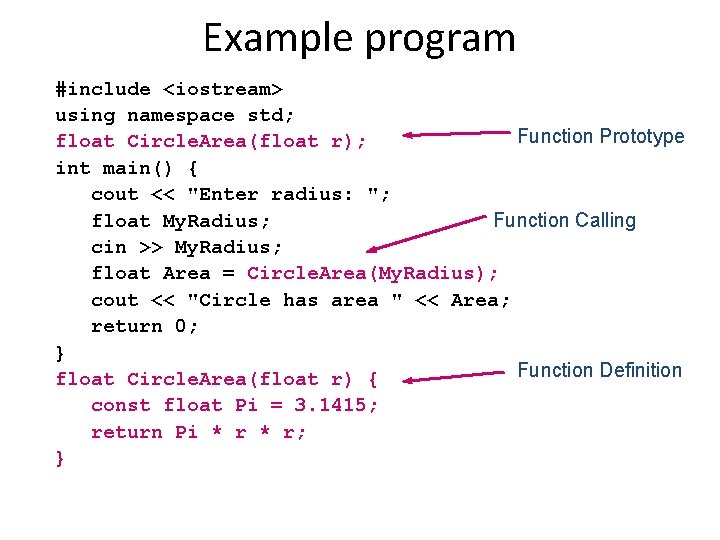
Example program #include <iostream> using namespace std; Function Prototype float Circle. Area(float r); int main() { cout << "Enter radius: "; float My. Radius; Function Calling cin >> My. Radius; float Area = Circle. Area(My. Radius); cout << "Circle has area " << Area; return 0; } Function Definition float Circle. Area(float r) { const float Pi = 3. 1415; return Pi * r; }
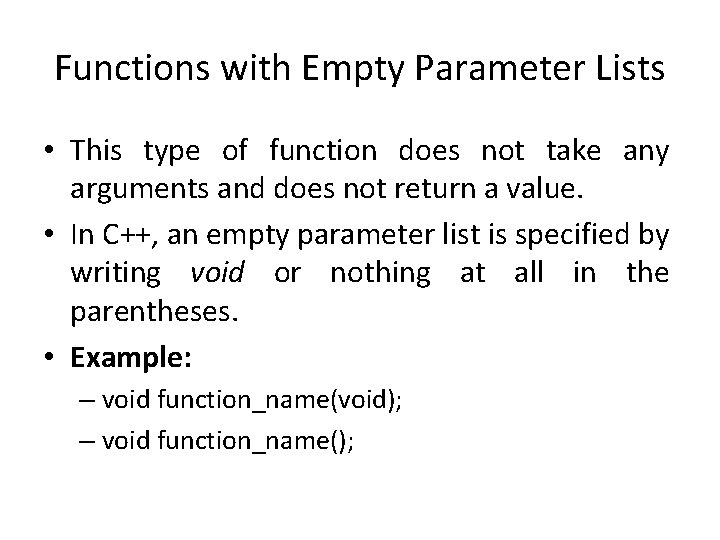
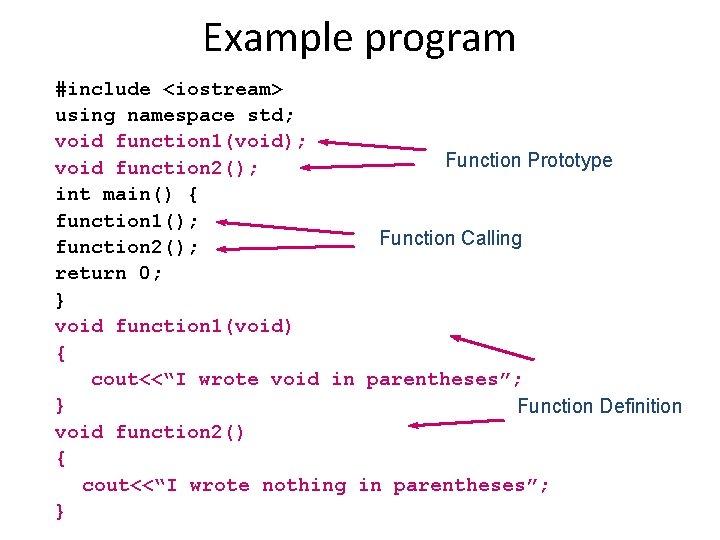
Functions with Empty Parameter Lists • This type of function does not take any arguments and does not return a value. • In C++, an empty parameter list is specified by writing void or nothing at all in the parentheses. • Example: – void function_name(void); – void function_name();
Example program #include <iostream> using namespace std; void function 1(void); Function Prototype void function 2(); int main() { function 1(); Function Calling function 2(); return 0; } void function 1(void) { cout<<“I wrote void in parentheses”; } Function Definition void function 2() { cout<<“I wrote nothing in parentheses”; }
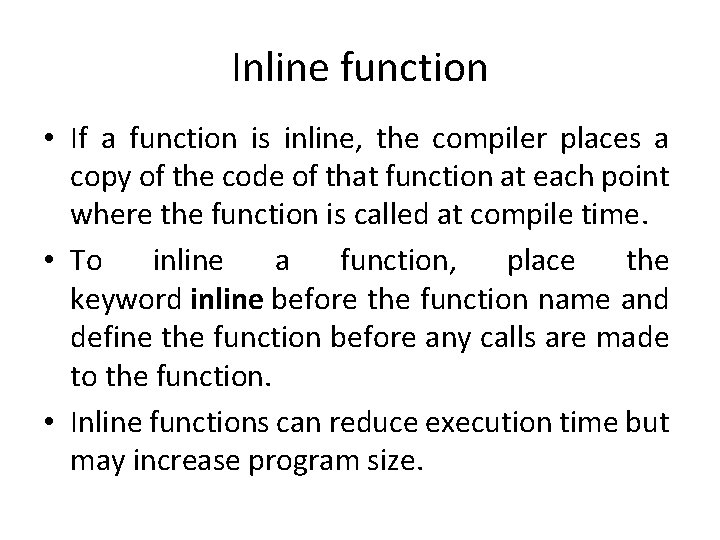
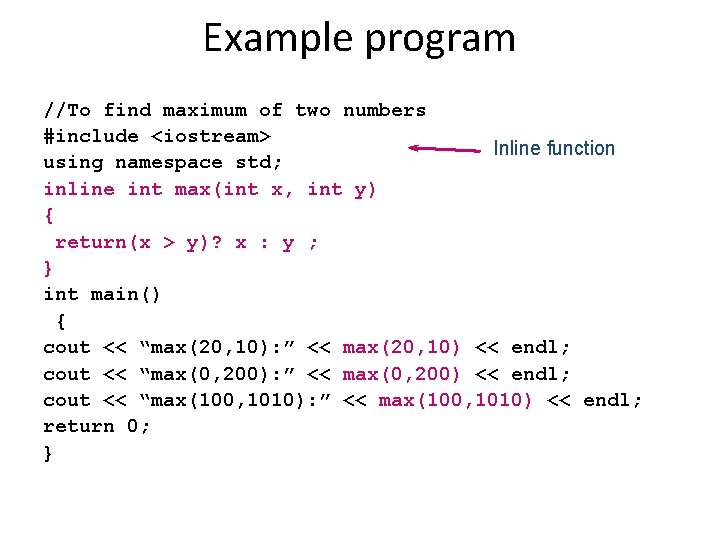
Inline function • If a function is inline, the compiler places a copy of the code of that function at each point where the function is called at compile time. • To inline a function, place the keyword inline before the function name and define the function before any calls are made to the function. • Inline functions can reduce execution time but may increase program size.
Example program //To find maximum of two numbers #include <iostream> Inline function using namespace std; inline int max(int x, int y) { return(x > y)? x : y ; } int main() { cout << “max(20, 10): ” << max(20, 10) << endl; cout << “max(0, 200): ” << max(0, 200) << endl; cout << “max(100, 1010): ” << max(100, 1010) << endl; return 0; }
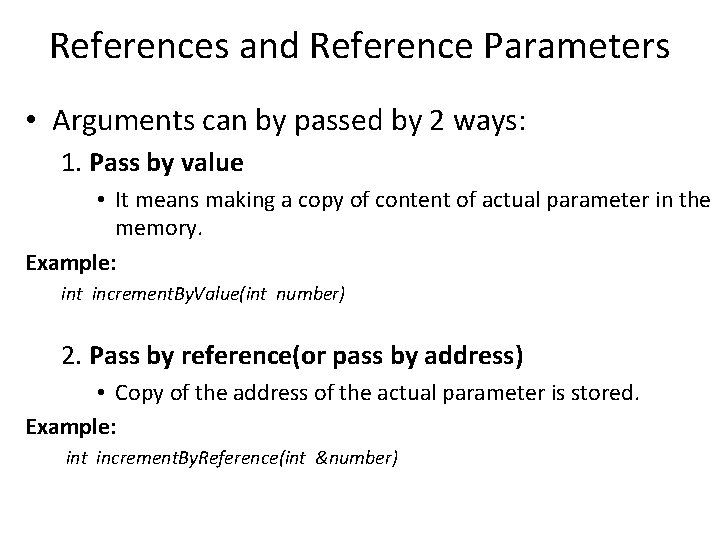
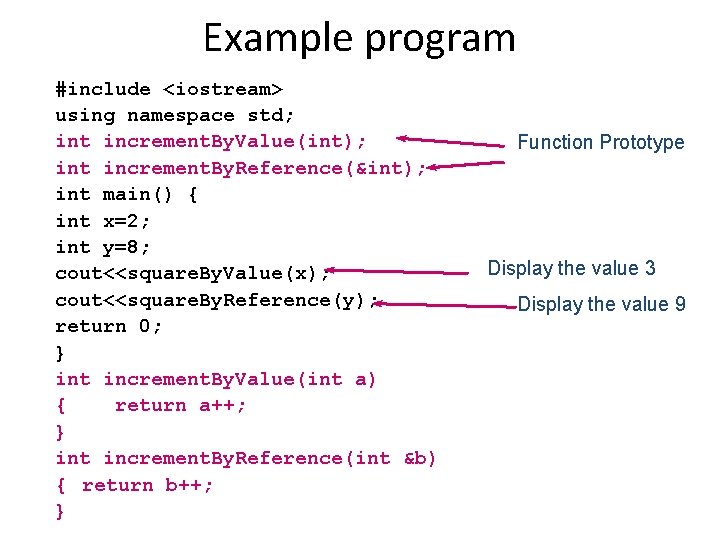
References and Reference Parameters • Arguments can by passed by 2 ways: 1. Pass by value • It means making a copy of content of actual parameter in the memory. Example: int increment. By. Value(int number) 2. Pass by reference(or pass by address) • Copy of the address of the actual parameter is stored. Example: int increment. By. Reference(int &number)
Example program #include <iostream> using namespace std; int increment. By. Value(int); int increment. By. Reference(&int); int main() { int x=2; int y=8; cout<<square. By. Value(x); cout<<square. By. Reference(y); return 0; } int increment. By. Value(int a) { return a++; } int increment. By. Reference(int &b) { return b++; } Function Prototype Display the value 3 Display the value 9
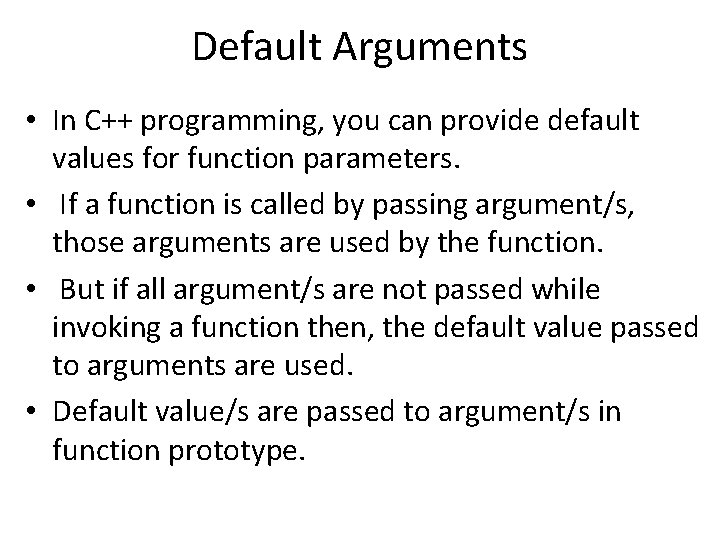
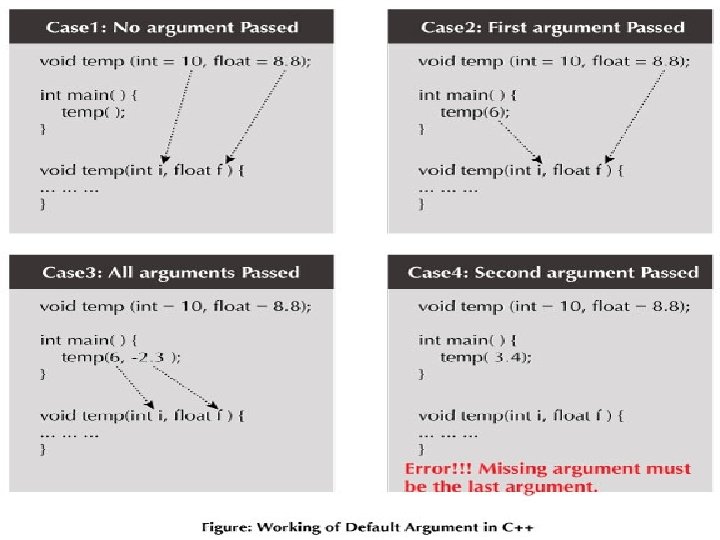
Default Arguments • In C++ programming, you can provide default values for function parameters. • If a function is called by passing argument/s, those arguments are used by the function. • But if all argument/s are not passed while invoking a function then, the default value passed to arguments are used. • Default value/s are passed to argument/s in function prototype.
Function Overloading • In C++ programming, two functions can have same identifier(name) if either number of arguments or type of arguments passed to functions are different. • These types of functions having similar name are called overloaded functions.
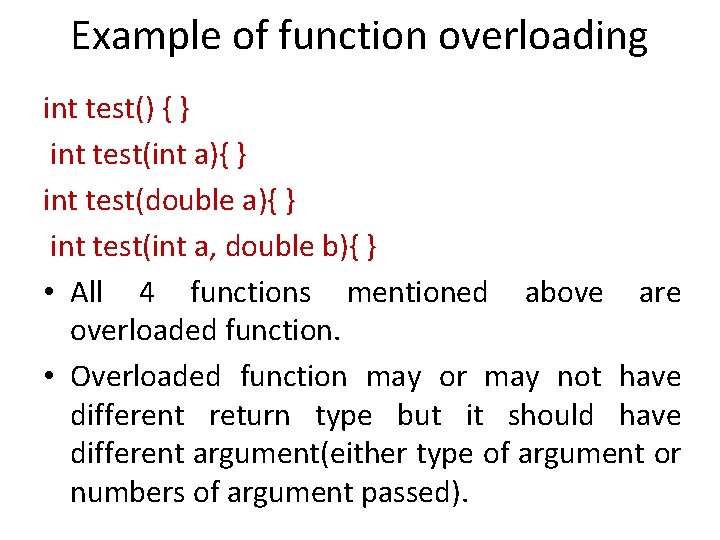
Example of function overloading int test() { } int test(int a){ } int test(double a){ } int test(int a, double b){ } • All 4 functions mentioned above are overloaded function. • Overloaded function may or may not have different return type but it should have different argument(either type of argument or numbers of argument passed).
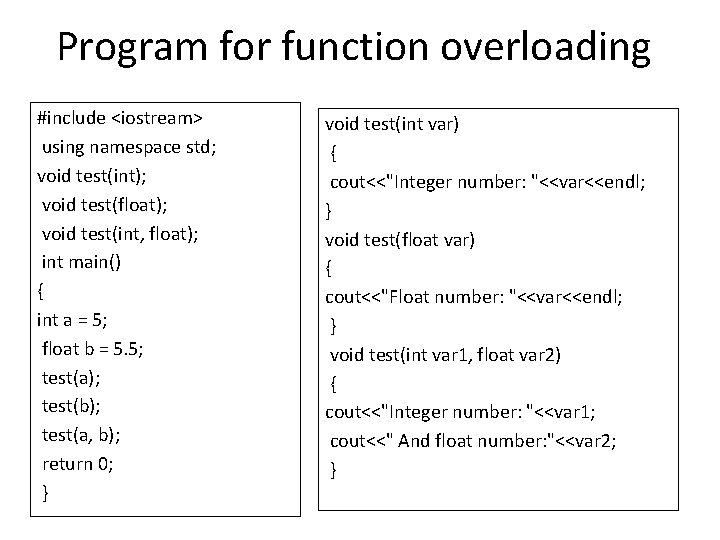
Program for function overloading #include <iostream> using namespace std; void test(int); void test(float); void test(int, float); int main() { int a = 5; float b = 5. 5; test(a); test(b); test(a, b); return 0; } void test(int var) { cout<<"Integer number: "<<var<<endl; } void test(float var) { cout<<"Float number: "<<var<<endl; } void test(int var 1, float var 2) { cout<<"Integer number: "<<var 1; cout<<" And float number: "<<var 2; }
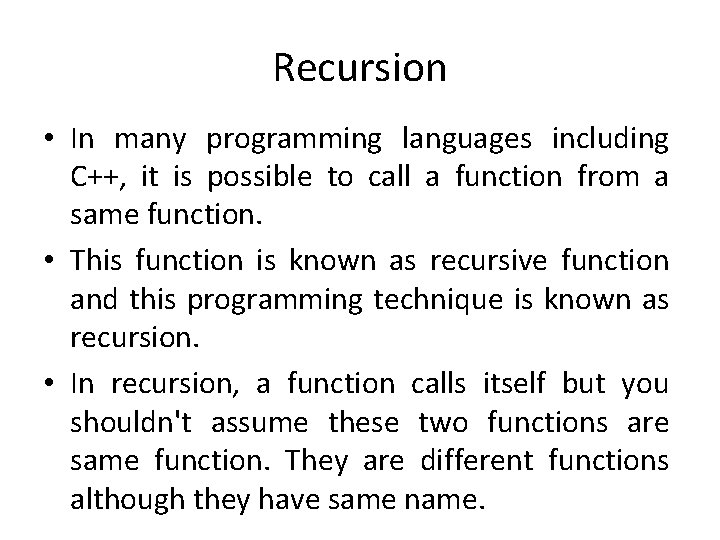
Recursion • In many programming languages including C++, it is possible to call a function from a same function. • This function is known as recursive function and this programming technique is known as recursion. • In recursion, a function calls itself but you shouldn't assume these two functions are same function. They are different functions although they have same name.
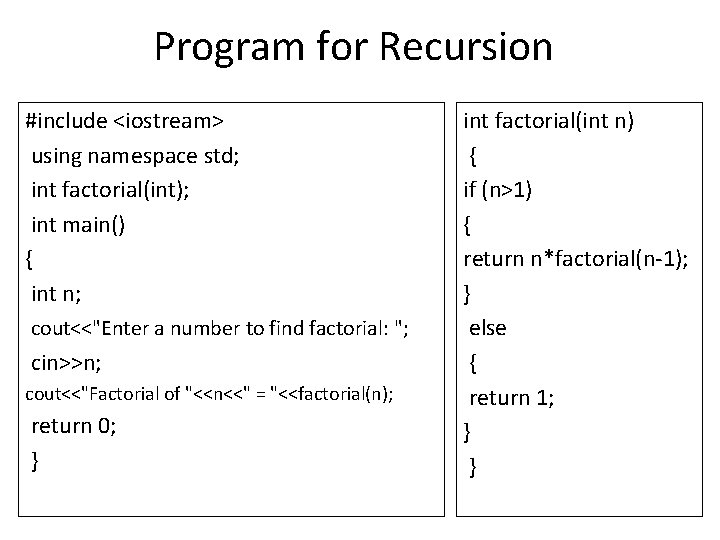
Program for Recursion #include <iostream> using namespace std; int factorial(int); int main() { int n; cout<<"Enter a number to find factorial: "; cin>>n; cout<<"Factorial of "<<n<<" = "<<factorial(n); return 0; } int factorial(int n) { if (n>1) { return n*factorial(n-1); } else { return 1; } }
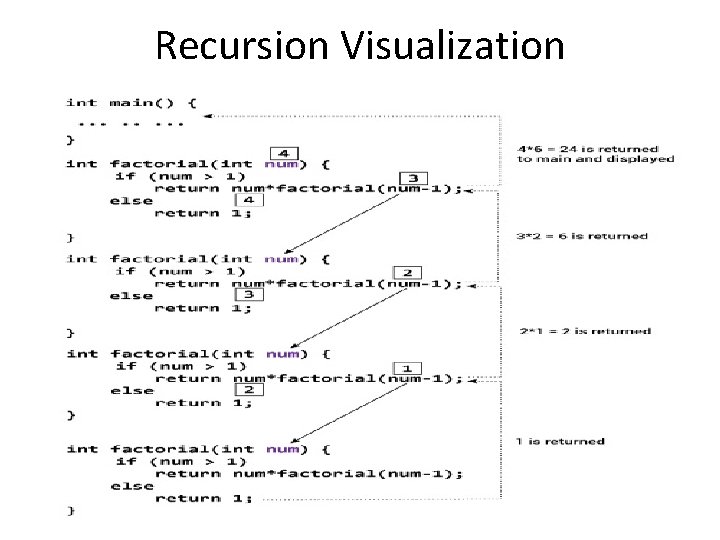
Recursion Visualization