
Chapter 1 An Introduction to Computers and Visual
- Slides: 18
Chapter 1 An Introduction to Computers and Visual Basic Chapter 1 - Visual Basic Schneider 1
Outline and Objectives • Introduction to Computers • Using Windows • Files and Folders • An Introduction to Visual Basic Chapter 1 - Visual Basic Schneider 2
Parts of a Computer System: l l Hardware: Electronic Devices Software: Instructions and Computer Programs Chapter 1 - Visual Basic Schneider 3
Main components of Hardware: l l Input : Keyboard, Mouse System unit: • Random Access Memory (RAM) • Central Processing Unit (CPU) Output: Monitor, Printer Secondary Storage: Disk Drive Chapter 1 - Visual Basic Schneider 4
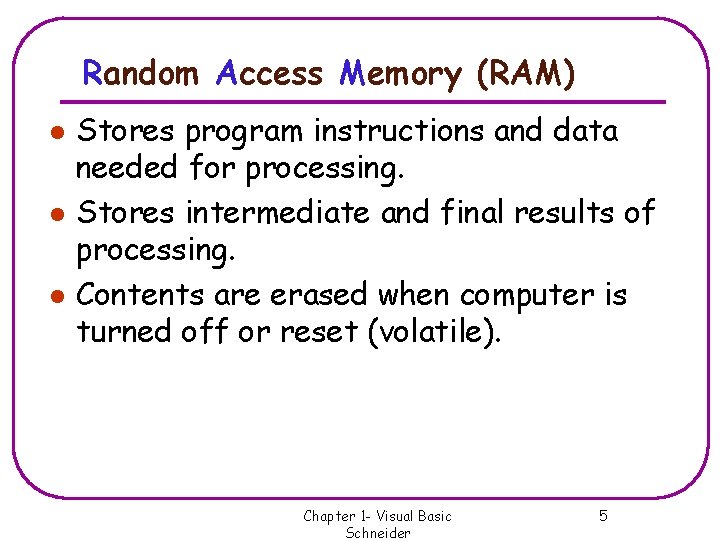
Random Access Memory (RAM) l l l Stores program instructions and data needed for processing. Stores intermediate and final results of processing. Contents are erased when computer is turned off or reset (volatile). Chapter 1 - Visual Basic Schneider 5
Programming Languages: l l Machine Language High level Language Chapter 1 - Visual Basic Schneider 6
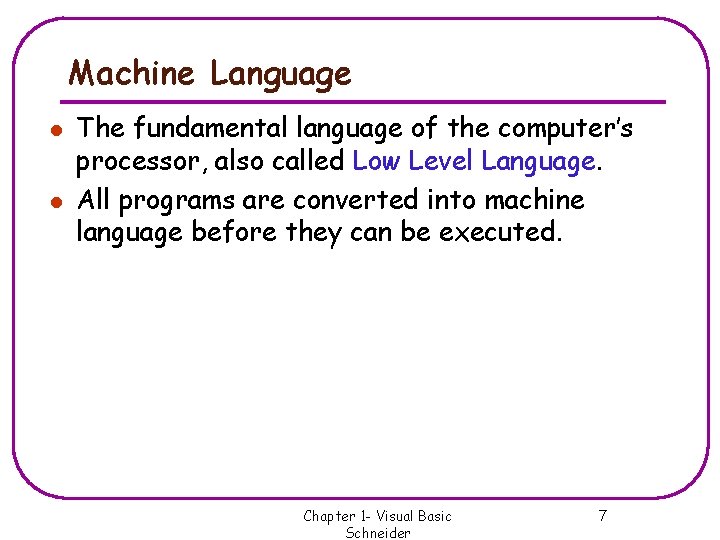
Machine Language l l The fundamental language of the computer’s processor, also called Low Level Language. All programs are converted into machine language before they can be executed. Chapter 1 - Visual Basic Schneider 7
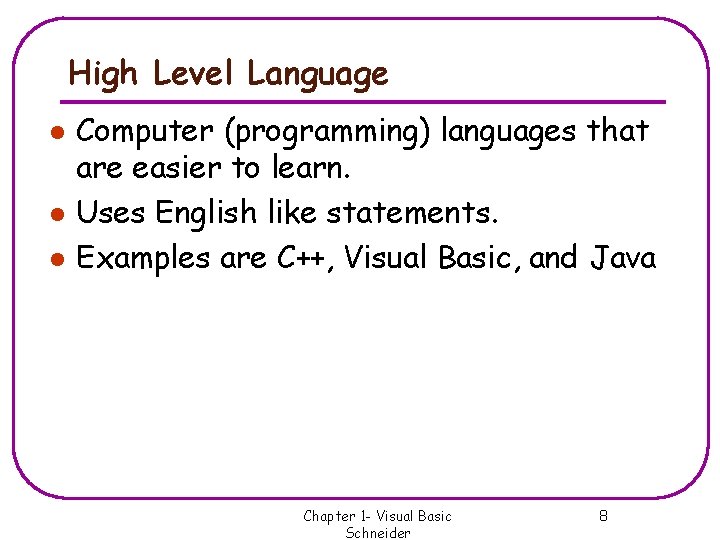
High Level Language l l l Computer (programming) languages that are easier to learn. Uses English like statements. Examples are C++, Visual Basic, and Java Chapter 1 - Visual Basic Schneider 8
Software: l l Instructions for the hardware. A collection of instructions is called a program. Chapter 1 - Visual Basic Schneider 9
Using Windows l Basic techniques to use the mouse: • Pointing: moving mouse until the pointer is above desired object on the screen • Clicking: press and release the left mouse button once • Dragging (drag and drop): hold object, move it , then release • Double-Clicking: clicking the left mouse button twice in quick succession. • Hovering: lingering mouse at particular place and waiting for a message or menu to appear Chapter 1 - Visual Basic Schneider 10
Key Terms in using Windows l l l Title Bar Active window Dragging a window Chapter 1 - Visual Basic Schneider 11
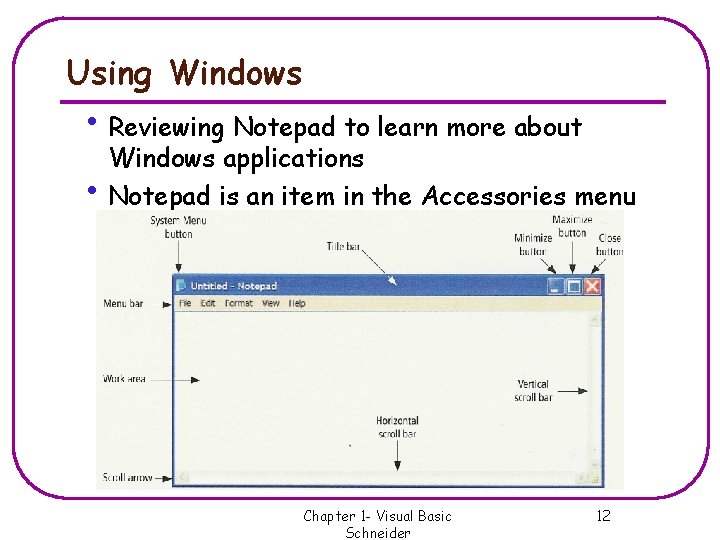
Using Windows • Reviewing Notepad to learn more about Windows applications • Notepad is an item in the Accessories menu Chapter 1 - Visual Basic Schneider 12
Files & Folders: l l A disk can store thousands of files. To organize your files you have to store them in different folders (directories). Chapter 1 - Visual Basic Schneider 13
Key Terms in using Folders l l l Root folder Path: A nested sequence of folders • Example: TempMy. Projects File Specification: A drive letter, path, and filename • Example: A: TempMy. ProjectsExample. vbp Chapter 1 - Visual Basic Schneider 14
History of Visual Basic: l l l BASIC stands for Beginner’s All-purpose Symbolic Instruction Code. BASIC was developed by John Kemeny and Thomas Kurtz in mid-1960 s. Visual Basic was released in 1991 by the Microsoft Corporation. Chapter 1 - Visual Basic Schneider 15
Introduction to Visual Basic: l l l A language used to create windows applications. Programs are developed with a Graphical User Interface or GUI. The instructions executed in the program are controlled by events. Chapter 1 - Visual Basic Schneider 16
Terminology used in Visual Basic: l l l Form Control Object Properties Event Chapter 1 - Visual Basic Schneider 17
Steps to Design a Visual Basic Application l l l Design the appearance of the window that the user sees. Determine the events that the controls on the window should recognize. Write the event procedures for those events. Chapter 1 - Visual Basic Schneider 18