
Challenges in building and using a Lifetime Personal
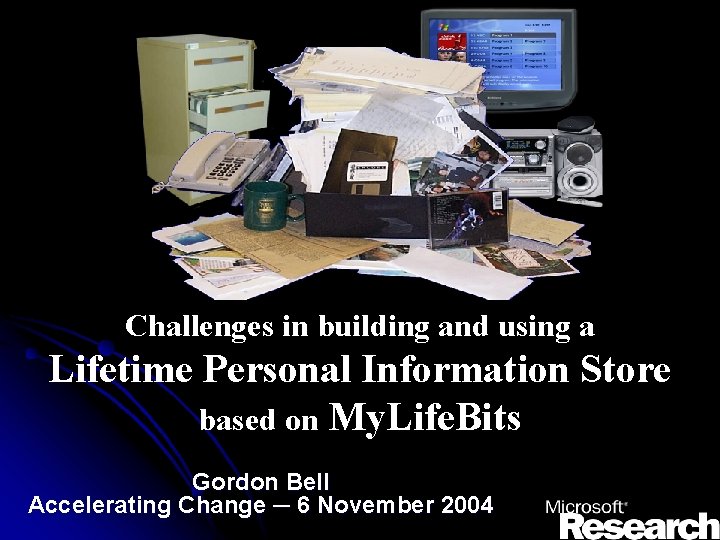
Challenges in building and using a Lifetime Personal Information Store based on My. Life. Bits Gordon Bell Accelerating Change ─ 6 November 2004
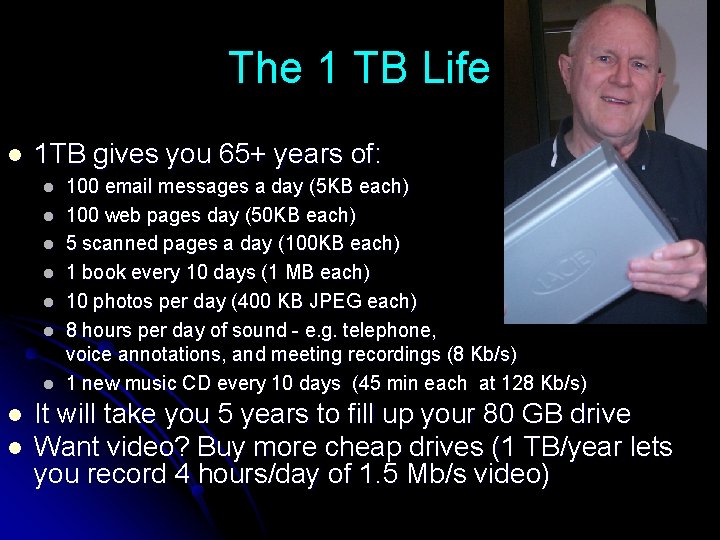
The 1 TB Life l 1 TB gives you 65+ years of: l l l l l 100 email messages a day (5 KB each) 100 web pages day (50 KB each) 5 scanned pages a day (100 KB each) 1 book every 10 days (1 MB each) 10 photos per day (400 KB JPEG each) 8 hours per day of sound - e. g. telephone, voice annotations, and meeting recordings (8 Kb/s) 1 new music CD every 10 days (45 min each at 128 Kb/s) It will take you 5 years to fill up your 80 GB drive Want video? Buy more cheap drives (1 TB/year lets you record 4 hours/day of 1. 5 Mb/s video)
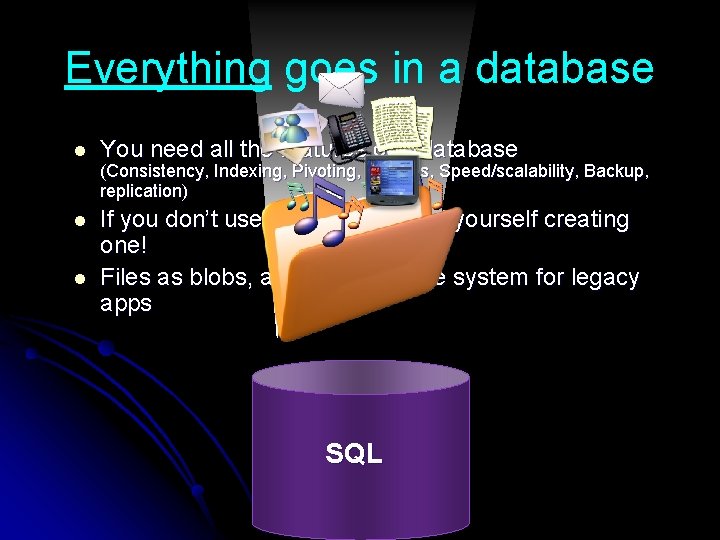
Everything goes in a database l You need all the features of a database l If you don’t use one, you will find yourself creating one! Files as blobs, also sync with file system for legacy apps l (Consistency, Indexing, Pivoting, Queries, Speed/scalability, Backup, replication) SQL
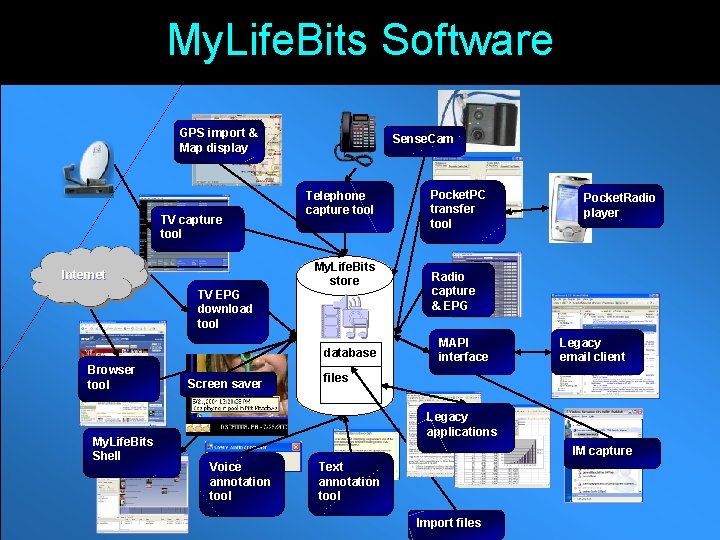
My. Life. Bits Software GPS import & Map display TV capture tool Internet TV EPG download tool Sense. Cam Telephone capture tool My. Life. Bits store database Browser tool My. Life. Bits Shell Screen saver Pocket. PC transfer tool Pocket. Radio player Radio capture & EPG MAPI interface Legacy email client files Legacy applications IM capture Voice annotation tool Text annotation tool Import files

Memex As We May Think, Vannevar Bush, 1945 “A memex is a device in which an individual stores all his books, records, and communications, and which is mechanized so that it may be consulted with exceeding speed and flexibility” l Full-text search, text & audio annotations, and hyperlinks
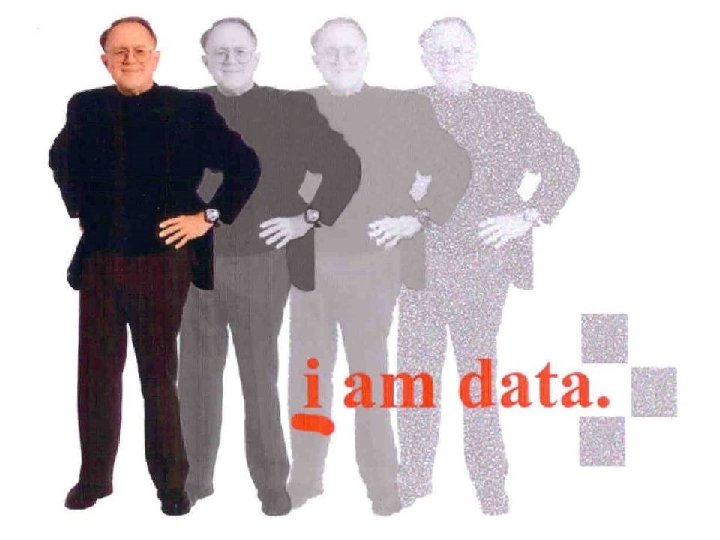
I am data
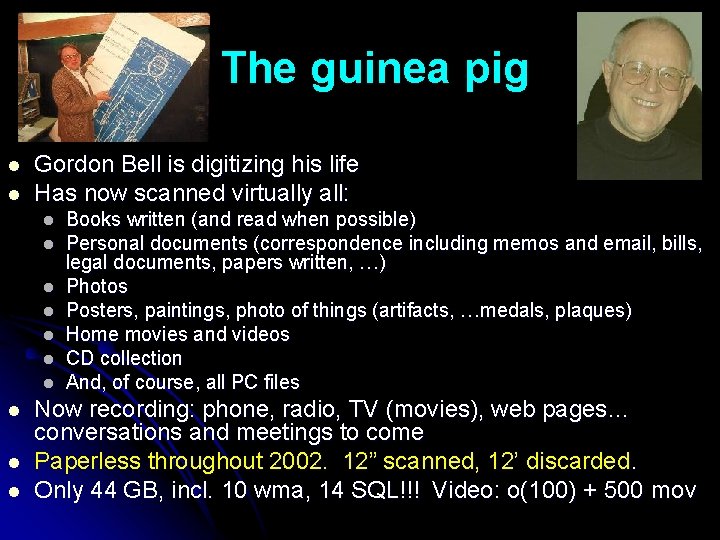
The guinea pig l l Gordon Bell is digitizing his life Has now scanned virtually all: l l l l l Books written (and read when possible) Personal documents (correspondence including memos and email, bills, legal documents, papers written, …) Photos Posters, paintings, photo of things (artifacts, …medals, plaques) Home movies and videos CD collection And, of course, all PC files Now recording: phone, radio, TV (movies), web pages… conversations and meetings to come Paperless throughout 2002. 12” scanned, 12’ discarded. Only 44 GB, incl. 10 wma, 14 SQL!!! Video: o(100) + 500 mov
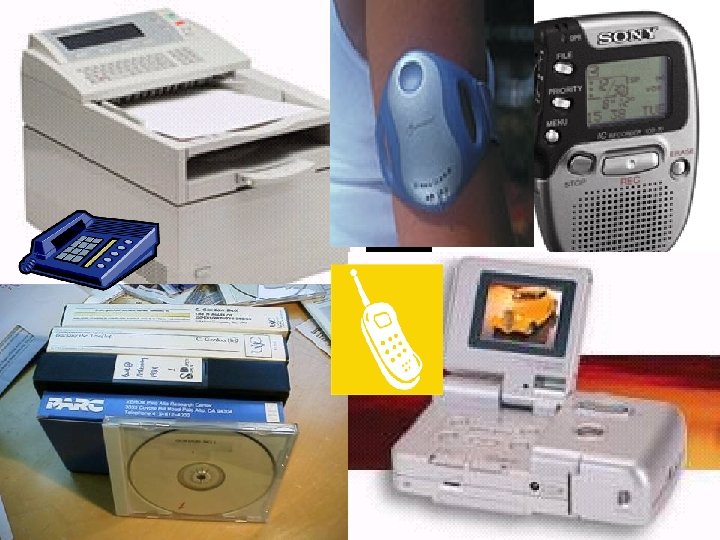
Capture and encoding
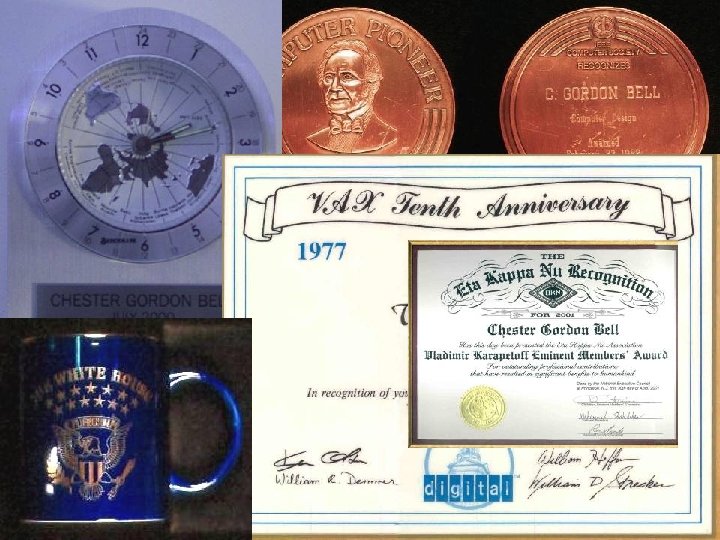
I mean everything
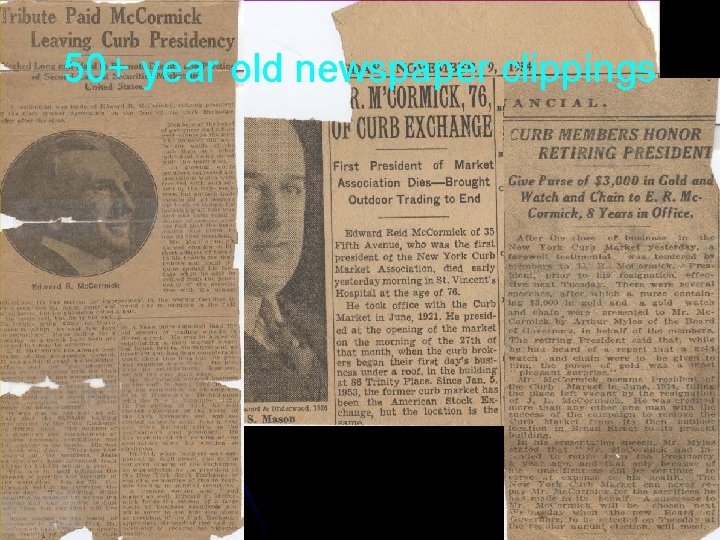
50+ year old newspaper clippings
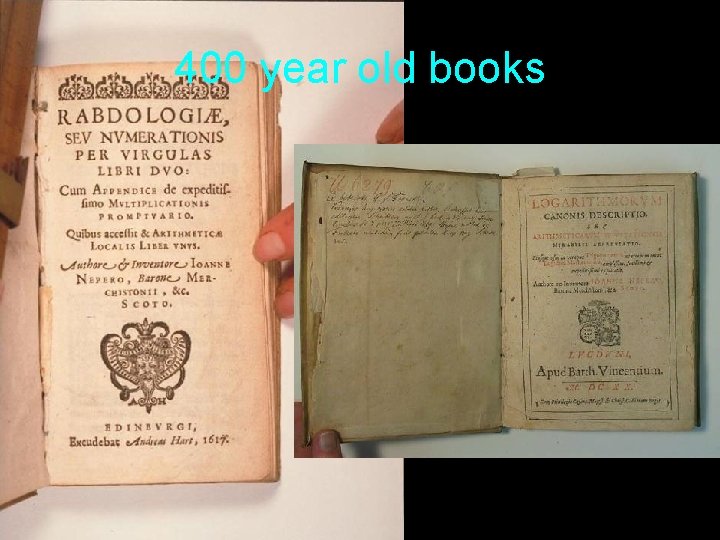
400 year old books
O(100 s) tapes from videotape “black hole”
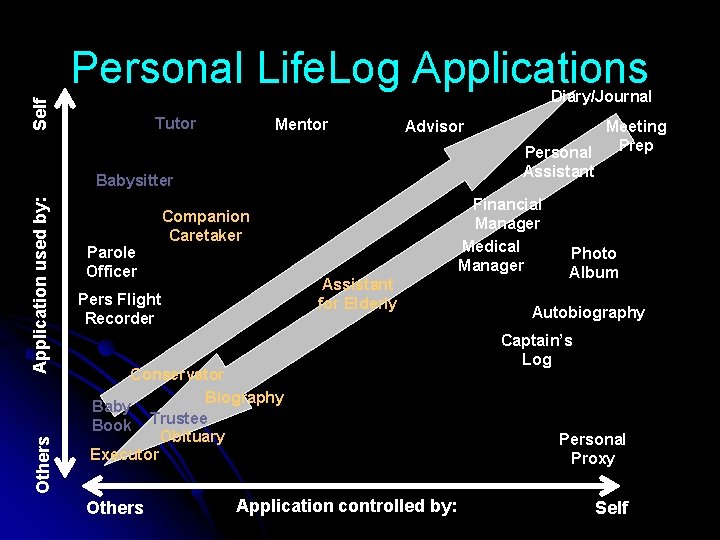
Personal Life. Log Applications Self Diary/Journal Tutor Mentor Advisor Others Application used by: Babysitter Parole Officer Financial Manager Medical Manager Companion Caretaker Assistant for Elderly Pers Flight Recorder Conservator Biography Baby Book Trustee Obituary Executor Others Meeting Prep Personal Assistant Application controlled by: Photo Album Autobiography Captain’s Log Personal Proxy Self
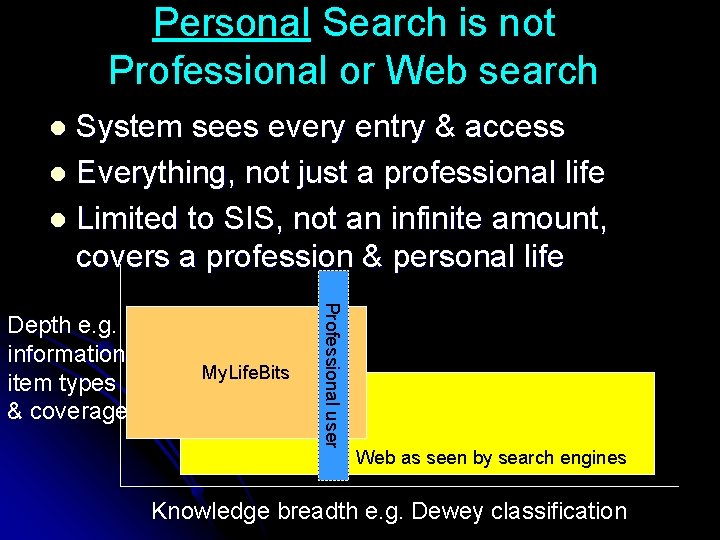
Personal Search is not Professional or Web search System sees every entry & access l Everything, not just a professional life l Limited to SIS, not an infinite amount, covers a profession & personal life l My. Life. Bits Professional user Depth e. g. information item types & coverage Web as seen by search engines Knowledge breadth e. g. Dewey classification
Why bother? . . some reasons l l l l l Technologist: “we can” an opportunity e. g. 1 TB disks For all of us with new media: a need e. g. jpg. Mp 3 Environmentalist: eliminates “atoms” (paper, CDs…) For business--memory enhancement & faster search: Let content analysis and data mining discover trends and correlations in our lives…that even we don’t know. Business: It costs more to delete than it costs to store Preservationist: decays or disappears unless its saved For the human pack rat: “I may need it some day. ” For posterity and nostalgia: “Maybe others will want it. ” Stories and ambience: basis for creating content For the aging & failed memory: surrogate memory
So you’ve got it – now what do you do with it? “A record if it is to be useful … must be continuously extended, it must be stored, and above all it must be consulted” “The difficulty seems to be, not so much that we publish unduly … but rather that publication has been extended far beyond our present ability to make real use of the record” - Vannevar Bush
Using my life bits: beyond folders #1: Folders One item. One place. It worked for 1000 s of years.
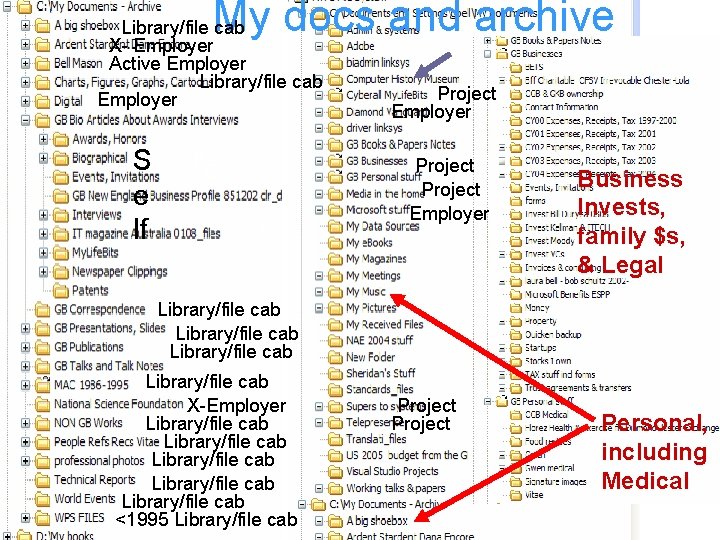
My docs and archive Library/file cab X- Employer Active Employer Library/file cab Employer S e lf E E S Project Employer Business Invests, family $s, & Legal Library/file cab X-Employer Library/file cab Library/file cab <1995 Library/file cab Project Personal, including Medical
Freedom from hierarchy c: my documentstalksMy. Life. Bits. ppt ID=location=organization=display string l Don’t make me invent unique names l Don’t make me file everything l Or let me pick multiple folders l
Using my life bits: easily adding valuable content #2: Text annotations Making bits more valuable and retrievable.
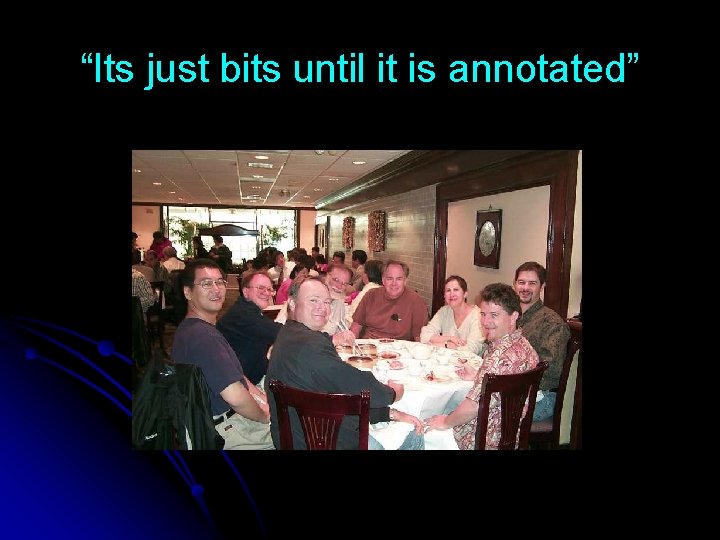
“Its just bits until it is annotated”
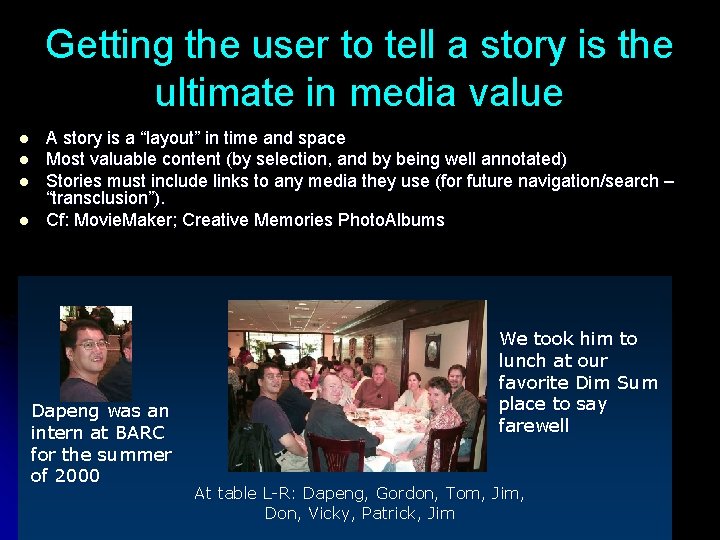
Getting the user to tell a story is the ultimate in media value l l A story is a “layout” in time and space Most valuable content (by selection, and by being well annotated) Stories must include links to any media they use (for future navigation/search – “transclusion”). Cf: Movie. Maker; Creative Memories Photo. Albums Dapeng was an intern at BARC for the summer of 2000 We took him to lunch at our favorite Dim Sum place to say farewell At table L-R: Dapeng, Gordon, Tom, Jim, Don, Vicky, Patrick, Jim
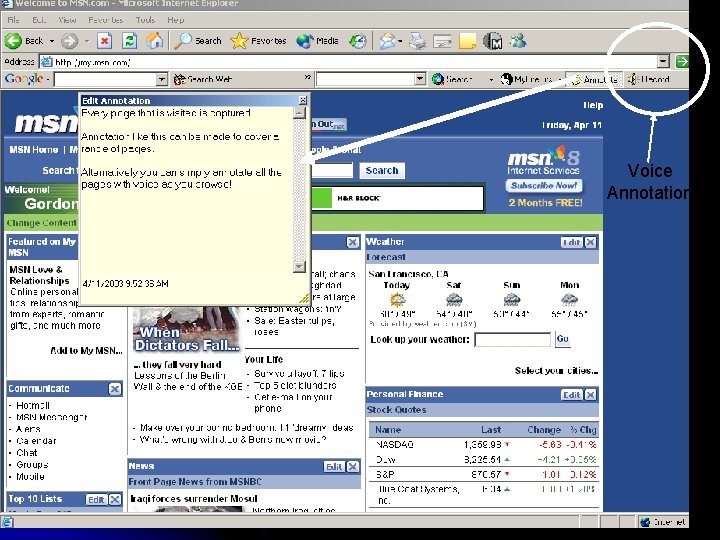
Annotation like this… Voice Annotation
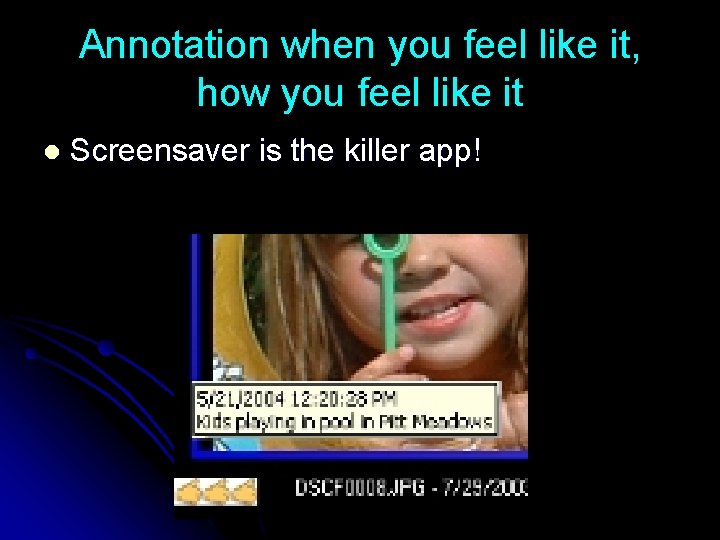
Annotation when you feel like it, how you feel like it l Screensaver is the killer app!
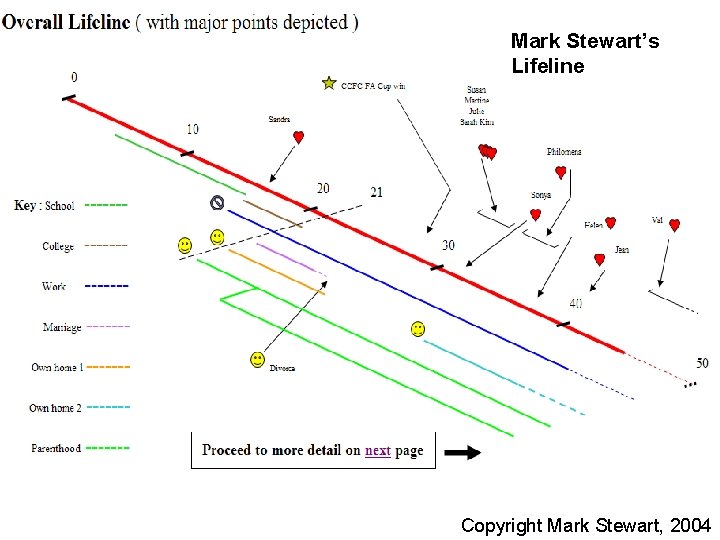
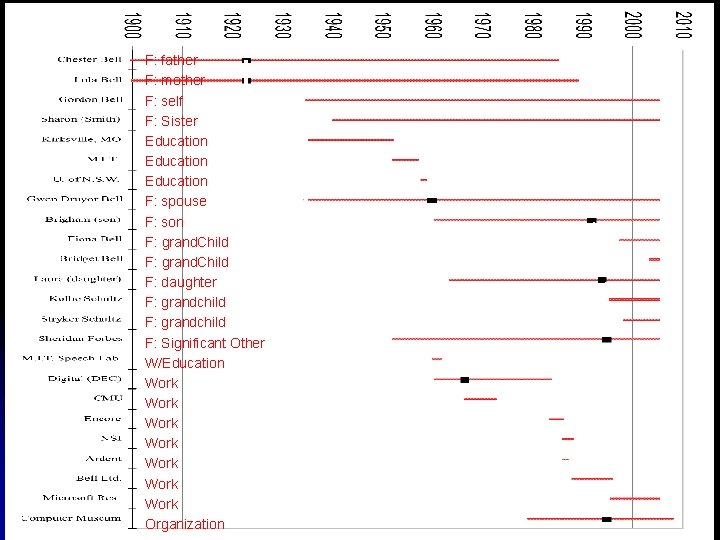
Using my life bits: the value of time & time posts #3: “I remember when…” The 1 st or 2 nd most important retrieval handle.
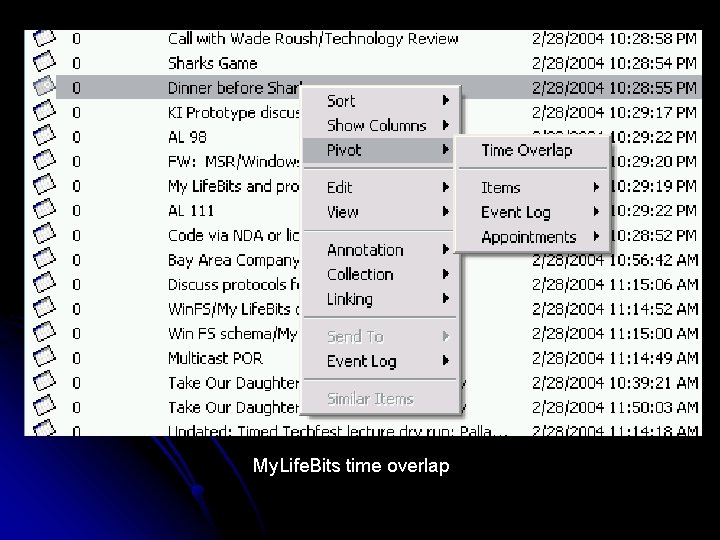
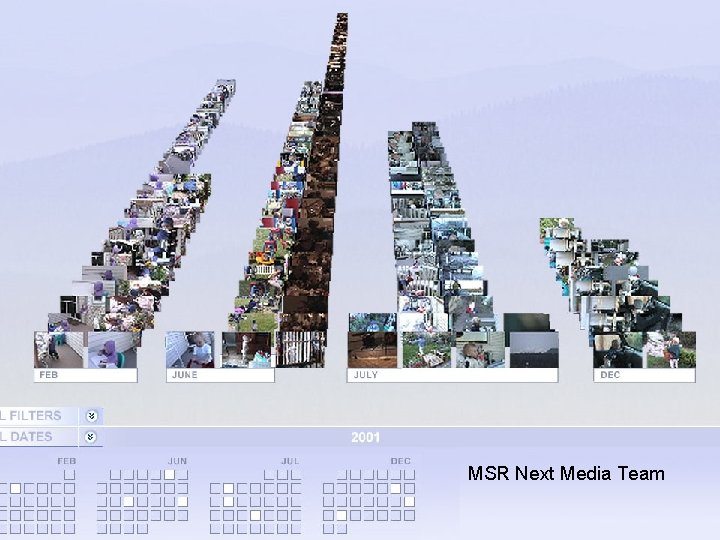
My. Life. Bits time overlap
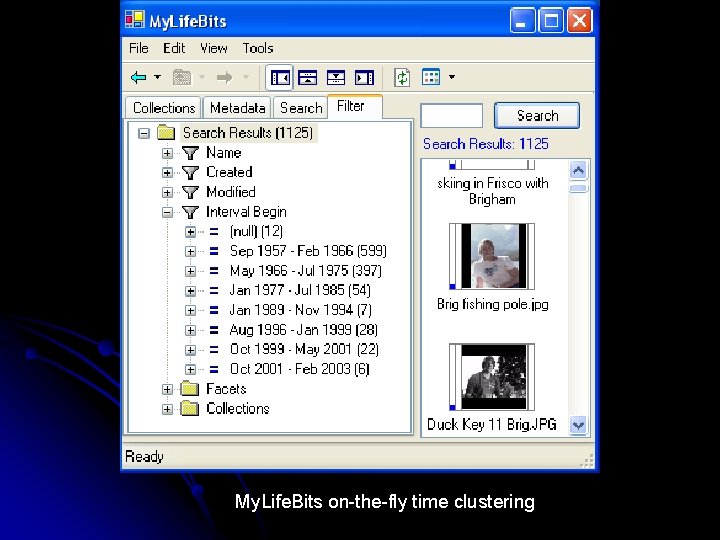
My. Life. Bits on-the-fly time clustering
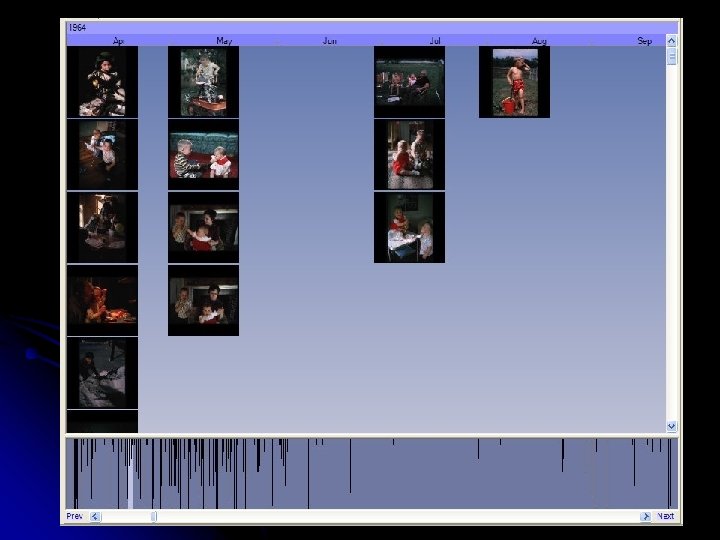
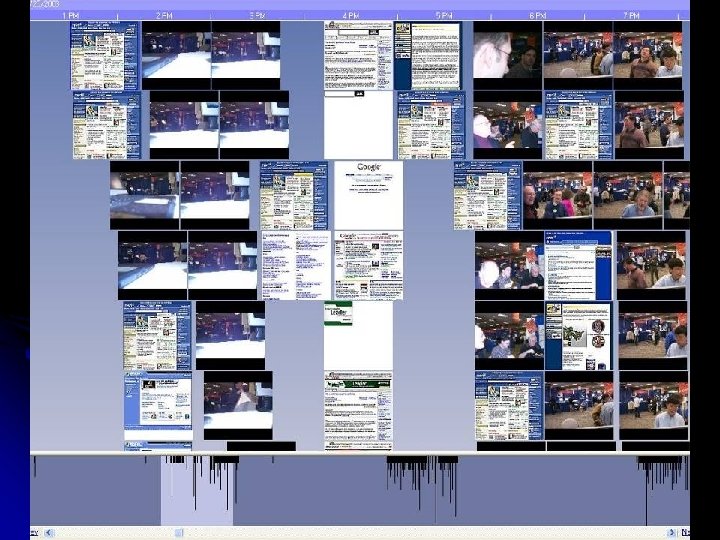
MSR Next Media Team
Mark Stewart’s Lifeline M Stewart Lifeline v 2 Copyright Mark Stewart, 2004
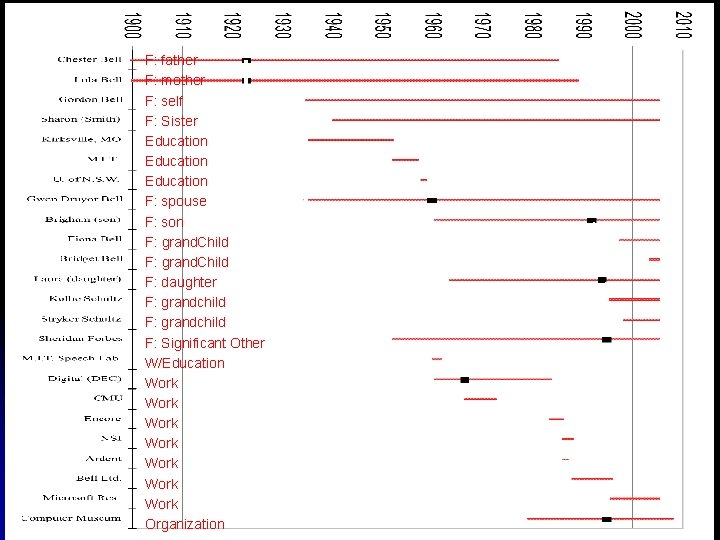
F: father F: mother F: self F: Sister Education F: spouse F: son F: grand. Child F: daughter F: grandchild F: Significant Other W/Education Work Work Organization
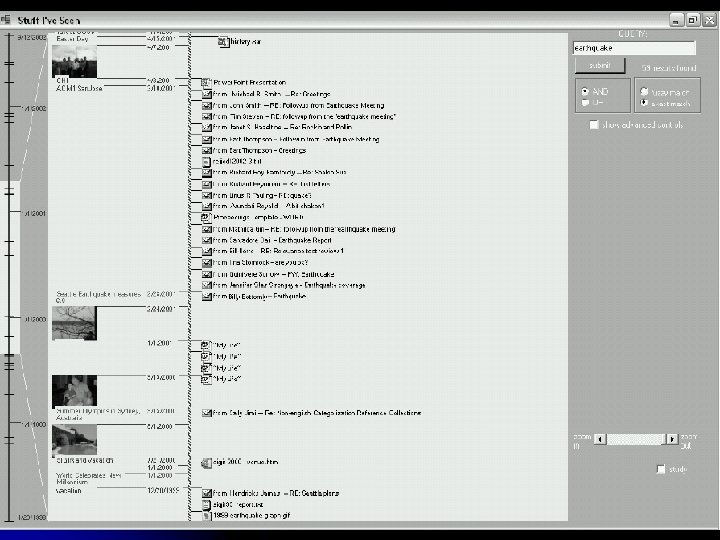
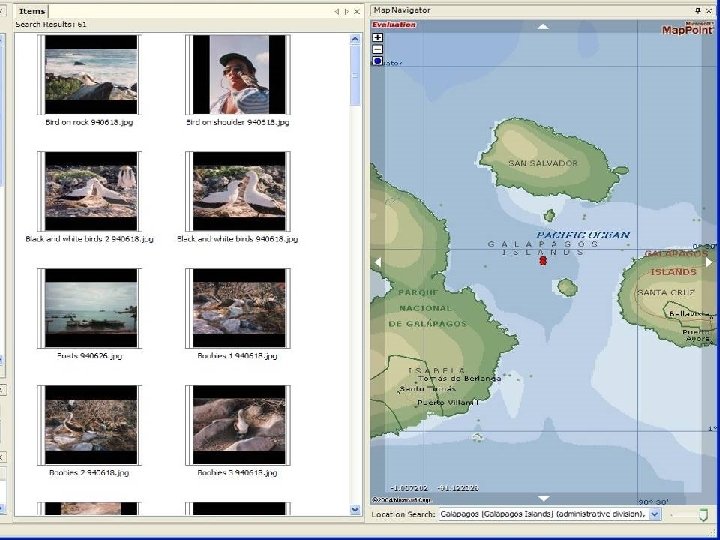
Using my life bits: Where, an essential attribute #4: I remember where Just essential.
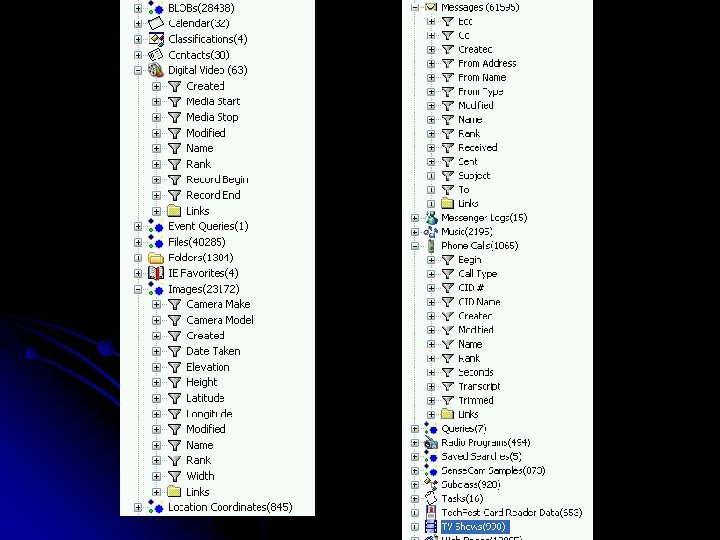
Using my life bits: pivoting on data to aid recall #5: Relationships (links) Using something near ‘it”, to find “it”.
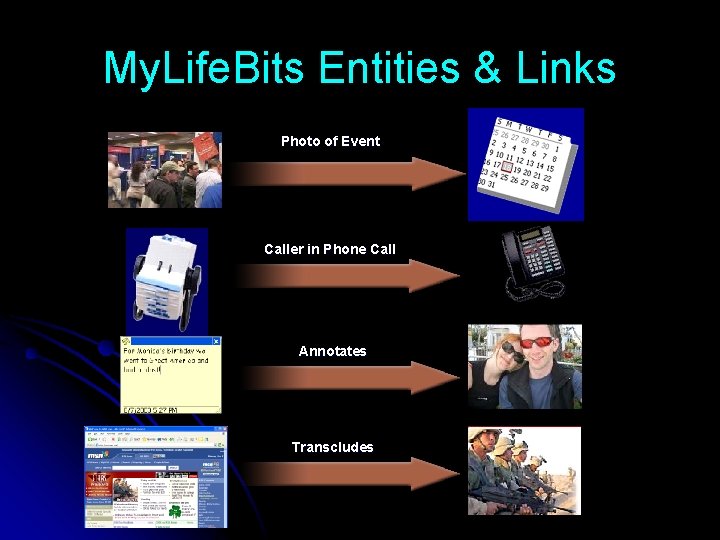
My. Life. Bits Entities & Links Photo of Event Caller in Phone Call Annotates Transcludes
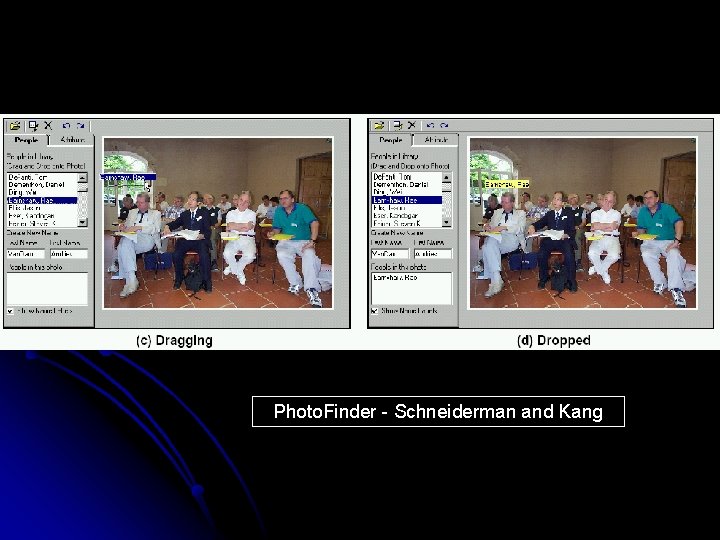
Photo. Finder - Schneiderman and Kang
Using my life bits: never enough meta-data … but, can you afford it? b #6: more meta-data (properties) I remember something about the content (understanding a person’s work)
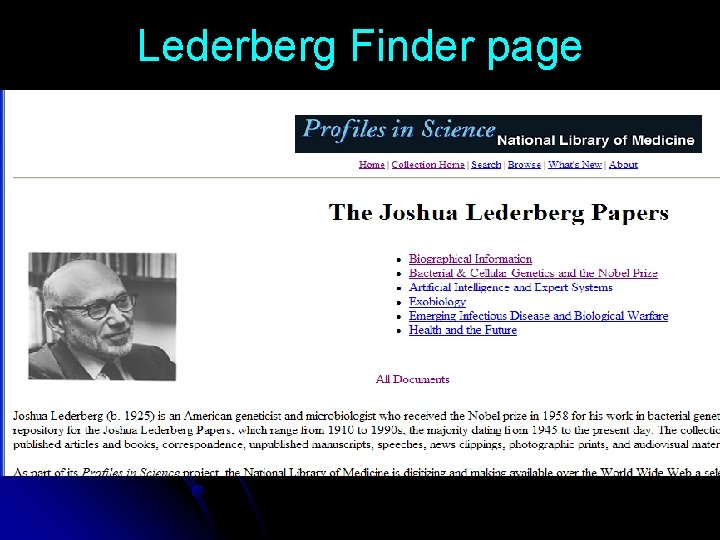
Lederberg Finder page
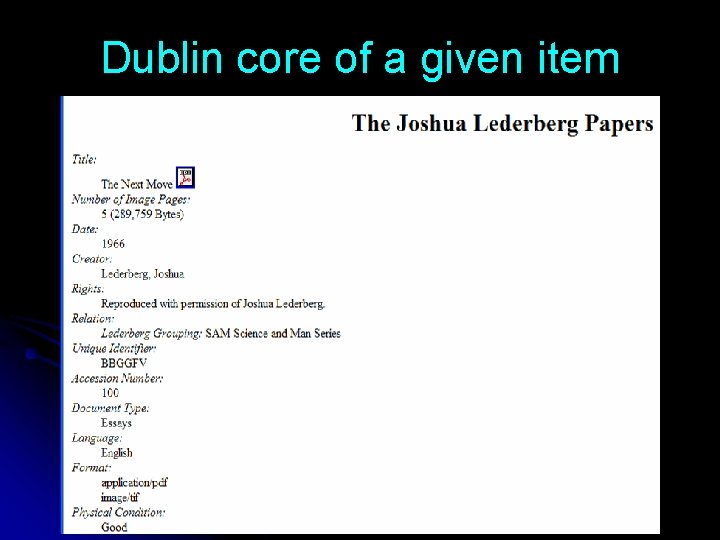
Dublin core of a given item
Using my life bits: classification of everything #7: classification Is any gain from non-automated classification worth the cost and pain?
Is traditional classification required? …at OCLC there was unanimous agreement among faculty and participants that “access to electronic resources requires controlled vocabulary and classification” OCLC Institute, “Knowledge Access Management: Tools and Concepts for Next Generation Catalogers”, 17 -19 November 1997, Dublin, Ohio.
“I have watched as hundreds of millions of dollars have been invested to re-invent the wheel - often badly. ” -Marcia Bates
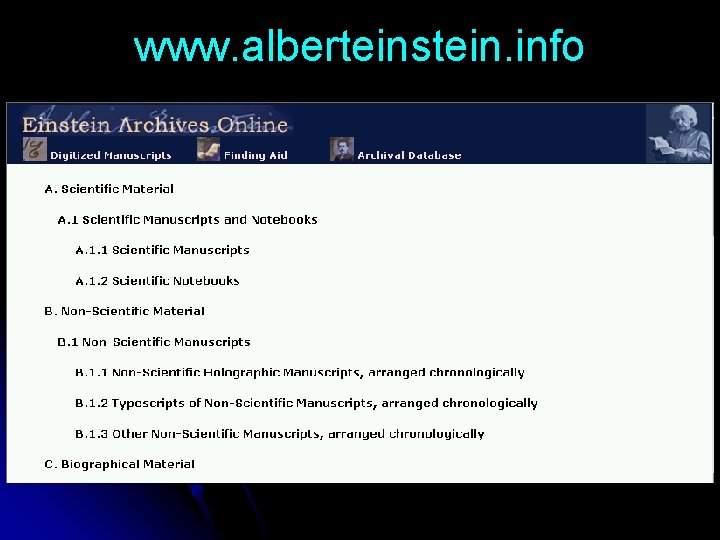
www. alberteinstein. info
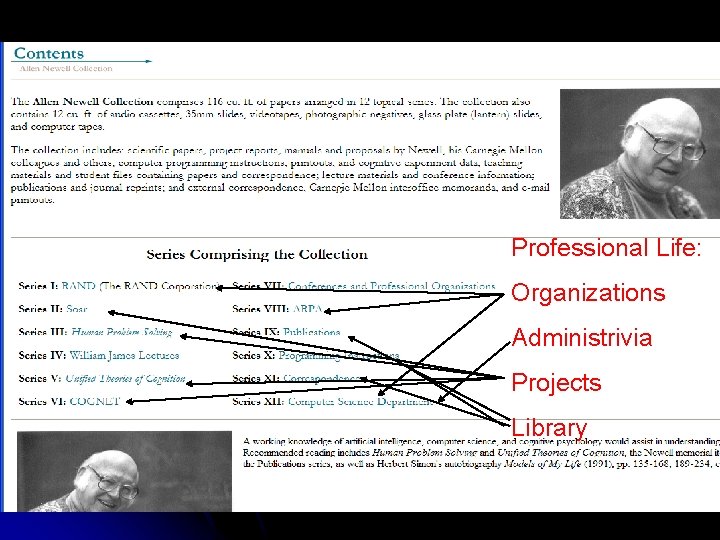
Professional Life: Organizations Administrivia Projects Library
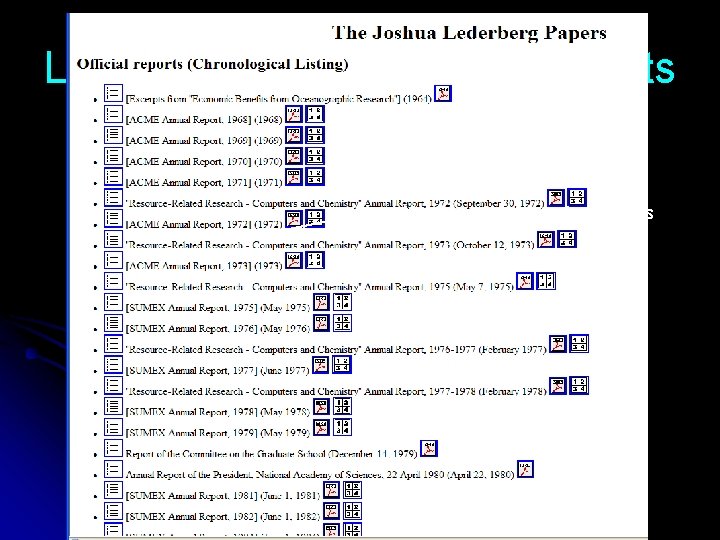
Lederberg papers official reports Number of document segments
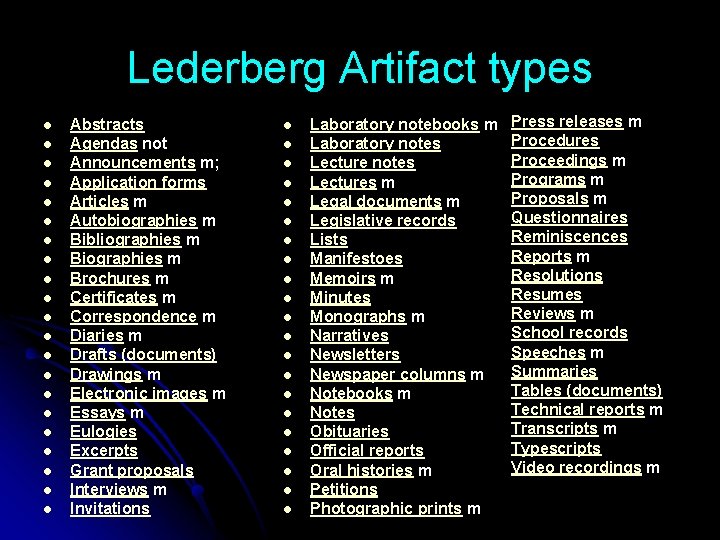
Lederberg Artifact types l l l l l l Abstracts Agendas not Announcements m; Application forms Articles m Autobiographies m Bibliographies m Brochures m Certificates m Correspondence m Diaries m Drafts (documents) Drawings m Electronic images m Essays m Eulogies Excerpts Grant proposals Interviews m Invitations l l l l l l Laboratory notebooks m Laboratory notes Lectures m Legal documents m Legislative records Lists Manifestoes Memoirs m Minutes Monographs m Narratives Newsletters Newspaper columns m Notebooks m Notes Obituaries Official reports Oral histories m Petitions Photographic prints m Press releases m Procedures Proceedings m Programs m Proposals m Questionnaires Reminiscences Reports m Resolutions Resumes Reviews m School records Speeches m Summaries Tables (documents) Technical reports m Transcripts m Typescripts Video recordings m
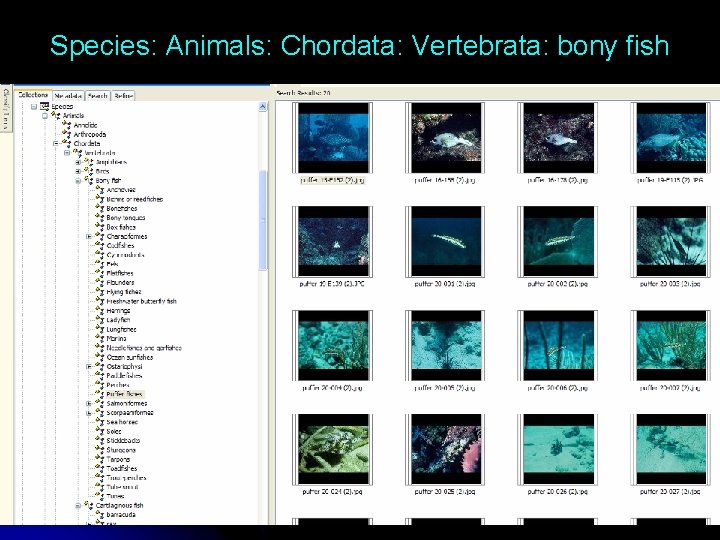
Species: Animals: Chordata: Vertebrata: bony fish
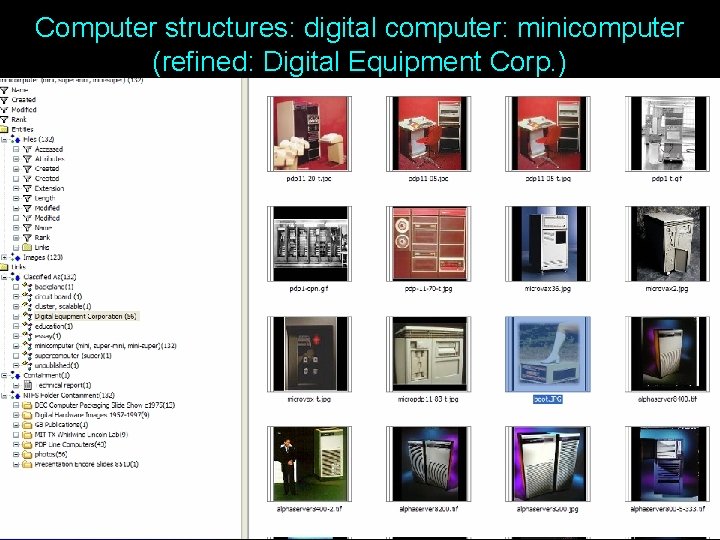
Computer structures: digital computer: minicomputer (refined: Digital Equipment Corp. )
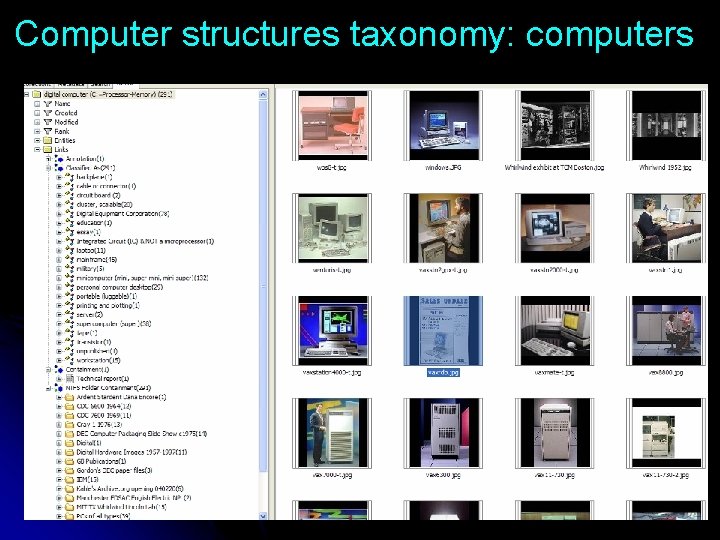
Computer structures taxonomy: computers
Classification wish list l l l Download classifications rather than build them Definitions & synonyms should help find what I want Today it is too expensive to manually classify my scanned paper. E. g. “right time” meta-data is critical! Next year we hope “the system” can classify papers and other documents e. g. bills In 10 years we expect all documents to appear electronically & classified with a little help from me
Using my life bits: Ontologies… useful? or fool’s errand? #8: “ontology”? ? ? “Succumbing to the ‘ontology’ fallacy” -Bates
My. Life. Bits: Some Lives(t) l l l Personal l Parents, children, grandkids l CGB himself l GKB l SSF l Close friends GB $s; Legal entities l Personal incl. several legal structures l Properties: autos, real estate, l Investments & contracts Past prof. companies/organiz’ns l DEC l Carnegie-Mellon U. l DEC, NSF, Encore, Ardent, Me Inc. , Bell-Mason l l l Bell-Mason Director Diamond & Vanguard Brds. Startups & boards l CGB@ Microsoft l MLB l Clusters l Telepresence l WWW presence l Computer History Museum l BOD member l Fund-raising l Cyber. Museum
F: father F: mother F: self F: Sister Education F: spouse F: son F: grand. Child F: daughter F: grandchild F: Significant Other W/Education Work Work Organization
Using my life bits: Providing insight, including… Where did I spend my time? What has been by output? #9: logging & reports
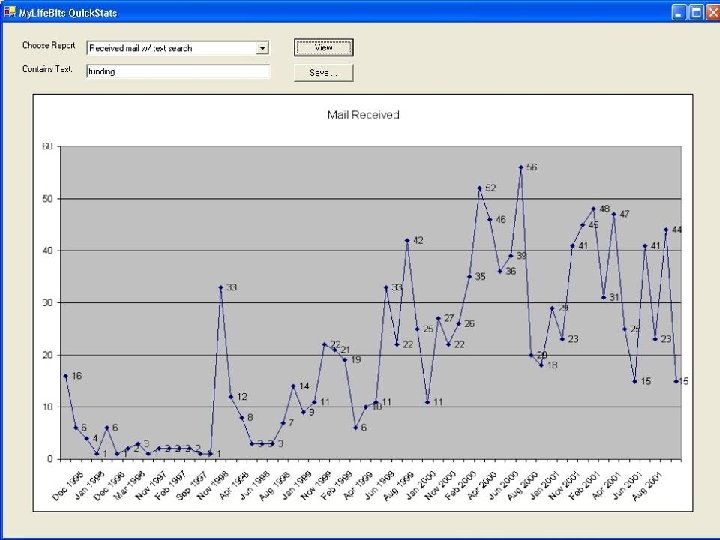
Interface to xls
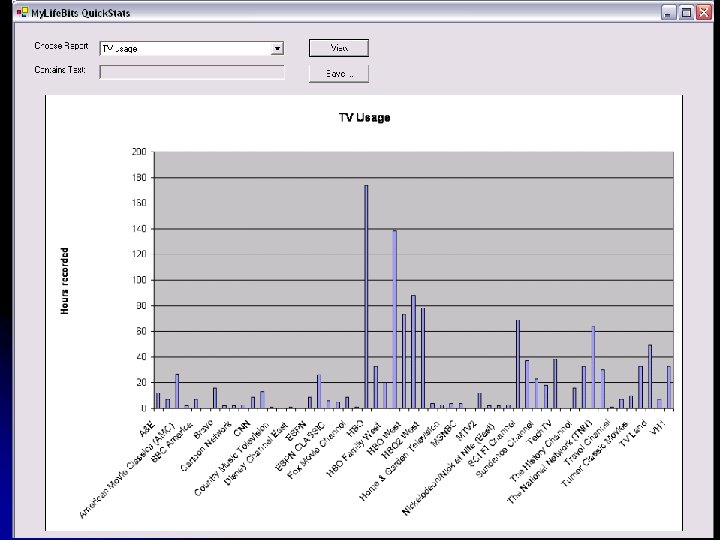
TV Usage
Using my life bits: Recording everything! #10: CARPE Continuous archival recording of personal experiences
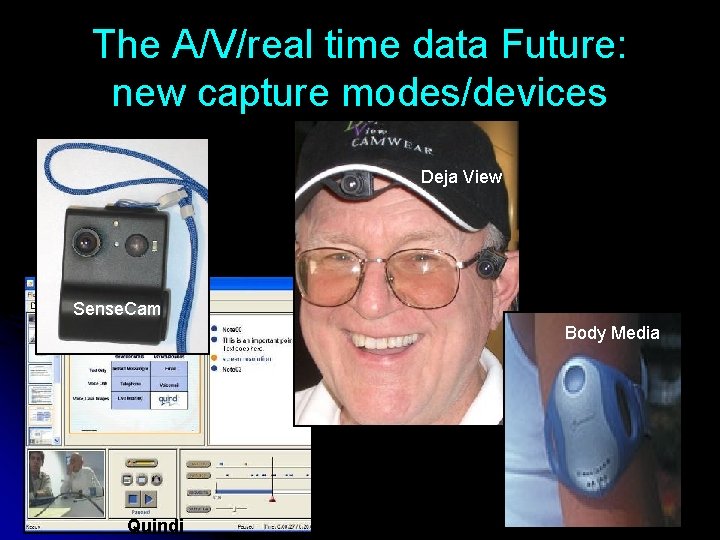
The A/V/real time data Future: new capture modes/devices Deja View Sense. Cam Body Media Quindi
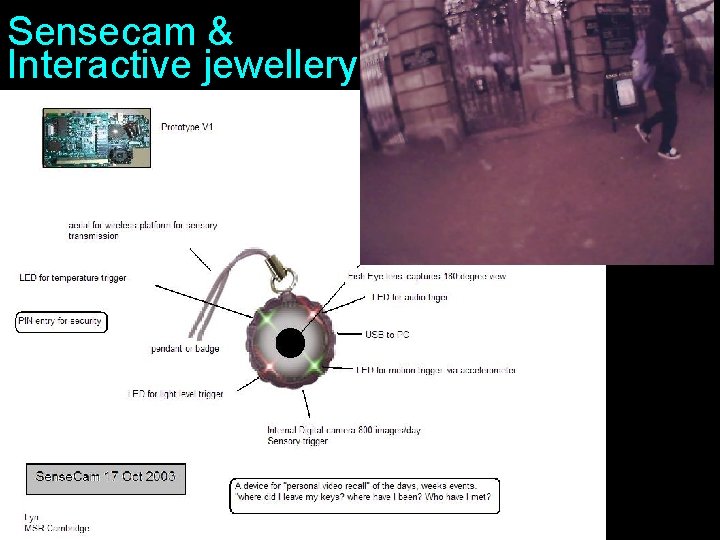
Sensecam & Interactive jewellery
Open Problems
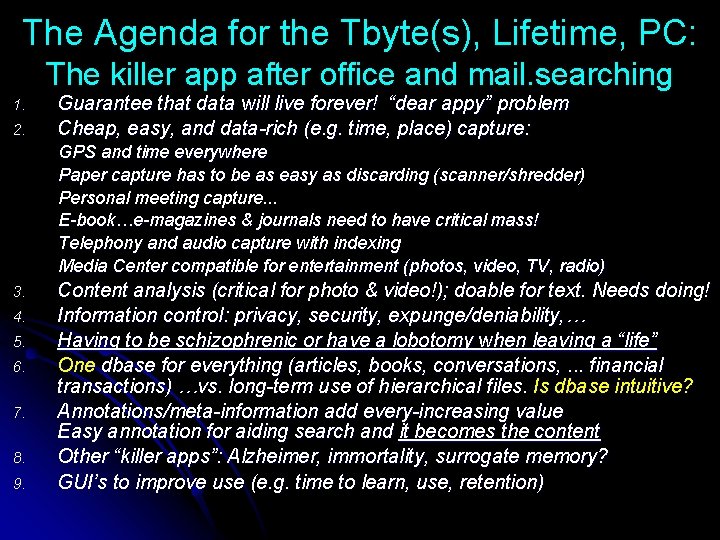
The Agenda for the Tbyte(s), Lifetime, PC: The killer app after office and mail. searching 1. 2. Guarantee that data will live forever! “dear appy” problem Cheap, easy, and data-rich (e. g. time, place) capture: GPS and time everywhere Paper capture has to be as easy as discarding (scanner/shredder) Personal meeting capture. . . E-book…e-magazines & journals need to have critical mass! Telephony and audio capture with indexing Media Center compatible for entertainment (photos, video, TV, radio) 3. 4. 5. 6. 7. 8. 9. Content analysis (critical for photo & video!); doable for text. Needs doing! Information control: privacy, security, expunge/deniability, … Having to be schizophrenic or have a lobotomy when leaving a “life” One dbase for everything (articles, books, conversations, . . . financial transactions) …vs. long-term use of hierarchical files. Is dbase intuitive? Annotations/meta-information add every-increasing value Easy annotation for aiding search and it becomes the content Other “killer apps”: Alzheimer, immortality, surrogate memory? GUI’s to improve use (e. g. time to learn, use, retention)
www. My. Life. Bits. com
The “dear appy” problem Dear Appy, How committed are you? Please come back to me. Forever yours truly, Lost and forgotten data l Who’s responsible? l. Media or 8 track cassette, 8” floppy l. Evolving platform, file, and database l. Evolving, incompatible standards & formats for legacy data that disregard ancestors l. Evolving and/or disappearing apps
A Storocratic Oath Do no harm to dates (File creation, Photo taken) Do no harm to device created & other meta-data. 1. 2. • Support & aid the creation of critical meta-data. 3. • • 4. Camera data & location data are sacred. When/how the user feels like it Auto-magically! Maintain user confidentiality
The killer app? ? Input, File, Classify, and Find… l Operational l l “Stuff I’ve Seen” (e. g. msg, name, paper, fact, birthday, phone call, photo l Observe every action… l Time & motion (routing, communicating, scheduling … thinking) l Archival one’s self l Finder aka Table of Contents aka Site Map l Story telling. l Screen saver & personal ambience
- Slides: 68