
Ch 6 Access Control Lists Laboratorium Telematika ITB

Ch 6. Access Control Lists Laboratorium Telematika - ITB Cisco Regional Networking Academy Semester 3 Version 2. 1. 2 Duration: 60 minutes
Overview n n What are Access Control Lists (ACLs) Types of ACLs How to create ACLs Where to put ACLs
What are ACLs n ACLs are lists of instructions that tell the router what kinds of packets to accept and what kinds of packets to deny u Acceptance and denial can be based on certain specifications, such as source address, destination address, and port number n ACLs can be created for all routed network protocols u You must define an ACL for every protocol enabled on an interface if you want to control traffic flow for that interface

ACL Functions n Limit network traffic and increase performance u Routers does not have to process all packet u Reduce network utilization n Provide traffic flow control u Limit n information propagation Provide basic security u Block n access to parts of the network Decide which traffic to be blocked, and which to be allowed u Allow some services, disallow other services
ACL Testing n n ACL can test based on Source/Destination Address, Source/Destination Port, and many other criteria The order of ACL test statements are important u After a match is found, no more condition statements are checked u Place more specific tests first, then more generic tests later n All ACL has an implicit (not stated) “deny any” rule at the end of the ACL u If a packet does not match any ACL test, it will be discarded (implicit deny any in action)
How ACLs are Applied n n Assume a packet arrives at an interface First, packet is checked whether it is routable or bridgeable u If n not routable (e. g. broadcast), it is discarded Second, if the interface has an inbound ACL, it is tested against the inbound ACL Third, packet is routed/bridged Fourth, if the destination interface has an outbound ACL, it is tested against the outbound ACL
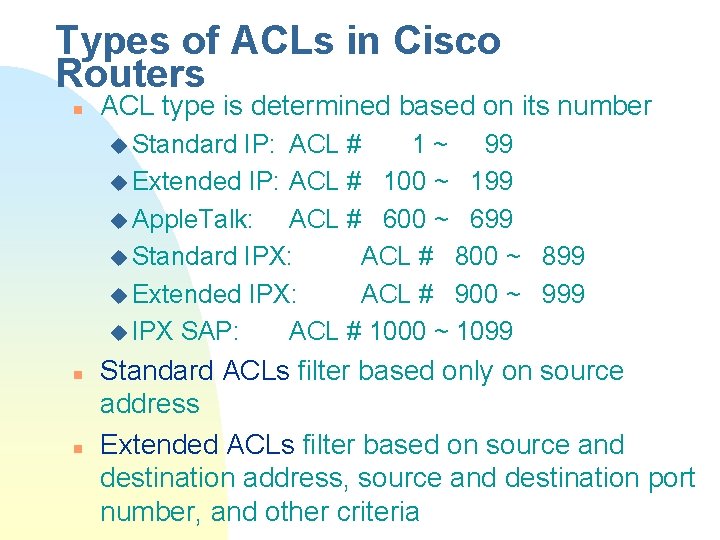
Types of ACLs in Cisco Routers n ACL type is determined based on its number u Standard IP: ACL # 1 ~ 99 u Extended IP: ACL # 100 ~ 199 u Apple. Talk: ACL # 600 ~ 699 u Standard IPX: ACL # 800 ~ 899 u Extended IPX: ACL # 900 ~ 999 u IPX SAP: ACL # 1000 ~ 1099 n n Standard ACLs filter based only on source address Extended ACLs filter based on source and destination address, source and destination port number, and other criteria
ACL commands n n Define the ACL (global config mode) access-list number { permit | deny } test Apply the ACL (interface config mode) protocol access-group number { in | out } Delete an ACL no access-list number Change an ACL: must delete first, and re-enter all ACL test statements
Standard ACL Test n n Standard ACL test format is: source-address wildcard-mask Rule for wildcard-mask is inverse of subnet mask: u ‘ 1’ means ignore u ‘ 0’ means check n Test shorthands u x. x 255 (ignore all) can be shortened to any u x. x 0. 0 can be shortened to host x. x or x. x
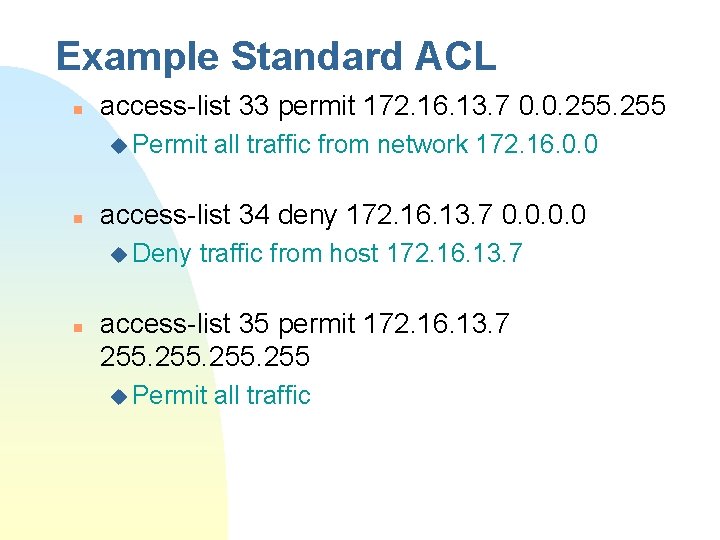
Example Standard ACL n access-list 33 permit 172. 16. 13. 7 0. 0. 255 u Permit n access-list 34 deny 172. 16. 13. 7 0. 0 u Deny n all traffic from network 172. 16. 0. 0 traffic from host 172. 16. 13. 7 access-list 35 permit 172. 16. 13. 7 255 u Permit all traffic

Sample Standard ACL Implementation
![Extended ACL Test n Extended ACL test format is: protocol source-address source-mask [operator operand]](http://slidetodoc.com/presentation_image_h2/775ec49a557215c638b63c08844f9f7c/image-13.jpg "Extended ACL Test n Extended ACL test format is: protocol source-address source-mask [operator operand]")
Extended ACL Test n Extended ACL test format is: protocol source-address source-mask [operator operand] dest-address dest-mask [operator operand] [established] u protocol — IP, TCP, UDP, ICMP, IGRP u operator — lt, gt, eq, neq (less than, greater than, equal, not equal) u operand — port number u established — allow TCP traffic to pass if the packet uses an established connection (ACK bit is set)
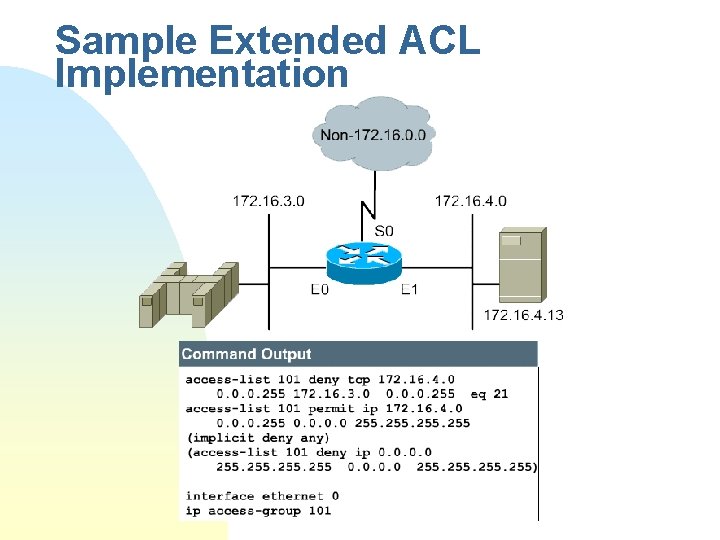
Sample Extended ACL Implementation
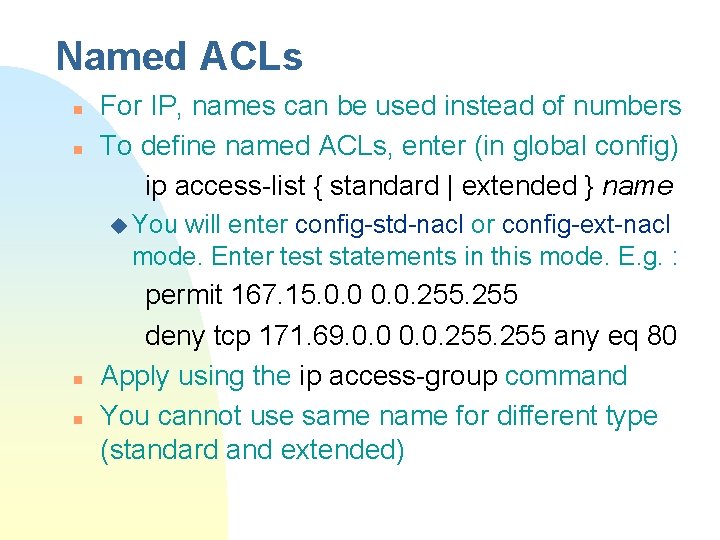
Named ACLs n n For IP, names can be used instead of numbers To define named ACLs, enter (in global config) ip access-list { standard | extended } name u You will enter config-std-nacl or config-ext-nacl mode. Enter test statements in this mode. E. g. : n n permit 167. 15. 0. 0. 255 deny tcp 171. 69. 0. 0. 255 any eq 80 Apply using the ip access-group command You cannot use same name for different type (standard and extended)
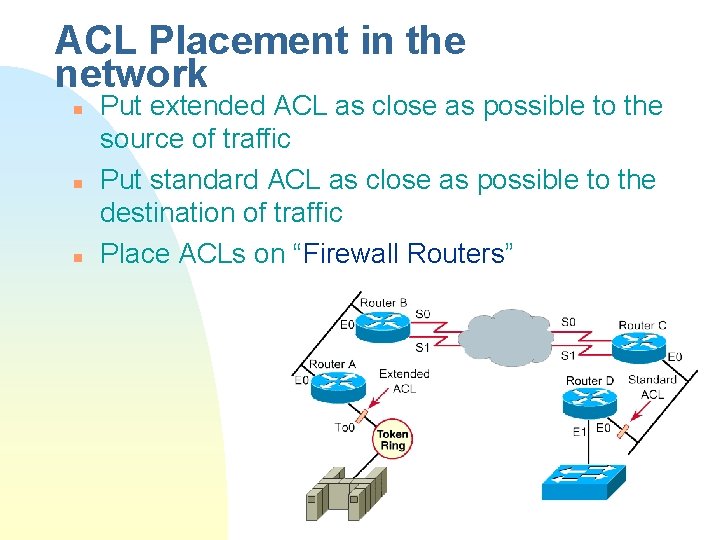
ACL Placement in the network n n n Put extended ACL as close as possible to the source of traffic Put standard ACL as close as possible to the destination of traffic Place ACLs on “Firewall Routers”
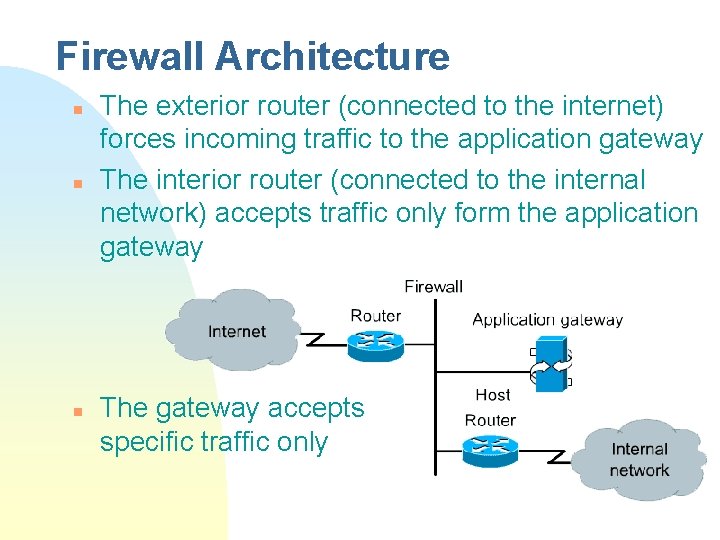
Firewall Architecture n n n The exterior router (connected to the internet) forces incoming traffic to the application gateway The interior router (connected to the internal network) accepts traffic only form the application gateway The gateway accepts specific traffic only

The End
- Slides: 18