
Ch 5 Router Startup and Setup Laboratorium Telematika

Ch 5. Router Startup and Setup Laboratorium Telematika - ITB Cisco Regional Networking Academy Semester 2 Version 2. 1 Duration: 60 minutes
Overview n n Router boot sequence Setup mode (System Configuration Dialog)
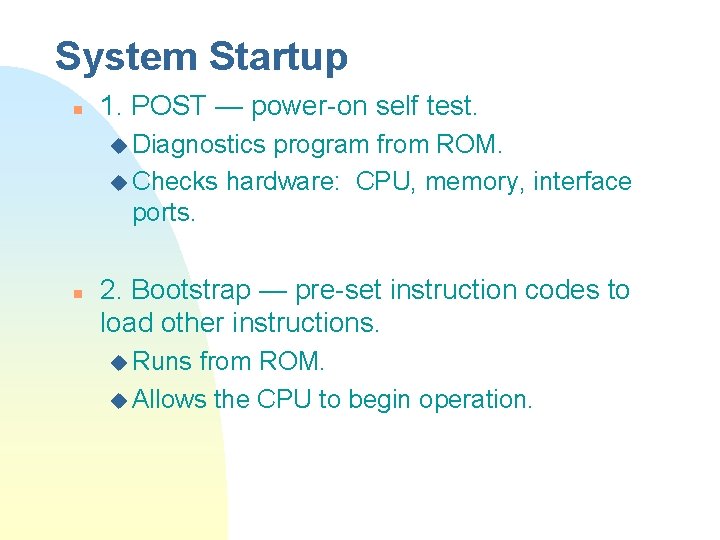
System Startup n 1. POST — power-on self test. u Diagnostics program from ROM. u Checks hardware: CPU, memory, interface ports. n 2. Bootstrap — pre-set instruction codes to load other instructions. u Runs from ROM. u Allows the CPU to begin operation.
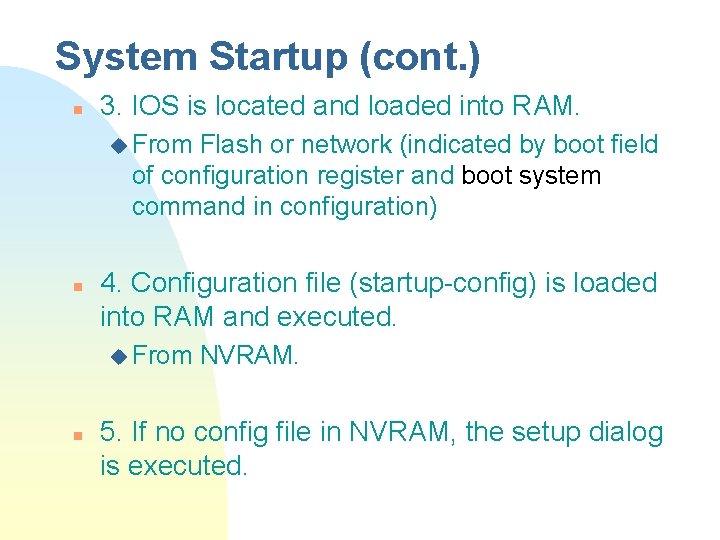
System Startup (cont. ) n 3. IOS is located and loaded into RAM. u From Flash or network (indicated by boot field of configuration register and boot system command in configuration) n 4. Configuration file (startup-config) is loaded into RAM and executed. u From n NVRAM. 5. If no config file in NVRAM, the setup dialog is executed.
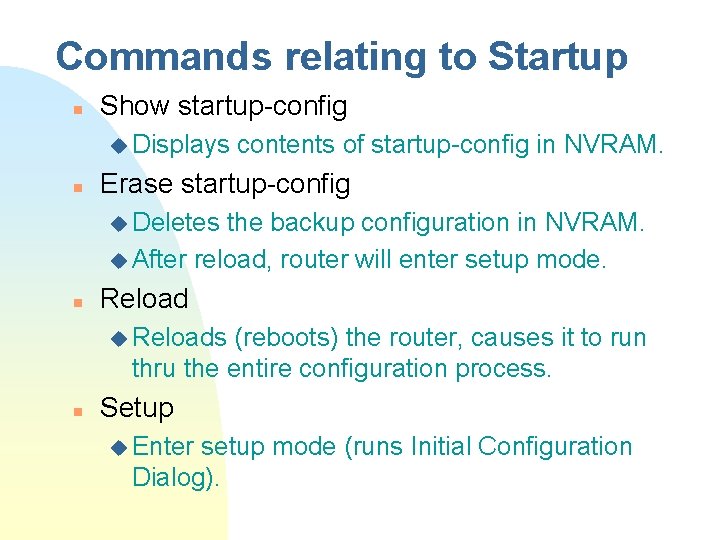
Commands relating to Startup n Show startup-config u Displays n contents of startup-config in NVRAM. Erase startup-config u Deletes the backup configuration in NVRAM. u After reload, router will enter setup mode. n Reload u Reloads (reboots) the router, causes it to run thru the entire configuration process. n Setup u Enter setup mode (runs Initial Configuration Dialog).
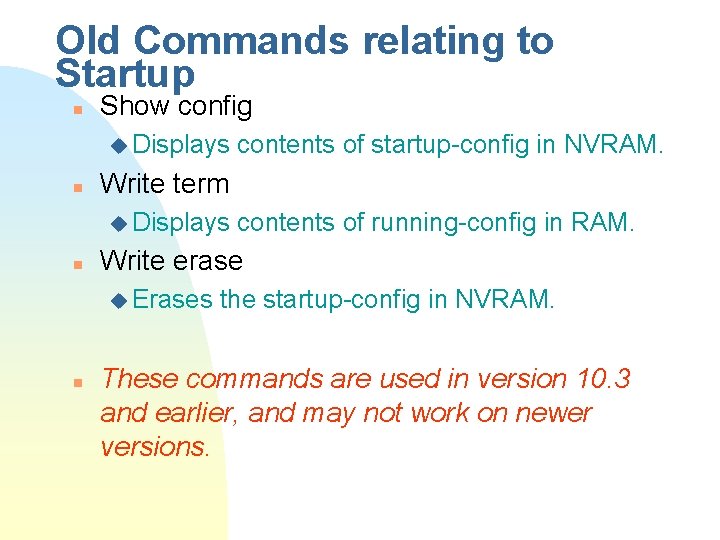
Old Commands relating to Startup n Show config u Displays n Write term u Displays n contents of running-config in RAM. Write erase u Erases n contents of startup-config in NVRAM. the startup-config in NVRAM. These commands are used in version 10. 3 and earlier, and may not work on newer versions.
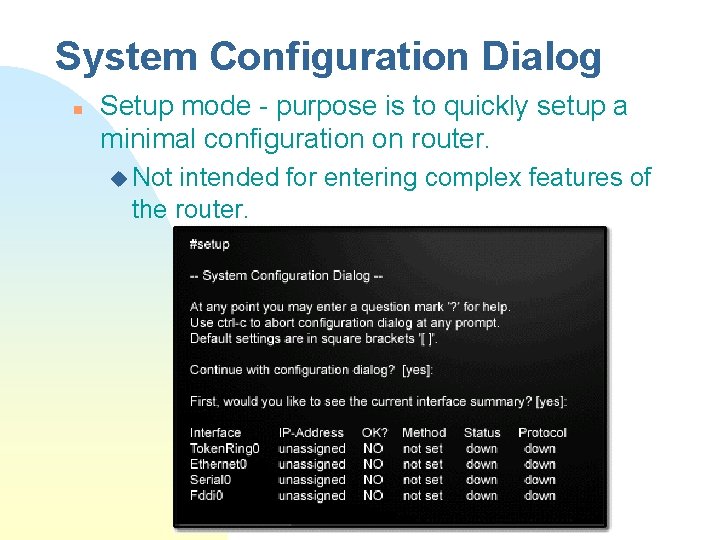
System Configuration Dialog n Setup mode - purpose is to quickly setup a minimal configuration on router. u Not intended for entering complex features of the router.
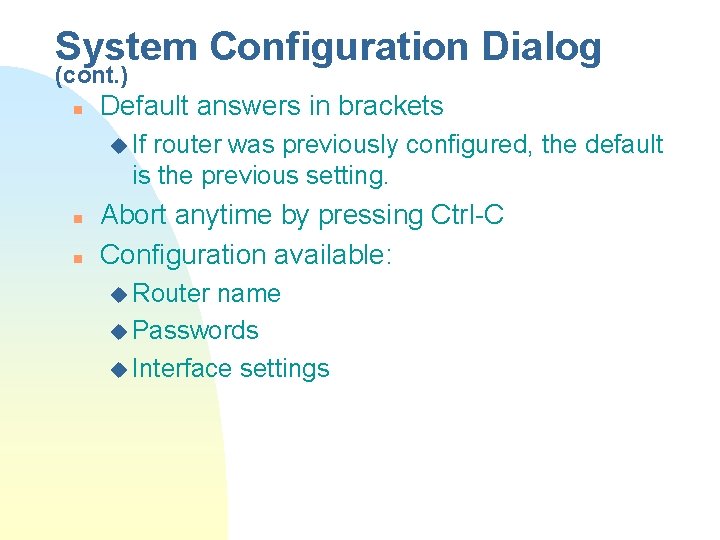
System Configuration Dialog (cont. ) n Default answers in brackets u If router was previously configured, the default is the previous setting. n n Abort anytime by pressing Ctrl-C Configuration available: u Router name u Passwords u Interface settings
Setup Script Review n When the setup dialog is completed, you are prompted whether you want to use this configuration. u If Yes, this is saved as the running-config in RAM. F To save this as the startup-config in NVRAM, you need: copy running-config startup-config. F Newest IOS version automatically saves to startup-config n Setup script file (setup dialog) is additive - you can turn on features, but cannot turn them off. u To turn off features, you need to go to the configuration mode and type no -----.
Summary n Startup Sequence u 1. POST u 2. Bootstrap u 3. IOS loaded u 4. Configuration file is loaded F If no valid configuration file, the IOS executes the setup dialog. n At this point, the router should be operating.
The End
- Slides: 12