
Ch 5 IGRP Laboratorium Telematika ITB Cisco Regional

Ch 5. IGRP Laboratorium Telematika - ITB Cisco Regional Networking Academy Semester 3 Version 2. 1. 2 Duration: 60 minutes

Overview n n n Routing Basics Routing Protocols IGRP Basics
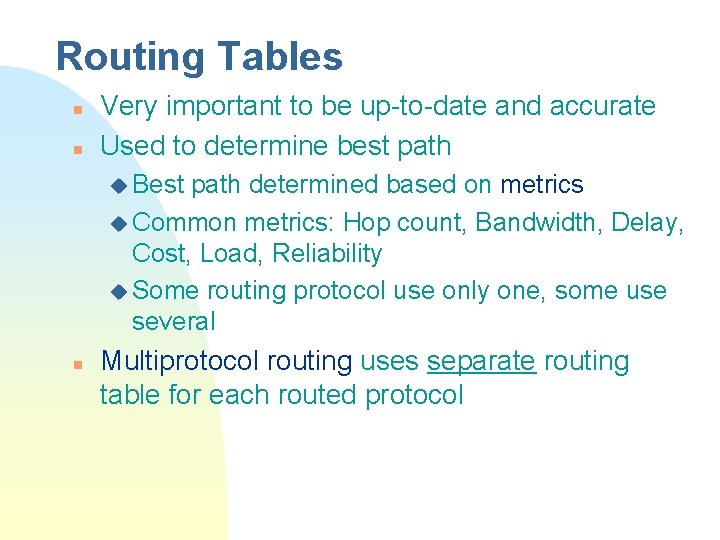
Routing Tables n n Very important to be up-to-date and accurate Used to determine best path u Best path determined based on metrics u Common metrics: Hop count, Bandwidth, Delay, Cost, Load, Reliability u Some routing protocol use only one, some use several n Multiprotocol routing uses separate routing table for each routed protocol

Routing Tables n n Very important to be up-to-date and accurate Used to determine best path u Best path determined based on metrics u Common metrics: Hop count, Bandwidth, Delay, Cost, Load, Reliability u Some routing protocol use only one, some use several n Multiprotocol routing uses separate routing table for each routed protocol

Routing Protocols n n Routers must communicate with each other in order to build tables Routing protocols are used to transmit messages between routers (routing updates) u All or a portion of a routing table, or u State of a router’s links n Can be differentiated based on: u The goals of the protocol designer u Effect on network resources u Variety of metrics
Routing Protocols (cont. ) n Two broad classes: u Interior Routing Protocols u Exterior Routing Protocols
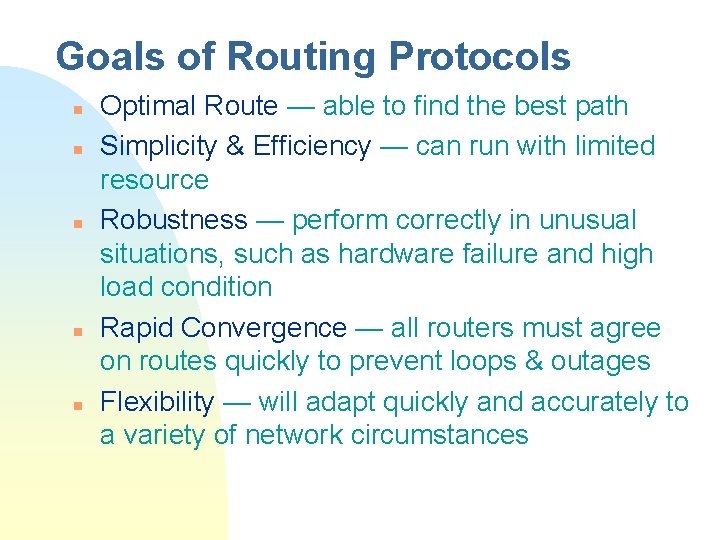
Goals of Routing Protocols n n n Optimal Route — able to find the best path Simplicity & Efficiency — can run with limited resource Robustness — perform correctly in unusual situations, such as hardware failure and high load condition Rapid Convergence — all routers must agree on routes quickly to prevent loops & outages Flexibility — will adapt quickly and accurately to a variety of network circumstances

Choosing a Routing Protocol n Consider the following u Network size and complexity u Network traffic levels u Security needs u Reliability needs u Network delay characteristics u Organizational policies u Organizational acceptance of change
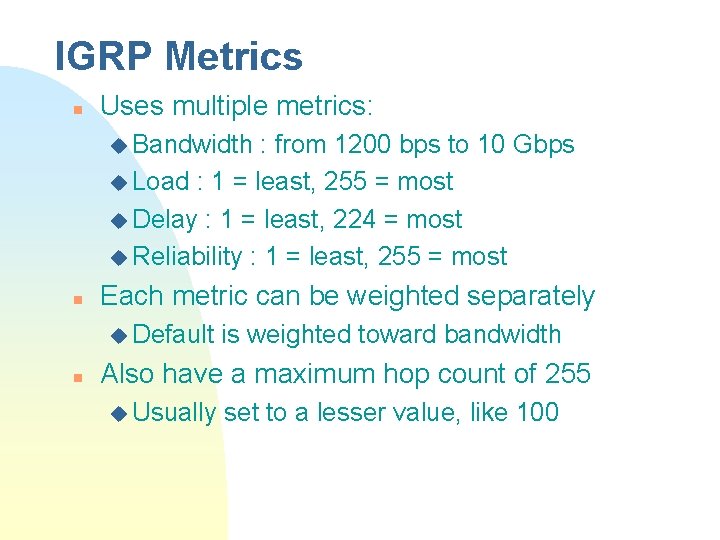
IGRP Metrics n Uses multiple metrics: u Bandwidth : from 1200 bps to 10 Gbps u Load : 1 = least, 255 = most u Delay : 1 = least, 224 = most u Reliability : 1 = least, 255 = most n Each metric can be weighted separately u Default n is weighted toward bandwidth Also have a maximum hop count of 255 u Usually set to a lesser value, like 100
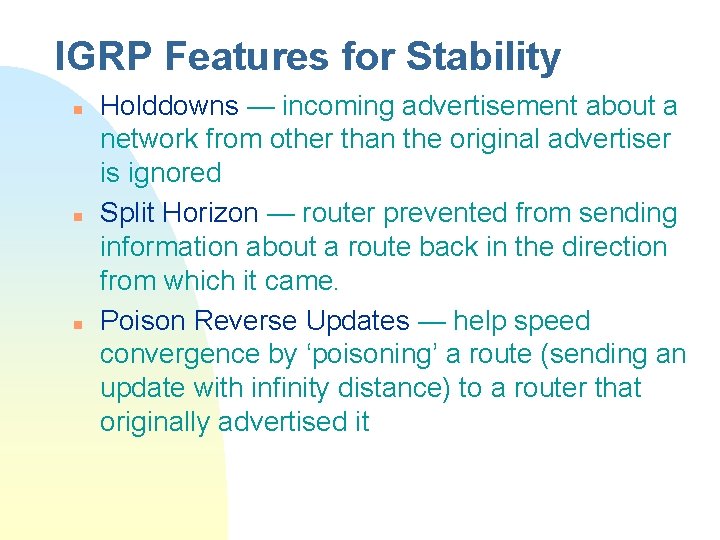
IGRP Features for Stability n n n Holddowns — incoming advertisement about a network from other than the original advertiser is ignored Split Horizon — router prevented from sending information about a route back in the direction from which it came. Poison Reverse Updates — help speed convergence by ‘poisoning’ a route (sending an update with infinity distance) to a router that originally advertised it
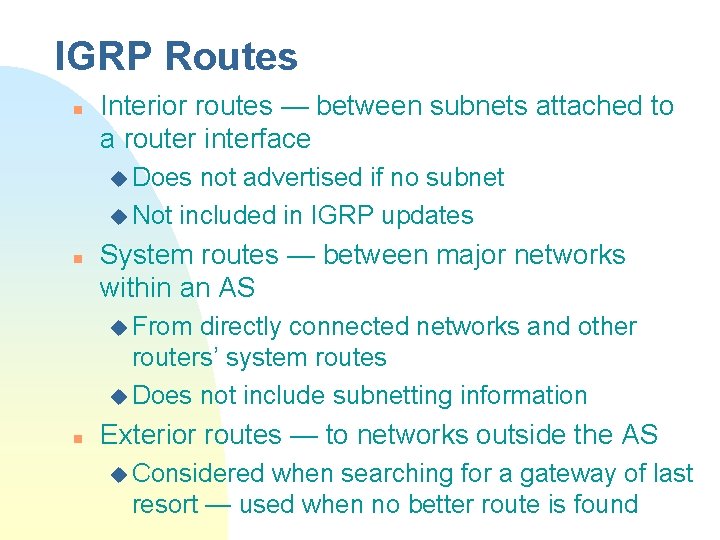
IGRP Routes n Interior routes — between subnets attached to a router interface u Does not advertised if no subnet u Not included in IGRP updates n System routes — between major networks within an AS u From directly connected networks and other routers’ system routes u Does not include subnetting information n Exterior routes — to networks outside the AS u Considered when searching for a gateway of last resort — used when no better route is found

IGRP Updates n Sent every 90 seconds u Route marked “inaccessible” if not updated in 3 update periods u Route removed after 7 update periods n To speed up convergence: u Flash update — sending the update sooner u Poison reverse — make a route to be placed into holddown
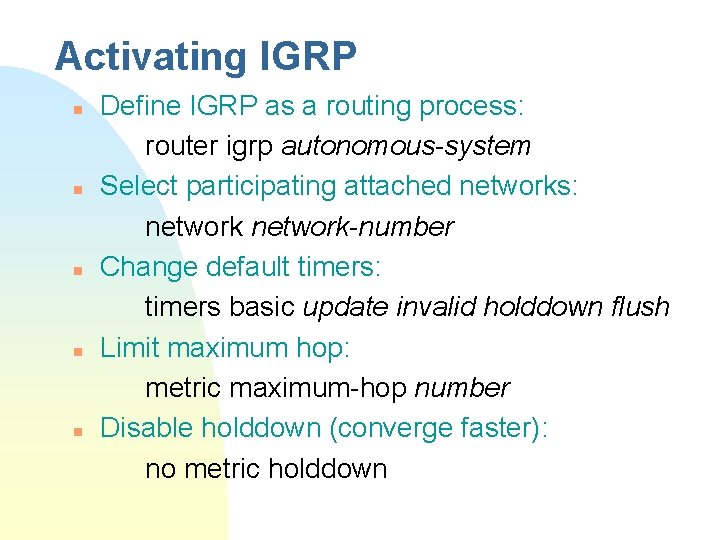
Activating IGRP n n n Define IGRP as a routing process: router igrp autonomous-system Select participating attached networks: network-number Change default timers: timers basic update invalid holddown flush Limit maximum hop: metric maximum-hop number Disable holddown (converge faster): no metric holddown

The End
- Slides: 15