
Ch 2 Windows Team 1 995202072 995202091 985302024



![偵錯WRK (4/5) ¨ 啟動WRK除錯模式 n 先啟動Win. DGB(等待狀態) n 啟動Virtual Machine,並選擇WRK 1. 2 [debugger enabled]](https://slidetodoc.com/presentation_image/343cf9f7a111a76f0650367c1176fc09/image-99.jpg "偵錯WRK (4/5) ¨ 啟動WRK除錯模式 n 先啟動Win. DGB(等待狀態) n 啟動Virtual Machine,並選擇WRK 1. 2 [debugger enabled]")

- Slides: 127
Ch. 2 Windows 系統總述 Team 1 995202072 施政延 995202091 黃俊凱 985302024 黃郁偉 995202068 張逸文 995202076 張雅晴 995292098 朱慶翔 965302018 蔣念慈 995202093 薛宇翔
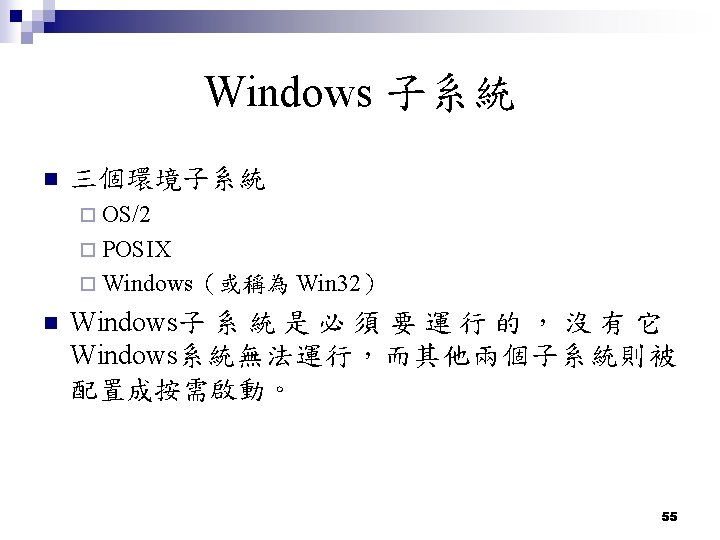
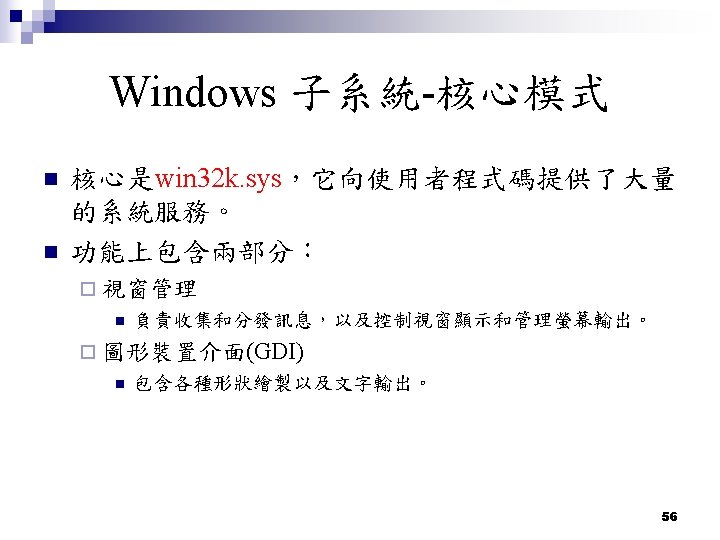
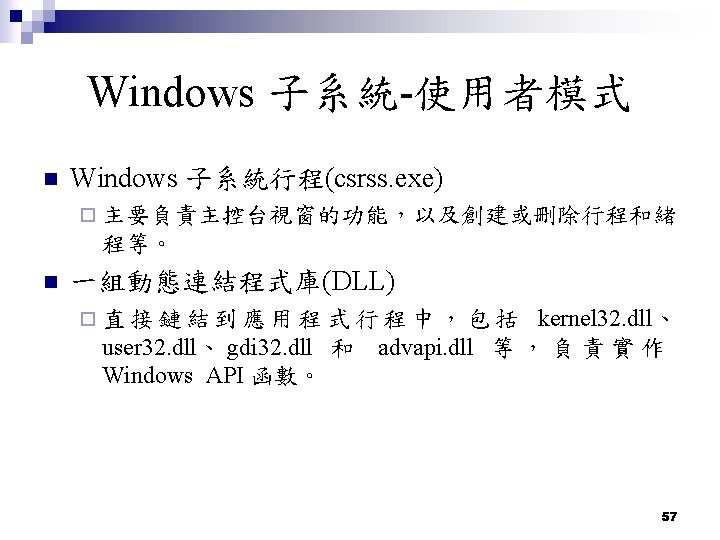
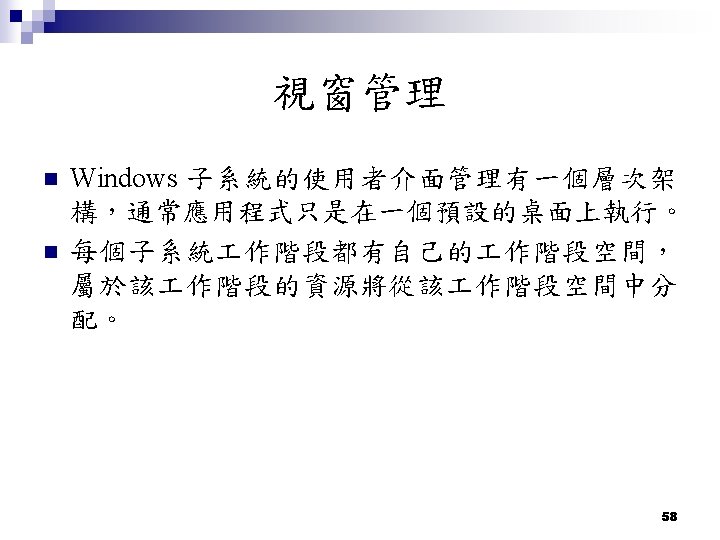
Introduction n Windows系統的基本架構 n WRK(Windows Research Kernel) n Windows基本概念 n Windows核心公用管理設施 n Windows的啟動過程 2
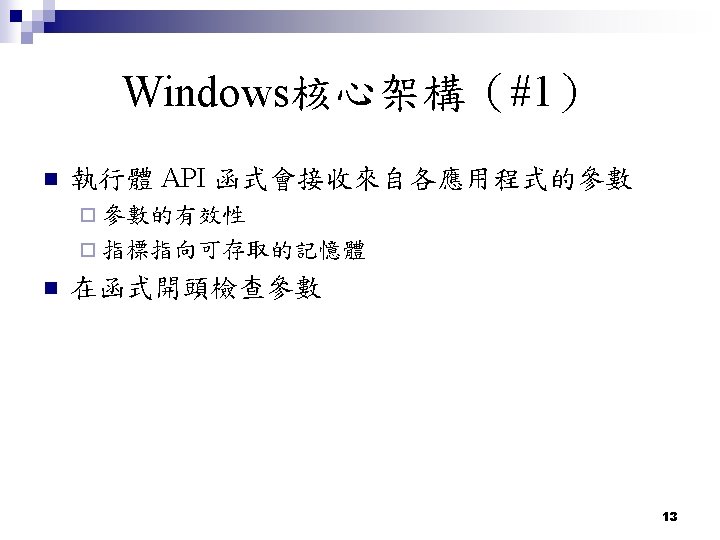
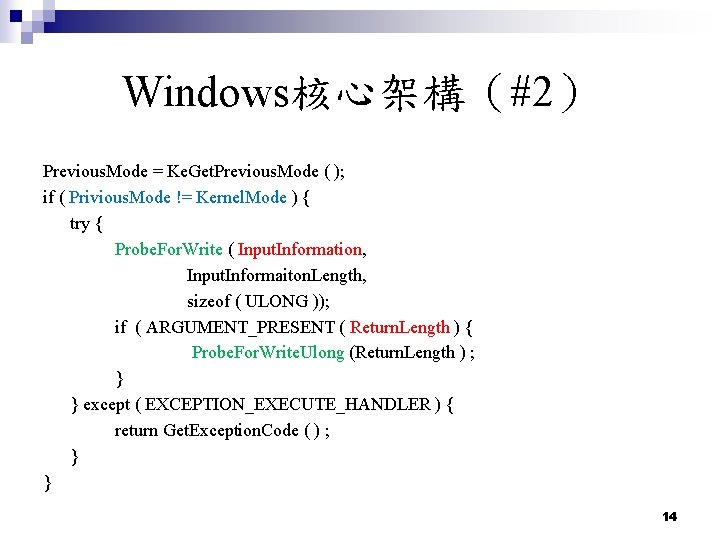
Windows核心架構(#2) Previous. Mode = Ke. Get. Previous. Mode ( ); if ( Privious. Mode != Kernel. Mode ) { try { Probe. For. Write ( Input. Information, Input. Informaiton. Length, sizeof ( ULONG )); if ( ARGUMENT_PRESENT ( Return. Length ) { Probe. For. Write. Ulong (Return. Length ) ; } } except ( EXCEPTION_EXECUTE_HANDLER ) { return Get. Exception. Code ( ) ; } } 14
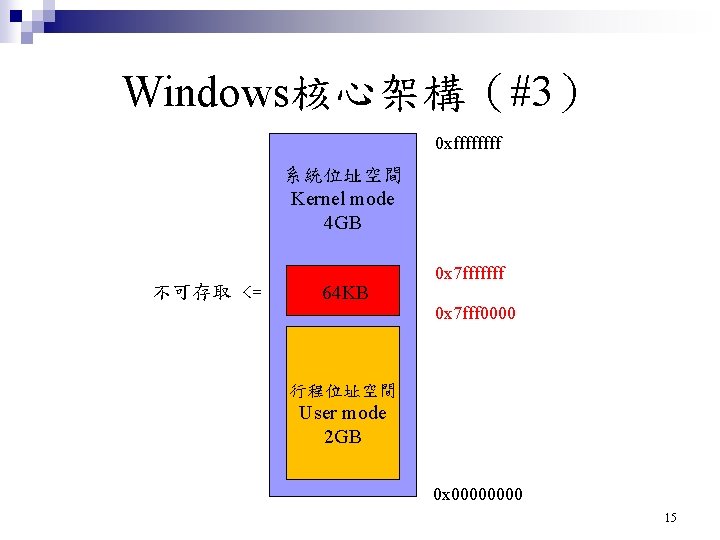
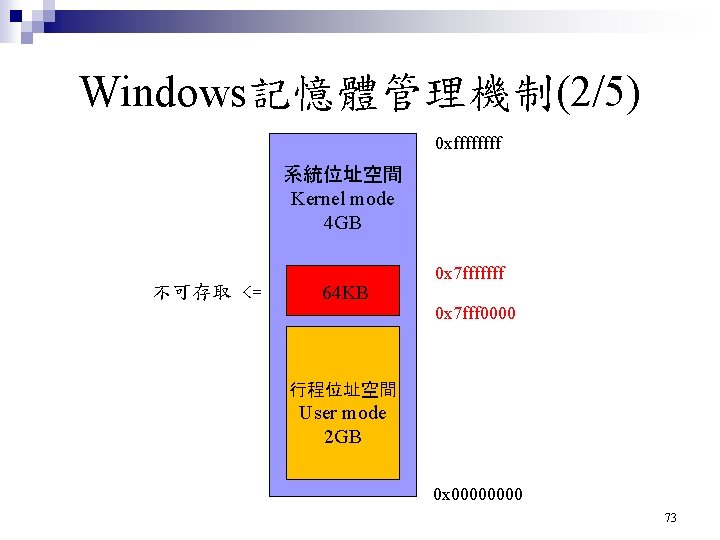
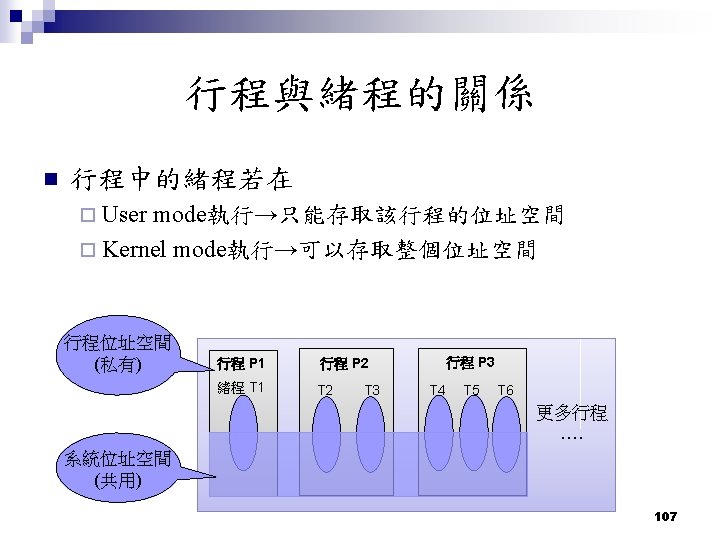
Windows核心架構(#3) 0 xffff 系統位址空間 Kernel mode 4 GB 不可存取 <= 64 KB 0 x 7 fffffff 0 x 7 fff 0000 行程位址空間 User mode 2 GB 0 x 0000 15
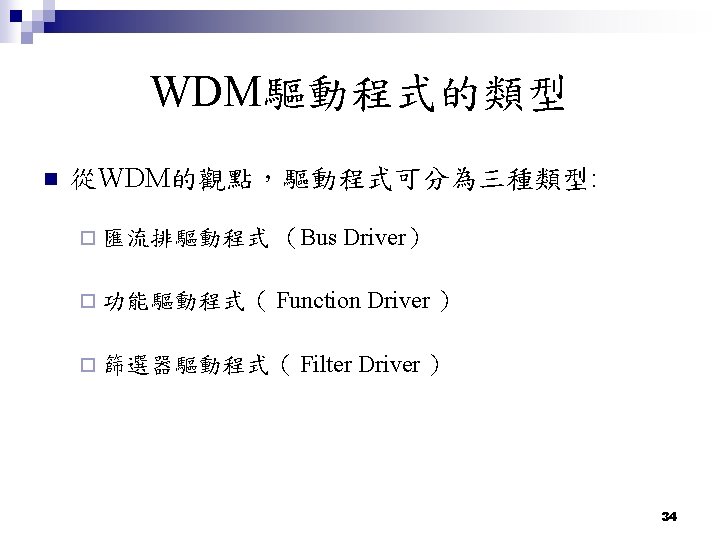
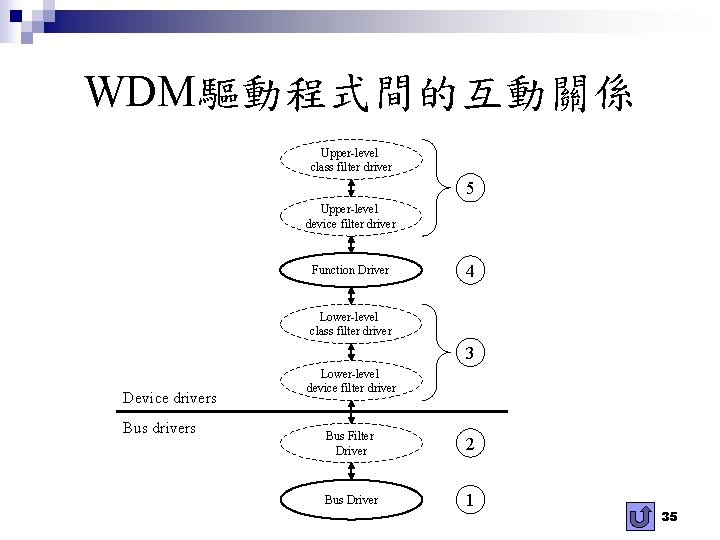
WDM驅動程式間的互動關係 Upper-level class filter driver 5 Upper-level device filter driver Function Driver 4 Lower-level class filter driver 3 Device drivers Bus drivers Lower-level device filter driver Bus Filter Driver 2 Bus Driver 1 35
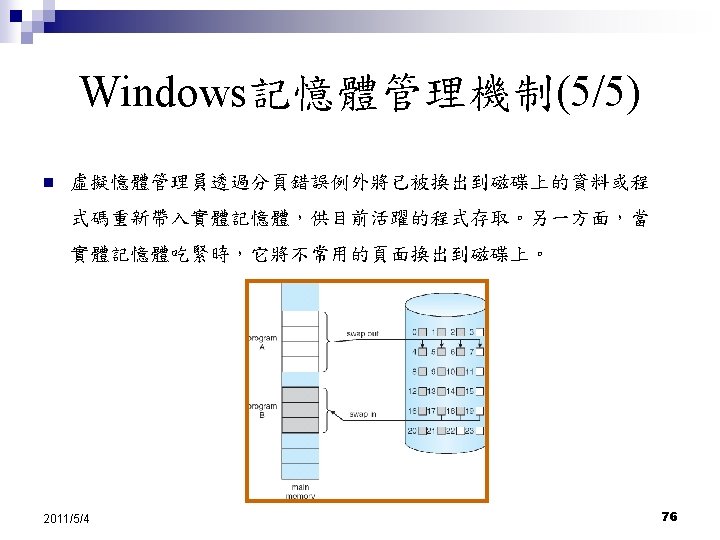
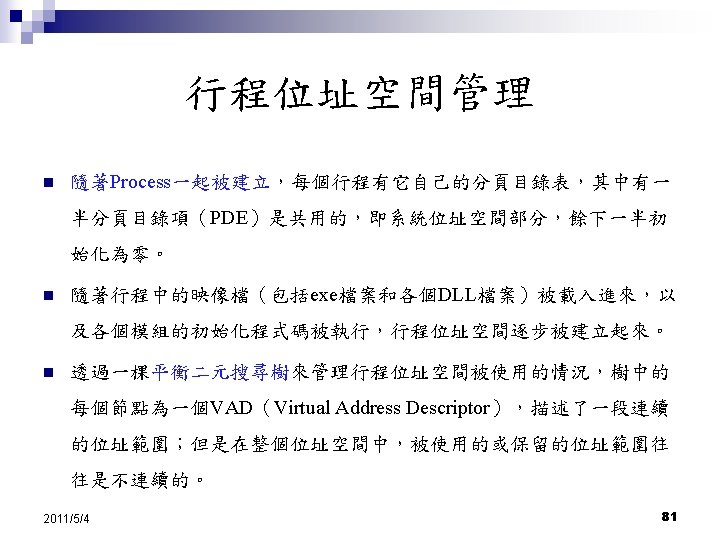
Windows記憶體管理機制(2/5) 0 xffff 系統位址空間 Kernel mode 4 GB 不可存取 <= 64 KB 0 x 7 fffffff 0 x 7 fff 0000 行程位址空間 User mode 2 GB 0 x 0000 73
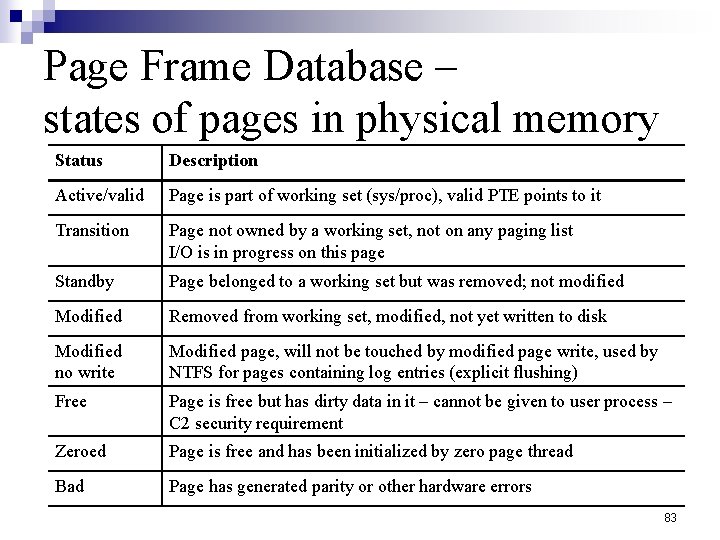
Page Frame Database – states of pages in physical memory Status Description Active/valid Page is part of working set (sys/proc), valid PTE points to it Transition Page not owned by a working set, not on any paging list I/O is in progress on this page Standby Page belonged to a working set but was removed; not modified Modified Removed from working set, modified, not yet written to disk Modified no write Modified page, will not be touched by modified page write, used by NTFS for pages containing log entries (explicit flushing) Free Page is free but has dirty data in it – cannot be given to user process – C 2 security requirement Zeroed Page is free and has been initialized by zero page thread Bad Page has generated parity or other hardware errors 83
Outline 建立WRK(Windows Research Kernel) 作環境 ¨ 編譯WRK ¨ 啟動WRK ¨ 偵錯WRK 報告人:黃郁偉
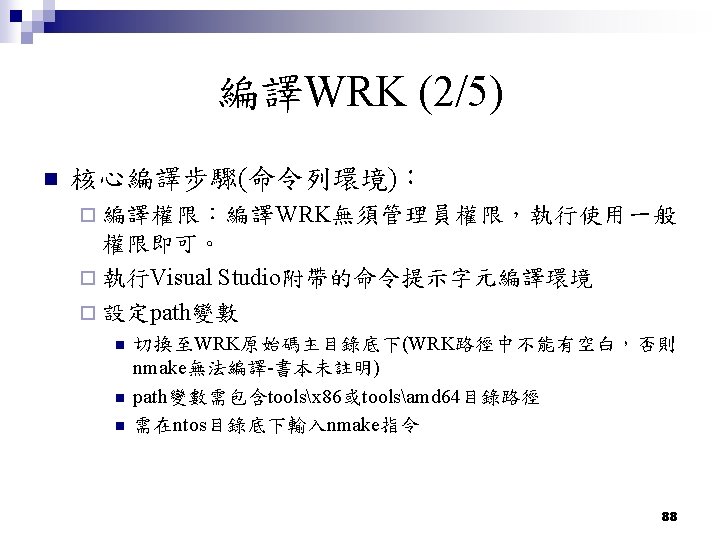
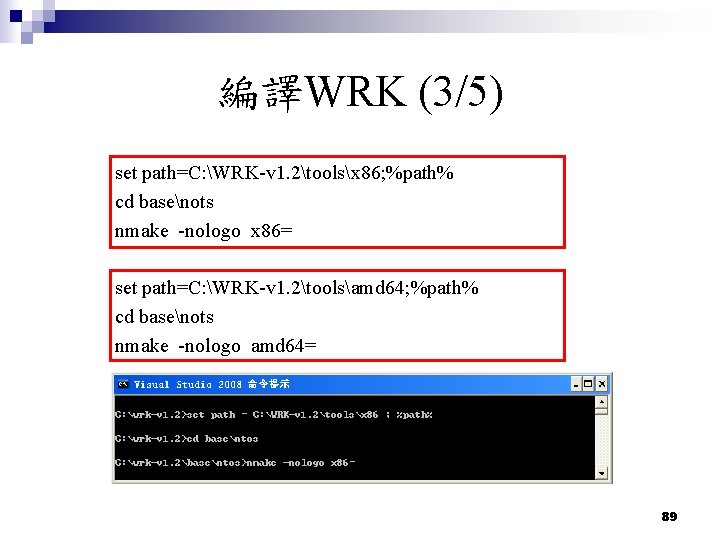
編譯WRK (3/5) set path=C: WRK-v 1. 2toolsx 86; %path% cd basenots nmake -nologo x 86= set path=C: WRK-v 1. 2toolsamd 64; %path% cd basenots nmake -nologo amd 64= 89
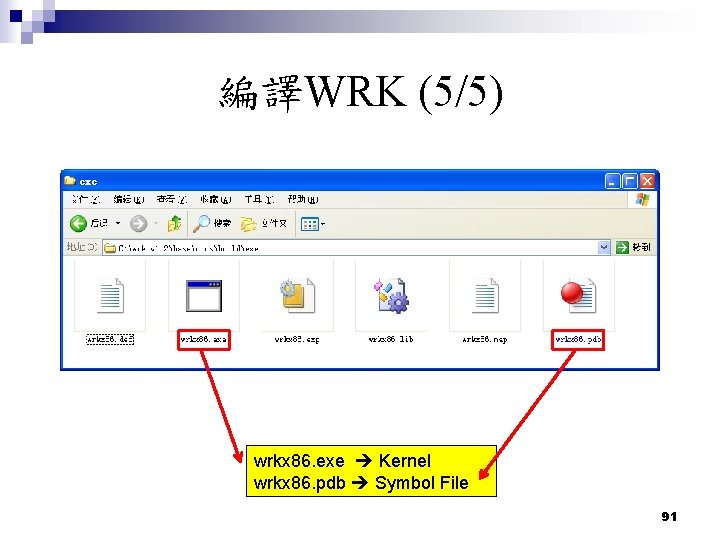
編譯WRK (5/5) wrkx 86. exe Kernel wrkx 86. pdb Symbol File 91
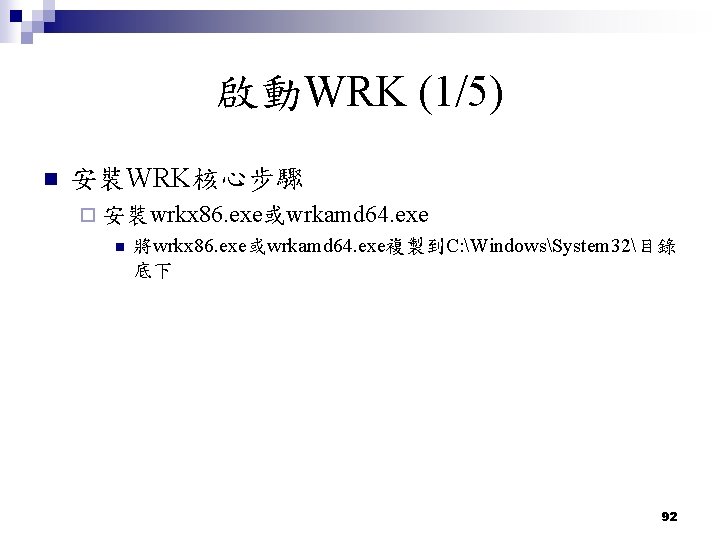
啟動WRK (1/5) n 安裝WRK核心步驟 ¨ 安裝wrkx 86. exe或wrkamd 64. exe n 將wrkx 86. exe或wrkamd 64. exe複製到C: WindowsSystem 32目錄 底下 92
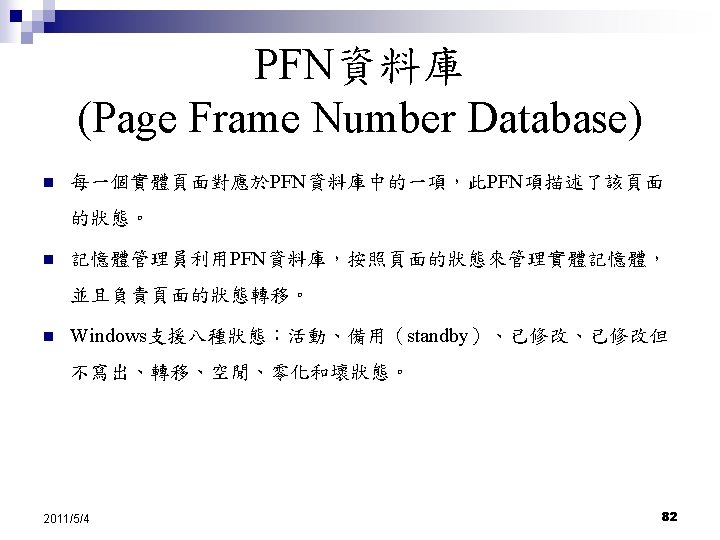
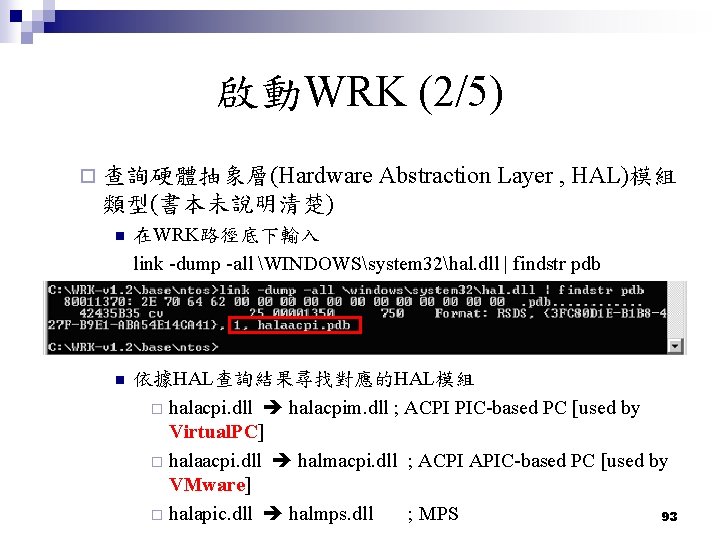
啟動WRK (2/5) ¨ 查詢硬體抽象層(Hardware Abstraction Layer , HAL)模組 類型(書本未說明清楚) n 在WRK路徑底下輸入 link -dump -all WINDOWSsystem 32hal. dll | findstr pdb n 依據HAL查詢結果尋找對應的HAL模組 ¨ halacpi. dll halacpim. dll ; ACPI PIC-based PC [used by Virtual. PC] ¨ halaacpi. dll halmacpi. dll ; ACPI APIC-based PC [used by VMware] ¨ halapic. dll halmps. dll ; MPS 93
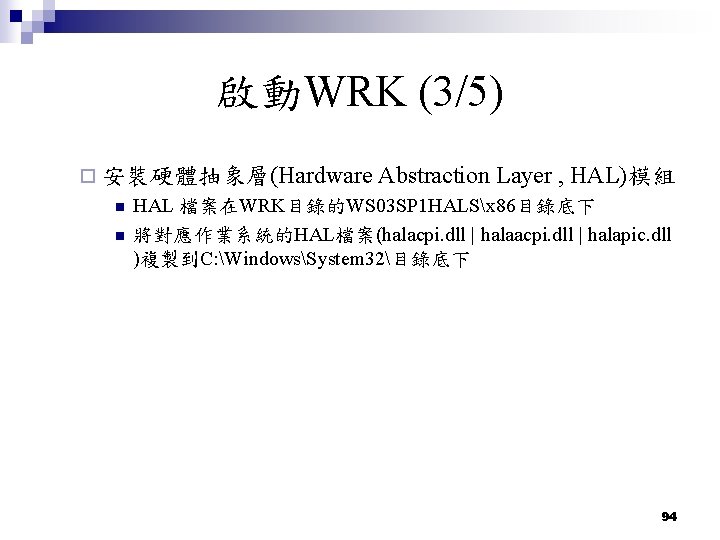
啟動WRK (3/5) ¨ 安裝硬體抽象層(Hardware Abstraction Layer , HAL)模組 n n HAL 檔案在WRK目錄的WS 03 SP 1 HALSx 86目錄底下 將對應作業系統的HAL檔案(halacpi. dll | halapic. dll )複製到C: WindowsSystem 32目錄底下 94
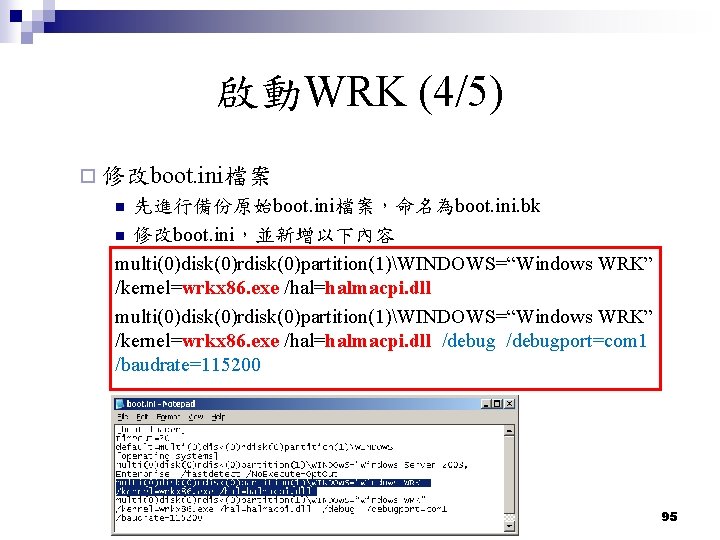
啟動WRK (4/5) ¨ 修改boot. ini檔案 先進行備份原始boot. ini檔案,命名為boot. ini. bk n 修改boot. ini,並新增以下內容 multi(0)disk(0)rdisk(0)partition(1)WINDOWS=“Windows WRK” /kernel=wrkx 86. exe /hal=halmacpi. dll /debugport=com 1 /baudrate=115200 n 95
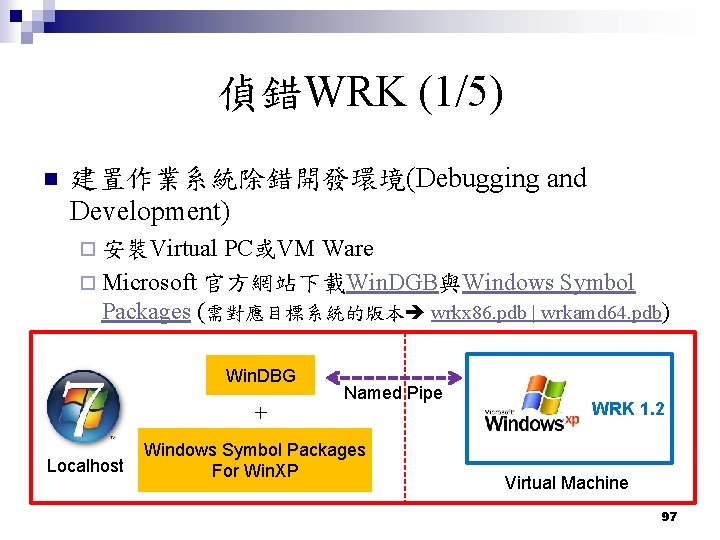
偵錯WRK (1/5) n 建置作業系統除錯開發環境(Debugging and Development) ¨ 安裝Virtual PC或VM Ware ¨ Microsoft 官方網站下載Win. DGB與Windows Symbol Packages (需對應目標系統的版本 wrkx 86. pdb | wrkamd 64. pdb) Win. DBG Named Pipe + Localhost Windows Symbol Packages For Win. XP WRK 1. 2 Virtual Machine 97
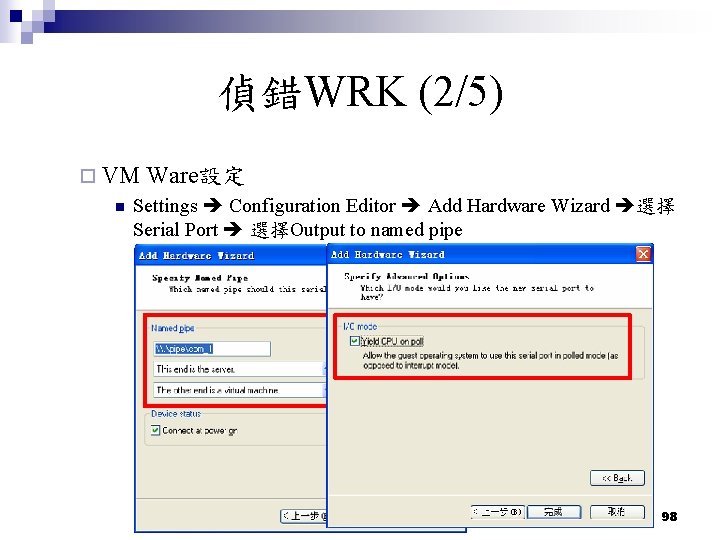
偵錯WRK (2/5) ¨ VM Ware設定 n Settings Configuration Editor Add Hardware Wizard 選擇 Serial Port 選擇Output to named pipe 98
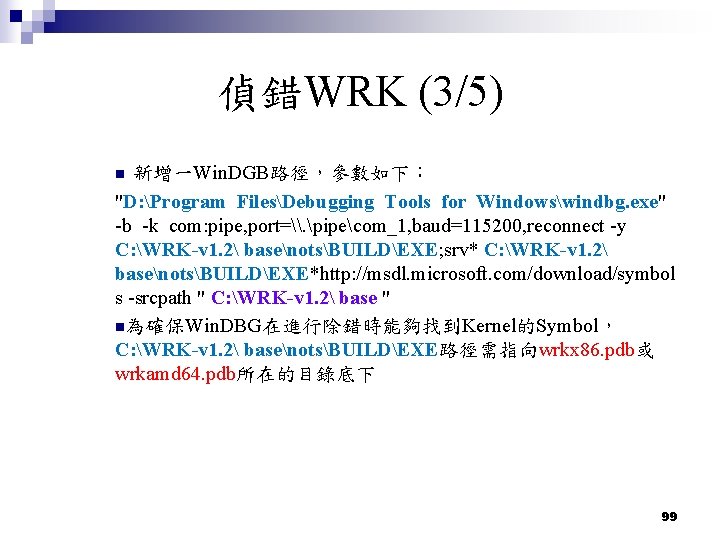
偵錯WRK (3/5) 新增一Win. DGB路徑,參數如下: "D: Program FilesDebugging Tools for Windowswindbg. exe" -b -k com: pipe, port=\. pipecom_1, baud=115200, reconnect -y C: WRK-v 1. 2 basenotsBUILDEXE; srv* C: WRK-v 1. 2 basenotsBUILDEXE*http: //msdl. microsoft. com/download/symbol s -srcpath " C: WRK-v 1. 2 base " n為確保Win. DBG在進行除錯時能夠找到Kernel的Symbol, C: WRK-v 1. 2 basenotsBUILDEXE路徑需指向wrkx 86. pdb或 wrkamd 64. pdb所在的目錄底下 n 99
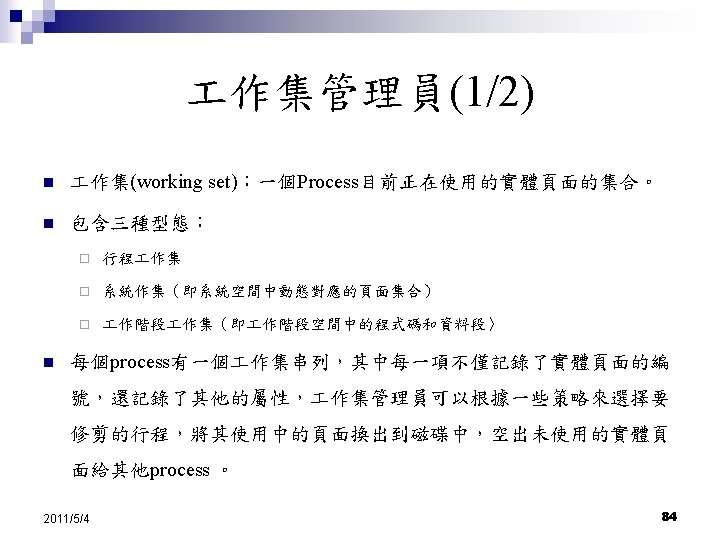
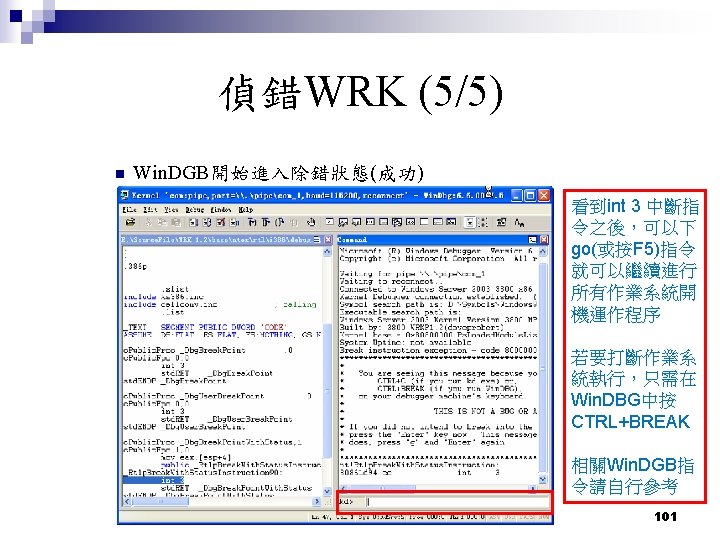
偵錯WRK (4/5) ¨ 啟動WRK除錯模式 n 先啟動Win. DGB(等待狀態) n 啟動Virtual Machine,並選擇WRK 1. 2 [debugger enabled] 100
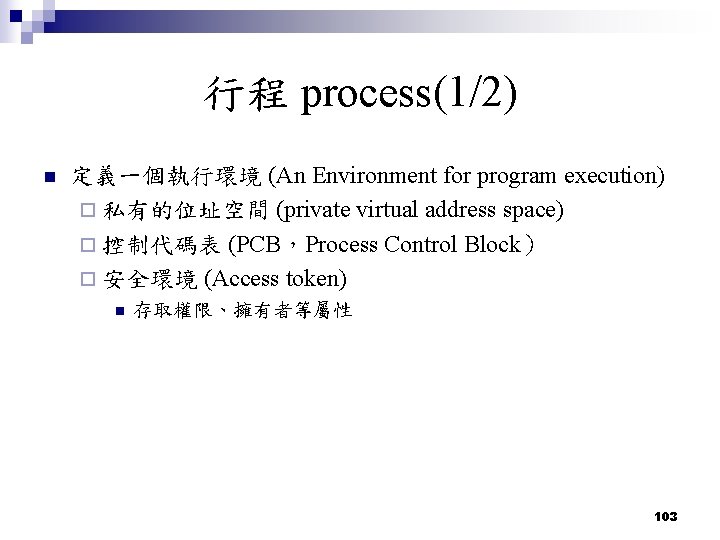
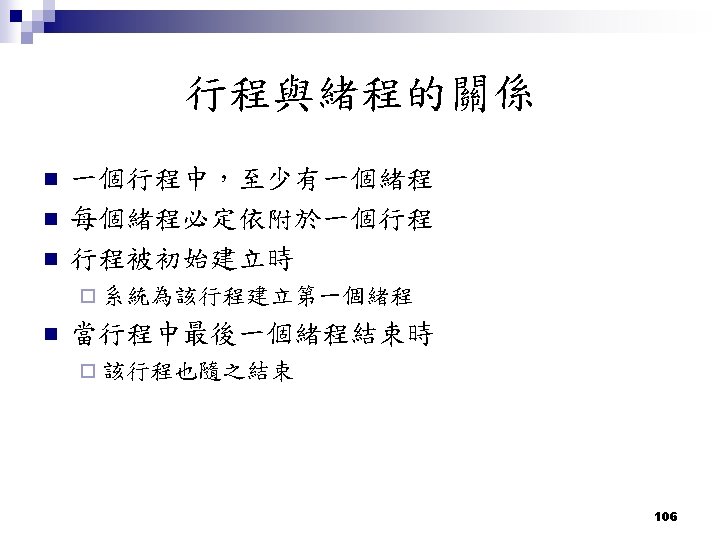
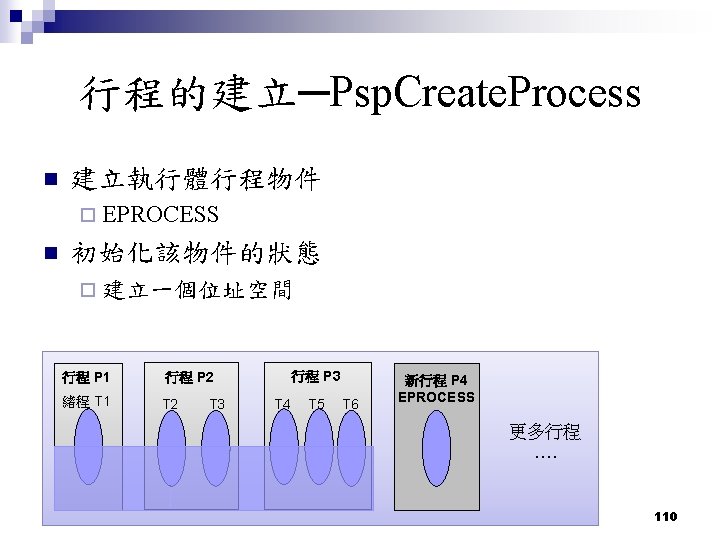
行程 process(1/2) n 定義一個執行環境 (An Environment for program execution) ¨ 私有的位址空間 (private virtual address space) ¨ 控制代碼表 (PCB,Process Control Block) ¨ 安全環境 (Access token) n 存取權限、擁有者等屬性 103
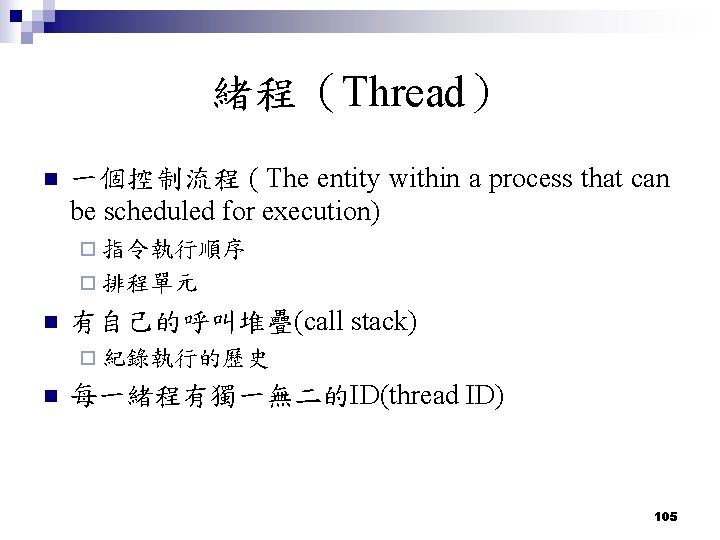
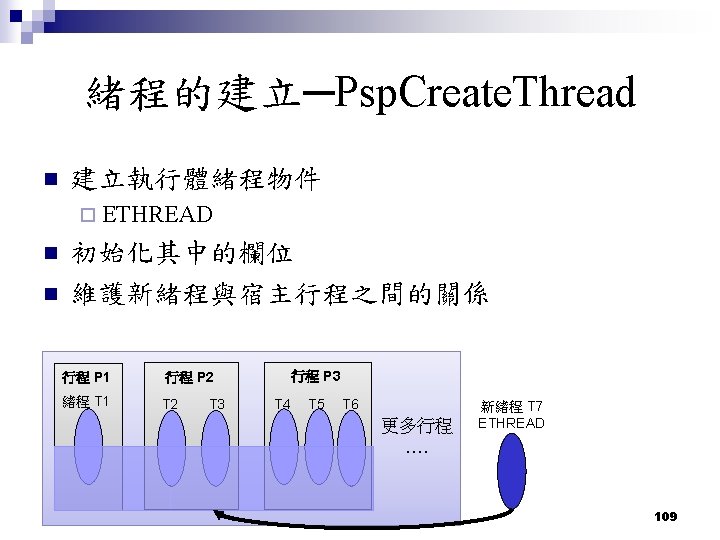
緒程(Thread) n 一個控制流程 ( The entity within a process that can be scheduled for execution) ¨ 指令執行順序 ¨ 排程單元 n 有自己的呼叫堆疊(call stack) ¨ 紀錄執行的歷史 n 每一緒程有獨一無二的ID(thread ID) 105
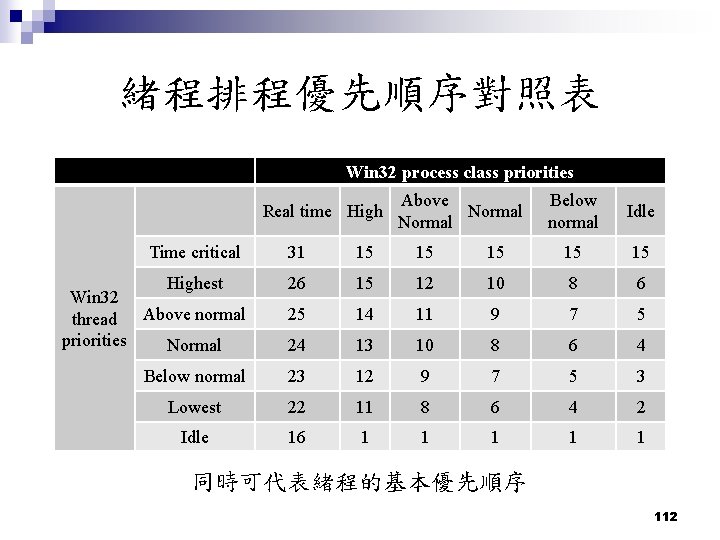
緒程排程優先順序對照表 Win 32 process class priorities Real time High Time critical Above Normal Below normal Idle 31 15 15 15 Highest Win 32 thread Above normal priorities Normal 26 15 12 10 8 6 25 14 11 9 7 5 24 13 10 8 6 4 Below normal 23 12 9 7 5 3 Lowest 22 11 8 6 4 2 Idle 16 1 1 1 同時可代表緒程的基本優先順序 112
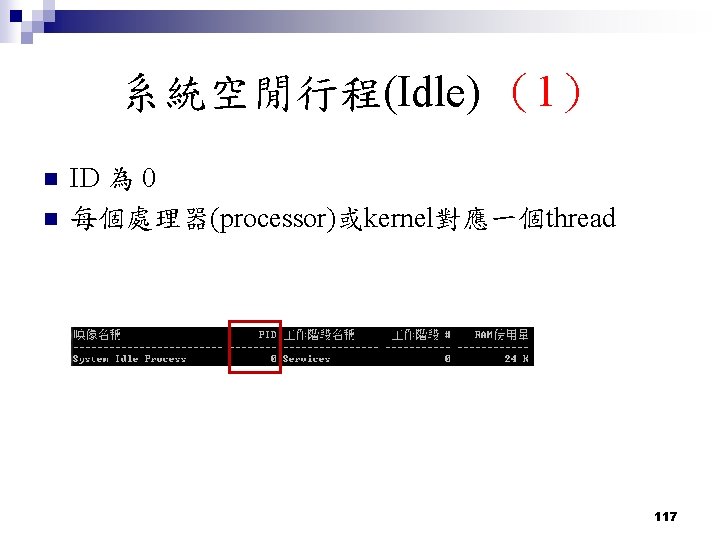
系統空閒行程(Idle) (1) n n ID 為 0 每個處理器(processor)或kernel對應一個thread 117
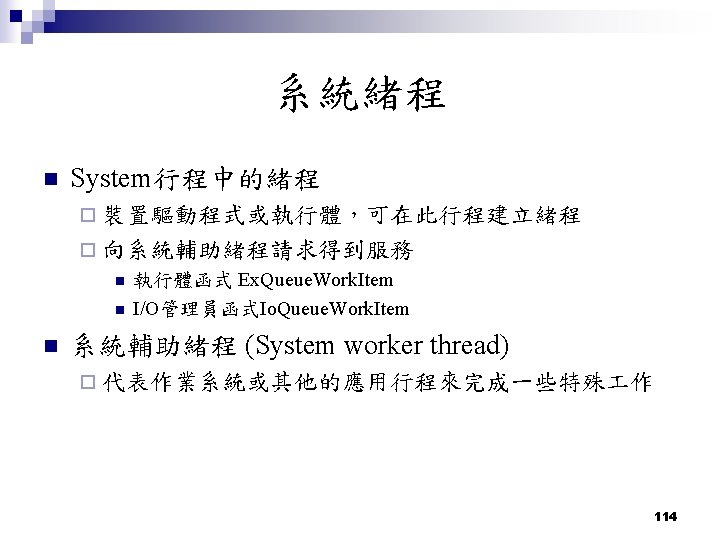
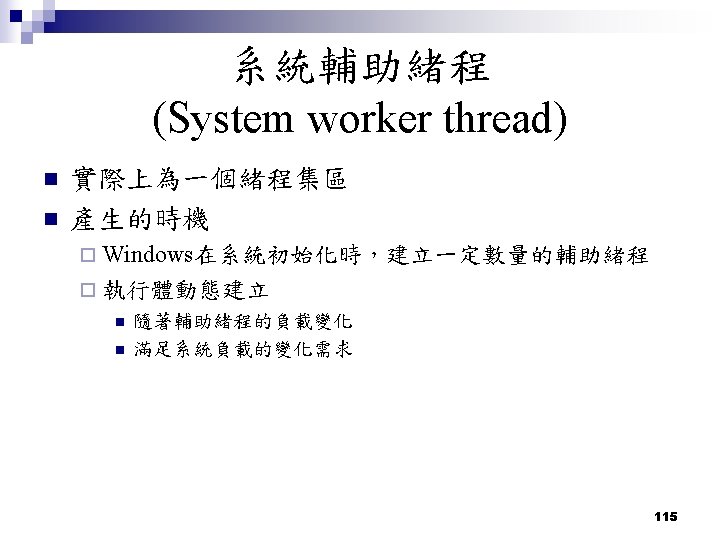
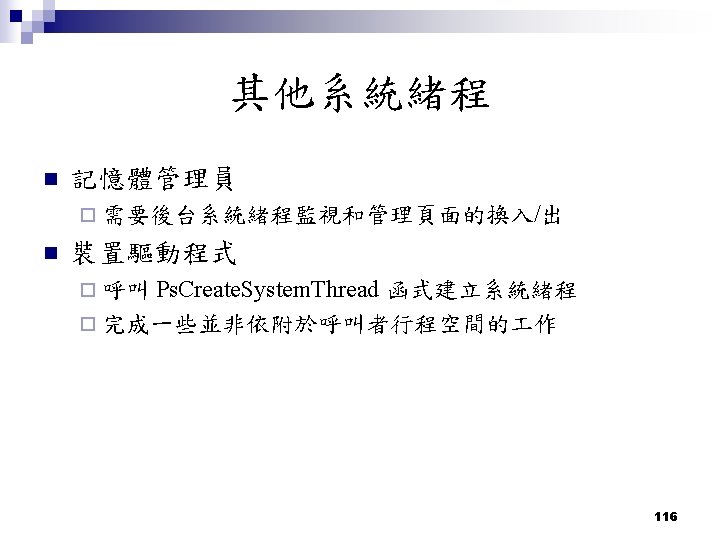
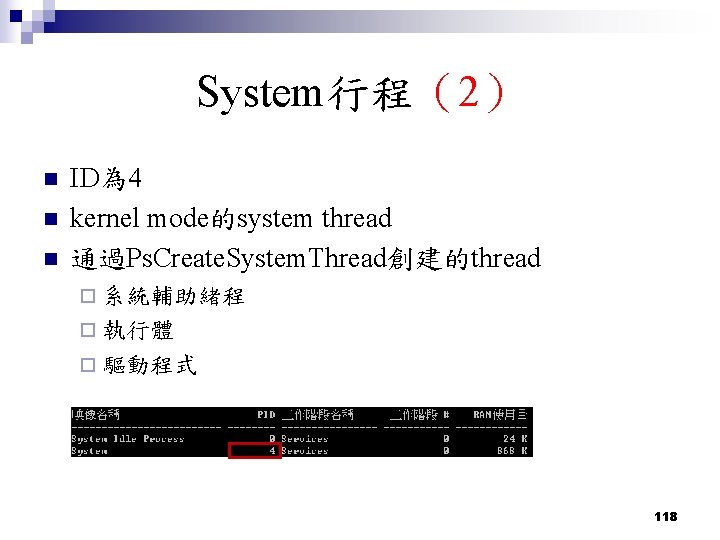
System行程(2) n n n ID為 4 kernel mode的system thread 通過Ps. Create. System. Thread創建的thread ¨ 系統輔助緒程 ¨ 執行體 ¨ 驅動程式 118
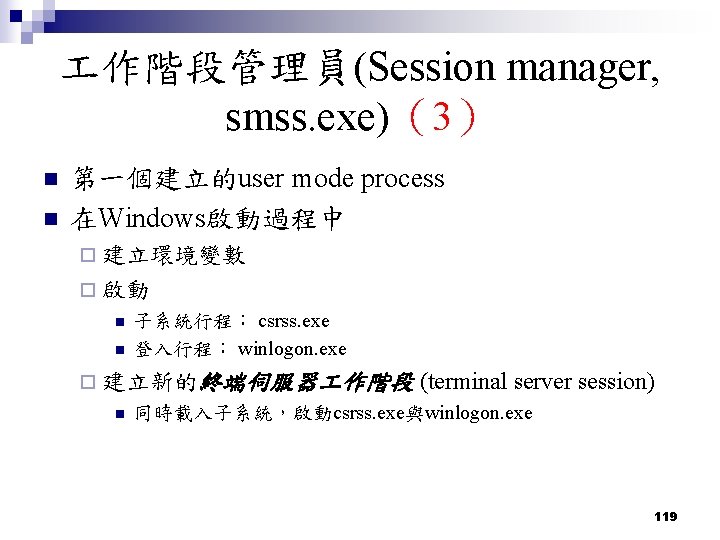
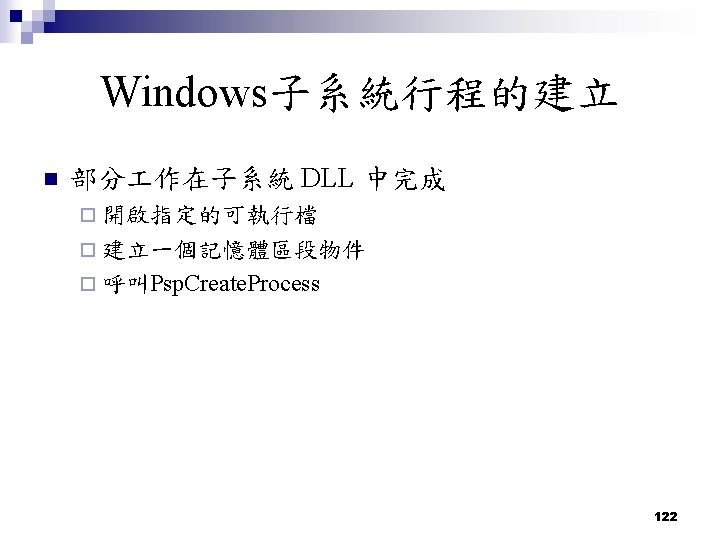
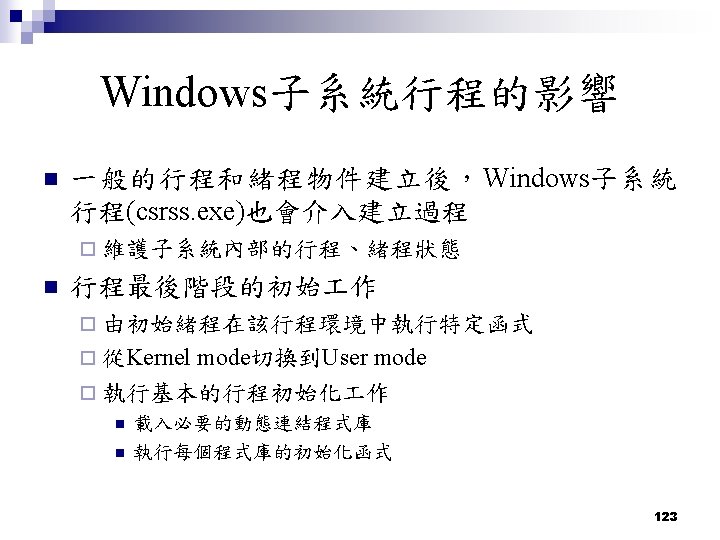
作階段管理員(Session manager, smss. exe)(3) n n 第一個建立的user mode process 在Windows啟動過程中 ¨ 建立環境變數 ¨ 啟動 n n 子系統行程: csrss. exe 登入行程: winlogon. exe ¨ 建立新的終端伺服器 作階段 n (terminal server session) 同時載入子系統,啟動csrss. exe與winlogon. exe 119
Thanks ~ 128