
CFA Resource Tracking System RTS Presentation thanks to
- Slides: 14
CFA Resource Tracking System (RTS) Presentation thanks to Shane Peacock Program Director, ICT Communications
Why RTS? • The safety of CFA members is one of CFA’s highest priorities and the appropriate use of technology is one mechanism that can be employed to enhance CFA member safety. • The need for this capability was recognised by CFA and highlighted in the 2009 Bush Fires Royal Commission report. • More than 3, 300 CFA vehicles are currently fitted with a GPS capable radio. 2
Benefits of RTS • The position of personnel with respect to hazards will be more precisely known. • Location of all Appliances deployed or not deployed will be shown on a common mapping system. • Incident controllers will gain better knowledge of resources deployed to incidents. • The situation of Appliances at Staging Areas and fireground sectors will be better known. • The exact count of deployed resources will be better known for logistics purposes. • Appliances that arrive early or leave suddenly from an incident can be better accounted for. 3
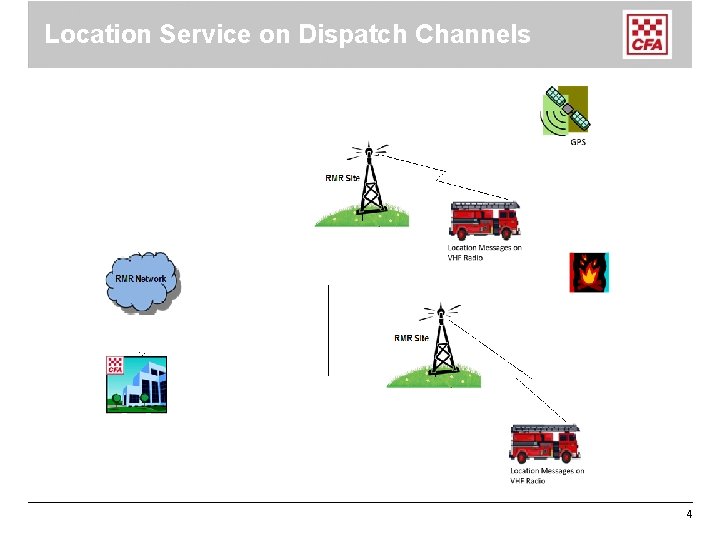
Location Service on Dispatch Channels 4
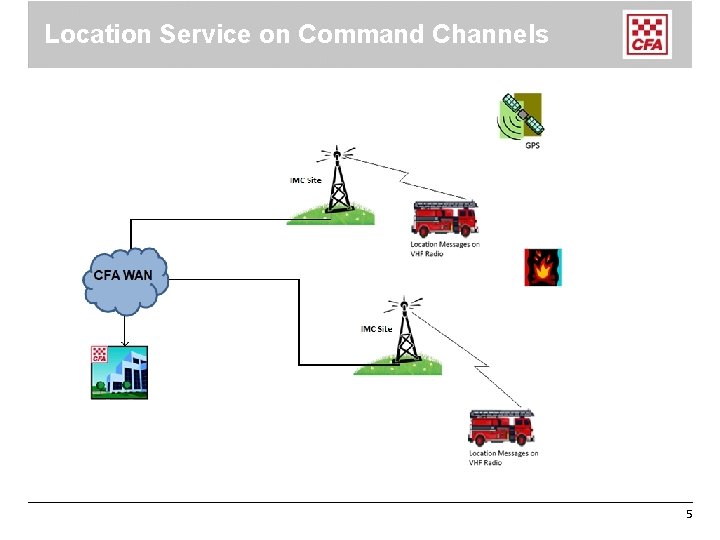
Location Service on Command Channels 5
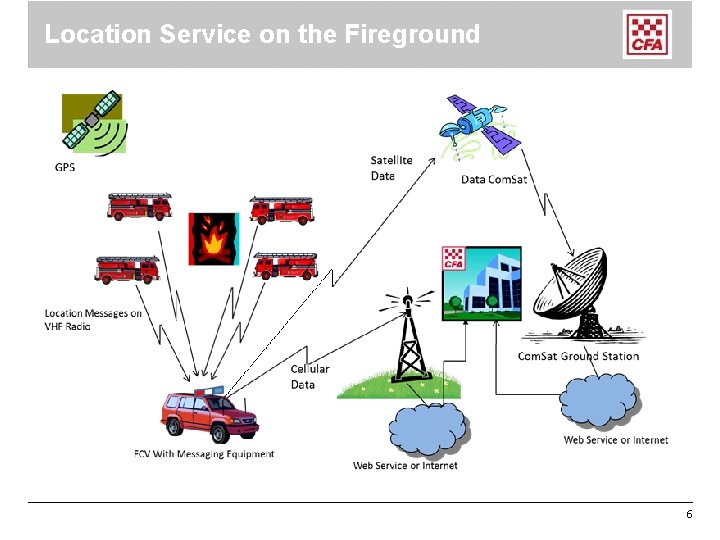
Location Service on the Fireground 6
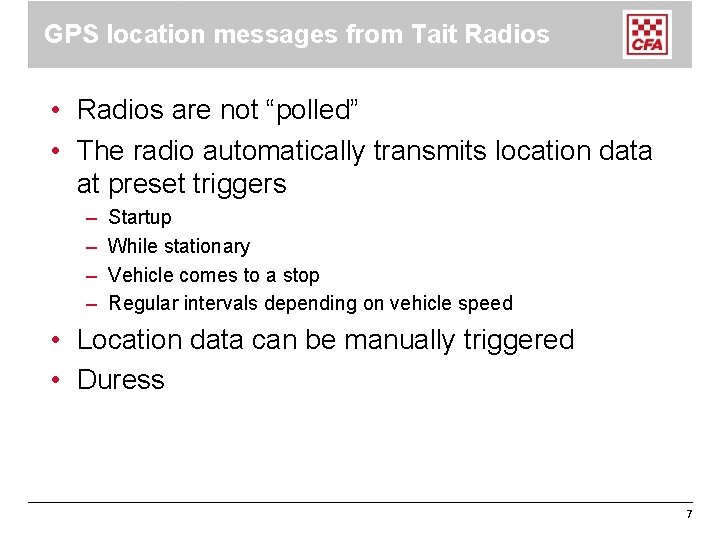
GPS location messages from Tait Radios • Radios are not “polled” • The radio automatically transmits location data at preset triggers – – Startup While stationary Vehicle comes to a stop Regular intervals depending on vehicle speed • Location data can be manually triggered • Duress 7
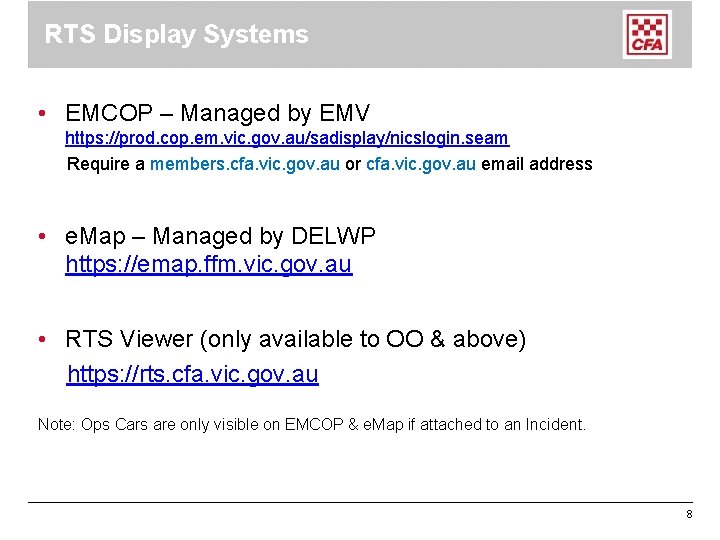
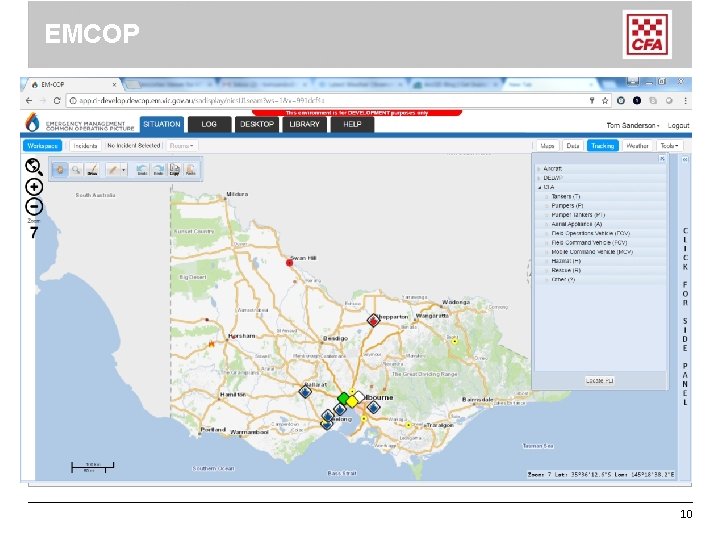
RTS Display Systems • EMCOP – Managed by EMV https: //prod. cop. em. vic. gov. au/sadisplay/nicslogin. seam Require a members. cfa. vic. gov. au or cfa. vic. gov. au email address • e. Map – Managed by DELWP https: //emap. ffm. vic. gov. au • RTS Viewer (only available to OO & above) https: //rts. cfa. vic. gov. au Note: Ops Cars are only visible on EMCOP & e. Map if attached to an Incident. 8
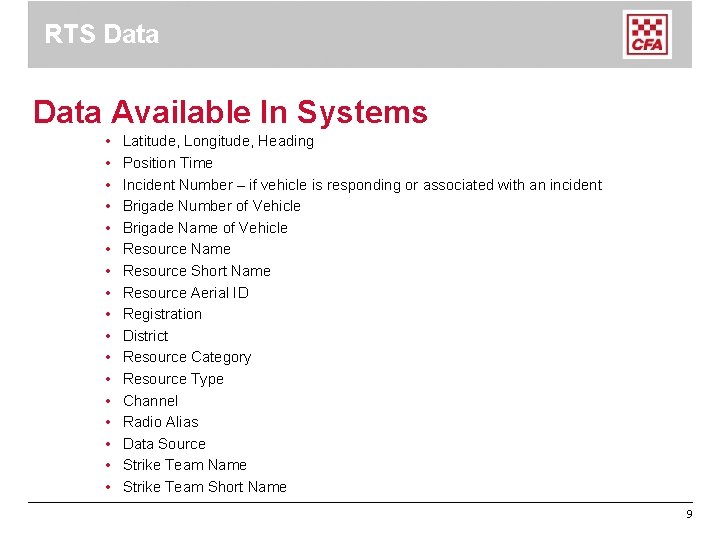
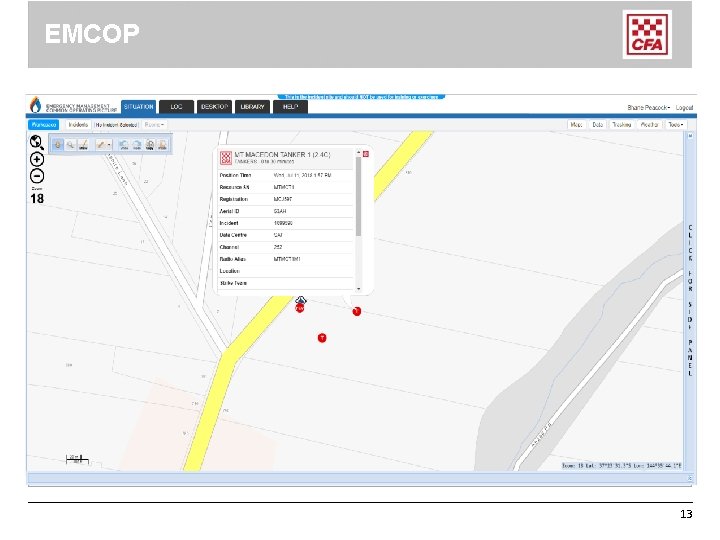
RTS Data Available In Systems • • • • • Latitude, Longitude, Heading Position Time Incident Number – if vehicle is responding or associated with an incident Brigade Number of Vehicle Brigade Name of Vehicle Resource Name Resource Short Name Resource Aerial ID Registration District Resource Category Resource Type Channel Radio Alias Data Source Strike Team Name Strike Team Short Name 9
EMCOP 10
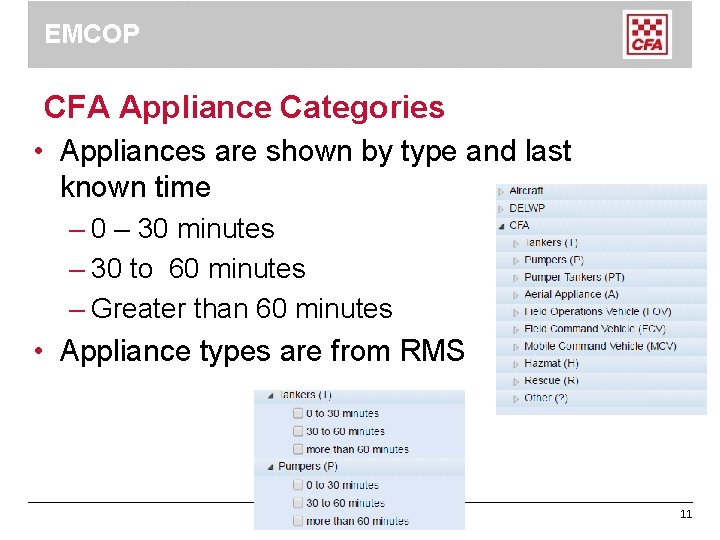
EMCOP CFA Appliance Categories • Appliances are shown by type and last known time – 0 – 30 minutes – 30 to 60 minutes – Greater than 60 minutes • Appliance types are from RMS 11
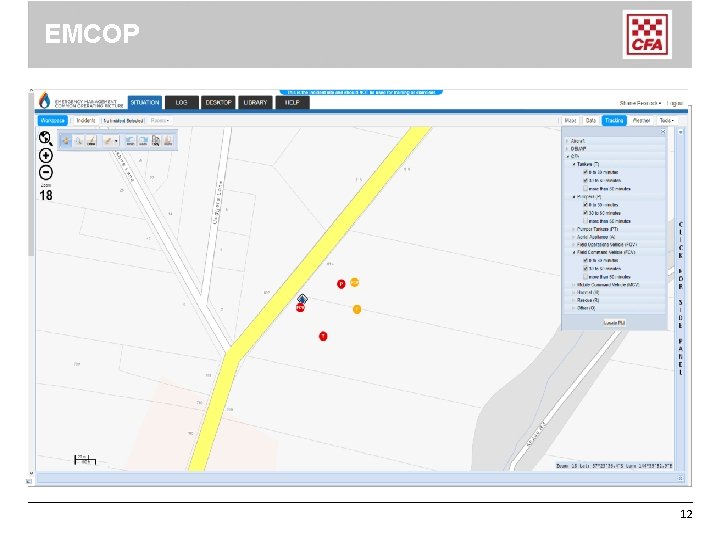
EMCOP 12
EMCOP 13
Resource Tracking System For further information: www. cfa. vic. gov. au/resourcetracking 14