
CESAR the Cern Ea Softw Are Renovation Project

- Slides: 27
CESAR the Cern Ea Softw. Are Renovation Project Vito Baggiolini, SL/CO (1)
Outline • Organizational Aspects – – Requirements Project phases and milestones Methods People – – Architecture Java 2 Enterprise Edition Design Current state of work • Conclusions Vito Baggiolini SL/CO • Technical Aspects (2)
Outline • Organizational Aspects – – Requirements Project phases and milestones Methods People – – Architecture Java 2 Enterprise Edition Design Current state of work • Conclusions Vito Baggiolini SL/CO • Technical Aspects (3)
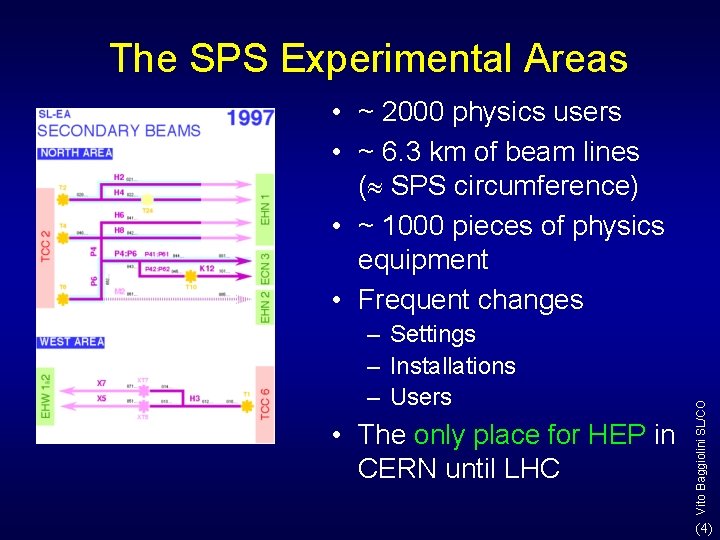
The SPS Experimental Areas – Settings – Installations – Users • The only place for HEP in CERN until LHC Vito Baggiolini SL/CO • ~ 2000 physics users • ~ 6. 3 km of beam lines ( SPS circumference) • ~ 1000 pieces of physics equipment • Frequent changes (4)
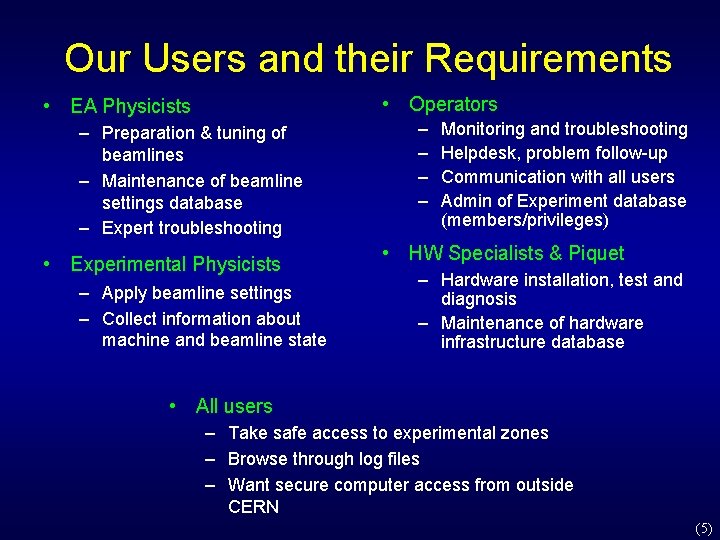
Our Users and their Requirements • Operators • EA Physicists – Preparation & tuning of beamlines – Maintenance of beamline settings database – Expert troubleshooting • Experimental Physicists – Apply beamline settings – Collect information about machine and beamline state – – Monitoring and troubleshooting Helpdesk, problem follow-up Communication with all users Admin of Experiment database (members/privileges) • HW Specialists & Piquet – Hardware installation, test and diagnosis – Maintenance of hardware infrastructure database • All users – Take safe access to experimental zones – Browse through log files – Want secure computer access from outside CERN (5)
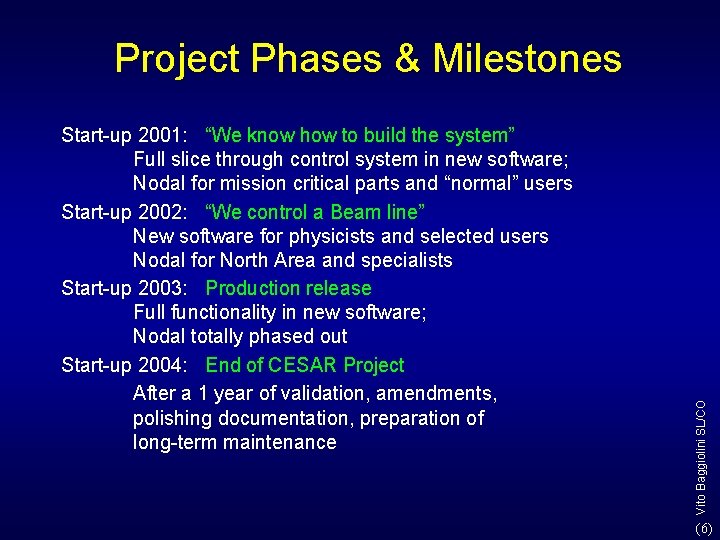
Start-up 2001: “We know how to build the system” Full slice through control system in new software; Nodal for mission critical parts and “normal” users Start-up 2002: “We control a Beam line” New software for physicists and selected users Nodal for North Area and specialists Start-up 2003: Production release Full functionality in new software; Nodal totally phased out Start-up 2004: End of CESAR Project After a 1 year of validation, amendments, polishing documentation, preparation of long-term maintenance Vito Baggiolini SL/CO Project Phases & Milestones (6)
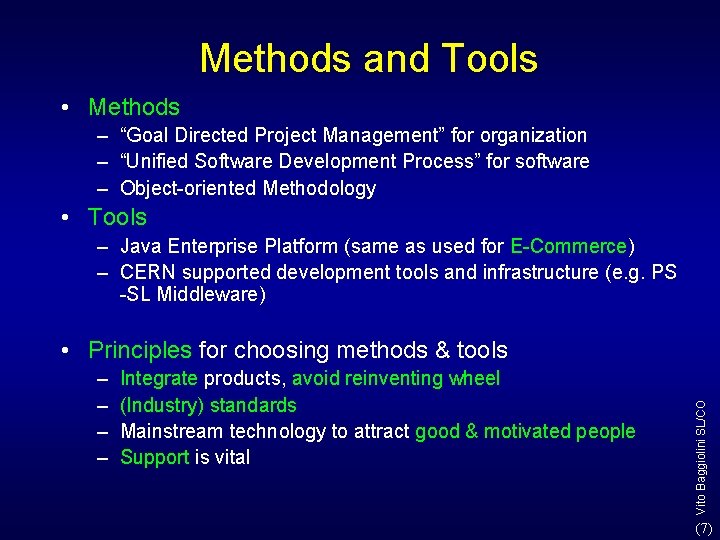
Methods and Tools • Methods – “Goal Directed Project Management” for organization – “Unified Software Development Process” for software – Object-oriented Methodology • Tools – Java Enterprise Platform (same as used for E-Commerce) – CERN supported development tools and infrastructure (e. g. PS -SL Middleware) – – Integrate products, avoid reinventing wheel (Industry) standards Mainstream technology to attract good & motivated people Support is vital Vito Baggiolini SL/CO • Principles for choosing methods & tools (7)
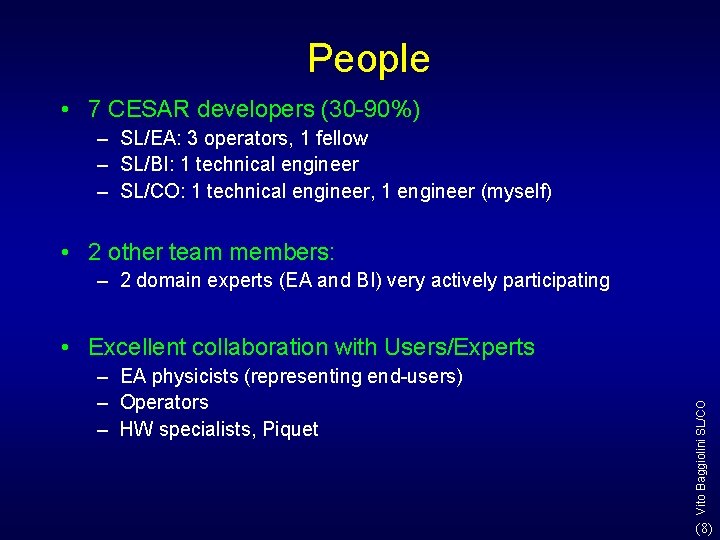
People • 7 CESAR developers (30 -90%) – SL/EA: 3 operators, 1 fellow – SL/BI: 1 technical engineer – SL/CO: 1 technical engineer, 1 engineer (myself) • 2 other team members: – 2 domain experts (EA and BI) very actively participating – EA physicists (representing end-users) – Operators – HW specialists, Piquet Vito Baggiolini SL/CO • Excellent collaboration with Users/Experts (8)
Collaborations • Cesar is a collaboration between four SL groups: EA, CO, BI, PO • But also collaborations with – – – PS-SL Middleware Project AS/IDS (“EDH people”), PS/CO: Java Tools SL/BI: Server framework for Front-ends Helix: Operator W 2 K console + Java Servers SL/MR: help for database design (9)
Outline • Organizational Aspects – – Requirements Project phases and milestones Methods People – – Architecture Java 2 Enterprise Edition Design Current state of work • Conclusions Vito Baggiolini SL/CO • Technical Aspects (10)
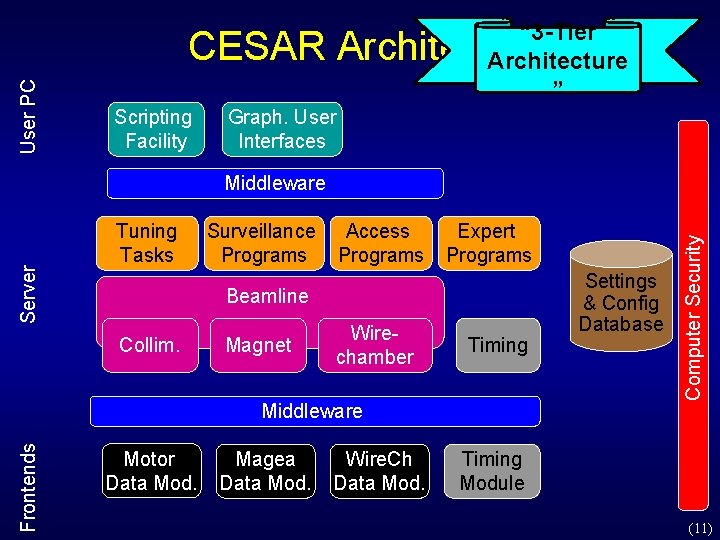
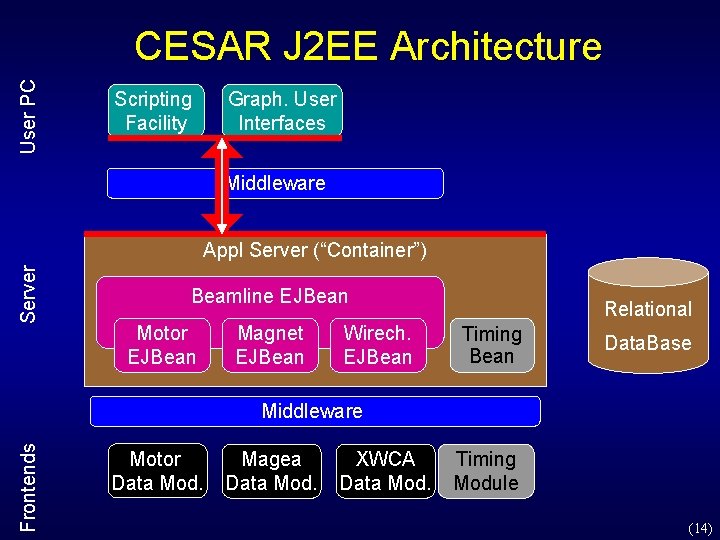
“ 3 -Tier Architecture ” User PC CESAR Architecture Scripting Facility Graph. User Interfaces Tuning Tasks Surveillance Programs Access Programs Expert Programs Beamline Collim. Magnet Wirechamber Timing Frontends Middleware Motor Data Mod. Magea Data Mod. Wire. Ch Data Mod. Settings & Config Database Computer Security Server Middleware Timing Module (11)
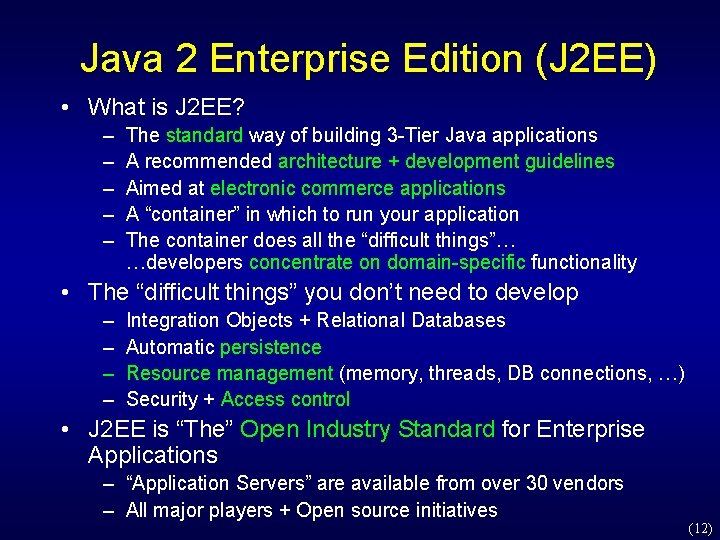
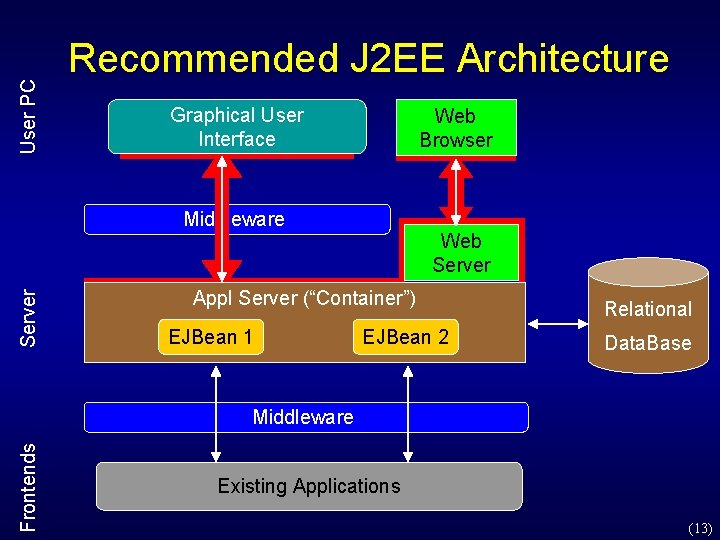
Java 2 Enterprise Edition (J 2 EE) • What is J 2 EE? – – – The standard way of building 3 -Tier Java applications A recommended architecture + development guidelines Aimed at electronic commerce applications A “container” in which to run your application The container does all the “difficult things”… …developers concentrate on domain-specific functionality • The “difficult things” you don’t need to develop – – Integration Objects + Relational Databases Automatic persistence Resource management (memory, threads, DB connections, …) Security + Access control • J 2 EE is “The” Open Industry Standard for Enterprise Applications – “Application Servers” are available from over 30 vendors – All major players + Open source initiatives (12)
User PC Recommended J 2 EE Architecture Graphical User Interface Web Browser Server Middleware Web Server Appl Server (“Container”) EJBean 1 EJBean 2 Relational Data. Base Frontends Middleware Existing Applications (13)
User PC CESAR J 2 EE Architecture Scripting Facility Graph. User Interfaces Middleware Server Appl Server (“Container”) Beamline EJBean Motor EJBean Magnet EJBean Wirech. EJBean Relational Timing Bean Data. Base Frontends Middleware Motor Data Mod. Magea Data Mod. XWCA Data Mod. Timing Module (14)
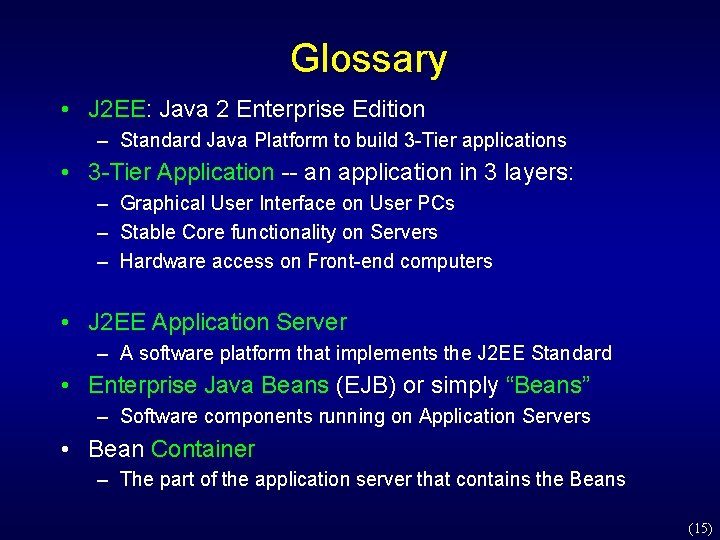
Glossary • J 2 EE: Java 2 Enterprise Edition – Standard Java Platform to build 3 -Tier applications • 3 -Tier Application -- an application in 3 layers: – Graphical User Interface on User PCs – Stable Core functionality on Servers – Hardware access on Front-end computers • J 2 EE Application Server – A software platform that implements the J 2 EE Standard • Enterprise Java Beans (EJB) or simply “Beans” – Software components running on Application Servers • Bean Container – The part of the application server that contains the Beans (15)
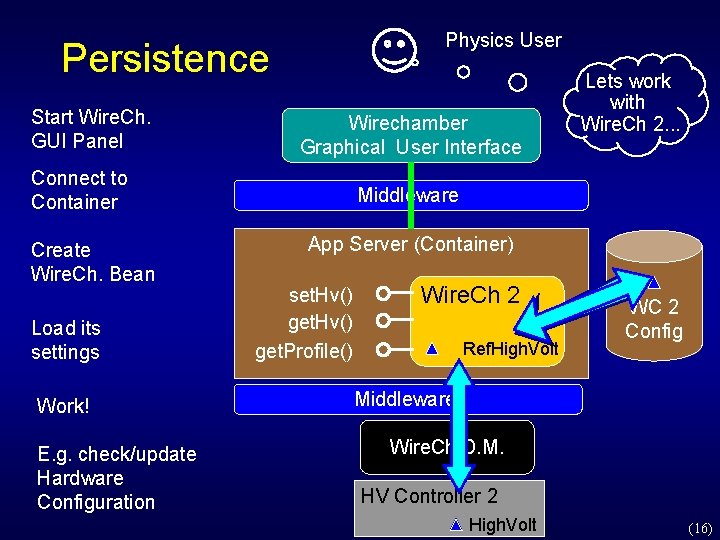
Physics User Persistence Start Wire. Ch. GUI Panel Graphical Wirechamber User Graphical Interface User Interface Connect to Container Create Wire. Ch. Bean Load its settings Work! E. g. check/update Hardware Configuration Lets work with Wire. Ch 2. . . Middleware App Server (Container) set. Hv() get. Profile() Wire. Ch 2 Ref. High. Volt WC 2 Config Middleware Wire. Ch D. M. HV Controller 2 High. Volt (16)
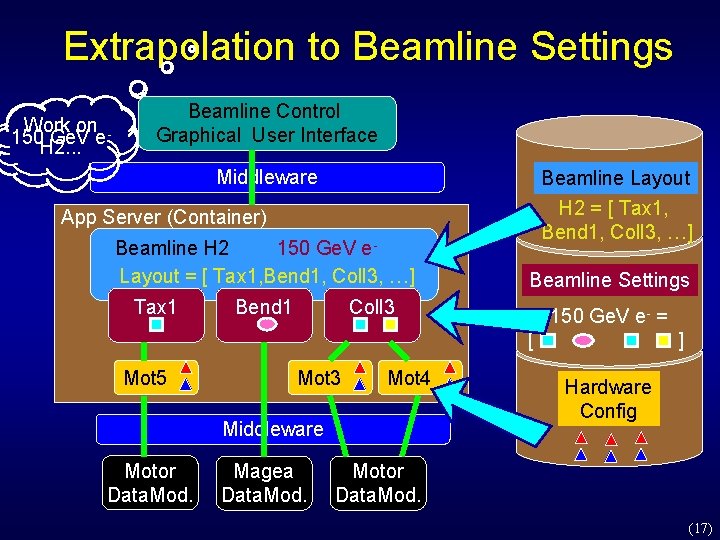
Extrapolation to Beamline Settings Work on 150 H 2. . . Ge. V e Beamline Control Graphical User Interface Middleware Beamline Layout H 2 = [ Tax 1, Bend 1, Coll 3, …] App Server (Container) 150 Ge. V e. Beamline H 2 Layout = [ Tax 1, Bend 1, Coll 3, …] Tax 1 Bend 1 Beamline Settings Coll 3 150 Ge. V e- = [ Mot 5 Mot 3 Mot 4 Middleware Motor Data. Mod. Magea Data. Mod. ] Hardware Config Motor Data. Mod. (17)
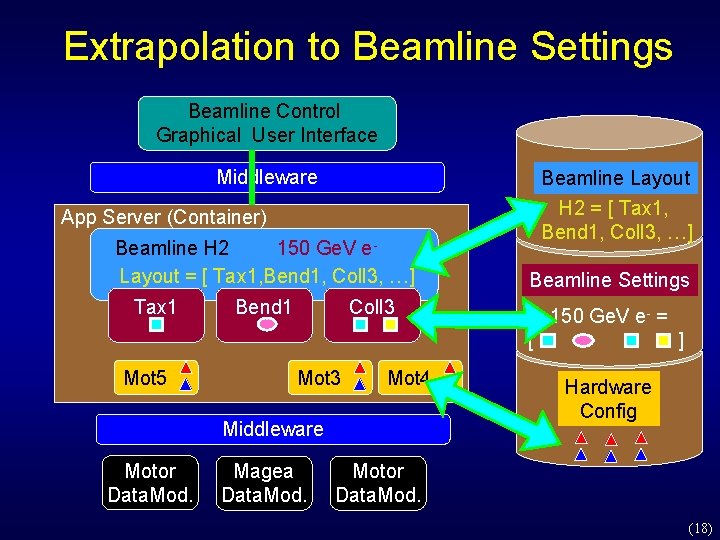
Extrapolation to Beamline Settings Beamline Control Graphical User Interface Middleware Beamline Layout H 2 = [ Tax 1, Bend 1, Coll 3, …] App Server (Container) 150 Ge. V e. Beamline H 2 Layout = [ Tax 1, Bend 1, Coll 3, …] Tax 1 Bend 1 Beamline Settings Coll 3 150 Ge. V e- = [ Mot 5 Mot 3 Mot 4 Middleware Motor Data. Mod. Magea Data. Mod. ] Hardware Config Motor Data. Mod. (18)
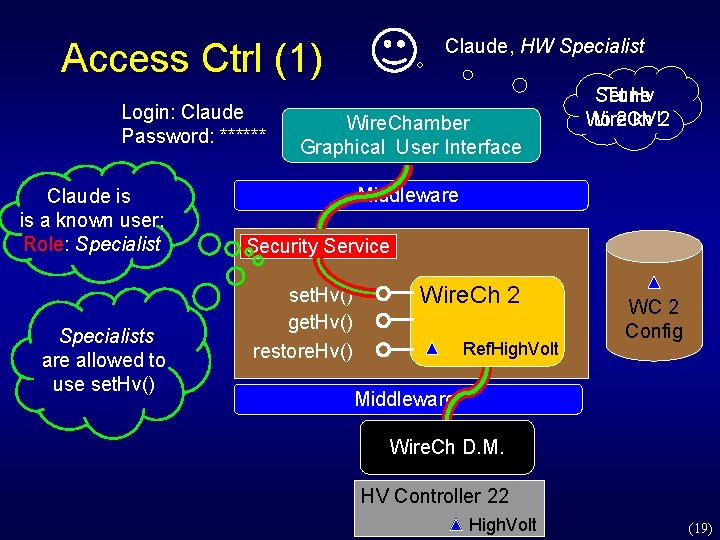
Claude, HW Specialist Access Ctrl (1) Login: Claude Password: ****** Claude is is a known user; Role: Specialists are allowed to use set. Hv() Wire. Chamber Graphical User Interface Set Tune Hv Wire. Ch to 2 k. V!2 Middleware Security Service set. Hv() get. Hv() restore. Hv() Wire. Ch 2 Ref. High. Volt WC 2 Config Middleware Wire. Ch D. M. HV Controller 22 High. Volt (19)
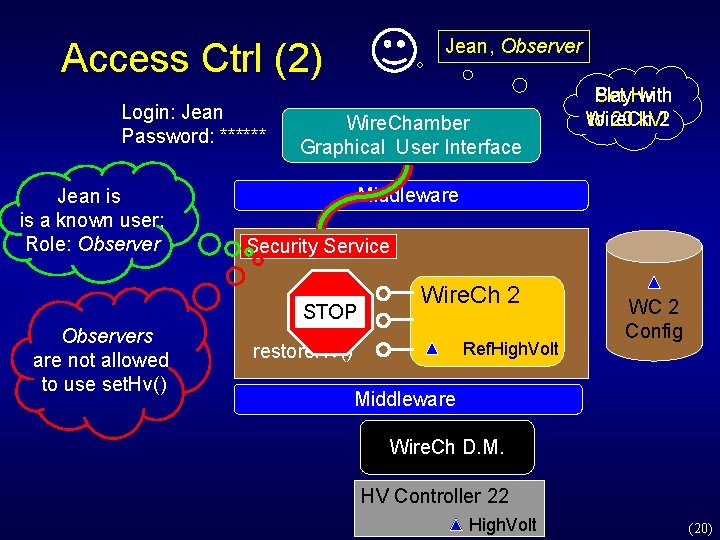
Jean, Observer Access Ctrl (2) Login: Jean Password: ****** Jean is is a known user; Role: Observers are not allowed to use set. Hv() Wire. Chamber Graphical User Interface Play Set Hv with Wire. Ch to 20 k. V!2 Middleware Security Service set. Hv() STOP get. Hv() restore. Hv() Wire. Ch 2 Ref. High. Volt WC 2 Config Middleware Wire. Ch D. M. HV Controller 22 High. Volt (20)
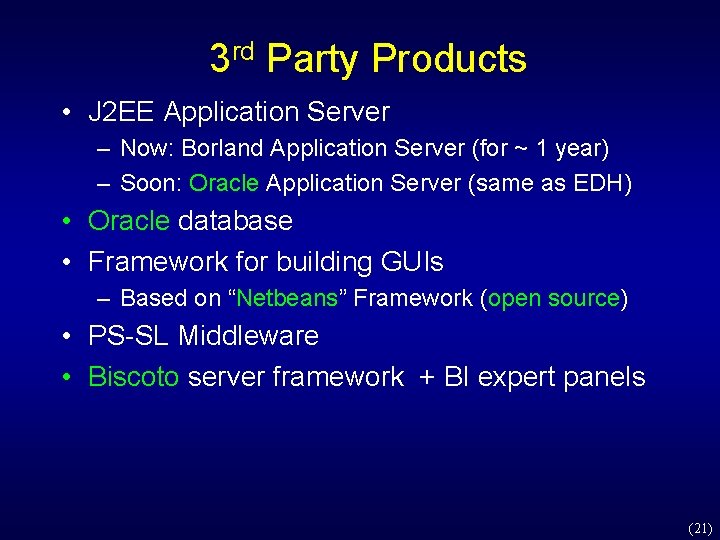
3 rd Party Products • J 2 EE Application Server – Now: Borland Application Server (for ~ 1 year) – Soon: Oracle Application Server (same as EDH) • Oracle database • Framework for building GUIs – Based on “Netbeans” Framework (open source) • PS-SL Middleware • Biscoto server framework + BI expert panels (21)
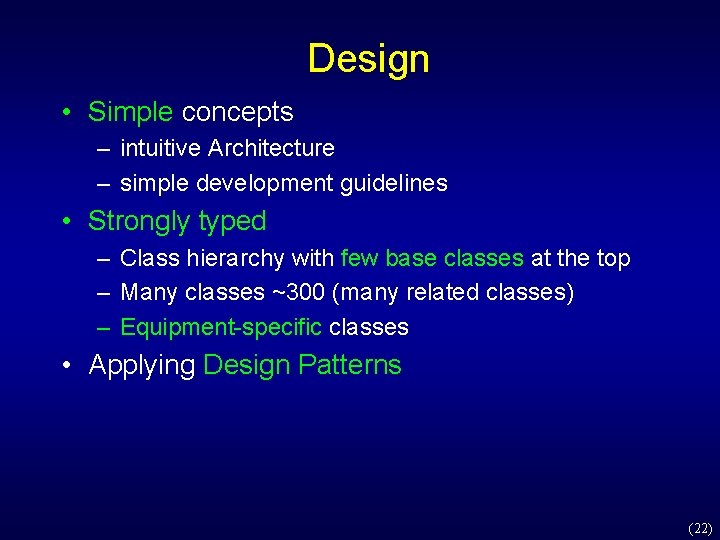
Design • Simple concepts – intuitive Architecture – simple development guidelines • Strongly typed – Class hierarchy with few base classes at the top – Many classes ~300 (many related classes) – Equipment-specific classes • Applying Design Patterns (22)
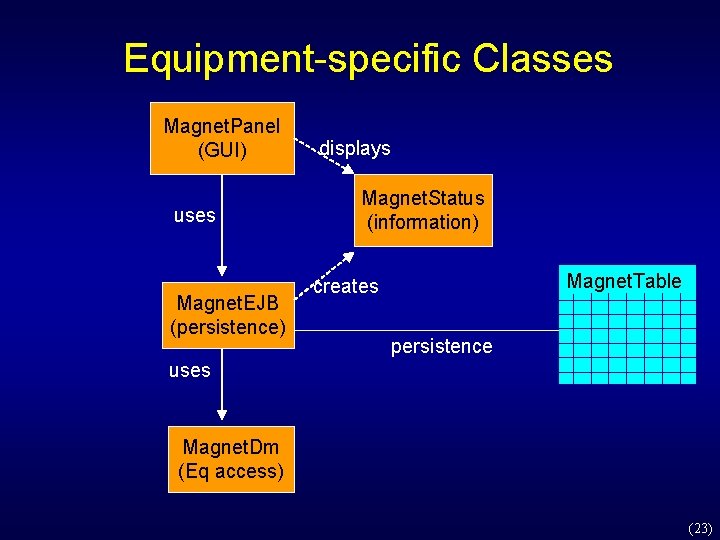
Equipment-specific Classes Magnet. Panel (GUI) uses Magnet. EJB (persistence) displays Magnet. Status (information) Magnet. Table creates persistence uses Magnet. Dm (Eq access) (23)
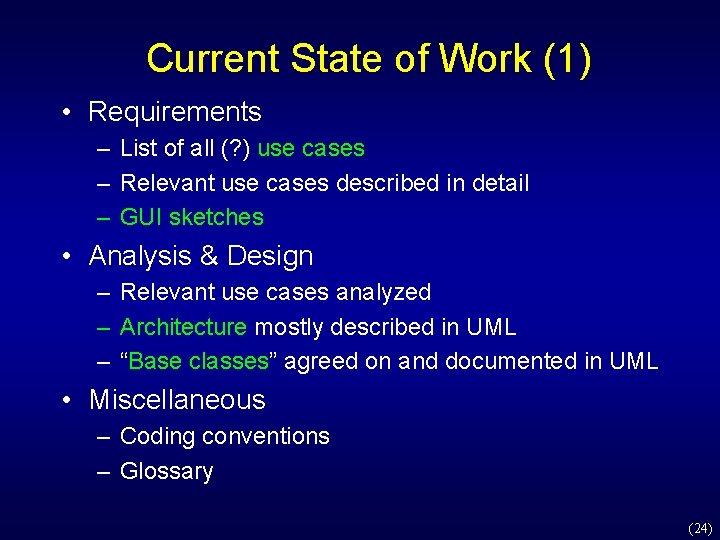
Current State of Work (1) • Requirements – List of all (? ) use cases – Relevant use cases described in detail – GUI sketches • Analysis & Design – Relevant use cases analyzed – Architecture mostly described in UML – “Base classes” agreed on and documented in UML • Miscellaneous – Coding conventions – Glossary (24)
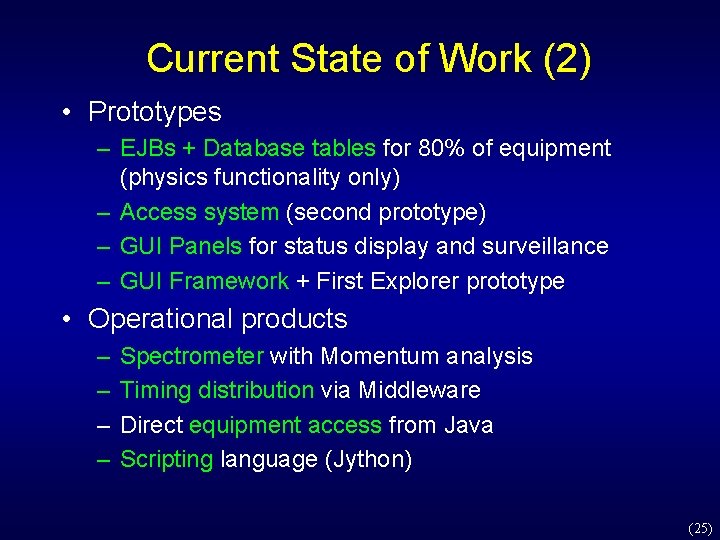
Current State of Work (2) • Prototypes – EJBs + Database tables for 80% of equipment (physics functionality only) – Access system (second prototype) – GUI Panels for status display and surveillance – GUI Framework + First Explorer prototype • Operational products – – Spectrometer with Momentum analysis Timing distribution via Middleware Direct equipment access from Java Scripting language (Jython) (25)
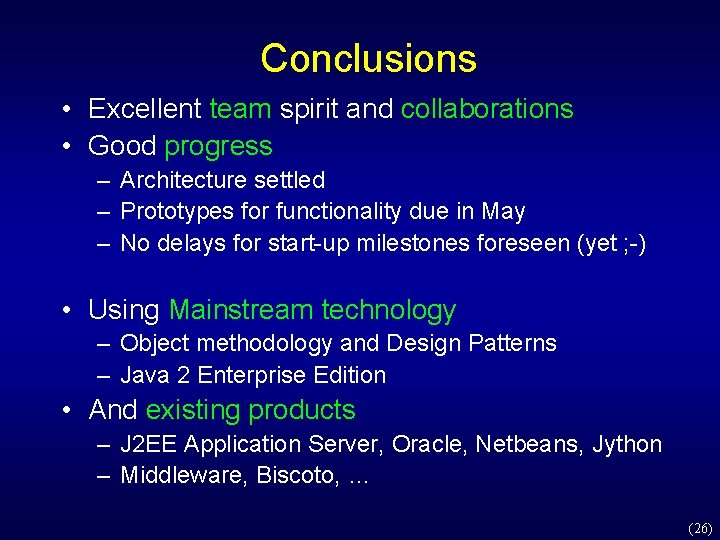
Conclusions • Excellent team spirit and collaborations • Good progress – Architecture settled – Prototypes for functionality due in May – No delays for start-up milestones foreseen (yet ; -) • Using Mainstream technology – Object methodology and Design Patterns – Java 2 Enterprise Edition • And existing products – J 2 EE Application Server, Oracle, Netbeans, Jython – Middleware, Biscoto, … (26)
(27)