
CENTRE FOR INFORMATION TECHNOLOGY AND DEVELOPMENT CITAD CITAD
- Slides: 27
CENTRE FOR INFORMATION TECHNOLOGY AND DEVELOPMENT (CITAD) CITAD SOFTWARE FREEDOM DAY HEAD OFFICE: 3 rd Floor, NSITF Building, No. 1 A Social Insurance Road, Behind Trade Fair Complex Zaria Road Kano P. O. Box 10210, Kano : 08054362931, 08023212501, Website: www. citad. opg , e-mail: citadev@gmail. com, email: info@citad. org JIGAWA OFFICE: 22 b Hakimi Street Gida-Dubu, yadi, Jigawa State. Tel. No. 08060820921, 08068078282, BAUCHI OFFICE: Central Office Building, Emir’s Drive, Opp. Emir’s Palace, Azare, Bauchi State. Tel 08064867312, 08056180208, 08075990772
• Software Freedom Day (SFD) is an annual worldwide celebration of Free Software. SFD is a public education effort with the aim of increasing awareness of Free Software/Free and open software and its virtues, and encouraging its use. Every year there are thousands teams organizing Software Freedom Day in different countries and cities. • Software Freedom Day was established in 2004 and was first observed on 28 August of that year. About 12 teams participated in the first Software Freedom Day. Since that time it has grown in popularity and while organizers anticipated more than 1, 000 teams in 2010 •
Purpose of Celebrating SFD: To educate the worldwide public about the benefits of using high quality FOSS in education, in government, at home, and in business -- in short, everywhere! With coordination by the Software freedom International, it aims at providing support, giveaways and a point of collaboration at the global level It give s Volunteers across the globe the change to create awareness and benefit their societies
WHAT IS FREE SOFTWARE
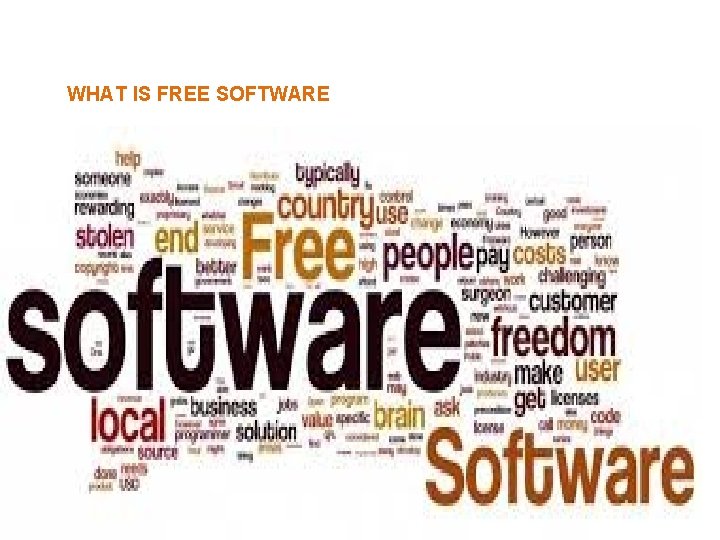
“ Free software” means software that respects users' freedom and community. Roughly, it means that the users have the freedom to run, copy, distribute, study, change and improve the software. Thus, “free software” is a matter of liberty, not price. To understand the concept, you should think of “free” as in “free speech, ” not as in “free beer”. We sometimes call it “libre software” to show we do not mean it is gratis. With these freedoms, the users (both individually and collectively) control the program and what it does for them
WHAT MAKE S A FREE SOFWARE ?
WHATS FREE ABOUT FOSS
A SOFTWARE IS FREE ONLY WHEN IT GIVES UESRS THE FOLLOWING FREEDOMS : q. The freedom to run the program as you wish, for any purpose (freedom 0). q. The freedom to study how the program works, and change it so it does your computing as you wish (freedom 1). Access to the source code is a precondition for this. q. The freedom to redistribute copies so you can help your neighbor (freedom 2). q. The freedom to distribute copies of your modified versions to others (freedom 3). q. By doing this you can give the whole community a chance to benefit from your changes. Access to the source code is a precondition for this.
user's purpose that matters, not thedeveloper's Freedom to distribute (freedoms 2 and 3) means you are free to redistribute copies, either with or without modifications, either gratis or charging a fee for distribution, to anyone anywhere. Being free to do these things means (among other things) that you do not have to ask or pay for permission to do so. The freedom to redistribute copies must include binary or executable forms of the program, as well as source code, for both modified and unmodified versions The freedom to run the program means the freedom for any kind of person or organization to use it on any kind of computer system, for any kind of overall job and purpose, without being required to communicate about it with the developer or any other specific entity. :
FILDS OF APPLICATION INCLUDES: Education Health Agriculture Research Innovation Management Governance Remote sinsing and GIS Game Multimedia ETC
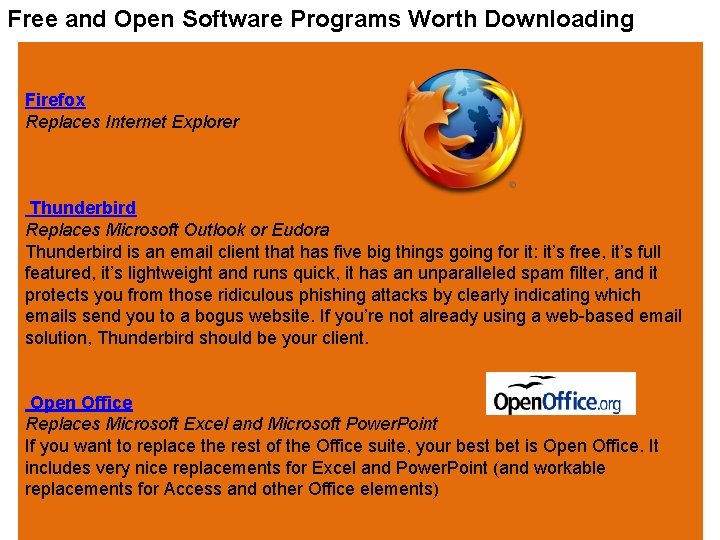
Free and Open Software Programs Worth Downloading Firefox Replaces Internet Explorer Thunderbird Replaces Microsoft Outlook or Eudora Thunderbird is an email client that has five big things going for it: it’s free, it’s full featured, it’s lightweight and runs quick, it has an unparalleled spam filter, and it protects you from those ridiculous phishing attacks by clearly indicating which emails send you to a bogus website. If you’re not already using a web-based email solution, Thunderbird should be your client. Open Office Replaces Microsoft Excel and Microsoft Power. Point If you want to replace the rest of the Office suite, your best bet is Open Office. It includes very nice replacements for Excel and Power. Point (and workable replacements for Access and other Office elements)
Bit. Torrent Original but essential From their website, “Bit. Torrent is a peer-assisted, digital content delivery platform that provides the fastest, most efficient means of distributing, discovering, and consuming large, high-quality files on the Web. VLC Media Player Replaces Windows Media Player, Quicktime, Real. Player, etc. If you get tired of having tons of media players on your computer, get this package that runs pretty much every media type you’ll run across without breaking a sweat. . RSSOwl Unique but essential RSSOwl is one of many open source RSS readers. In other words, it enables you to use one program to keep track of the content of a lot of different blogs; if you read a lot of blogs, it’s the only way to keep tabs on all of them without devoting hours jumping from site to site Freemind Unique but Essential Freemind is a “mind mapping” software program. In essence, it enables you to brainstorm and link together ideas quickly, creating “maps” of concepts similar to what you might do on a whiteboard. You find it incredibly useful when putting together ideas for new posts or planning small projects or assembling the backbone of a writing project.
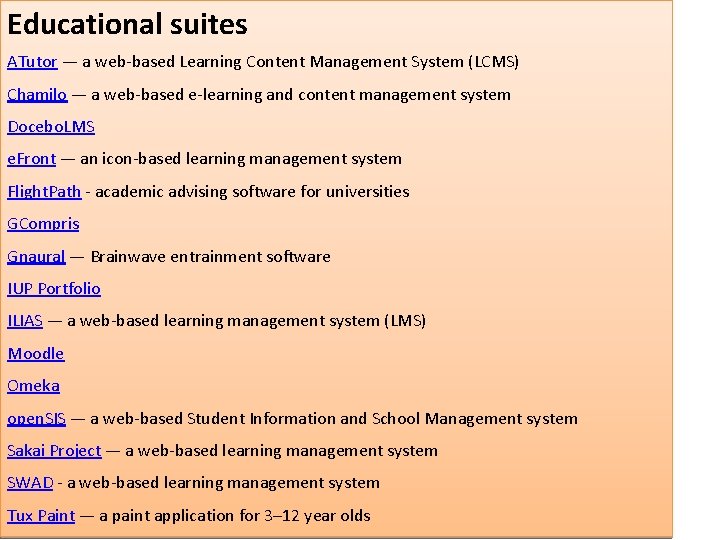
Educational suites ATutor — a web-based Learning Content Management System (LCMS) Chamilo — a web-based e-learning and content management system Docebo. LMS e. Front — an icon-based learning management system Flight. Path - academic advising software for universities GCompris Gnaural — Brainwave entrainment software IUP Portfolio ILIAS — a web-based learning management system (LMS) Moodle Omeka open. SIS — a web-based Student Information and School Management system Sakai Project — a web-based learning management system SWAD - a web-based learning management system Tux Paint — a paint application for 3– 12 year olds
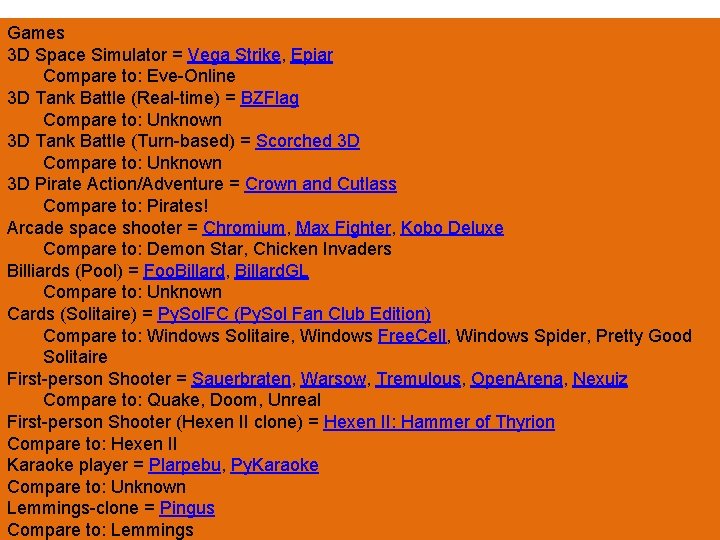
Games 3 D Space Simulator = Vega Strike, Epiar Compare to: Eve-Online 3 D Tank Battle (Real-time) = BZFlag Compare to: Unknown 3 D Tank Battle (Turn-based) = Scorched 3 D Compare to: Unknown 3 D Pirate Action/Adventure = Crown and Cutlass Compare to: Pirates! Arcade space shooter = Chromium, Max Fighter, Kobo Deluxe Compare to: Demon Star, Chicken Invaders Billiards (Pool) = Foo. Billard, Billard. GL Compare to: Unknown Cards (Solitaire) = Py. Sol. FC (Py. Sol Fan Club Edition) Compare to: Windows Solitaire, Windows Free. Cell, Windows Spider, Pretty Good Solitaire First-person Shooter = Sauerbraten, Warsow, Tremulous, Open. Arena, Nexuiz Compare to: Quake, Doom, Unreal First-person Shooter (Hexen II clone) = Hexen II: Hammer of Thyrion Compare to: Hexen II Karaoke player = Plarpebu, Py. Karaoke Compare to: Unknown Lemmings-clone = Pingus Compare to: Lemmings
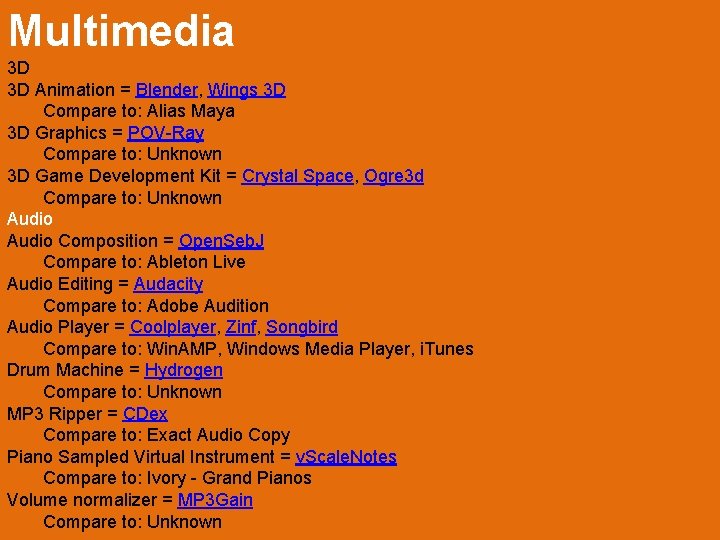
Multimedia 3 D 3 D Animation = Blender, Wings 3 D Compare to: Alias Maya 3 D Graphics = POV-Ray Compare to: Unknown 3 D Game Development Kit = Crystal Space, Ogre 3 d Compare to: Unknown Audio Composition = Open. Seb. J Compare to: Ableton Live Audio Editing = Audacity Compare to: Adobe Audition Audio Player = Coolplayer, Zinf, Songbird Compare to: Win. AMP, Windows Media Player, i. Tunes Drum Machine = Hydrogen Compare to: Unknown MP 3 Ripper = CDex Compare to: Exact Audio Copy Piano Sampled Virtual Instrument = v. Scale. Notes Compare to: Ivory - Grand Pianos Volume normalizer = MP 3 Gain Compare to: Unknown
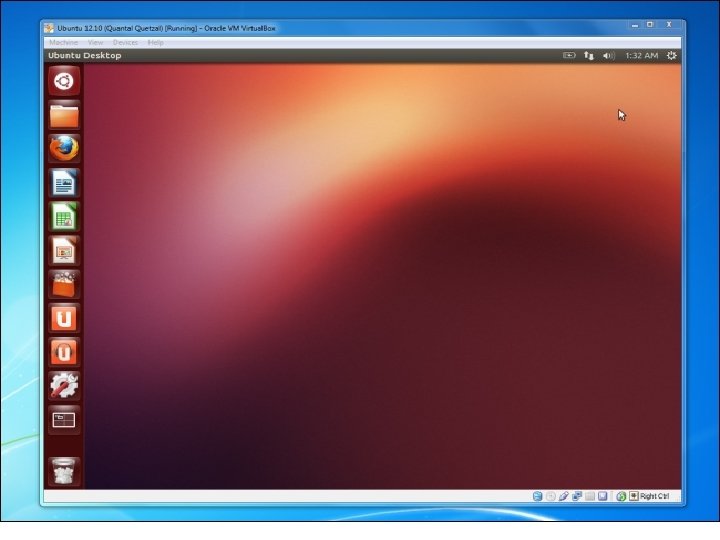
Running Linux on Window Linux users often want to run Windows software on Linux, but Windows users may want to run Linux software, too. Whether you’re looking for a better development environment or powerful command-line tools, you can run Linux software without leaving Windows. Virtual Machines Virtual machines allow you to run any operating system in a window on your desktop. You can install the free Virtual. Box or VMware Player, download an ISO file for a Linux distribution such as Ubuntu, and install that Linux distribution inside the virtual machine like you would install it on a standard computer You could even try using Virtual. Box’s seamless mode or VMware’s unity mode to run Linux applications directly on your desktop — they’ll be running in the virtual machine, but their windows will be present on your Windows desktop instead of trapped in a single virtual machine window.
Compatibility Issue.
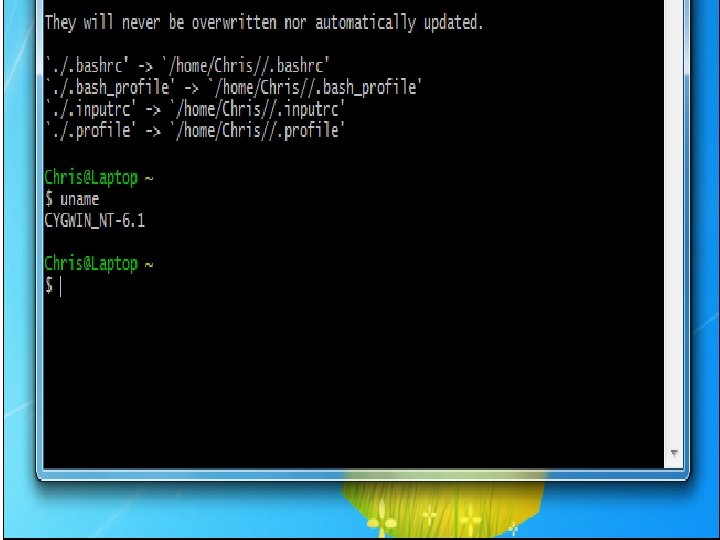
USING WINDOW IMMULATOR –WINE Cygwin is a collection of tools that offer a Linux-like environment on Windows. It’s not a way to run existing Linux software on Windows — the software will have to be recompiled. However, much software has already been recompiled. Cygwin will give you a Linux-like terminal and command-line environment with many of the command-line programs you may already be used to. This solution is ideal for users missing crucial Linux utilities on Windows — it’s not a way to run a full Linux desktop
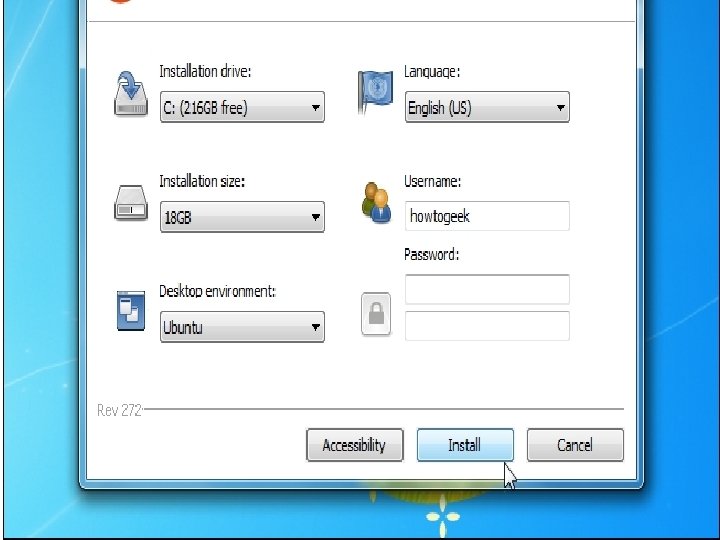
INSTALLING LINUX SIDE_ BY SIDE Install Linux Via -Wubi This method is technically installing Linux, not running Linux software on Windows. You’ll have to reboot each time you want to use your Linux system just as if you had installed it in a standard dual-boot configuration. However, Wubi doesn’t install Linux e. g Ubuntu in the normal way. Instead, it creates a special file on your Windows partition and uses that file as your Ubuntu drive. This means that you can install Ubuntu and use it without any partitioning and you can uninstall Ubuntu from the Windows Control Panel when you’re done.
INSTALLING LINUX ALONG SIDE co. Linux-based Distributions co. Linux stands for Cooperative Linux. It’s a way to natively run Linux alongside the Windows kernel in a way that offers much faster performance than simply running Linux in a virtual machine. co. Linux-based distributions would be a great option, but they seem to be getting left behind. If you don’t mind using years-old Linux software and a 32 -bit version of Windows, this option may work for you anyway.
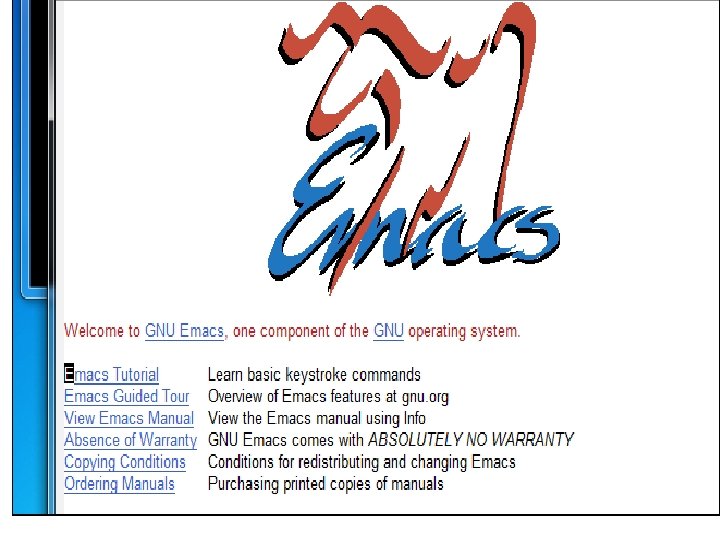
USING PORTED VERSION Ported and Compiled Programs Many common Linux programs have already been ported to Windows and compiled versions have been made available online. If you really miss Emacs, you’ll find versions of Emacs for Windows. If you want to run a specific program on Windows, perform a Google search for the name of that program and “Windows” — there’s a good chance you’ll find a version of the program that ‘s been ported to Windows.
CITAD