
Center for Improved Engineering And Science Education CIESE


- Slides: 36
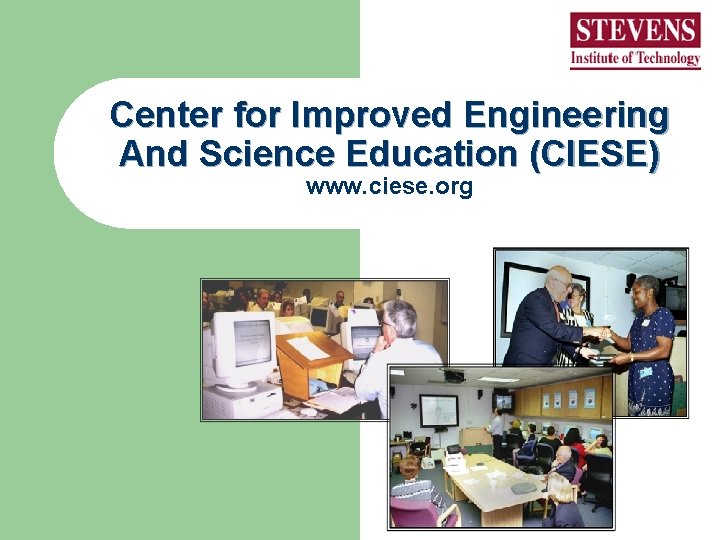
Center for Improved Engineering And Science Education (CIESE) www. ciese. org
CIESE Mission: Improve teaching and learning in K-12 science and mathematics through the meaningful integration of technology into the curriculum
Stevens Institute of Technology l l l Rigorous, private technological university 2, 000 undergraduates; 2, 200 master’s and Ph. D-level students Engineering Science Technology Management
Stevens Institute of Technology l l First college in world to require students to own a PC (1982) Established CIESE in 1988 to bring technology integration experience to K-12 to improve student achievement in science & mathematics
CIESE l l Collegial, collaborative approach Systemic efforts Science and mathematics focus, later other subject areas Vendor-neutral
Initial Project: A Model for CI l l Five diverse districts Three-year PD collaboration Middle and high school math teachers & administrators “How can these technology resources help you teach math topics better? ”
Three-Year Process l Year 1: Familiarity & Exploration l Year 2: Experimentation & Implementation l Year 3: Refinement & Institutionalization
Outcomes: l l l 3, 000 math software titles -> 300 evaluated by practicing teachers -> 30 recommended Lesson development, sharing, learning community Compendium of exemplary, field-tested lessons Curriculum revision Staff development Broad dissemination
Internet-in-Science Initiatives l l l $2. 9 million National Science Foundation grant in 1994 (preceded Netscape) Close collaboration with teachers on useful applications of technology “Unique and Compelling” applications – – Real time data Web publishing -Telecollaboration -Primary source material
Outcomes: l l l PD for 3, 000 teachers from 700 schools in NJ 30 -hour Savvy Cyber Teacher® course Scale-up model to reach 10, 000 teachers in – – – Phoenix, Arizona Cleveland, Ohio Miami, Florida
Technology Integration in TT l Share examples l Explore planning models and tools l Select, prioritize, adapt l Identify next steps
Q: What are key student outcomes expected of new curriculum? l l l l Multiple literacy – Ability to adapt and use in the real world. Effective problem solver, making decisions, finding solutions Student-centered, self-directed learning, e. g. , research Responsible, moral, ethical citizenship Communication, self-expression Cultural heritage, contributions of multi-culturalism Student empowerment to utilize a variety of resources to make decisions Respect of environment
Student Outcomes (cont’d) l l l l Reduce inequities Aesthetic expression and enjoyment of expressions of others Confidence in using technology/ies Active, healthy lifestyle Multiple intelligences Spiritual values Real-world/authenticity Global interdependence
Q: How can technology help? l l l l Student-centered research Analysis of movement Problem-centered Tutorial Remedial Motivating Access, control, manage info resources – Equity implications
Technology can… l l l l Empower teachers Facilitate joint projects, international collaboration Individually-based, student-centered Reach wider audience, accessibility of content via distance learning Simulations, visualize complex conepts No “reinventing the wheel” Multimedia, lively presentations School, classroom management (productivity tools)
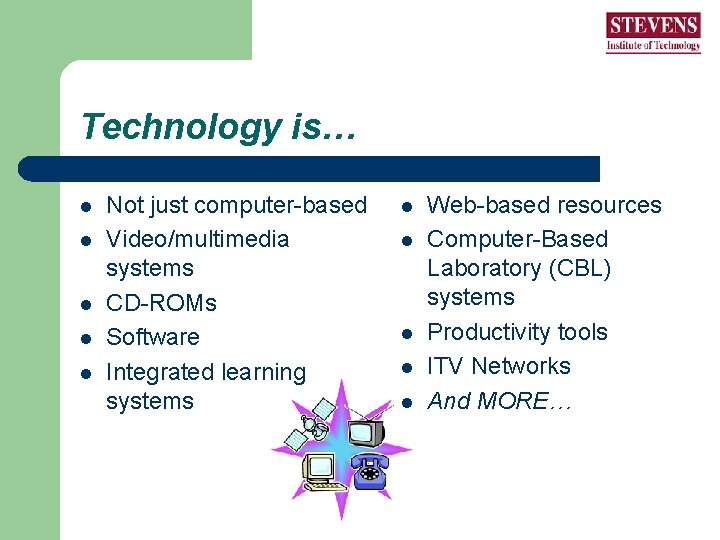
Technology is… l l l Not just computer-based Video/multimedia systems CD-ROMs Software Integrated learning systems l l l Web-based resources Computer-Based Laboratory (CBL) systems Productivity tools ITV Networks And MORE…
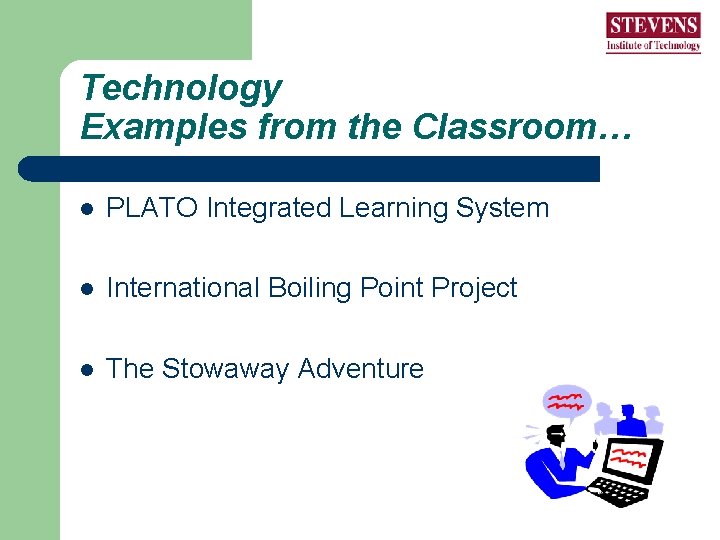
Technology Examples from the Classroom… l PLATO Integrated Learning System l International Boiling Point Project l The Stowaway Adventure
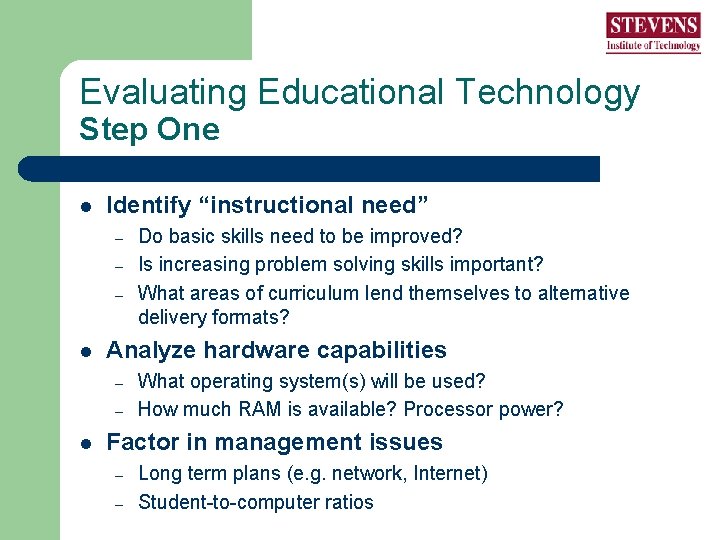
Evaluating Educational Technology Step One l Identify “instructional need” – – – l Analyze hardware capabilities – – l Do basic skills need to be improved? Is increasing problem solving skills important? What areas of curriculum lend themselves to alternative delivery formats? What operating system(s) will be used? How much RAM is available? Processor power? Factor in management issues – – Long term plans (e. g. network, Internet) Student-to-computer ratios
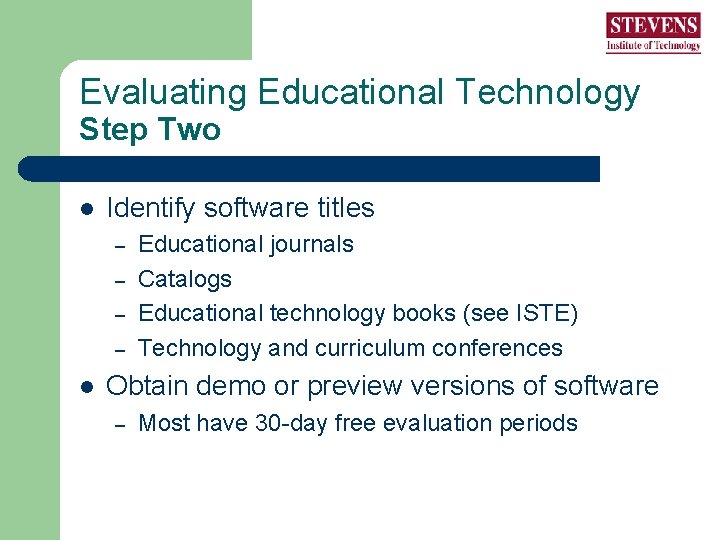
Evaluating Educational Technology Step Two l Identify software titles – – l Educational journals Catalogs Educational technology books (see ISTE) Technology and curriculum conferences Obtain demo or preview versions of software – Most have 30 -day free evaluation periods
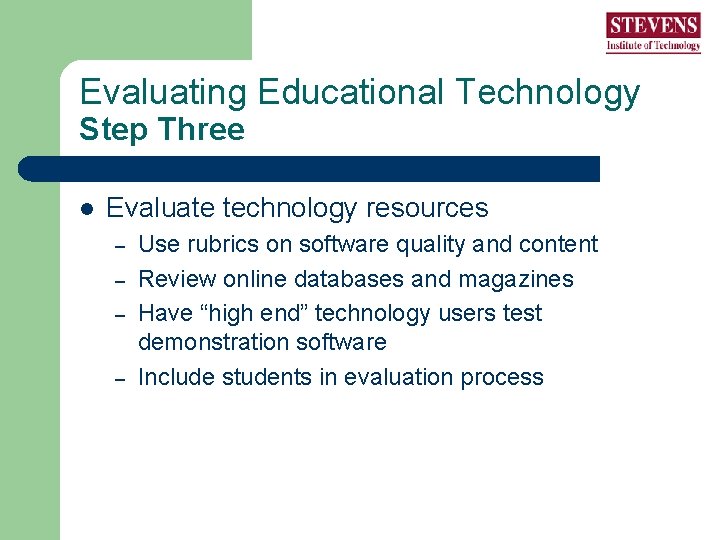
Evaluating Educational Technology Step Three l Evaluate technology resources – – Use rubrics on software quality and content Review online databases and magazines Have “high end” technology users test demonstration software Include students in evaluation process
Classifications of Educational Technology l Tutorial l Exploratory l Tool/Application l Communication
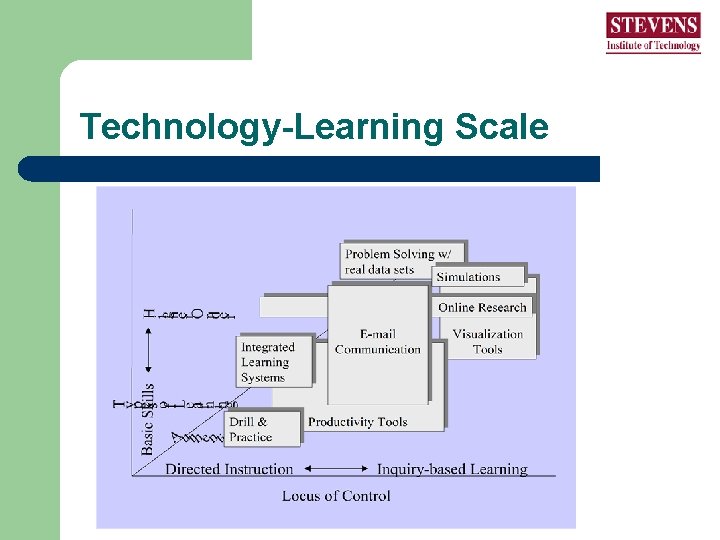
Technology-Learning Scale
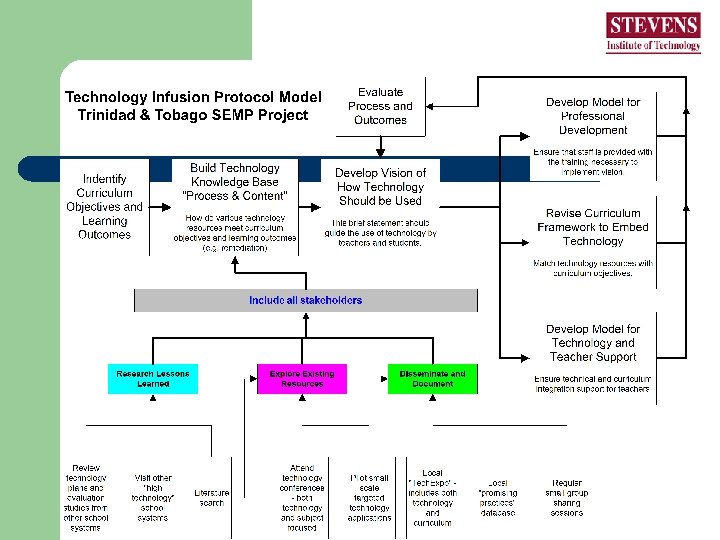
Q: How to get from here to there?
Building a Technology Knowledge Base – Content & Process l Research Lessons Learned l Explore Existing Resources l Disseminate and Document
Day Two Agenda l l l l Report back on yesterday’s discussion Synthesize reports Review curriculum infusion process Demonstration: Social studies Form 1 Breakout groups – identifying technology resources for Form 1 curriculum Report back on progress and next steps Practical strategies and conclusion
Your assignment… l l l What have we done already? What do we know? What additional data, information, research do we need? What are the questions we hope to answer? What are our immediate next steps? What obstacles/challenges will we face? Report back…
Curriculum Infusion: Getting Started l l l Identify the top educational need/goal in your Form I curriculum area (i. e. math basic skills, appreciation of global interdependence). What class of educational technology will best meet your need? Can you identify a specific technology resource (i. e. Microsoft Word or PLATO ILS) to pilot? If yes, which one?
Curriculum Infusion: Getting Started l l l If not, how will you identify promising resources (software evaluation guides, software reviews, technology conferences, recommendations)? Identify next steps (finalize technology selection, identify pilot group). How will you capture and document the experiences from the pilot to recommend next steps (wider implementation, teacher training)?
An example…
Breakout Groups by Discipline
Report Back
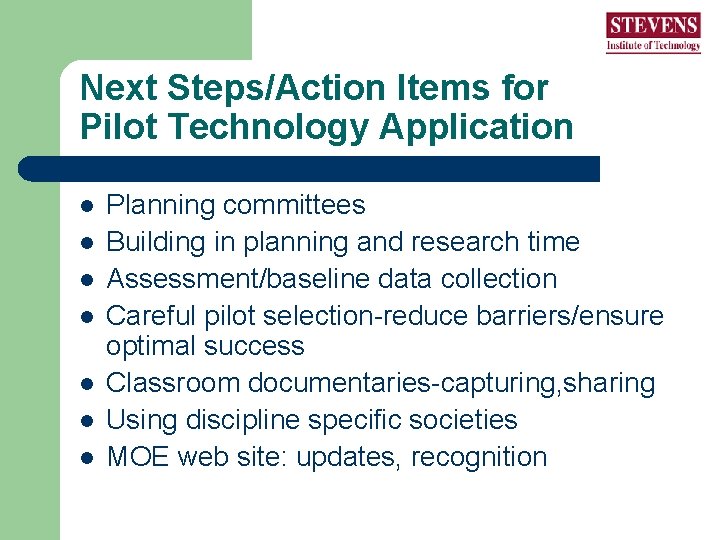
Next Steps/Action Items for Pilot Technology Application l l l l Planning committees Building in planning and research time Assessment/baseline data collection Careful pilot selection-reduce barriers/ensure optimal success Classroom documentaries-capturing, sharing Using discipline specific societies MOE web site: updates, recognition
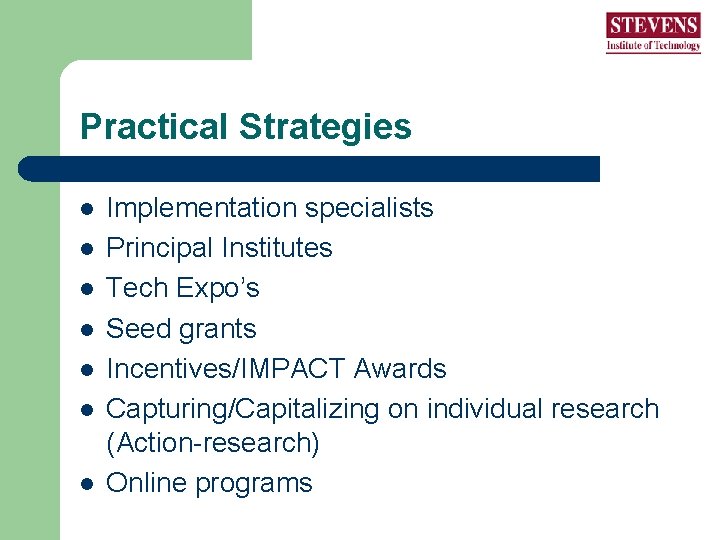
Practical Strategies l l l l Implementation specialists Principal Institutes Tech Expo’s Seed grants Incentives/IMPACT Awards Capturing/Capitalizing on individual research (Action-research) Online programs
Practical Strategies l l l l Preservice collaboration Model schools and partnering Creating a critical mass: Train-the-trainer & opportunistic informal training Accountability mechanisms Selection criteria for pioneers Curriculum development institutes Involve administrators in PD
Some Recommended Resources http: //www. k 12 science. org/iadb/tt