
CENTER FOR HIGH PERFORMANCE COMPUTING Overview of CHPC
![CENTER FOR HIGH PERFORMANCE COMPUTING – Ember: /scratch/serial, /scratch/general, /scratch/ibrix/[chpc_gen, icse_cap, icse_perf] – Files](https://slidetodoc.com/presentation_image_h2/d46bc52c1b931ba3eea4194a74d18863/image-13.jpg "CENTER FOR HIGH PERFORMANCE COMPUTING – Ember: /scratch/serial, /scratch/general, /scratch/ibrix/[chpc_gen, icse_cap, icse_perf] – Files")
- Slides: 37
CENTER FOR HIGH PERFORMANCE COMPUTING Overview of CHPC Wim R. Cardoen, Staff Scientist Center for High Performance Computing wim. cardoen@utah. edu Spring 2011
CENTER FOR HIGH PERFORMANCE COMPUTING Overview • CHPC Services • Arches, Updraft and Ember (HPC Clusters) • Access and Security • Batch (PBS and Moab) • Allocations • Getting Help 10/19/2021 http: //www. chpc. utah. edu Slide 2
CENTER FOR HIGH PERFORMANCE COMPUTING CHPC Services • • • HPC Clusters (talk focus) Advanced Network Lab Multi-Media consulting services Campus Infrastructure Support Statistical Support http: //www. chpc. utah. edu/docs/services. html 10/19/2021 http: //www. chpc. utah. edu Slide 3
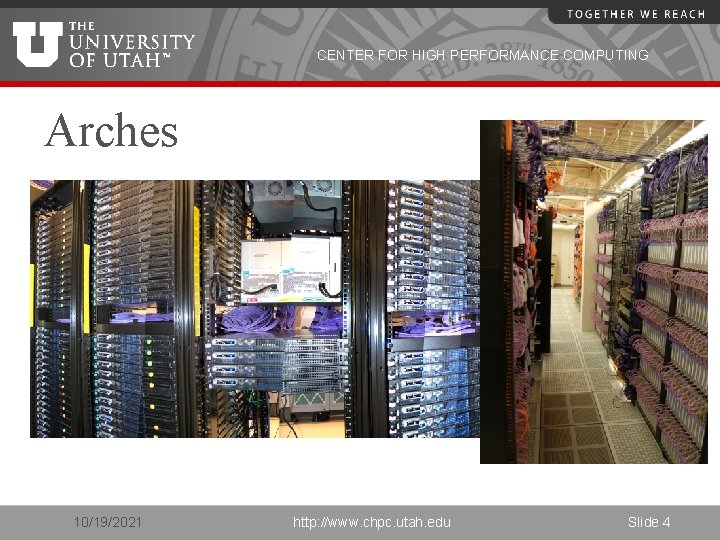
CENTER FOR HIGH PERFORMANCE COMPUTING Arches 10/19/2021 http: //www. chpc. utah. edu Slide 4
CENTER FOR HIGH PERFORMANCE COMPUTING Arches continued • Sand Dune Arch – 2. 4 Ghz/2. 6 Ghz cores • 156 nodes (2. 4 Ghz) X 4 cores per node, 624 cores • 96 nodes (2. 66 Ghz) X 8 cores per node, 768 cores • Turret Arch – interactive stats support • Administrative nodes 10/19/2021 http: //www. chpc. utah. edu Slide 5
CENTER FOR HIGH PERFORMANCE COMPUTING Arches continued: • Each cluster has its own interactive login nodes – use ssh 2 client. – sanddunarch. chpc. utah. edu – turretarch. chpc. utah. edu • You may interact with queues of any cluster from any interactive node (including updraft/ember)! 10/19/2021 http: //www. chpc. utah. edu Slide 6
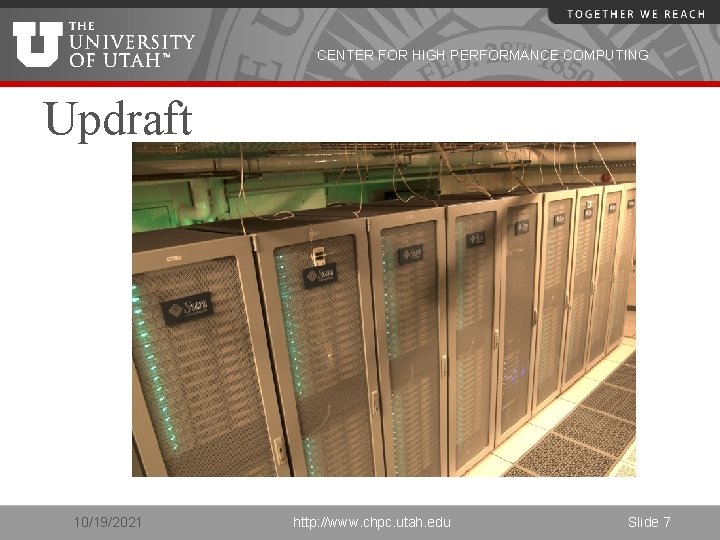
CENTER FOR HIGH PERFORMANCE COMPUTING Updraft 10/19/2021 http: //www. chpc. utah. edu Slide 7
CENTER FOR HIGH PERFORMANCE COMPUTING Updraft continued • • • 256 dual-quad core nodes (2048 cores) Intel Xeon 2. 8 Ghz cores Interactive node: updraft. chpc. utah. edu Configuration Similar to Arches Policies somewhat different from Arches 10/19/2021 http: //www. chpc. utah. edu Slide 8
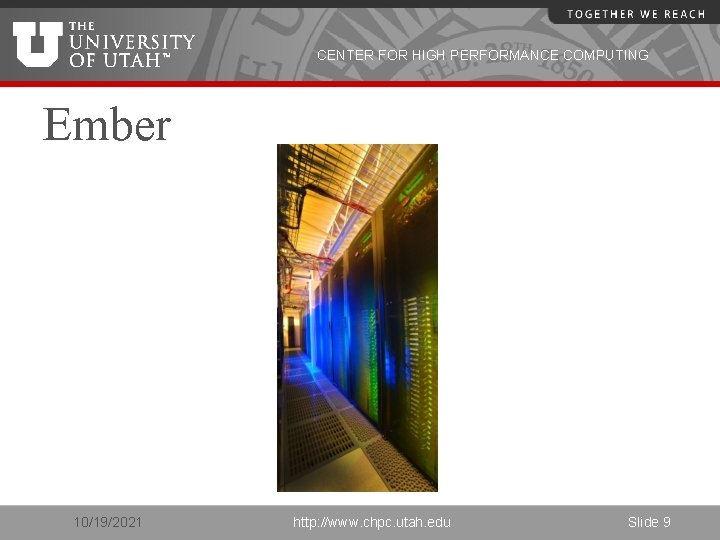
CENTER FOR HIGH PERFORMANCE COMPUTING Ember 10/19/2021 http: //www. chpc. utah. edu Slide 9
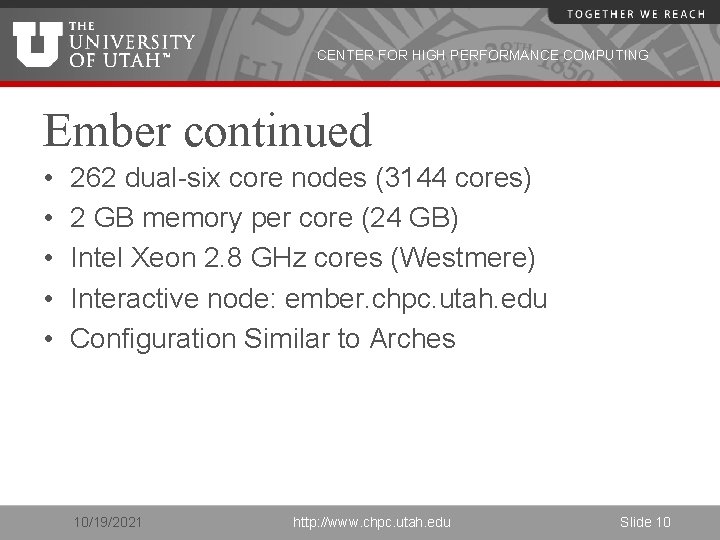
CENTER FOR HIGH PERFORMANCE COMPUTING Ember continued • • • 262 dual-six core nodes (3144 cores) 2 GB memory per core (24 GB) Intel Xeon 2. 8 GHz cores (Westmere) Interactive node: ember. chpc. utah. edu Configuration Similar to Arches 10/19/2021 http: //www. chpc. utah. edu Slide 10
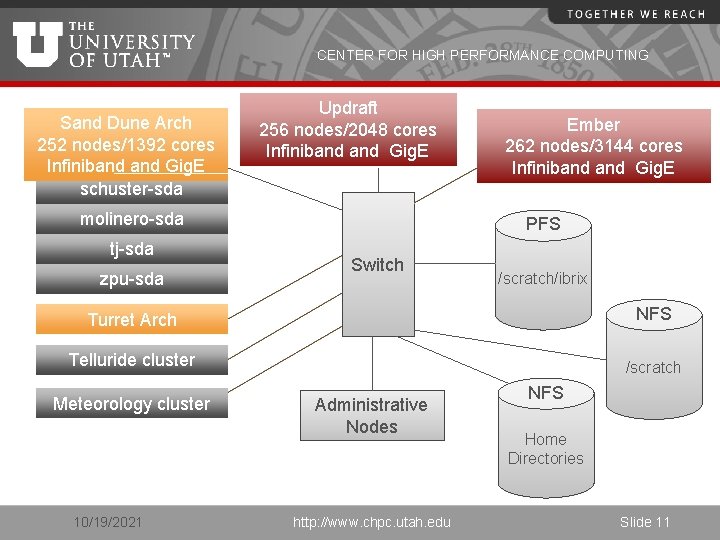
CENTER FOR HIGH PERFORMANCE COMPUTING Sand Dune Arch 252 nodes/1392 cores Infiniband Gig. E schuster-sda Updraft 256 nodes/2048 cores Infiniband Gig. E molinero-sda tj-sda zpu-sda Ember 262 nodes/3144 cores Infiniband Gig. E PFS Switch /scratch/ibrix Turret Arch NFS Telluride cluster /scratch Meteorology cluster 10/19/2021 Administrative Nodes http: //www. chpc. utah. edu NFS Home Directories Slide 11
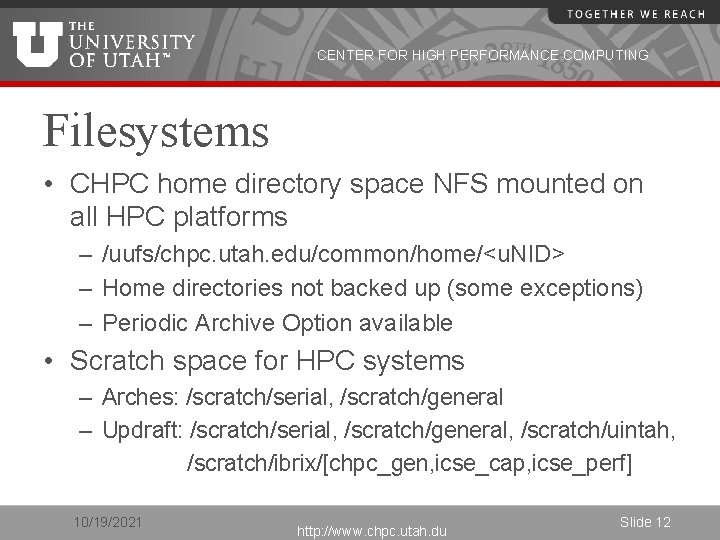
CENTER FOR HIGH PERFORMANCE COMPUTING Filesystems • CHPC home directory space NFS mounted on all HPC platforms – /uufs/chpc. utah. edu/common/home/<u. NID> – Home directories not backed up (some exceptions) – Periodic Archive Option available • Scratch space for HPC systems – Arches: /scratch/serial, /scratch/general – Updraft: /scratch/serial, /scratch/general, /scratch/uintah, /scratch/ibrix/[chpc_gen, icse_cap, icse_perf] 10/19/2021 http: //www. chpc. utah. du Slide 12
CENTER FOR HIGH PERFORMANCE COMPUTING – Ember: /scratch/serial, /scratch/general, /scratch/ibrix/[chpc_gen, icse_cap, icse_perf] – Files older than 30 days eligible for removal 10/19/2021 http: //www. chpc. utah. edu Slide 13
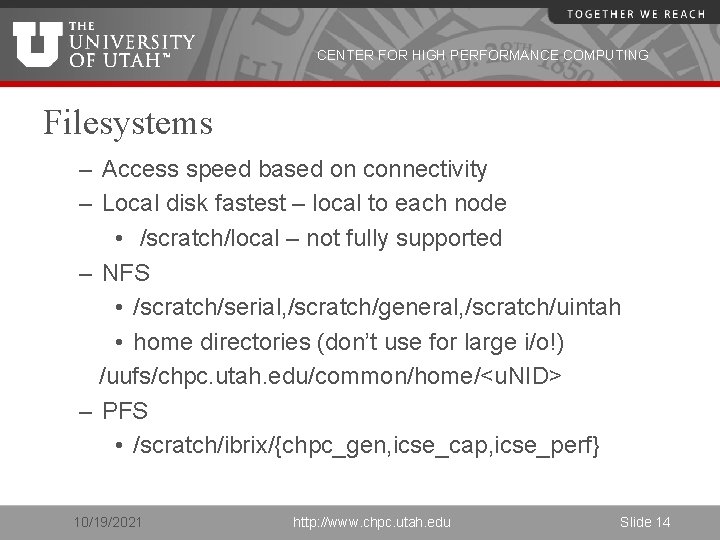
CENTER FOR HIGH PERFORMANCE COMPUTING Filesystems – Access speed based on connectivity – Local disk fastest – local to each node • /scratch/local – not fully supported – NFS • /scratch/serial, /scratch/general, /scratch/uintah • home directories (don’t use for large i/o!) /uufs/chpc. utah. edu/common/home/<u. NID> – PFS • /scratch/ibrix/{chpc_gen, icse_cap, icse_perf} 10/19/2021 http: //www. chpc. utah. edu Slide 14
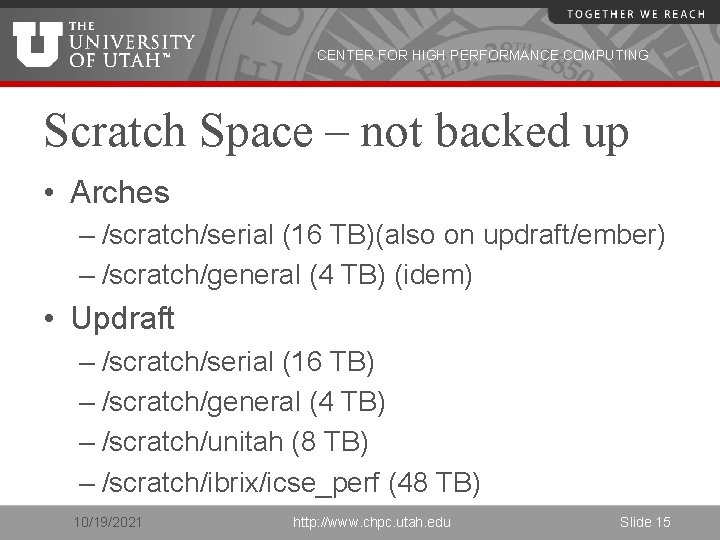
CENTER FOR HIGH PERFORMANCE COMPUTING Scratch Space – not backed up • Arches – /scratch/serial (16 TB)(also on updraft/ember) – /scratch/general (4 TB) (idem) • Updraft – /scratch/serial (16 TB) – /scratch/general (4 TB) – /scratch/unitah (8 TB) – /scratch/ibrix/icse_perf (48 TB) 10/19/2021 http: //www. chpc. utah. edu Slide 15
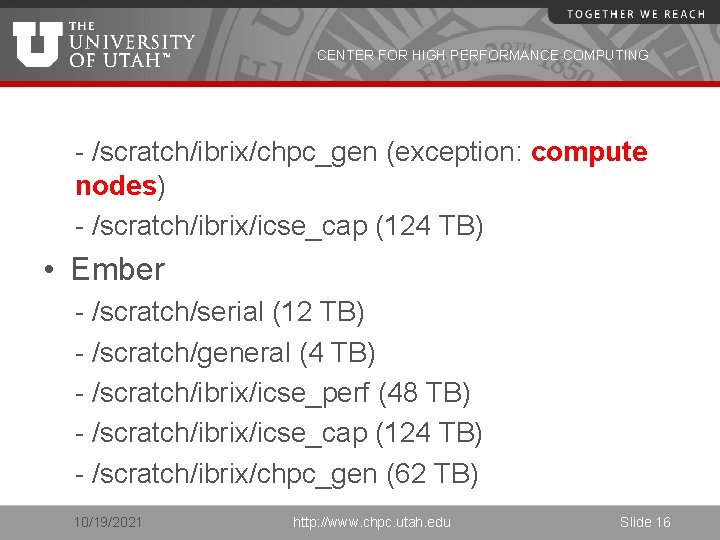
CENTER FOR HIGH PERFORMANCE COMPUTING - /scratch/ibrix/chpc_gen (exception: compute nodes) - /scratch/ibrix/icse_cap (124 TB) • Ember - /scratch/serial (12 TB) - /scratch/general (4 TB) - /scratch/ibrix/icse_perf (48 TB) - /scratch/ibrix/icse_cap (124 TB) - /scratch/ibrix/chpc_gen (62 TB) 10/19/2021 http: //www. chpc. utah. edu Slide 16
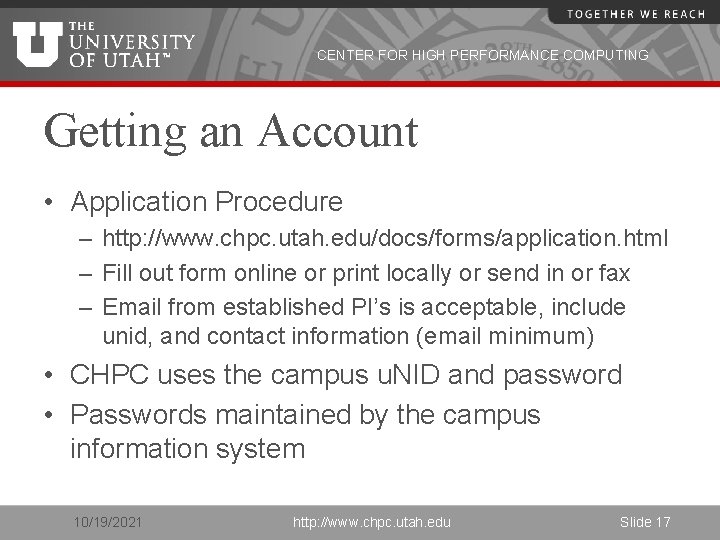
CENTER FOR HIGH PERFORMANCE COMPUTING Getting an Account • Application Procedure – http: //www. chpc. utah. edu/docs/forms/application. html – Fill out form online or print locally or send in or fax – Email from established PI’s is acceptable, include unid, and contact information (email minimum) • CHPC uses the campus u. NID and password • Passwords maintained by the campus information system 10/19/2021 http: //www. chpc. utah. edu Slide 17
CENTER FOR HIGH PERFORMANCE COMPUTING Logins • Access – interactive sites – ssh sanddunearch. chpc. utah. edu – ssh updraft. chpc. utah. edu – ssh ember. chpc. utah. edu – No (direct) access to compute nodes 10/19/2021 http: //www. chpc. utah. edu Slide 18
CENTER FOR HIGH PERFORMANCE COMPUTING Security Policies • No clear text passwords, use ssh and scp • You may not share your account under any circumstances • Don’t leave your terminal unattended while logged into your account • Do not introduce classified or sensitive work onto CHPC systems • Use a good password and protect it 10/19/2021 http: //www. chpc. utah. edu Slide 19
CENTER FOR HIGH PERFORMANCE COMPUTING Security Policies • Do not try to break passwords, tamper with files etc. • Do not distribute or copy privileged data or software • Report suspicians to CHPC (security@chpc. utah. edu) • Please see http: //www. chpc. utah. edu/docs/policies/securi ty. html for more details 10/19/2021 http: //www. chpc. utah. edu Slide 20
CENTER FOR HIGH PERFORMANCE COMPUTING Getting Started • CHPC Getting started guide – www. chpc. utah. edu/docs/manuals/getting_ started • CHPC Environment scripts – www. chpc. utah. edu/docs/manuals/getting_ started/code/chpc. tcshrc – www. chpc. utah. edu/docs/manuals/getting_ started/code/chpc. bashrc 10/19/2021 http: //www. chpc. utah. edu Slide 21
CENTER FOR HIGH PERFORMANCE COMPUTING Environment • All new accounts provided with login or “dot” files. • You should update these files periodically • On the web at http: //www. chpc. utah. edu/docs/manuals/getting_started/code • chpc. bashrc, chpc. tcshrc • e. g. “wget http: //www. chpc. utah. edu/docs/manuals/getting_started/ code/chpc. tcshrc” 10/19/2021 http: //www. chpc. utah. edu Slide 22
CENTER FOR HIGH PERFORMANCE COMPUTING Environment – cont. • Running the CHPC environment script will set your path correctly for that cluster using the $UUFSCELL environment variable. • But you may access other clusters by specifying full path: – If your are logged into one of the sanddunearch nodes the path /uufs/$UUFSCELL/sys/bin is added to your PATH env variable – $UUFSCELL will be set to sanddunearches – showq will show you the queues for SDA – To check the queues on updraft, run the command using the full path /uufs/updraft. arches/sys/bin/showq 10/19/2021 http: //www. chpc. utah. edu Slide 23
CENTER FOR HIGH PERFORMANCE COMPUTING Batch System • Two components – Torque (Open. PBS ) • Resource Manager – Moab (Maui) Scheduler • Required for all significant work – Interactive nodes only used for short compiles, editing and very short test runs (no more that 15 minutes!) 10/19/2021 http: //www. chpc. utah. edu Slide 24
CENTER FOR HIGH PERFORMANCE COMPUTING Torque • Build of Open. PBS • Resource Manager • Main commands: – qsub – qstat – qdel • Used with a scheduler 10/19/2021 http: //www. chpc. utah. edu Slide 25
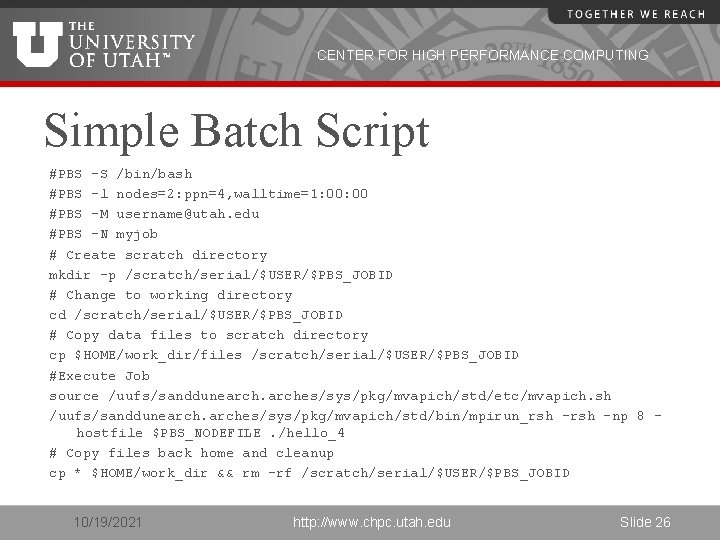
CENTER FOR HIGH PERFORMANCE COMPUTING Simple Batch Script #PBS -S /bin/bash #PBS -l nodes=2: ppn=4, walltime=1: 00 #PBS -M username@utah. edu #PBS -N myjob # Create scratch directory mkdir -p /scratch/serial/$USER/$PBS_JOBID # Change to working directory cd /scratch/serial/$USER/$PBS_JOBID # Copy data files to scratch directory cp $HOME/work_dir/files /scratch/serial/$USER/$PBS_JOBID #Execute Job source /uufs/sanddunearches/sys/pkg/mvapich/std/etc/mvapich. sh /uufs/sanddunearches/sys/pkg/mvapich/std/bin/mpirun_rsh -np 8 hostfile $PBS_NODEFILE. /hello_4 # Copy files back home and cleanup cp * $HOME/work_dir && rm –rf /scratch/serial/$USER/$PBS_JOBID 10/19/2021 http: //www. chpc. utah. edu Slide 26
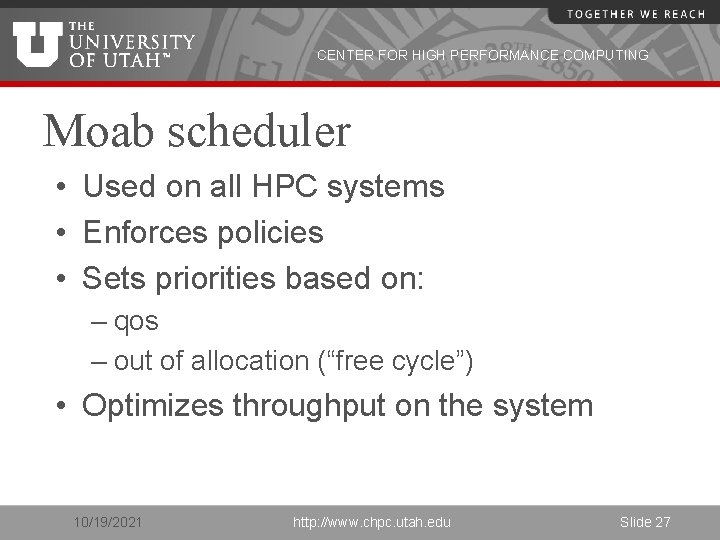
CENTER FOR HIGH PERFORMANCE COMPUTING Moab scheduler • Used on all HPC systems • Enforces policies • Sets priorities based on: – qos – out of allocation (“free cycle”) • Optimizes throughput on the system 10/19/2021 http: //www. chpc. utah. edu Slide 27
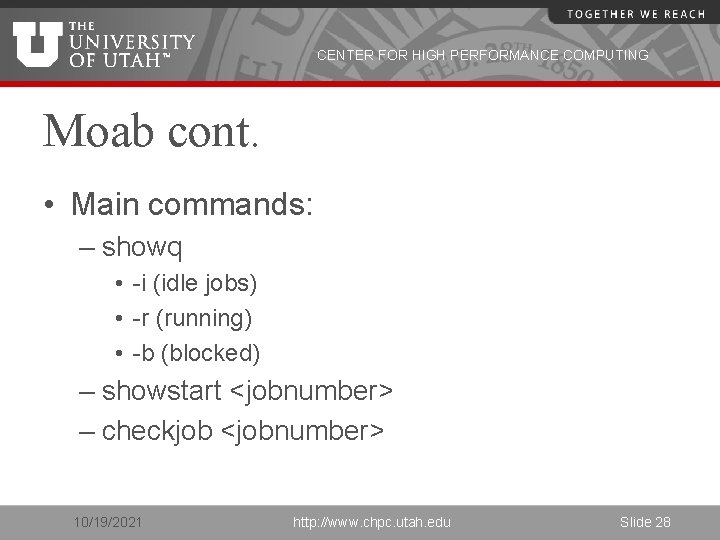
CENTER FOR HIGH PERFORMANCE COMPUTING Moab cont. • Main commands: – showq • -i (idle jobs) • -r (running) • -b (blocked) – showstart <jobnumber> – checkjob <jobnumber> 10/19/2021 http: //www. chpc. utah. edu Slide 28
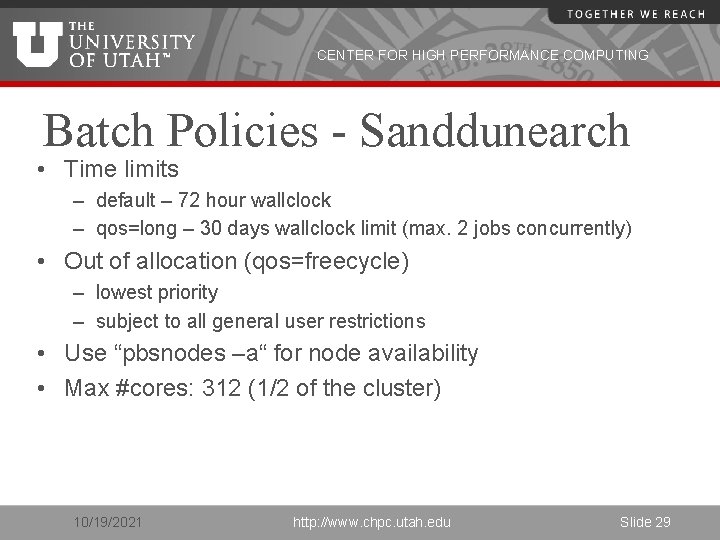
CENTER FOR HIGH PERFORMANCE COMPUTING Batch Policies - Sanddunearch • Time limits – default – 72 hour wallclock – qos=long – 30 days wallclock limit (max. 2 jobs concurrently) • Out of allocation (qos=freecycle) – lowest priority – subject to all general user restrictions • Use “pbsnodes –a“ for node availability • Max #cores: 312 (1/2 of the cluster) 10/19/2021 http: //www. chpc. utah. edu Slide 29
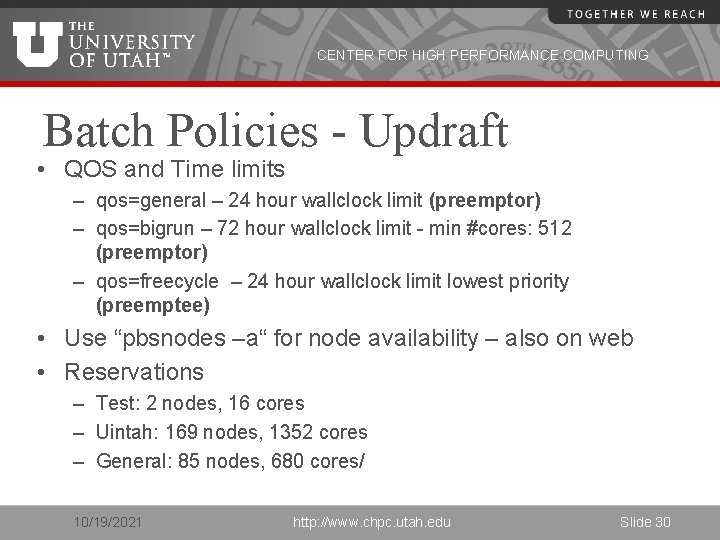
CENTER FOR HIGH PERFORMANCE COMPUTING Batch Policies - Updraft • QOS and Time limits – qos=general – 24 hour wallclock limit (preemptor) – qos=bigrun – 72 hour wallclock limit - min #cores: 512 (preemptor) – qos=freecycle – 24 hour wallclock limit lowest priority (preemptee) • Use “pbsnodes –a“ for node availability – also on web • Reservations – Test: 2 nodes, 16 cores – Uintah: 169 nodes, 1352 cores – General: 85 nodes, 680 cores/ 10/19/2021 http: //www. chpc. utah. edu Slide 30
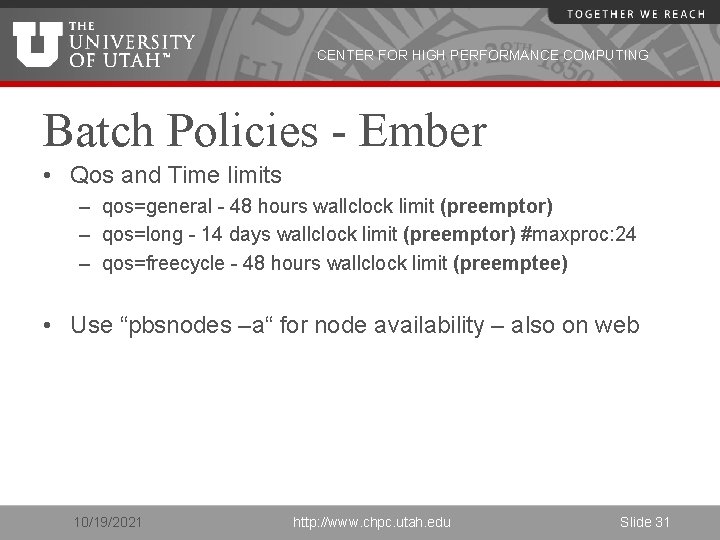
CENTER FOR HIGH PERFORMANCE COMPUTING Batch Policies - Ember • Qos and Time limits – qos=general - 48 hours wallclock limit (preemptor) – qos=long - 14 days wallclock limit (preemptor) #maxproc: 24 – qos=freecycle - 48 hours wallclock limit (preemptee) • Use “pbsnodes –a“ for node availability – also on web 10/19/2021 http: //www. chpc. utah. edu Slide 31
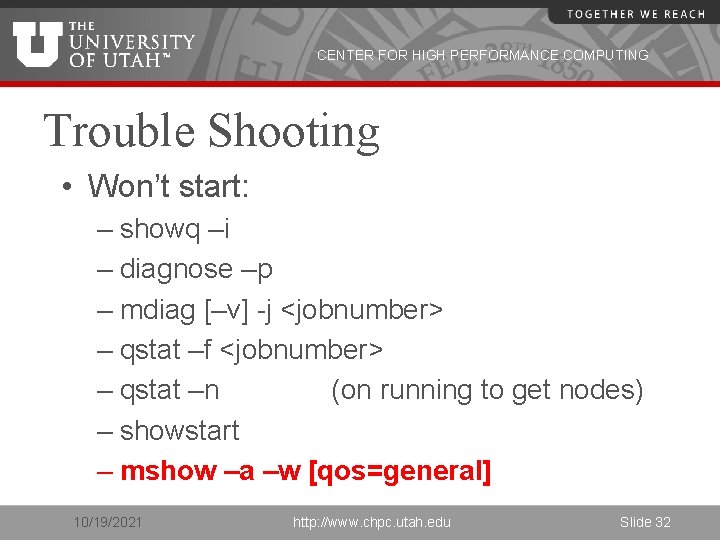
CENTER FOR HIGH PERFORMANCE COMPUTING Trouble Shooting • Won’t start: – showq –i – diagnose –p – mdiag [–v] -j <jobnumber> – qstat –f <jobnumber> – qstat –n (on running to get nodes) – showstart – mshow –a –w [qos=general] 10/19/2021 http: //www. chpc. utah. edu Slide 32
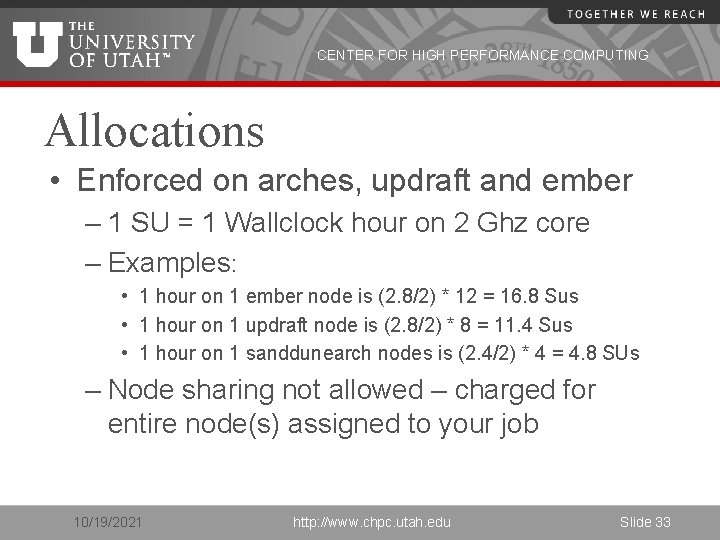
CENTER FOR HIGH PERFORMANCE COMPUTING Allocations • Enforced on arches, updraft and ember – 1 SU = 1 Wallclock hour on 2 Ghz core – Examples: • 1 hour on 1 ember node is (2. 8/2) * 12 = 16. 8 Sus • 1 hour on 1 updraft node is (2. 8/2) * 8 = 11. 4 Sus • 1 hour on 1 sanddunearch nodes is (2. 4/2) * 4 = 4. 8 SUs – Node sharing not allowed – charged for entire node(s) assigned to your job 10/19/2021 http: //www. chpc. utah. edu Slide 33
CENTER FOR HIGH PERFORMANCE COMPUTING Allocations cont. • Requests for up to 4 quarters at a time due: – – September 1 st (for Oct-Dec period) December 1 st (for Jan-Mar period) March 1 st (for Apr-Jun period) June 1 st (for Jul-Sep period) • Next Allocations Due September 14 th (Mon) • Allocation should be completed online: – http: //jira. chpc. utah. edu – Create new issue allocation request 10/19/2021 http: //www. chpc. utah. edu Slide 34
CENTER FOR HIGH PERFORMANCE COMPUTING Allocations cont. • Quick allocations may be made for up to 5000 SU’s for the current quarter only • Unused allocations may not be carried forward to next quarter • Allocation and Usage data on CHPC web site 10/19/2021 http: //www. chpc. utah. edu Slide 35
CENTER FOR HIGH PERFORMANCE COMPUTING Getting Help • http: //www. chpc. utah. edu • Email: issues@chpc. utah. edu (Do not email staff members directly – or cc) • http: //jira. chpc. utah. edu • Help Desk: 405 INSCC, 581 -6440 (9 -5 M-F) • chpc-users@lists. utah. edu 10/19/2021 http: //www. chpc. utah. edu Slide 36
CENTER FOR HIGH PERFORMANCE COMPUTING Upcoming Presentations All presentations are on Thursdays INSCC Auditorium, 1 -2 p. m. • • • 3/31: Intro to IO in the HPC environment (Brian Haymore and Sam Liston) 4/7: Introduction to Parallel Computing (Martin Cuma) 4/14: Intro to MPI (Martin Cuma) 4/21: Gaussian 09 and Gauss. View (Anita Orendt) 5/5: Interplay – Another language, telematic performance (Jimmy Miklavcic) Presentation at Upper Campus • 4/28: HIPAA, AI, NLP (Sean Igo) http: //www. chpc. utah. edu/docs/presentations/ If you would like training for yourself or your group, CHPC staff would be happy to accommodate. Please contact julia. harrison@utah. edu to make arrangements. 10/19/2021 http: //www. chpc. utah. edu Slide 37