
CEN 3722 Human Computer Interaction Attention and Memory

- Slides: 28
CEN 3722 Human Computer Interaction Attention and Memory Dr. Ron Eaglin
Objectives • Understand the implications of attention for design • Focus and divided attention • Automating processing • Chunking • Limitations of human memory
Attention • Design should help users find information they need • Structure interface – easy to navigate • Correct amount of information • Use groupings • Use correct ordering
Attention • Focused Attention – Attend to one item at the exclusion of competing stimuli • Divided Attention – Attend to more than one stimuli at a time • These affect the how well we interact with a system
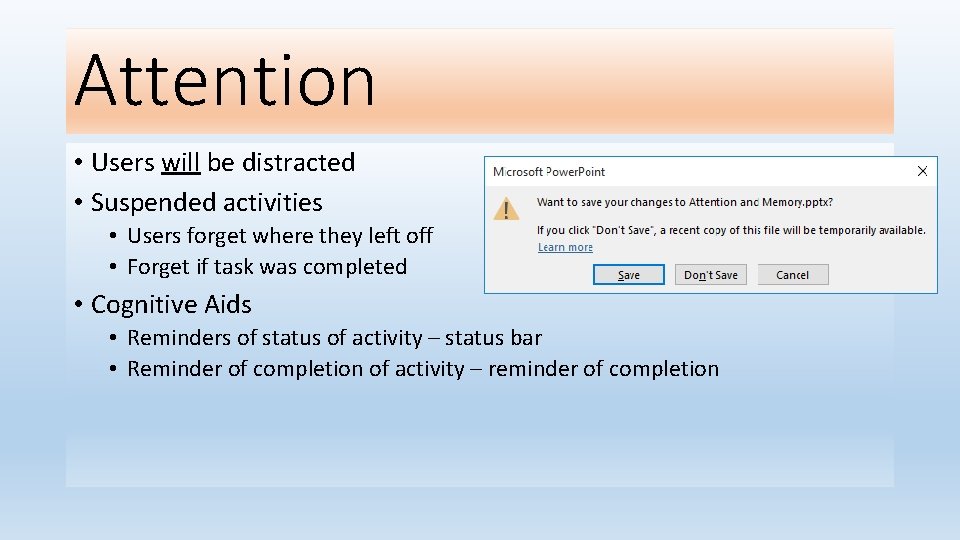
Attention • Users will be distracted • Suspended activities • Users forget where they left off • Forget if task was completed • Cognitive Aids • Reminders of status of activity – status bar • Reminder of completion of activity – reminder of completion
Attention • Use Spatial Cues • Use Temporal Cues
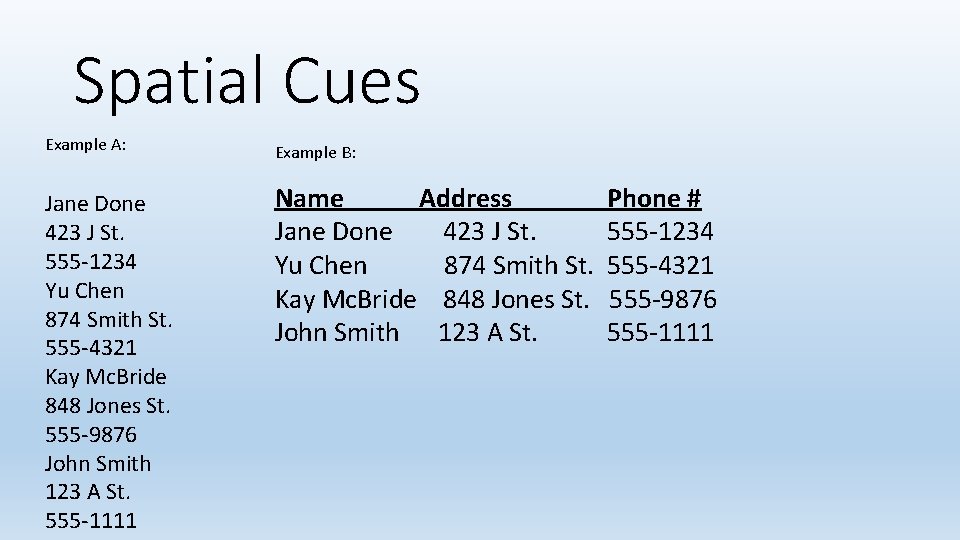
Spatial Cues Example A: Example B: Jane Done 423 J St. 555 -1234 Yu Chen 874 Smith St. 555 -4321 Kay Mc. Bride 848 Jones St. 555 -9876 John Smith 123 A St. 555 -1111 Name Address Jane Done 423 J St. Yu Chen 874 Smith St. Kay Mc. Bride 848 Jones St. John Smith 123 A St. Phone # 555 -1234 555 -4321 555 -9876 555 -1111
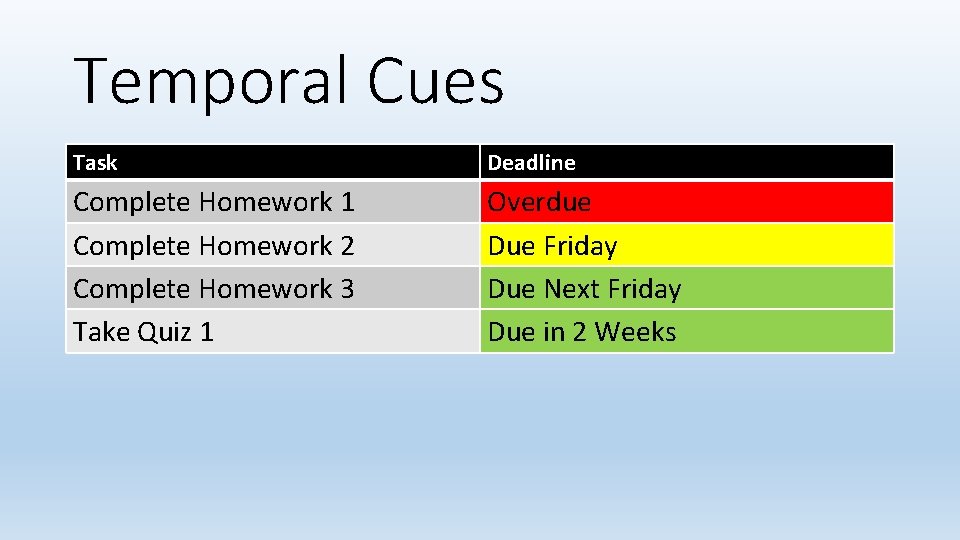
Temporal Cues Task Deadline Complete Homework 1 Complete Homework 2 Complete Homework 3 Take Quiz 1 Overdue Due Friday Due Next Friday Due in 2 Weeks
Attention • Flashing or Movement Warning !! • Audio Warnings
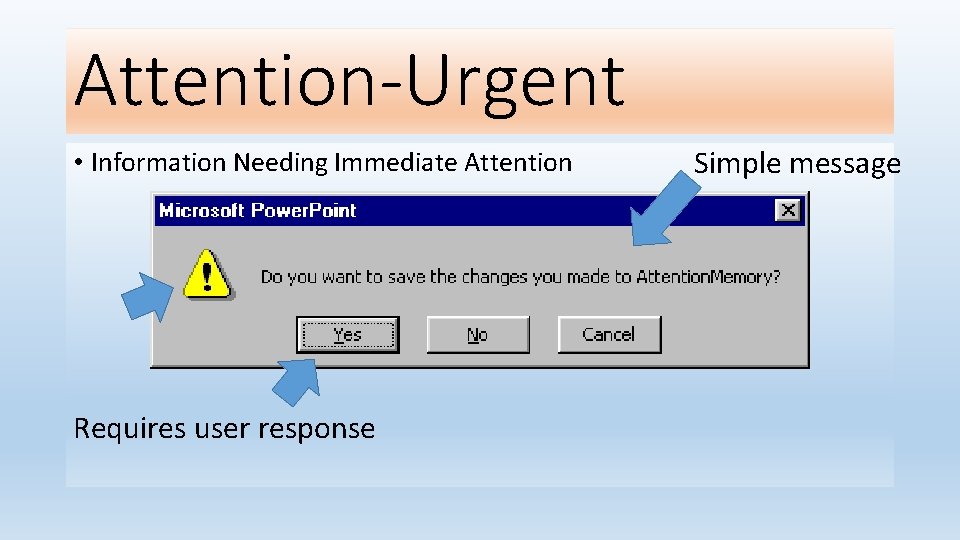
Attention-Urgent • Information Needing Immediate Attention Requires user response Simple message
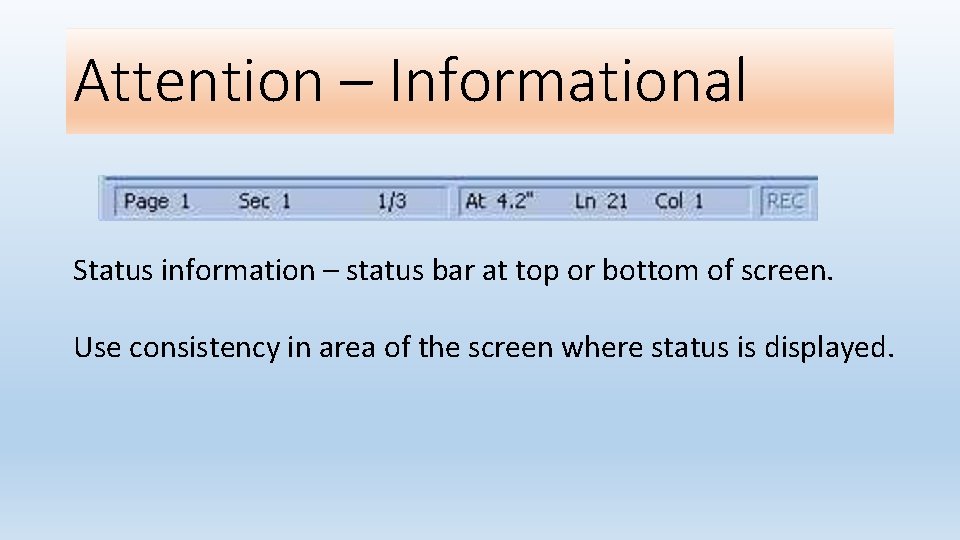
Attention – Informational Status information – status bar at top or bottom of screen. Use consistency in area of the screen where status is displayed.
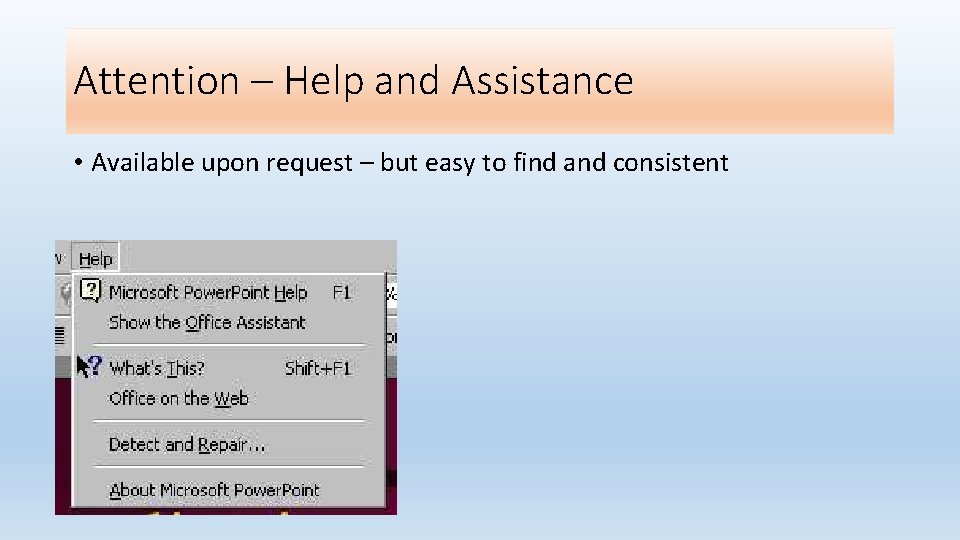
Attention – Help and Assistance • Available upon request – but easy to find and consistent
Automatic Processing • Overlearned Activities • Activities that have become automated • Listening • Reading • Walking • We do not consciously think about these activities
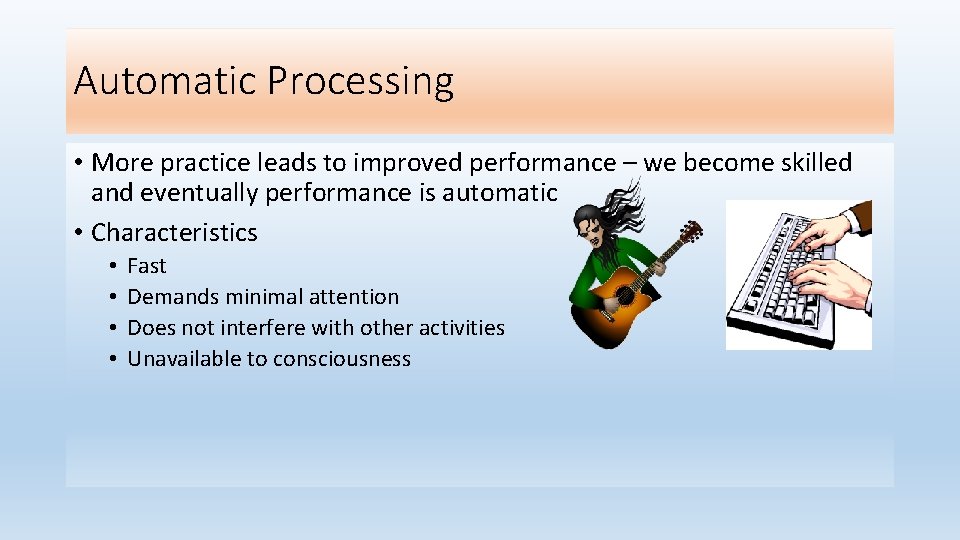
Automatic Processing • More practice leads to improved performance – we become skilled and eventually performance is automatic • Characteristics • • Fast Demands minimal attention Does not interfere with other activities Unavailable to consciousness
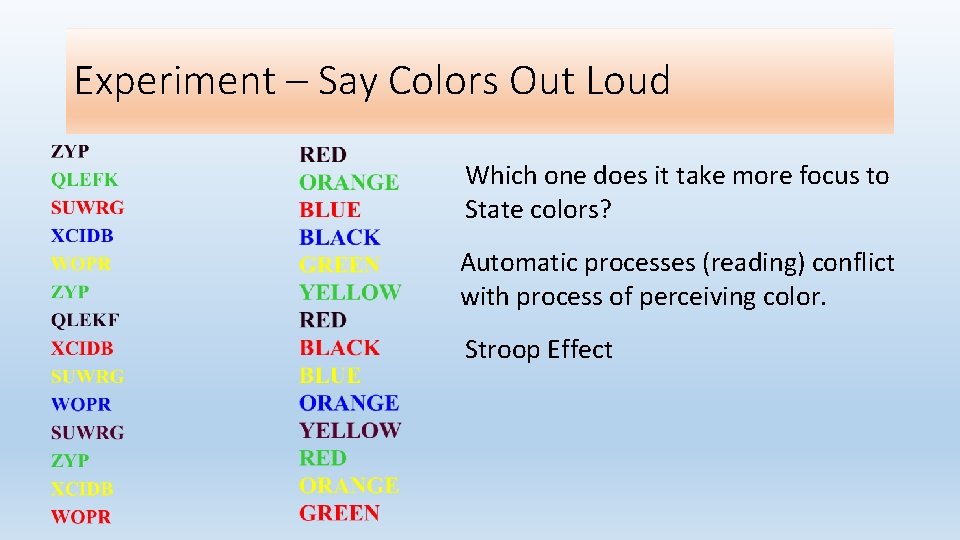
Experiment – Say Colors Out Loud Which one does it take more focus to State colors? Automatic processes (reading) conflict with process of perceiving color. Stroop Effect
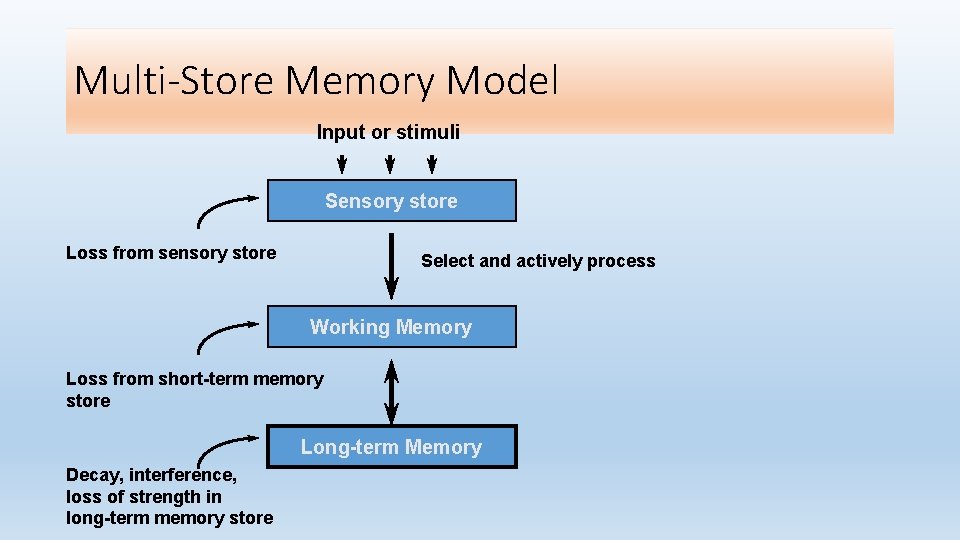
Multi-Store Memory Model Input or stimuli Sensory store Loss from sensory store Select and actively process Working Memory Loss from short-term memory store Long-term Memory Decay, interference, loss of strength in long-term memory store
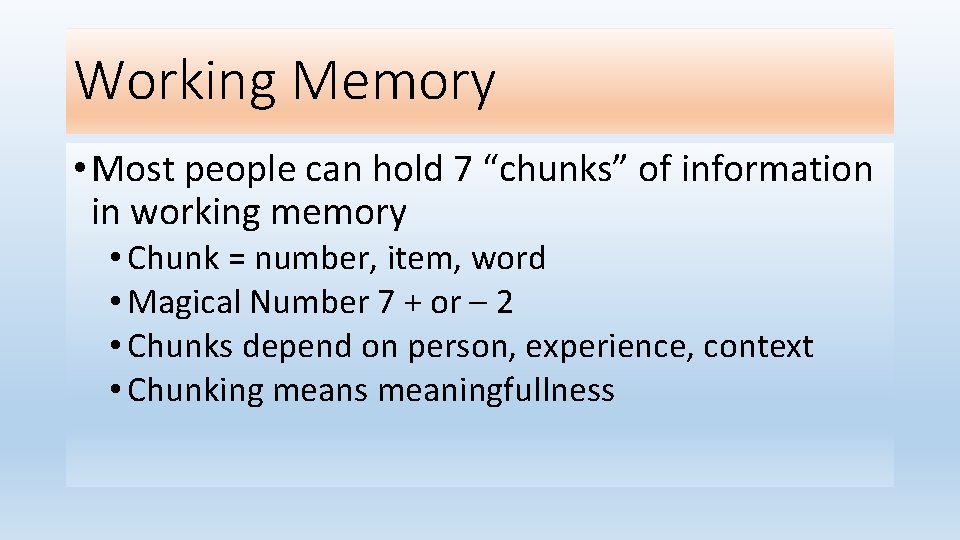
Working Memory • Most people can hold 7 “chunks” of information in working memory • Chunk = number, item, word • Magical Number 7 + or – 2 • Chunks depend on person, experience, context • Chunking means meaningfullness
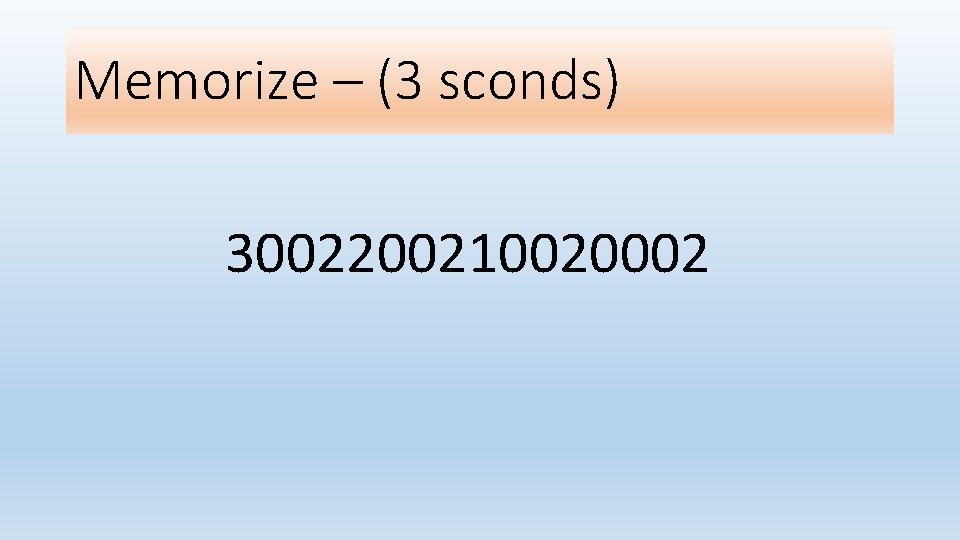
Memorize – (3 sconds) 3002200210020002
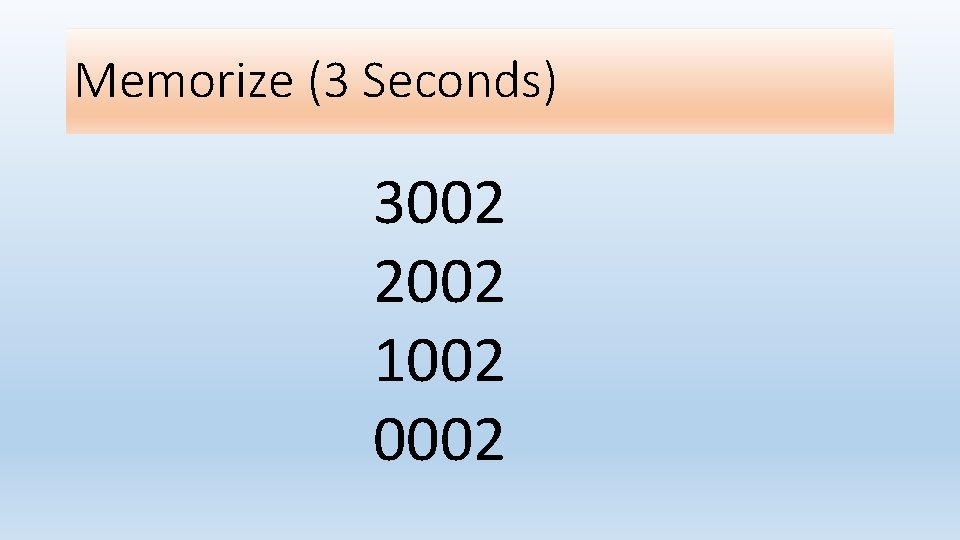
Memorize (3 Seconds) 3002 2002 1002 0002
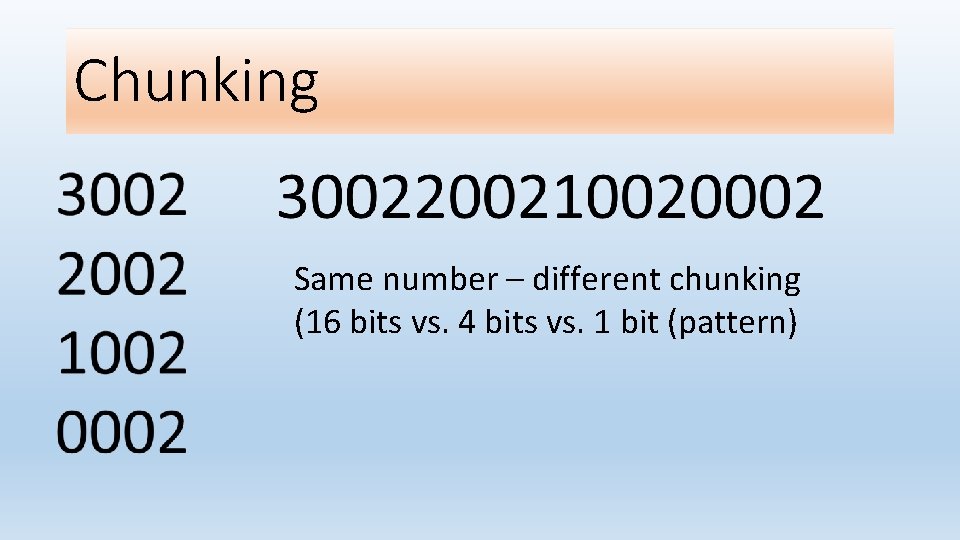
Chunking Same number – different chunking (16 bits vs. 4 bits vs. 1 bit (pattern)
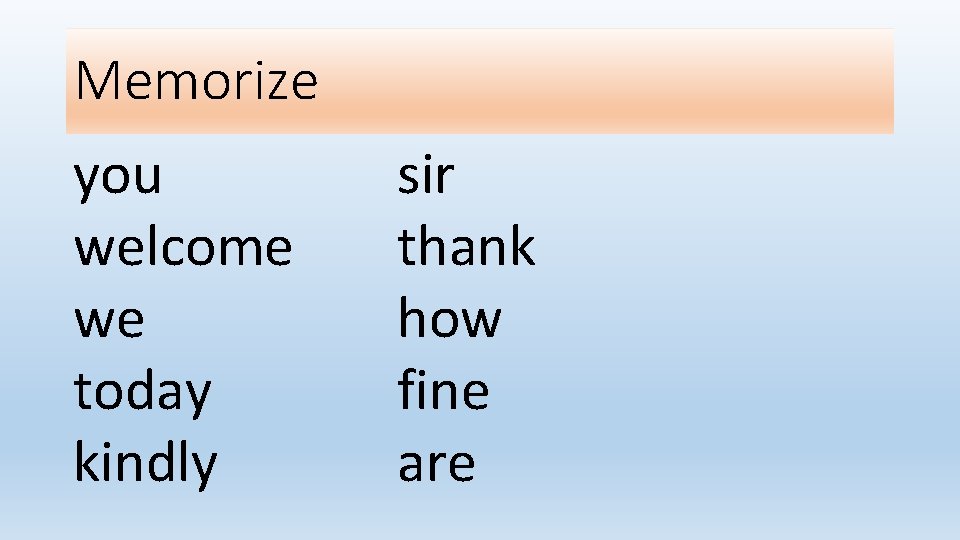
Memorize you welcome we today kindly sir thank how fine are
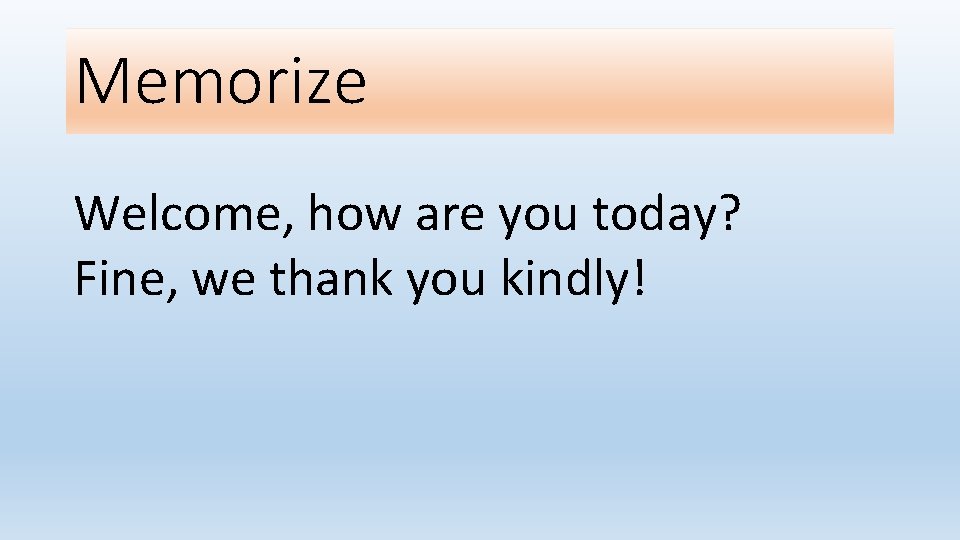
Memorize Welcome, how are you today? Fine, we thank you kindly!
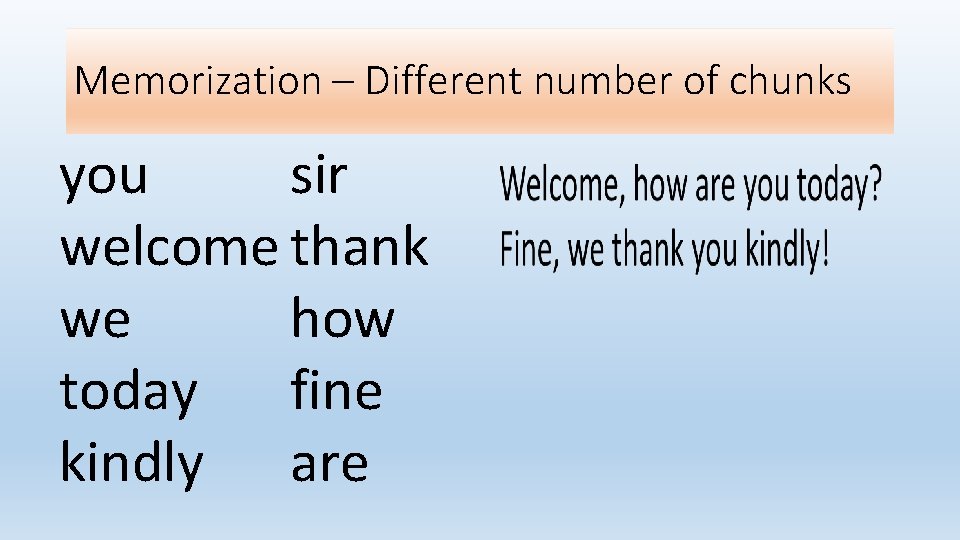
Memorization – Different number of chunks you sir welcome thank we how today fine kindly are
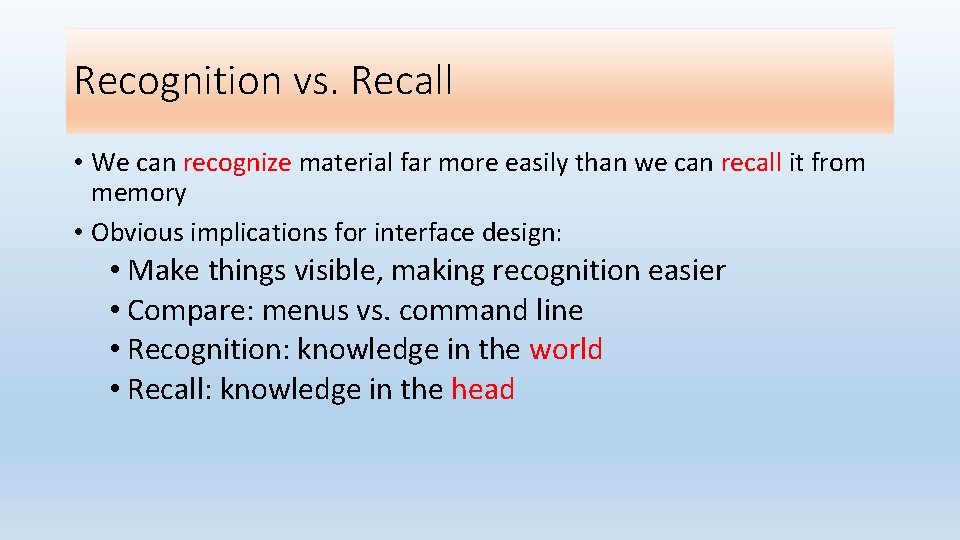
Recognition vs. Recall • We can recognize material far more easily than we can recall it from memory • Obvious implications for interface design: • Make things visible, making recognition easier • Compare: menus vs. command line • Recognition: knowledge in the world • Recall: knowledge in the head
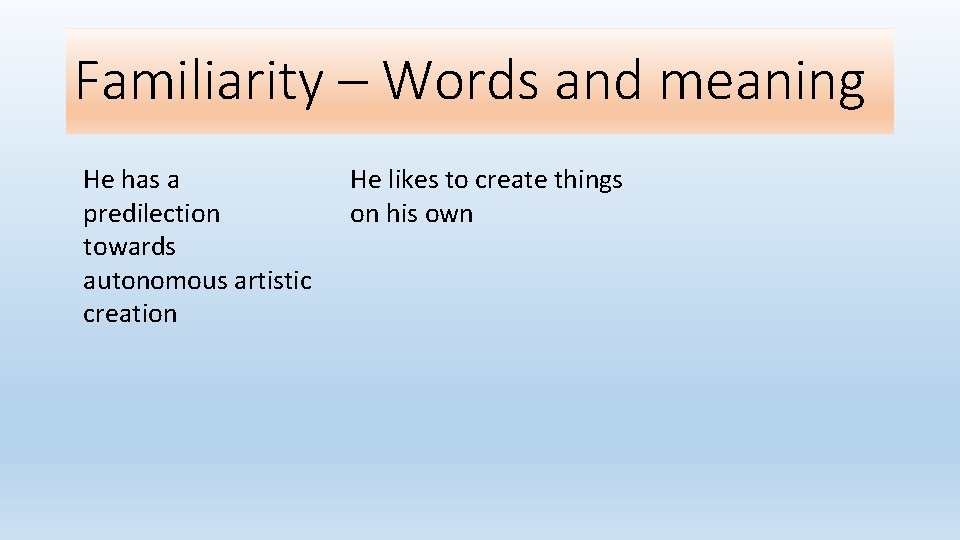
Familiarity – Words and meaning He has a predilection towards autonomous artistic creation He likes to create things on his own
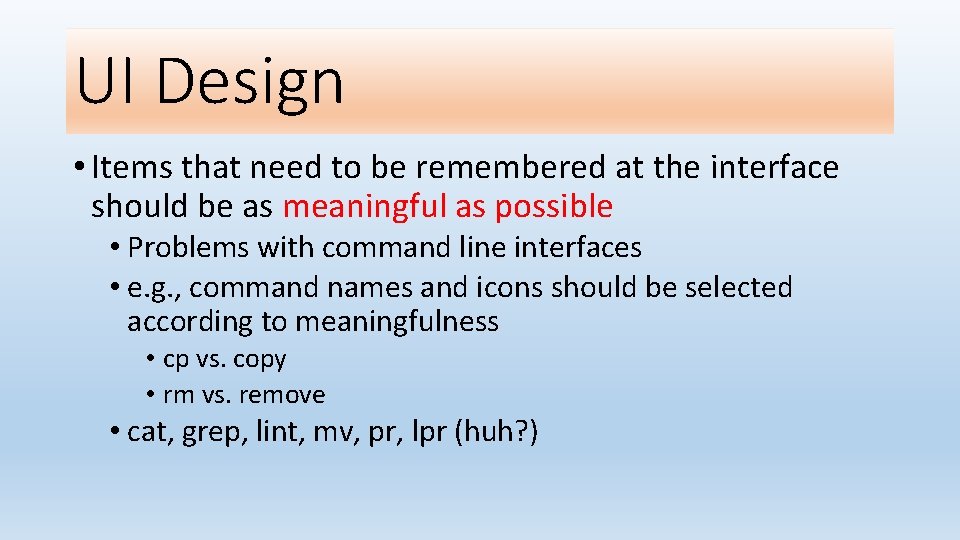
UI Design • Items that need to be remembered at the interface should be as meaningful as possible • Problems with command line interfaces • e. g. , command names and icons should be selected according to meaningfulness • cp vs. copy • rm vs. remove • cat, grep, lint, mv, pr, lpr (huh? )
UI Design
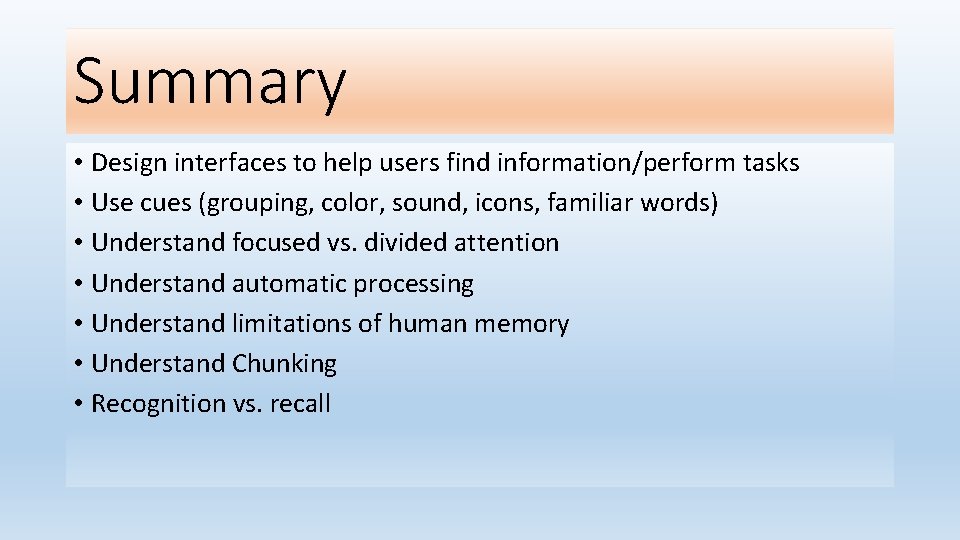
Summary • Design interfaces to help users find information/perform tasks • Use cues (grouping, color, sound, icons, familiar words) • Understand focused vs. divided attention • Understand automatic processing • Understand limitations of human memory • Understand Chunking • Recognition vs. recall