
CELL STRUCTURE BIOL 151 PRACTICAL 1 BY NANA

CELL STRUCTURE (BIOL 151) PRACTICAL 1 BY NANA ABOAGYE ACHEAMPONG
OUTLINE • GENERAL LABORATORY PRACTICES • PRECAUTIONS • HANDLING OF MICROSCOPE • IDENTIFICATION OF VARIOUS PARTS OF THE MICROSCOPE • FOCUSSING
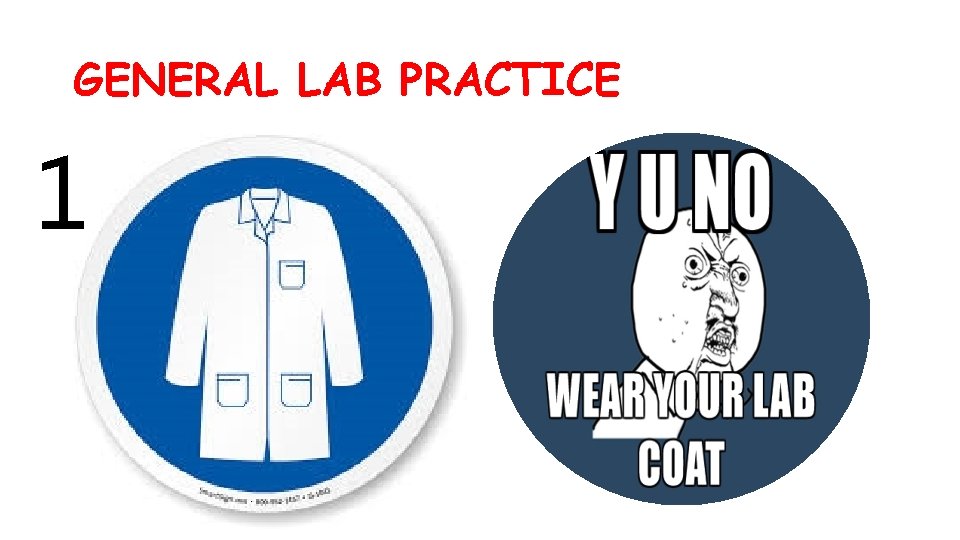
GENERAL LAB PRACTICE 1
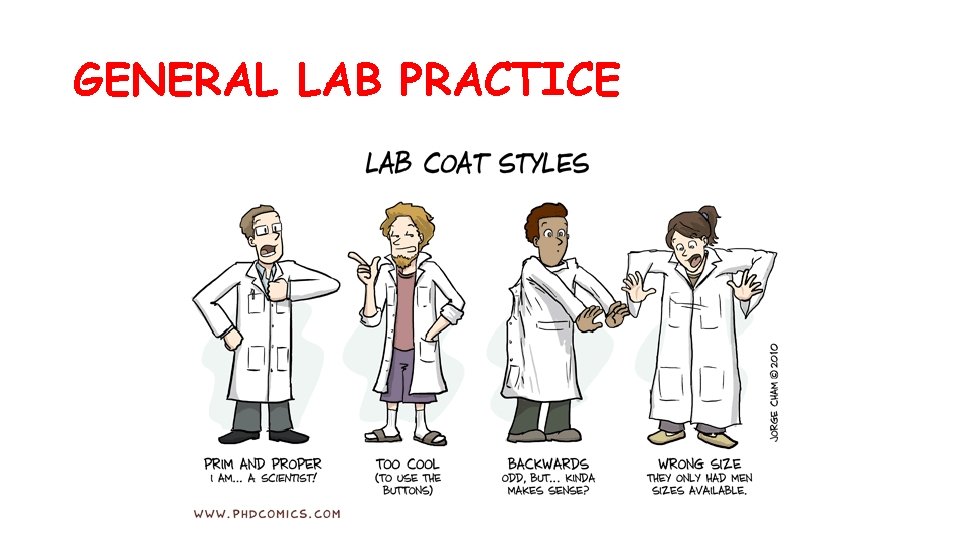
GENERAL LAB PRACTICE
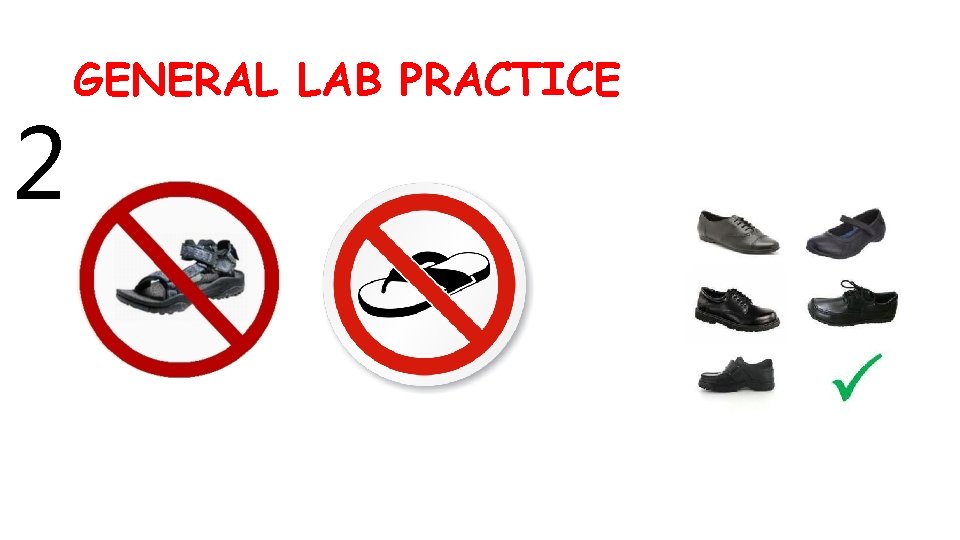
2 GENERAL LAB PRACTICE
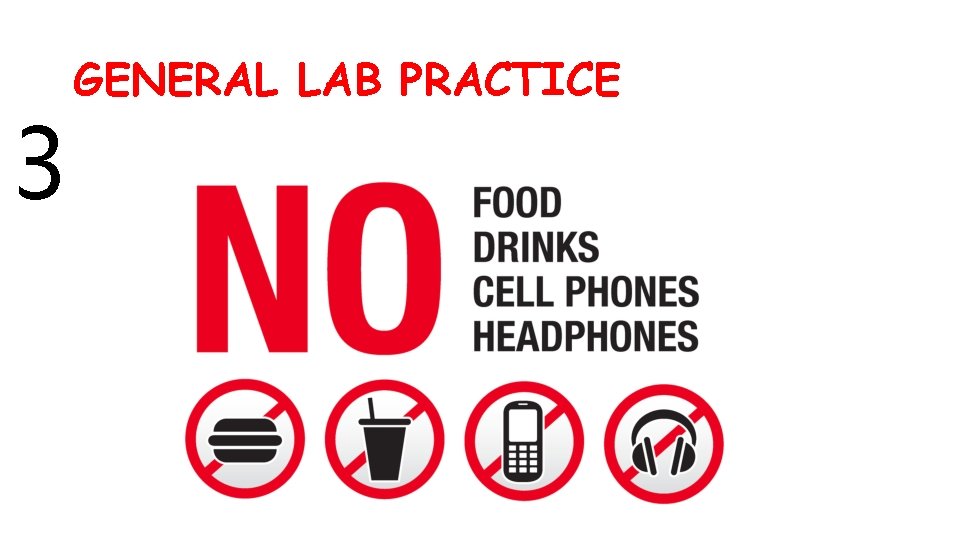
3 GENERAL LAB PRACTICE
GENERAL LAB PRACTICE 4 • Come to the lab prepared 5 • Follow directives strictly 6 • Never carry out unauthorized experiments
MICROSCOPE CARE
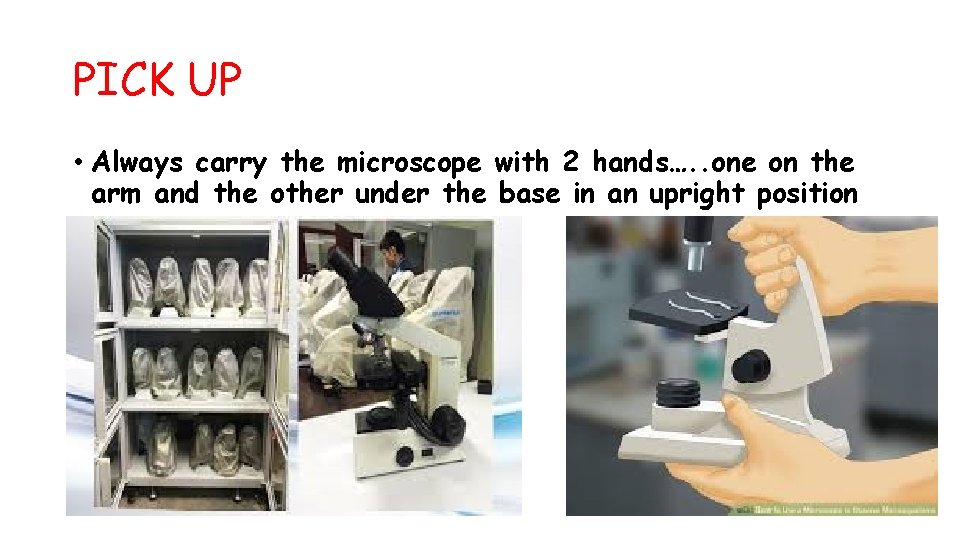
PICK UP • Always carry the microscope with 2 hands…. . one on the arm and the other under the base in an upright position
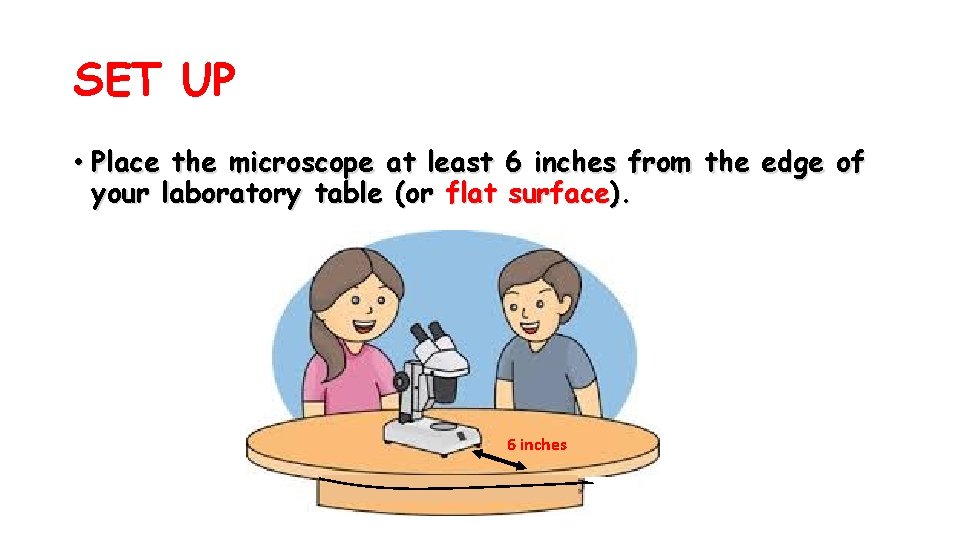
SET UP • Place the microscope at least 6 inches from the edge of your laboratory table (or flat surface). 6 inches
SET UP • Don’t bang the microscope • Clean only with a soft cloth/ tissue (preferably with a lens paper)
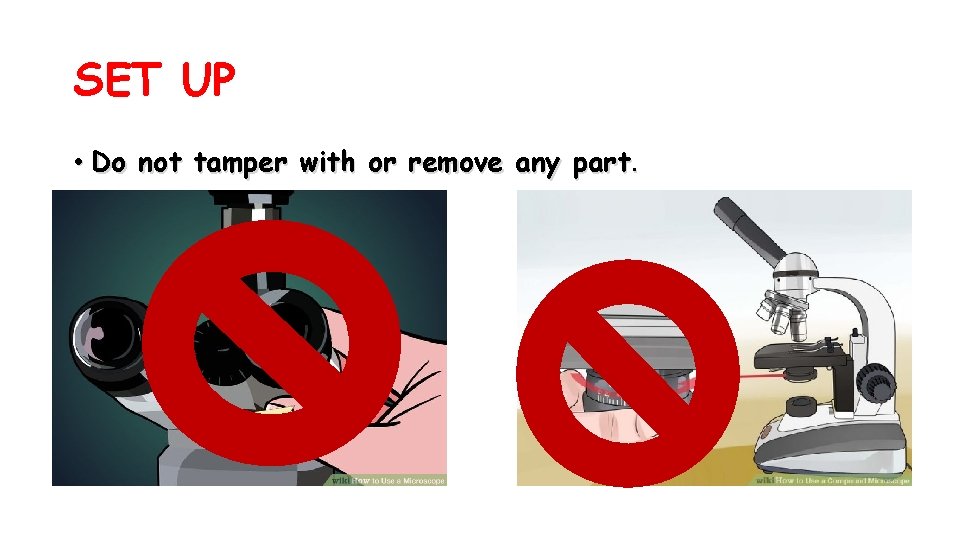
SET UP • Do not tamper with or remove any part.
SET UP • Do not handle the lenses with your fingers.

SET UP • Do not allow liquids, particularly acids and alcohol, to come into contact with any part of the microscope
SET UP • Always use a cover glass when examining objects or organisms mounted in water or other fluids.
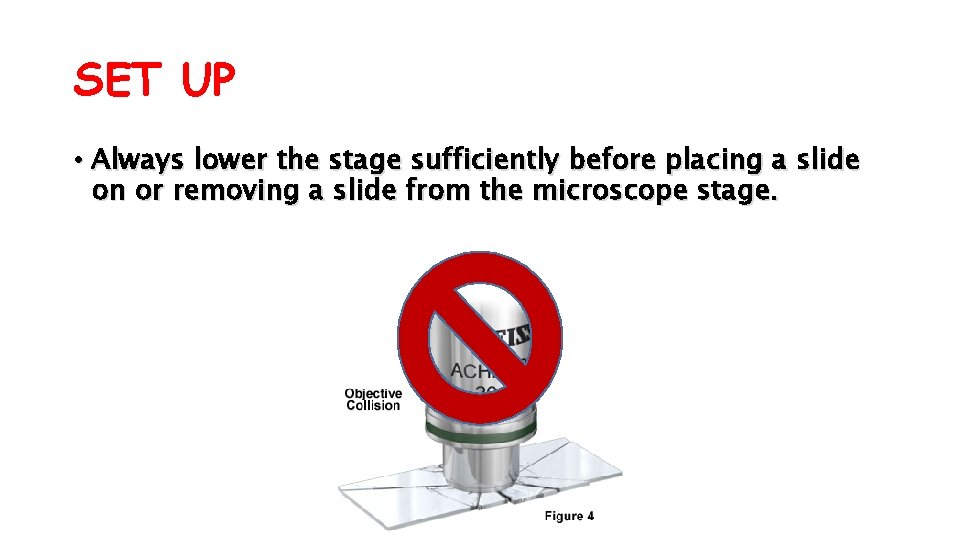
SET UP • Always lower the stage sufficiently before placing a slide on or removing a slide from the microscope stage.
PACK UP • Remove immersion oil from the microscope with lens paper
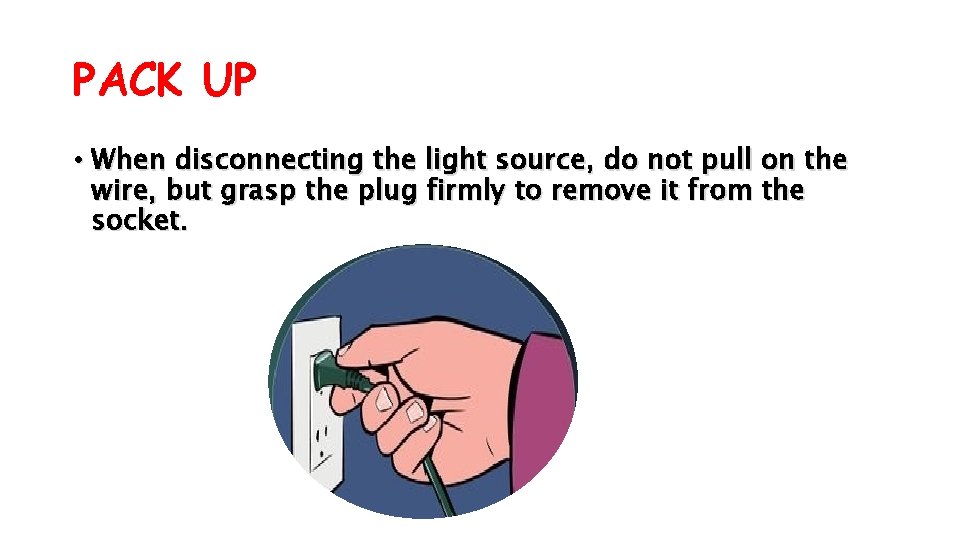
PACK UP • When disconnecting the light source, do not pull on the wire, but grasp the plug firmly to remove it from the socket.
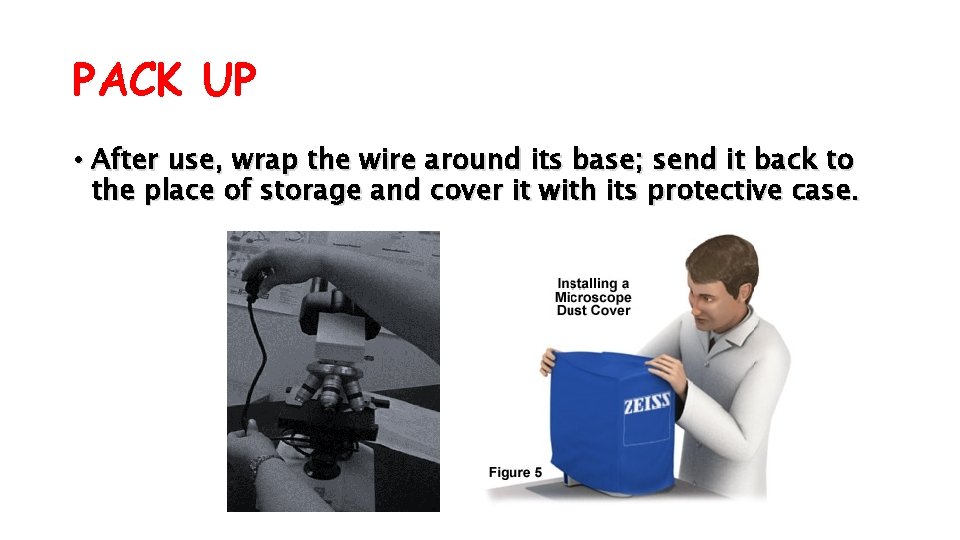
PACK UP • After use, wrap the wire around its base; send it back to the place of storage and cover it with its protective case.
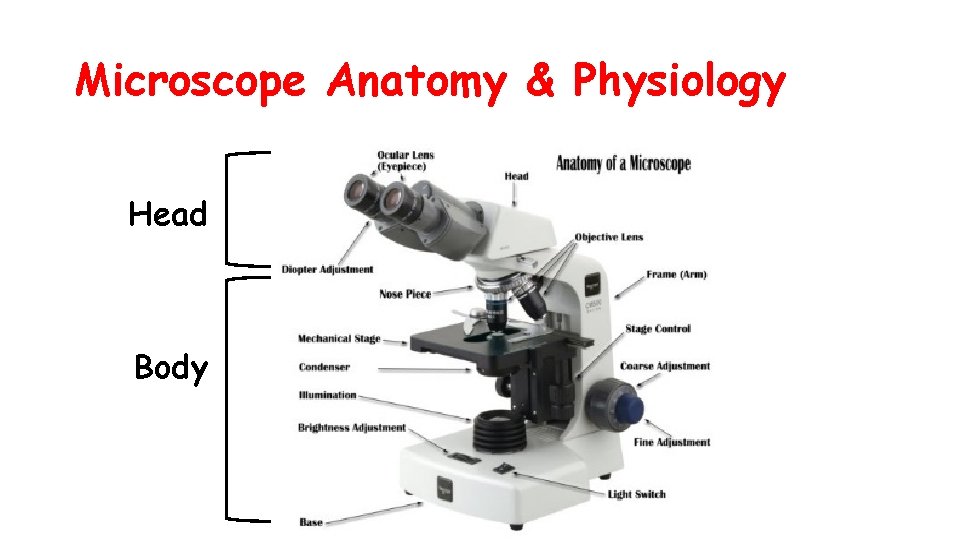
Microscope Anatomy & Physiology Head Body
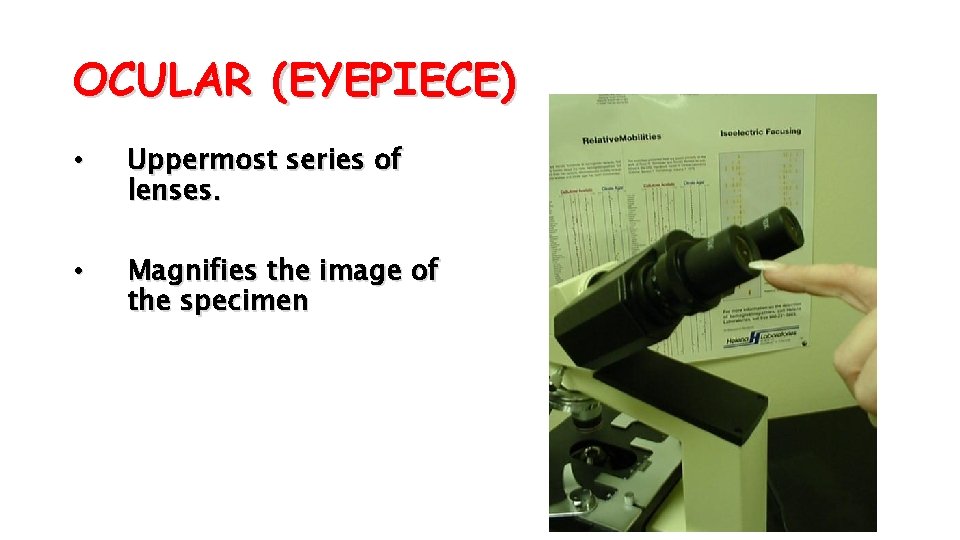
OCULAR (EYEPIECE) • Uppermost series of lenses. • Magnifies the image of the specimen
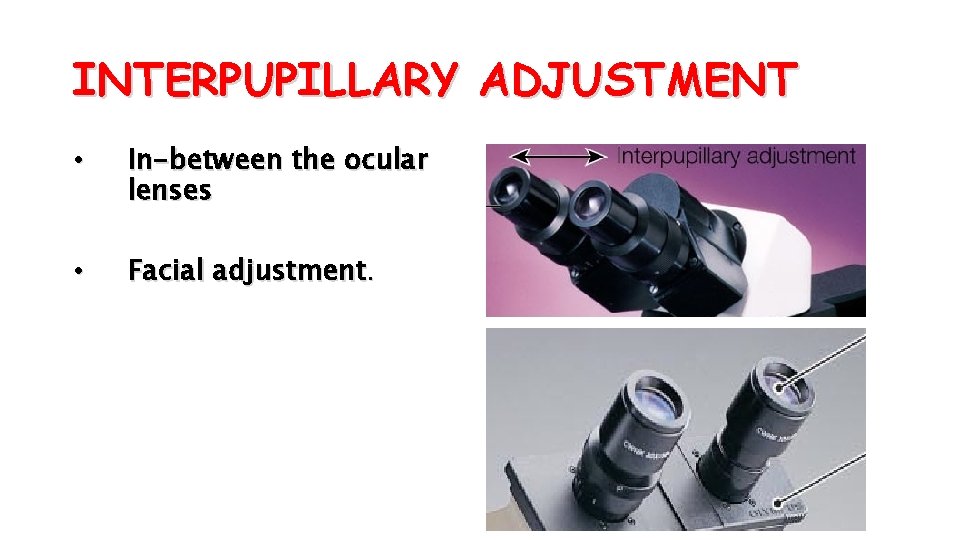
INTERPUPILLARY ADJUSTMENT • In-between the ocular lenses • Facial adjustment.
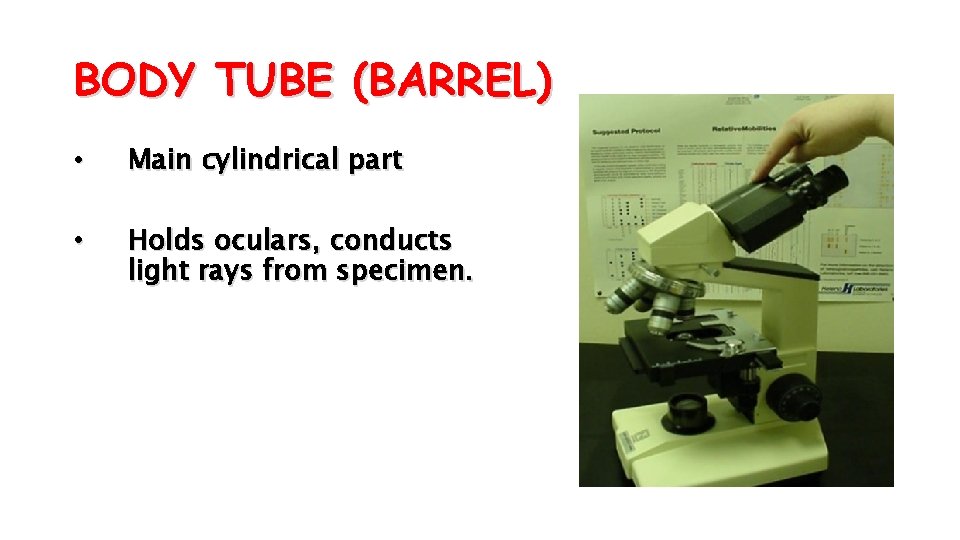
BODY TUBE (BARREL) • Main cylindrical part • Holds oculars, conducts light rays from specimen.
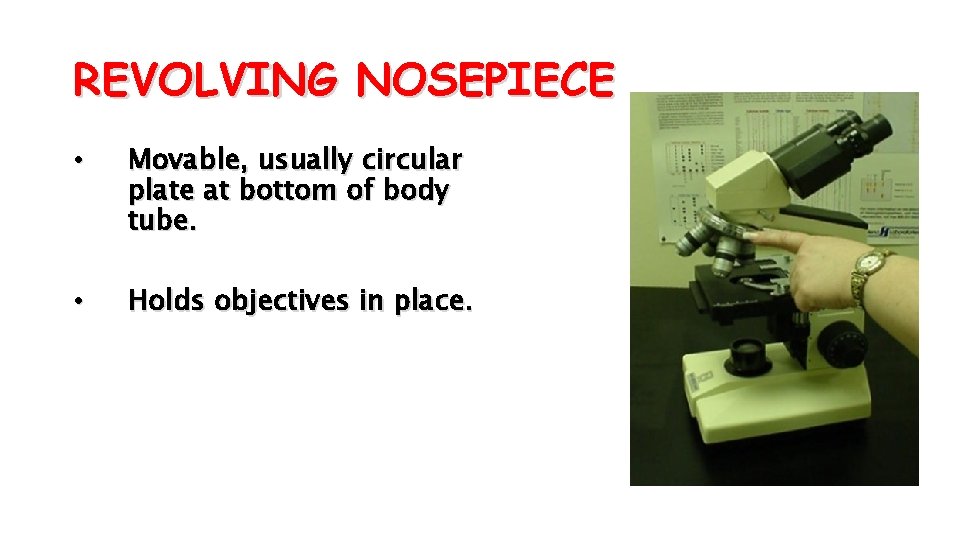
REVOLVING NOSEPIECE • Movable, usually circular plate at bottom of body tube. • Holds objectives in place.
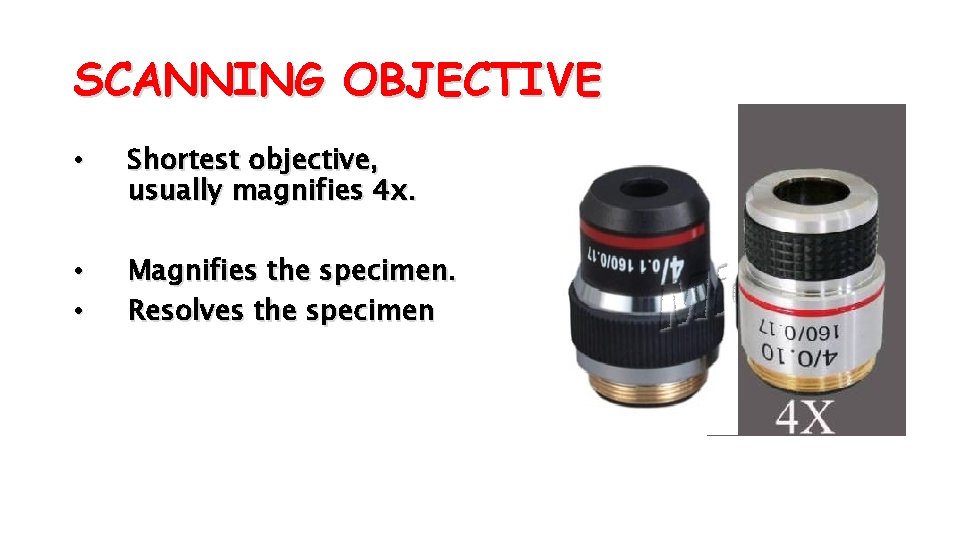
SCANNING OBJECTIVE • Shortest objective, usually magnifies 4 x. • • Magnifies the specimen. Resolves the specimen
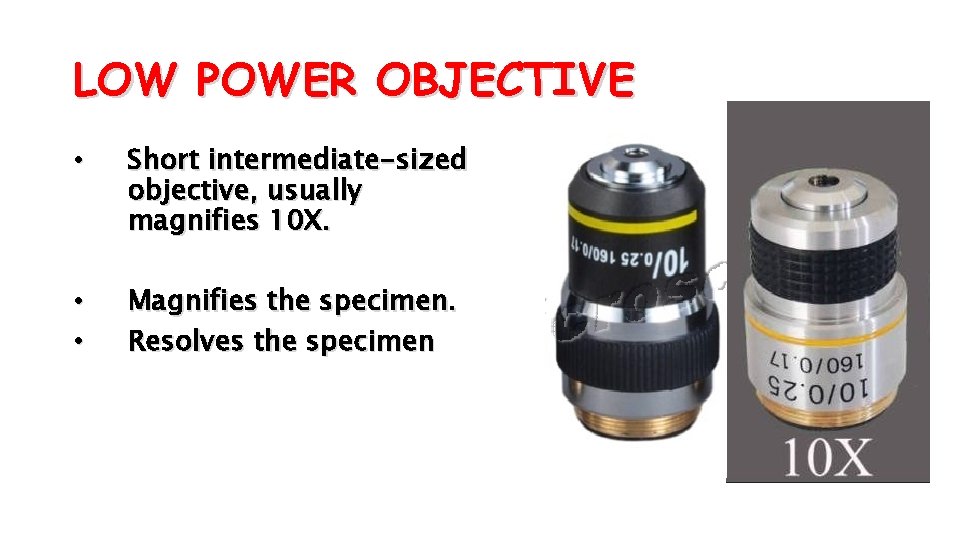
LOW POWER OBJECTIVE • Short intermediate-sized objective, usually magnifies 10 X. • • Magnifies the specimen. Resolves the specimen
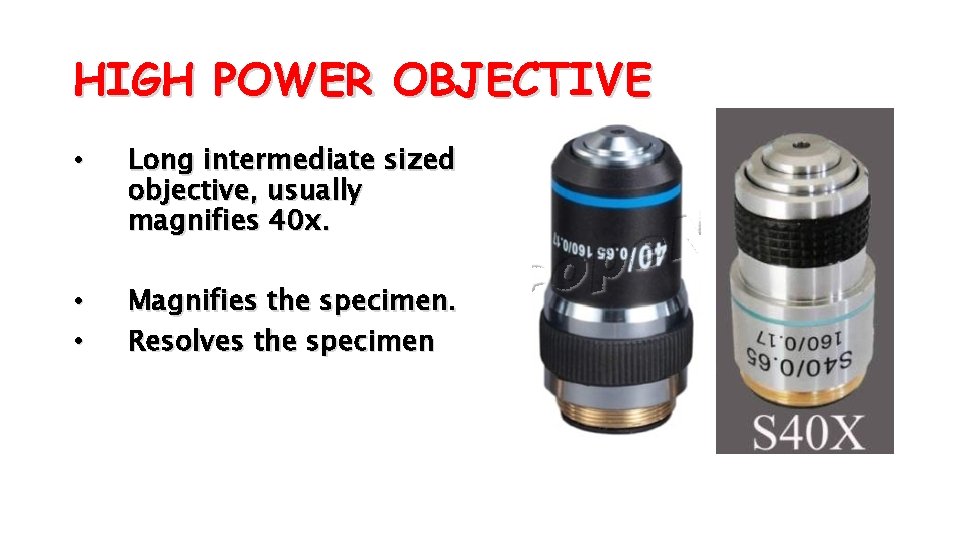
HIGH POWER OBJECTIVE • Long intermediate sized objective, usually magnifies 40 x. • • Magnifies the specimen. Resolves the specimen
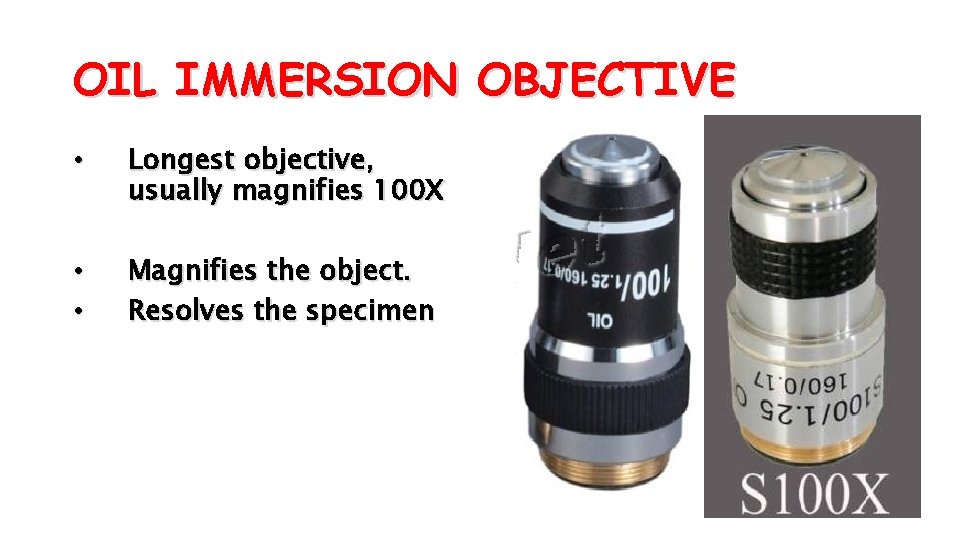
OIL IMMERSION OBJECTIVE • Longest objective, usually magnifies 100 X • • Magnifies the object. Resolves the specimen
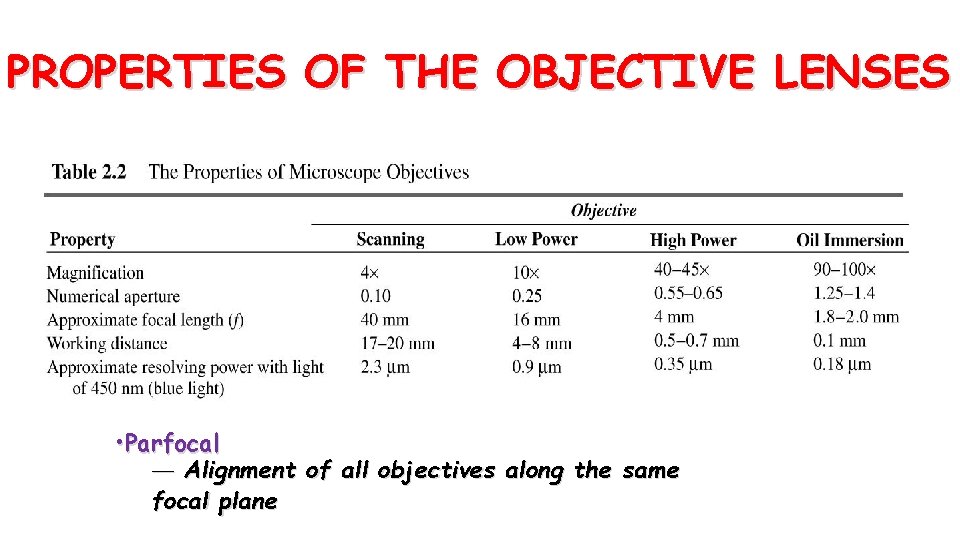
PROPERTIES OF THE OBJECTIVE LENSES • Parfocal — Alignment of all objectives along the same focal plane
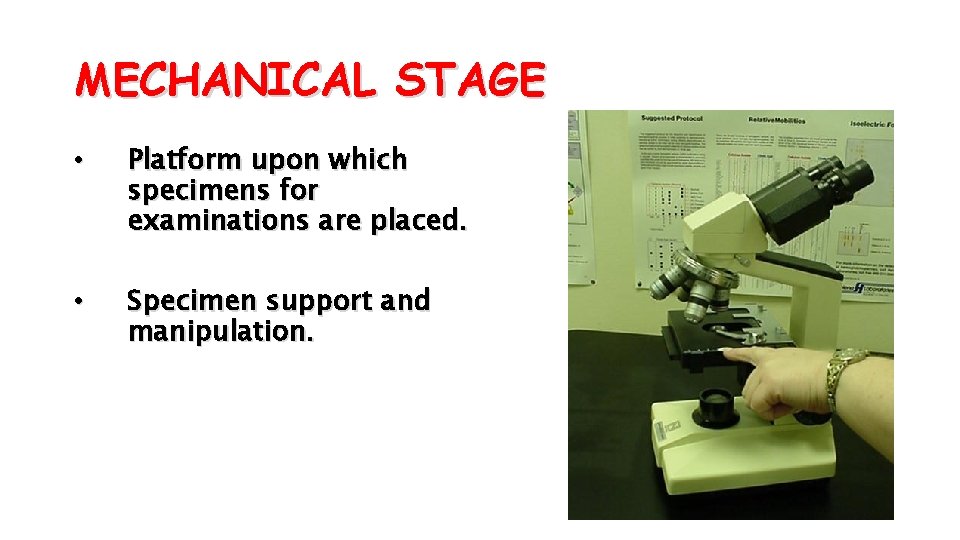
MECHANICAL STAGE • Platform upon which specimens for examinations are placed. • Specimen support and manipulation.
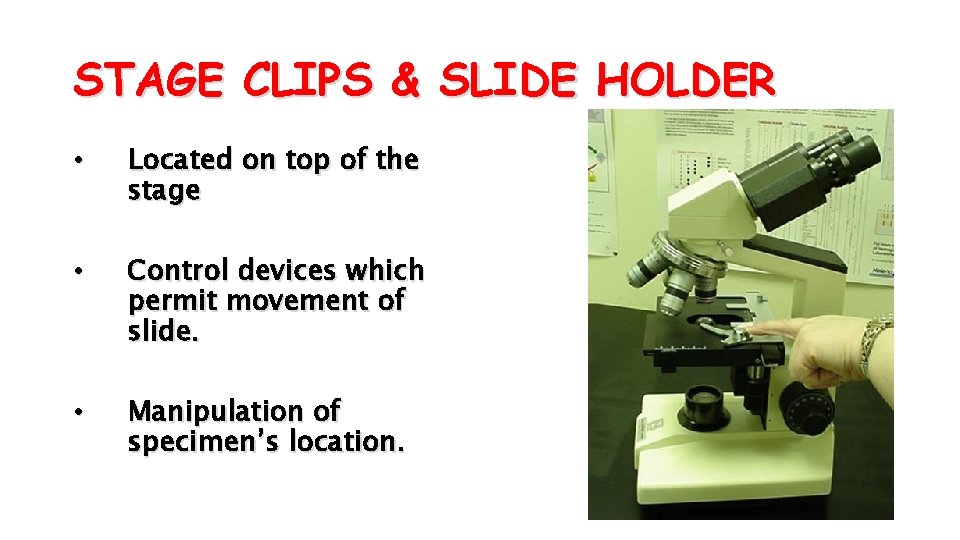
STAGE CLIPS & SLIDE HOLDER • Located on top of the stage • Control devices which permit movement of slide. • Manipulation of specimen’s location.
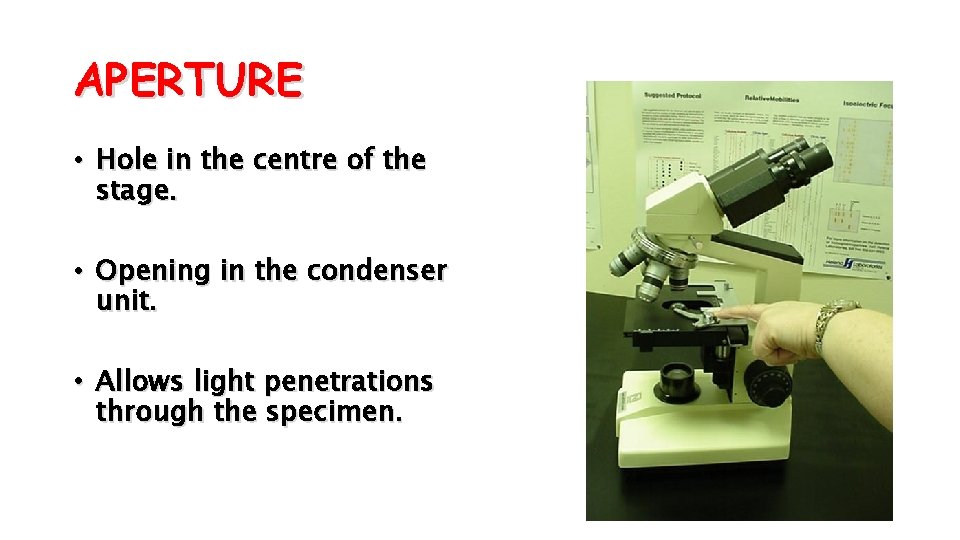
APERTURE • Hole in the centre of the stage. • Opening in the condenser unit. • Allows light penetrations through the specimen.
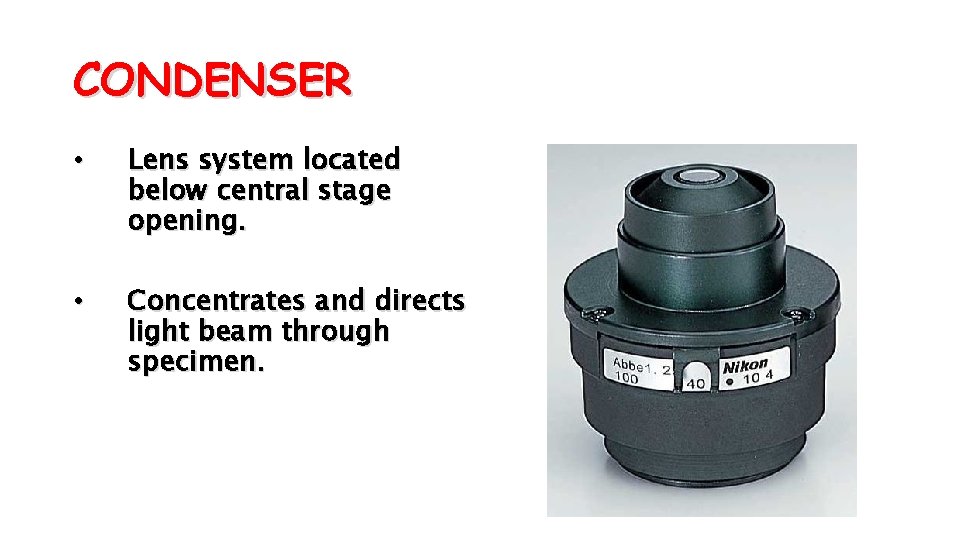
CONDENSER • Lens system located below central stage opening. • Concentrates and directs light beam through specimen.
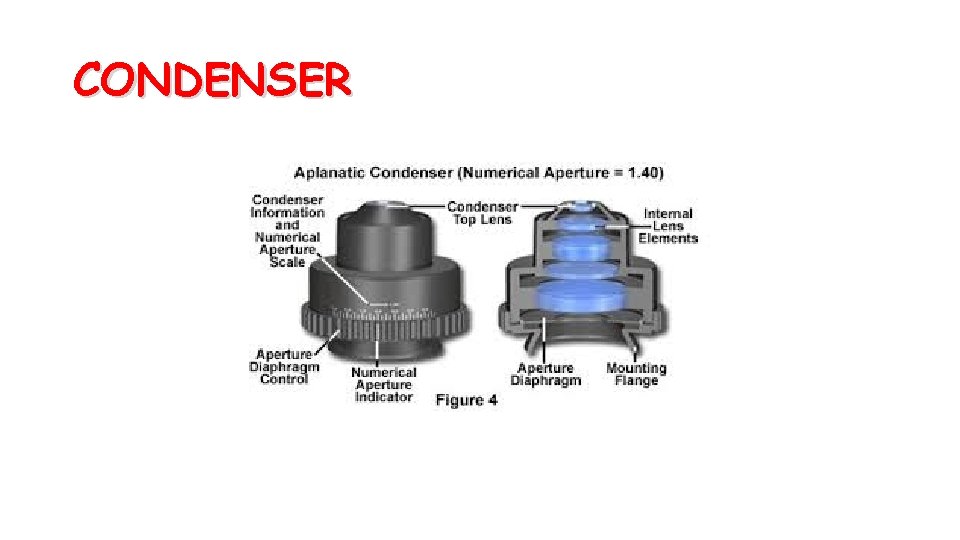
CONDENSER
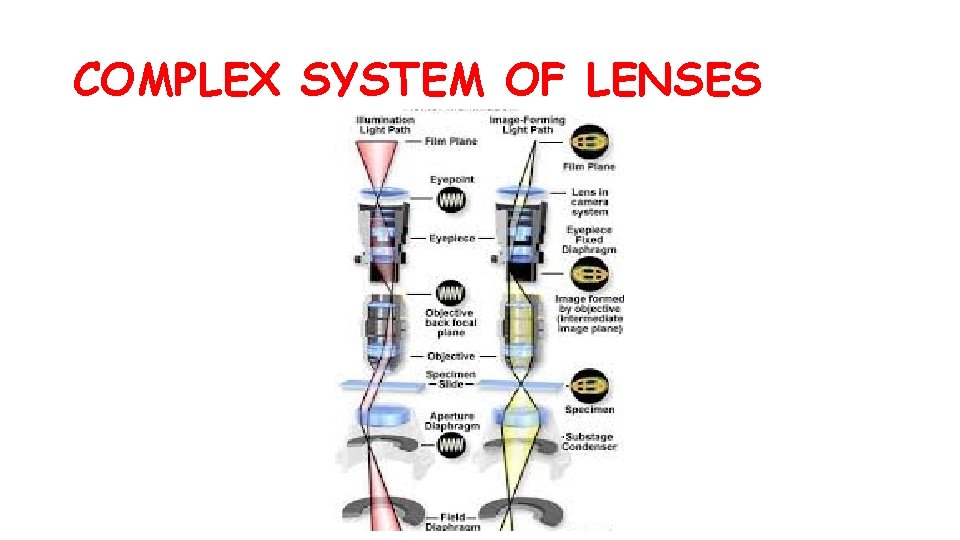
COMPLEX SYSTEM OF LENSES
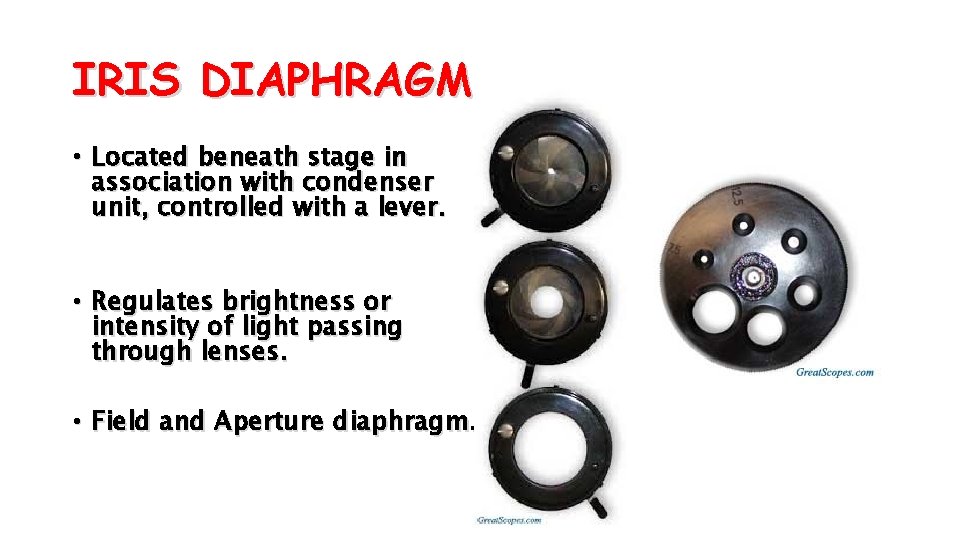
IRIS DIAPHRAGM • Located beneath stage in association with condenser unit, controlled with a lever. • Regulates brightness or intensity of light passing through lenses. • Field and Aperture diaphragm.
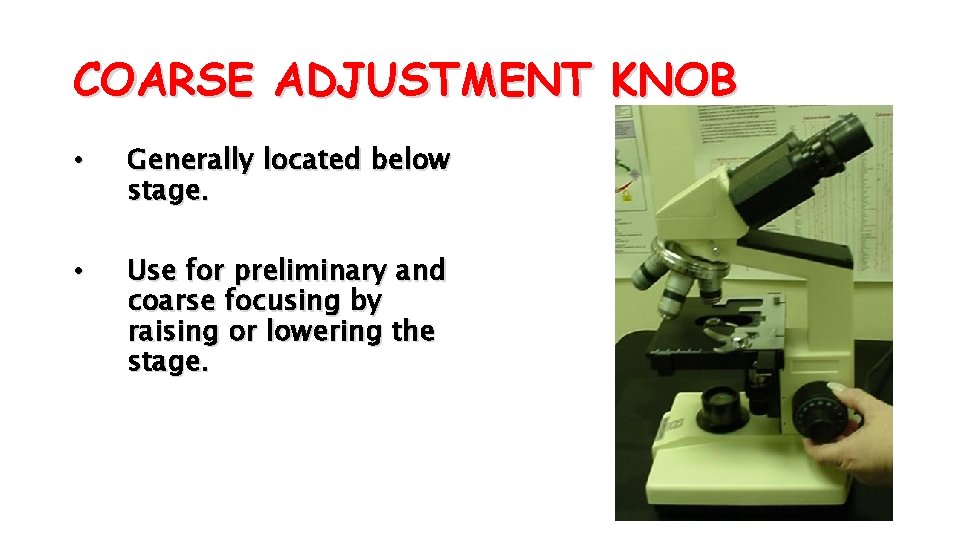
COARSE ADJUSTMENT KNOB • Generally located below stage. • Use for preliminary and coarse focusing by raising or lowering the stage.
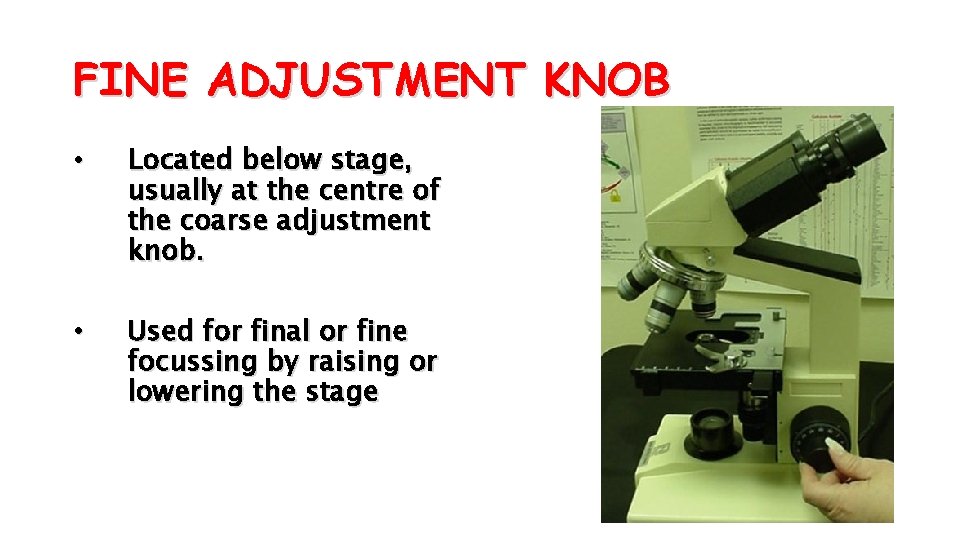
FINE ADJUSTMENT KNOB • Located below stage, usually at the centre of the coarse adjustment knob. • Used for final or fine focussing by raising or lowering the stage
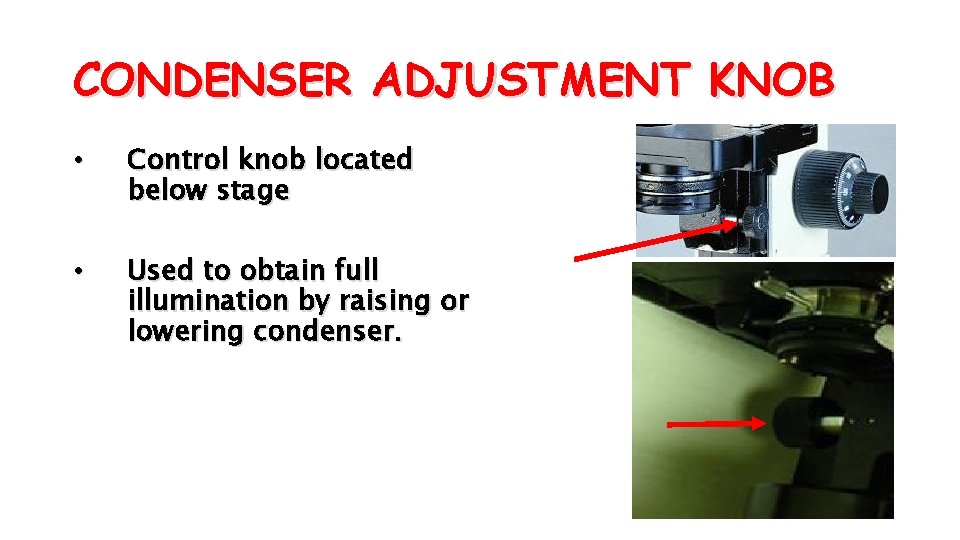
CONDENSER ADJUSTMENT KNOB • Control knob located below stage • Used to obtain full illumination by raising or lowering condenser.
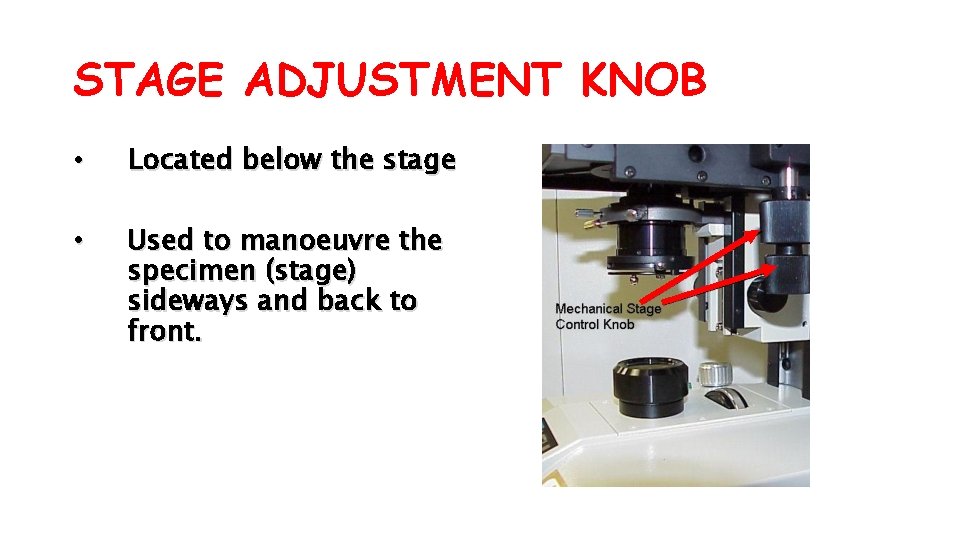
STAGE ADJUSTMENT KNOB • Located below the stage • Used to manoeuvre the specimen (stage) sideways and back to front.
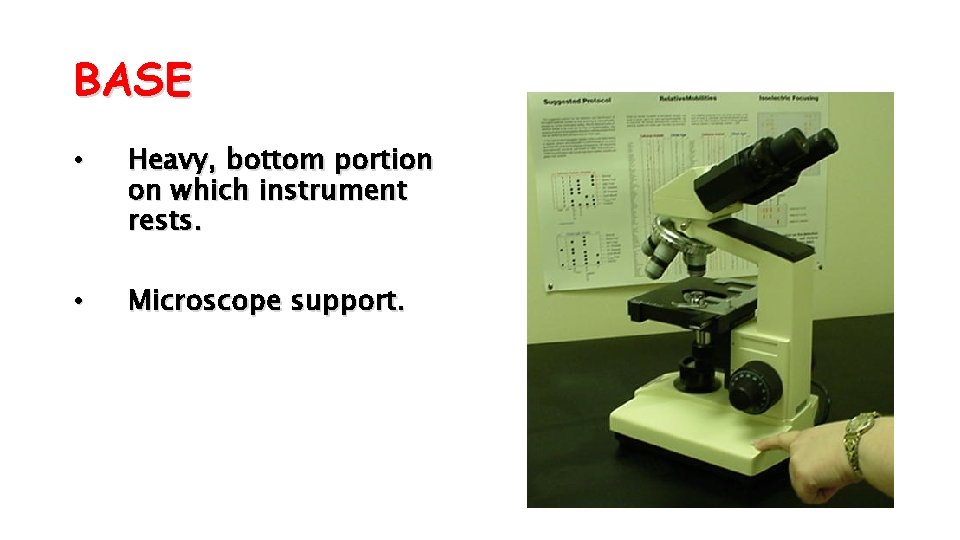
BASE • Heavy, bottom portion on which instrument rests. • Microscope support.
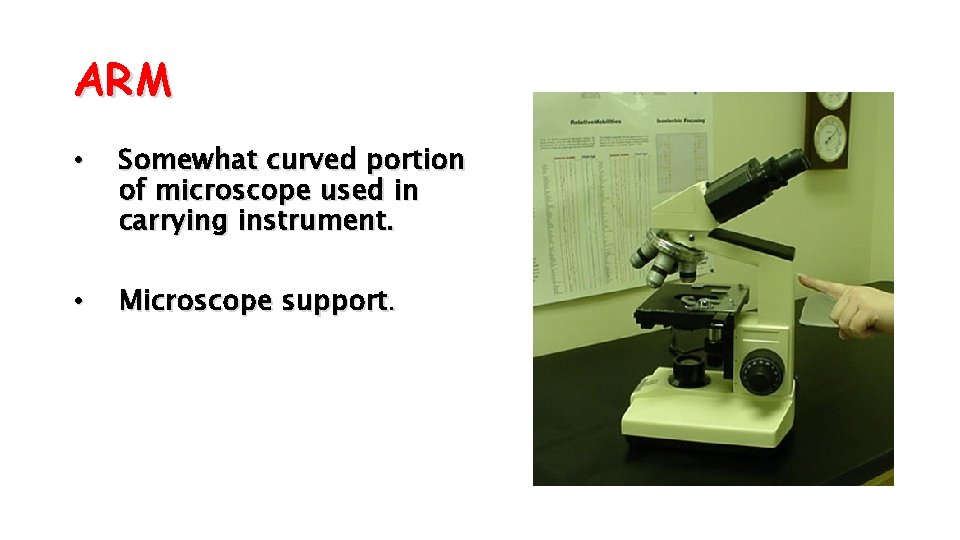
ARM • Somewhat curved portion of microscope used in carrying instrument. • Microscope support.
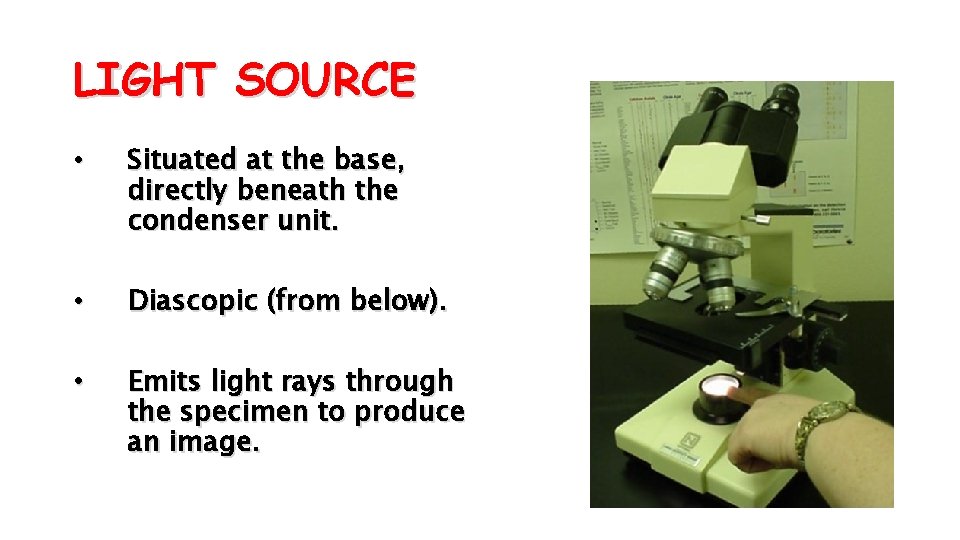
LIGHT SOURCE • Situated at the base, directly beneath the condenser unit. • Diascopic (from below). • Emits light rays through the specimen to produce an image.
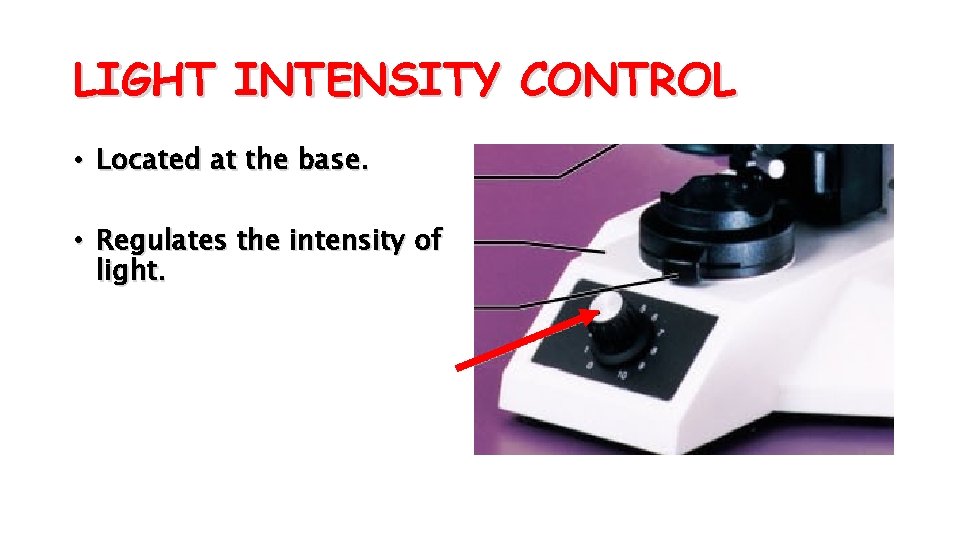
LIGHT INTENSITY CONTROL • Located at the base. • Regulates the intensity of light.
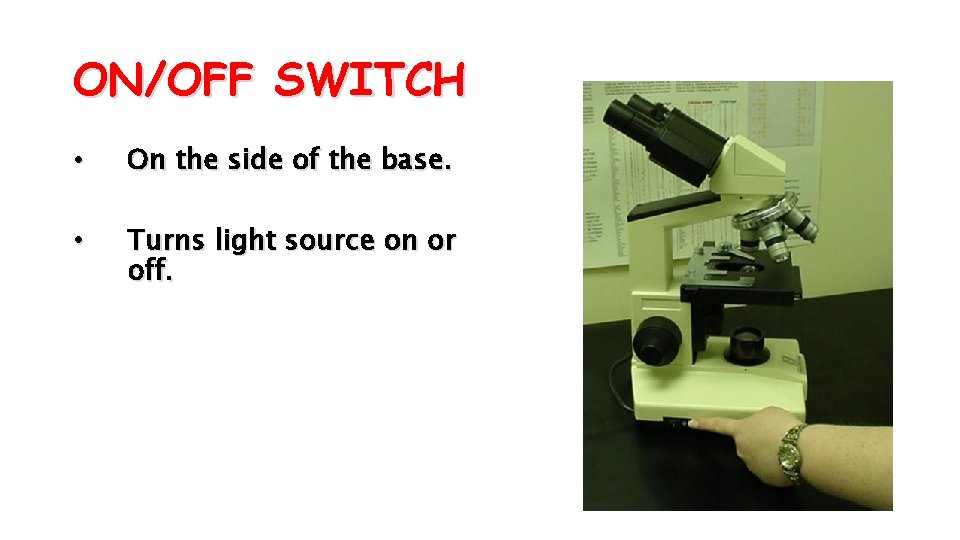
ON/OFF SWITCH • On the side of the base. • Turns light source on or off.
COMMON VOCABULARY OF THE MICROSCOPE • Magnification • Image size • Resolution • Image details • Contrast • Image distinction
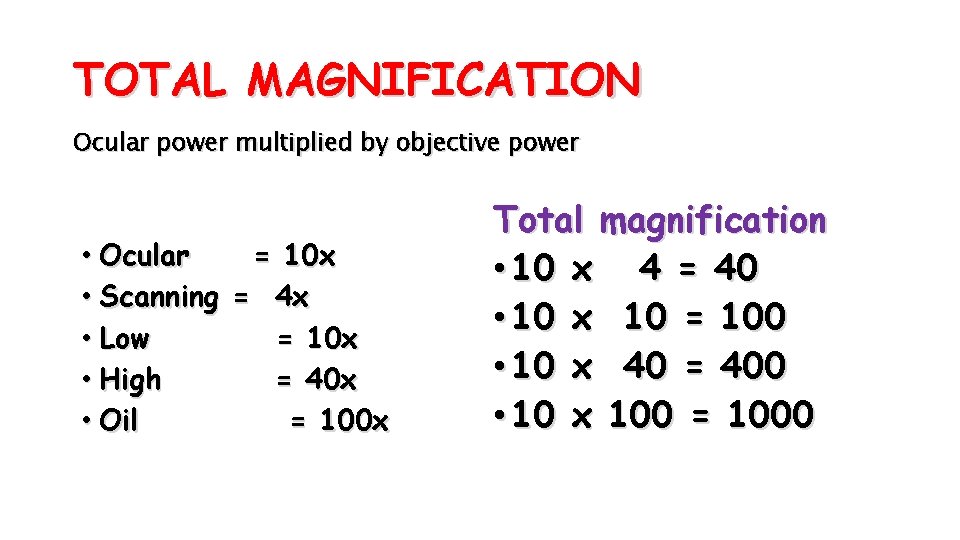
TOTAL MAGNIFICATION Ocular power multiplied by objective power • Ocular = 10 x • Scanning = 4 x • Low = 10 x • High = 40 x • Oil = 100 x Total magnification • 10 x 4 = 40 • 10 x 10 = 100 • 10 x 40 = 400 • 10 x 100 = 1000
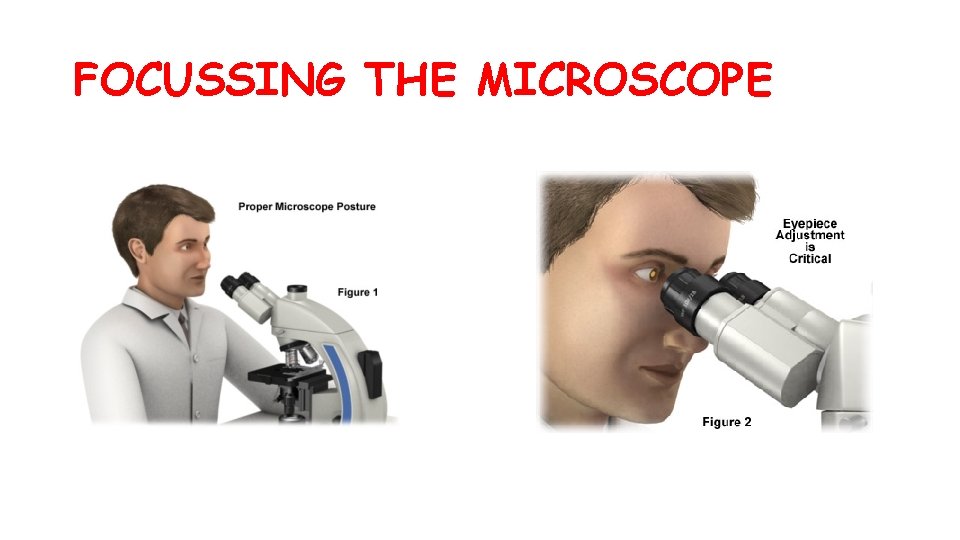
FOCUSSING THE MICROSCOPE
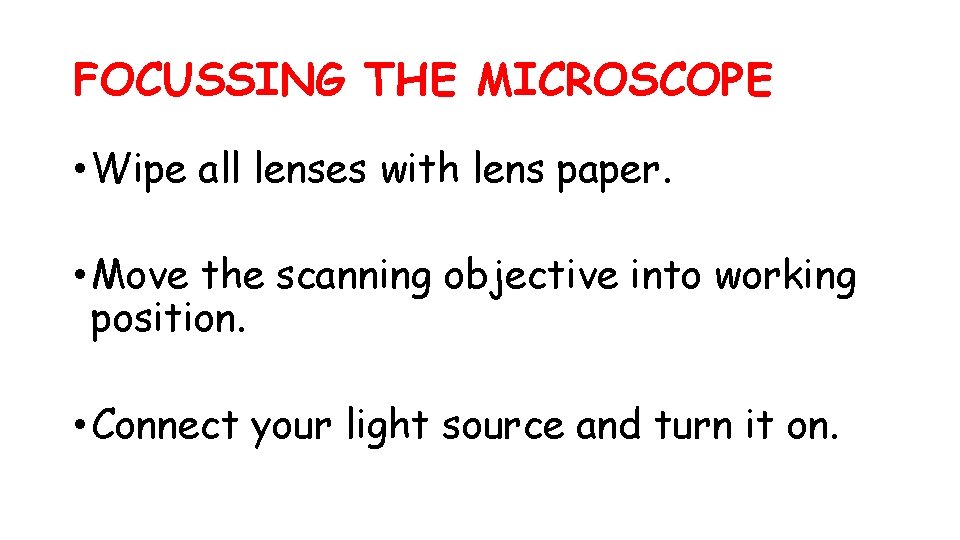
FOCUSSING THE MICROSCOPE • Wipe all lenses with lens paper. • Move the scanning objective into working position. • Connect your light source and turn it on.
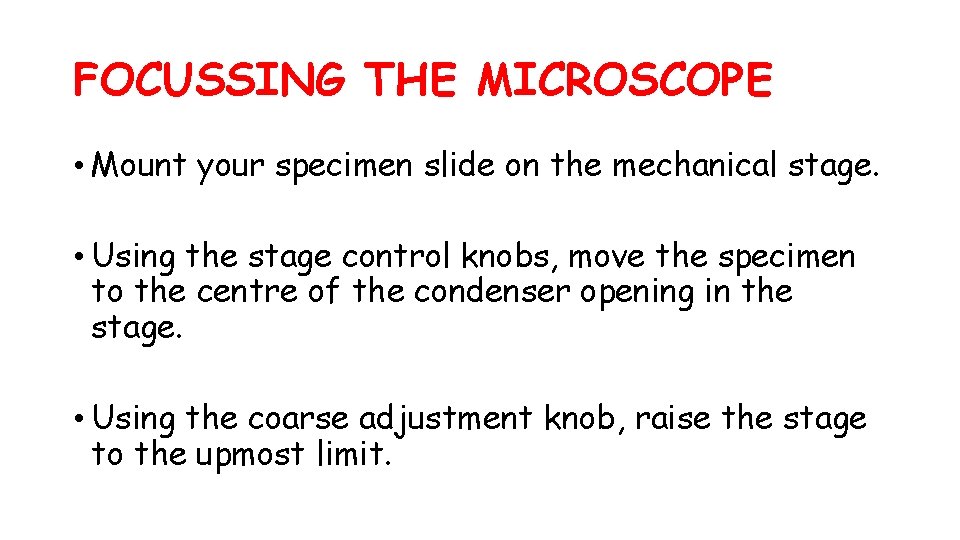
FOCUSSING THE MICROSCOPE • Mount your specimen slide on the mechanical stage. • Using the stage control knobs, move the specimen to the centre of the condenser opening in the stage. • Using the coarse adjustment knob, raise the stage to the upmost limit.
FOCUSSING THE MICROSCOPE • Using the condenser adjustment knob, raise the condenser as far as it will go. • While looking into the ocular, use the diaphragm lever to regulate illumination. • Locate your specimen. Using the coarse and fine adjustment knob, move the stage downward to focus.
FOCUSSING THE MICROSCOPE • To change objectives, simply turn the nosepiece to bring the desired objective into place. ie. PARFOCAL • Observe with both eyes.
AFTER USING THE MICROSCOPE After use, the ff. steps should be performed: • Remove any slide from the stage. • Clean the instrument to remove any fluid from specimens. • Open the diaphragm. • Raise the condenser to its highest position. • Move the scanning objective into working position. • Wrap the electrical cord around the base. • Return the microscope to its proper storage place. • Cover it.

MICROSCOPIC TECHNIQUES • Use depth of field and/ or depth of focus to highlight features. • Use the diaphragm to improve upon image quality. • Use the stage calibrations for quick refocusing.

THANK YOU!!!
- Slides: 56