
CE En 270 Brigham Young University Norm Jones

CE En 270 Brigham Young University Norm Jones Loops – Lecture #2
Do Loops Do loops are a simple and versatile method to do looping Generally used when you don’t know beforehand how many times you will be going through the loop

Do Loop Syntax Do While|Until condition statement(s) Loop OR Do statement(s) Loop While|Until condition
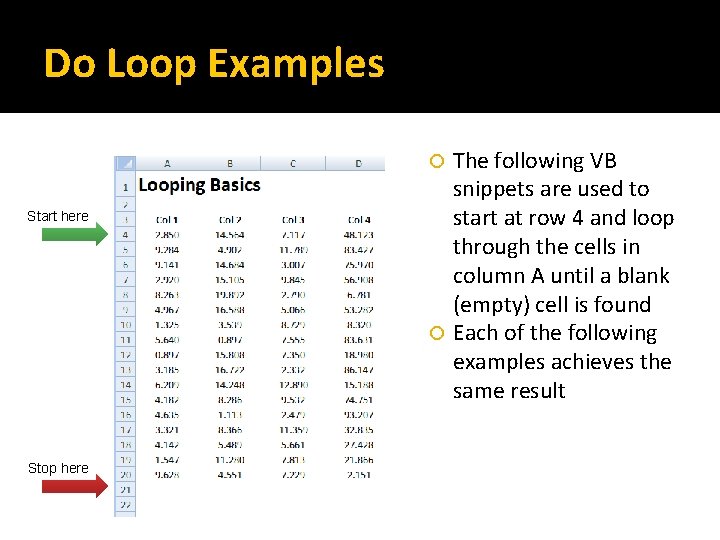
Do Loop Examples The following VB snippets are used to start at row 4 and loop through the cells in column A until a blank (empty) cell is found Each of the following examples achieves the same result Start here Stop here
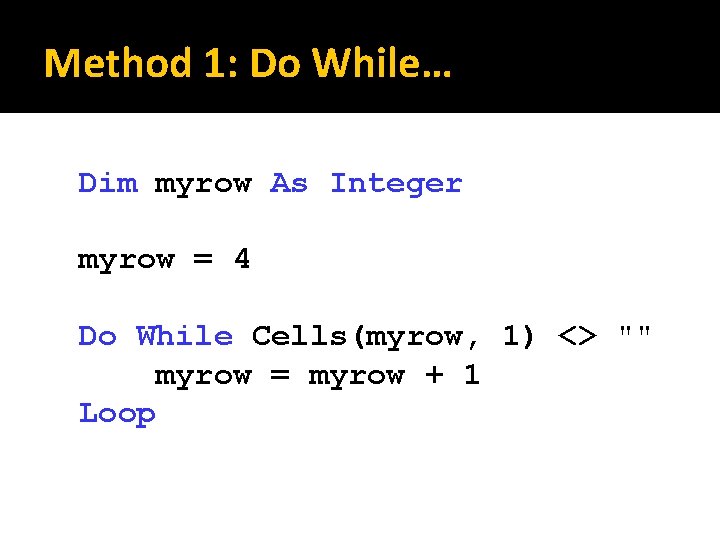
Method 1: Do While… Dim myrow As Integer myrow = 4 Do While Cells(myrow, 1) <> "" myrow = myrow + 1 Loop
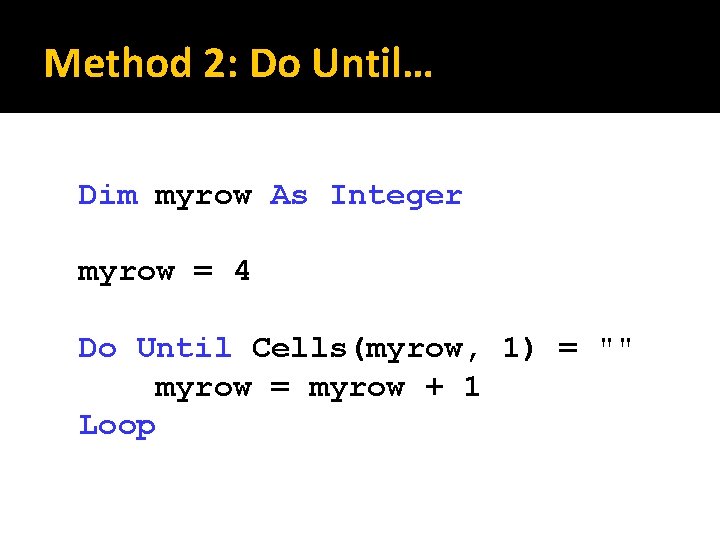
Method 2: Do Until… Dim myrow As Integer myrow = 4 Do Until Cells(myrow, 1) = "" myrow = myrow + 1 Loop
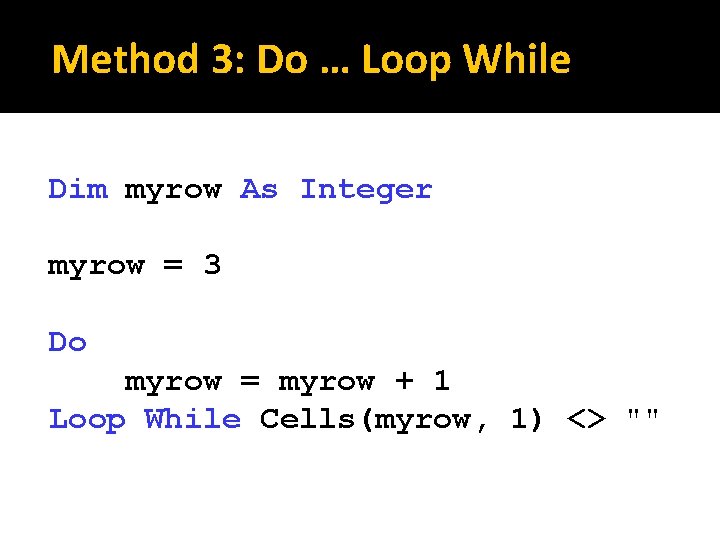
Method 3: Do … Loop While Dim myrow As Integer myrow = 3 Do myrow = myrow + 1 Loop While Cells(myrow, 1) <> ""
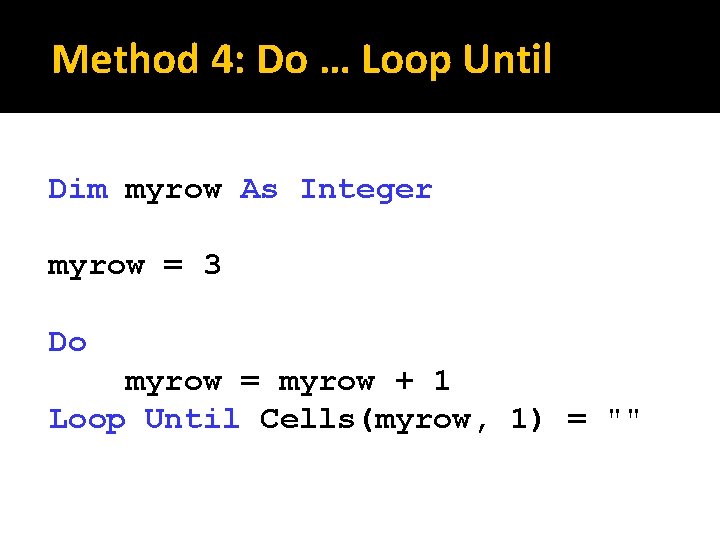
Method 4: Do … Loop Until Dim myrow As Integer myrow = 3 Do myrow = myrow + 1 Loop Until Cells(myrow, 1) = ""
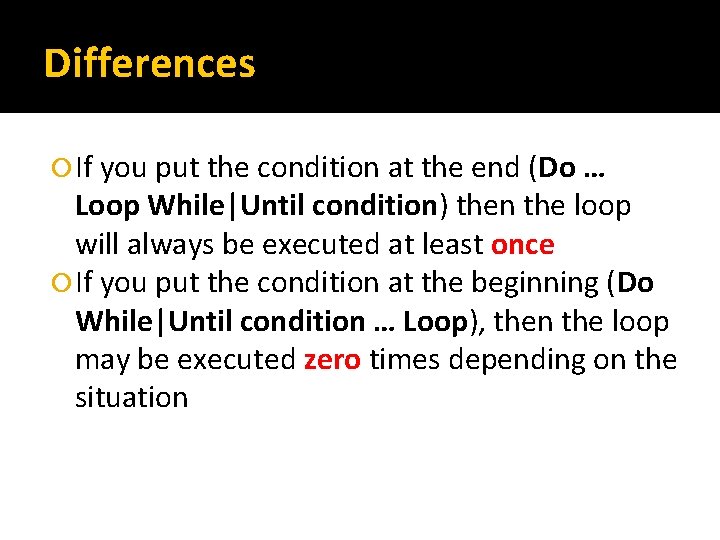
Differences If you put the condition at the end (Do … Loop While|Until condition) then the loop will always be executed at least once If you put the condition at the beginning (Do While|Until condition … Loop), then the loop may be executed zero times depending on the situation
Infinite Loops When writing your loops, make sure you are doing something in the code (incrementing a counter for example) that ensures that the exit condition will eventually be met Otherwise, you will have an “infinite loop” and it will loop forever or until you kill or interrupt Excel (use Esc key)
Boolean Variables Recall that a Boolean variable is a variable that has a value of either True or False Boolean variables can be useful when writing loops
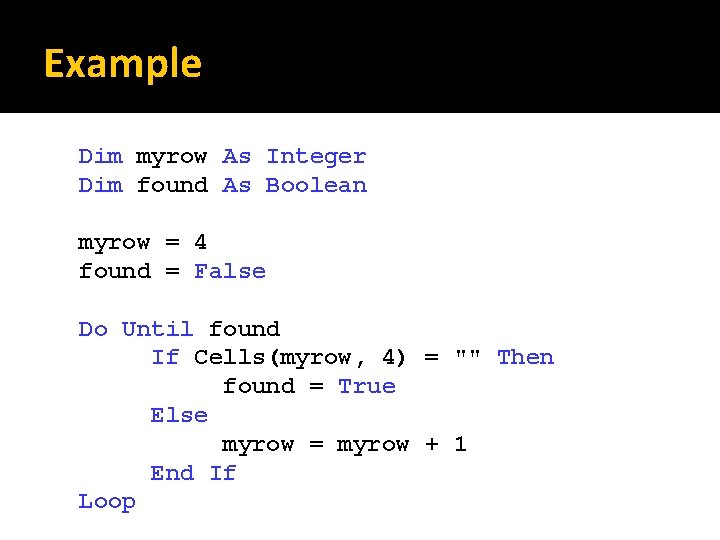
Example Dim myrow As Integer Dim found As Boolean myrow = 4 found = False Do Until found If Cells(myrow, 4) = "" Then found = True Else myrow = myrow + 1 End If Loop
Exit Do Statement You can exit any "Do" loop at any time using the Exit Do statement This kicks you out of the loop and it moves the execution to the next statement just outside the loop
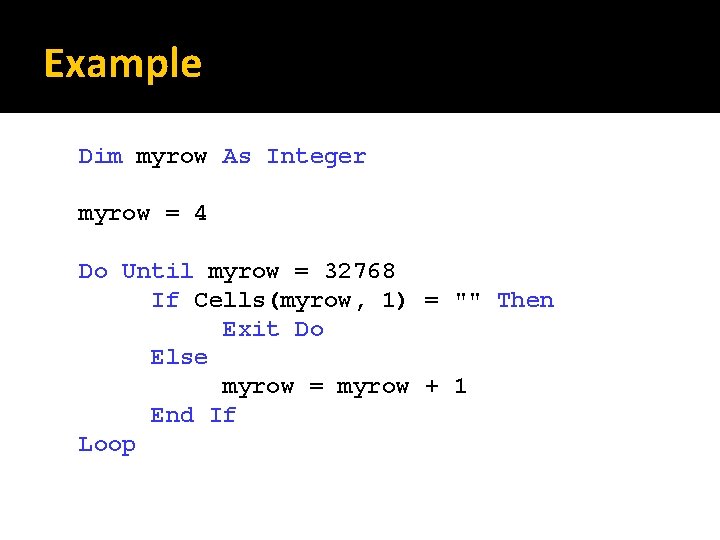
Example Dim myrow As Integer myrow = 4 Do Until myrow = 32768 If Cells(myrow, 1) = "" Then Exit Do Else myrow = myrow + 1 End If Loop
- Slides: 14