
CE 3372 Water Systems Design SWMM Hydrology SWMM

- Slides: 19
CE 3372 Water Systems Design SWMM Hydrology
SWMM as Hydrologic Model • Sub-catchments – Infiltration model (runoff generation) • Raingages – Time-series of rainfall (hyetograph)
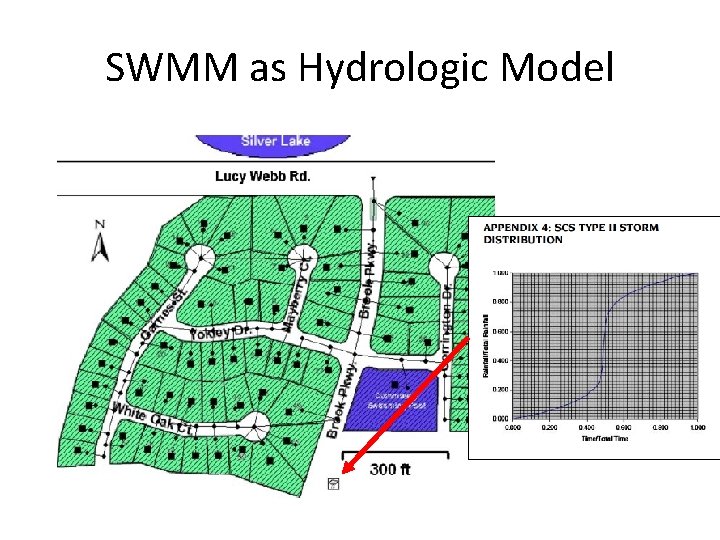
SWMM as Hydrologic Model
SWMM as Hydrologic Model • Assign a storm to a raingage – Instructed to use SCS-Type II storm and parameterize for San Antonio, Texas – The paper suggests the Type II distribution can be used for a sub-24 hour event • The SCS Type storms are specifically for 24 hour durations; adjustments to less than 24 hour durations are fundamentally incorrect, so just use the 24 hour approach, or select another method.
SWMM as Hydrologic Model • How to generate SCS Type storms – Select Annual Exceedance Probability (AEP) or Annual Recurrence Interval (ARI) – Look up 24 hour depth for the ARI and location – Generate 24 hour storm using SCS tabulations or HEC-HMS – Put the time series into SWMM and run the hydraulics
SWMM as Hydrologic Model • How to generate SCS Type storms – Select Annual Exceedance Probability (AEP) or Annual Recurrence Interval (ARI) • Given in the project statement, a 10% chance AEP or 10 -year ARI (same probability) is specified.
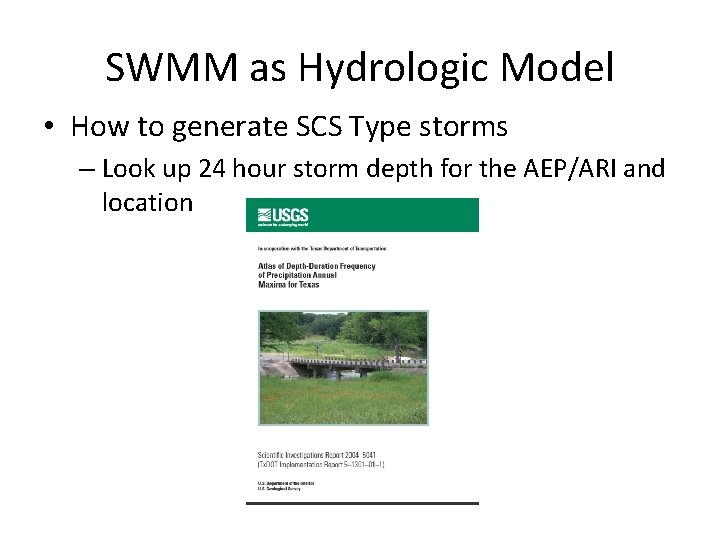
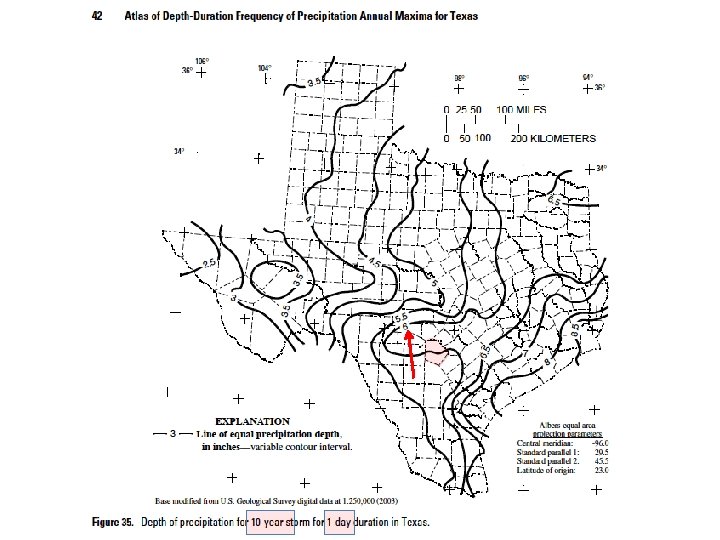
SWMM as Hydrologic Model • How to generate SCS Type storms – Look up 24 hour storm depth for the AEP/ARI and location
SWMM as Hydrologic Model • How to generate SCS Type storms – Select Annual Exceedance Probability (AEP) or Annual Recurrence Interval (ARI) – Look up 24 hour depth for the ARI and location • 6 inches for Bexar County, TX
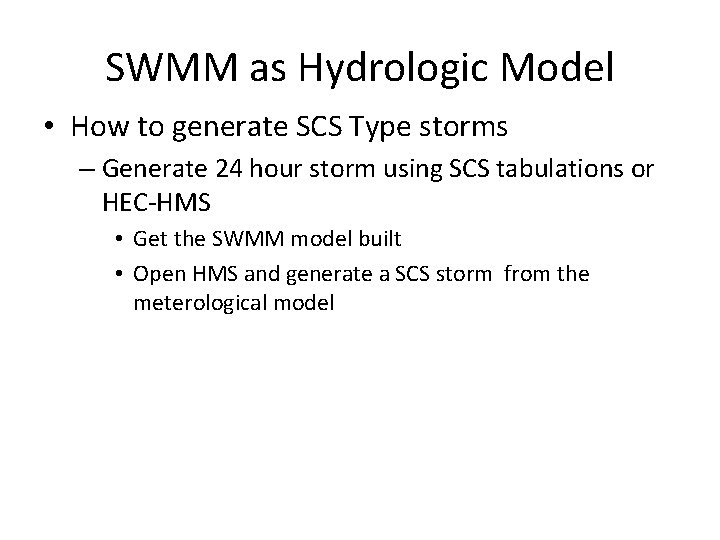
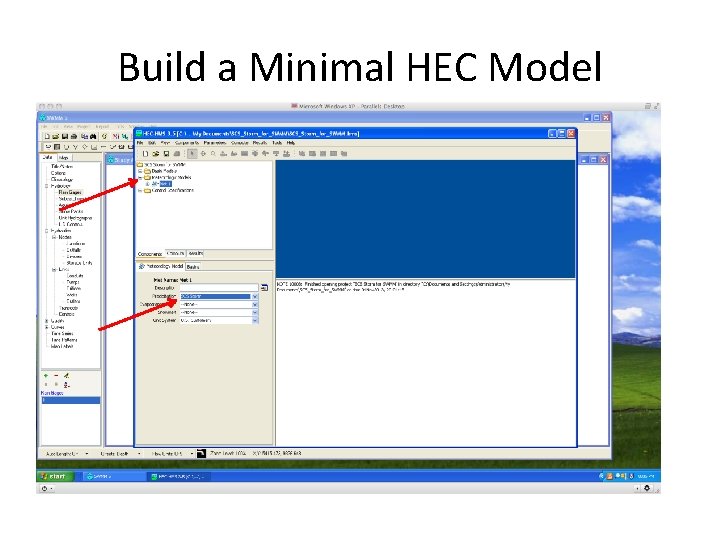
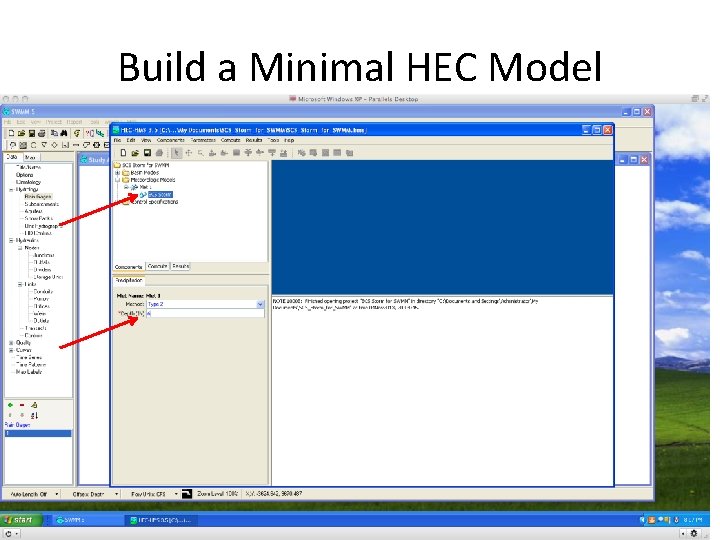
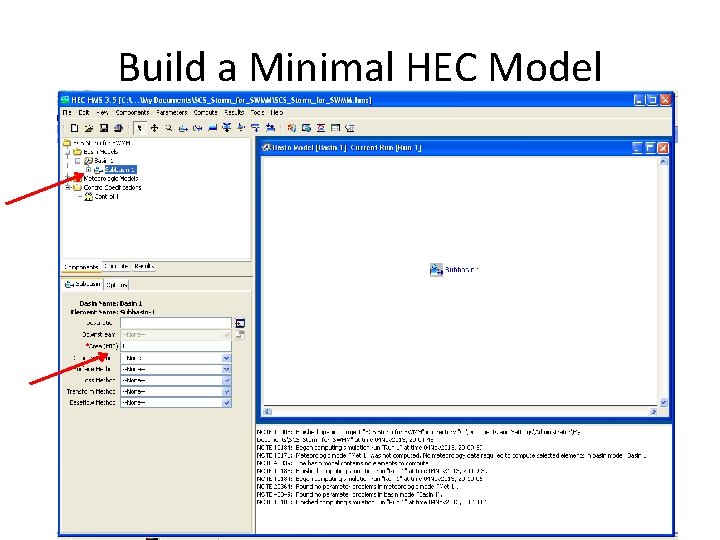
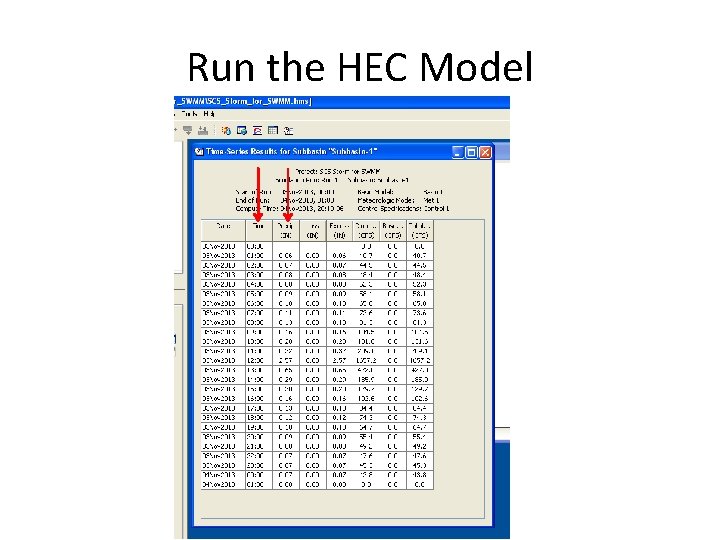
SWMM as Hydrologic Model • How to generate SCS Type storms – Generate 24 hour storm using SCS tabulations or HEC-HMS • Get the SWMM model built • Open HMS and generate a SCS storm from the meterological model
Build a Minimal HEC Model
Build a Minimal HEC Model
Build a Minimal HEC Model
Run the HEC Model
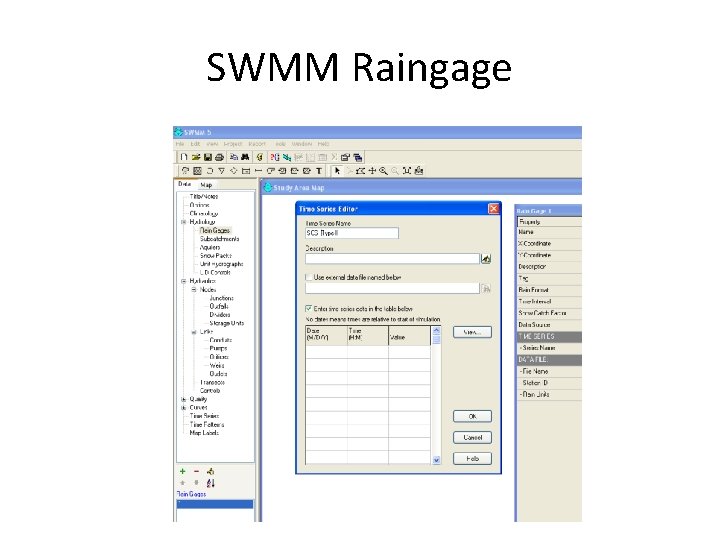
SWMM as Hydrologic Model • Now have SCS Type II in HEC-HMS, only after the two columns in the time series • Now go to the SWMM model and build a raingage to accept the time series
SWMM Raingage
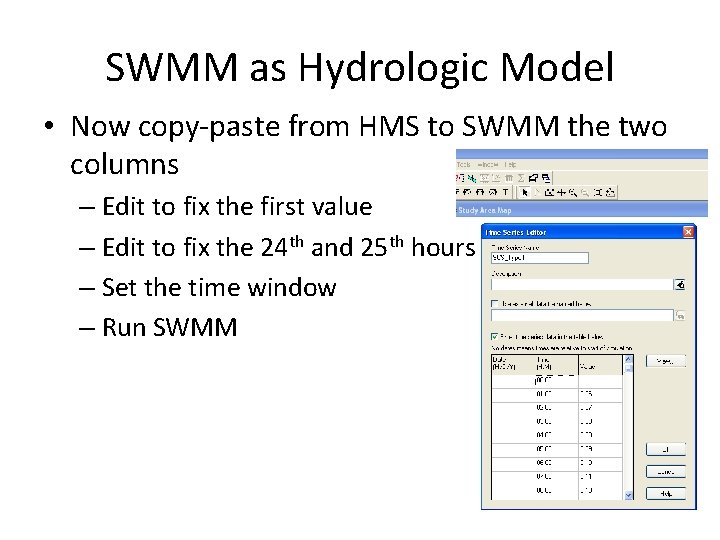
SWMM as Hydrologic Model • Now copy-paste from HMS to SWMM the two columns – Edit to fix the first value – Edit to fix the 24 th and 25 th hours – Set the time window – Run SWMM
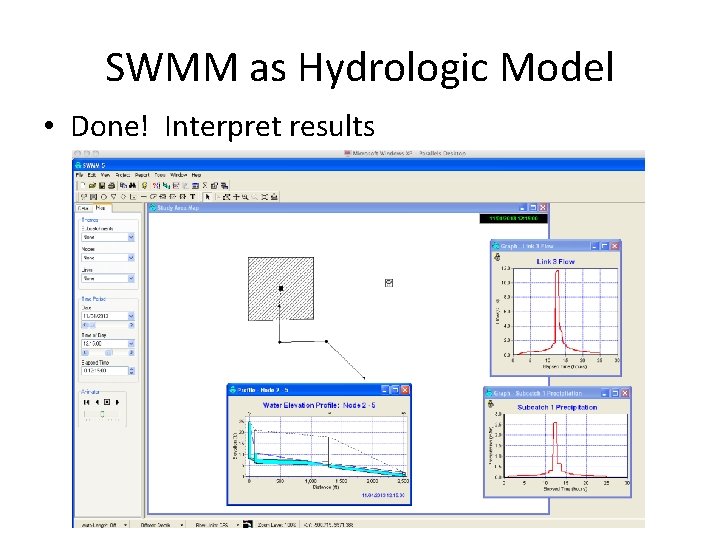
SWMM as Hydrologic Model • Done! Interpret results
SWMM as Hydrologic Model • Showed how to use HMS to generate SWMM input. • SWMM is also handy for generating HMS input – the time arithmetic is more demanding!