
CDR Relationship Tool for Tower Analysis Use The
- Slides: 18
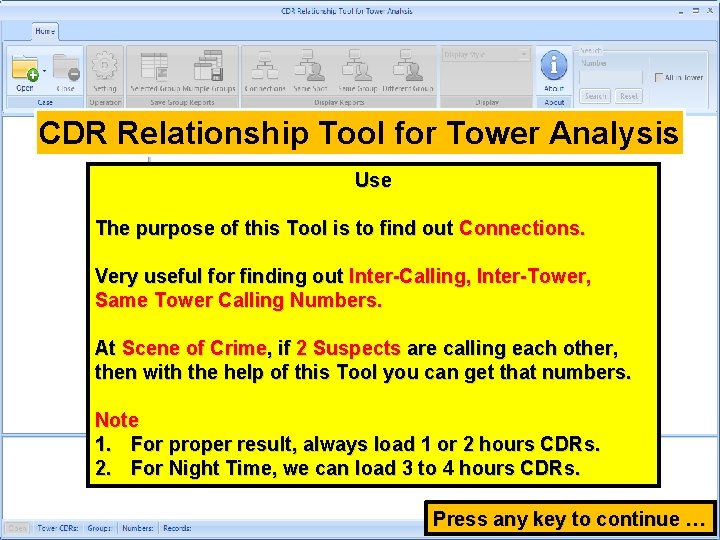
CDR Relationship Tool for Tower Analysis Use The purpose of this Tool is to find out Connections. Very useful for finding out Inter-Calling, Inter-Tower, Same Tower Calling Numbers. At Scene of Crime, if 2 Suspects are calling each other, then with the help of this Tool you can get that numbers. Note 1. For proper result, always load 1 or 2 hours CDRs. 2. For Night Time, we can load 3 to 4 hours CDRs. Press any key to continue …
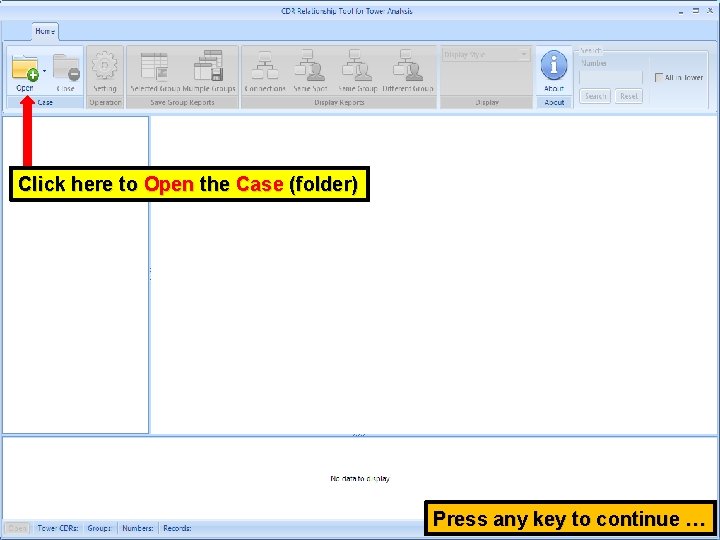
Click here to Open the Case (folder) Press any key to continue …
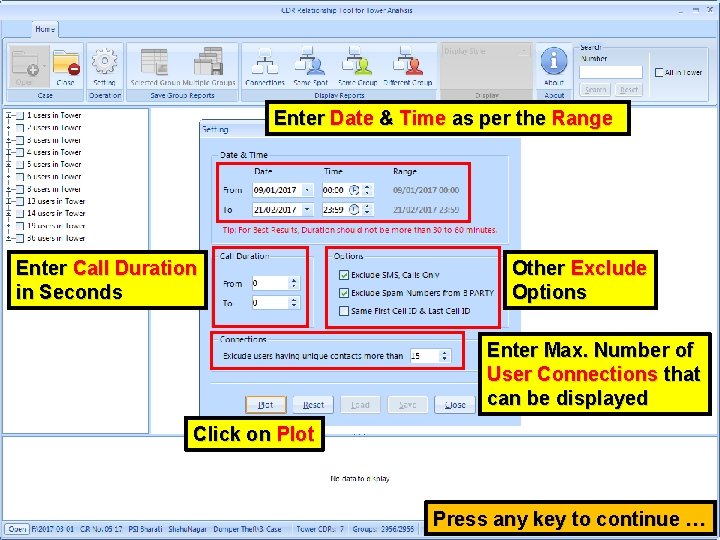
Enter Date & Time as per the Range Enter Call Duration in Seconds Other Exclude Options Enter Max. Number of User Connections that can be displayed Click on Plot Press any key to continue …
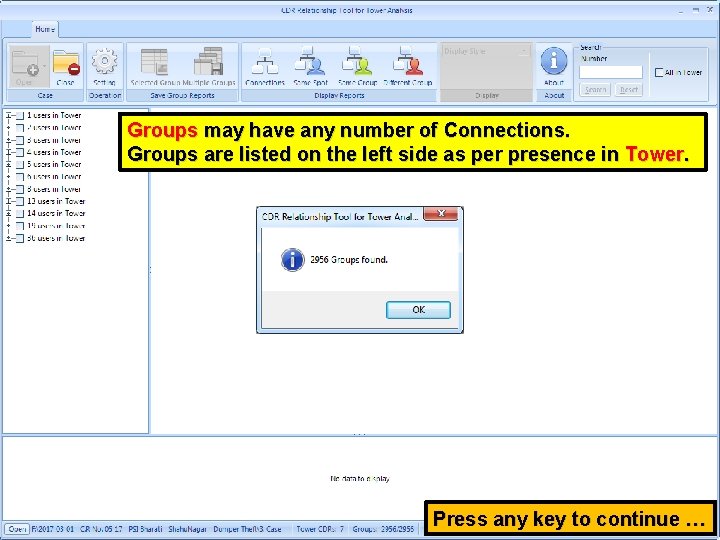
Groups may have any number of Connections. Groups are listed on the left side as per presence in Tower. Press any key to continue …
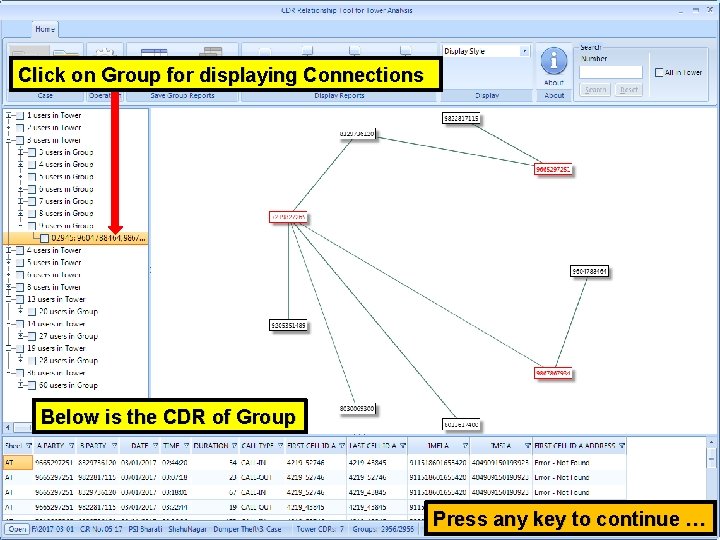
Click on Group for displaying Connections Below is the CDR of Group Press any key to continue …
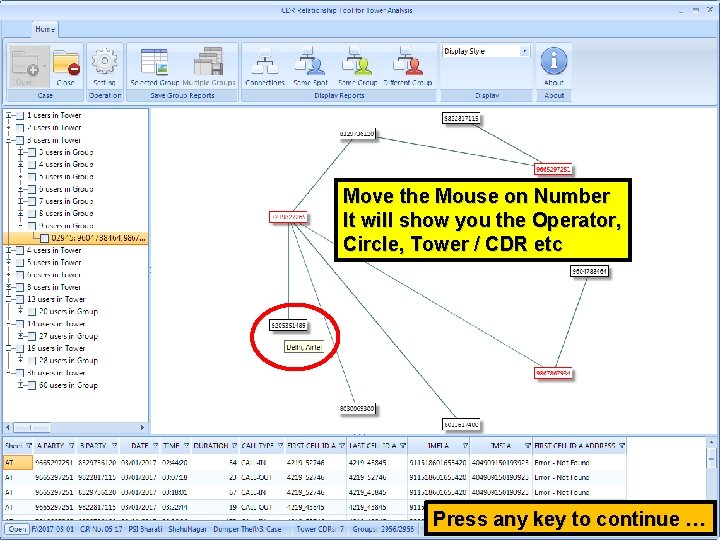
Move the Mouse on Number It will show you the Operator, Circle, Tower / CDR etc Press any key to continue …
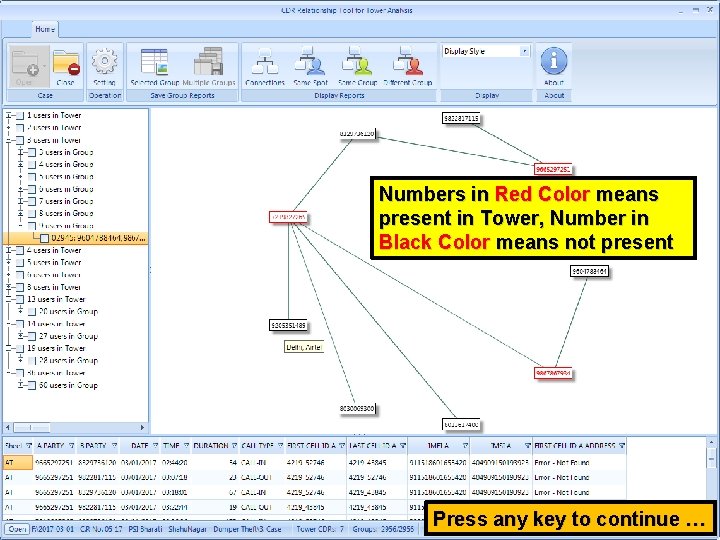
Numbers in Red Color means present in Tower, Number in Black Color means not present Press any key to continue …
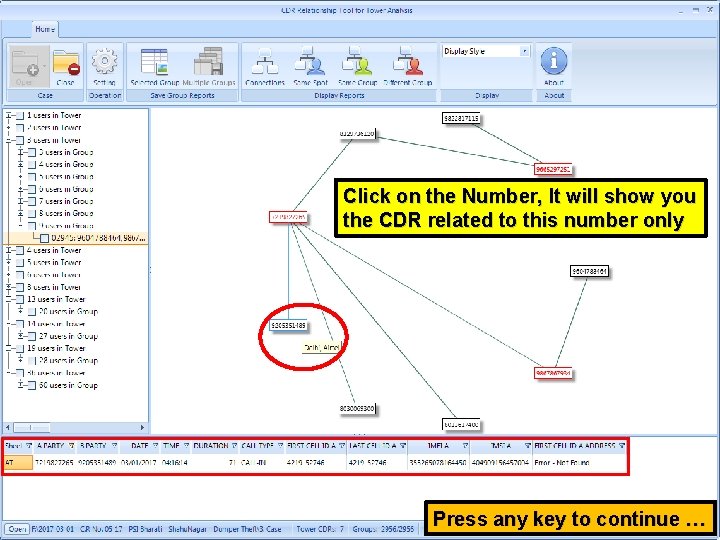
Click on the Number, It will show you the CDR related to this number only Press any key to continue …
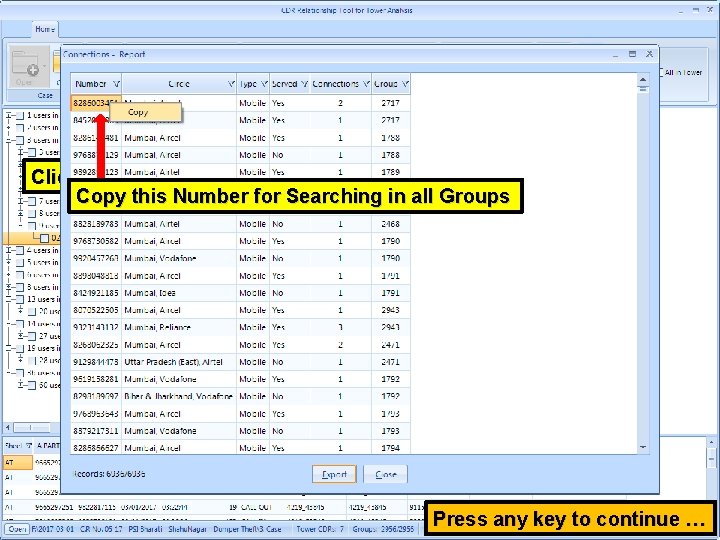
Click on Connections for Report Copy this Number for Searching in all Groups Press any key to continue …
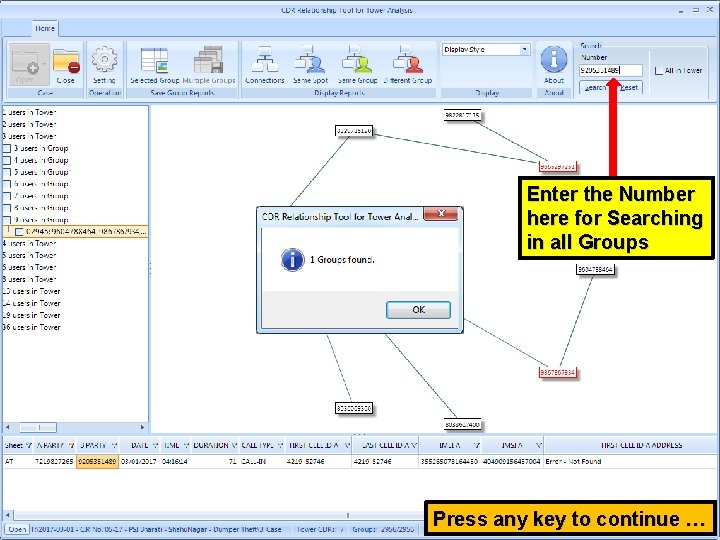
Enter the Number here for Searching in all Groups Press any key to continue …
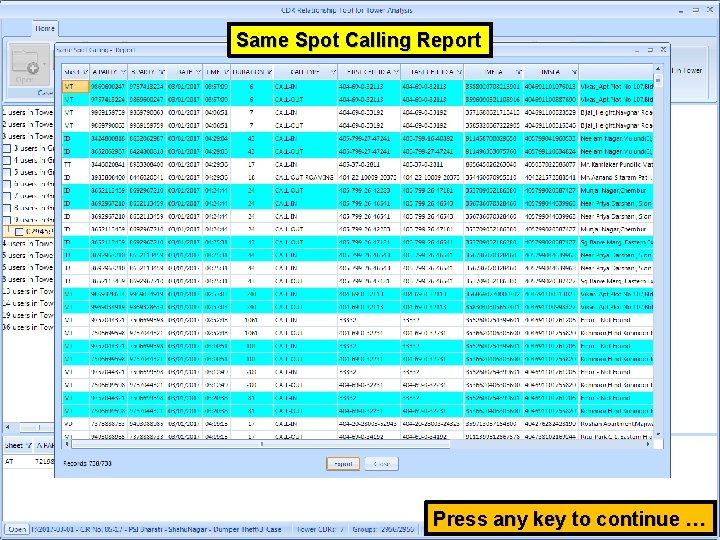
Same Spot Calling Report Click here for Same Spot Calling Report Press any key to continue …
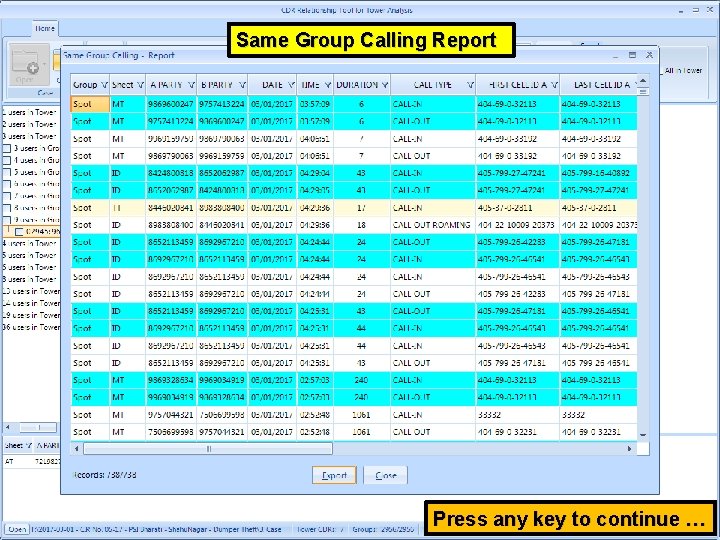
Same Group Calling Report Click here for Same Group Calling Report Press any key to continue …
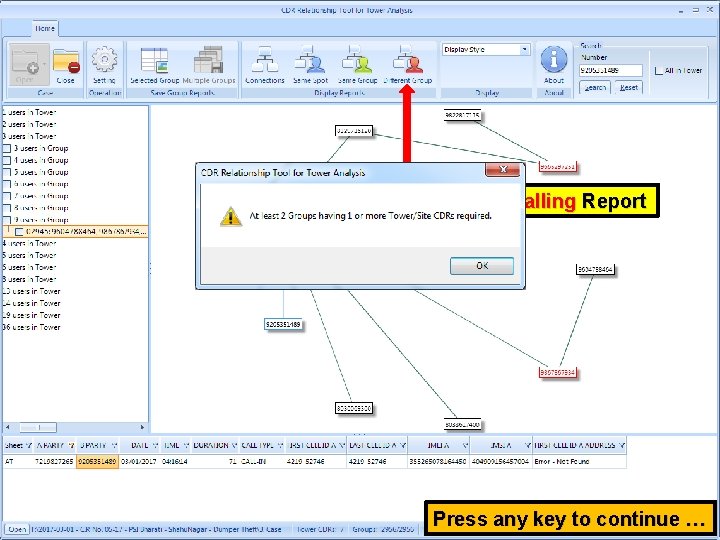
Click here for Different Group Calling Report Press any key to continue …
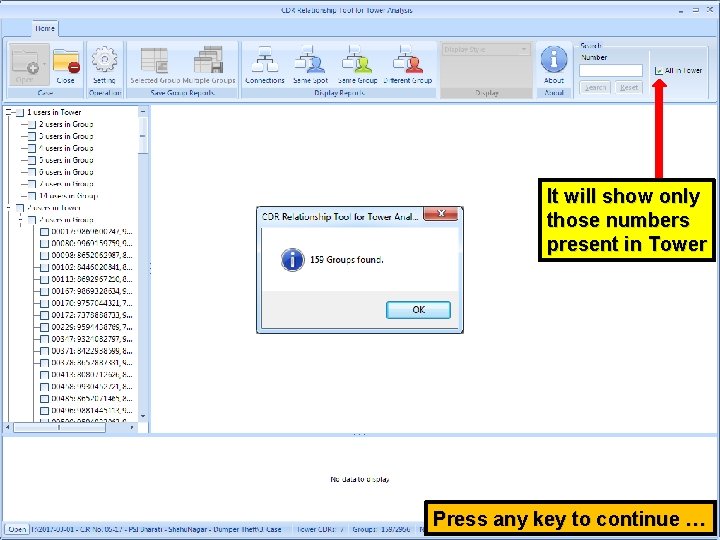
It will show only those numbers present in Tower Press any key to continue …
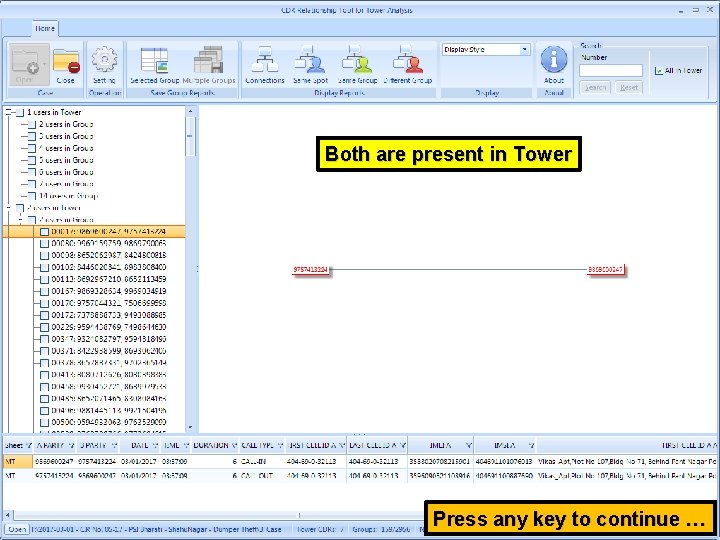
Both are present in Tower Press any key to continue …
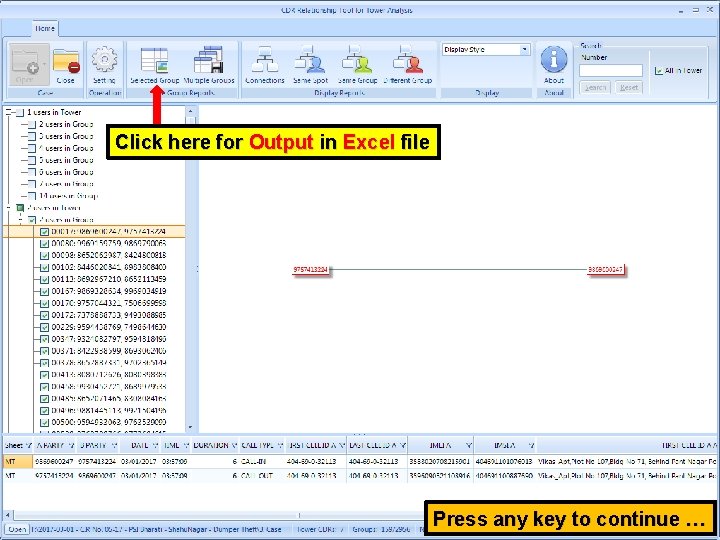
Click here for Output in Excel file Press any key to continue …
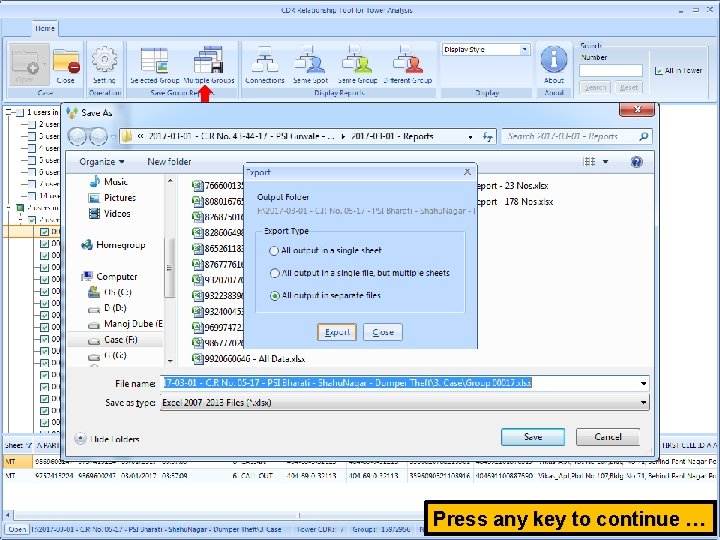
Click here for Multiple Groups Output in Excel file’s Press any key to continue …
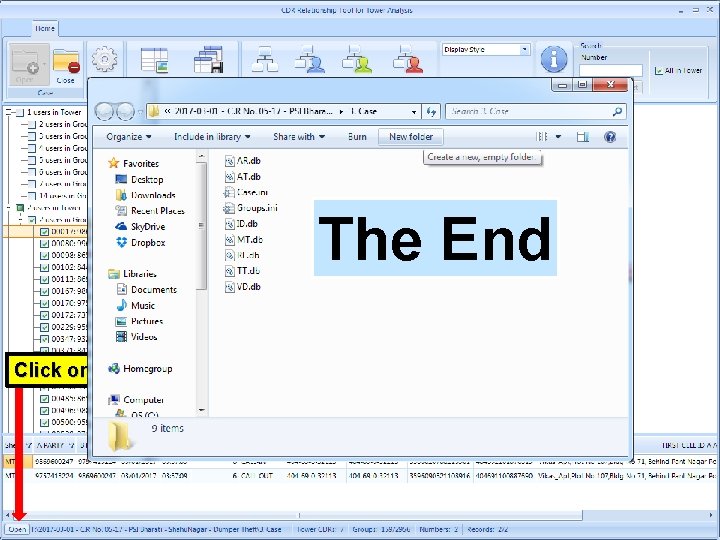
The End Click on Open to View the Folder