
CDDVD DRIVE By Amit Deep Shreekant One way
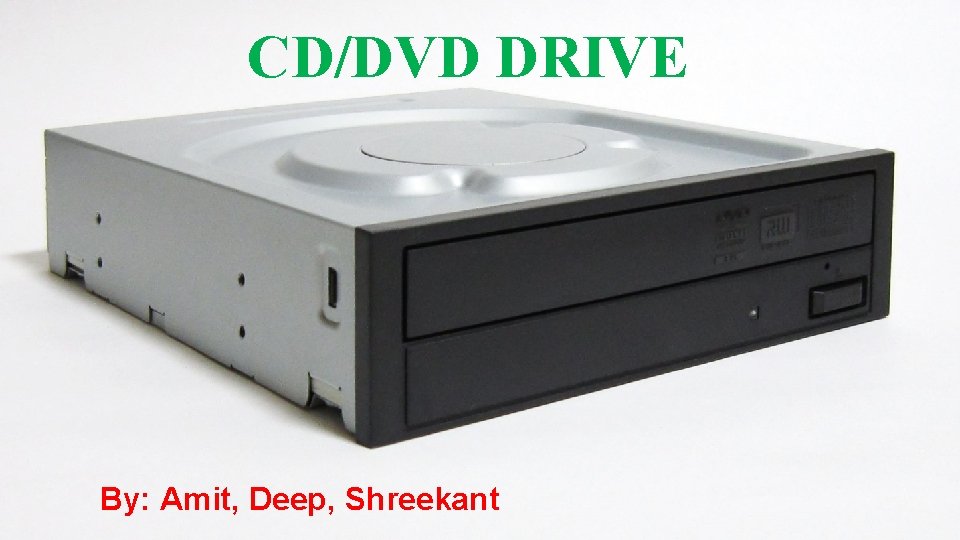
CD/DVD DRIVE By: Amit, Deep, Shreekant
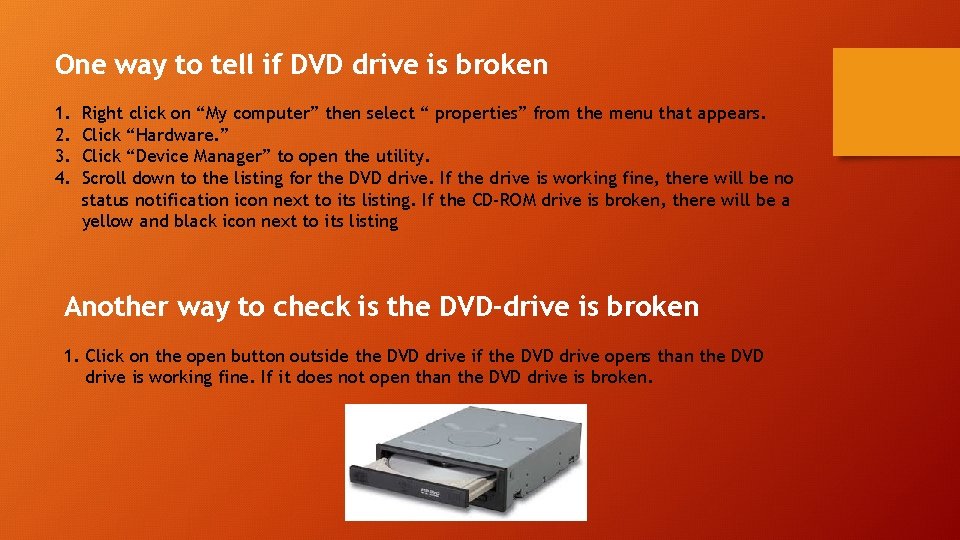
One way to tell if DVD drive is broken 1. 2. 3. 4. Right click on “My computer” then select “ properties” from the menu that appears. Click “Hardware. ” Click “Device Manager” to open the utility. Scroll down to the listing for the DVD drive. If the drive is working fine, there will be no status notification icon next to its listing. If the CD-ROM drive is broken, there will be a yellow and black icon next to its listing Another way to check is the DVD-drive is broken 1. Click on the open button outside the DVD drive if the DVD drive opens than the DVD drive is working fine. If it does not open than the DVD drive is broken.
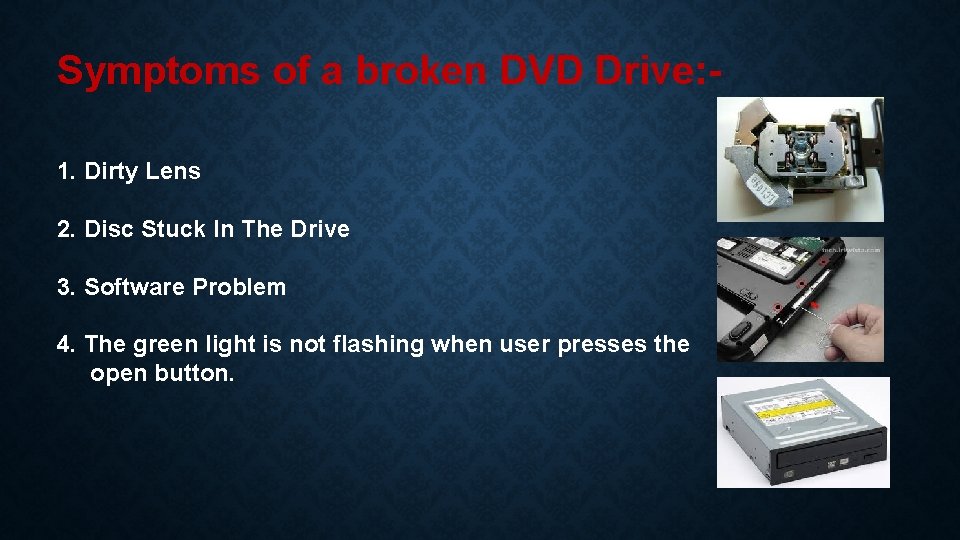
Symptoms of a broken DVD Drive: 1. Dirty Lens 2. Disc Stuck In The Drive 3. Software Problem 4. The green light is not flashing when user presses the open button.
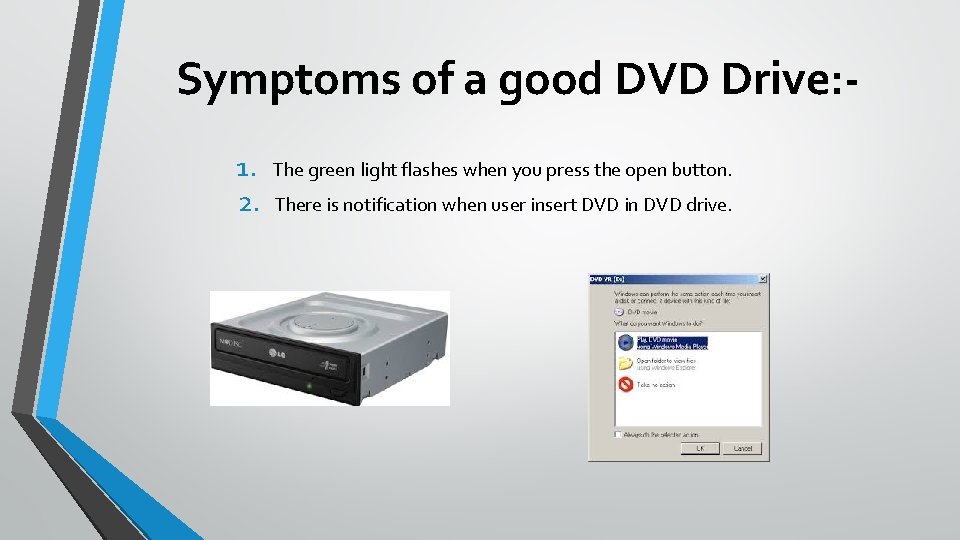
Symptoms of a good DVD Drive: 1. 2. The green light flashes when you press the open button. There is notification when user insert DVD in DVD drive.
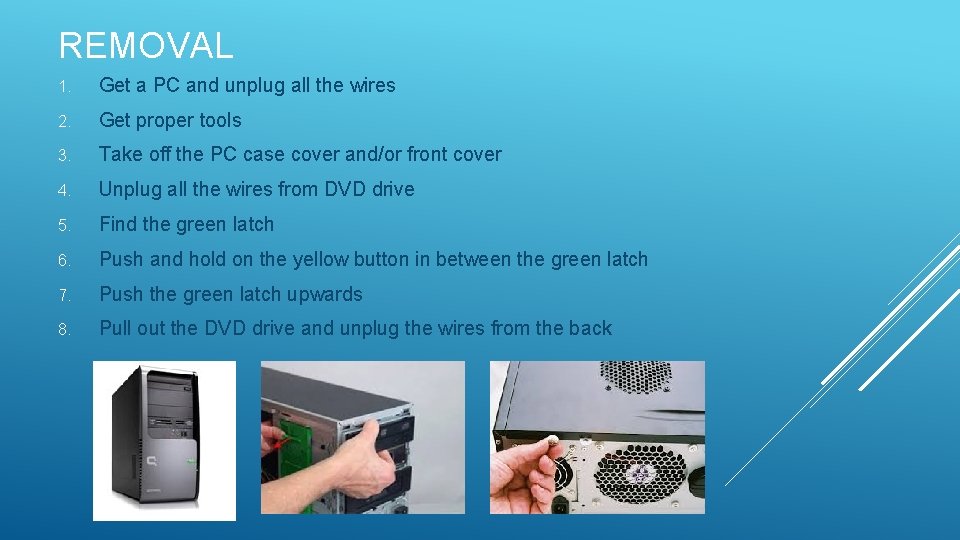
REMOVAL 1. Get a PC and unplug all the wires 2. Get proper tools 3. Take off the PC case cover and/or front cover 4. Unplug all the wires from DVD drive 5. Find the green latch 6. Push and hold on the yellow button in between the green latch 7. Push the green latch upwards 8. Pull out the DVD drive and unplug the wires from the back
Installation 1. Plug in the wires from the back 2. Put it into its given slot 3. Press and hold the yellow button 4. Pull the green latch and slide the drive inside the slot 5. Put back the PC case cover and/or front cover
Demonstration
- Slides: 7