
CCNA Cyber Ops Skills Challenge Game Cisco Networking
CCNA Cyber Ops Skills Challenge Game Cisco Networking Academy November 2018 IPD Week Martin Benson Curriculum & Assessment Engineering Jose Esquivel Telethia Willis Technical Manager, LATAM Curriculum & Assessment Engineering
The Cyber. Ops Skills Challenge Game is brought to you by the Networking Academy Learn Engineering Team… “We’ve been experimenting with new learning features!” © 2018 Cisco and/or its affiliates. All rights reserved. For Cisco Academy Use Only. © 2016 Cisco and/or its affiliates. All. Networking rights reserved. Cisco Confidential 2
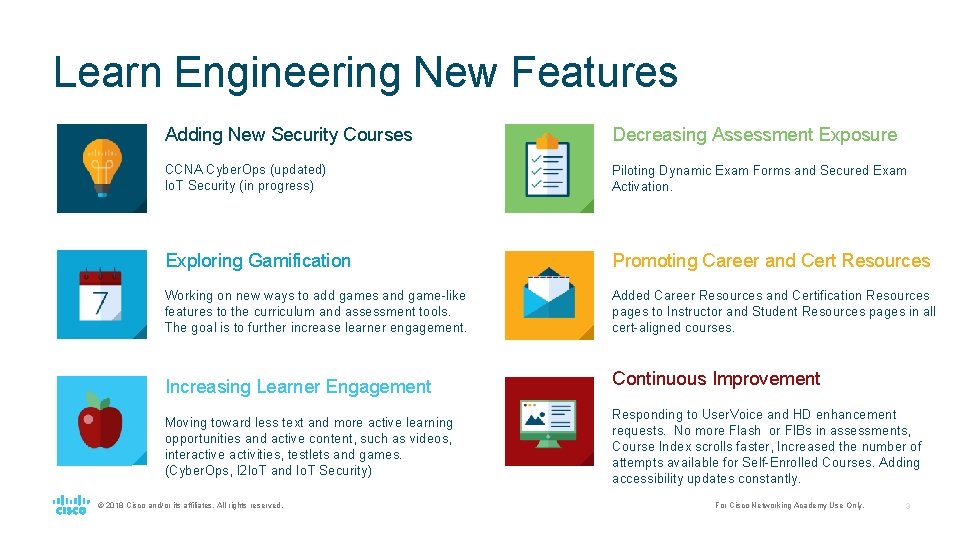
Learn Engineering New Features Adding New Security Courses Decreasing Assessment Exposure CCNA Cyber. Ops (updated) Io. T Security (in progress) Piloting Dynamic Exam Forms and Secured Exam Activation. Exploring Gamification Promoting Career and Cert Resources Working on new ways to add games and game-like features to the curriculum and assessment tools. The goal is to further increase learner engagement. Added Career Resources and Certification Resources pages to Instructor and Student Resources pages in all cert-aligned courses. Increasing Learner Engagement Moving toward less text and more active learning opportunities and active content, such as videos, interactive activities, testlets and games. (Cyber. Ops, I 2 Io. T and Io. T Security) © 2018 Cisco and/or its affiliates. All rights reserved. Continuous Improvement Responding to User. Voice and HD enhancement requests. No more Flash or FIBs in assessments, Course Index scrolls faster, Increased the number of attempts available for Self-Enrolled Courses. Adding accessibility updates constantly. For Cisco Networking Academy Use Only. 3
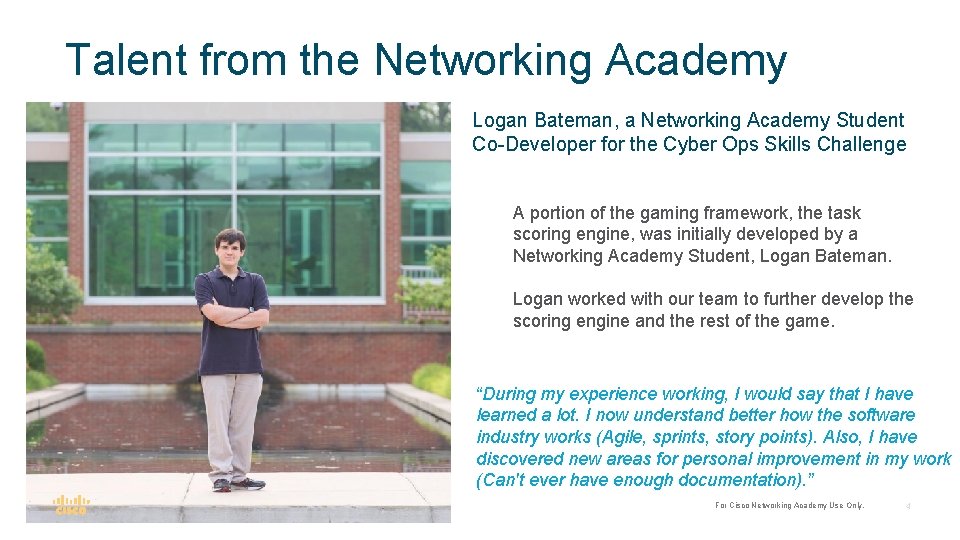
Talent from the Networking Academy Logan Bateman, a Networking Academy Student Co-Developer for the Cyber Ops Skills Challenge A portion of the gaming framework, the task scoring engine, was initially developed by a Networking Academy Student, Logan Bateman. Logan worked with our team to further develop the scoring engine and the rest of the game. “During my experience working, I would say that I have learned a lot. I now understand better how the software industry works (Agile, sprints, story points). Also, I have discovered new areas for personal improvement in my work (Can't ever have enough documentation). ” © 2018 Cisco and/or its affiliates. All rights reserved. For Cisco Networking Academy Use Only. 4

About the game… • You have asked for games. Your students have asked for games… • This is a race-type game. Students answer as many question as possible to get points before the game is over. • Consists of multiple choice questions on a range of Cyber Ops subjects • Also includes Linux tasks that are performed in a shell. • Extensible content © 2018 Cisco and/or its affiliates. All rights reserved. For Cisco Networking Academy Use Only. 5

About the game… • Supports teams and individual players • Can be played asynchronously if it is run on an Internet-facing server • Game session = scheduled game created for a scenario • Scenario = a collection of questions and tasks that can be scheduled in a session. • Runs in Virtual. Box VMs © 2018 Cisco and/or its affiliates. All rights reserved. For Cisco Networking Academy Use Only. 6
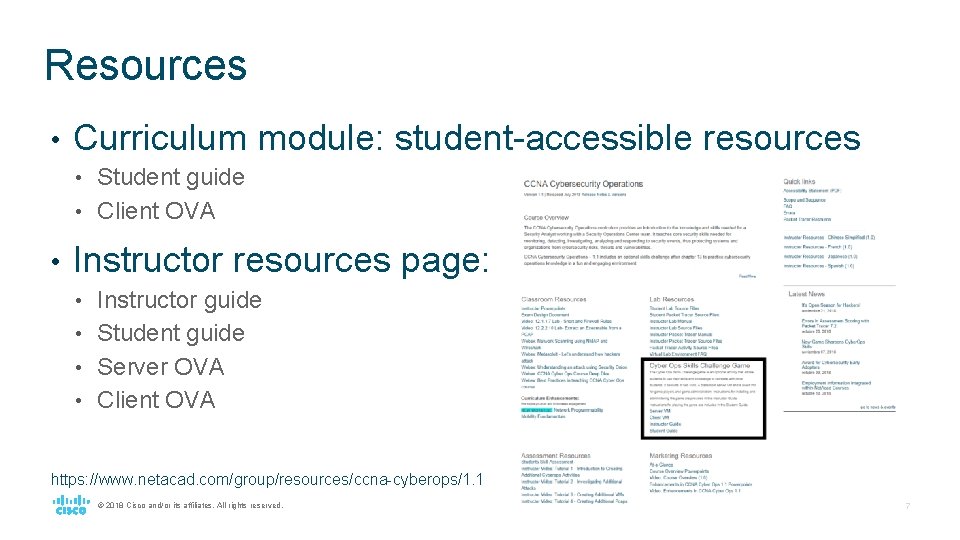
Resources • Curriculum module: student-accessible resources Student guide • Client OVA • • Instructor resources page: Instructor guide • Student guide • Server OVA • Client OVA • https: //www. netacad. com/group/resources/ccna-cyberops/1. 1 © 2018 Cisco and/or its affiliates. All rights reserved. For Cisco Networking Academy Use Only. 7
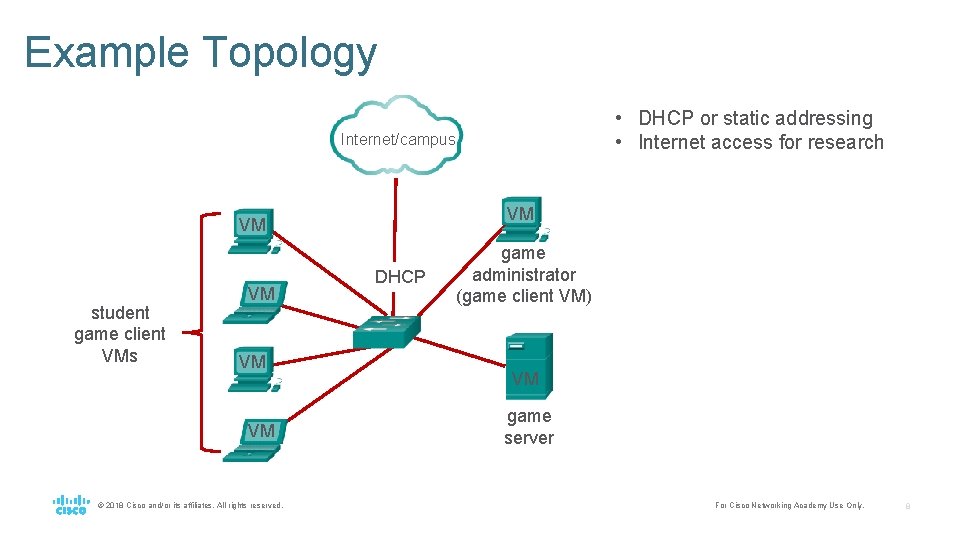
Example Topology • DHCP or static addressing • Internet access for research Internet/campus VM VM student game client VMs VM VM VM © 2018 Cisco and/or its affiliates. All rights reserved. DHCP game administrator (game client VM) VM game server For Cisco Networking Academy Use Only. 8
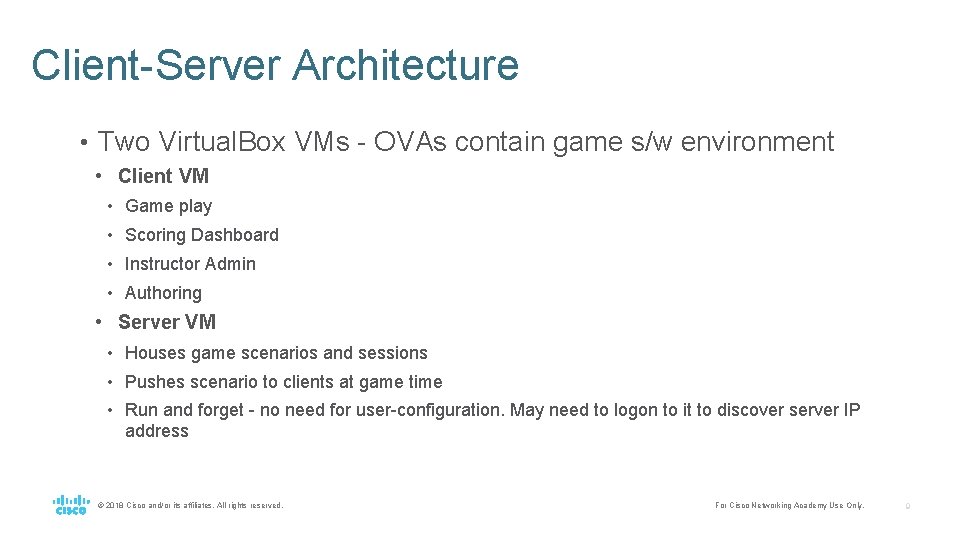
Client-Server Architecture • Two Virtual. Box VMs - OVAs contain game s/w environment • Client VM • Game play • Scoring Dashboard • Instructor Admin • Authoring • Server VM • Houses game scenarios and sessions • Pushes scenario to clients at game time • Run and forget - no need for user-configuration. May need to logon to it to discover server IP address © 2018 Cisco and/or its affiliates. All rights reserved. For Cisco Networking Academy Use Only. 9
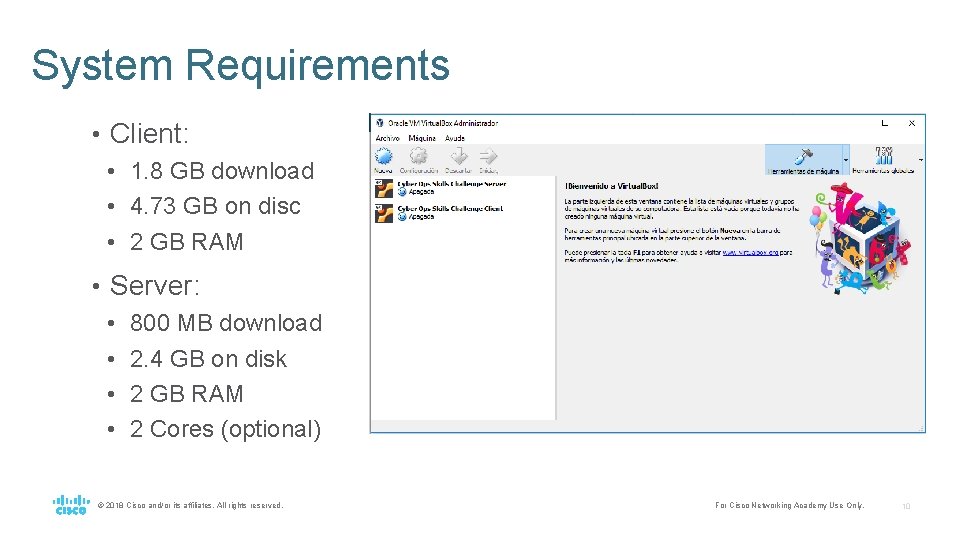
System Requirements • Client: • 1. 8 GB download • 4. 73 GB on disc • 2 GB RAM • Server: • 800 MB download • 2. 4 GB on disk • 2 GB RAM • 2 Cores (optional) © 2018 Cisco and/or its affiliates. All rights reserved. For Cisco Networking Academy Use Only. 10
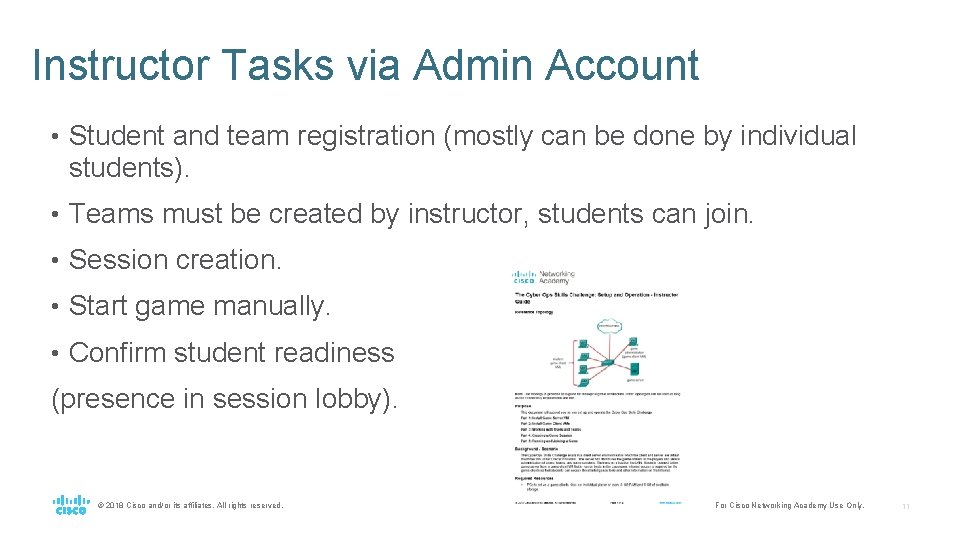
Instructor Tasks via Admin Account • Student and team registration (mostly can be done by individual students). • Teams must be created by instructor, students can join. • Session creation. • Start game manually. • Confirm student readiness (presence in session lobby). © 2018 Cisco and/or its affiliates. All rights reserved. For Cisco Networking Academy Use Only. 11
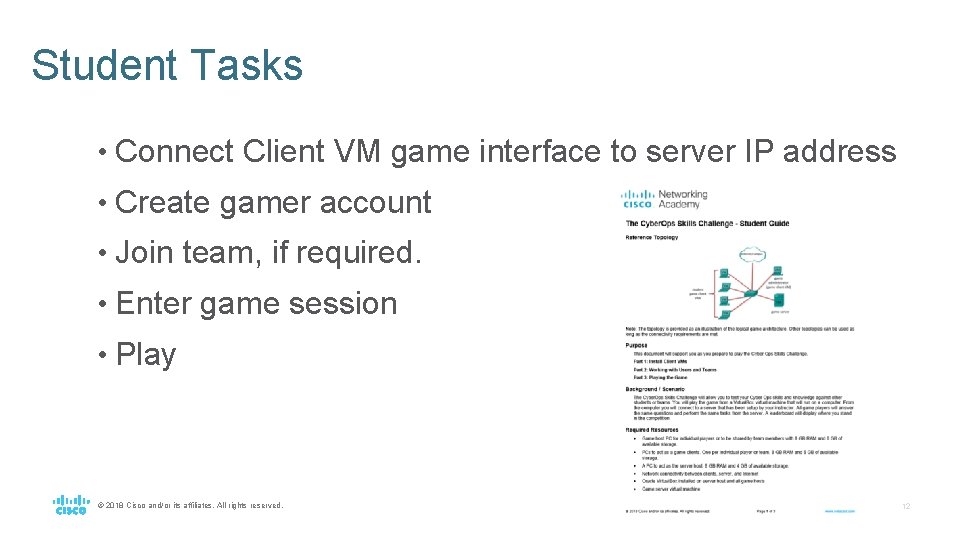
Student Tasks • Connect Client VM game interface to server IP address • Create gamer account • Join team, if required. • Enter game session • Play © 2018 Cisco and/or its affiliates. All rights reserved. For Cisco Networking Academy Use Only. 12
Questions • Types • Multiple choice • True/False • Blank fill • 46 questions, 10 tasks • One attempt • Question removed from list after attempt • No feedback © 2018 Cisco and/or its affiliates. All rights reserved. Question Categories • Application Control • Attacks • CIA • Compliance • Cryptography • CVSS • Cyber Kill Chain • Digital Forensics • Malware • Management • Networking • Security Concepts • Security Data • Security Onion Threat Actors • Threat Intelligence • Tools • Wireshark For Cisco Networking Academy Use Only. 13
Tasks • Linux file management operations • Install and update packages, determine package version • Examples: • Open a terminal and install traceroute. • Open a terminal and add the file /fakehome/analyst/answer. • Open a terminal, update the local package metadatabase, and install man pages (man-db) • Tasks are evaluated against the state of the Linux machine, so multiple approaches can be used. © 2018 Cisco and/or its affiliates. All rights reserved. For Cisco Networking Academy Use Only. 14
Instructor Preview Game Scenario • One way: Setup and connect to server from game client on the network • Another way: Run both VMs on the same host. • Connect client VM to VM physical host IP address. • Port forwarding should open session. © 2018 Cisco and/or its affiliates. All rights reserved. For Cisco Networking Academy Use Only. 15

Demo @2017 Cisco and/or its affiliates. All right reserved. For Cisco Networking Academy Use Only 16
- Slides: 16