
CCNA 2 v 3 1 Module 2 Introduction
- Slides: 24
CCNA 2 v 3. 1 Module 2 Introduction to Routers © 2004, Cisco Systems, Inc. All rights reserved. 1
Purpose of This Power. Point • This Power. Point primarily consists of the Target Indicators (TIs) of this module in CCNA version 3. 1. • It was created to give instructors a Power. Point to take and modify as their own. • This Power. Point is: NOT a study guide for the module final assessment. NOT a study guide for the CCNA certification exam. • Please report any mistakes you find in this Power. Point by using the Academy Connection Help link. © 2004, Cisco Systems, Inc. All rights reserved. 2
To Locate Instructional Resource Materials on Academy Connection: • Go to the Community FTP Center to locate materials created by the instructor community • Go to the Tools section • Go to the Alpha Preview section • Go to the Community link under Resources • See the resources available on the Class home page for classes you are offering • Search http: //www. cisco. com • Contact your parent academy! © 2004, Cisco Systems, Inc. All rights reserved. 3
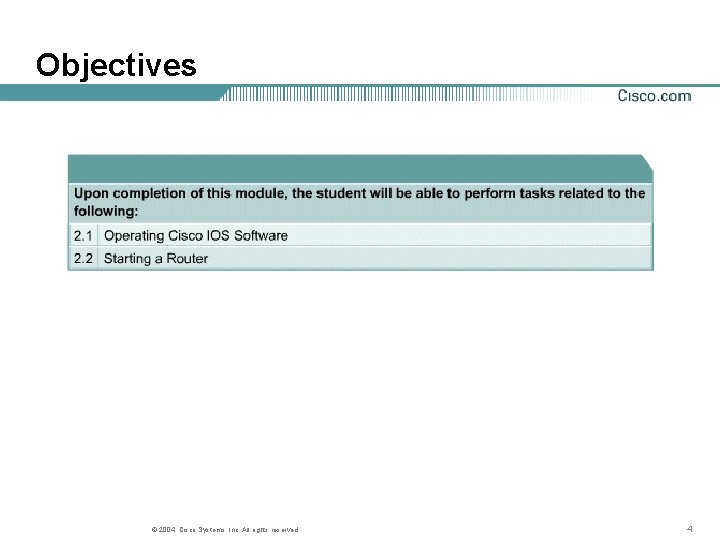
Objectives © 2004, Cisco Systems, Inc. All rights reserved. 4
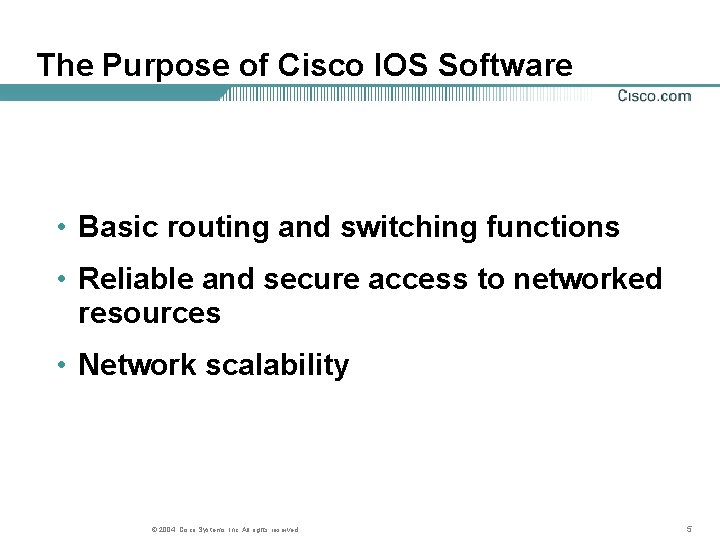
The Purpose of Cisco IOS Software • Basic routing and switching functions • Reliable and secure access to networked resources • Network scalability © 2004, Cisco Systems, Inc. All rights reserved. 5
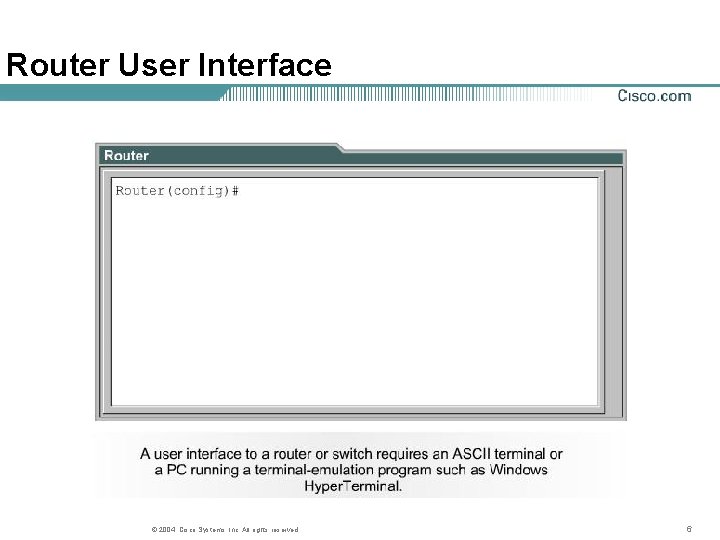
Router User Interface © 2004, Cisco Systems, Inc. All rights reserved. 6
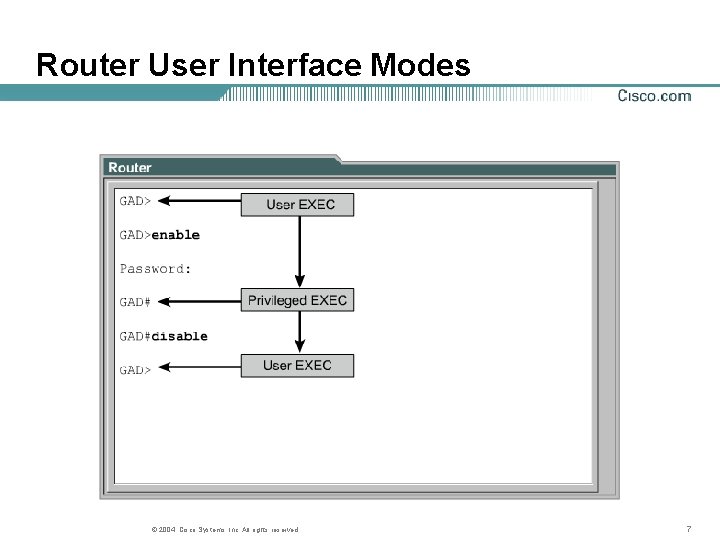
Router User Interface Modes © 2004, Cisco Systems, Inc. All rights reserved. 7
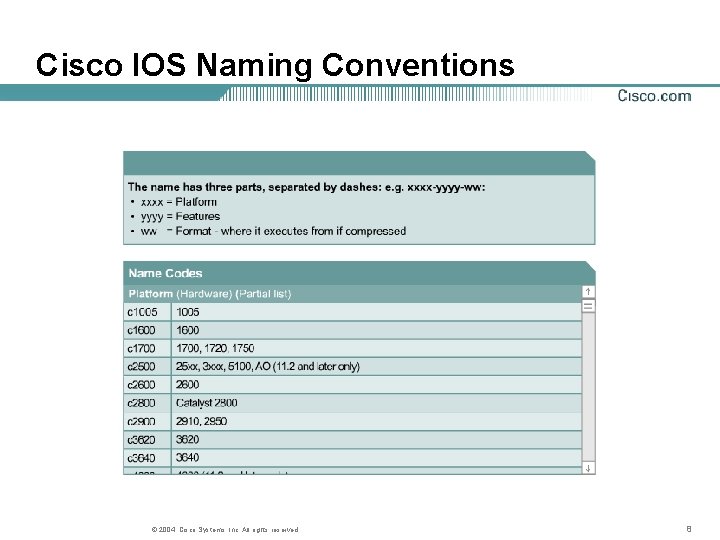
Cisco IOS Naming Conventions © 2004, Cisco Systems, Inc. All rights reserved. 8
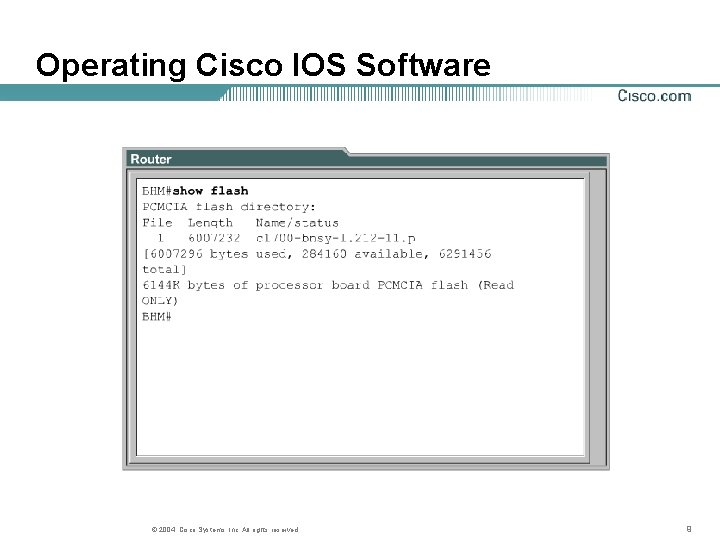
Operating Cisco IOS Software © 2004, Cisco Systems, Inc. All rights reserved. 9
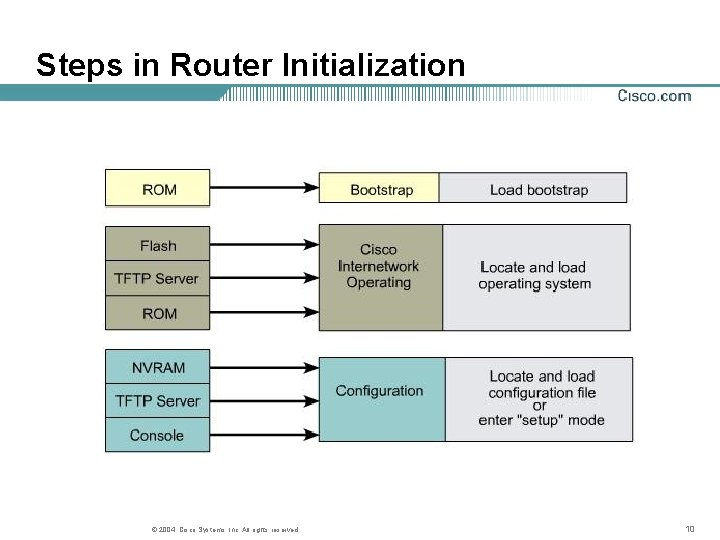
Steps in Router Initialization © 2004, Cisco Systems, Inc. All rights reserved. 10
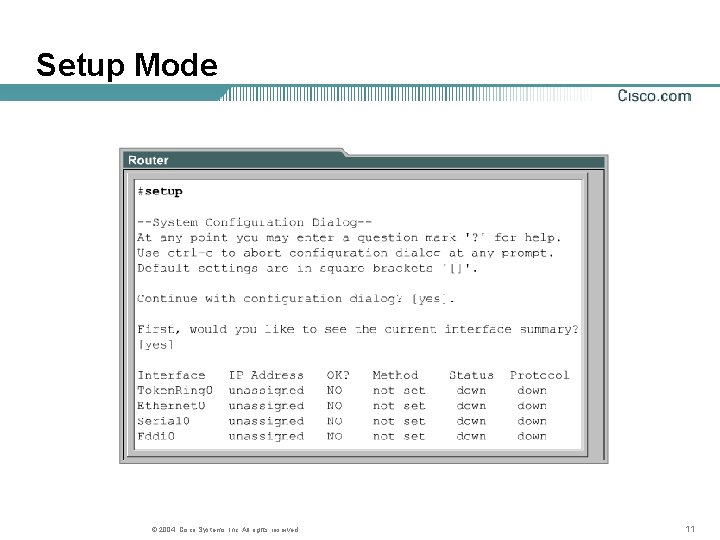
Setup Mode © 2004, Cisco Systems, Inc. All rights reserved. 11
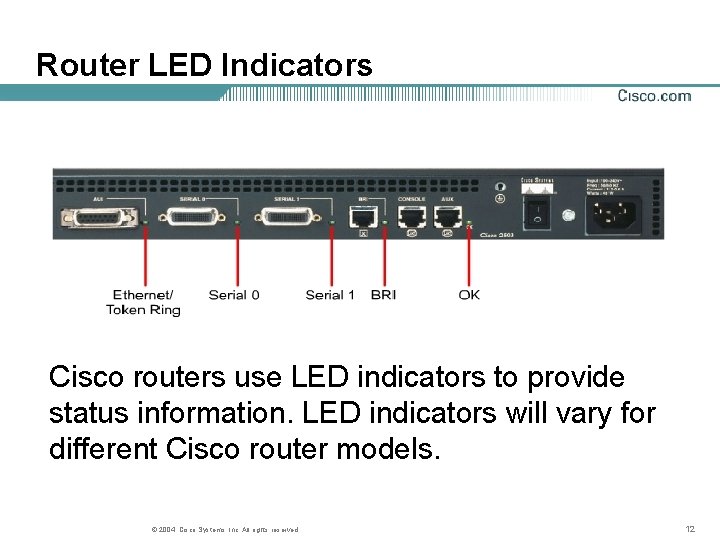
Router LED Indicators Cisco routers use LED indicators to provide status information. LED indicators will vary for different Cisco router models. © 2004, Cisco Systems, Inc. All rights reserved. 12
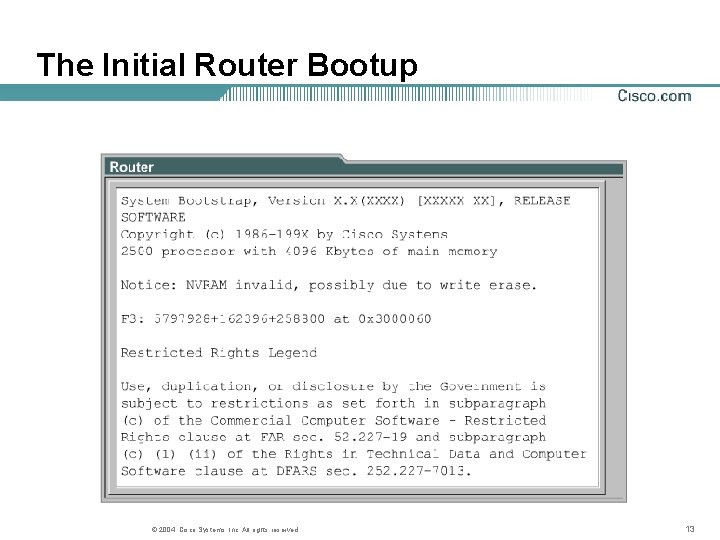
The Initial Router Bootup © 2004, Cisco Systems, Inc. All rights reserved. 13
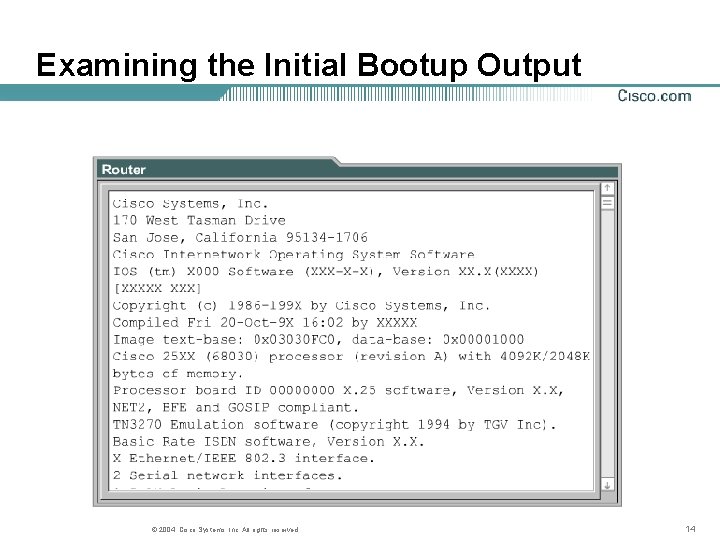
Examining the Initial Bootup Output © 2004, Cisco Systems, Inc. All rights reserved. 14
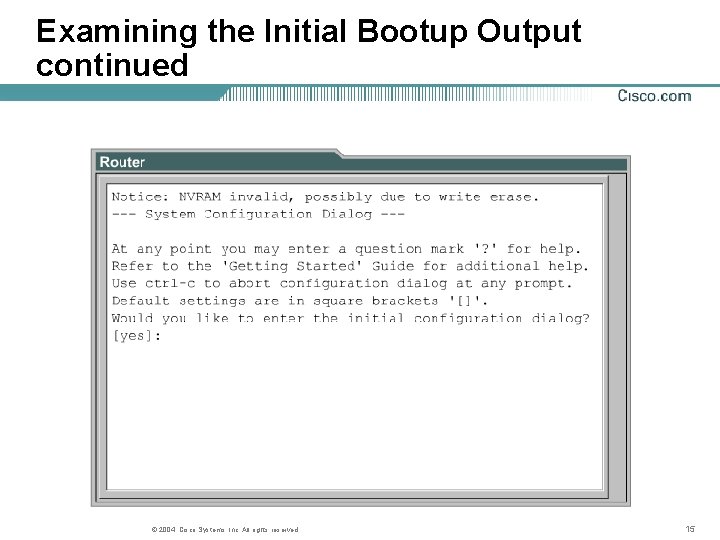
Examining the Initial Bootup Output continued © 2004, Cisco Systems, Inc. All rights reserved. 15
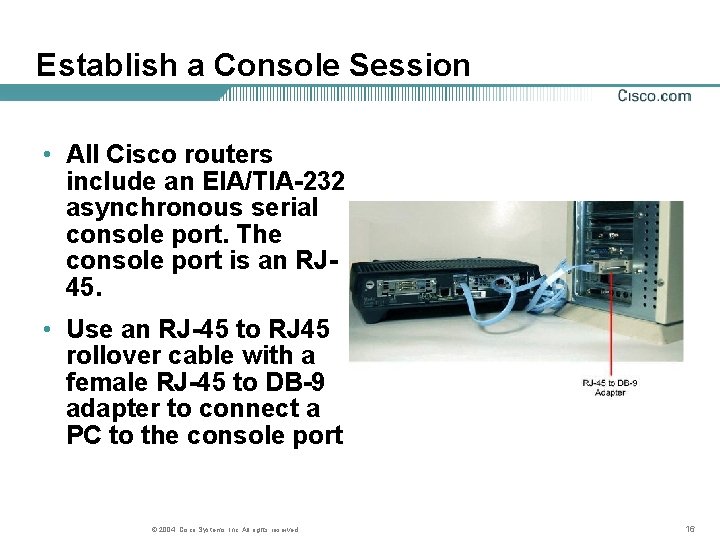
Establish a Console Session • All Cisco routers include an EIA/TIA-232 asynchronous serial console port. The console port is an RJ 45. • Use an RJ-45 to RJ 45 rollover cable with a female RJ-45 to DB-9 adapter to connect a PC to the console port © 2004, Cisco Systems, Inc. All rights reserved. 16
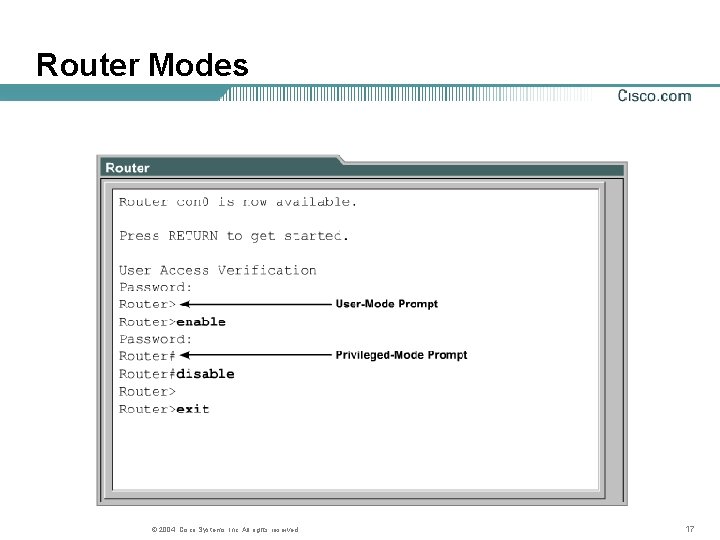
Router Modes © 2004, Cisco Systems, Inc. All rights reserved. 17
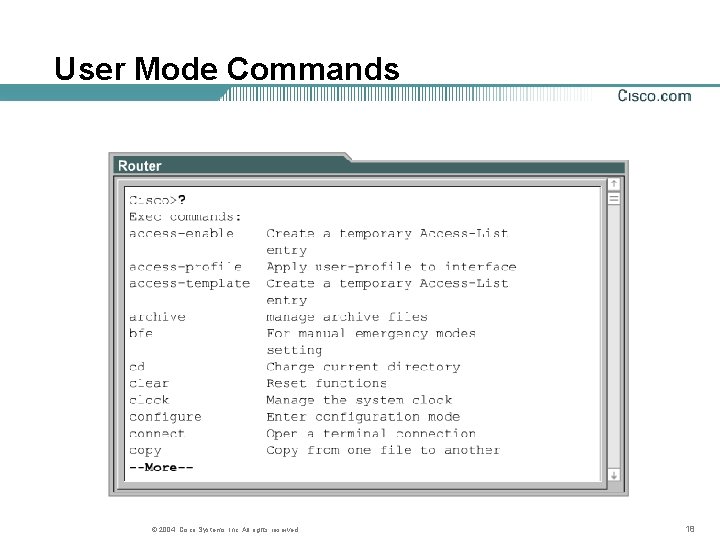
User Mode Commands © 2004, Cisco Systems, Inc. All rights reserved. 18
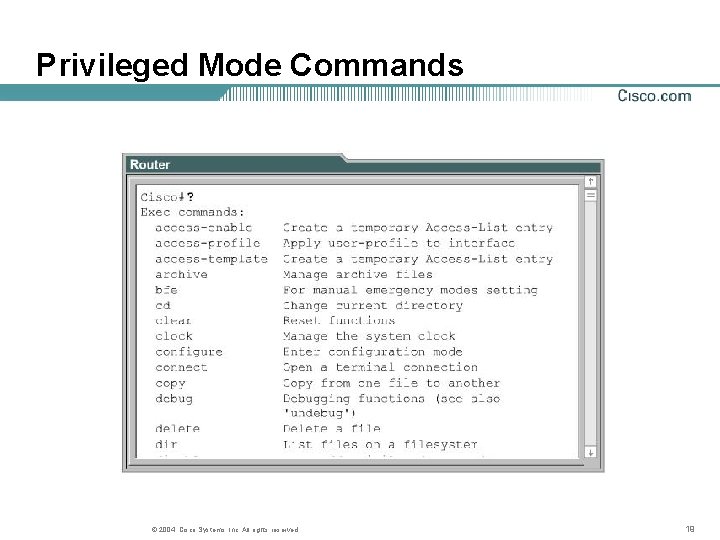
Privileged Mode Commands © 2004, Cisco Systems, Inc. All rights reserved. 19
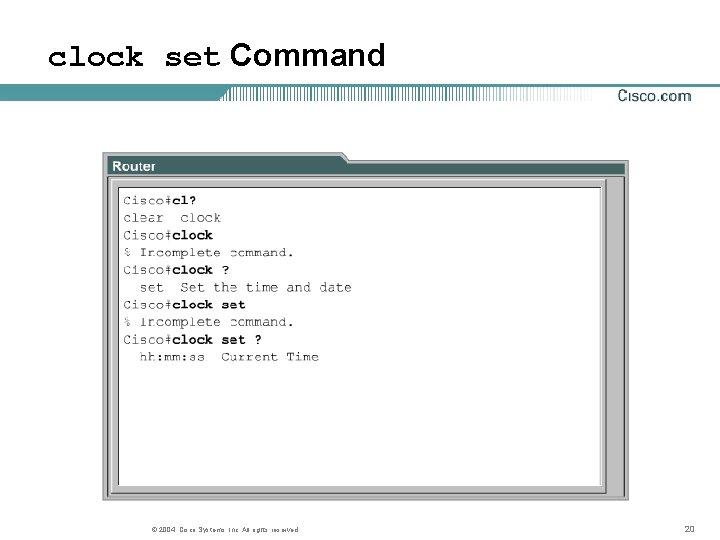
clock set Command © 2004, Cisco Systems, Inc. All rights reserved. 20
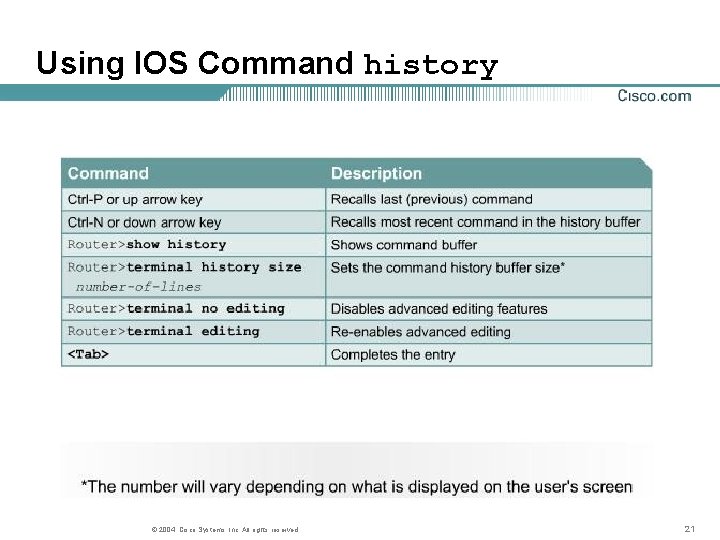
Using IOS Command history © 2004, Cisco Systems, Inc. All rights reserved. 21
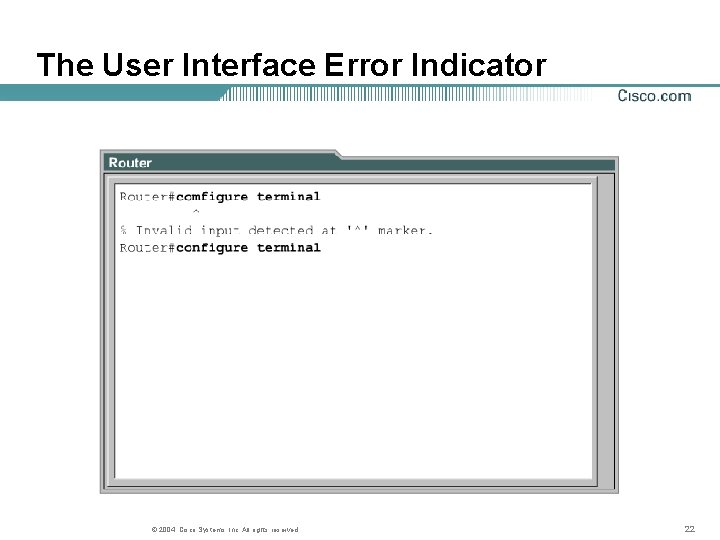
The User Interface Error Indicator © 2004, Cisco Systems, Inc. All rights reserved. 22
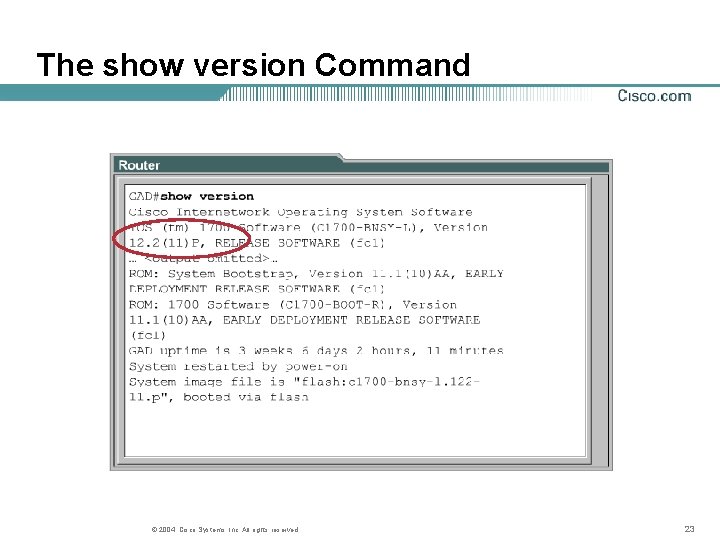
The show version Command © 2004, Cisco Systems, Inc. All rights reserved. 23
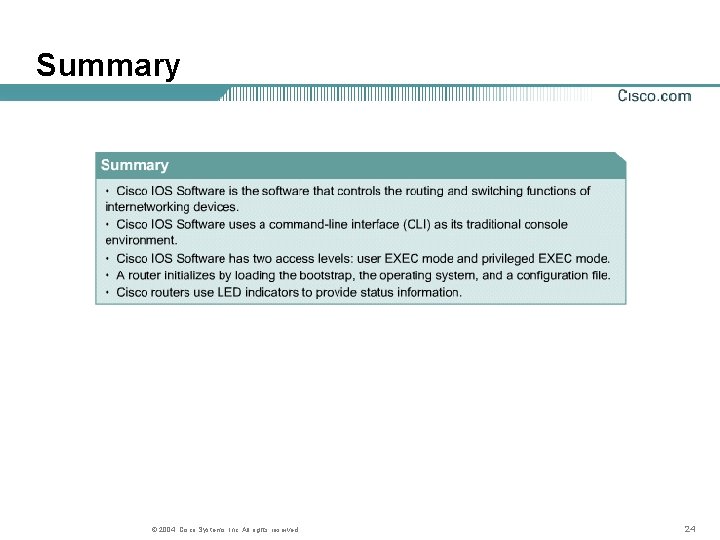
Summary © 2004, Cisco Systems, Inc. All rights reserved. 24