
CATIA Animation 34 th CATIA forum 06122019 Karol
- Slides: 7
CATIA Animation 34 th CATIA forum 06/12/2019 Karol Rapacz CAD User 1
Index 1. CAD Animation – profiting from investing time in CAD assembly animation 2. Example of Catia animation done at CERN 3. Available options for creating animations in CATIA 4. Live presentation in CATIA – creating a quick animation 2
CAD Animation – profiting from investing time in CAD assembly animation Although animating CAD assemblies may be time-consuming and labour-intensive, putting effort into preparing animations can be very profitable: 1. Well prepared animation is eye-catching – if the animation is short and clear the audience can stay focused and interested. 2. Animations simplify explanations - complicated assembly sequences or mechanism movements can be shown in an easily digestible way. It can also greatly reduce audience learning time and shorten complicated presentations to a couple of slides. 3. Animations help ‘selling’ things – attractive animation can help to convince potential collaborators to participate in the project. 3
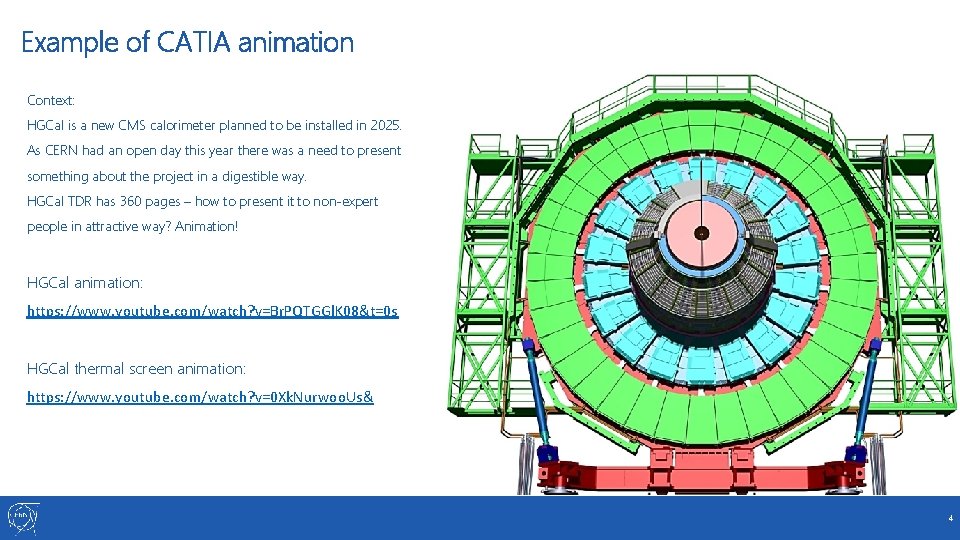
Example of CATIA animation Context: HGCal is a new CMS calorimeter planned to be installed in 2025. As CERN had an open day this year there was a need to present something about the project in a digestible way. HGCal TDR has 360 pages – how to present it to non-expert people in attractive way? Animation! HGCal animation: https: //www. youtube. com/watch? v=Br. PQTGGl. K 08&t=0 s HGCal thermal screen animation: https: //www. youtube. com/watch? v=0 Xk. Nurwoo. Us& 4
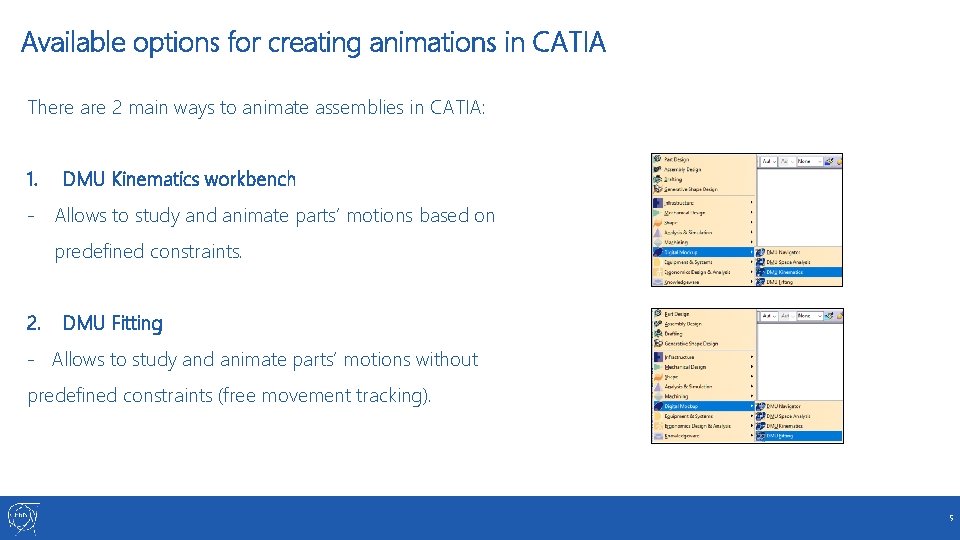
Available options for creating animations in CATIA There are 2 main ways to animate assemblies in CATIA: 1. DMU Kinematics workbench - Allows to study and animate parts’ motions based on predefined constraints. 2. DMU Fitting - Allows to study and animate parts’ motions without predefined constraints (free movement tracking). 5
Live presentation in CATIA 6
OBS studio – screen recording app HITFilm – free post-processing program https: //fxhome. com/hitfilm-express 7